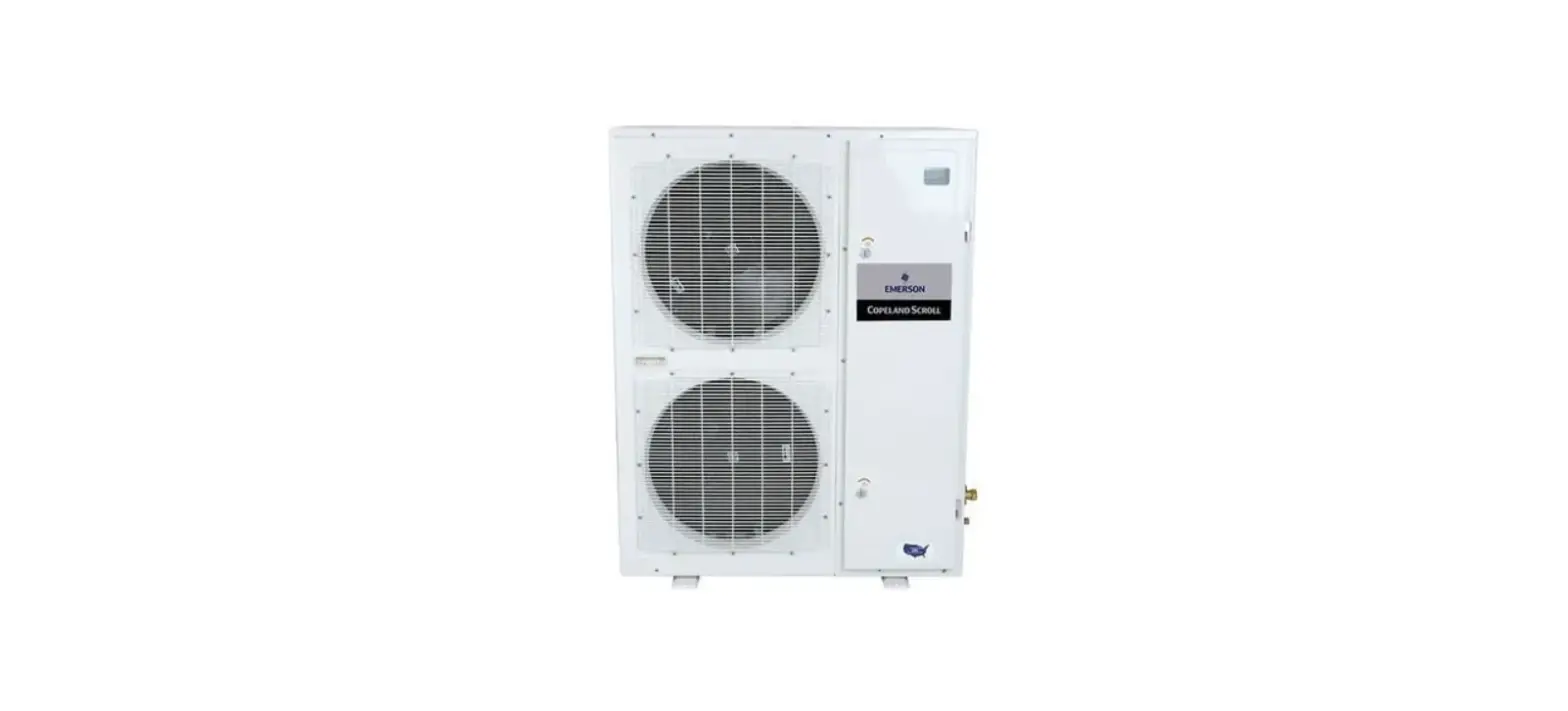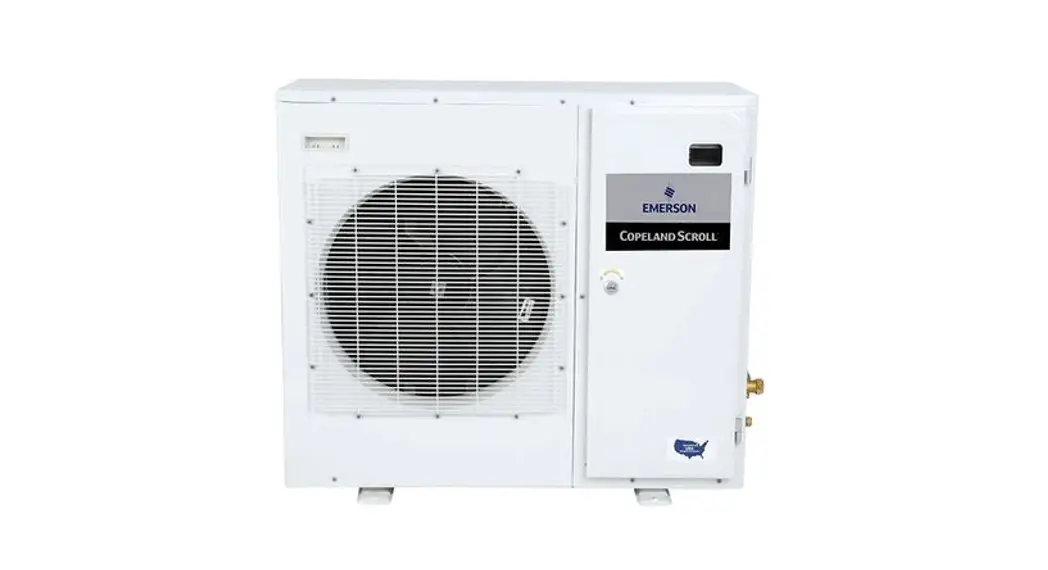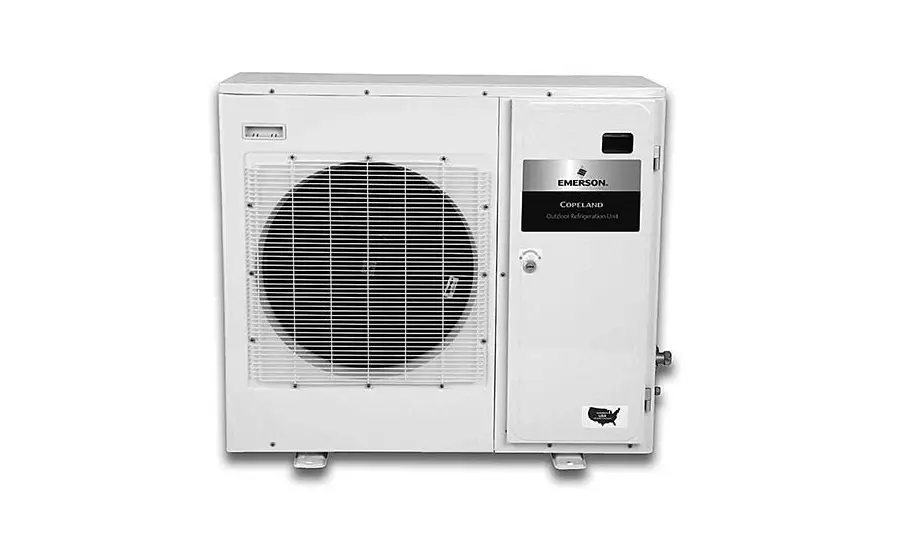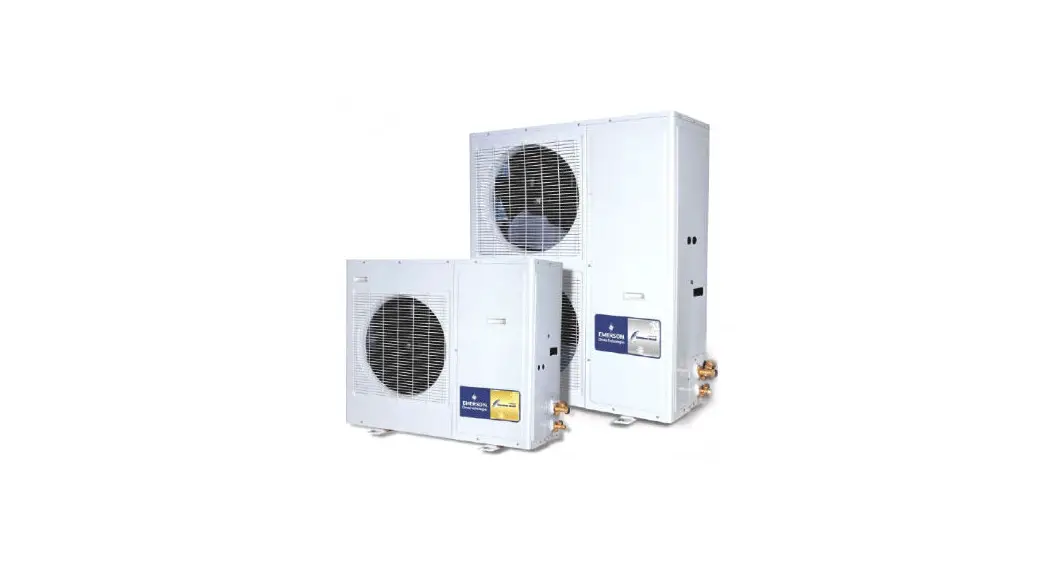
 XMC25D COPELAND LARGE OUTDOOR REFRIGERATION UNITS
Installation Guide
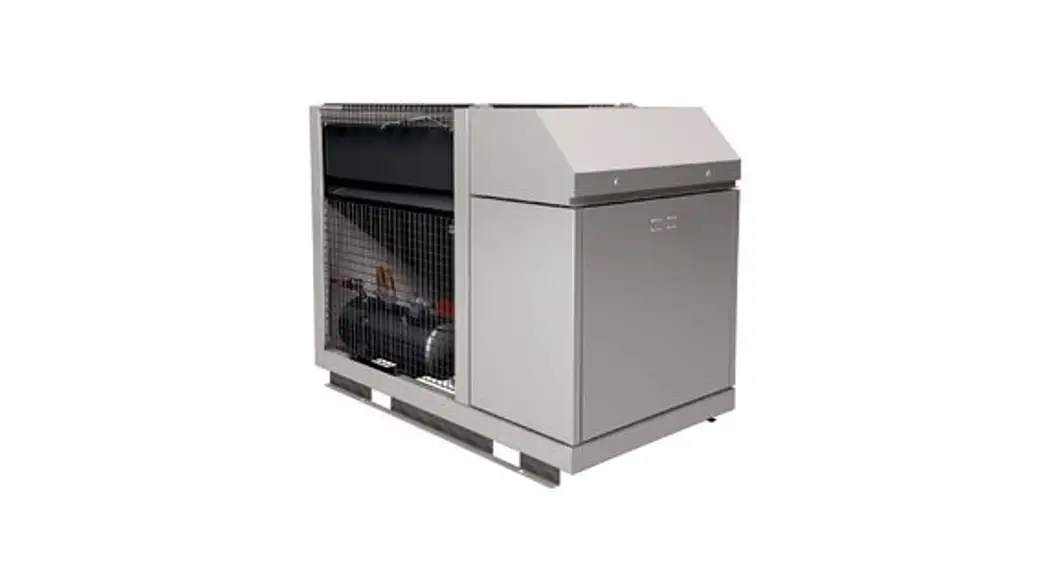
- Install the refrigeration unit according to Application Guidelines AGL_Unit_LOCU_EN “Copeland™ Large Outdoor Refrigeration Units”.
- Prefill the unit with refrigerant and set all valves into the operating position.
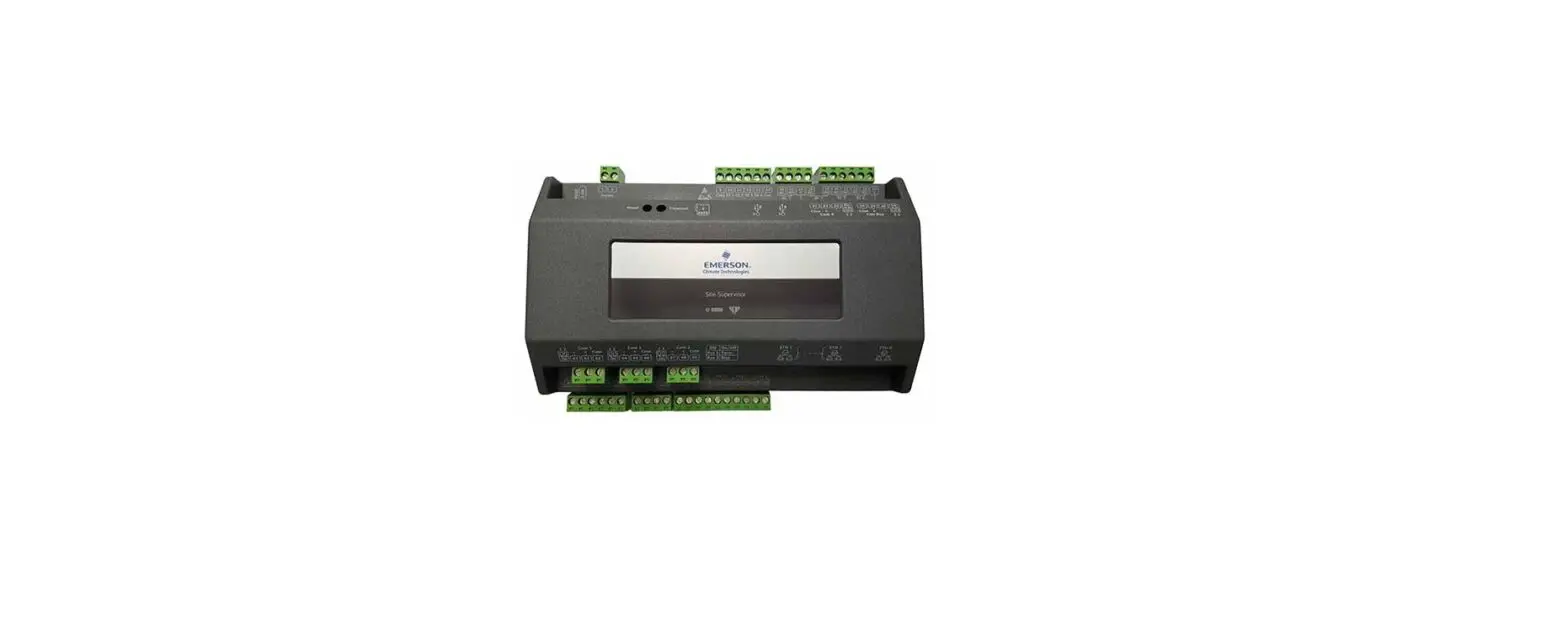
- Set up the unit controller (XMC25D) for the required application.
NOTE: The value of parameter D29 must be lower than the value C16-C17/2 (unit switching-off point) to avoid the low-pressure alarm.
The XMC25D controller provides 2 programming levels:
- Pr1 with direct access
- Pr2 is protected with a password (intended for experts)
Explanation of LED functionalities
| LED | Mode | Function |
 | On | Compressor 1 enabled |
| Flashing | Anti-short cycle delay enabled | |
 | On | Condensing fans enabled |
 | On | Display in bar |
| Flashing | Programming mode | |
 | On | Display in PSI |
| Flashing | Programming mode | |
 | On | When browsing the service menu |
| Flashing | In fast access menu | |
 | On | When browsing the Alarm menu |
| Flashing | A new alarm occurred | |
 | On | An alarm is occurring |
 | On | Digital unloader solenoid On |
How to program the “Pr1” parameters
| Access pre- program level |  | Press simultaneously for about 3 seconds to access the pre-programming level. The message rtC (real time clock) is displayed. |
| Access program level |  | Use the UP and DOWN keys to switch to the Par label. |
| Access Pr1 |  | Press the SET key to enter programming level 1. The first parameter CO1 is displayed. |
| Select item |  | Select a parameter or submenu using the arrows. |
| Show value | | Press the SET key. |
| Modify | | Use the arrows to modify the value. |
| Confirm and store | | Press the SET key: the value will blink for 3 seconds, then the display will show the next parameter. |
| EXIT |  | Press simultaneously to exit the programming mode or wait for 30 seconds without pressing any key. |
The following “Pr1” parameters must be verified before commissioning:
| Parameter | Description 111111 | Unit | Factory settings | Comments | ||
| OMTE | OLE | OLTE | ||||
| C01 | Com pressor cut-in pressure setpoint | bar* | 1.0 | – | Only for OLE-49 units | |
| CO2 | Compressor cut-out pressure setpoint | bar* | – | 0.5 | – | Only for OLE-49 units |
| C07 | Refrigerant selection for regulation | – | R449A | R404A, R134A, R407A, R407F, R407C, R448A, R449A, R507 | ||
| C16 | Digital compressor setpoint | bar* | 3. | – | 1.0 | For digital units |
| C17 | Proportional band for compressor regulation | bar* | 2.0 | – | 1.0 | For digital units |
| C21 | Cycle time for digital compressor | sec | 20 | – | 20 | For digital units |
| C24 | Minimum capacity for digital compressor | ok | 20 | – | 30 | For digital units |
| C25 | Maximum capacity for digital compressor | % | 100 | – | 100 | For digital units |
| D29 | Low-pressure alarm value | bar* | 0.5 | 0.0 | 0.0 | |
| 0.00E+00 | Maximum fan motor speed | ok | 85 | 80 | 80 | |
| 0.00E+00 | Delta temperature condenser floating setpoint | °C | 8 | 8 | 8 | |
| T18 | Access to Pr2 level | – | Password:3 2 1 | |||
* Pressure values are always relative
Time and date (Pr2 Level) have to be adjusted before commissioning:
| Parameter | Description | Factory I settings | Range |
| NO1 | Current minutes | 0 to 59 | |
| NO2 | Current hours | 0 to 23 | |
| NO3 | Day of the month | 1 to 31 | |
| N04 | Month | 1 to 12 | |
| N05 | Year | 0 to 99 |
NOTE: Error L21 can happen during the first commissioning. This lockout indicates a wrong phase sequence.
In this case, two phases at the power supply terminals must be changed.
NOTE: This guide is for quick installation purposes. For detailed instructions, please refer to Application Guidelines AGL_Unit_LOCU_EN “Copeland™ Large Outdoor Refrigeration Units”.
- The contents of this publication are presented for informational purposes only and are not to be construed as warranties or guarantees, express or implied, regarding
the products or services described herein or their use or applicability. - Emerson Climate Technologies GmbH and/or its affiliates (collectively “Emerson”), as applicable, reserve the right to modify the design or specifications of such
products at any time without notice. - Emerson does not assume responsibility for the selection, use, or maintenance of any product. Responsibility for proper selection, use, and maintenance of any
Emerson’s product remains solely with the purchaser or end-user. - Emerson does not assume responsibility for possible typographic errors contained in this publication.
TI_Unit_LOCU_02_EN_Rev01