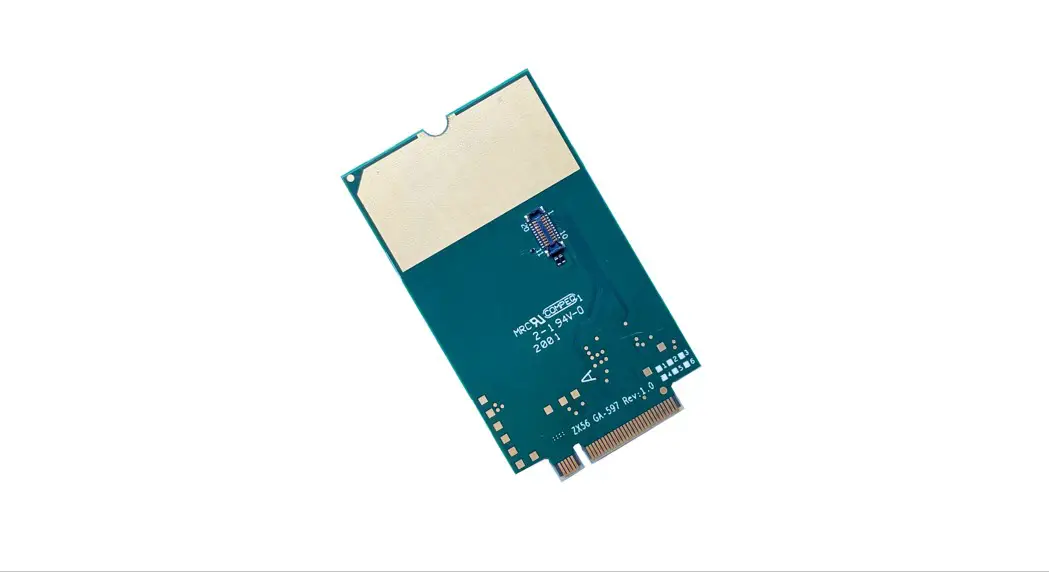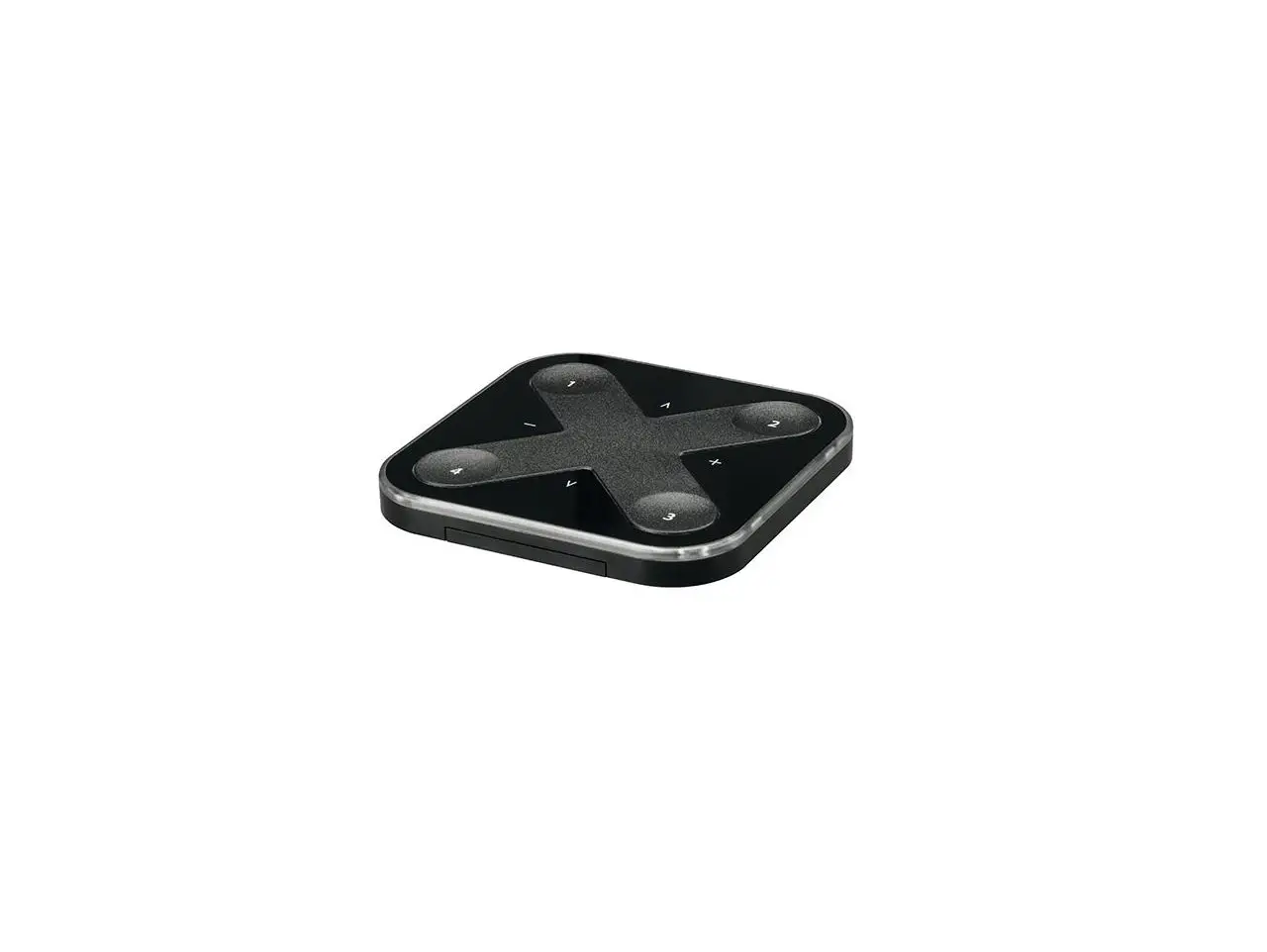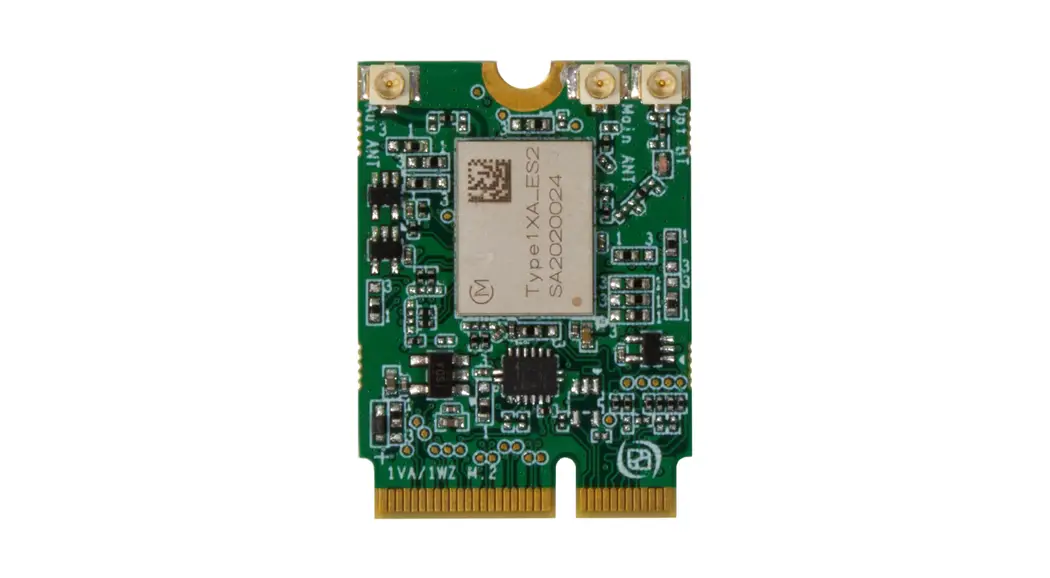
 basicDIM Wireless Passive Module G2
Instruction Manual
basicDIM Wireless Passive Module G2
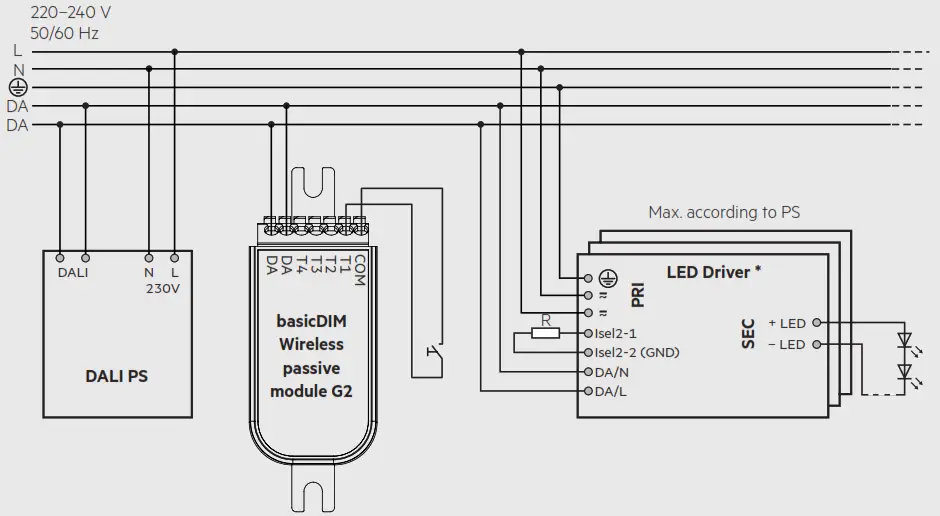
Wiring diagram with external PS
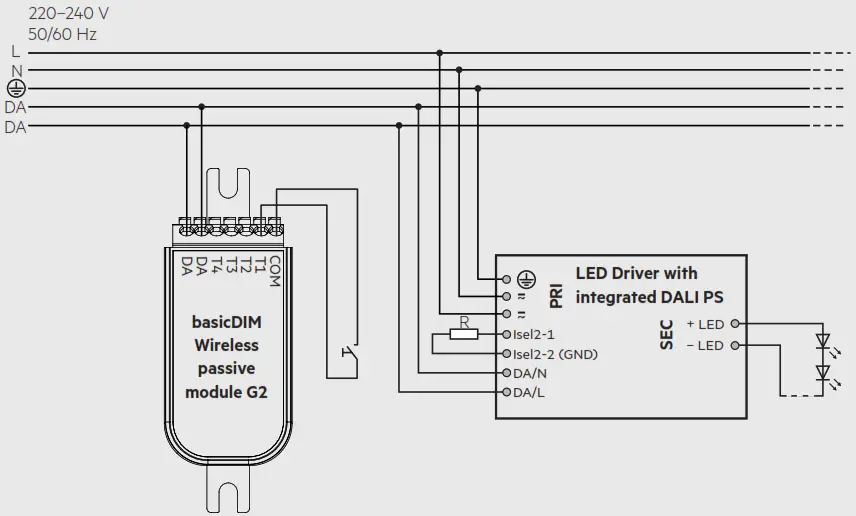
Wiring diagram with integrated DALI PS
Wiring diagram with DALI MSensor and DALI PS
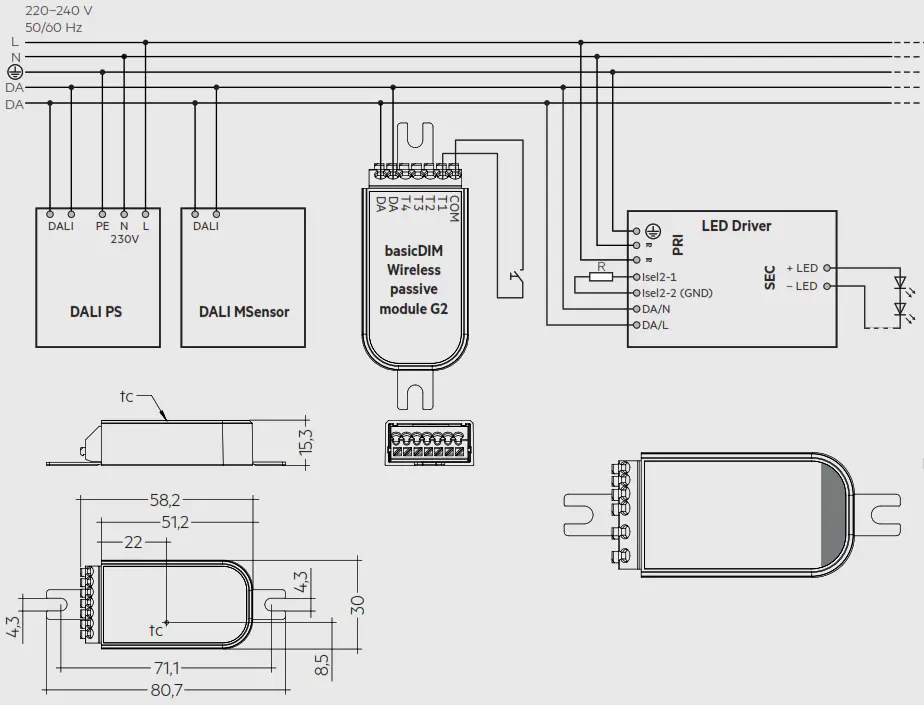
* Max. 4 DALI single / group addresses (A0 … A3 / G0 … G3) controllable, depending on the device profile of the basicDIM Wireless module. The rest of the connected drivers can be controlled via broadcast – depending on the device profile.
Mains supply/DALI wires:
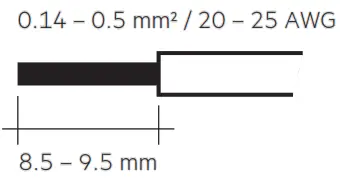 solid/fine-stranded
Push-button input wires:
solid/fine-stranded
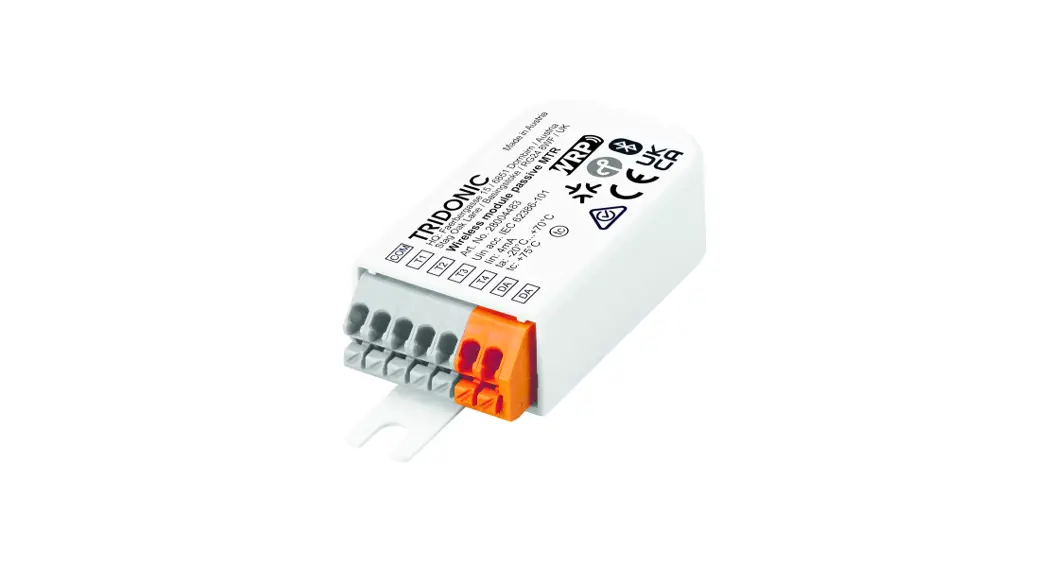
Antenna is located on the top of the device.
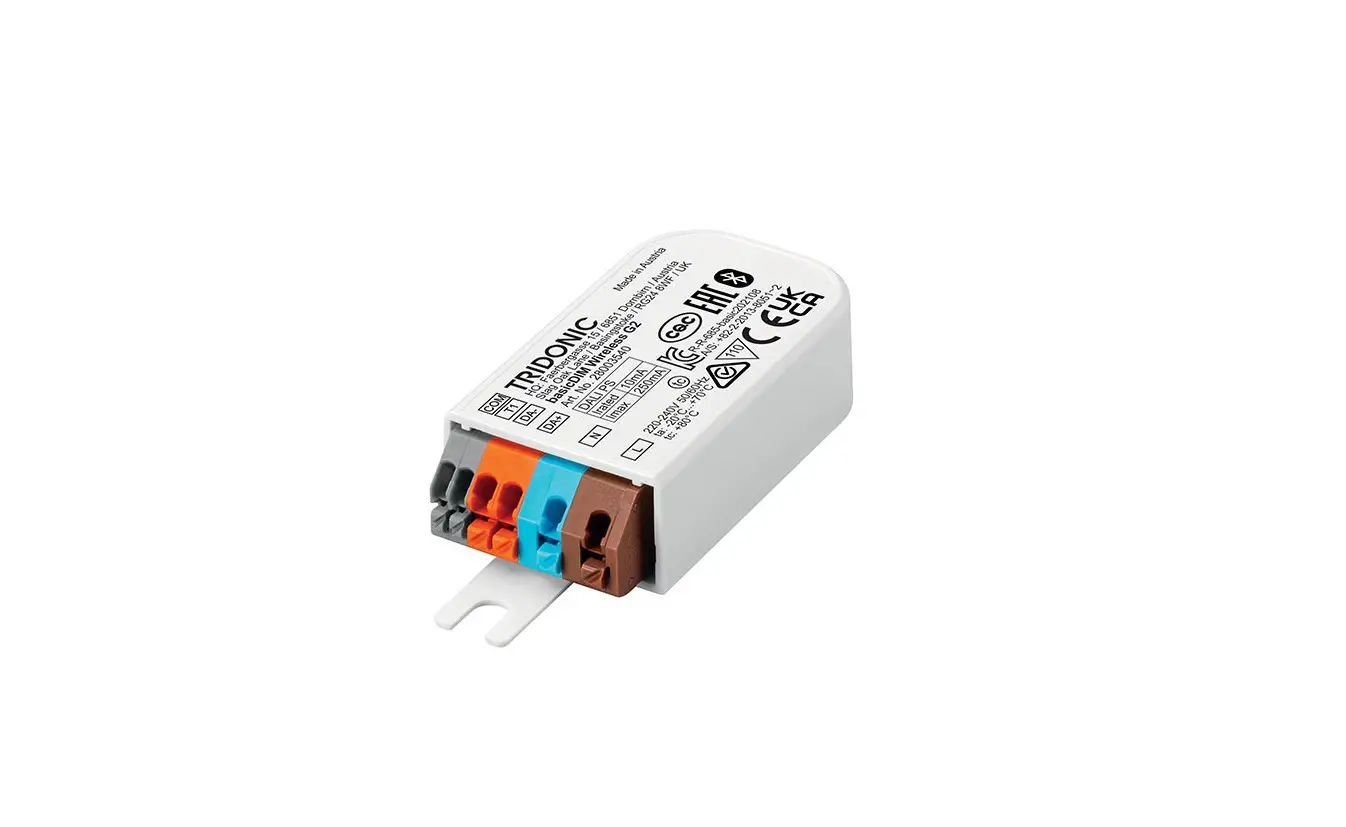
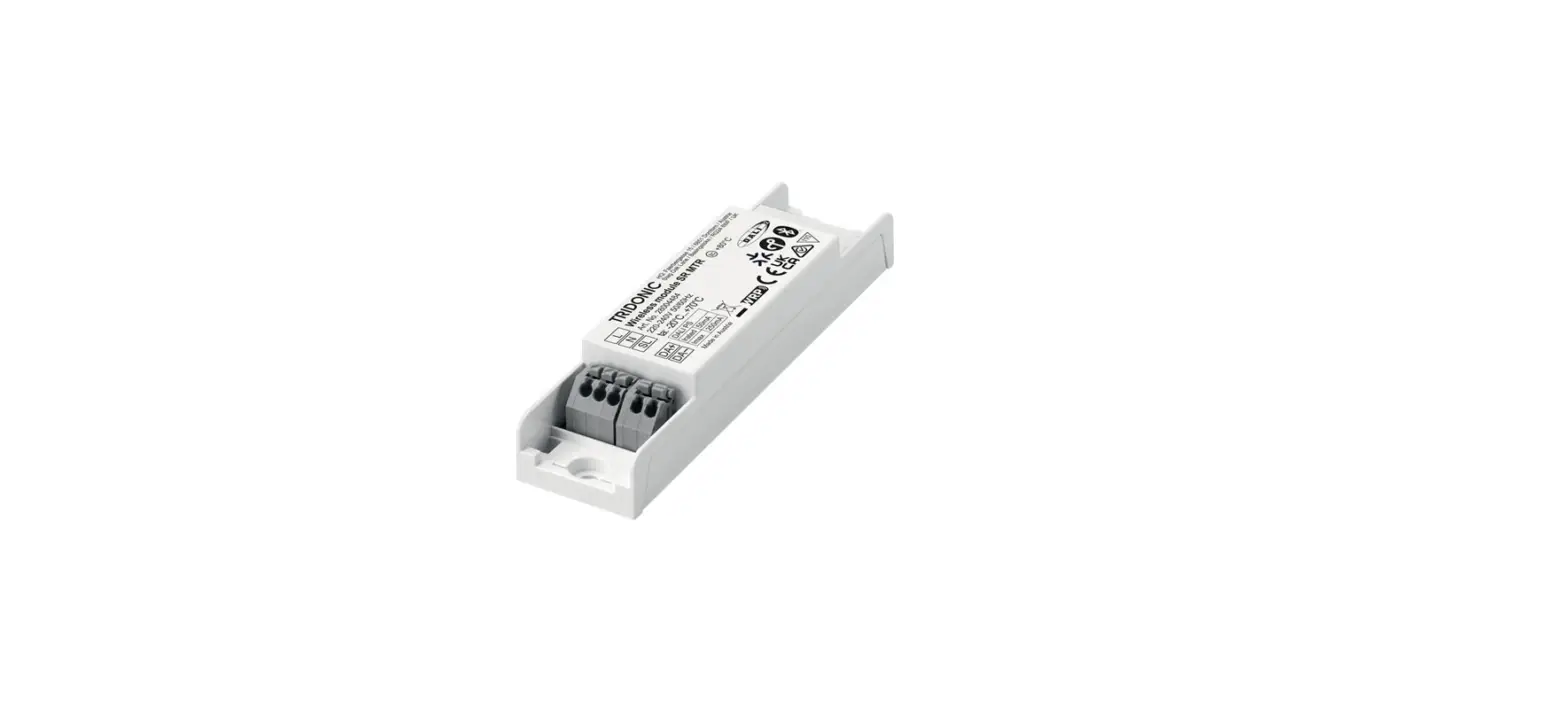
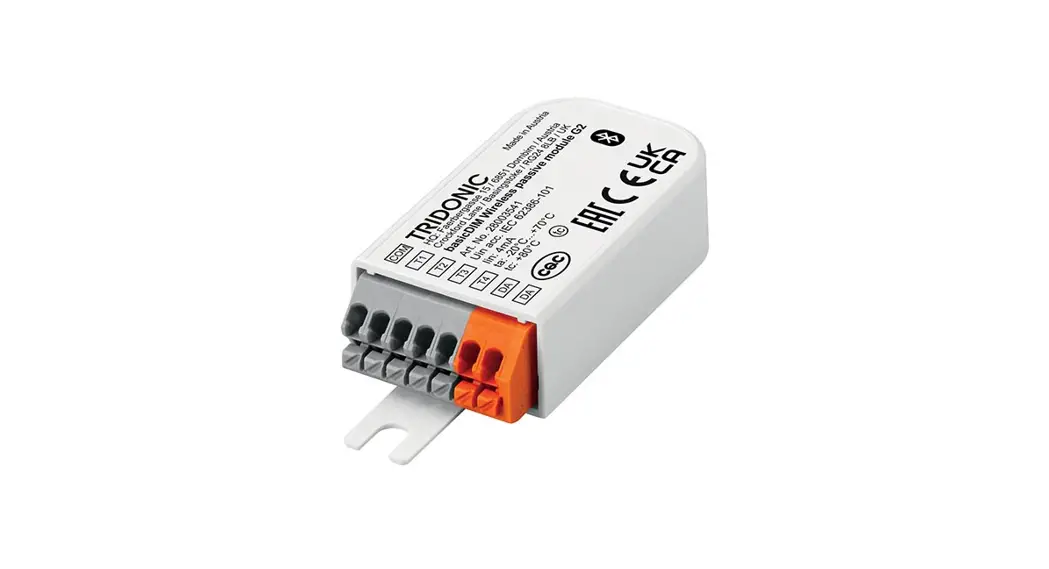
The basicDIM Wireless passive module G2 is a Bluetooth® DALI controller with 4 freely configurable push-button inputs. The module is powered by the DALI bus, no additional mains supply is needed.
Technical Data
| Supply voltage DC (acc. IEC 62386-101) | 9.5–22.5 V |
| Current consumption of DALI | 4 mA (30 mA at start) |
| Max. DALI bus current | 250 mA |
| Typ. power input on stand-by | < 0.09 W |
| Input | 4 push-buttons |
| Max. cable length push button | 5 m at 0.2-1.5 mm² |
| Operating frequency radio receiver | 2.4–2.483 GHz |
| Max. output power radio receiver | + 4 dBM |
| Output | DALI (compatible) |
| Assignable DALI addresses ① | 4 |
| Ambient temperature | -20… +70 °C |
| tc point | 85 °C |
| Storage temperature | -25… +75°C |
| Dimensions LxWxH ② | 80.7 x 30 x 15.3 mm |
| Type of protection | IP20 |
① Assignment of max. 4 single/group addresses, depending on the device profile.
② Screw fixings can be removed.
Installation Instructions
Make sure that the mains voltage is switched off when making any connections.
Use 0.2 – 1.5 mm² solid or stranded electrical wires for the mains supply/DALI terminals and 0.14 – 0.5 mm² for the push-button terminals.
Strip the wire 8.5 – 9.5 mm from the end.
Make sure to connect the input and outputs correctly.
Compatible devices
Compatible with all Android 4.4 (KitKat) or later, iPhone 4S (iOS 5.0) or later and iPAD 3 (iOS 5.1) or later.
Hereby, Tridonic declares that the radio equipment type basicDIM Wireless PassiveModule G2 is in compliance with Directive 2014/53/EU.
Hereby, Tridonic declares that the radio equipment type basicDIM Wireless PassiveModule G2 is in compliance with Directive UK SI 2017 No. 1206.
The full text is available at the following internet address: https://trid.help/en28003541cer
Safety instructions
- Installation of this device may only be carried out by specialist staff who have provided proof of their skills.
- Switch off the power supply before handling the device.
- Observe the relevant safety and accident prevention regulations.
Areas of application
The device may only
- be used for the applications specified.
- for safe installation in dry, clean environment.
- be installed in such a way that access is only possible using a tool.
09/22-15014469-3
We reserve the right to make technical changes without prior notice.
Tridonic GmbH & Co KG
www.tridonic.com
[email protected]
Tel. +43 5572 395-0
 Lighting solutions for smart indoor and outdoor lighting – Tridonic
 Certificates for 28003541