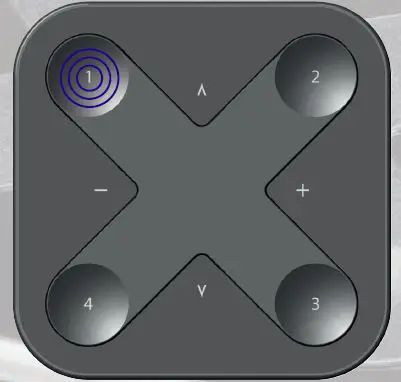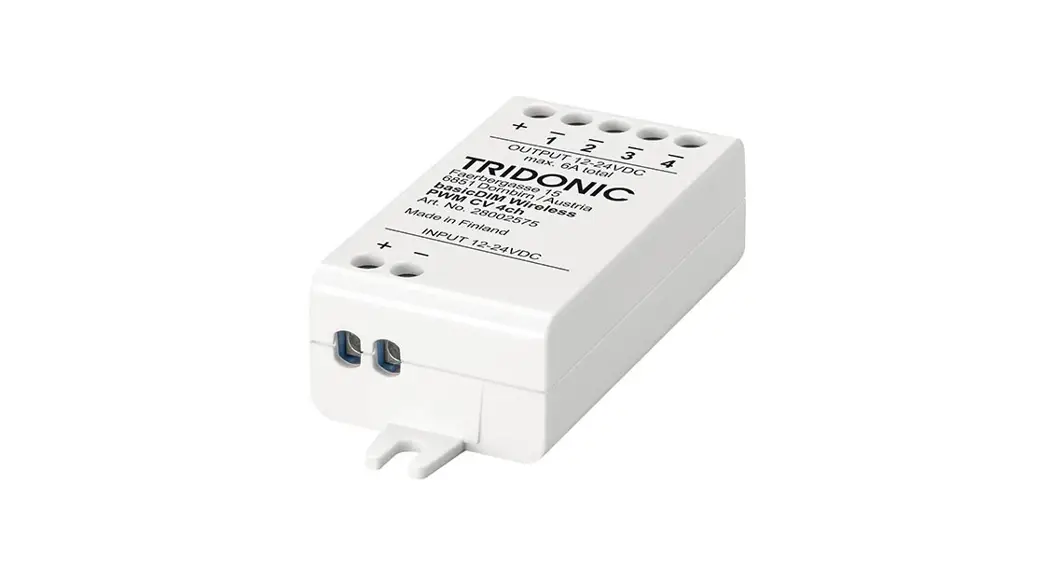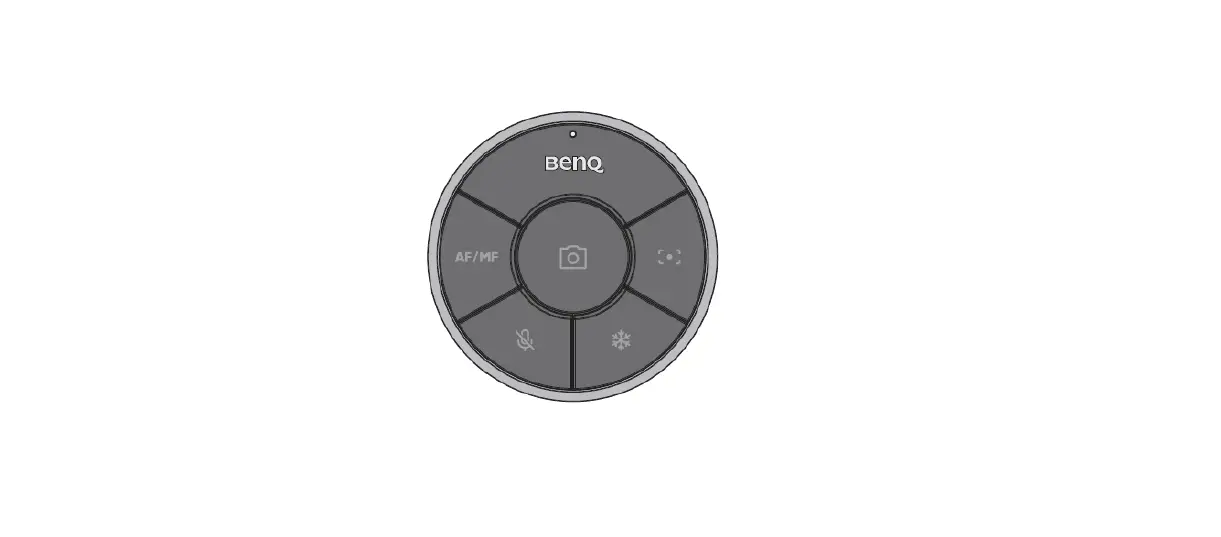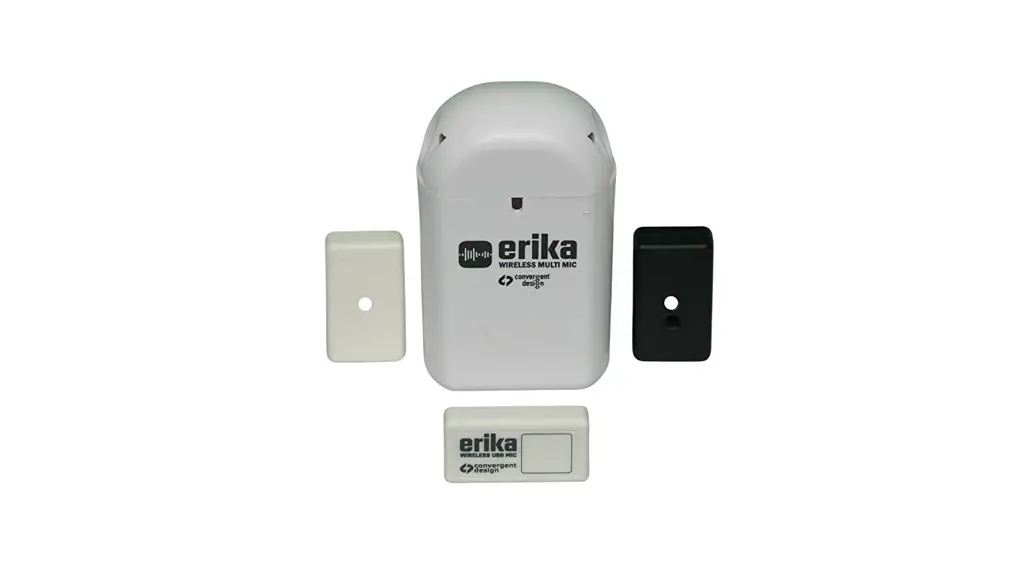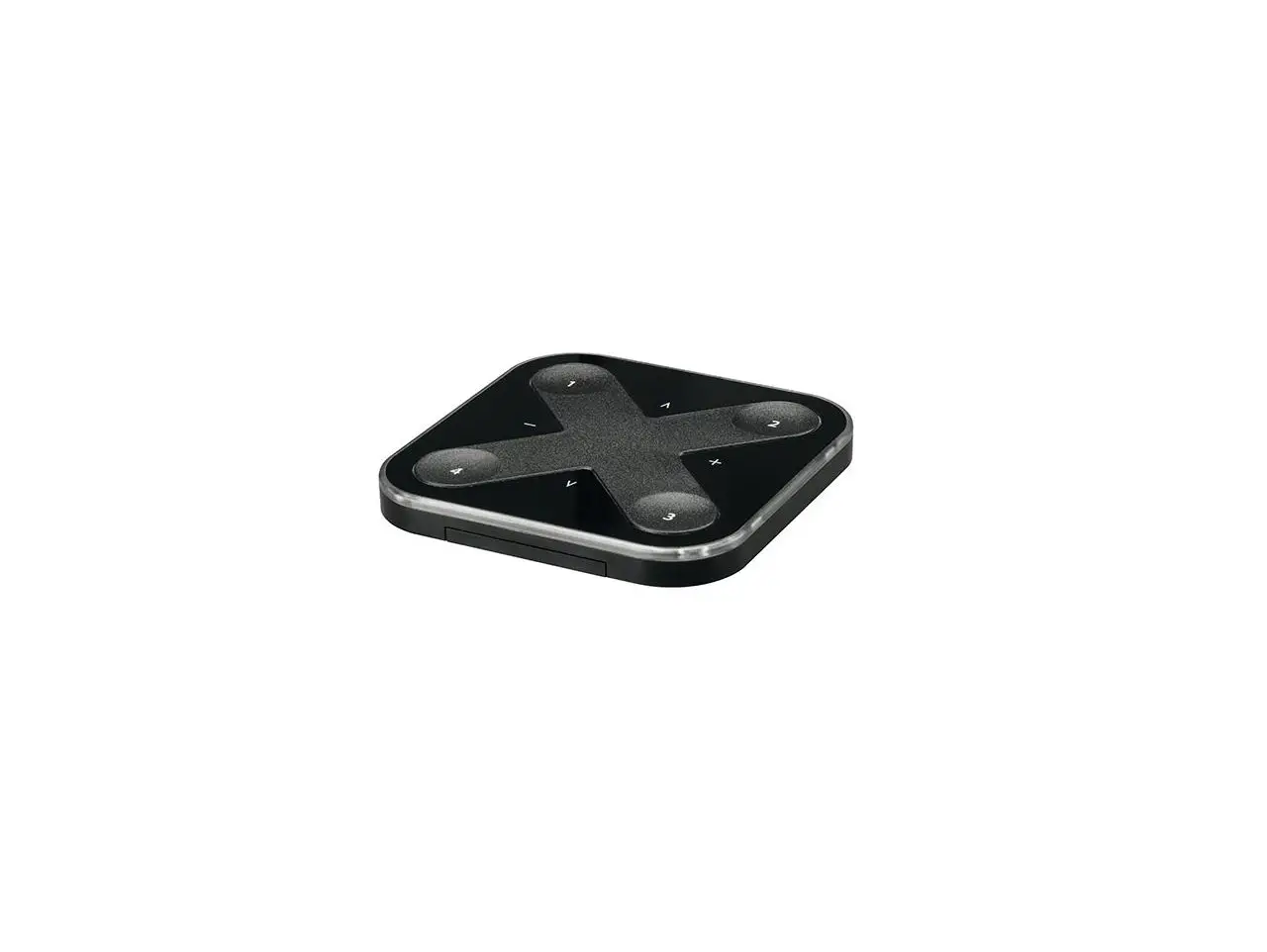

TRIDONIC basicDIM Wireless User Interface
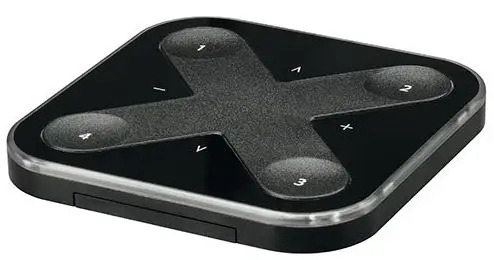
OVERVIEW
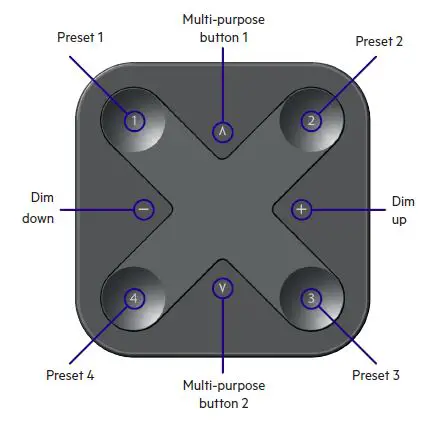
ASSEMBLY
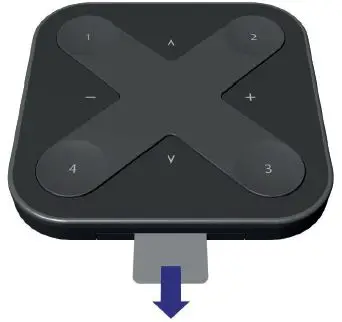
Pull the tab off
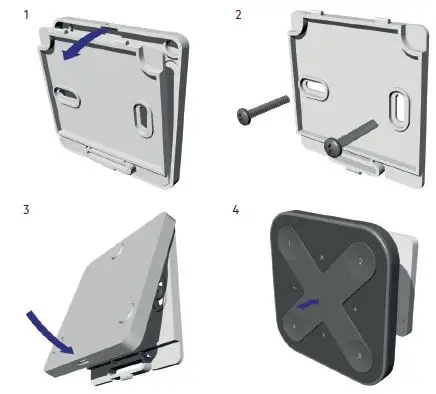
Install wall mount
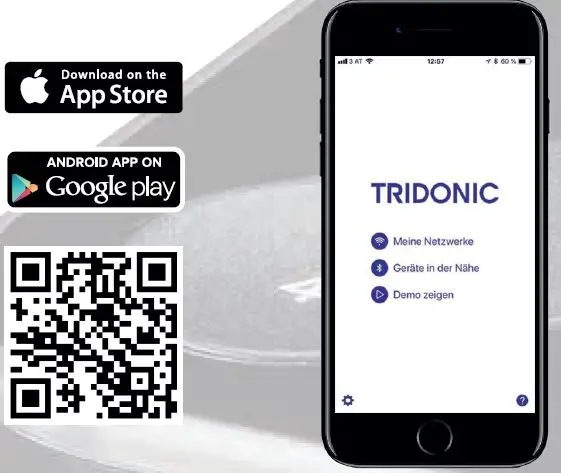
Open Tridonic 4remote BT App
- Hereby, Tridonic declares that the radio equipment type basicDIM Wireless User
- Interface is in compliance with Directive 2014/53/EU.
- Hereby, Tridonic declares that the radio equipment type basicDIM Wireless User
- Interface is in compliance with Directive UK SI 2017 No. 1206.
- The full text is available at the following internet address:
https://trid.help/en28002213cer
https://trid.help/en28002420cer
Press any button and take into use