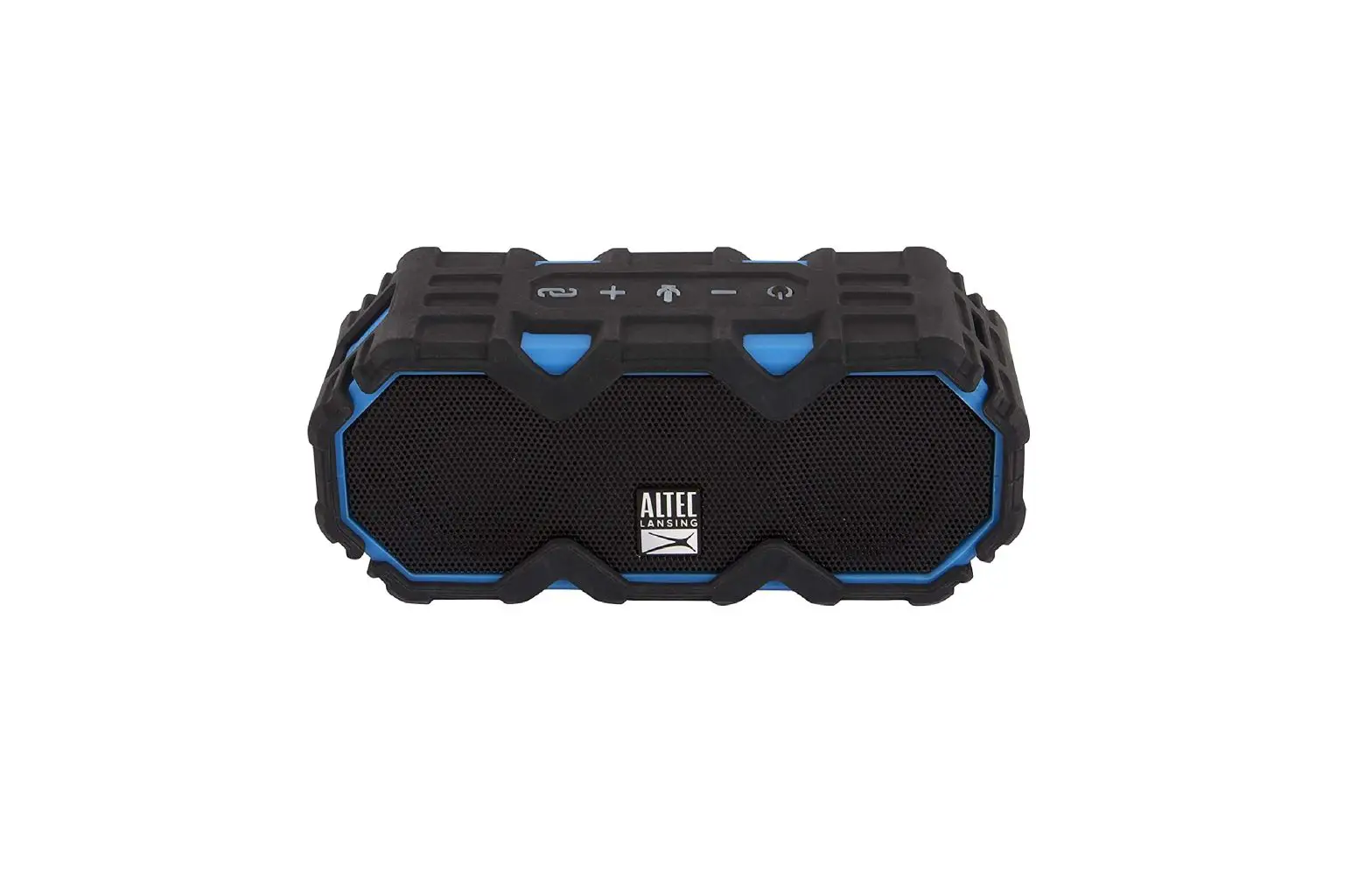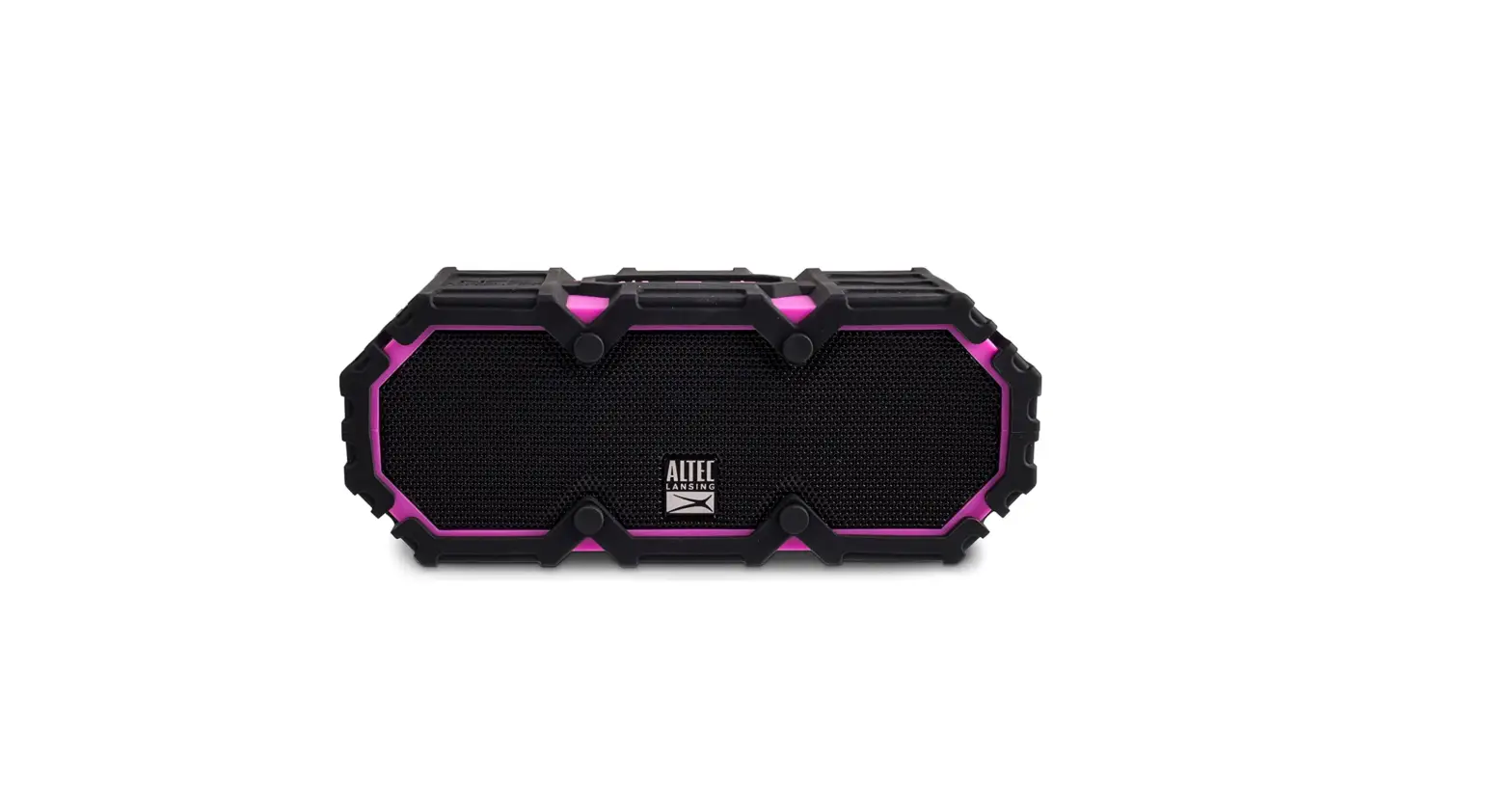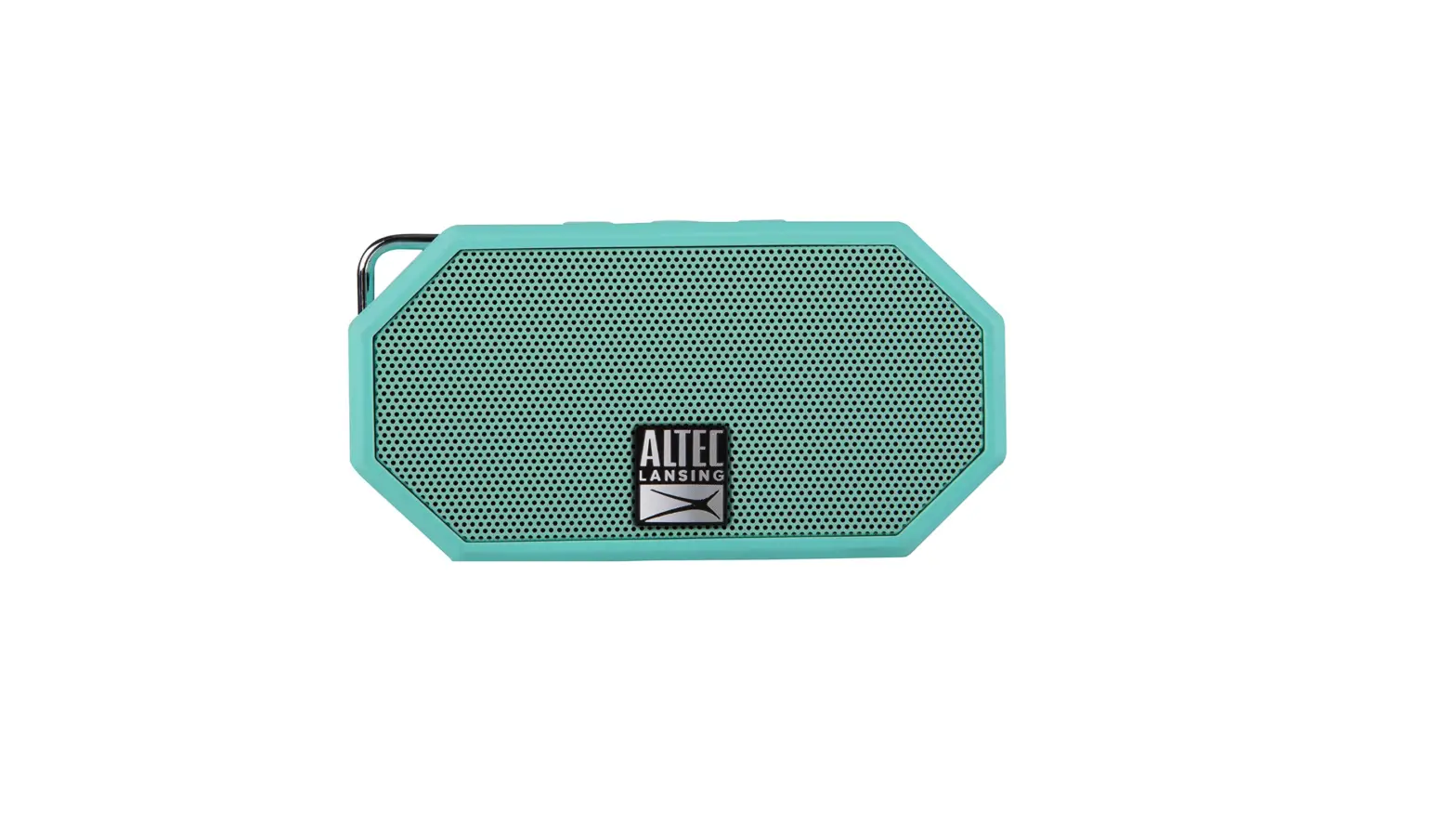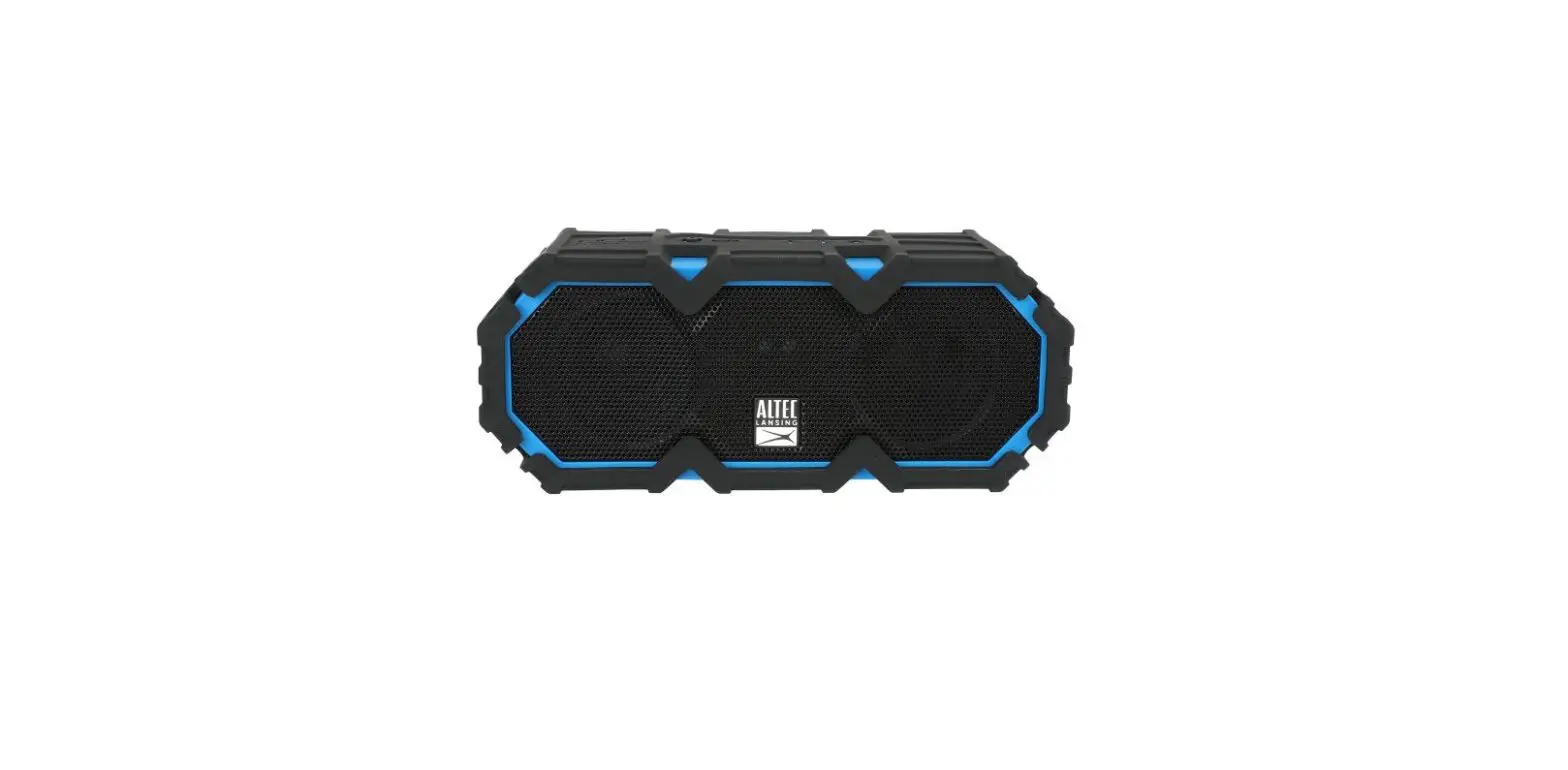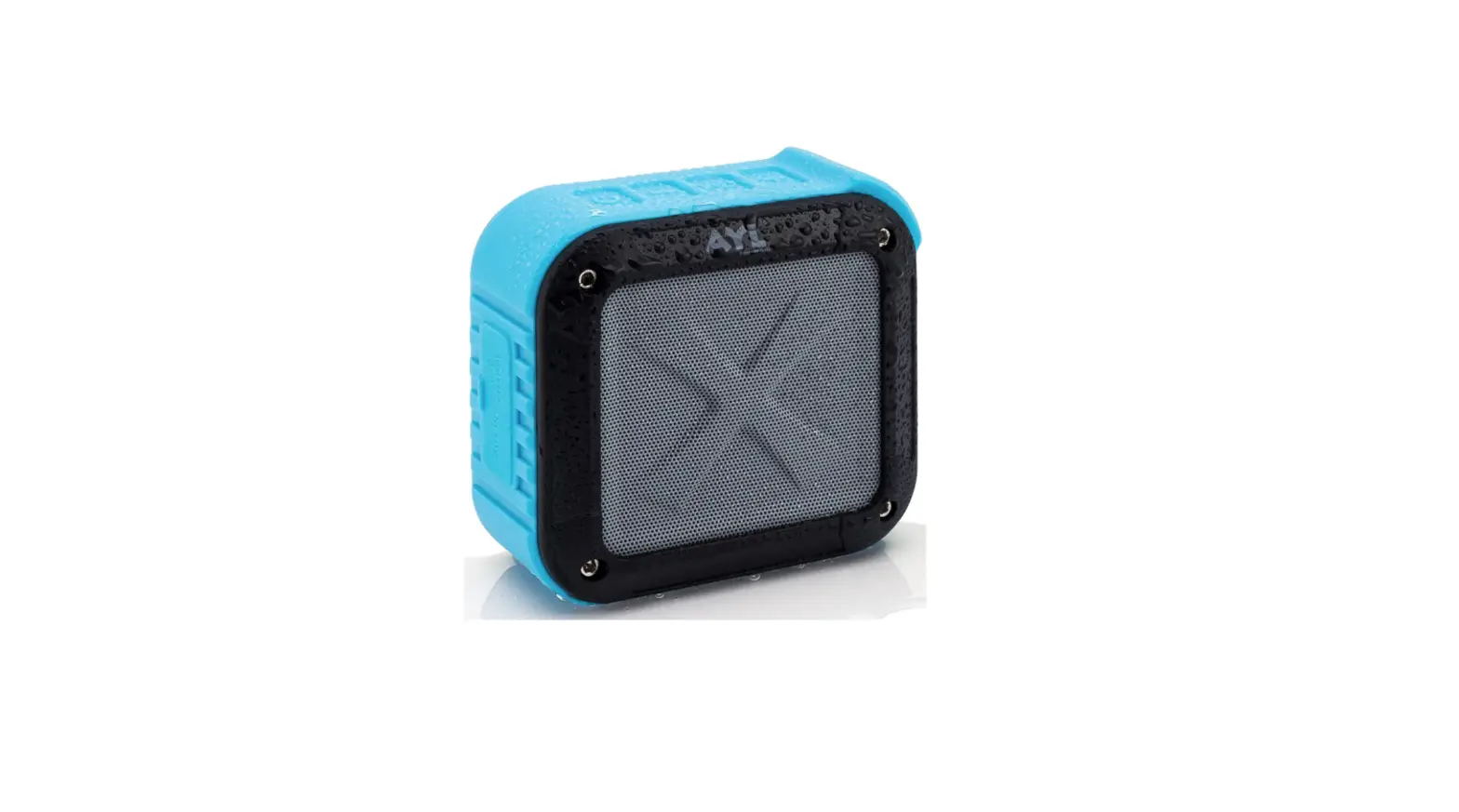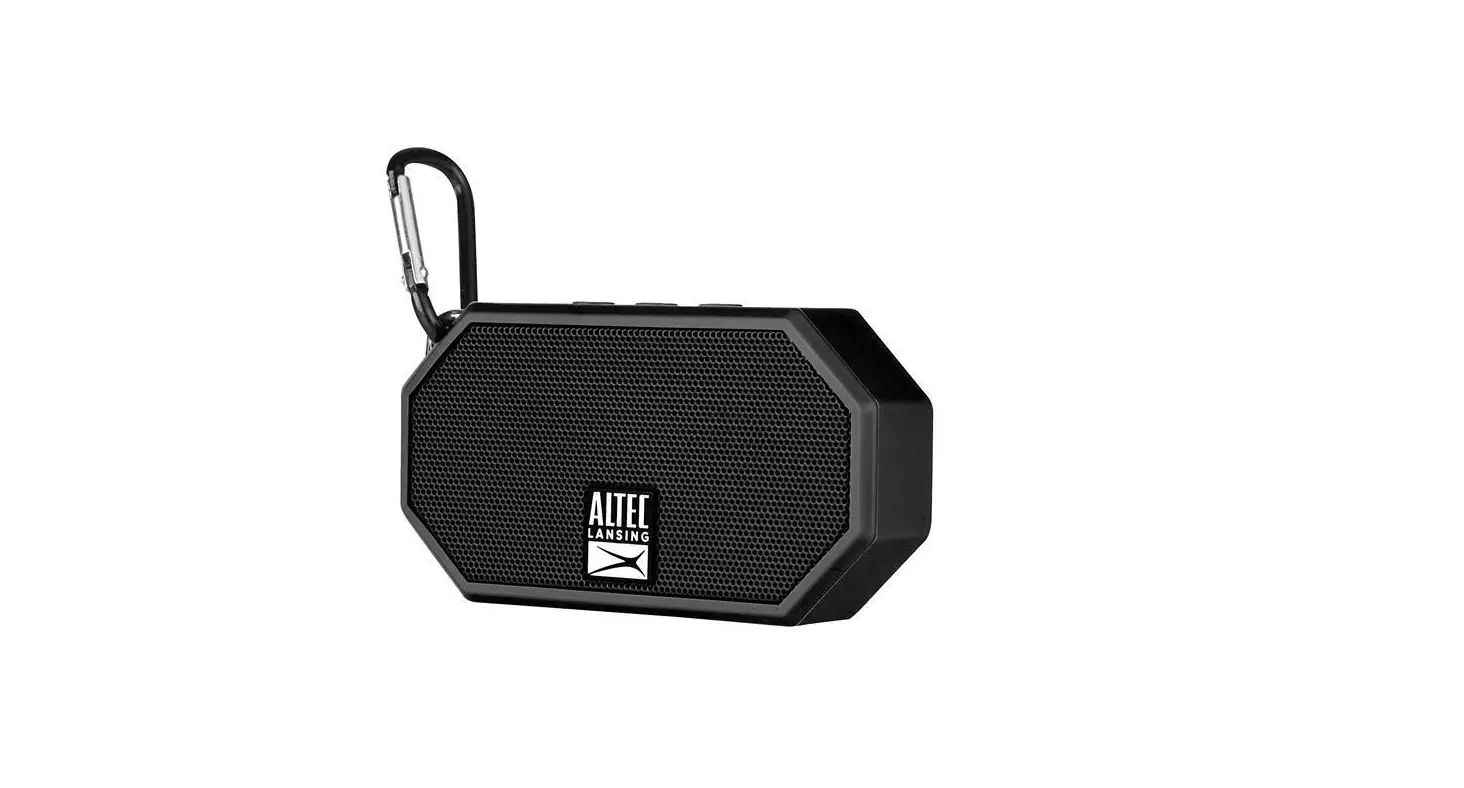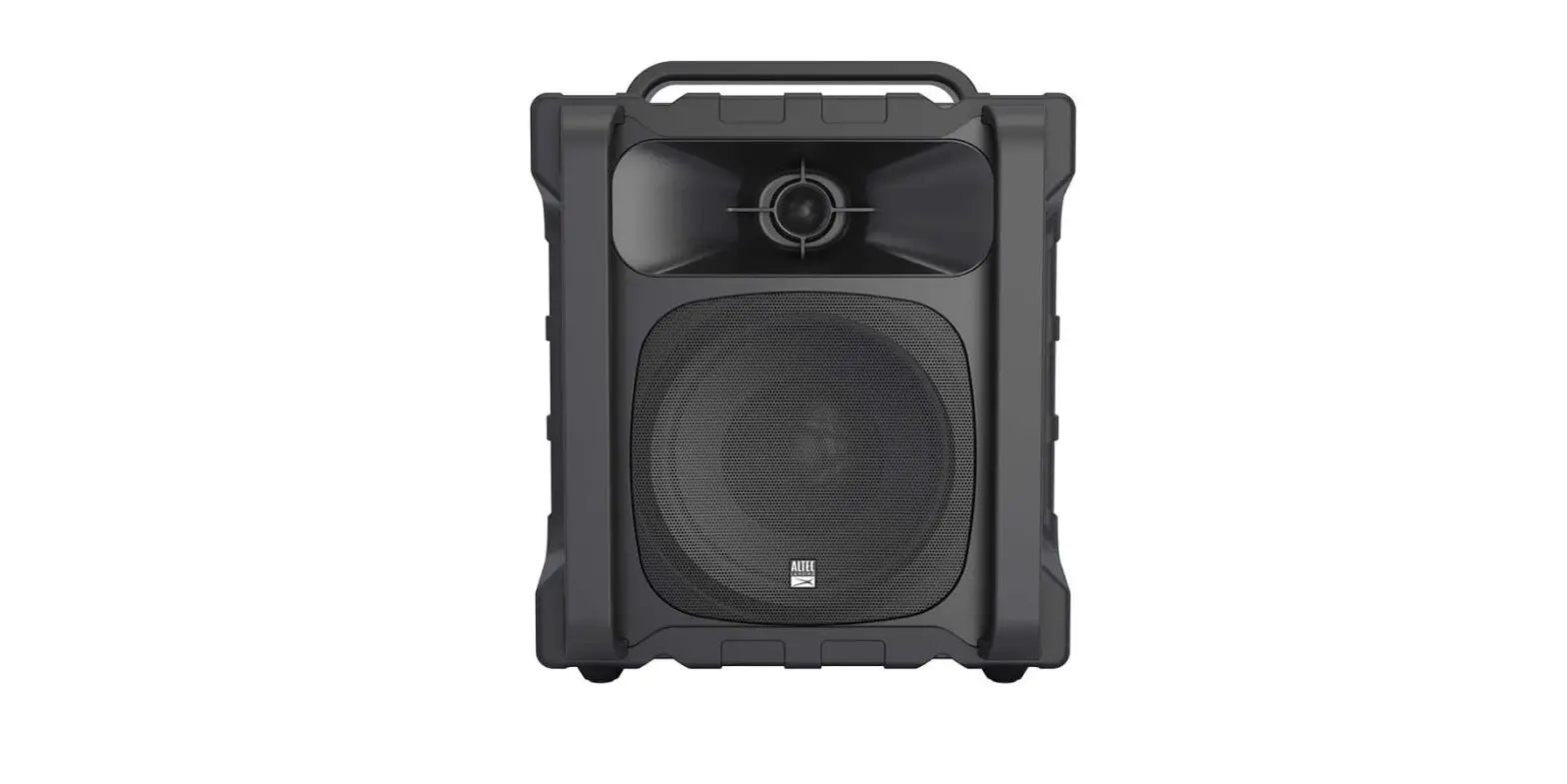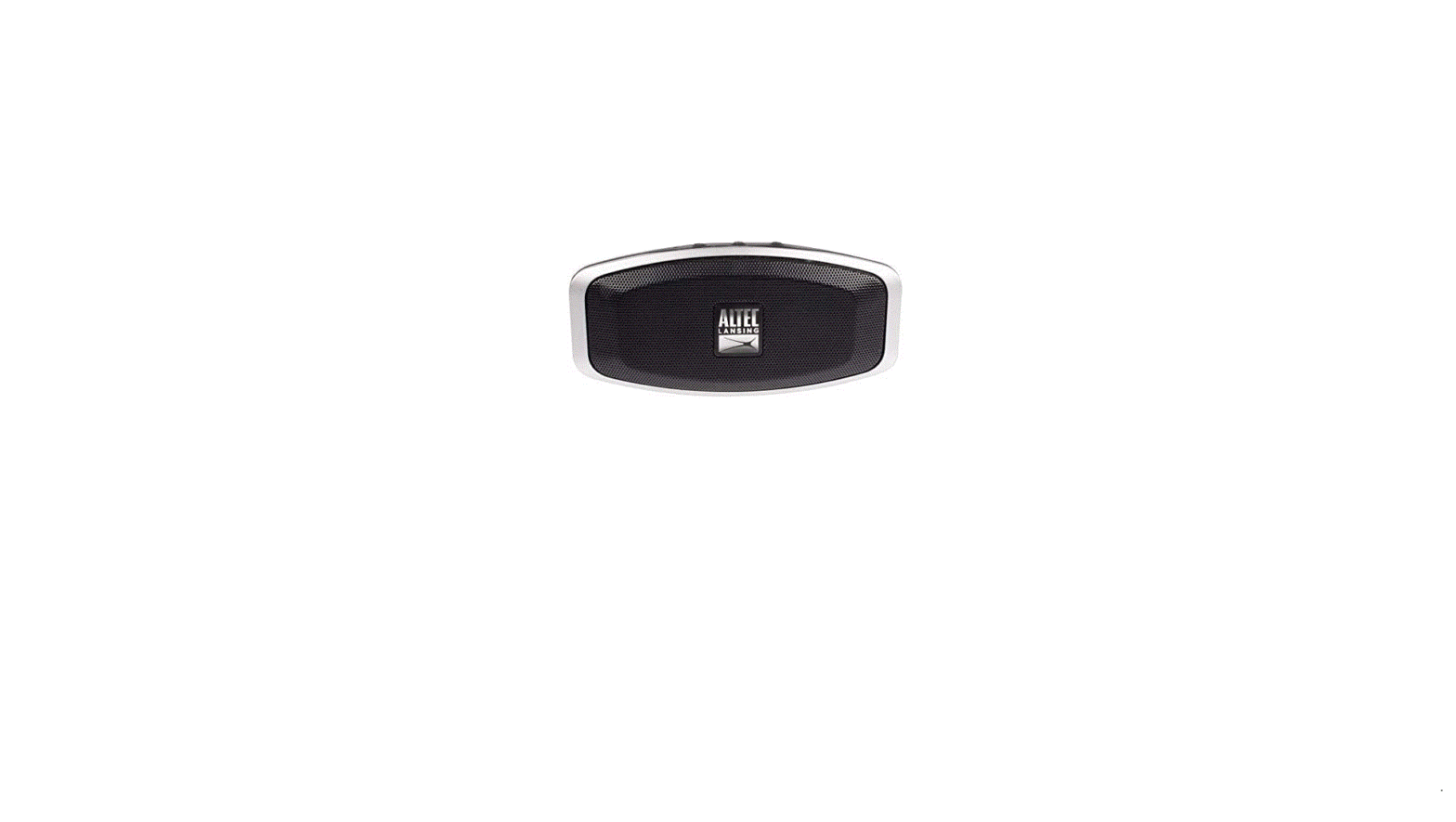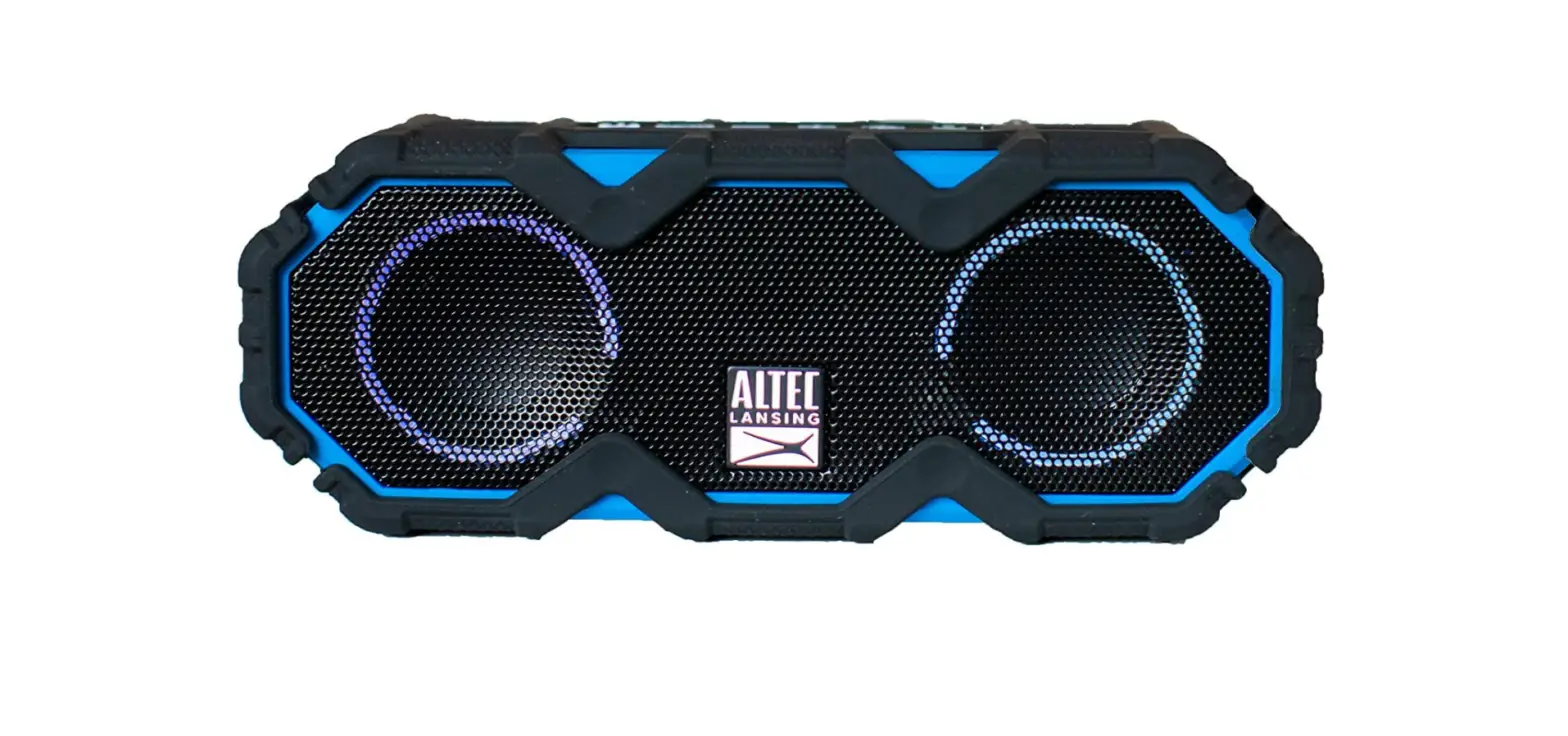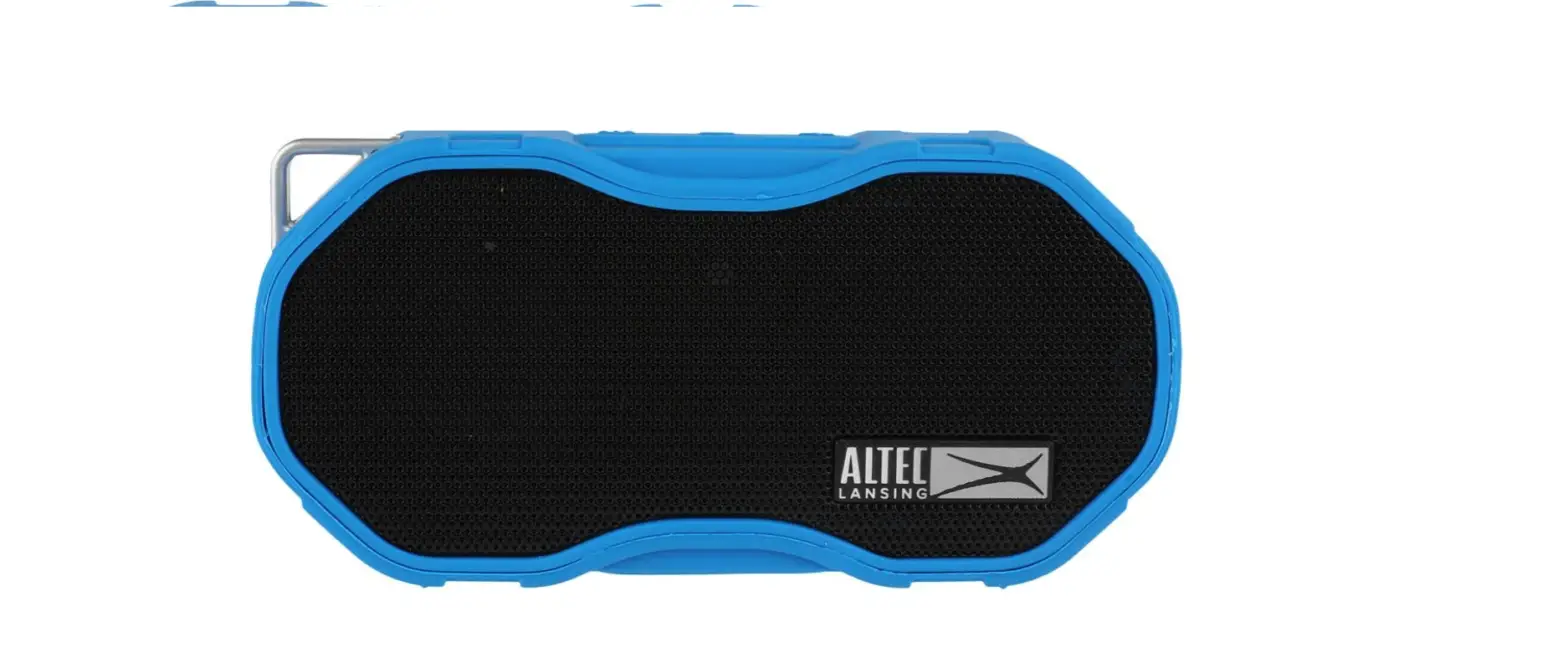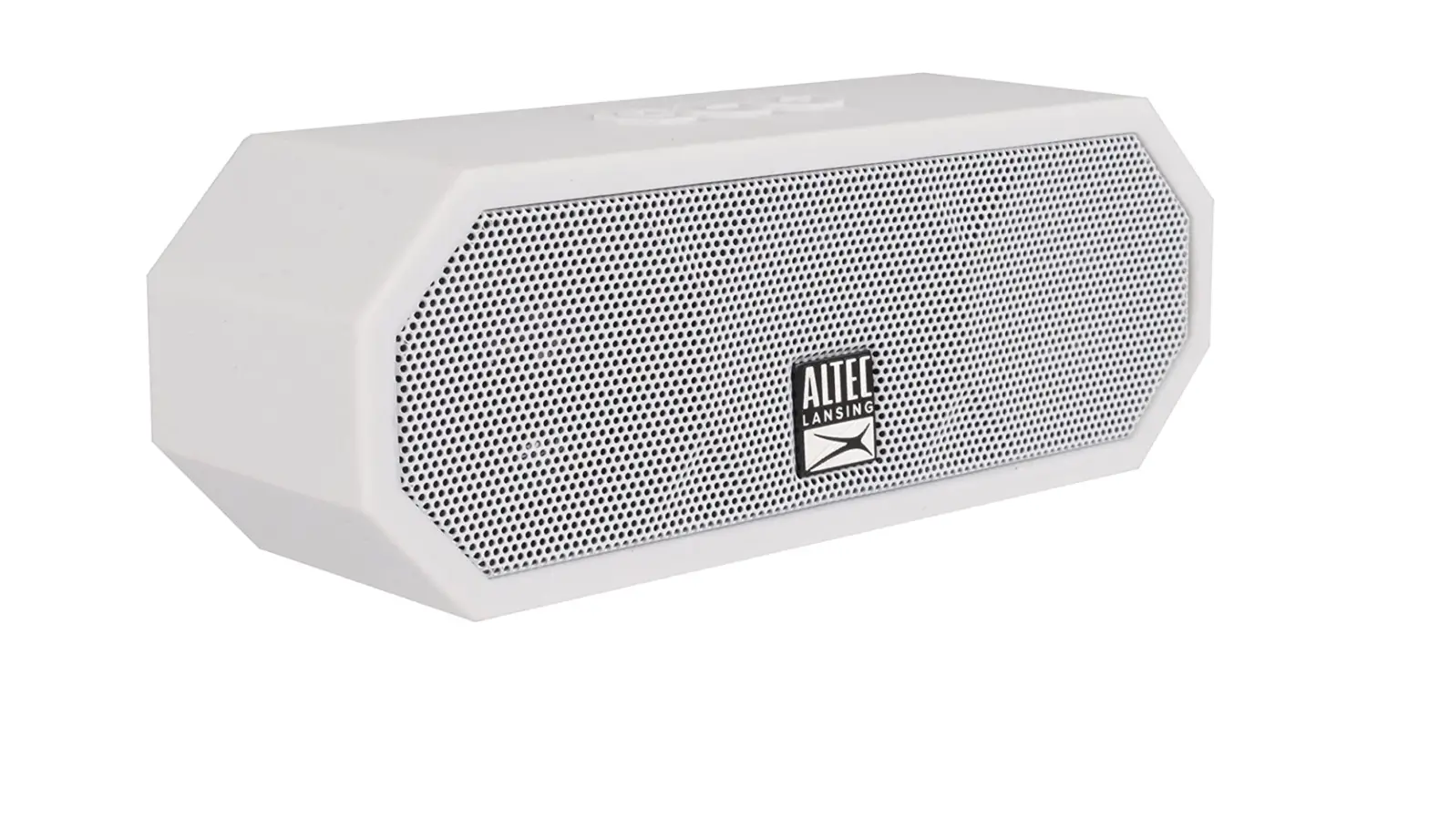

Altec Lansing IMW457 Jacket H2O Indoor-Outdoor Bluetooth Speaker
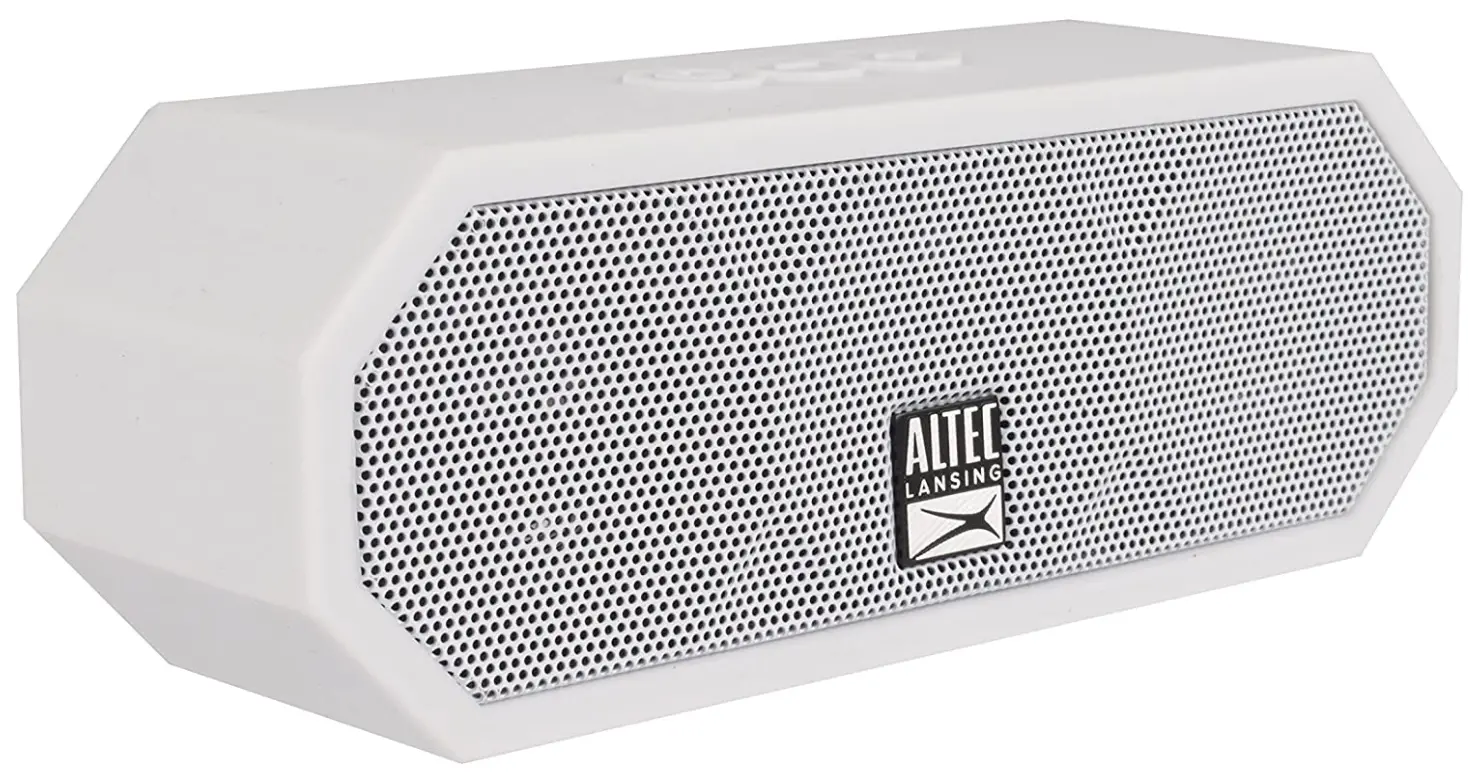
Specifications
- Product Dimensions
7 x 3 x 4.3 inches - Item Weight
1.3 pounds - Batteries
2 Lithium Ion batteries - Speaker Type
Outdoor - Connectivity Technology
Bluetooth, Auxiliary, USB - Brand
Altec Lansing
Introduction
The IMW457 Jacket Bluetooth Speaker is suitable for all sports and active lifestyles. This tough speaker is equipped with a protective coating and an aluminium dot grill to withstand any environment you place it in. With this adaptable speaker’s iP67 certification, you never have to worry about accidentally producing a splash when scaling new heights. Everything about it is waterproof, shockproof, sandproof, and it floats. The IMW457 is unable to stop creating the renowned Altec sound you are familiar with and enjoy. With an 8-hour playback period on a single charge, the Jacket Bluetooth Speaker will keep you motivated all day.
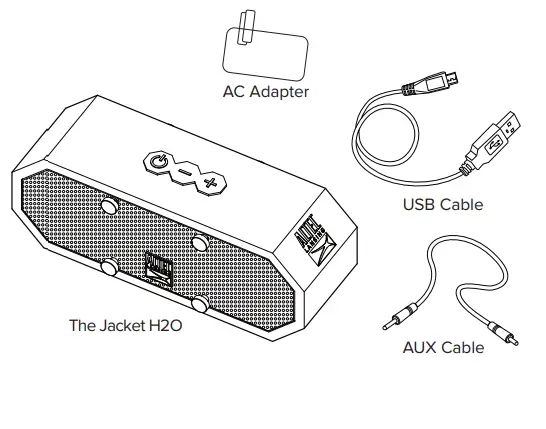
- Make sure the following items are included in your package.

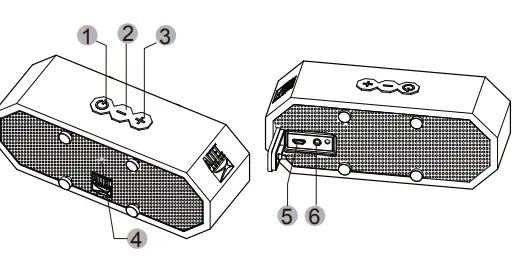
- . For a look at the various buttons on your speaker, view the graphic below.

- Power
- Volume –
- Volume +
- LED Indicator Light
- Charging Port
- AUX IN Port
Charging
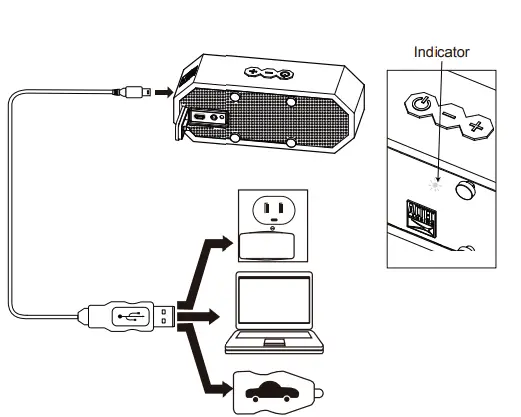
In order to charge your speaker’s internal battery, connect one end of the included USB cable to the charging port on your speaker. Connect the other to a USB port or AC charging adapter. The LED Light indicator turns red when charging, and turns when fully charged. Charging may take up to 3 hours
Pairing Your Speaker With a Bluetooth Phone
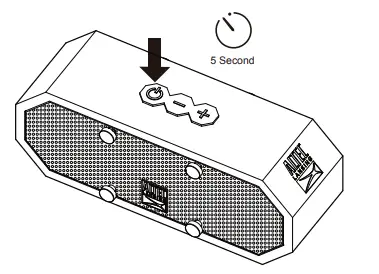
- Press and hold the Power button for around 5s. Your speaker will enter pairing mode with the voice once powered on.
- Go to the Bluetooth Manager of your Bluetooth device. Search Bluetooth devices and select “Jacket H2O” to start connecting.
- If required, enter the PIN code ” 0000 ” and confirm the entry. Once paired, you will hear your speaker audibly say: “You are now paired, enjoy.”
Listening to Music on Your Speaker
Play/Pause
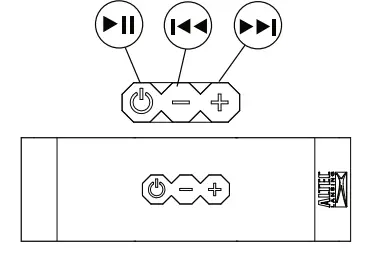
Press the Power button to get music from your audio source to play or pause.
Next/Previous Song
Press and hold the Volume + or Volume- buttons for 2s to advance to the next song or go back to the previous one.
Increase/Decrease Volume
Press and hold the Volume + or Volume – buttons to increase or decrease the volume.
Wired External Audio Input
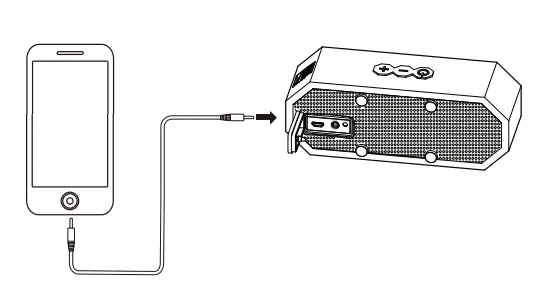
You can also use the included 3.5mm Auxiliary Cable to connect audio devices through the AUX In port on your speaker.
Technical Support
For technical support issues please visit our website at www.alteclansing.com. You can find manuals, software, and FAQ’s on the website. Can’t find what you are looking for? Call 1-855-292-4087 to access our technical support information on the phone

NOTE
If the product is exposed to salt water we recommend that you rinse it with tap water to maintain the proper long-term performance of your product.
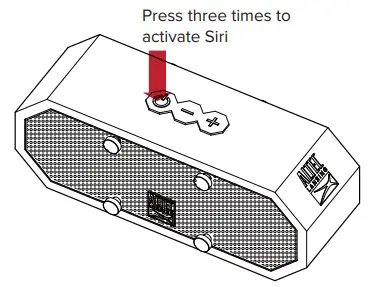
If your speaker is paired with an iOS device that is capable of running the Siri audio personal assistant application, you can use your speaker to activate Siri. To do so, press the power button 3 times
Altec Lansing One Year Warranty Card
This warranty covers the original consumer purchaser only and is not transferable.
This warranty covers products that fail to function properly UNDER NORMAL USAGE, due to defects in material or workmanship. Your product will be repaired or replaced at no charge for parts or labor for a period of one year.
What Is Not Covered by Warranty
Damages or malfunctions not resulting from defects in material or workmanship and damages or malfunctions from other than normal use, including but limited to, repair by unauthorized parties, tampering, modification, or accident.
To Obtain Warranty Service and Troubleshooting information:
Call 1-855-292-4087 or Visit our website at www.alteclansing.com
To receive a Warranty service along with the name and address of an authorized product service center, the original consumer purchaser must contact us for problem determination and service procedures. Proof of purchase in the form of a bill of sale or receipted invoice, evidencing that the Product is within the applicable Warranty period(s), MUST be presented in order to obtain the requested service. It is your responsibility to properly package and send any defective products along with a dated copy of proof of purchase, a written explanation of the problem, and a valid return address to the authorized service center at your expense. Do not include any other items or accessories with the defective product. Any products received by the authorized service center that are not covered by warranty will be returned unrepaired.
NO WARRANTIES, WHETHER EXPRESS OR IMPLIED, INCLUDING, BUT NOT LIMITED TO, ANY IMPLIED WARRANTIES OF MERCHANTABILITY OR FITNESS FOR A PARTICULAR PURPOSE, OTHER THAN THOSE EXPRESSLY DESCRIBED ABOVE SHALL APPLY. THE DISTRIBUTOR FURTHER DISCLAIMS ALL WARRANTIES AFTER THE EXPRESS WARRANTY PERIOD STATED ABOVE. NO OTHER EXPRESS WARRANTY OR GUARANTEE GIVEN BY ANY PERSON, FIRM, OR ENTITY WITH RESPECT TO THE PRODUCT SHALL BE BINDING ON THE DISTRIBUTOR. REPAIR, REPLACEMENT, OR REFUND OF THE ORIGINAL PURCHASE PRICE – AT THE DISTRIBUTOR’S SOLE DISCRETION -ARE THE EXCLUSIVE REMEDIES OF THE CONSUMER. IN NO EVENT WILL THE DISTRIBUTOR, ITS MANUFACTURERS, OR SAKAR INT. BE LIABLE FOR ANY
INCIDENTAL, DIRECT, INDIRECT, SPECIAL, PUNITIVE, OR CONSEQUENTIAL
DAMAGES (SUCH AS BUT NOT LIMITED TO, DAMAGES FOR LOSS OF PROFITS, BUSINESS, SAVINGS, DATA OR RECORDS) CAUSED BY
THE USE, MISUSE, OR INABILITY TO USE THE PRODUCT. EXCEPT AS STATED HEREIN, NO OTHER WARRANTIES SHALL APPLY.
NOTWITHSTANDING THE FOREGOING, THE CONSUMER’S RECOVERY AGAINST THE DISTRIBUTOR SHALL NOT EXCEED THE PURCHASE PRICE OF THE PRODUCT SOLD BY THE DISTRIBUTOR. THIS WARRANTY SHALL NOT EXTEND TO ANYONE OTHER THAN THE ORIGINAL CONSUMER WHO PURCHASED THE PRODUCT AND IS NOT TRANSFERABLE.
Some countries, states or provinces do not allow the exclusion or limitation of incidental or consequential damages or allow limitations on warranties, so limitations or exclusions may not apply to you. This warranty gives you specific legal rights, and you may have other rights that vary from state to state or province to province. Contact your authorized retailer to determine if another warranty applies. This product is manufactured, distributed, and sold by SAKAR International, Inc. All other trademarks are the property of the respective owner, who has not sponsored, endorsed or approved this product.
This device complies with part 15 of the FCC rules. Operation is subject to the following two conditions: (1) this device may not cause harmful interference, and (2) this device must accept any interference received, including interference that may cause undesired operation.
Caution
changes or modifications not expressly approved by the party responsible for compliance could void the user’s authority to operate the equipment.
NOTE
This equipment has been tested and found to comply with the limits for a Class B digital device, pursuant to Part 15 of the FCC Rules, These limits are designed to provide reasonable protection against harmful interference in a residential installation. This equipment generates. Uses and can radiate radio frequency energy and, if not installed and used in accordance with instructions. May cause harmful
interference to radio or -television reception, which can be
- Reorient or relocate the receiving antenna.
- Increase the separation between the equipment and receiver.
- Consult the dealer or experienced radio/ TV technician for help
Frequently Asked Questions
Connect the provided charging wire to a power source. A red LED light will be seen on the front of your speaker when it is charging. The LED on your speaker will stop shining after it has fully charged.
Restart your computer if your speaker is still unable to establish a Bluetooth connection with a smartphone. Press and hold the volume up and volume down keys on top of the speaker for 5-7 seconds to restart the system. The speaker will then be adjusted to its initial factory settings.
Your Altec Lansing Bluetooth speaker’s [Power] button needs to be pressed and held down. Your speaker’s LED indicator should start to rapidly alternate between red and blue to show that pairing mode is active.
Go to Settings > System > Advanced> Reset Options > Reset Wi-fi, mobile, & Bluetooth on Android devices. For iOS and iPadOS devices, you’ll need to unpair every device first, then restart your phone or tablet by going to Settings > Bluetooth, selecting the info icon, then selecting Forget This Device for each device.
The speaker is charging when a solid red light in the speaker’s centre illuminates. A red light that flashes, however, indicates limited power. After each use, we advise you to charge for a minimum of 4 hours.
The speaker is prepared to establish a connection when a blue light on the front of the device begins to blink. The speaker is paired when the blue light remains steady. Verify that there isn’t another device connected to the speaker already.
The power button on your speaker must first be pressed and held down for a few seconds. Holding it down for three to five seconds turns it on. Once activated, a flashing blue/red light will be seen.