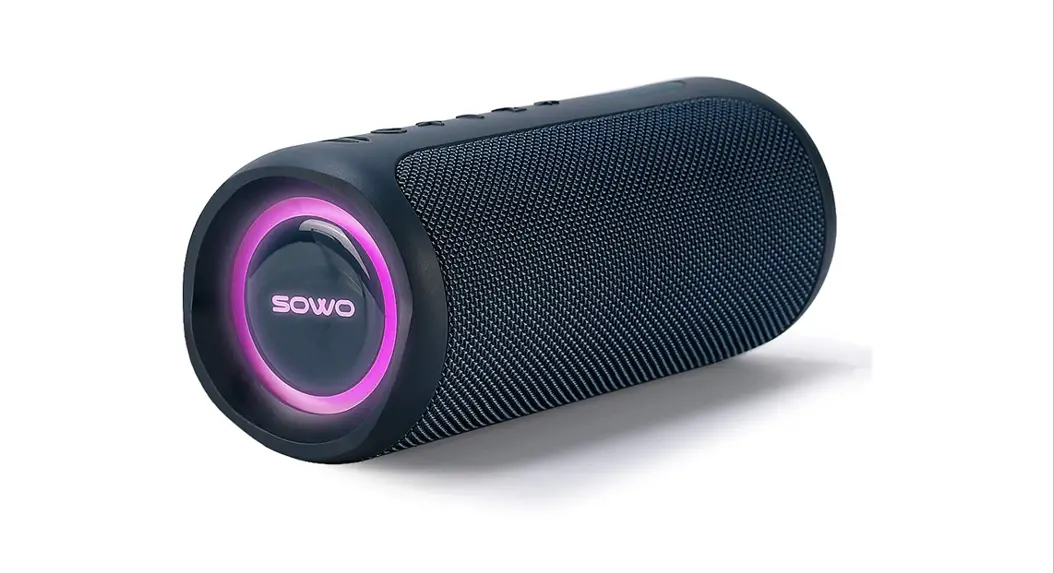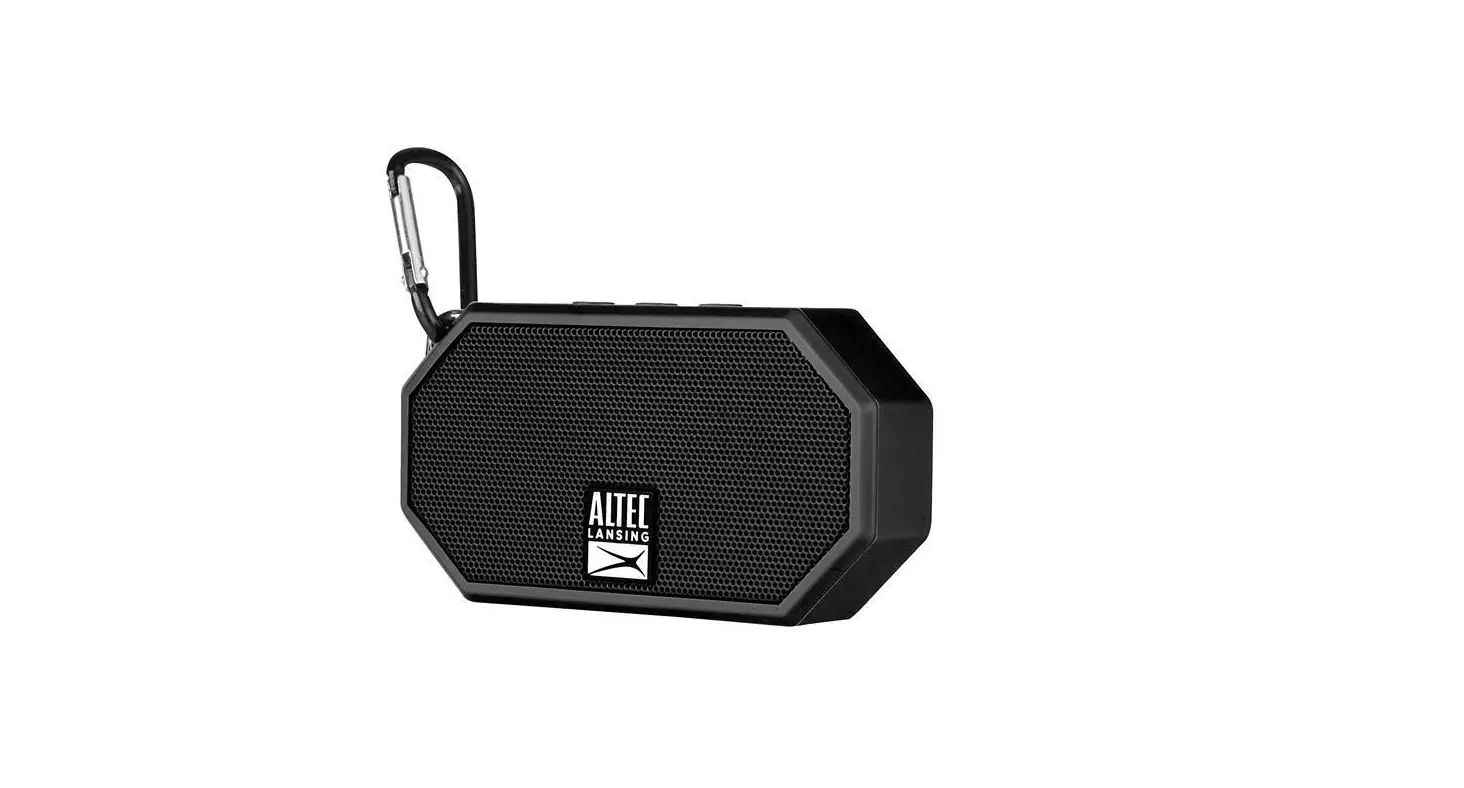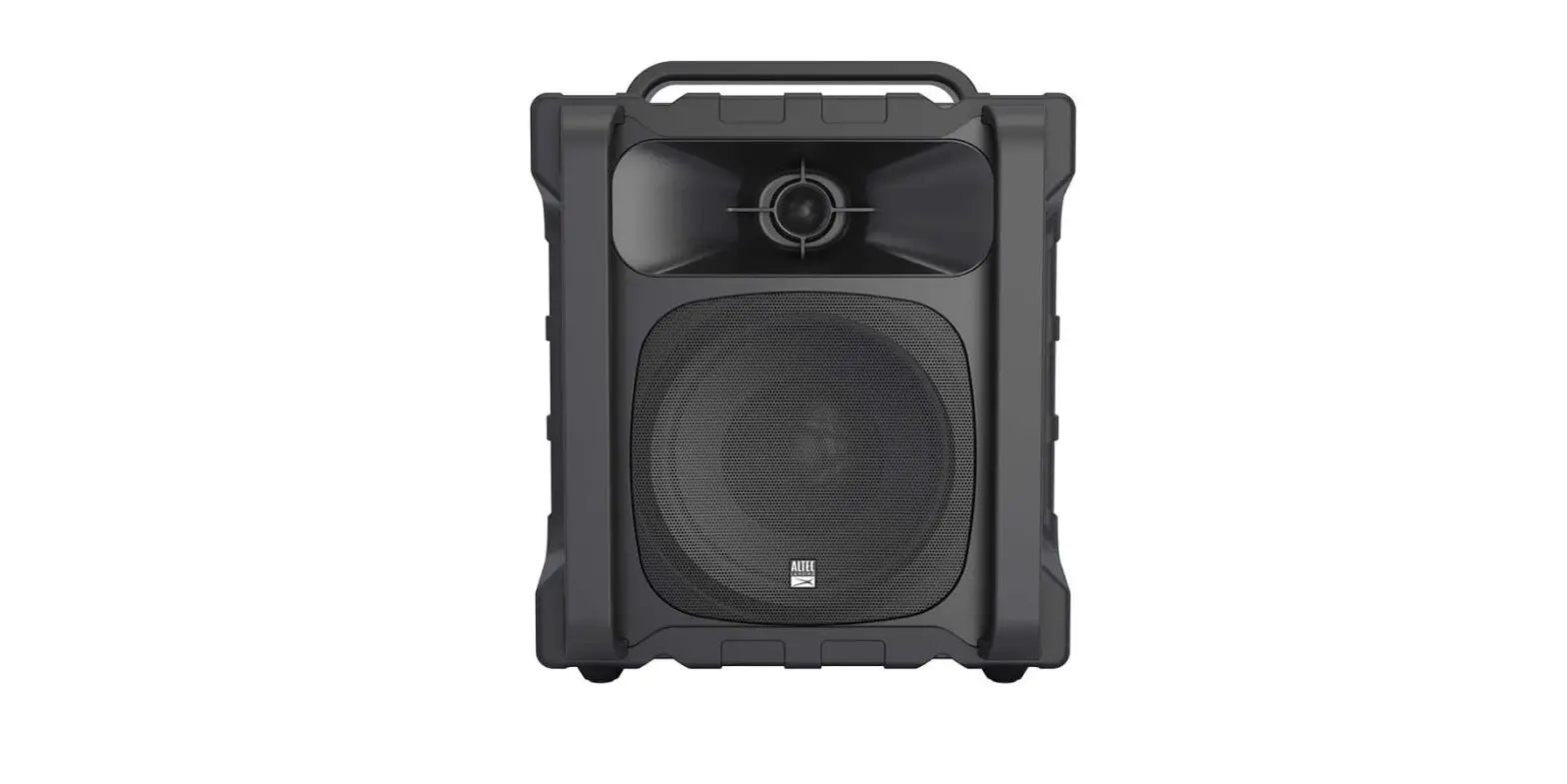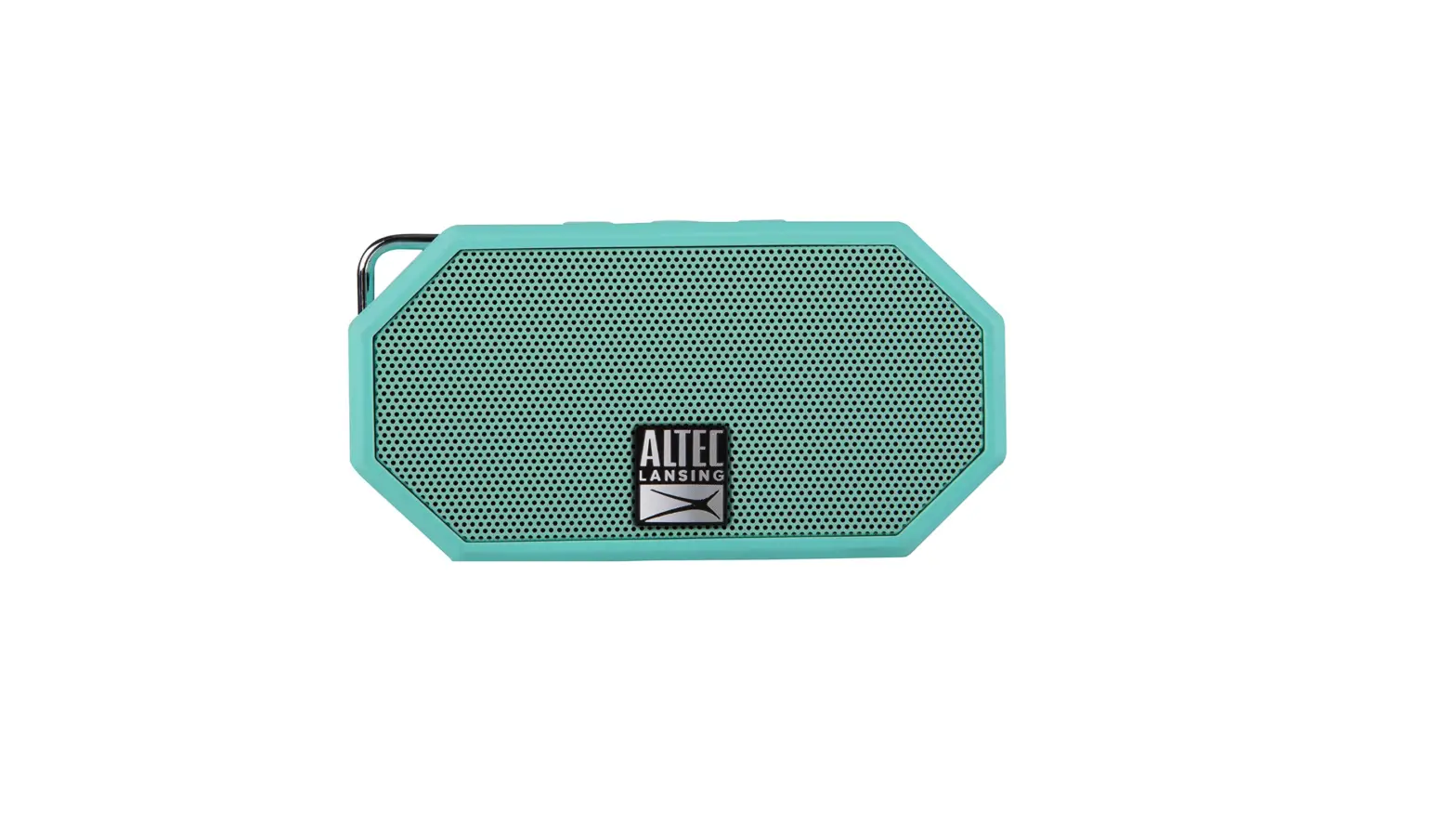

Altec Lansing Imw578l Lifejacket 3 With Lights Rugged Bluetooth Speaker User Guide

Altec Lansing Imw578l Lifejacket 3 With Lights Rugged Bluetooth Speaker User Guide

ALTEC LOGO

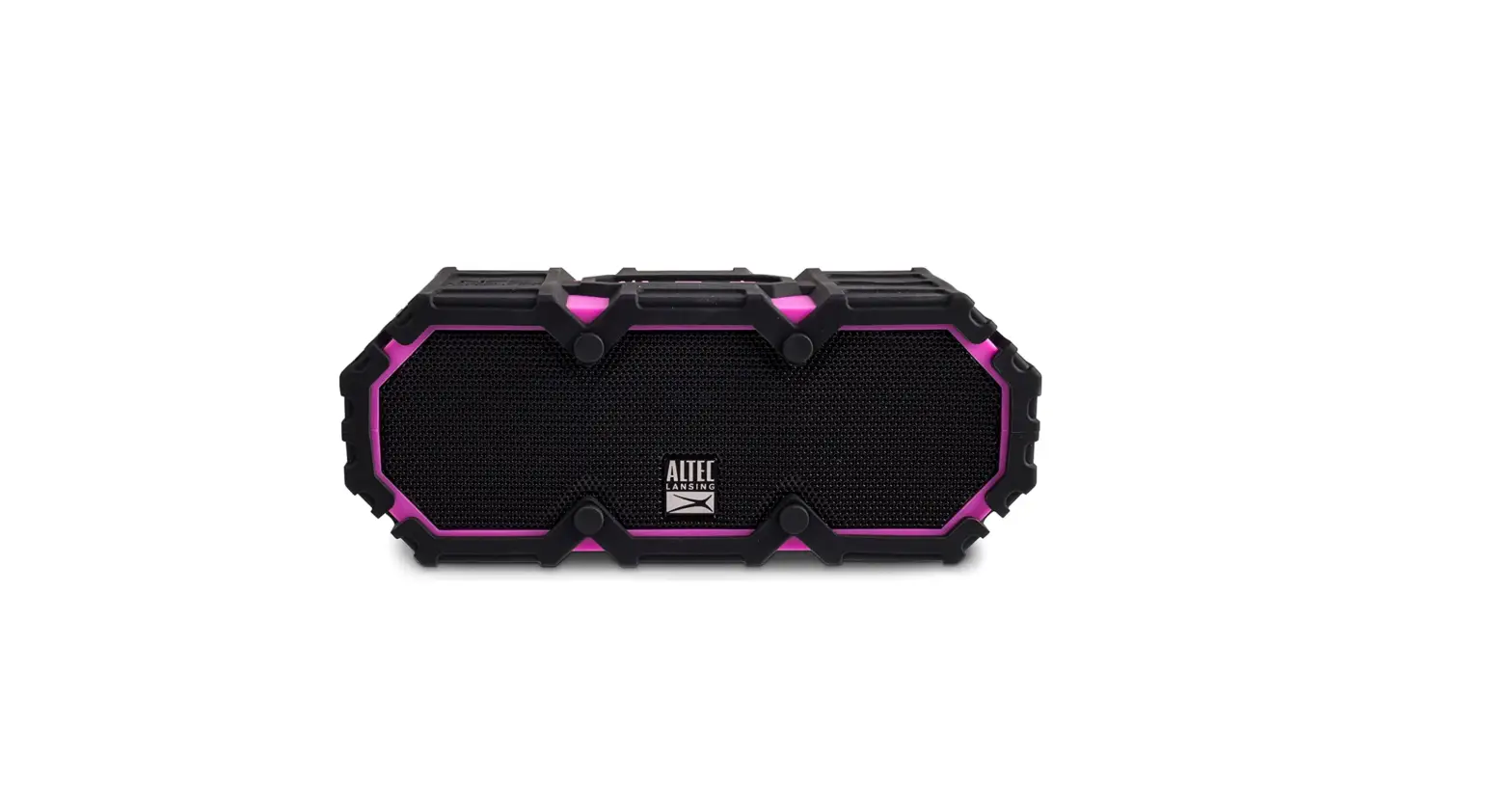
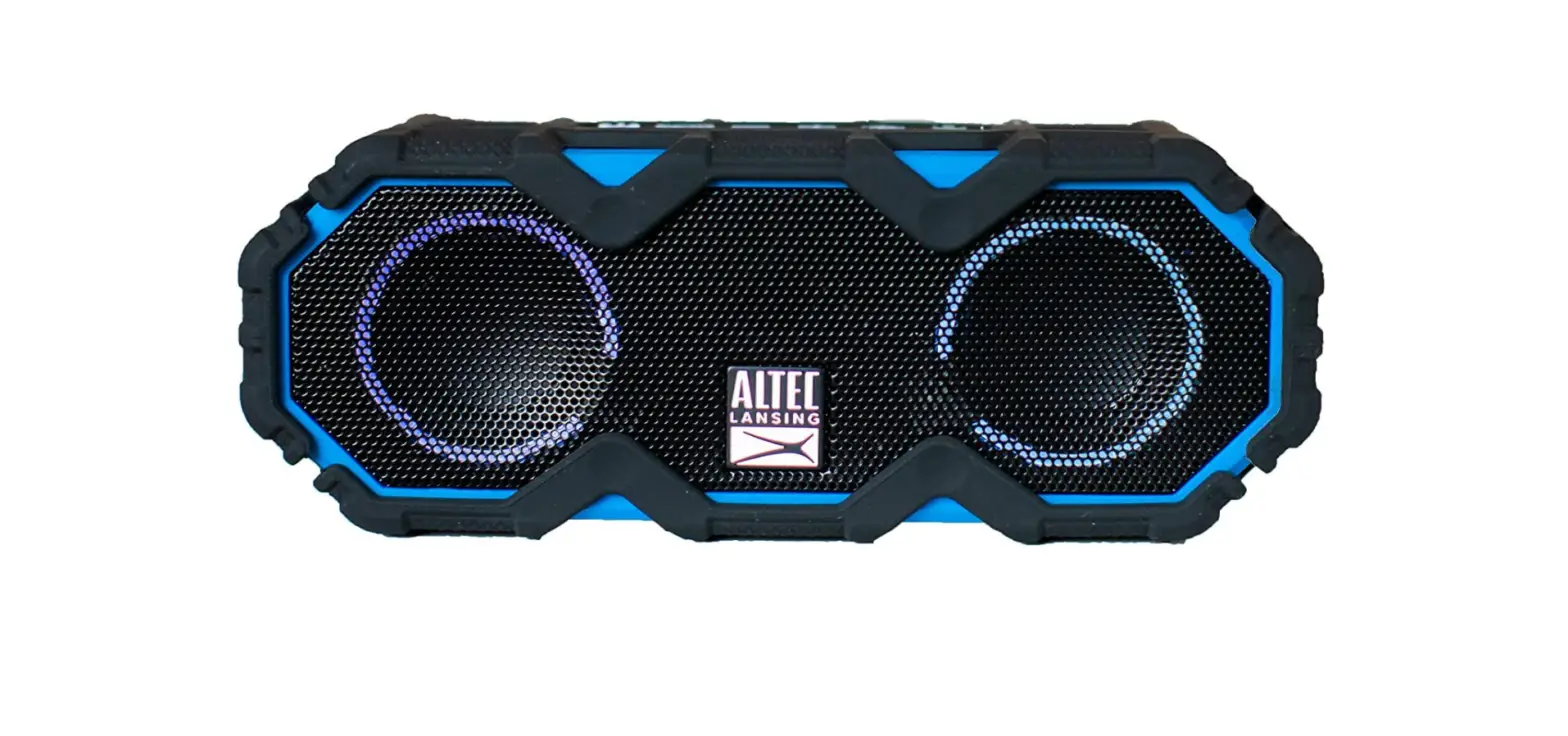
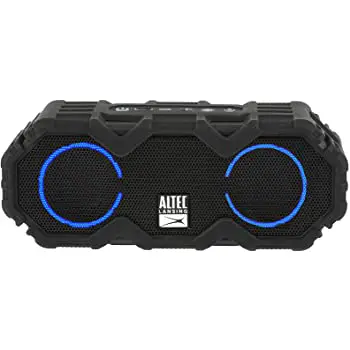
ALTEC LANSING IMW578L Lifejacket 3 with Lights Rugged Bluetooth Speaker
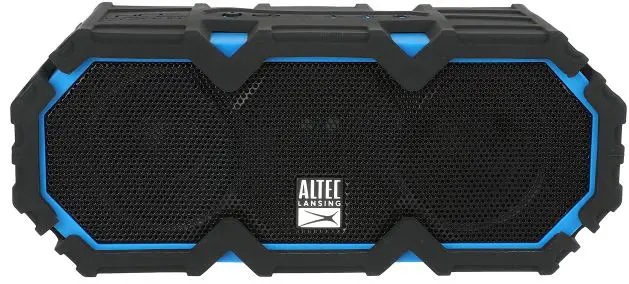
ALTEC LANSING-IMW578L-Lifejacket 3-with-Lights-Rugged-Bluetooth-Speaker-PRODUCT-IMG

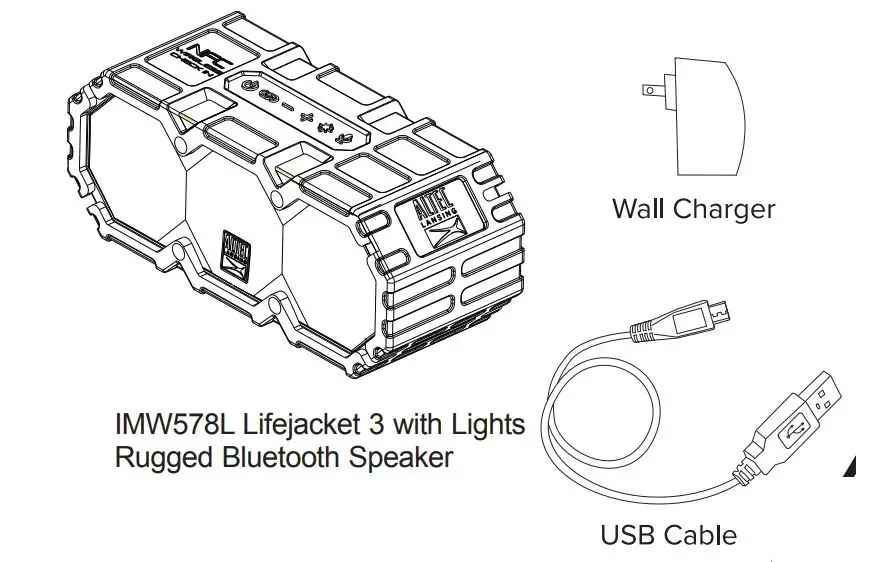
In the BoxALTEC LANSING-IMW578L-Lifejacket 3-with-Lights-Rugged-Bluetooth-Speaker-FIG- (1)

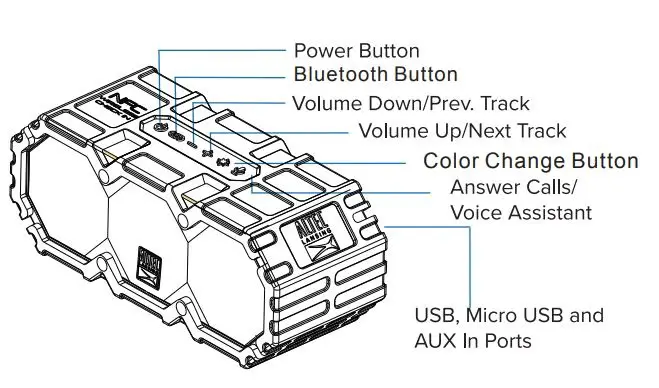
A Closer LookALTEC LANSING-IMW578L-Lifejacket 3-with-Lights-Rugged-Bluetooth-Speaker-FIG- (2)

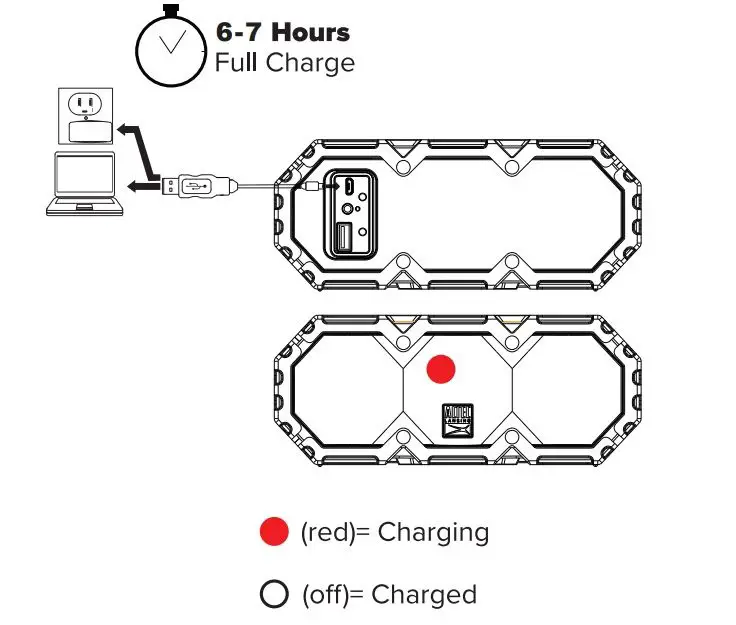
ChargingALTEC LANSING-IMW578L-Lifejacket 3-with-Lights-Rugged-Bluetooth-Speaker-FIG- (3)

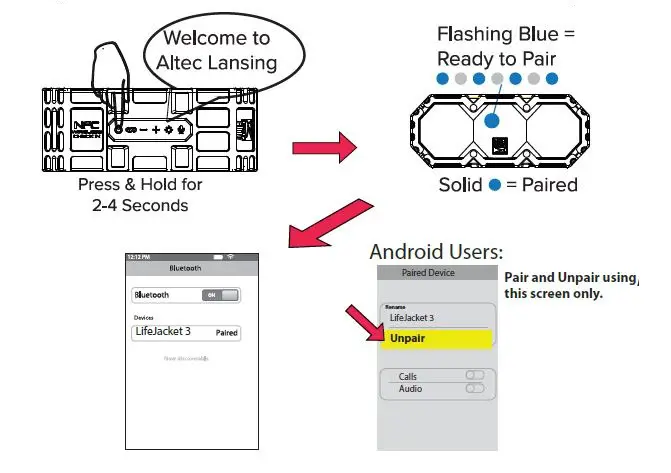
Powering On/Bluetooth PairingALTEC LANSING-IMW578L-Lifejacket 3-with-Lights-Rugged-Bluetooth-Speaker-FIG- 7

True Wireless Stereo Mode

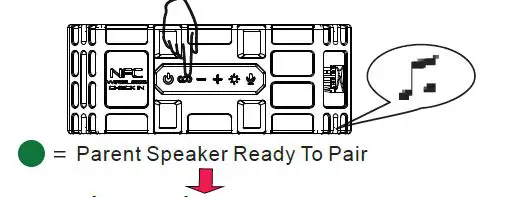
Parent speaker:

  • Power on and connect to device via Bluetooth
  • Press’link’button for 4-5 seconds. Speaker will beep and light will turn greenALTEC LANSING-IMW578L-Lifejacket 3-with-Lights-Rugged-Bluetooth-Speaker-FIG- 8

Secondary speaker:
Power on then quick press the’link’ button. Speaker will beep and light will turn greenALTEC LANSING-IMW578L-Lifejacket 3-with-Lights-Rugged-Bluetooth-Speaker-FIG- 9
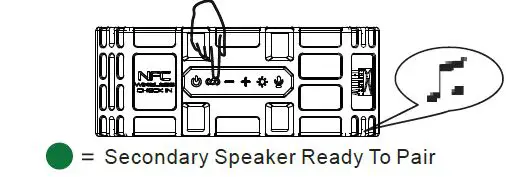
1-2 seconds later both speakers will beep and both green lights will be solid indicating speakers are paired to each other.

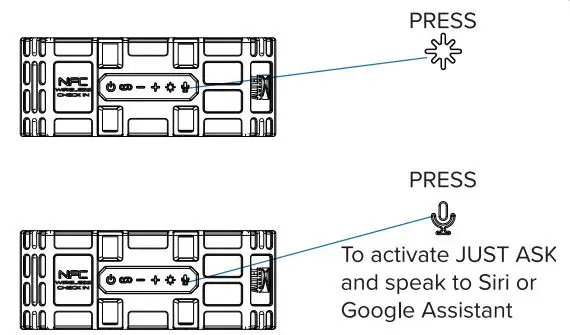
Just Ask Light Change Mode

  • To toggle between the different light modes:
  • Multi-color slow fade, White pulse to music,
  • Multi-color pulse to music, White slow fade,
  • Solid Blue, Multicolor change, Off.

ALTEC LANSING-IMW578L-Lifejacket 3-with-Lights-Rugged-Bluetooth-Speaker-FIG- (4)

Note: After Reset, First time Power on the unit, Around 20 seconds the Light will automatically change to off.

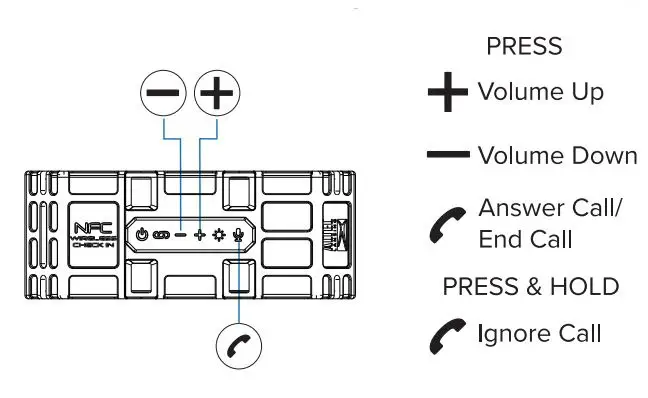
Controlling Music/Bluetooth ResetALTEC LANSING-IMW578L-Lifejacket 3-with-Lights-Rugged-Bluetooth-Speaker-FIG- (5)

Answering CallsALTEC LANSING-IMW578L-Lifejacket 3-with-Lights-Rugged-Bluetooth-Speaker-FIG- (6)

Overall battery performance varies depending upon use, settings and environmental conditions. For further information, please visit www.alteclansing.com

FOLLOW US ON #myalteclansing
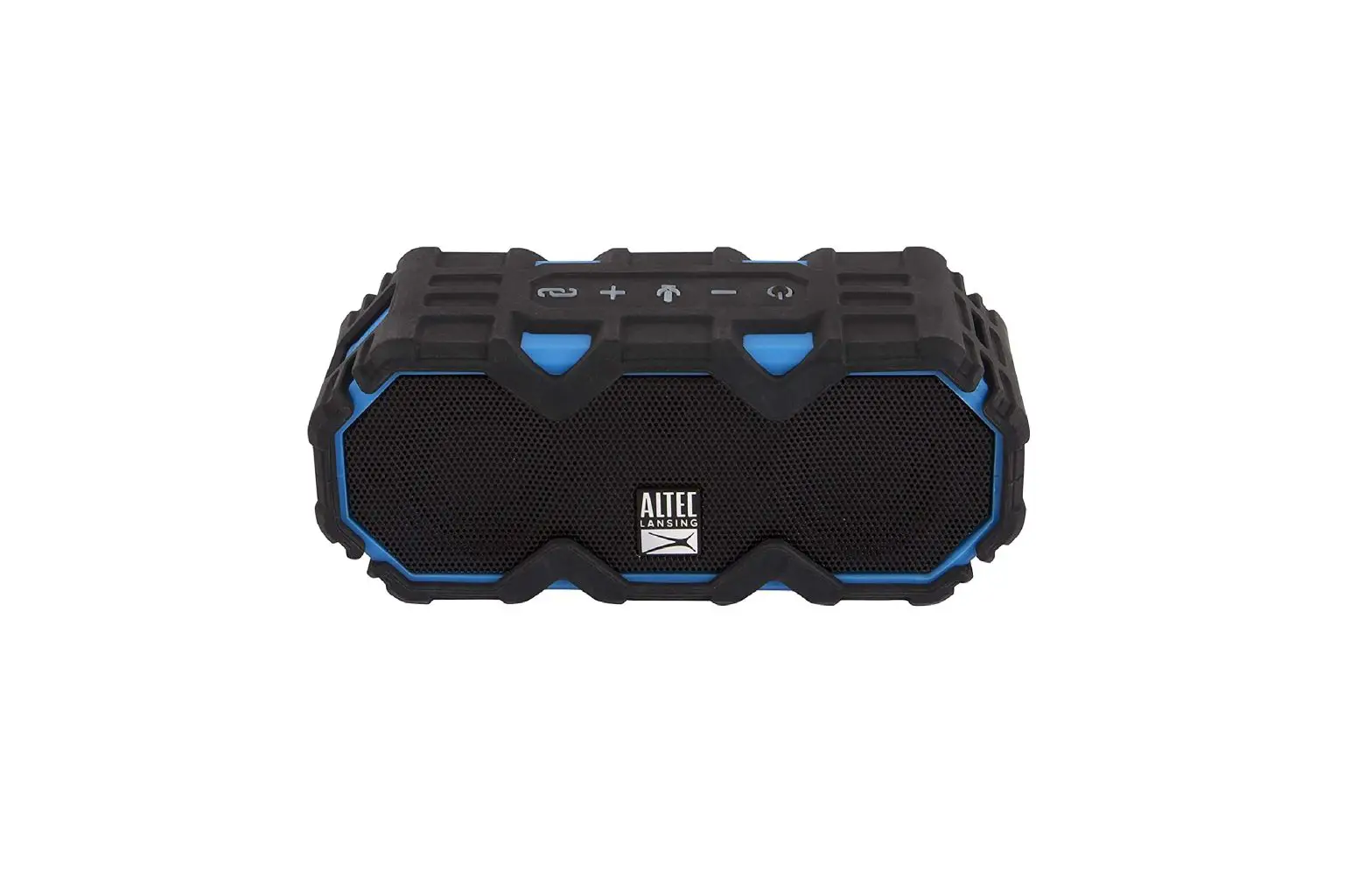
Documents / Resouces

Download manual
Here you can download full pdf version of manual, it may contain additional safety instructions, warranty information, FCC rules, etc.


Related Manuals