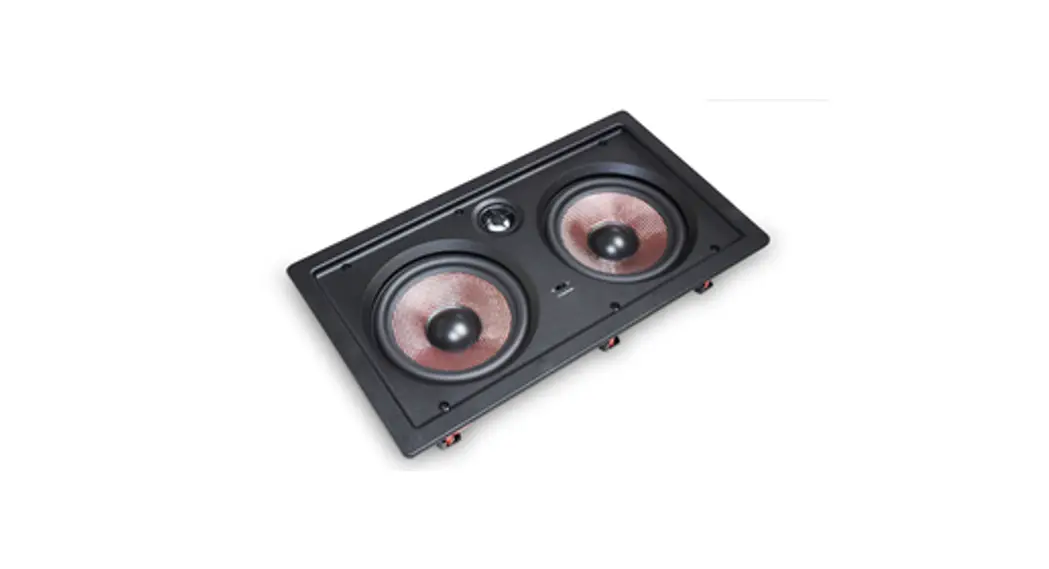
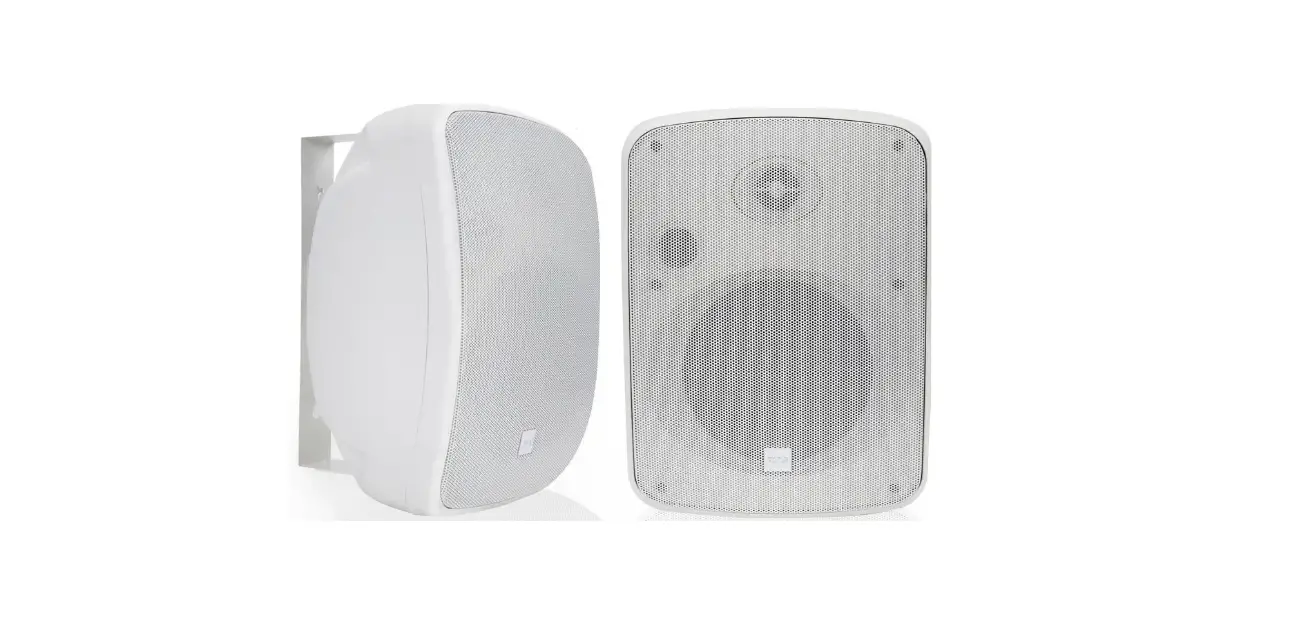
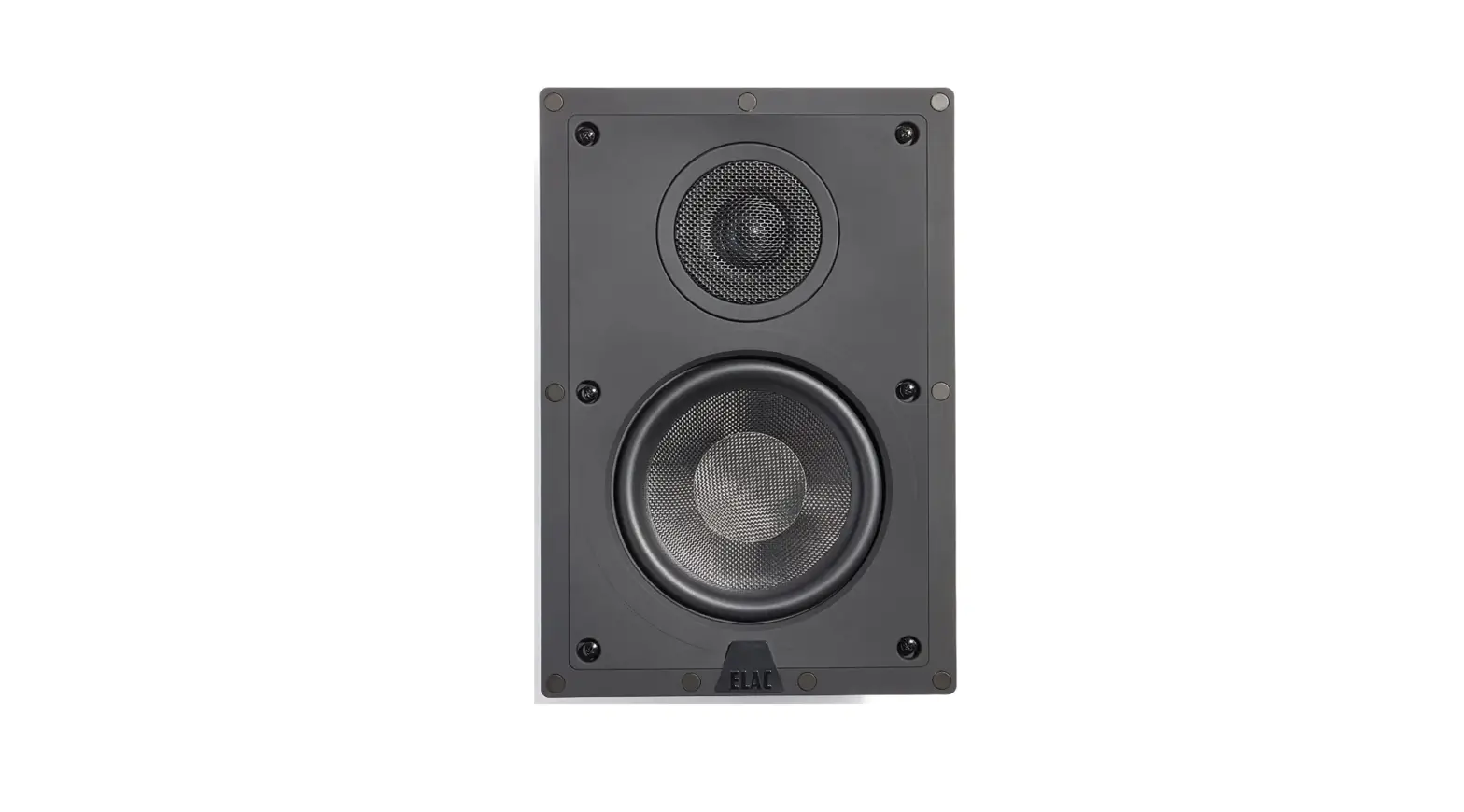
T63LCR 6.5 Inches In-Wall LCR Speakers
Product Information:
The T63LCR is an in-wall LCR speaker designed for optimal audio
performance. It features a dual 6.5-inch carbon fiber cone woofer
and a 1-inch aluminum dome tweeter. With a power handling capacity
of 200W and an impedance of 8 ohms, this speaker delivers clear and
dynamic sound. The T63LCR has a sensitivity of 87dB at 1W/1m and a
frequency response range of 45Hz to 22kHz. Its dimensions are 15.9
x 8.9 inches (LxW) and the cutout size required for installation is
14.3 x 7.4 inches. The speaker has a mounting depth of 3.3
inches.
Product Usage Instructions:
Preparation:
- Gather the following tools for installation: pencil, drill,
tape measure, wire cutter, safety eye wear, Phillips screwdriver,
gloves, utility knife, and sandpaper. - Refer to the Speaker Wire Guide to determine the appropriate
gauge of speaker wire based on the distance between the
speakers. - Consider the best placement for the speakers, ensuring they are
separated 6-10 feet apart.
Installation:
- Cut a hole in your wall or ceiling based on the provided cutout
dimensions. - Mount the speaker using the quick-turn mounting system. Tighten
the mounting brackets by turning the screws clockwise until fully
tightened to the locked position.
Connection:
- Ensure that the power is off before connecting the speakers to
the amplifier or receiver. - Locate the connection terminals on the back of your receiver or
amplifier. - Connect the audio out from the back of your receiver or
amplifier to the speakers following the polarity indicated in
Diagram 4. - Note: Check your owner’s manual for impedance and wattage
compatibility, as not all amplifier/receivers can safely play more
than one pair of speakers at once.
Adjustment:
- To adjust the pivoting tweeter, press on the designated area
indicated in Diagram 6.
Warranty:
The T63LCR is covered by a warranty provided by Optimal Speaker
Design. For more information about warranty coverage, please visit
osdaudio.com.
T63LCR INSTALL GUIDE
T63 LCR manual.indd 1
8/10/22 11:47 AM
T63LCR INSTALL GUIDE
Preparation:
Tools For Installation
– Pencil – Drill – Tape Measure
– Wire Cutter
– Safety Eye Wear
– Phillips Screwdriver – Gloves
– Utility Knife
– Sandpaper
Speaker Wire Guide
18AWG minimum – for distances up to …………………. 10 ft 16AWG – from ……………………………………….. 10 to 50 ft 14AWG – from ……………………………………… 50 to 100 ft
Considerations
– Where is the best place to install the speakers? – Where do the speakers sound the best? – Separate the speakers 6 – 10 feet apart.
Placement
TV
There are many options for proper speaker placement depending upon speaker type and application. It’s important to carefully plan the placement of your speakers, as installation requires that you cut a hole in your wall or ceiling.
(See Diagram 1.) Typical speaker placement for a 5.1 and 7.1 speaker system.
Installation:
Cut Out
NOTE: This is the most important part of the entire installation. If you are not certain whether any obstructions exist behind the desired mounting area, you should start by cutting a small hole in the center of your penciled mounting hole with a drywall saw. Using the Cut Out dimensions measure and trace a template on the wall in the desired location. Cut along the traced line using a drywall saw or rotary drill. Use a piece of sandpaper to sand down the cut out edge for a smoother contour. (See Diagram 2.)
T63 LCR manual.indd 2-3
Diagram 1 Diagram 2
T63LCR INSTALL GUIDE
Mounting
Tighten the mounting brackets by simply turning the screws on the front of the speaker baffle slowly clockwise. The quick-turn mounting system and frame will “sandwich” or clamp around the dry-wall to hold the speaker securely in place once fully tightened to the locked position. (See Diagram 3.)
Open Position
Locked Position
Connection
When connecting any speakers to the amplifier or receiver, always make sure the power is off. Locate the connection terminals on the back of your receiver or amplifier. Always make sure to connect audio out from the back of your receiver or amplifier to the speakers. (See Diagram 4.) NOTE: Not all Amplifier/Receivers can safely play more than one pair of speakers at once. Please refer to your owner’s manual for impedance and wattage compatibility.
Adjustment
On select models a front mounted 3 position ±3dB treble & or bass contour switch can be used to tailor high frequencies according to speaker placement or the listeners preference. (See Diagram 5.)
Pivoting Tweeter
Your Black series speaker comes from the factory with the tweeter centered in the neutral position. This will provide the smoothest response. However, select models come with a pivoting tweeter so you can focus the sound directly towards the listening area if needed. In order to do this, carefully press on the edge of the tweeter baffle in the direction you wish to focus the sound. (See Diagram 6.) CAUTION: When adjusting the pivoting tweeter be sure not to touch the dome as you may cause damage to the speaker.
Diagram 3
Rec/Amp
Left Out
Right Out
-+
– +
+-
Left Speaker
Diagram 4
+-
Right Speaker
Diagram 5
Press Here to Pivot Tweeter
Diagram 6
8/10/22 11:47 AM
Specifications:
T63LCR
In-Wall LCR Speaker Woofer: Tweeter: Power Handling: Sensitivity: Freq Response: Impedance: Dimension: Cut Out: Mounting Depth:
T63LCR INSTALL GUIDE
Dual 6.5″ Carbon Fiber Cone 1″ Aluminum Dome 200W 87dB 1w/1m 45Hz – 22kHz 8 ohms (LxW) 15.9″ x 8.9″ 14.3″ x 7.4″ 3.3″
WARRANTY
All Optimal Speaker Design speaker products have Limited Lifetime Warranty against defects in materials and workmanship. Proof of purchase must accompany all claims. During the warranty period Optimal Speaker Design will replace any defective part and correct any defect in workmanship without charge for either parts or labor Optimal Speaker Design may replace returned speakers with a product of equal value and performance. In such cases, some modification to the mounting may be necessary and are not Optimal Speaker Designs responsibility. For this warranty to apply, the unit must be installed and used according to its written instructions. If necessary, repairs must be performed by Optimal Speaker Design. The unit must be returned to Optimal Speaker Design at the owner’s expense and with prior written permission. Accidental damage and shipping damage are not considered defects, nor is damaged resulting from abuse or from servicing performed by an agency or person not specifically authorized in writing by Optimal Speaker Design Optimal Speaker Design sells products only through authorized dealers and distributors to ensure that customers obtain proper support and service. Any Optimal Speaker Design product purchased from an unauthorized dealer or other source, including retailers, mail over dealers and online sellers will not be honored or serviced under existing Optimal Speaker Design warranty policy. Any sale of product by an unauthorized source or other manner not authorized by Optimal Speaker Design shall void the warranty on the applicable product. Damage to or destruction of components due to application of excessive power voids the warranty on those parts. In these cases, repairs will be made on the basis of the retail value of the parts and labor. To return for repairs, you must email customer service at [email protected] for a Returned Merchandise Authorization (RMA) number# then the unit must be shipped to Optimal Speaker Design at the owner’s expense, along with a note explaining the nature of service required. Be sure to pack the speaker(s) in a corrugated container with at least 3 inches of resilient material to protect the unit from damage in transit. This Warranty Does Not Cover: Damage caused by abuse, accident, misuse, negligence, or improper operation (installation) · Any products that have been altered or modified · Any product whose identifying number of decal, serial #, etc. has been altered, defaced or removed · Normal wear and maintenance.
Optimal Speaker Design | Brea, CA | osdaudio.com
T63 LCR Manual 8/22
T63 LCR manual.indd 4
8/10/22 11:47 AM
 OSD | Premium Audio Products | Optimal Speaker Design