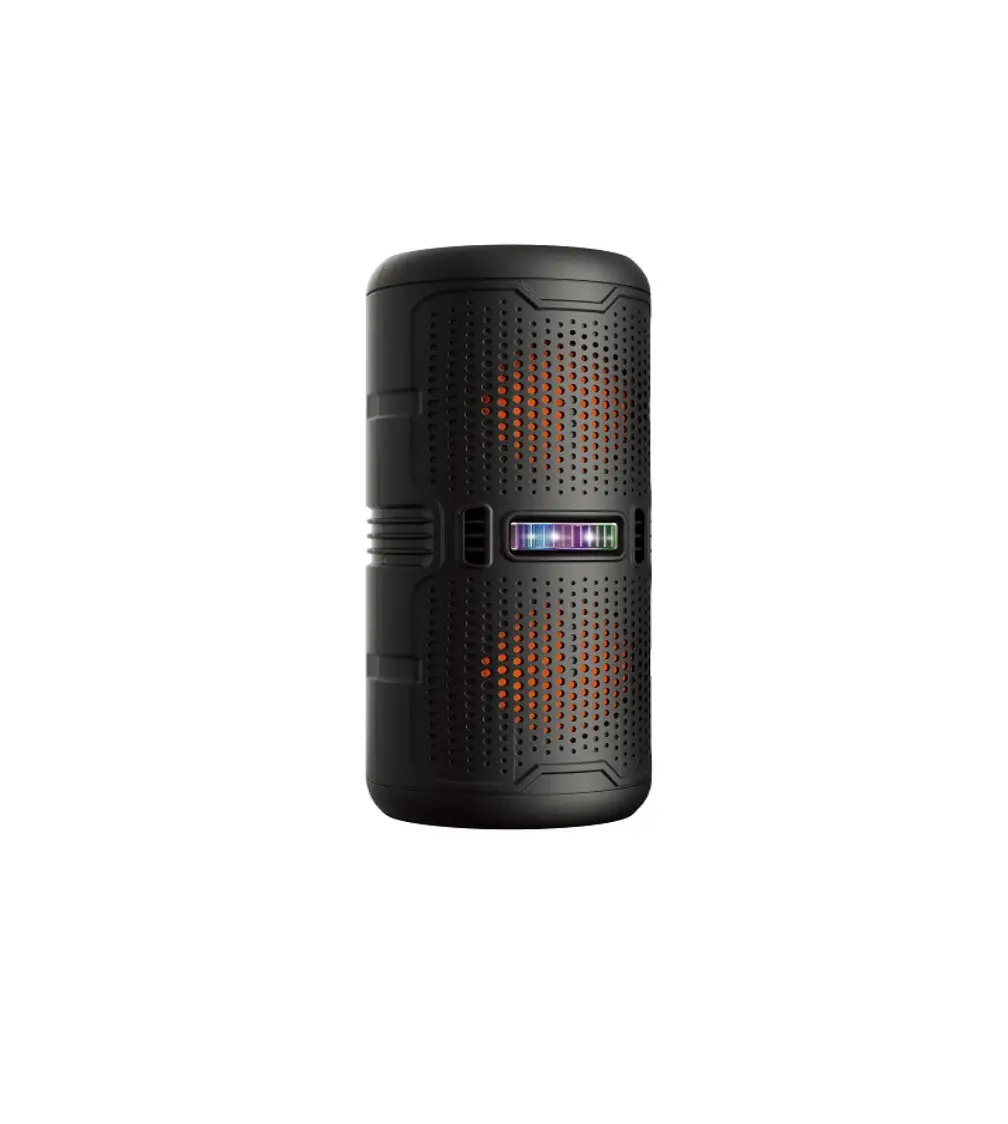
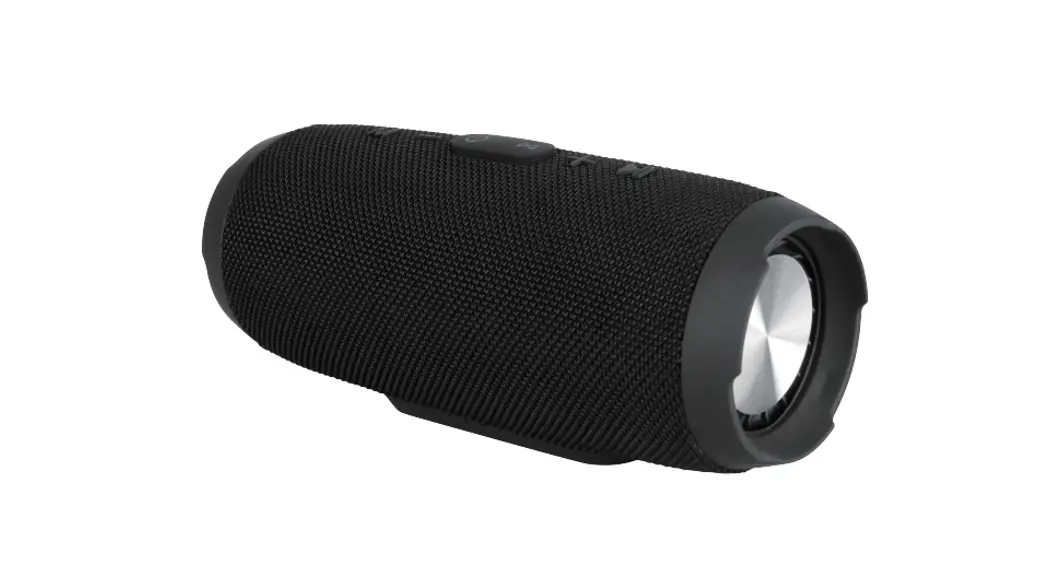
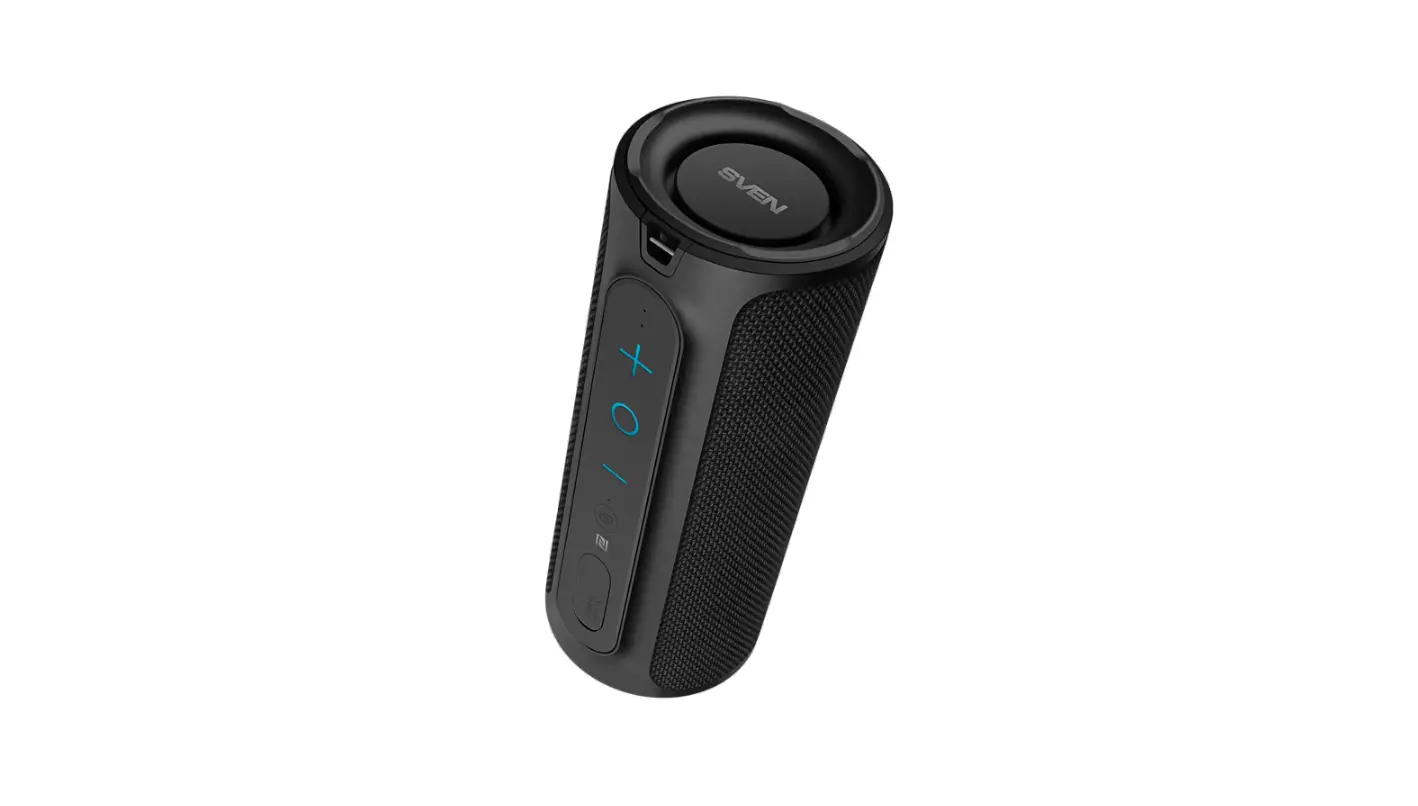
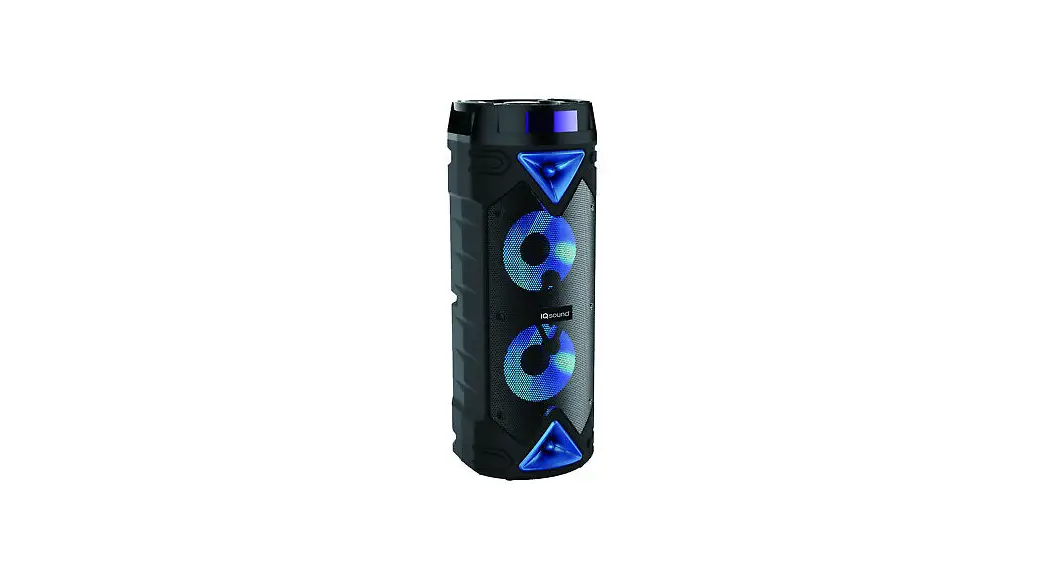
VAS-3003-BK Portable Speaker with Bluetooth
Product Information:
- Product Name: Portable Speaker With Bluetooth
- Bluetooth Version: Bluetooth V5.0
- Bluetooth Frequency: 2.40 Ghz
- FM Frequency: 87.5-108MHz
- Bluetooth Operating Distance: Up to 33 Feet(10 Meters)
- Functions: Bluetooth, USB, TF, FM, AUX IN, MIC IN
- Power Supply: DC 5V
- Accessories Included: User Manual, Charging Cable, AUX IN
Cable
Product Usage Instructions:
- Bluetooth Mode:
- Press the “Mode” button to enter Bluetooth mode.
- The Bluetooth indicator will start flashing, indicating the
speaker is in pairing mode. - Search for the speaker in the list of Bluetooth devices named
“VICTOR VAS-3003” and connect to it. - The Bluetooth indicator will remain solid if the pairing is
successful.
- Connect one end of a 3.5 mm audio cable (not provided) to the
speaker’s AUX INPUT jack. - Connect the other end to the output jack of your audio
device.
- This speaker can play audio files (e.g., MP3) stored on a TF
card. - Insert your TF card (not included) into the TF Card port for
playback.
- This speaker can play audio files (e.g., MP3) stored on a USB
drive. - Insert your USB drive (not included) into the USB port for
playback.
- Press the “Mode” button to enter FM mode.
- Press the power/play/pause button to automatically search for
stations. - The speaker will save the station once the search is
completed. - Rotate the knob on the unit to select a station.
- Adjust the position of the speaker to improve FM radio
reception.
- Insert a microphone (not included) into the mic in jack to
activate Microphone mode.
- The speaker has a built-in, rechargeable lithium-ion
battery. - To avoid damage, do not attempt to remove the battery.
- Before first use, fully charge the device using the supplied
charging cable. - The charging indicator will be on during charging and off after
it is fully charged. - Important 1: To avoid a complete discharge of the battery,
charge the speaker at least once every month. - Important 2: Do not play music while charging the device.
90.00 mm
130.00 mm
PRODUCT OVERVIEW
Warning
1.Do not drop speakers to avoid damaging internal structure. 2.Do not use this product in wet environment to avoid water droplets into the speaker. 3.Do not use any chemical solvent to wipe the surface of machine. 4.This speaker is high sealing design. Do not attempt to disassemble this speaker.
1
2
Portable SPEAKER WITH BLUETOOTH VAS-3003-BK
FEATURE
Bluetooth 5.0 TF Card FM Radio USB For Music Playback 3.5 mm AUX IN MIC IN Built-in Rechargeable Battery
Bluetooth Mode Indicator
FM Mode USB Mode TF Mode AUX Mode Indicator Indicator Indicator Indicator
Charging Indicator
MIC
USB
TF
AUX
DC 5V
USER MANUAL Please read carefully before use and keep for future reference.
SPECIFICATION
Product Name : Portable Speaker With Bluetooth Bluetooth Version: Bluetooth V5.0 Bluetooth Frequency: 2.40 Ghz FM Frequency: 87.5-108MHz Bluetooth Operating Distance: Up to 33 Feet(10 Meters) Function:Bluetooth, USB, TF, FM, AUX IN, MIC IN Power Supply: DC 5V Accessories Included: User Manual, Charging Cable, AUX IN Cable
3
4
5 67
1.Mode Button, Previous&Next Track: Press to change mode. Rotate the knob to previous track and next track 2.Power/Play/Pause Button, Volume Knob: Hold and press to power ON/OFF.Press to play or pause(Bluetooth/USB/TF). 3. Microphone Port 4. USB Port(For Music Playback Only) 5. TF Card Port 6. AUX IN Port 7. Charging Port-DC 5V
SET UP & BASIC OPERATION
Bluetooth Mode 1. Pressto Bluetooth mode. The bluetooth indicator will begin flash to indicate the speaker is in pairing mode. 2. Search for the speaker in the list of Bluetooth devices named “VICTOR VAS-3003” and connect. 3. The Bluetooth indicator will be solid if pairing successfully.
AUX IN Mode Connect one end of a 3.5 mm audio cable(not provide) to speaker’s AUX INPUT jack, then connect the other end to the output jack of your audio device.
TF Mode This speaker can play audio files such as MP3 that are stored on a TF card. Insert your TF Card (not included) into the TF Card port for playback.
USB Mode This speaker can play audio files such as MP3 that are stored on a USB drive Insert your USB drive (not included) into the USB port for playback.
FM Mode Press to FM mode. Press the power/play/pause button to automatically search for stations. It will save the station once searching completed. Rotate the RREV / NEXT Knob on the unit to select station. An FM receiver is built into the speaker. Adjust the position of the speaker to improve FM radio reception.
MIC IN Mode Inserting the microphone(not included) to mic in jack. This will active Microphone mode.
Charging the device The speaker has a built-in, rechargeable lithium ion battery. To avoid damage, do not attempt to remove the battery. Before first use, fully charge the device using the supplied charging cable.Charging indicator will be on when charging, and off after fully charged. ( Important 1: To avoid a complete discharge of battery, charge the speaker at least once every month.) (Important 2: Do not play music while charging the device.)
Thi s devi ce compl i es wi t h par t 15 of t he FCC Rul es. Oper at i on i s subj ect t o t he f ol l owi ng t wo condi t i ons: ( 1) t hi s devi ce may not cause har mf ul i nt er f er ence, and ( 2) t hi s devi ce must accept any i nt er f er ence r ecei ved, i ncl udi ng i nt er f er ence t hat may cause undesi r ed oper at i on. Any changes or modi f i cat i ons not expr essl y appr oved by t he par t y r esponsi bl e f or compl i ance coul d voi d t he user ‘ s aut hor i t y t o oper at e t he equi pment . NOTE: Thi s equi pment has been t est ed and f ound t o compl y wi t h t he l i mi t s f or a Cl ass B di gi t al devi ce, pur suant t o Par t 15 of t he FCC Rul es. These l i mi t s ar e desi gned t o pr ovi de r easonabl e pr ot ect i on agai nst har mf ul i nt er f er ence i n a r esi dent i al i nst al l at i on. Thi s equi pment gener at es, uses and can r adi at e r adi o f r equency ener gy and, i f not i nst al l ed and used i n accor dance wi t h t he i nst r uct i ons, may cause har mf ul i nt er f er ence t o r adi o communi cat i ons. However , t her e i s no guar ant ee t hat i nt er f er ence wi l l not occur i n a par t i cul ar i nst al l at i on. I f t hi s equi pment does cause har mf ul i nt er f er ence t o r adi o or t el evi si on r ecept i on, whi ch can be det er mi ned by t ur ni ng t he equi pment of f and on, t he user i s encour aged t o t r y t o cor r ect t he i nt er f er ence by one or mor e of t he f ol l owi ng measur es: – – Reor i ent or r el ocat e t he r ecei vi ng ant enna. – – I ncr ease t he separ at i on bet ween t he equi pment and r ecei ver . – – Connect t he equi pment i nt o an out l et on a ci r cui t di f f er ent f r om t hat t o whi ch t he r ecei ver i s connect ed. – – Consul t t he deal er or an exper i enced r adi o/ TV t echni ci an f or hel p. To mai nt ai n compl i ance wi t h FCC s RF Exposur e gui del i nes, Thi s equi pment shoul d be i nst al l ed and oper at ed wi t h mi ni mum di st ance bet ween 20cm t he r adi at or your body: Use onl y t he suppl i ed ant enna.