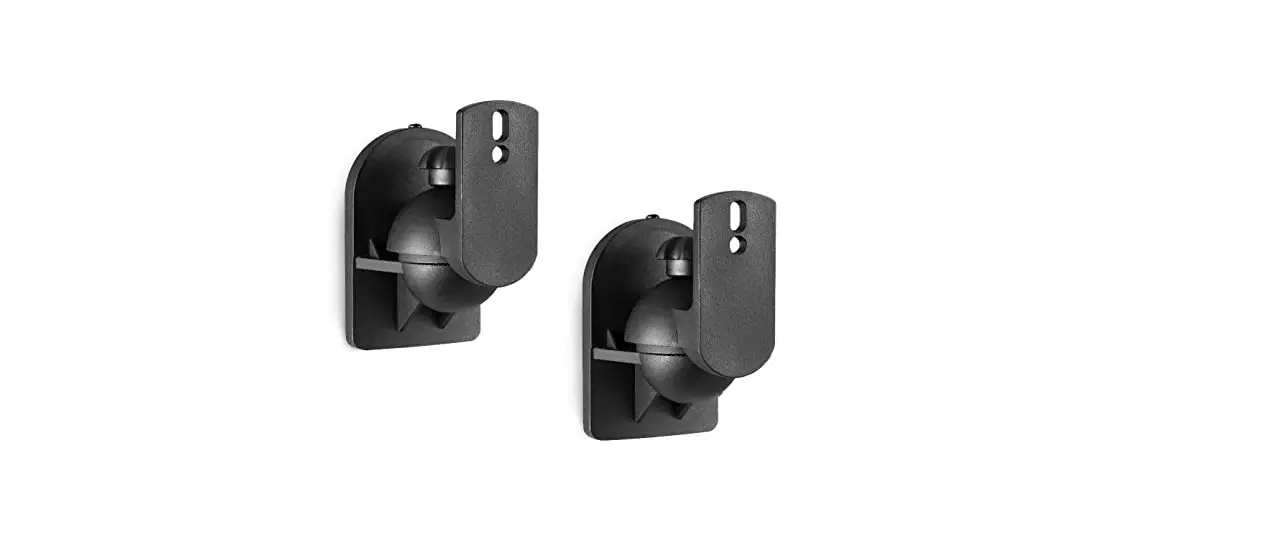
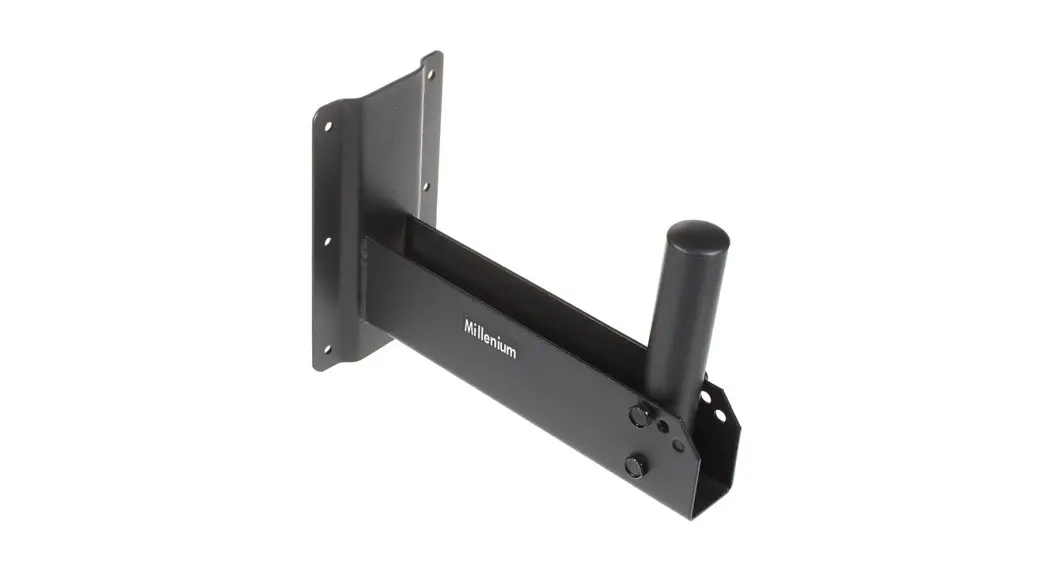
MM-016-BT Adjustable Speaker Wall Mount
Product Information
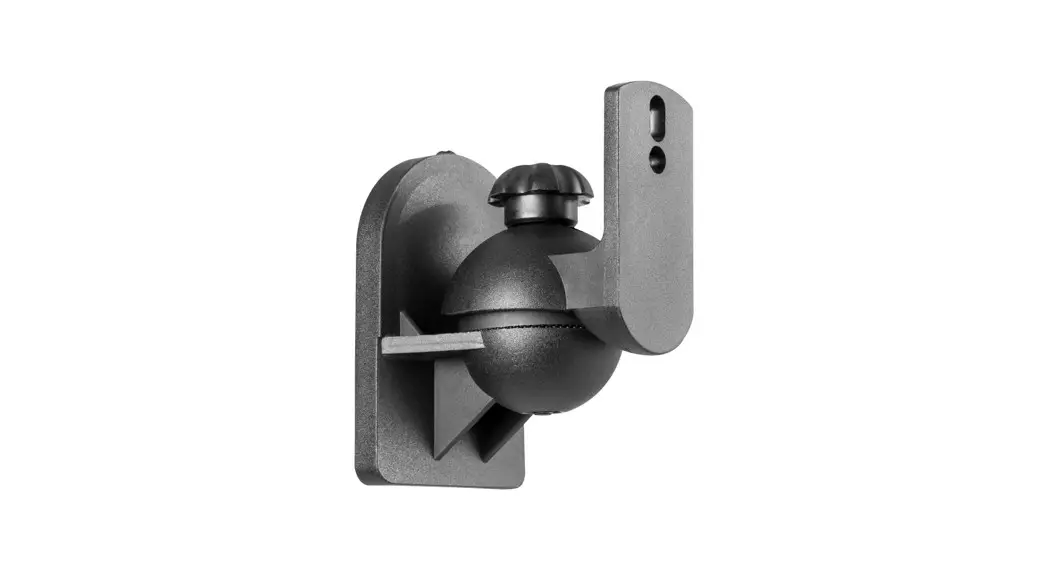
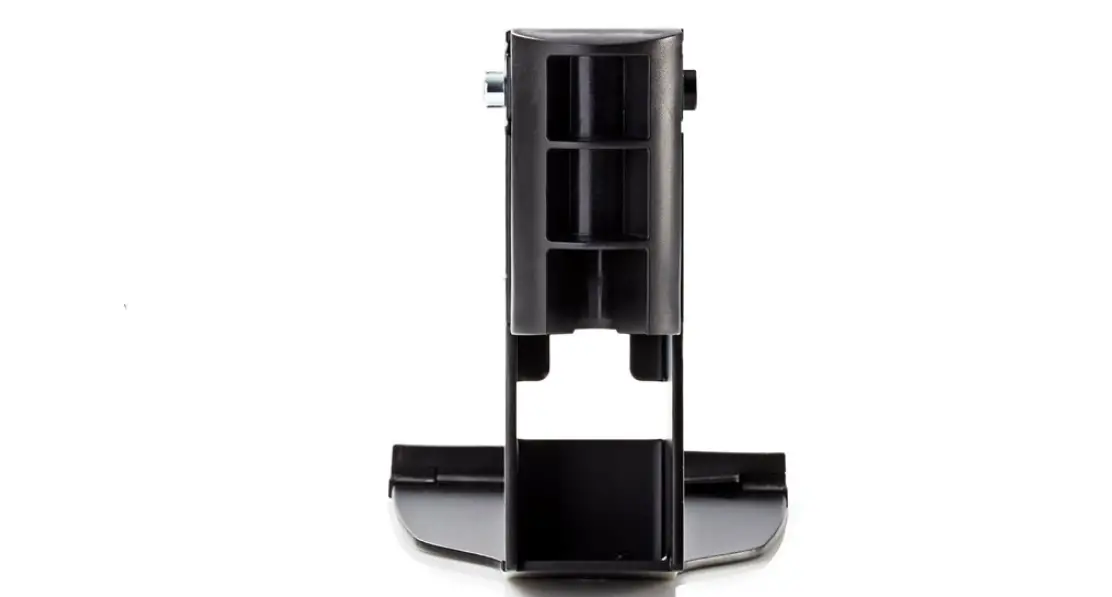
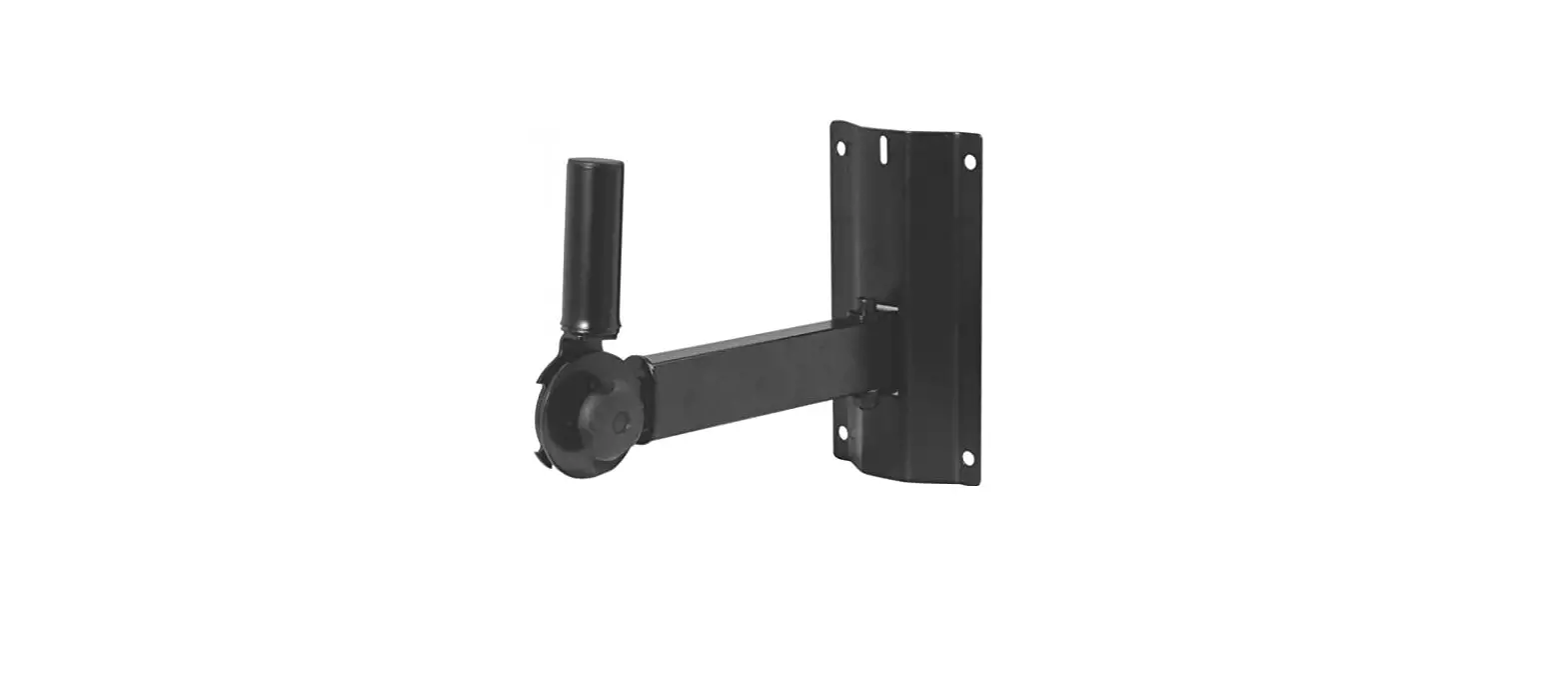
The MultiMount MM-016-BT is an adjustable wall mount designed to
securely mount and aim loudspeakers weighing up to 25lbs./13 kg. It
features independent pan and tilt capabilities, allowing for
precise and quick aiming of sound. The versatile adapter plate
accommodates most speaker manufacturer’s mounting hole
patterns.
Note to installers: Due to the wide variety of wall structures,
materials, and mounting methods, it is important to exercise proper
judgment in selecting the mounting area and hardware. The
installation should be capable of supporting 5 to 10 times the
actual applied load, and a back-up safety system such as a safety
cable should always be used.
Product Usage Instructions
Step 1: Install wall mounting plate
With Pan Angle Option: Attach the wall mounting
plate to the wall with the open center slot towards the ceiling
using the appropriate hardware for the wall structure. Refer to
Figure 1a for visual guidance.
Without Pan Angle Option: Attach the wall
mounting plate to the wall with the open center slot towards the
floor using the appropriate hardware for the wall structure. Refer
to Figure 1b for visual guidance.
Step 2: Select speaker orientation
Vertical Orientation: Attach the speaker
adapter plate assembly to the appropriate mounting holes of the
speaker using the manufacturer’s suggested screws and washers.
Tighten the screws permanently. Refer to Figure 2 for visual
guidance.
Horizontal Orientation:
- Detach the two socket head screws of the adapter plate from the
support arm using a 3/16 allen hex wrench. Refer to Figure 5 for
visual guidance. - Re-attach the support arm to the shorter tabs of the adapter
plate with the included star washer and socket screws. Place the
star washers between the pivot rod and the tab of the adapter
plate, ensuring that the sharp edges of the star washer face the
tab of the adapter plate. Do not tighten yet. Refer to Figure 3a
for visual guidance. - Attach the speaker adapter plate to the appropriate mounting
holes of the speaker using the manufacturer’s suggested screws and
washers. Tighten the screws permanently. Refer to Figure 3b for
visual guidance.
Step 3: Mount the speaker
Lift the assembled speaker with the support arm and insert the
support arm into the top of the wall mounting plate. Line up the
threaded hole of the support arm with the open slot for pan angle
installation (Figure 1a) or to the second barrel hole for no pan
angle installation (Figure 1b) of the wall mounting plate. Install
the included socket screw and flat washer until snug.
For any doubts about the integrity of the structure or proper
hardware to use, consult a structural and/or hardware
specialist.
Installation Guide
Figure 1a Figure 1b
MM-016-BT
Adjustable Wall Mount
Thank you for selecting the MultiMount MM-016 speaker mount. This product permanently mounts and aims up to 25lbs./13 kg. loudspeakers to wall and ceiling structures. The MultiMount’s independent pan and tilt features allow sound to be aimed and re-aimed quickly and precisely. Its versatile adapter plate accommodates most speaker manufacturer’s mounting hole patterns.
Note to installers
Due to the wide variety of wall structures, materials and mounting methods, these instructions assume that the installing contractor will exercise proper judgment in selecting the mounting area and hardware.
As a guide, the installation, when complete should be capable of supporting 5 to 10 times the actual applied load. Also, always use a back up safety system such as a safety cable.
To assure a trouble free installation, read through and follow these instructions carefully before beginning. If you have doubts about the integrity of the structure you are mounting to or you are not sure about the proper hardware to use, consult a structural and/or hardware specialist.
Be sure that all of the following items are included in this kit before proceeding:
1 pc Wall mounting plate 1 pc Hardware kit
1 pc Speaker adapter plate assembly 1 pc Instruction sheet
Note: Screws and washers to attach speaker to adapter plate are not included
Install wall mounting plate
Step 1: With Pan Angle Option To enable the pan angle option, attach the wall mounting plate to the wall with the open center slot towards the ceiling using the appropriate hardware for the wall structure (Figure 1a).
Step 1: Without pan angle option To disable the pan angle option, attach the wall mounting plate to the wall with the open center slot towards the floor using the appropriate hardware for the wall structure (Figure 1b).
Select speaker orientation
Step 2: Vertical Orientation Attach the speaker adapter plate assembly to the appropriate mounting holes of the speaker using the manufacturer’s suggested screws and washers. Tighten screws permanently (Figure 2).
Step 2: Horizontal Orientation Detach the two socket head screws of the adapter plate from the support arm using a 3/16″ allen hex wrench (Figure 5), Re-attach the support arm to the shorter tabs of the adapter plate with the included star washer and socket screws. Place the star washers in between the pivot rod and the tab of the adapter plate. The sharp edges of the star washer must face the tab of the adapter plate (Figure 3a). Do not tighten yet.
Attach the speaker adapter plate to the appropriate mounting holes of the speaker using the manufacturer’s suggested screws and washers. Tighten screws permanently (Figure 3b).
1 of 2
REV00-05112015
Installation Guide
Vertical Orientation
Figure 2
Horizontal Orientation
MM-016-BT
Adjustable Wall Mount
Step 3: Lift the assembled speaker with the support arm and insert the support arm into the top of the wall mounting plate. Line up the threaded hole of the support arm with the open slot for pan angle installation (Figure 1a) or to the second barrel hole for no pan angle installation (Figure 1b) of the wall mounting plate. Install the included socket screw and flat washer until snug.
Step 4: Pan Angle Adjustment Loosen socket screwdo not remove (Figure 4b). Rotate the speaker horizontally until the speaker is aimed into the desired direction then tighten the socket screw at the mounting plate permanently (Figure 4a and 4b).
Step 5. Tilt Angle Adjustment Loosen socket tilt screwdo not remove (Figure 5). Tilt the speaker to the desired tilt angle then retighten the side socket tilt screws of the speaker adapter plate. Be sure that the screws have been tightened permanently before releasing the weight of the speaker.
If the tilt angle needs to be adjusted, do not pull on the speaker, rather repeat step 5.
Step 6. RecommendationInstall Safety Cable Attach a safety cable (sold separately) to the mounting surface (Must be able to support at least five times the weight of the speaker), then attach the other end of the safety cable to the speaker. If no attachment is provided on speaker, consult speaker manufacturer for advice on best attachment point and method.
Figure 3a
Important: Sharp edges of star washer facing out
to tabs
2 of 2
Figure 4a
Adaptive Technologies Group 1635 E. Burnett Street | Signal Hill, CA 90755 USA Ph: 562.424.1100 | Fax: 562.424.3520 www.adapttechgroup.com
Figure 4b
Figure 3b
To loosen To tighten
Socket head tilt screw
Figure 5
REV00-05112015
ALWAYS INSTALL SAFETY CABLES WARNING: Mounting and/or suspension loudspeakers requires experienced professionals. Improperly installed loudspeakers can result in property damage, personal injury and/or liability to the installing contractor.