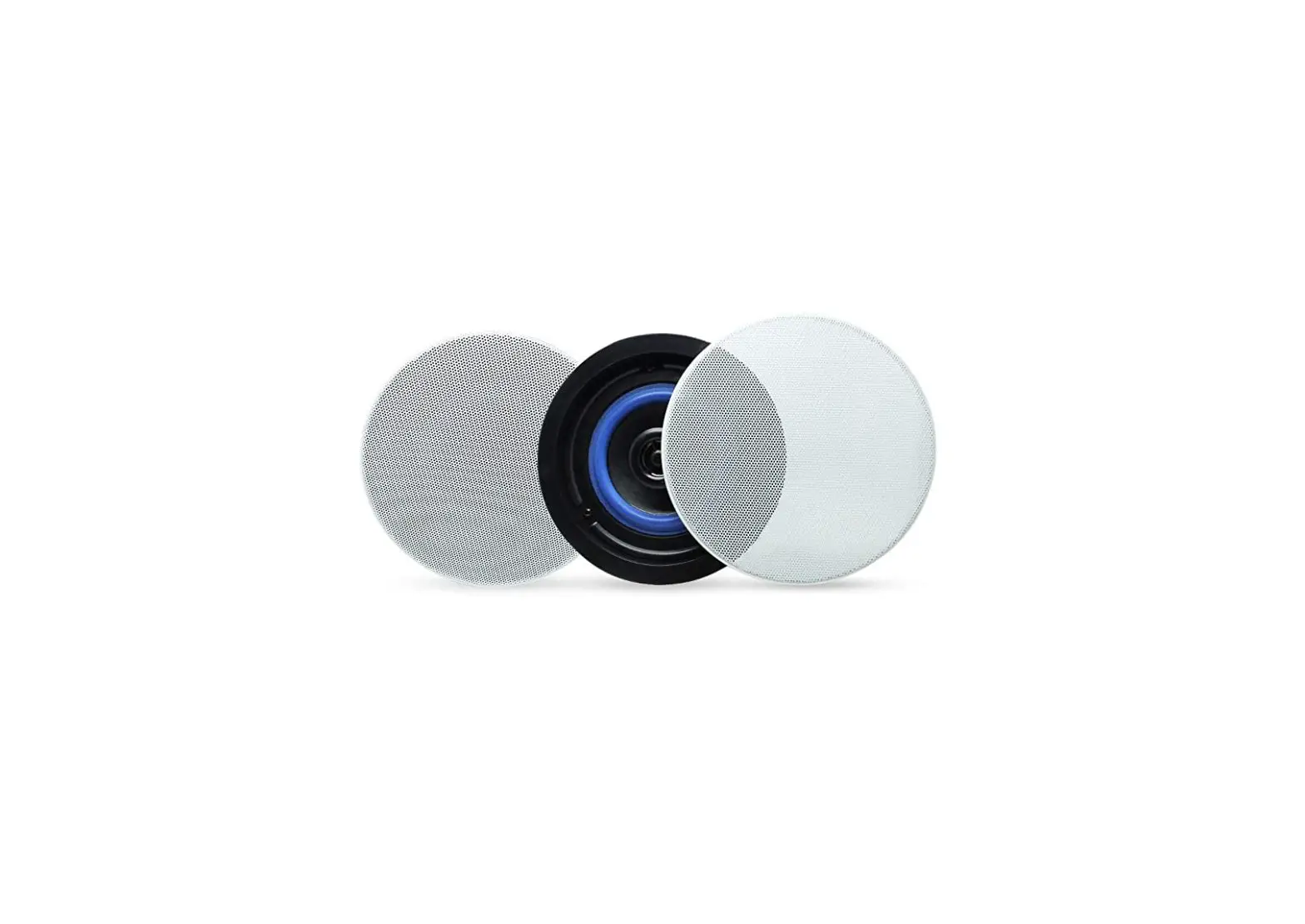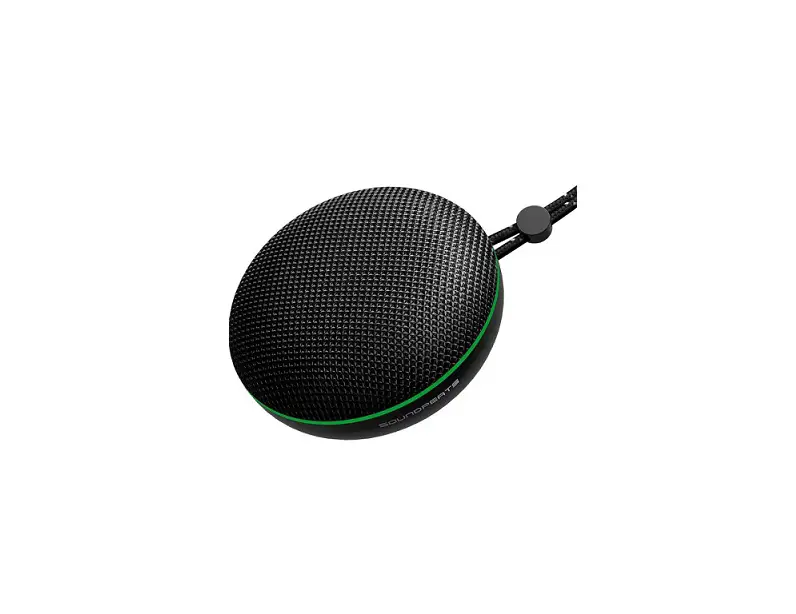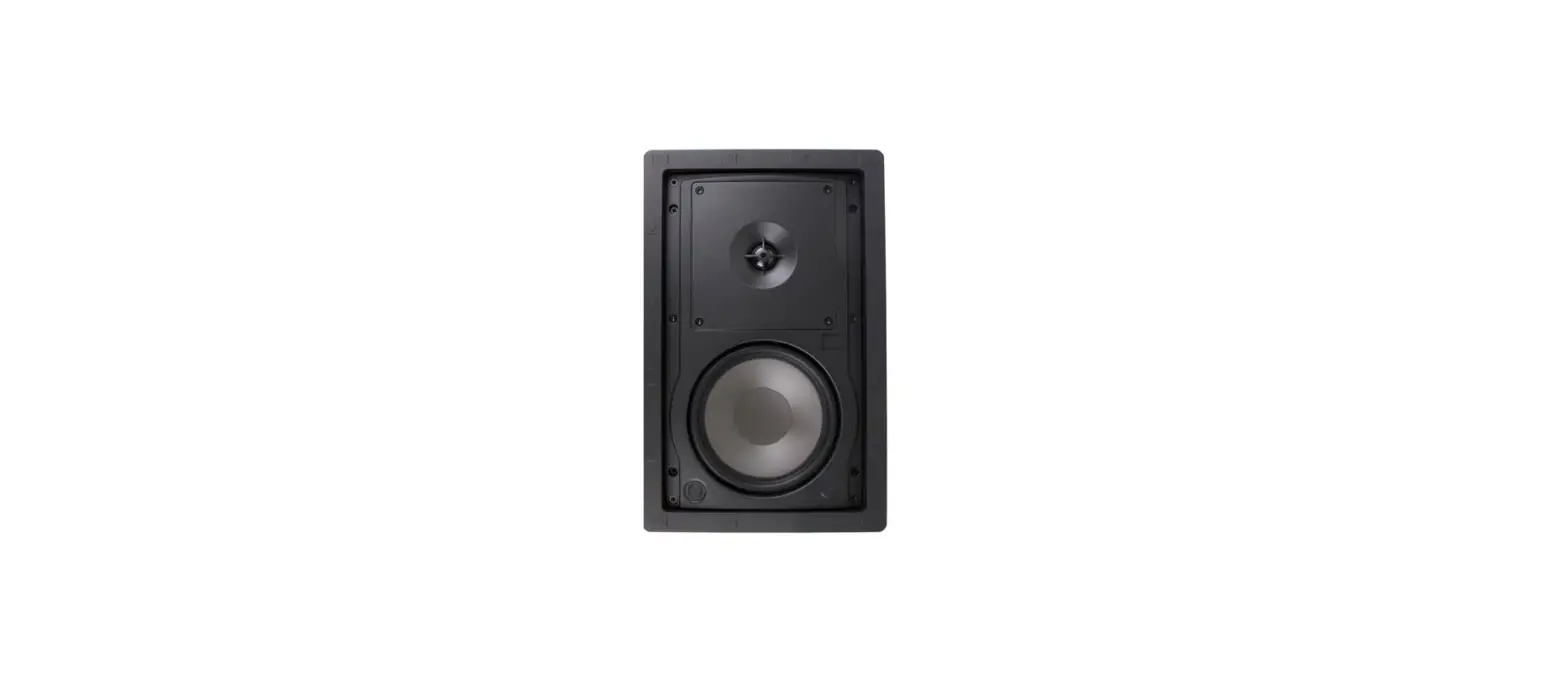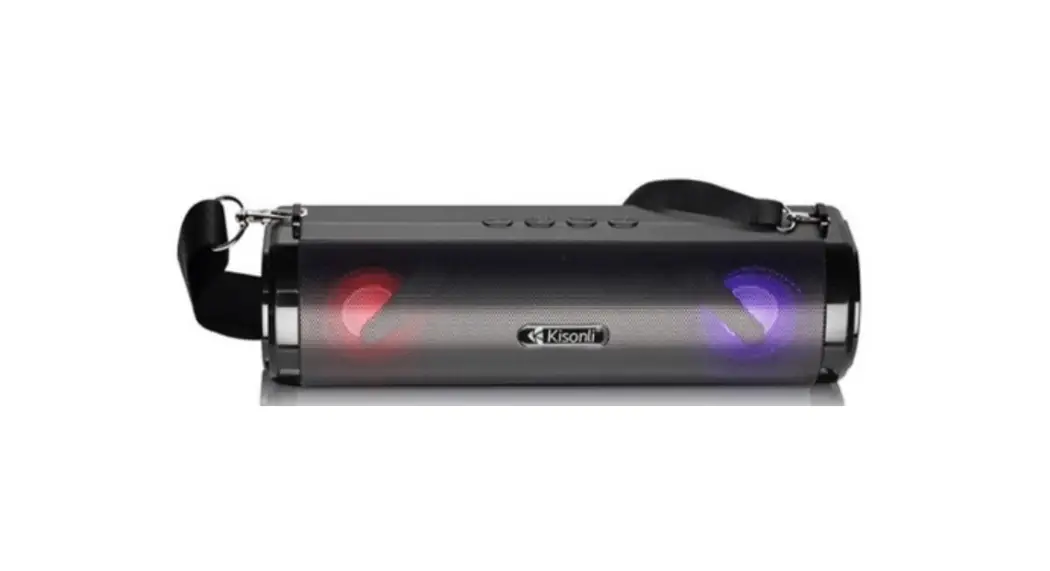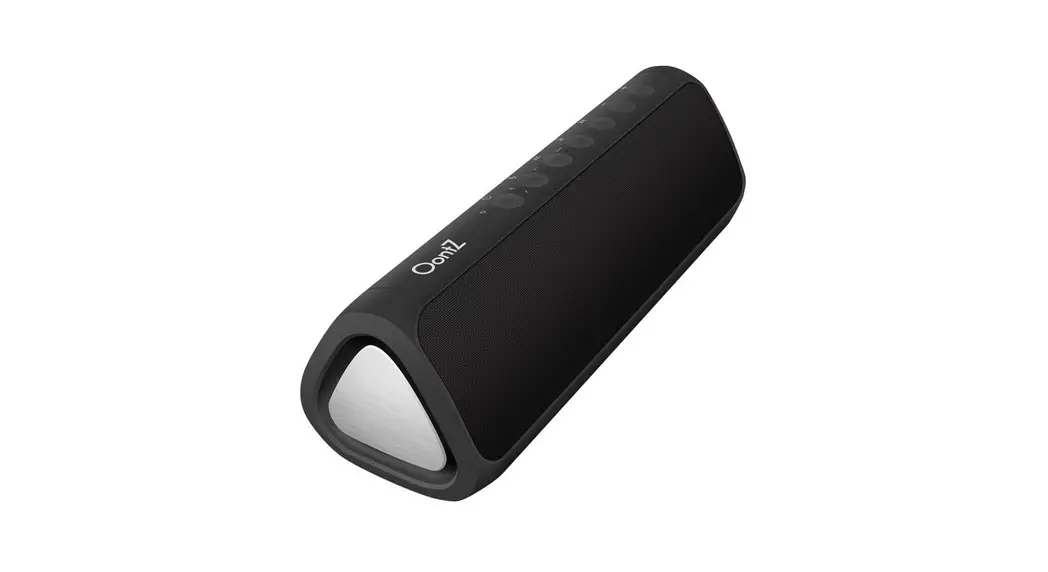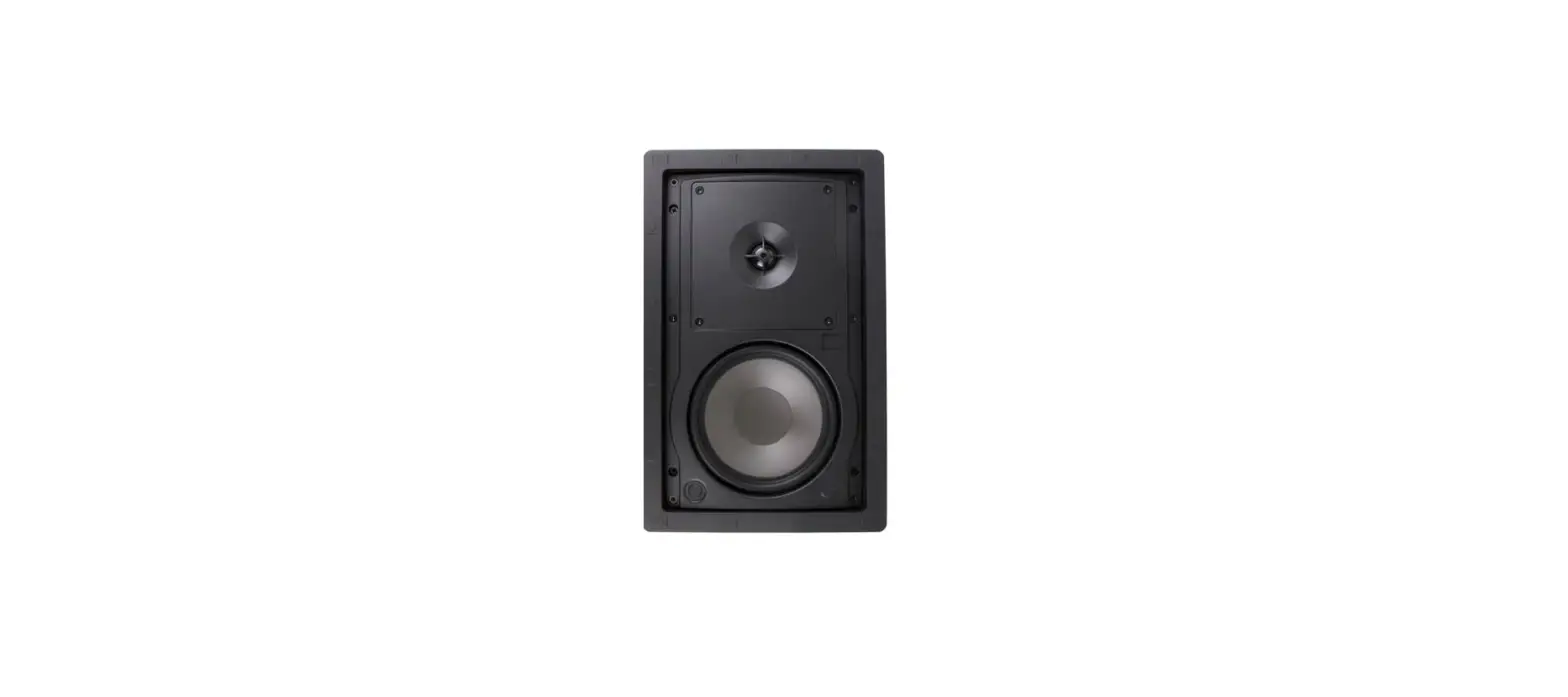
MINSUO SP-002 Dual DIY Wireless Wall Mounted Speakers User Manual
Thank you for purchasing Our company’s wireless speakers, please read this guide to ensure safe and satisfactory operation, please Keep this guide in a Safe Place for future reference.
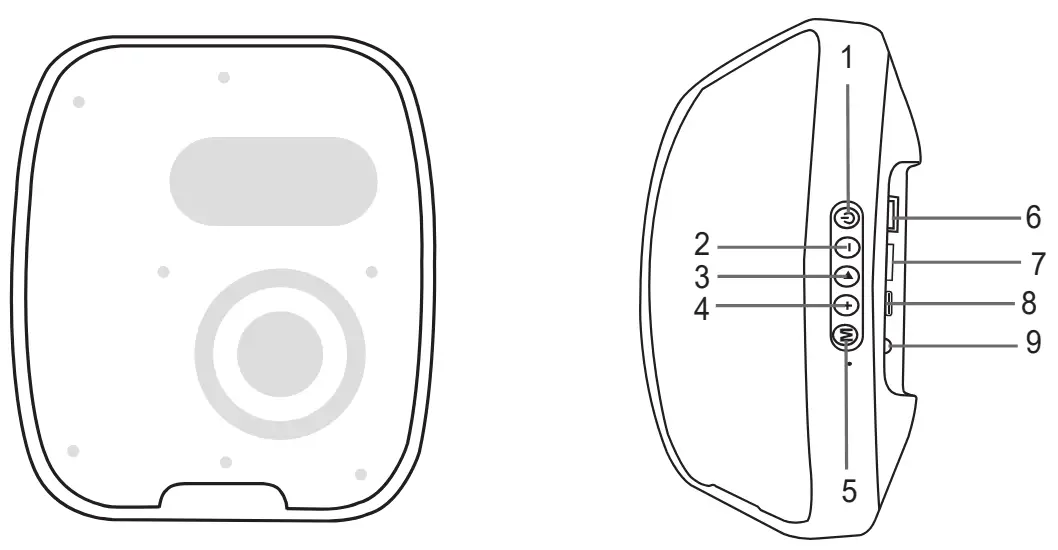
Instruction
1 |  | Press once to play / pause. Press and hold for 1-2 seconds to Power on/off.. |
| 2 |  | Press once to switch to previous song. Press and hold to turn down the volume. |
| 3 |  | Press once to play / pause. Press once to pick up or ending the phone call. Press and hold for 1-2 seconds to reject phone call. Double click to call last number in your list. |
| 4 |  | Press once to switch to next song. Press and hold to turn up the volume. |
| 5 |  | Press once to switch to FM radio/Bluetooth mode. Long press 2 seconds to TWS function(based on 2 pcs speaker) |
| 6 | USB Port | USB mode |
| 7 | TF card port | TF mode |
| 8 | Charging port | USB-C |
| 9 | Aux-in | Aux-in mode |
| 10 | Power saving mode | The headphone turn off after 10 mins if not paired to a device. |
Technical Specification
| Bluetooth Version | 5.3 |
| Battery capacity | 1200mAh |
| Speaker power | 5W |
| Bluetooth frequency | 2402-2480mHz |
| Charge time | 3-4 hours |
| Play time | 4-5 hours |
| Function | Handsfree, TF card, FM,AUX-IN, Bluetooth, support TWS |
To start the TWS pairing (1+1),please follow:
- Turn on 2pcs Bluetooth speakers. (Do not connect your smartphone’s Bluetooth or insert TF card)
- Press and hold ‘M’ one of the speakers for around 2 seconds, it will be indicated with a “beep”, then successfully finished TWS pairing. (If you don’t want to TWS pairing, do the same instruction).
- After finished TWS pairing, connecting your smartphone’s Bluetooth
Accessories list
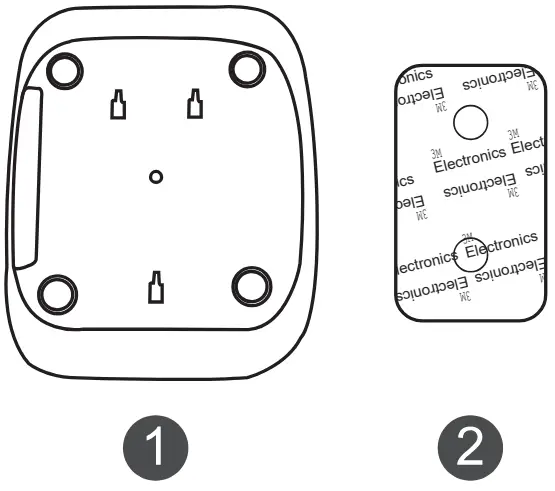
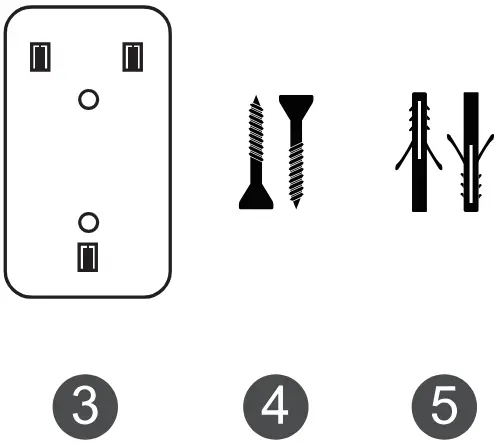
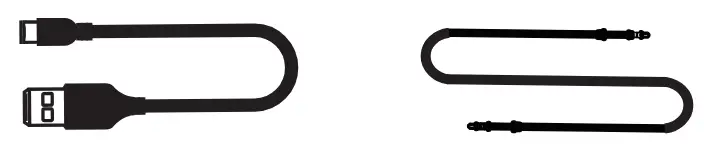
Installation Method 1
Step1: Peel off one side of the film on
Step2: Put and stick at the back of .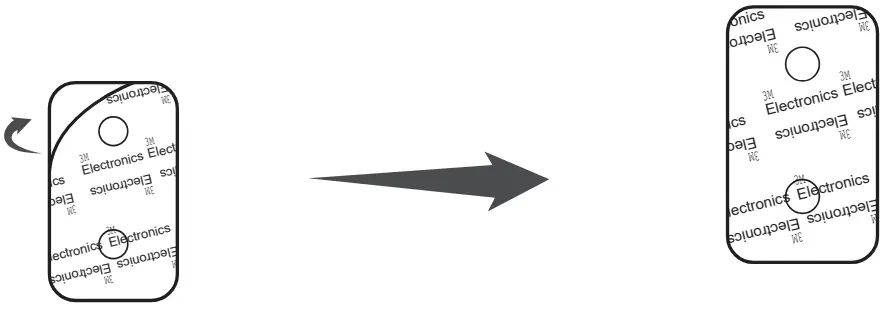
Step3: Peel off the other side of the film on .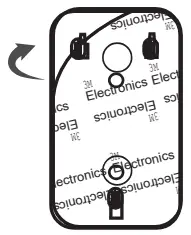
Step4: Put and stick onto the wall 3 or any clean & flat surface.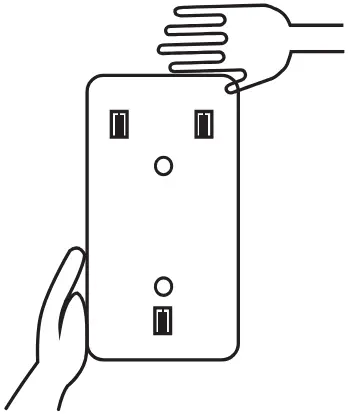
Step5: Install into then done .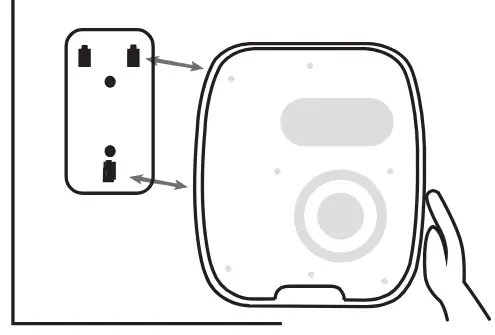
Before installation, please first drill 2 holes in a wall for further steps.
Step1: put into the holes.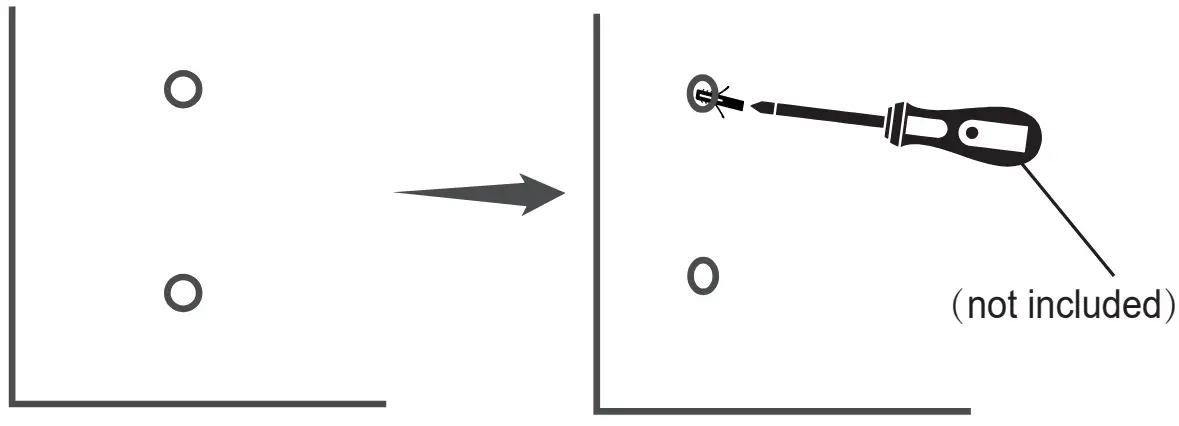
Step2: put through the hole of 4 3 .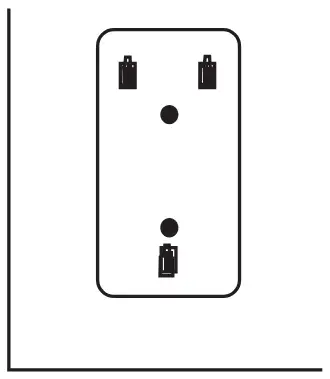
Step3: install into the wall.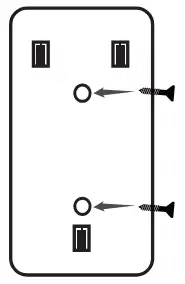
Step4: install to then done.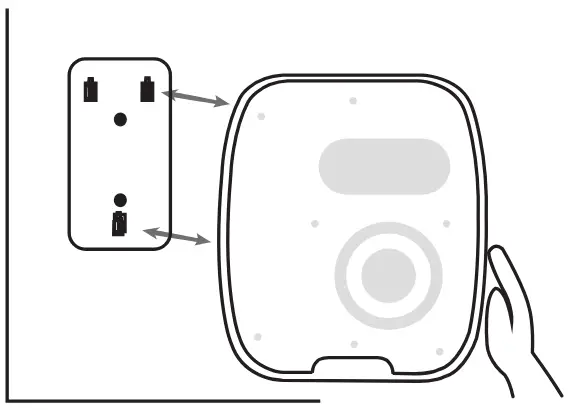
FCC STATEMENT
This device complies with Part 15 of the FCC Rules. Operation is subject to the following two conditions:
- This device may not cause harmful interference, and
- This device must accept any interference received, including interference that may cause undesired operation.
Warning: Changes or modifications not expressly approved by the party responsible for compliance could void the user’s authority to operate the equipment.
NOTE: This equipment has been tested and found to comply with the limits for a Class B digital device, pursuant to Part 15 of the FCC Rules. These limits are designed to provide reasonable protection against harmful interference in a residential installation. This equipment generates uses and can radiate radio frequency energy and, if not installe and used in accordance with the instructions, may cause harmful interference to radio communications. However, there is no guarantee that interference will not occur in a particular installation. If this equipment does cause harmful interference to radio or television reception, which can be determined by turning the equipment off and on, the user is encouraged to try to correct the interference by one or more of the following measures:
Reorient or relocate the receiving antenna.
Increase the separation between the equipment and receiver.
Connect the equipment into an outlet on a circuit different from that to which the receiver is connected.
Consult the dealer or an experienced radio/TV technician for help.
FCC Radiation Exposure Statement:
This equipment complies with FCC radiation exposure limits set forth for an uncontrolled environment. This equipment should be installed and operated with minimum distance 20cm between the radiator & your body.