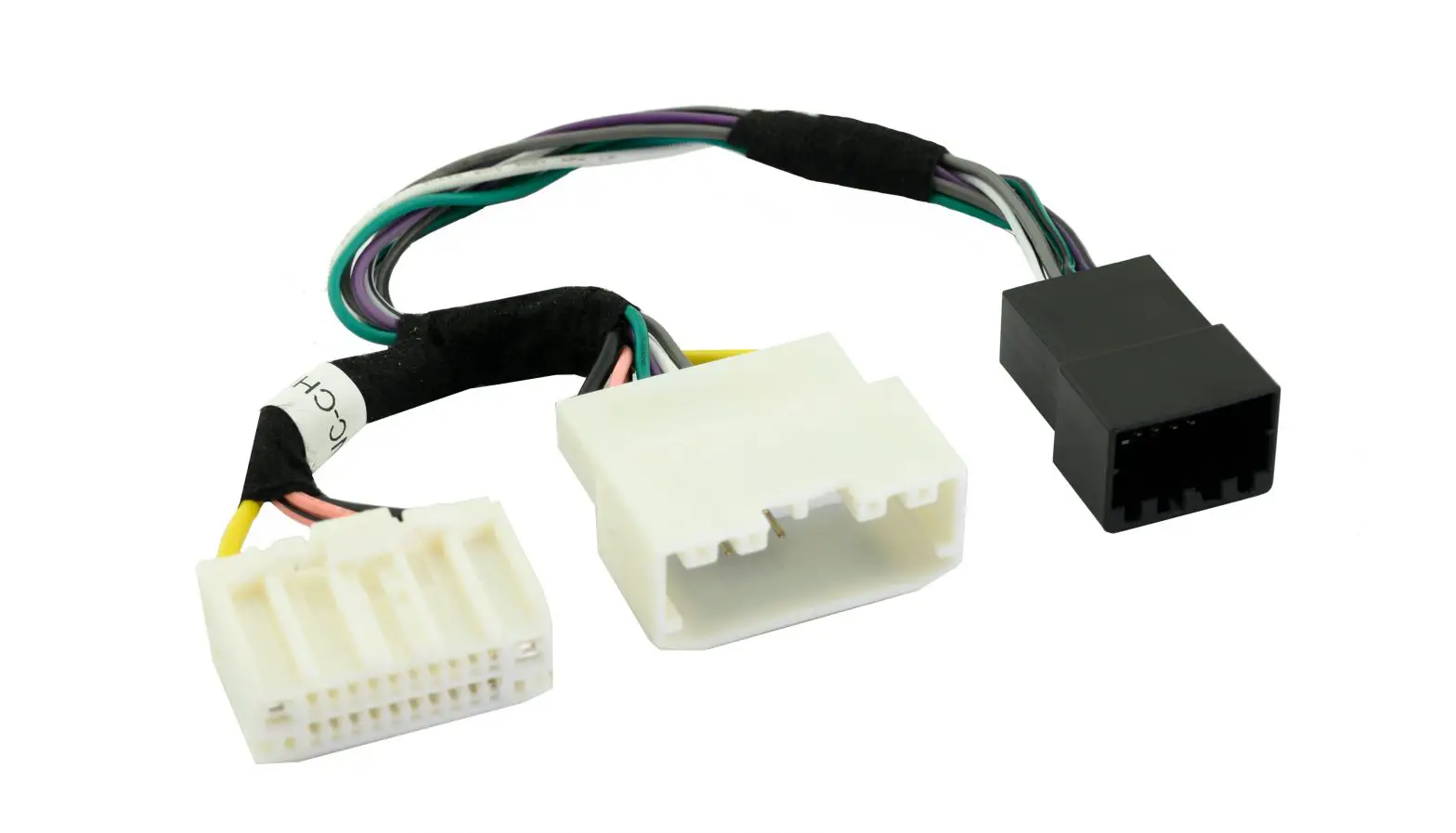
CP1-FRD1 Factory Matched Plug and Play Harness
Product Information:
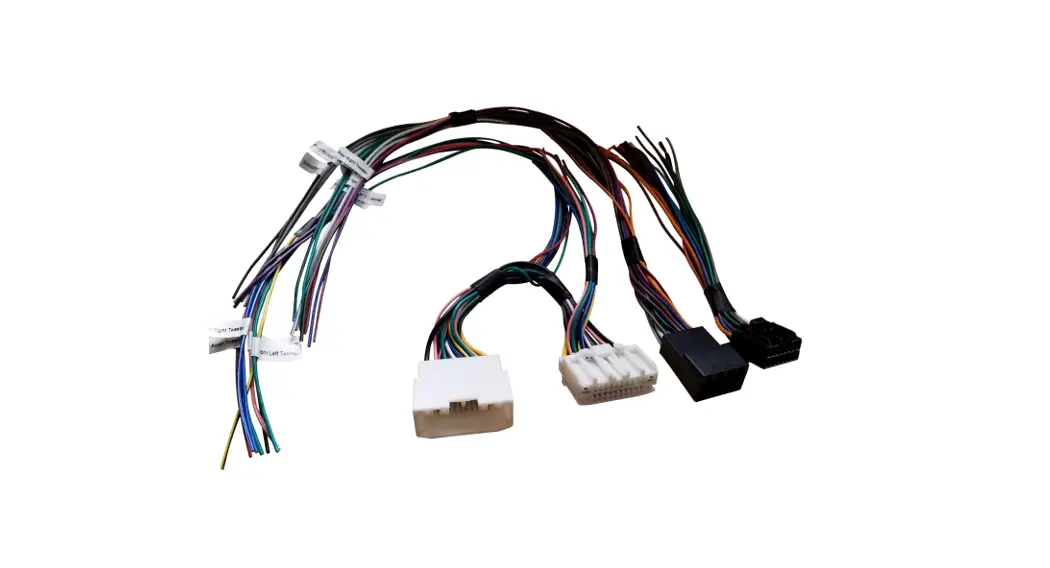
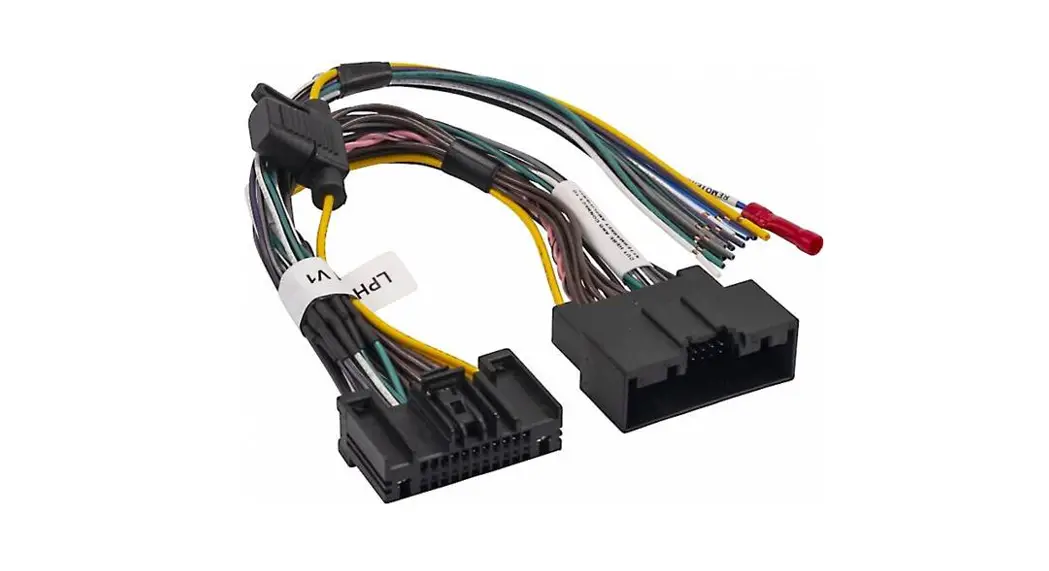
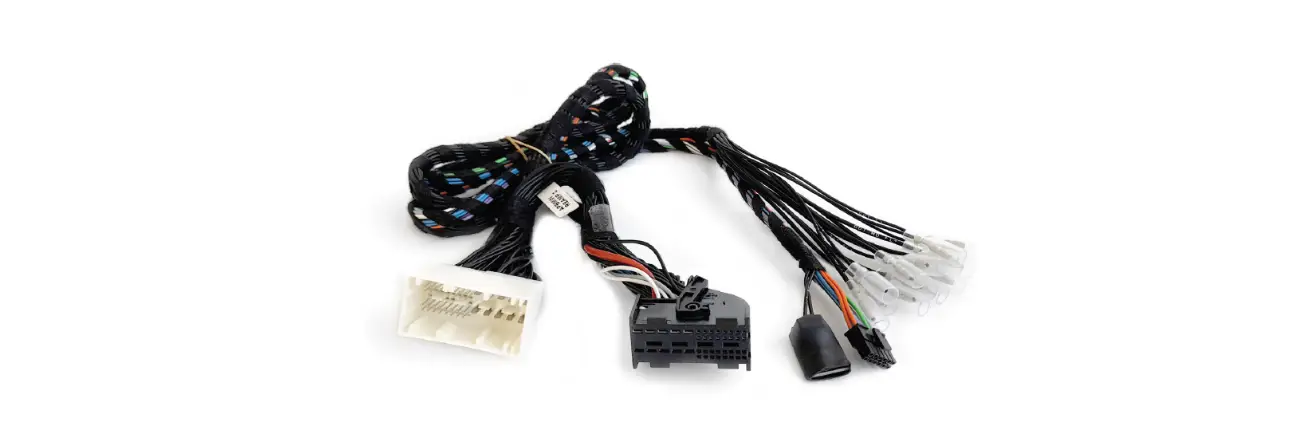
The CP1-FRD1 is a factory matched plug & play harness
designed for use with the CANPRO CP1-S CAN-Bus Interface Module. It
is specifically made for select Ford Model applications that
utilize the 8pin data harness for connection at the Steering Column
Control Module (SCCM). This harness, along with the module,
provides a simple and safe way to access vehicle information,
status, and triggers from the CAN-Bus. It is ideal for various
aftermarket uses such as radar detectors, camera activation, sound
system upgrades, lighting, and more!
Important Notes:
- Any unused outputs should be insulated to prevent
shorting. - The outputs of the CANPRO are low current (250mA) and require
the use of a separate relay if additional current is required. - The vehicle should be in a resting state prior to opening
connection to the 8pin data harness. See Installation note for
further information.
Product Usage Instructions:
- Set the DIP switches on the CP1-S module as shown in the
diagram.
- To access the vehicle’s CAN data harness, remove the steering
column shroud by following these steps:- Remove the two screws (7mm or 9/32) from the underside of the
shroud.
- Pull downward along the bottom edge of the shroud to release
the retaining clips and pull towards the rear of the vehicle to
remove the bottom portion of the shroud.
- Remove the two screws (7mm or 9/32) from the underside of the
- Ensure the vehicle is powered off and unplug the 8pin CAN data
harness.
- Connect one end of the CP1-FRD1 harness to the matching
connector in the vehicle. Connect the remaining vehicle connector
from the CP1-FRD1 to the other end of the vehicle harness and route
the CP1-FRD1 harness along the OEM harness toward the bottom of the
dash.
- Determine a suitable mounting location for the CANPRO module
that does not interfere with the movement of any vital vehicle
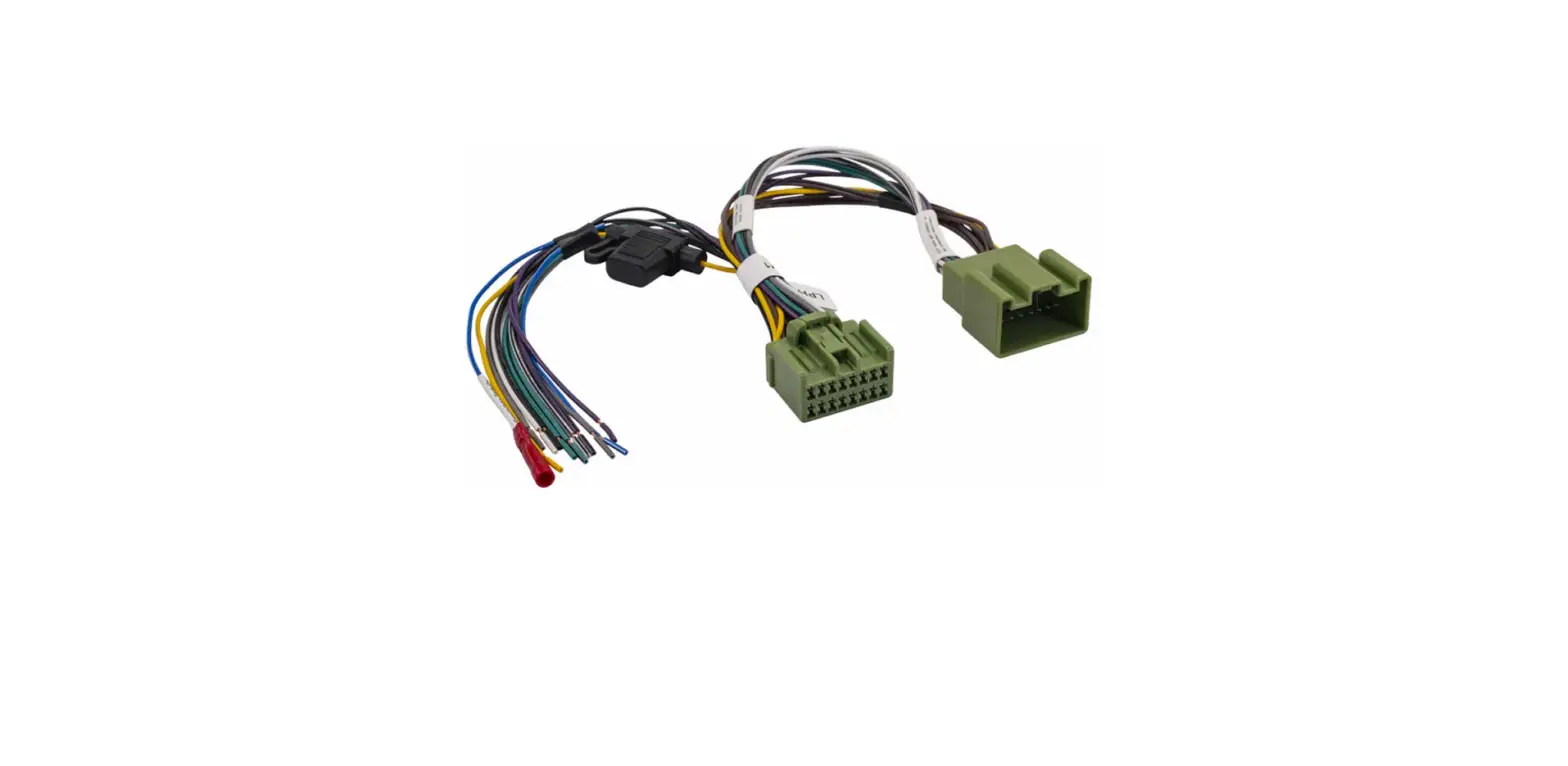
equipment, and securely install the module. - Connect the 16pin CP1-FRD1 connector into the CANPRO module.
Lengthen and route any Output wires as needed. Insulate any unused
Output wires to prevent shorting.
CP1- FRD1
CANPRO Harness for Select Ford Vehicles
Introduction and Features
The CP1-FRD1 is a factory matched plug & play harness for use with the CANPRO CP1-S CAN-Bus Interface Module for select Ford Model applications using the 8pin data harness for connection at the Steering Column Control Module (SCCM). The harness and module allow a simple and safe way to access vehicle information, status and triggers from the CAN-Bus for a wide range of aftermarket uses such as radar detectors, camera activation, sound system upgrades, lighting and more!
Important Notes
1. Any unused outputs should be insulated to prevent shorting. 2. The outputs of the CANPRO are low current (250mA) and require the use of a separate relay if additional current is required. 3. The vehicle should be in a resting state prior to opening connection to the 8pin data harness. See Installation note for further
information.
Wiring Connection Chart
To Factory Harness
DIP Switches
Status LED
16pin Interface Connector
CANPRO CP1-S
Output Wires OuOtpuOutOuptOtuu8OpttuPuOup7OOottutpusPp6uu.tout2uttP5pst5pp.ot0uP42uus3mo5t.Ptt202sAS1o.m95pPs20PAoe.N5mo2es0e5s.Admg.202PA.5mu520A0l5msm0eAmAA 1-9
Outputs
To Vehicle’s SCCM
Output 1 Output 2 Output 3 Output 4 Output 5 Output 6 Output 7 Output 8 Output 9
Description Accessory Illumination Speed Pulse Reverse Ignition* Left Turn Signal Right Turn Signal High Beam Parking Brake
Polarity + Positive (250mA) + Positive (250mA)
Pulse + Positive (250mA) + Positive (250mA) + Positive (250mA) + Positive (250mA) + Positive (250mA) – Negative (250mA)
Wire Color White-Red Blue Green-Black Violet-Black Yellow-Black Red-Black Gray-Red Blue-Black Brown-Black
* In Electric Vehicles, Output 5 provides a positive output when the vehicle is in a “Ready to Drive” state.
P ifi A
C
ti
© 2023 AAMP Global. All rights reserved. PAC is a Power Brand of AAMP Global. PAC-Audio.com
Rev: V1 Date: 021323
Page 1
CP1- FRD1
Installation
NOTE! Verify the vehicle is off prior to disconnecting the 8pin vehicle harness and do not turn on the accessory or ignition until the 8pin male and female
connectors from the CP1-FRD1 are connected.
1. Set the DIP switches on the CP1-S as shown in below.
ON
1 2 3 4 5 6 7 8
2. To access the vehicle’s CAN data harness, the steering column shroud must be removed. Remove the two screws (7mm or 9/32″) from the underside of the shroud. (FIG A)*
3. Pull downward along the bottom edge of the shroud to release the retaining clips and pull towards the rear of the vehicle to remove the bottom portion of the shroud. (FIG B)*
4. Ensure the vehicle is Powered Off and unplug the 8pin CAN data harness pictured. (FIG C)*
5. Connect one end of the CP1-FRD1 harness to the matching connector in the vehicle. Connect the remaining vehicle connector from the CP1-FRD1 to the other end of the vehicle harness and route the CP1-FRD1 harness along the OEM harness toward the bottom of the dash.(FIG D)*
6. Determine a mounting location for the CANPro module in a place where it does not interfere with the movement of any vital vehicle equipment and secure the module.
7. Connect the 16pin CP1-FRD1 connector into the CANPro and lengthen and route any Output wires needed. Insulate any unused Output wires!
8. After wire connections and testing are complete, secure the CP1-S module and reinstall the console panels.
CANPRO Harness for Select Ford Vehicles
FIG A
FIG B
FIG C
FIG D
*2021 Ford Mustang Mach-E used for photos. Other CP1-FRD1 applications may vary slightly. For instance the Lightning has a third screw holding the bottom shroud in place that needs to be removed.
P ifi A
C
ti
© 2023 AAMP Global. All rights reserved. PAC is a Power Brand of AAMP Global. PAC-Audio.com
Rev: V1 Date: 021323
Page 2
CP1- FRD1
LED Status Information
CANPRO Harness for Select Ford Vehicles
ACTION/COLOR
Description
Fast Flashing RED
Update mode, for updating of the application or resource files.
Slow Flashing (0.5sec) GREEN Normal Operation
Slow Flashing (0.5sec) GREEN, plus additional 0.5sec RED
System Fault. The number of times the interface flashes RED indicates the channel (output) with a fault condition. For example, if the LED flashes GREEN, then flashes RED twice, then back to Green, Channel 2 has a fault condition. To check the fault, see Troubleshooting section below.
Troubleshooting
1. No LED activity: Disconnect and reconnect the CP1, does the LED flash? If not, check the 3 amp fuse in the fuse-holder that is located 2 inches from the 16pin connector on the Yellow wire.
2. No Outputs: Verify the DIP switch setting is correct (Installation section, FIG A). If the DIP switch setting needs to be changed, unplug the CP1, change the DIP setting and then reconnect. If the LED is flashing green, test the outputs using a multimeter. If the multimeter is showing the proper output, add a relay to the output to increase current capability.
3. System Fault: Disconnect the faulty output (1-9), disconnect and reconnect the 16pin connector to the CP1 so that it loses and gains back power and ground, does it stop flashing red? Check wiring to faulty output to make sure it is not shorted to ground, or add a relay.
Technical Support
Email: [email protected] Phone: 727-592-5991 Chat: PAC-Audio.com
P ifi A
C
ti
© 2023 AAMP Global. All rights reserved. PAC is a Power Brand of AAMP Global. PAC-Audio.com
Rev: V1 Date: 021323
Page 3
 audio.com - a better way to upload and share audio online
 PAC – Connecting cars and technology. Your total installation solution.