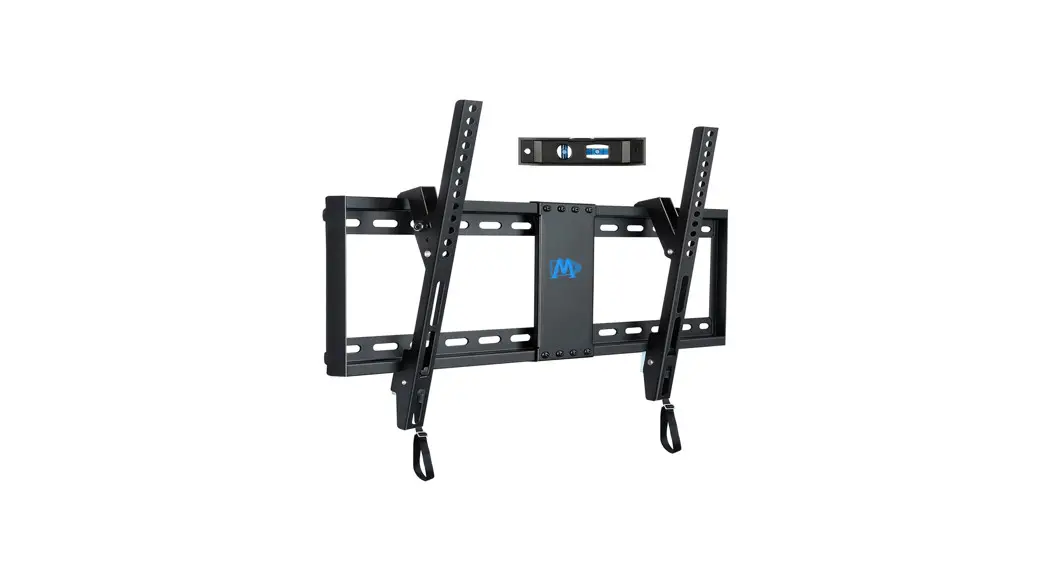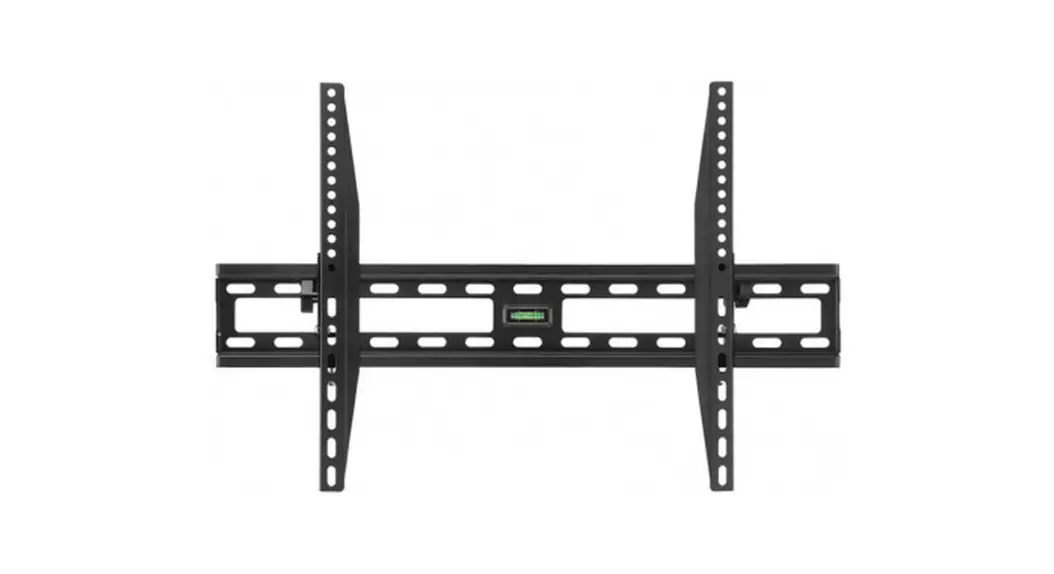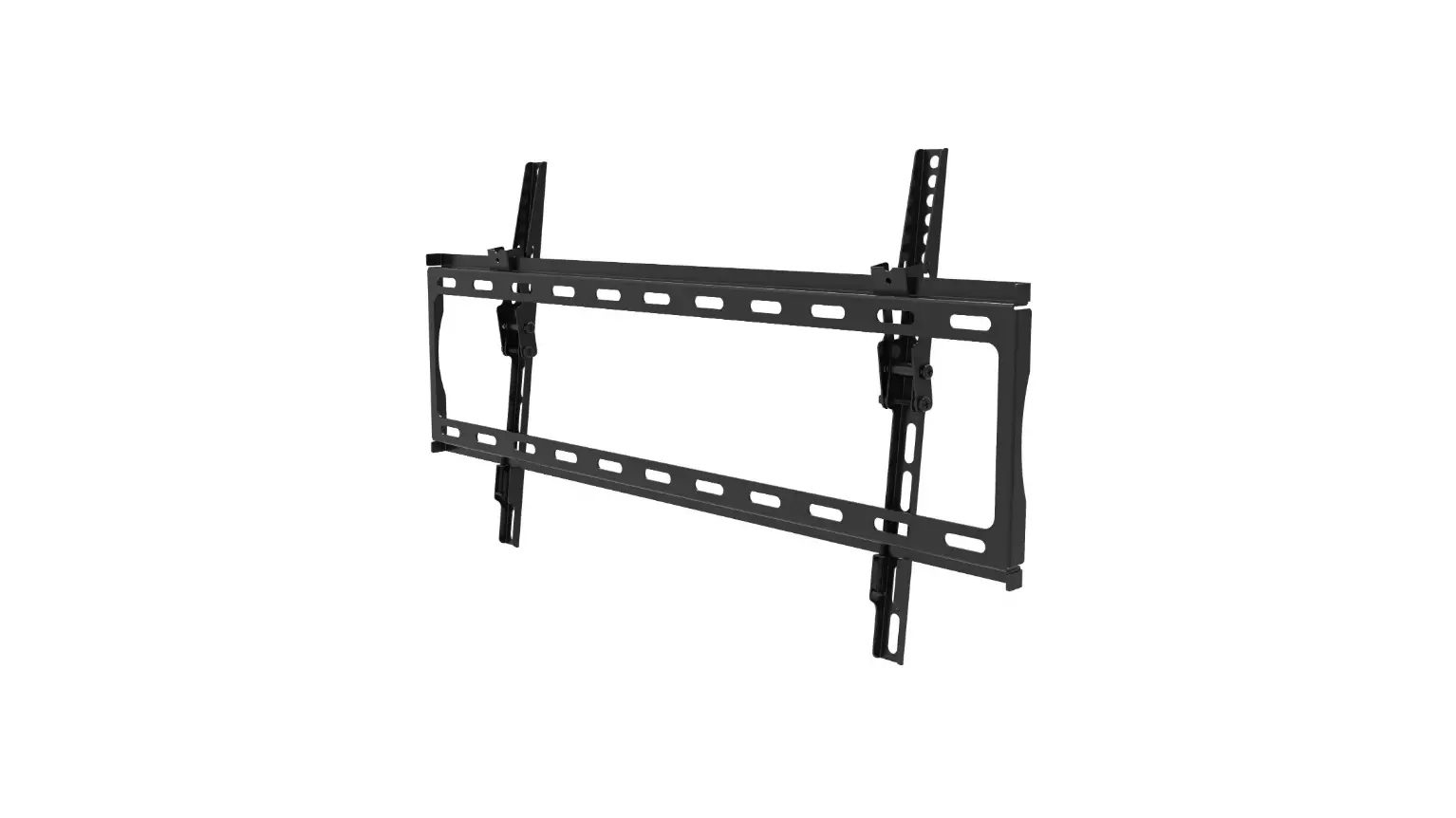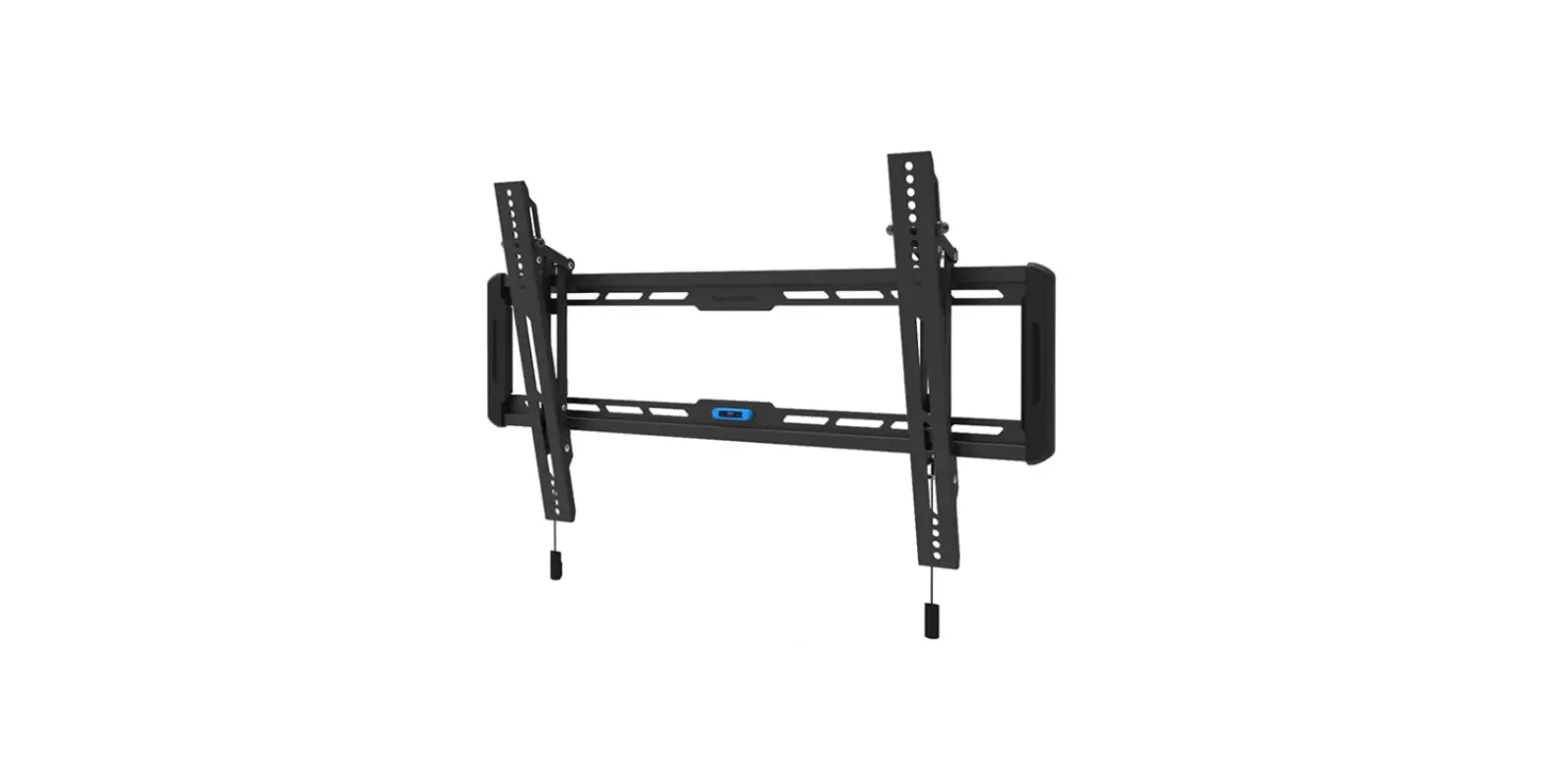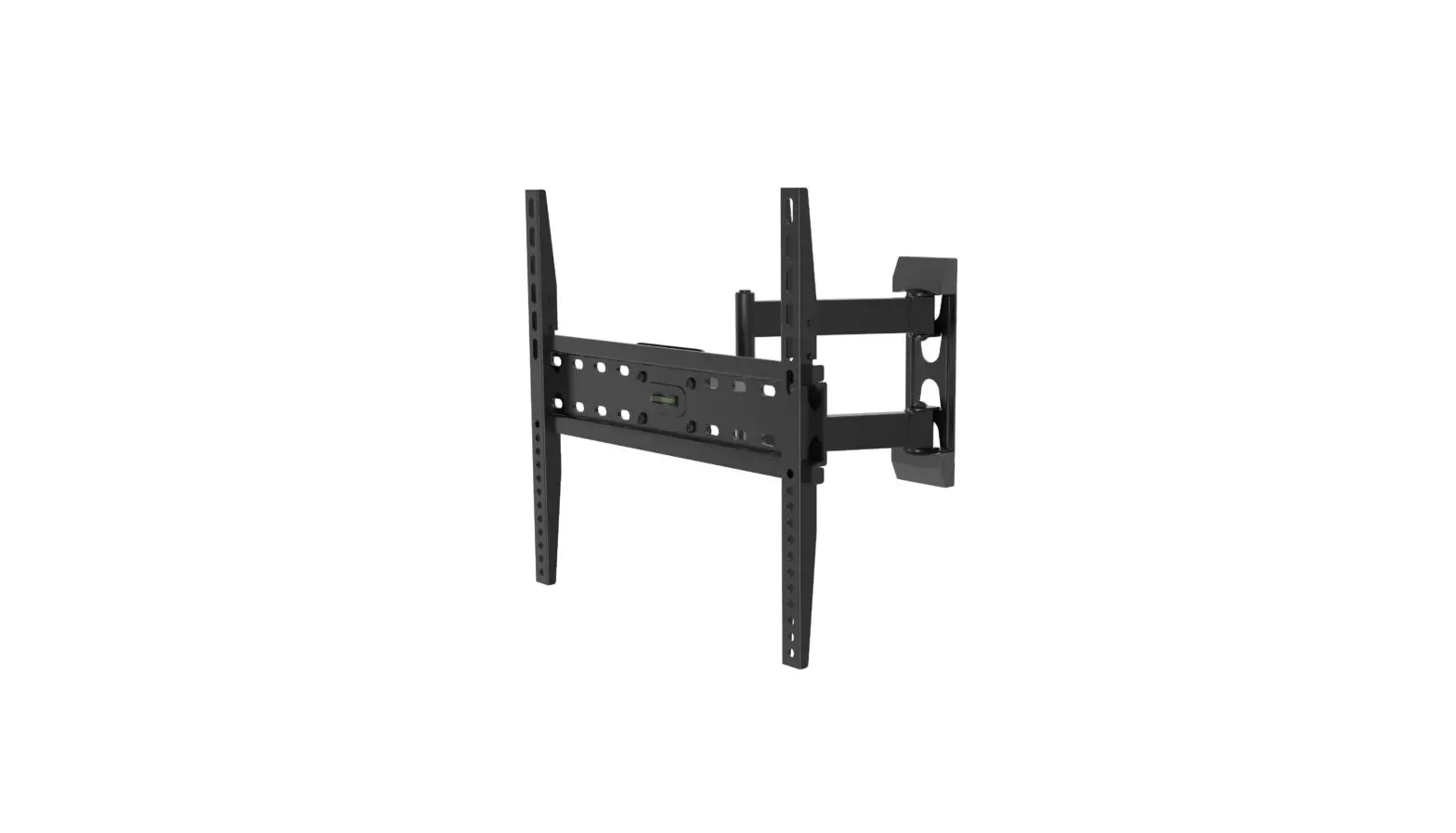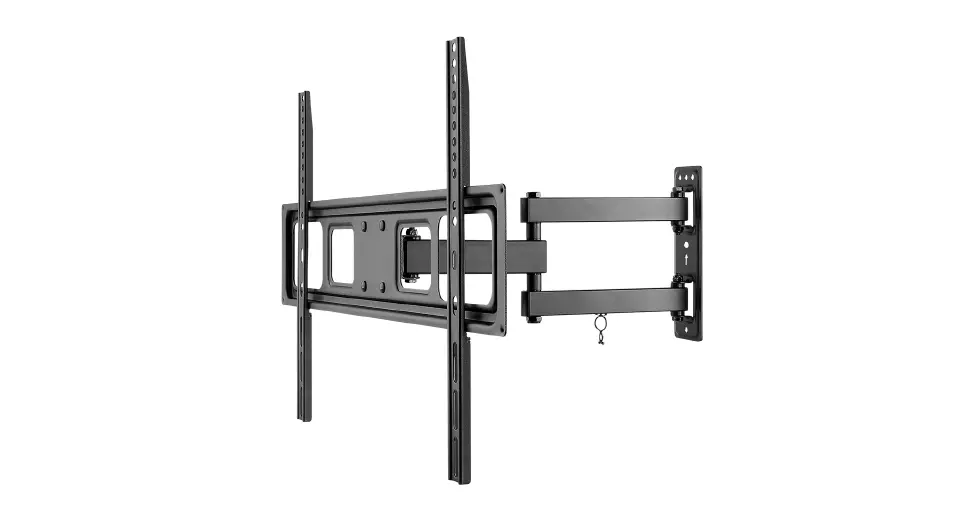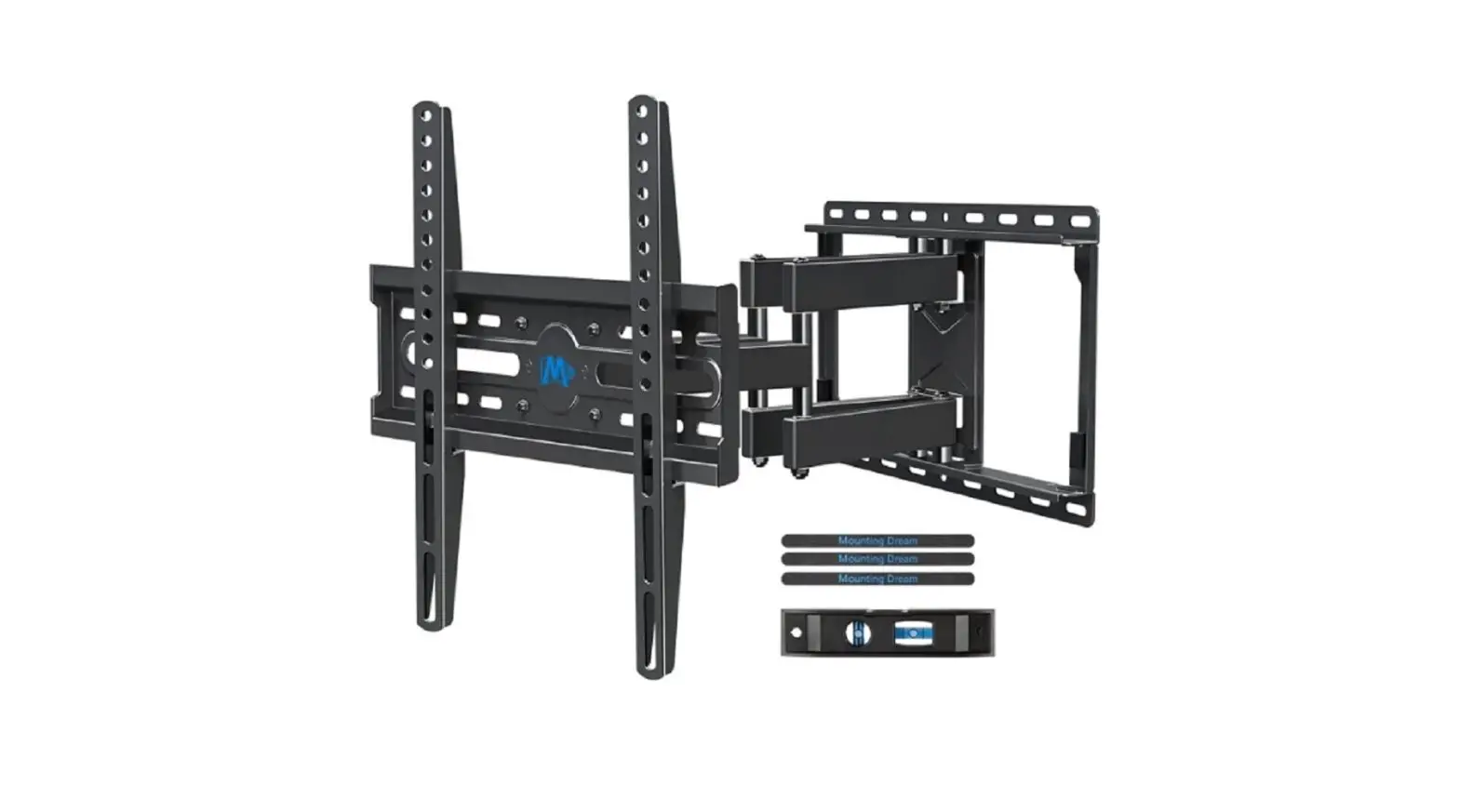
Mounting Dream MD2380 TV Wall Mount Instruction Manual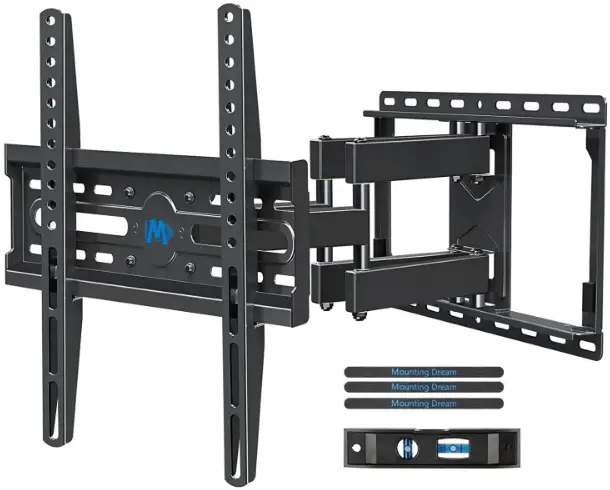
Before getting started
let’s make sure this mount is perfect for you!
Is your TV VESA equal to/greater than 75x75mm/3×3″ and equal to/less than 400x400mm/16×16″?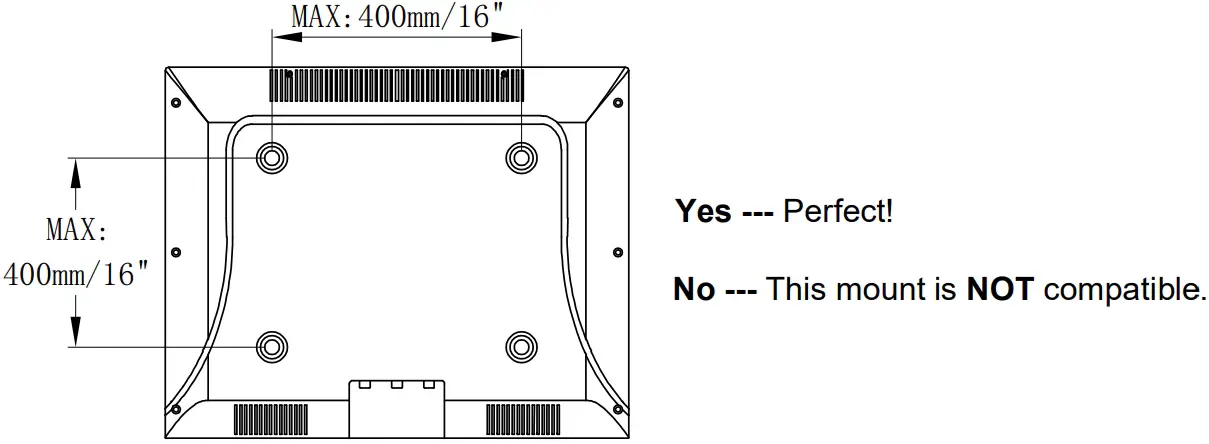
Does your TV (including accessories) weigh less than 99 LBS (45 KG)?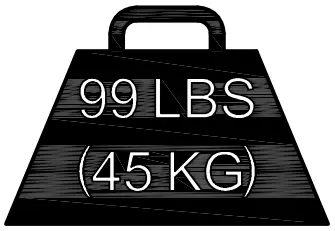
What is your wall made of?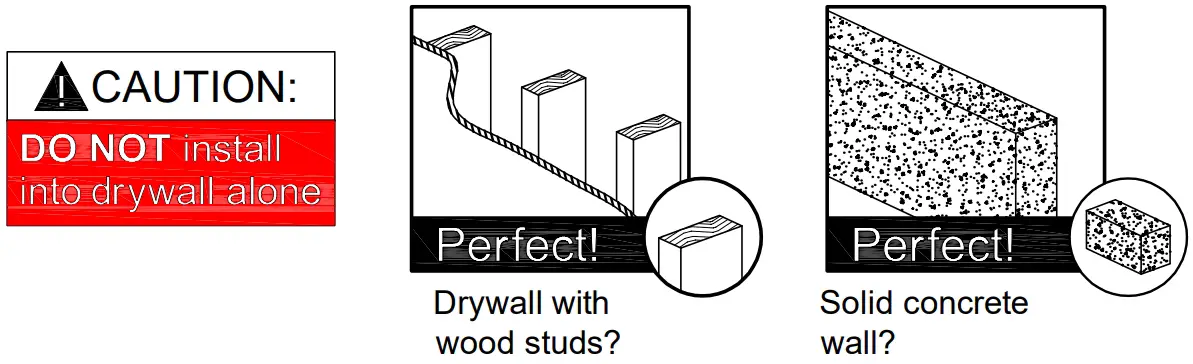
Installation Tools (Not Included)
- Band Tape 2m

- Pencil

- Screwdriver

- Electrodrill

- Socket Wrench 1/2″(13mm)

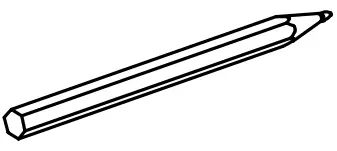

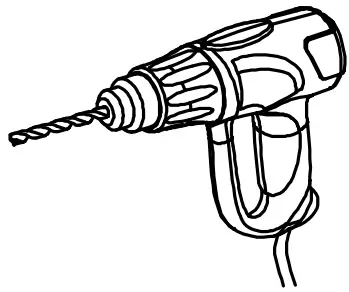
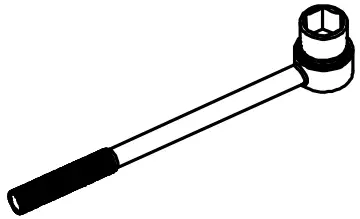
Wood Stud Install
- Stud Finder

- Awl

- 5/32″(4mm) Wood Drill Bit

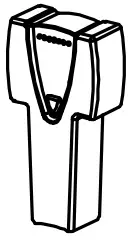
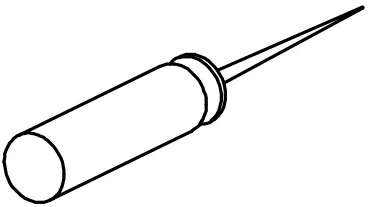

Concrete Install
- 3/8″(10mm) Masonry Drill Bit

- Hammer


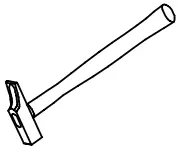
Safety Caution
Please read this instruction carefully before installation.
- This product is designed for use in wood stud and solid concrete wall.
- DO NOT install into drywall alone.
- The wall must be capable of supporting five times the weight of the TV and mount combined.
- Do not apply this product to any purpose not indicated by Mounting Dream.
- Incorrect installation may result in product damage or body injury. Mounting Dream shall bear no responsibility for any damage or injury resulted from incorrect installation, incorrect assembly or misuse.
Attach Brackets to TV
Parts and Hardware
WARNING:This product contains small items that could be a choking hazard if swallowed. Before starting assembly, verify all parts are included and undamaged.
NOTE: Not all hardware included will be used.
TV Brackets
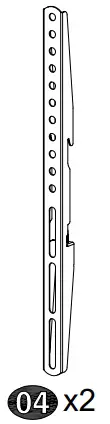
TV Screws
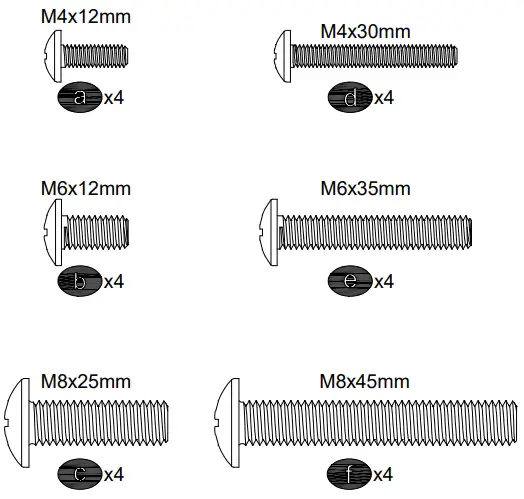
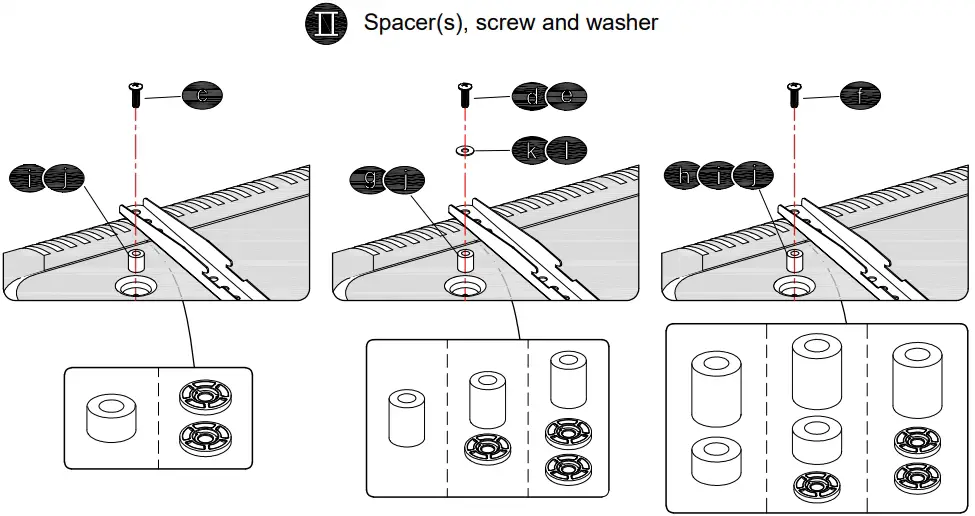
Spacers
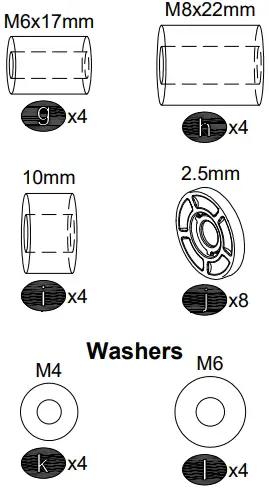
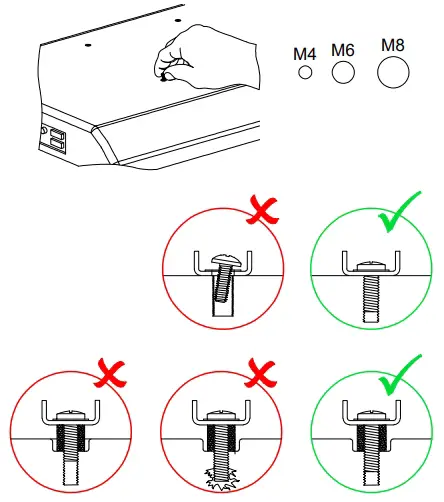
- Select TV Screws

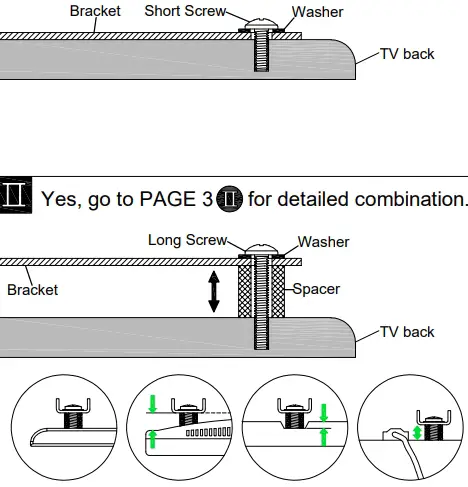
- Need Spacer?

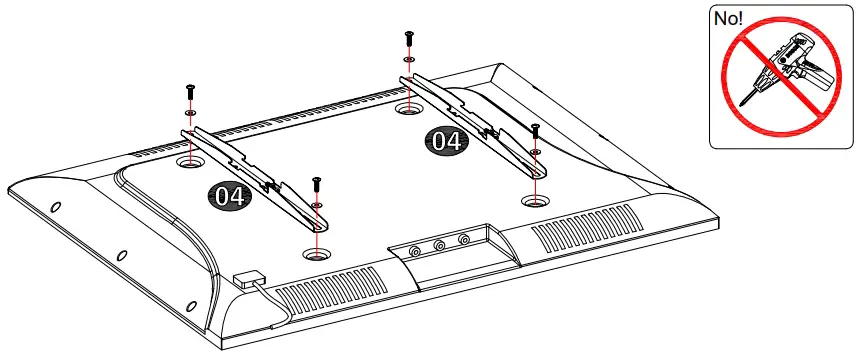
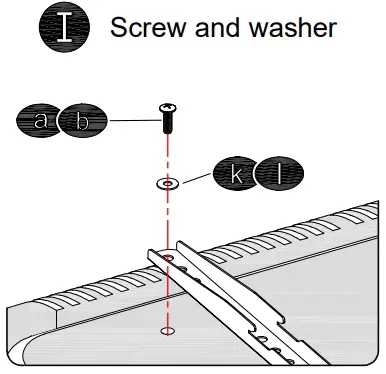
- Attach the TV Brackets

- Screw and washer

- Spacer(s), screw and washer

Attach Wall Plate to Wall
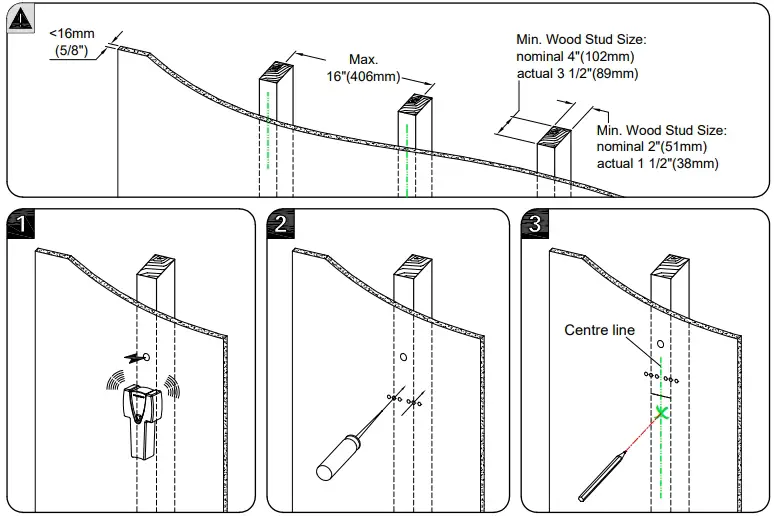
- For wood stud installation
- For concrete installation
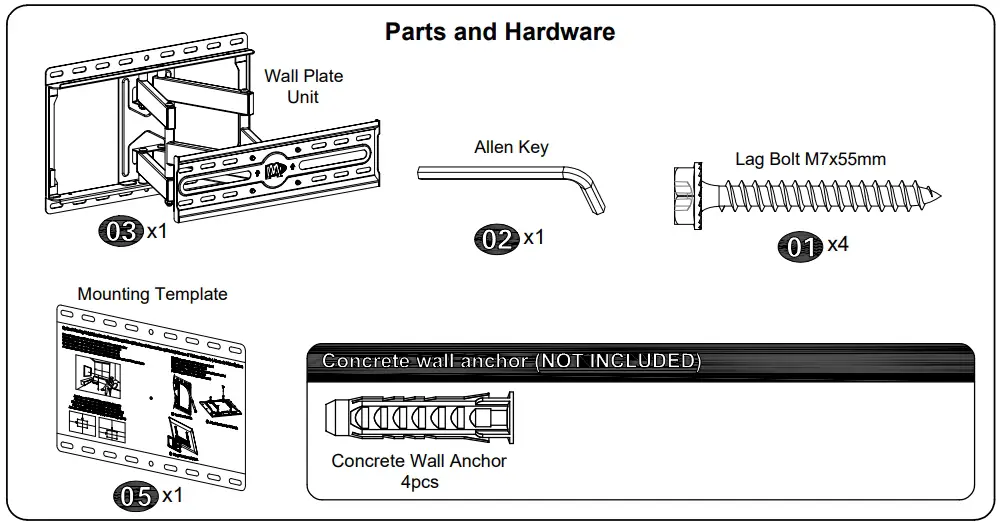
Parts and Hardware
Wood Stud Installation
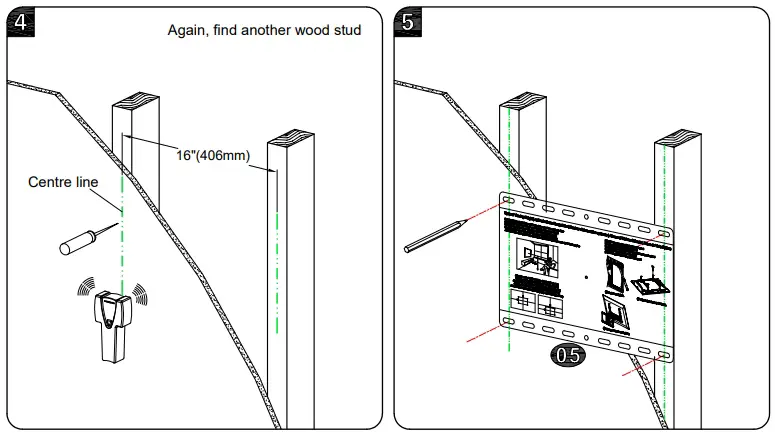
CAUTION: To avoid potential personal injury or property damage:
All 4 lag bolts (01) MUST BE firmly tightened to prevent unwanted movement of the wall plate assembly. Ensure the wall plate assembly is securely fastened to the wall before continuing on to the next step.
To prevent the TV falling down, the Bolt Head Must Keep UP at this step!!
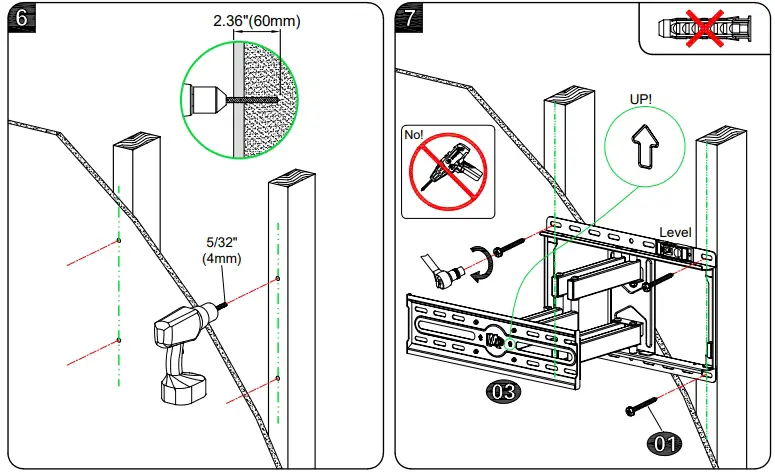
Solid Concrete Wall Installation
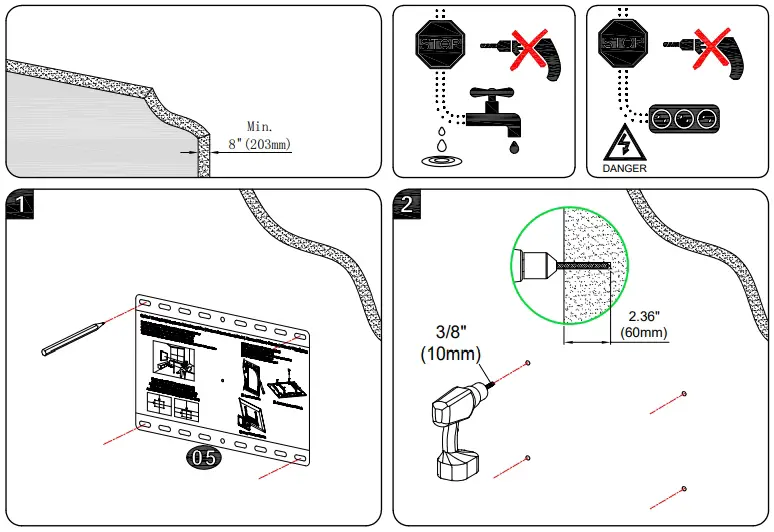
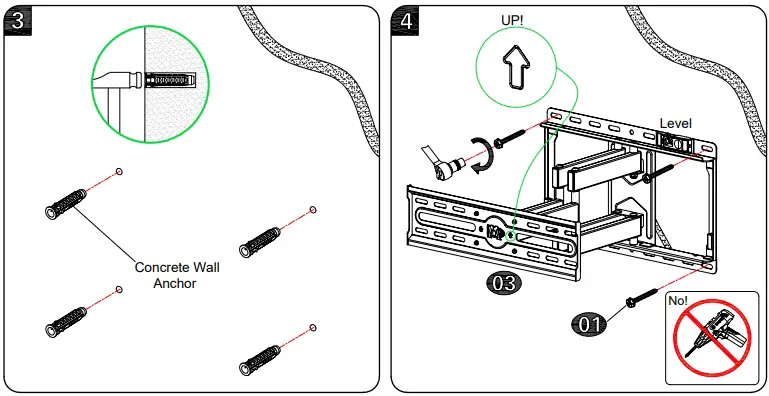
CAUTION: To avoid potential personal injury or property damage:
All 4 lag bolts (01) MUST BE firmly tightened to prevent unwanted movement of the wall plate assembly. Ensure the wall plate assembly is securely fastened to the wall before continuing on to the next step.
To prevent the TV falling down, the Bolt Head Must Keep UP at this step!!
Hang and Secure TV to Wall Plate
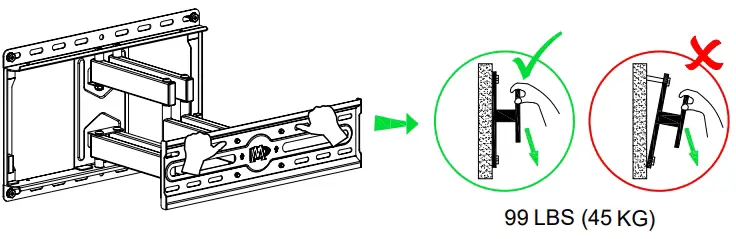
Before hanging TV, please conduct “wall plate installation integrity test” first.
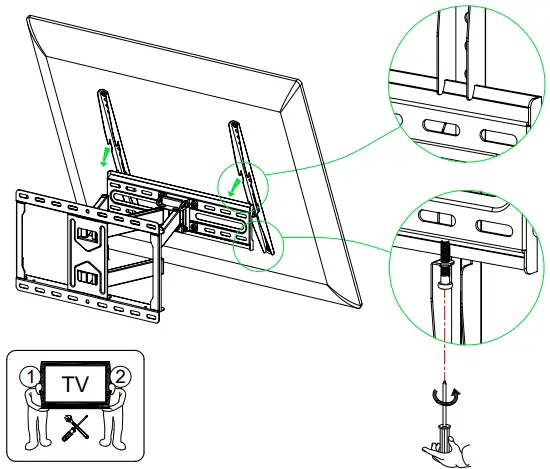
Adjustments
TV leveling adjustment (±3°):
Loosen 4 leveling bolts on the rear of TV plate by maximum 2 turns, adjust to level, and retighten to secure.
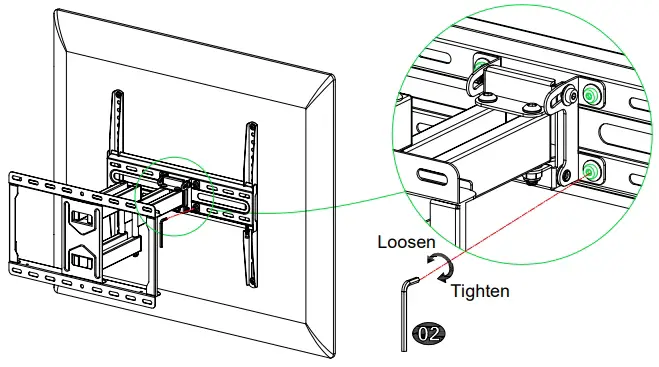
Tilting angle adjustment (+5°/-15°):
Pull TV to your desired angle then fasten 2 tilting bolts with Allen key (02) .
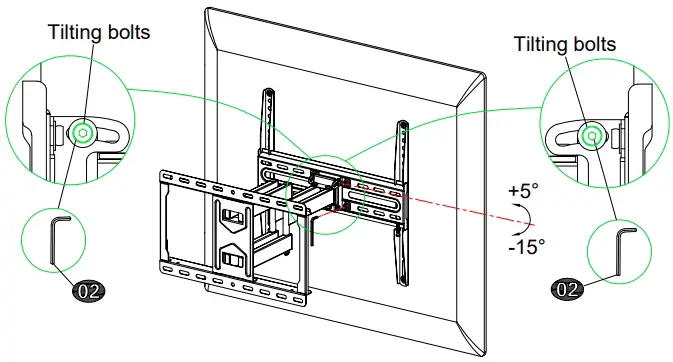
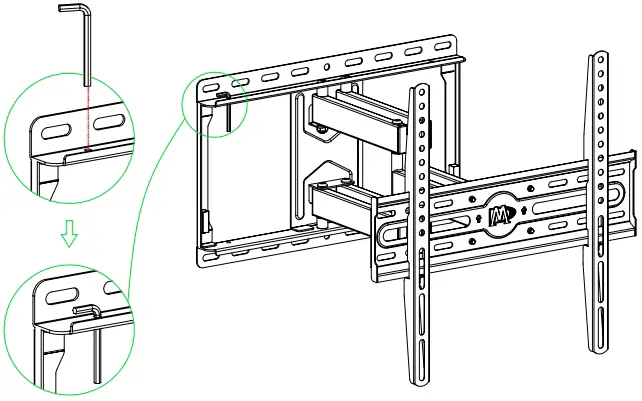
Allen key storage: For easy adjustment, you might put the Allen key on the wall plate as illustration.
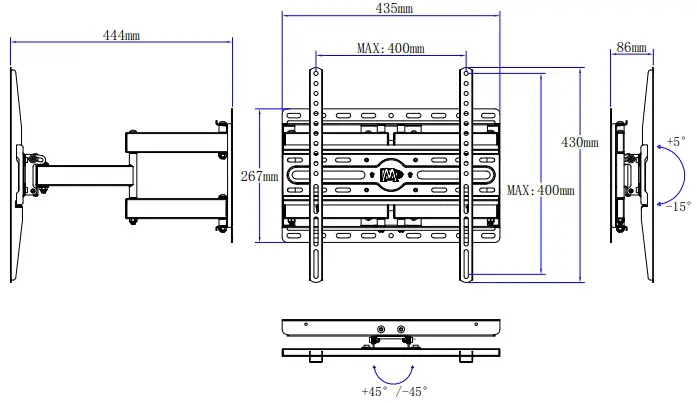
Product dimensions