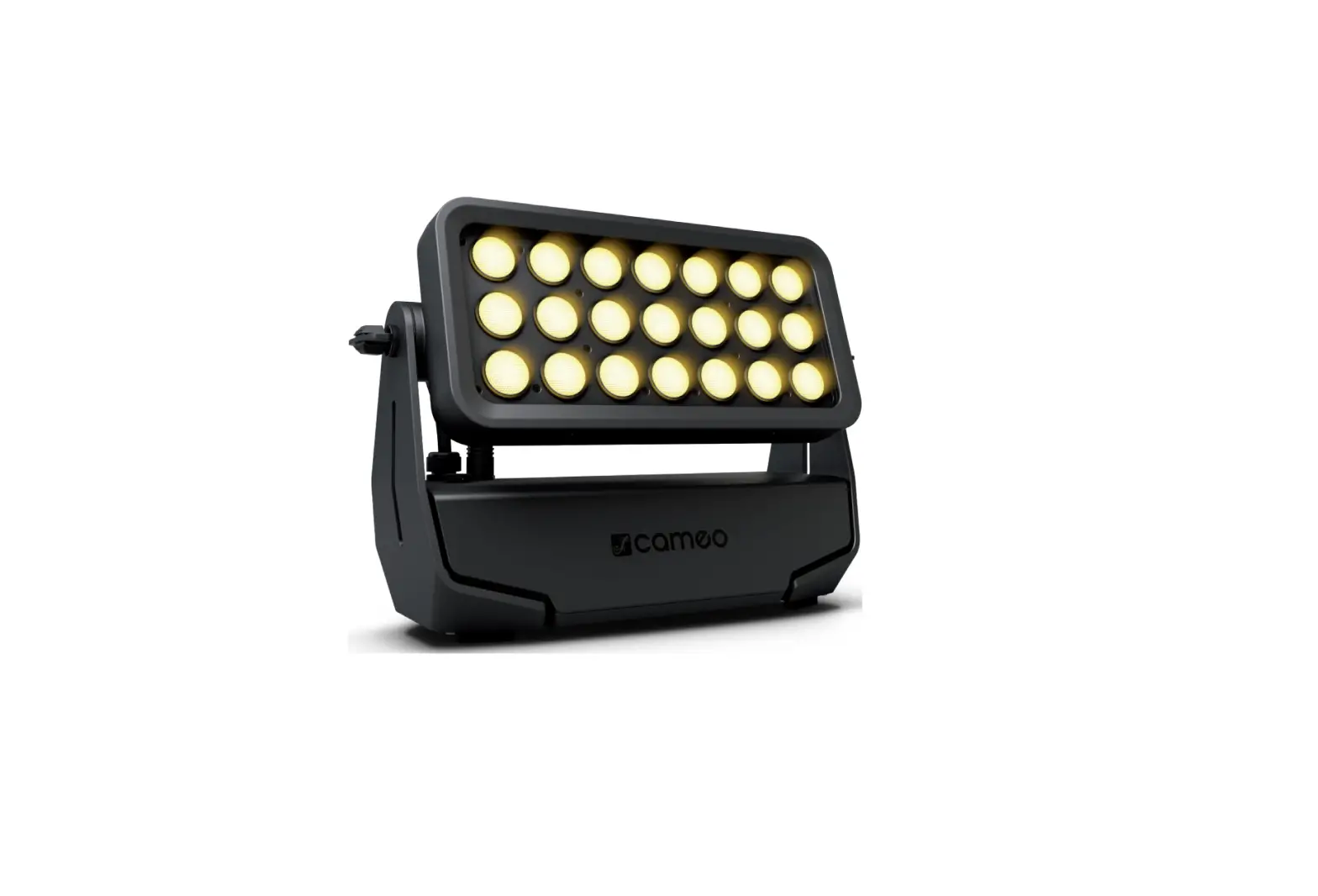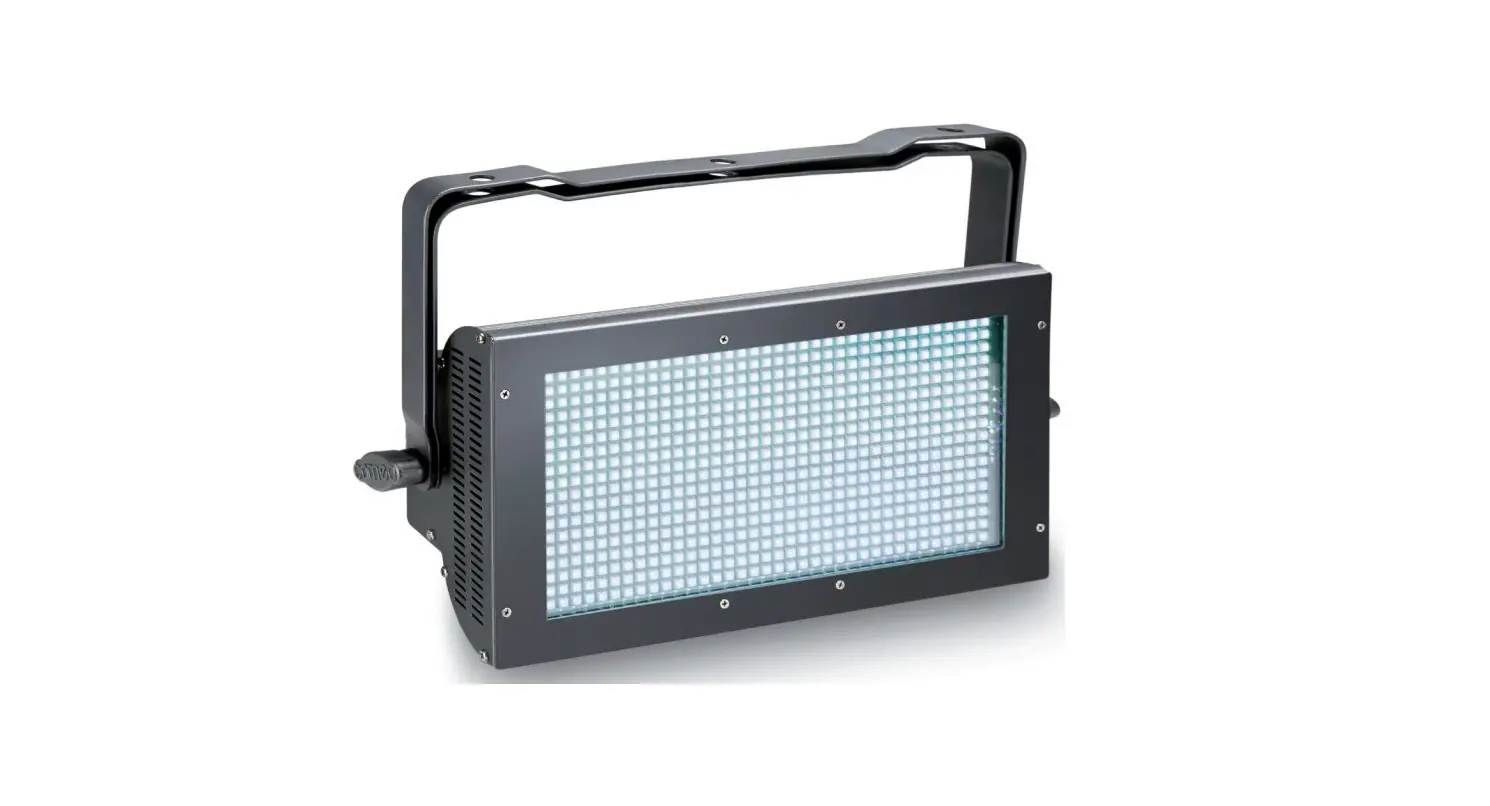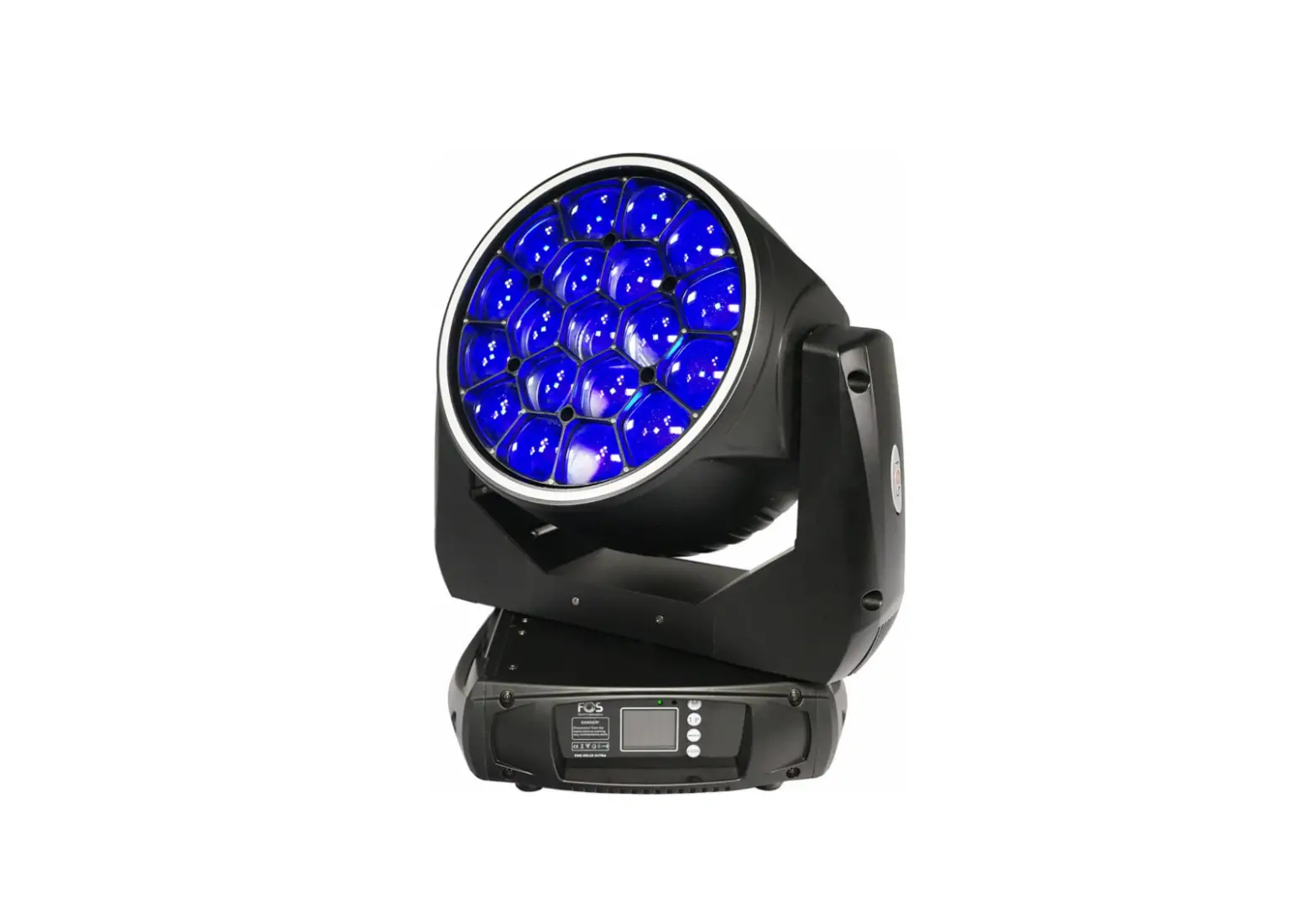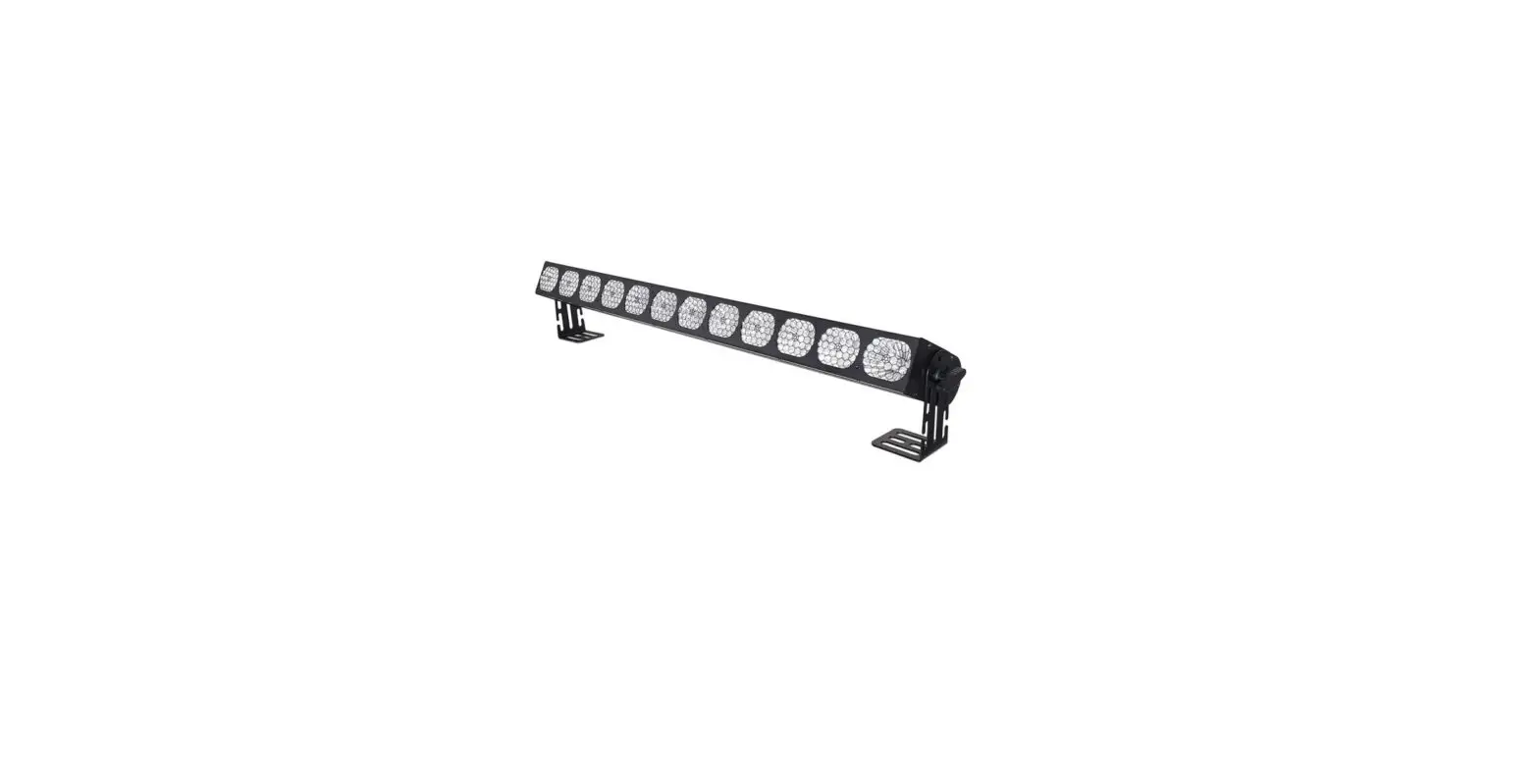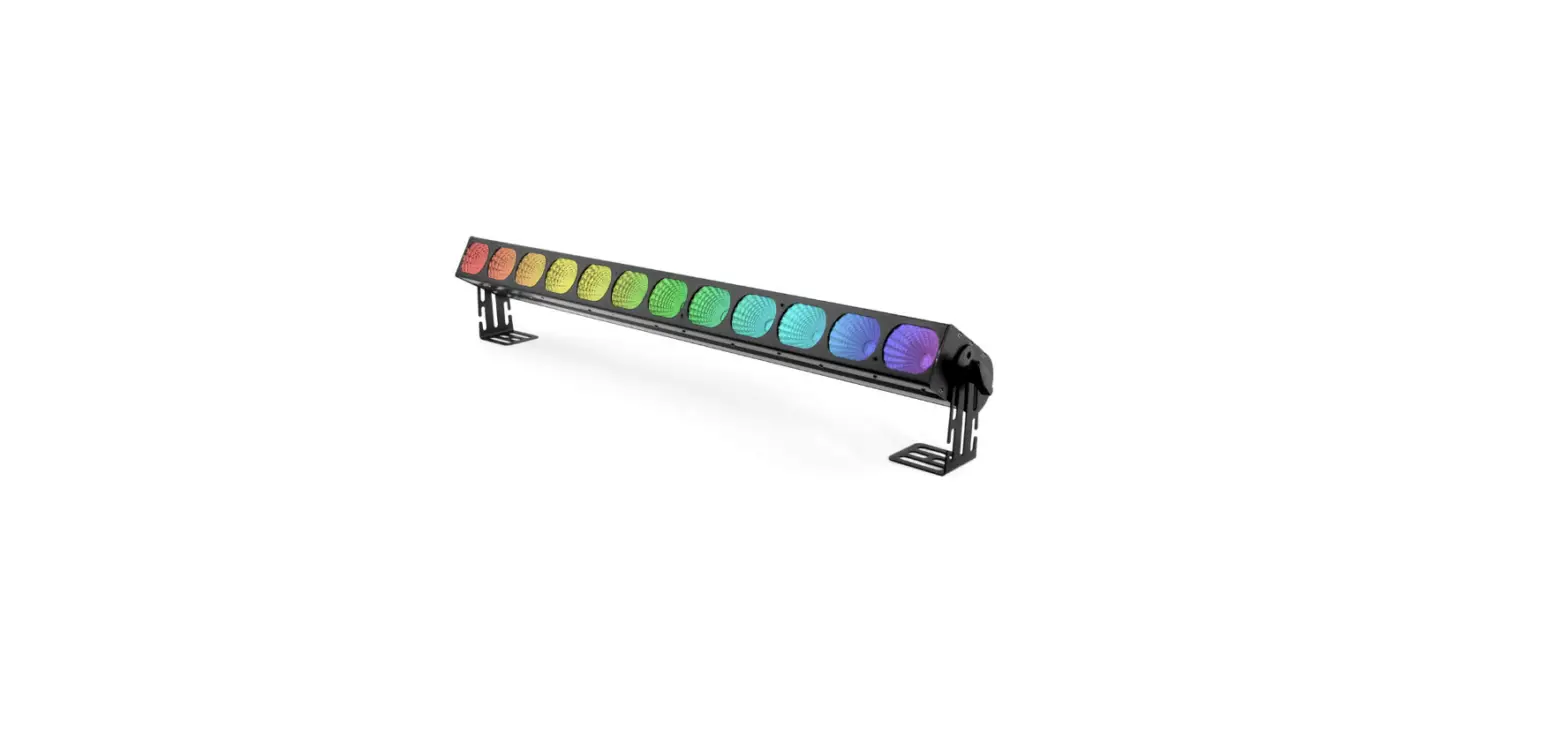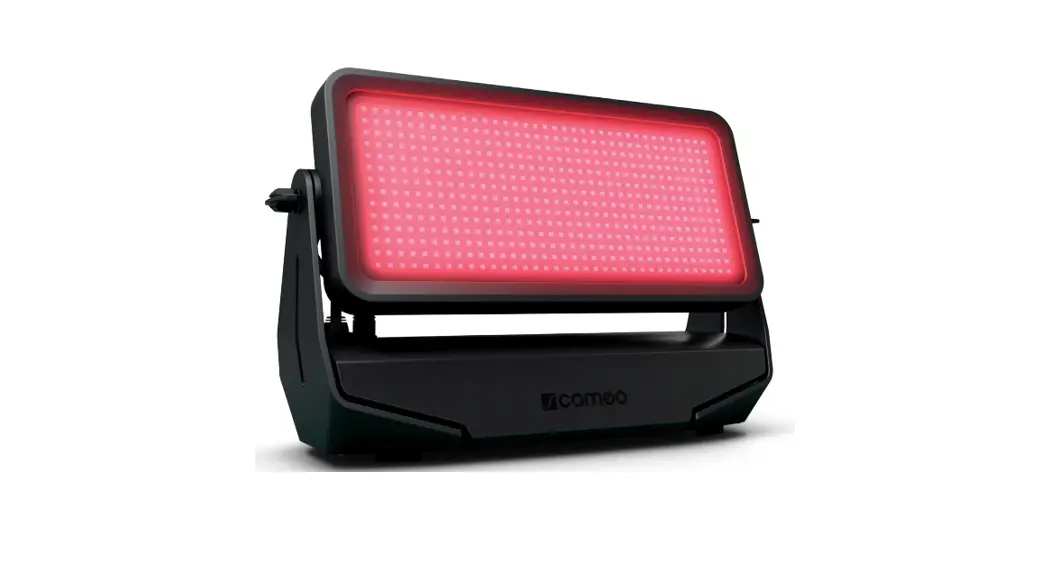
CLZW600SMD Zenit W600 SMD Professional Outdoor Washlight
USER´S MANUAL BEDIENUNGSANLEITUNG MANUEL D´UTILISATION MANUAL DE USUARIO INSTRUKCJA OBSLUGI MANUALE D´USO
RGB W
ZENIT® W600 SMD
PROFESSIONAL OUTDOOR WASHLIGHT CLZW600SMD
CONTENTS / INHALTSVERZEICHNIS / CONTENU / CONTENIDO / TRE / CONTENUTO
ENGLISH
INFORMATION ON THIS USER MANUAL
5
APPROPRIATE USE
5
DEFINITIONS AND SYMBOL EXPLANATIONS
5
SAFETY INSTRUCTIONS
6
NOTES ON PORTABLE OUTDOOR DEVICES
10
INCLUDED
10
INTRODUCTION
10
CONNECTIONS, OPERATING AND DISPLAY ELEMENTS
11
OPERATION
13
SETUP AND INSTALLATION
24
CARE, MAINTENANCE AND REPAIR
25
OPTIONAL ACCESSORIES
26
DMX TECHNOLOGY
27
TECHNICAL DATA
29
EXPLANATION OF IP PROTECTION CLASS
30
MINIMUM DISTANCE TO ILLUMINATED SURFACE
31
MINIMUM DISTANCE TO NORMALLY FLAMMABLE MATERIALS
31
DISPOSAL
31
MANUFACTURER’S DECLARATIONS
31
DEUTSCH
INFORMATIONEN ZU DIESER BEDIENUNGSANLEITUNG
33
BESTIMMUNGSGEMÄSSER GEBRAUCH
33
BEGRIFFS- UND SYMBOLERKLÄRUNGEN
33
SICHERHEITSHINWEISE
34
HINWEISE FÜR ORTSVERÄNDERLICHE OUTDOOR-GERÄTE
39
LIEFERUMFANG
39
EINFÜHRUNG
40
ANSCHLÜSSE, BEDIEN- UND ANZEIGEELEMENTE
40
BEDIENUNG
43
AUFSTELLUNG UND MONTAGE
53
PFLEGE, WARTUNG UND REPARATUR
54
OPTIONALES ZUBEHÖR
56
DMX TECHNIK
56
TECHNISCHE DATEN
58
ERLÄUTERUNGEN ZUR IP-SCHUTZART
60
MINDESTABSTAND ZUR BELEUCHTETEN FLÄCHE
60
MINDESTABSTAND ZU NORMAL ENTFLAMMBAREN MATERIALIEN
60
ENTSORGUNG
61
HERSTELLERERKLÄRUNGEN
61
CONTENTS / INHALTSVERZEICHNIS / CONTENU / CONTENIDO / TRE / CONTENUTO
FRANÇAIS
INFORMATIONS CONCERNANT LE PRÉSENT MANUEL
63
UTILISATION CONFORME
63
EXPLICATIONS DES TERMES ET DES SYMBOLES
63
CONSIGNES DE SÉCURITÉ
64
REMARQUES CONCERNANT LES APPAREILS D’EXTÉRIEUR MOBILES
69
CONTENU DE LA LIVRAISON
69
PRÉSENTATION
69
RACCORDEMENTS, ÉLÉMENTS DE COMMANDE ET D’AFFICHAGE
70
UTILISATION
73
INSTALLATION ET MONTAGE
85
ENTRETIEN, MAINTENANCE ET RÉPARATION
86
ACCESSOIRES DISPONIBLES EN OPTION
88
TECHNOLOGIE DMX
88
CARACTÉRISTIQUES TECHNIQUES
90
EXPLICATIONS RELATIVES À L’INDICE DE PROTECTION IP
92
DISTANCE MINIMALE PAR RAPPORT À LA SURFACE ÉCLAIRÉE
92
DISTANCE MINIMALE PAR RAPPORT AUX MATÉRIAUX NORMALEMENT INFLAMMABLES
92
ÉLIMINATION
93
DÉCLARATIONS DU FABRICANT
93
ESPAÑOL
INFORMACIÓN SOBRE ESTE MANUAL
95
USO PREVISTO
95
TÉRMINOS Y SÍMBOLOS
95
INSTRUCCIONES DE SEGURIDAD
96
INDICACIONES PARA EQUIPOS PORTÁTILES DE EXTERIOR
101
VOLUMEN DE SUMINISTRO
101
INTRODUCCIÓN
101
CONEXIONES, ELEMENTOS DE MANDO Y ELEMENTOS DE VISUALIZACIÓN
102
FUNCIONAMIENTO
105
INSTALACIÓN Y MONTAJE
116
CUIDADO, MANTENIMIENTO Y REPARACIÓN
116
ACCESORIOS OPCIONALES
118
TECNOLOGÍA DMX
119
DATOS TÉCNICOS
121
EXPLICACIÓN SOBRE LA CLASE DE PROTECCIÓN IP
122
DISTANCIA MÍNIMA CON RESPECTO A LA SUPERFICIE ILUMINADA
123
DISTANCIA MÍNIMA CON RESPECTO A MATERIALES NORMALMENTE
INFLAMABLES
123
ELIMINACIÓN
123
DECLARACIONES DEL FABRICANTE
124
CONTENTS / INHALTSVERZEICHNIS / CONTENU / CONTENIDO / TRE / CONTENUTO
POLSKI
INFORMACJE DOTYCZCE NINIEJSZEJ INSTRUKCJI OBSLUGI
125
UYTKOWANIE ZGODNE Z PRZEZNACZENIEM
125
OBJANIENIA TERMINÓW I SYMBOLI
125
ZASADY BEZPIECZESTWA
126
UWAGI DOTYCZCE PRZENONEGO SPRZTU ZEWNTRZNEGO
131
ZAKRES DOSTAWY
131
WPROWADZENIE
132
PRZYLCZA, ELEMENTY OBSLUGI I WSKANIKI
132
OBSLUGA
135
USTAWIANIE I MONTA
145
CZYSZCZENIE, KONSERWACJA I NAPRAWY
146
OPCJONALNE AKCESORIA
148
TECHNIKA DMX
148
DANE TECHNICZNE
150
OBJANIENIA DOTYCZCE STOPNIA OCHRONY IP
152
MINIMALNA ODLEGLO OD POWIERZCHNI OWIETLONEJ
152
MINIMALNA ODLEGLO OD NORMALNIE LATWOPALNYCH MATERIALÓW
152
UTYLIZACJA
153
DEKLARACJE PRODUCENTA
153
ITALIANO
INFORMAZIONI SUL PRESENTE MANUALE DI ISTRUZIONI
155
UTILIZZO CONFORME
155
SPIEGAZIONE DI CONCETTI E SIMBOLI
155
INDICAZIONI SULLA SICUREZZA
156
AVVERTENZE PER DISPOSITIVI PORTATILI PER ESTERNI
161
DOTAZIONE
161
INTRODUZIONE
162
CONNETTORI, ELEMENTI DI COMANDO E VISUALIZZAZIONE
162
UTILIZZO
165
INSTALLAZIONE E MONTAGGIO
175
PULIZIA, MANUTENZIONE E RIPARAZIONE
176
ACCESSORI OPZIONALI
178
TECNOLOGIA DMX
178
DATI TECNICI
180
SPIEGAZIONI SULLA PROTEZIONE IP
182
DISTANZA MINIMA DALLA SUPERFICIE ILLUMINATA
182
DISTANZA MINIMA DAI MATERIALI NORMALMENTE INFIAMMABILI
182
SMALTIMENTO
183
DICHIARAZIONI DEL PRODUTTORE
183
DMX
DMX CONTROL / DMX STEUERUNG / PILOTAGE DMX / CONTROL DMX /
STEROWANIE DMX / CONTROLLO DMX
185
PIXEL SEGMENTS / PIXEL SEGMENTE
204
ENGLISH
DEUTSCH
FRANCAIS
ESPAÑOL
ENGLISH YOU HAVE MADE THE RIGHT CHOICE! This device has been developed and manufactured to the highest quality standards to ensure many years of problem-free operation. Please read this manual carefully to be able to use your new Cameo product quickly and optimally. Further information about Cameo Light is available on our website CAMEOLIGHT.com.
INFORMATION ON THIS USER MANUAL
·Read the safety instructions and the entire manual carefully before use.
·Observe the warnings on the device and in the user manual.
·Always keep the user manual within reach.
·If you sell or pass on the device, it is important to ensure you pass on this user manual, as it is an integral part of the product.
APPROPRIATE USE
This product is a device for event technology! The product has been developed for professional use in the field of event technology and is not suitable for use as domestic lighting. Furthermore, this product is only intended for qualified users with specialist knowledge of event technology! Use of the product outside the specified technical data and operating conditions is considered inappropriate! Liability for damage and third-party damage to persons and property due to inappropriate use is excluded! The product is not suitable for: · persons (including children) with limited physical, sensory or mental abilities or lack of experi-
ence and knowledge.
· children (children must be instructed not to play with the device).
DEFINITIONS AND SYMBOL EXPLANATIONS
1. HAZARD: The word HAZARD, possibly in combination with a symbol, indicates situations in which there is an immediate danger or risk of potentially fatal injury. 2. WARNING: The word HAZARD, possibly in combination with a symbol, indicates situations in which there is an immediate danger or risk of potentially fatal injury. 3. CAUTION: The word CAUTION, possibly in combination with a symbol, indicates situations or conditions that could result in injury. 4. ATTENTION: The word ATTENTION, possibly in combination with a symbol, indicates situations or conditions that could result in damage to property and/or the environment.
5
POLSKI
ITALIANO
DMX
ENGLISH
DEUTSCH
FRANCAIS
ESPAÑOL
This symbol identifies hazards that can cause electric shock.
This symbol identifies danger points or hazardous situations.
This symbol indicates hazards caused by hot surfaces.
This symbol indicates hazards caused by intense light sources.
This symbol indicates a device in which there are no user-replaceable parts.
This symbol indicates additional information relating to use of the product.
SAFETY INSTRUCTIONS
HAZARD: 1. Do not open the device and do not perform any modifications. 2. If your device no longer functions properly, if liquids or objects get inside it or if it
has been damaged in any other way, switch it off immediately and disconnect it from the mains. The device may be repaired only by authorised repair technicians. 3. For devices of protection class 1, the protective conductor must be connected correctly. Never disconnect the protective conductor. Devices of protection class 2 do not have a protective conductor. 4. Ensure that live cables are not kinked or otherwise mechanically damaged. 5. Never bypass the device fuse.
WARNING: 1. The device must not be put into operation if it shows obvious signs of damage. 2. The device may only be installed in a voltage-free state. 3. If the power cord of the device is damaged, the device must not be used. 4. Permanently connected mains cables may only be replaced by a qualified person.
6
POLSKI
ITALIANO
DMX
ENGLISH
DEUTSCH
FRANCAIS
ESPAÑOL
CAUTION: 1. Do not put the device into operation immediately if it has been exposed to
extreme temperature fluctuations (for example, after transportation). Moisture and condensation can damage the device. Do not switch on the device until it has reached room temperature. 2. Ensure that the voltage and frequency of the mains supply match the values specified on the device. If the device has a voltage selector switch, do not connect the device until it has been set correctly. Use only suitable power cables. 3. To disconnect the device from the mains on all poles, it is not sufficient to press the on/off switch on the device. 4. Make sure that the fuse used corresponds to the type printed on the device. 5. Ensure that suitable measures have been taken against overvoltage (e.g. lightning strikes). 6. Observe the specified maximum output current on devices with a Power Out connection. Ensure that the total current consumption of all connected devices does not exceed the specified value. 7. Replace pluggable mains cables with original cables only.
HAZARD 1. Choking hazard! Plastic bags and small parts must be kept out of reach of per-
sons (including children) with reduced physical, sensory or mental capabilities. 2. Risk of falling! Make sure that the device is securely installed and will not fall
down. Only use suitable stands or mountings (particularly for fixed installations). Make sure that accessories are correctly installed and secured. Ensure that applicable safety regulations are observed.
WARNING: 1. Use the device in the prescribed manner only. 2. Operate the device using only accessories of the type recommended and supplied
by the manufacturer. 3. Observe safety regulations applicable in your country during installation. 4. After connecting the device, ensure that all cables are routed so as to avoid dam-
age or accidents, such as from tripping. 5. Always observe the specified minimum distance to normally flammable materials!
Unless explicitly stated, the minimum distance is 0.3 m. 6. Always observe the minimum distance to the illuminated surface that can be read
on the device!
7
POLSKI
ITALIANO
DMX
ENGLISH
DEUTSCH
FRANCAIS
ESPAÑOL
CAUTION: 1. Moving components such as mounting brackets may become jammed. 2. In the case of devices with motor-driven components, there is a risk of injury due
to the movement of the device. Sudden movement of the device can cause shock reactions. 3. The housing surface of the device can become very hot during regular operation. Ensure that accidental touching of the housing is not possible. Always allow the device to cool down sufficiently before removal, maintenance work and charging etc.
CAUTION: 1. Do not install or use the device in the vicinity of radiators, accumulators, stoves,
or other heat sources Ensure that the device is always installed in such a way that it is sufficiently cooled and cannot overheat. 2. Do not place ignition sources, such as burning candles, near the device. 3. Ventilation openings must not be covered and fans must not be blocked. 4. Use the original packaging or packaging provided by the manufacturer for transport. 5. Avoid shocks or impacts to the device. 6. Observe the IP rating and the ambient conditions such as temperature and humidity according to the specifications. 7. Devices can be further developed on an ongoing basis. In the event of deviating information on operating conditions, performance or other device properties between the user manual and the device labelling, the information on the device always has priority. 8. The device is not suitable for tropical climate zones and for operation at over 2000 m above sea level. 9. Unless explicitly stated, the device is not suitable for operation under marine conditions.
CAUTION! IMPORTANT INFORMATION REGARDING LIGHTING PRODUCTS! 1. Never look directly into the beam of light, not even for a short period of time. 2. Never look into the beam of light using optical devices such as a magnifying glass.
3. Stroboscopic effects may cause epileptic seizures in those susceptible!
8
POLSKI
ITALIANO
DMX
ENGLISH
DEUTSCH
FRANCAIS
ESPAÑOL
4. A permanently installed lamp is installed in this lighting unit which must not be replaced by the user. In the event of a fault, please contact your sales partner.
SIGNAL TRANSMISSION BY RADIO (e.g. W-DMX or audio radio systems): The quality and performance of wireless signal transmissions generally depends on the ambient conditions. The following factors can impact range and signal stability, for example: Shielding (e.g. masonry, metal structures, water) High volume of radio traffic (e.g. powerful wireless LAN networks) Interference Electromagnetic radiation (e.g. LED video screens, dimmers)
All range specifications refer to free-field application with visual contact and without interference!
The operation of transmission systems is subject to official regulations. These may vary from region to region and must be checked by the operator before use (e.g. radio frequency and transmission power). WARNING: Devices with wireless signal transmission are not suitable for use in sensitive areas in which radio operation can lead to potential detrimental effects. These include: ·hospitals, health centres or other healthcare facilities that provide patient treat-
ment with skilled personnel and equipment. ·Hazardous areas Class I, II and III ·Restricted areas ·Military facilities ·Aircraft or vehicles ·Areas where the use of mobile phones is prohibited
9
POLSKI
ITALIANO
DMX
ENGLISH
DEUTSCH
FRANCAIS
ESPAÑOL
TRANSMISSION VIA W-DMX WARNING:In general, wireless DMX transmission must not be used for applications involving safety-related factors that might result in personal injury or property damage in the event of a failure. This applies in particular to moving scene or traverse structures, DMX-controlled motors/lifts or lifting devices for operating DMX-operated platform lifts, hydraulic systems or comparable moving components. Furthermore, wireless DMX transmission must not be used to trigger flame or pyrotechnic devices, explosion-driven effects, or to control gas or liquid effects. These include CO2 cannons, confetti shooters, water effects or similar.
NOTES ON PORTABLE OUTDOOR DEVICES
1. Temporary operation! Event equipment is generally only designed for temporary operation.
2. Continuous operation or permanent structural installation, particularly outdoors, can impair the function, surfaces and seals and accelerate material fatigue.
3. Damage to the surface coating can impair the corrosion protection of the device. A damaged surface coating (e.g. scratches) must be promptly restored by means of suitable measures.
INCLUDED
Remove the product from the packaging and remove all packaging material. Please check the completeness and integrity of the delivery and notify your distribution partner immediately after purchase if the delivery is not complete or if it is damaged. Product includes: X Spotlight X Power cable X 2 Omega brackets X User manual
INTRODUCTION
ZENIT W600 SMD PROFESSIONAL OUTDOOR WASHLIGHT CLZW600SMD
10
POLSKI
ITALIANO
DMX
ENGLISH
DEUTSCH
CONTROL FUNCTIONS: 2-, 3-1, 3-2-, 4-, 6-, 8-, 10-, 15-, 36-, 39-, 42-, 48-, 54-, 87-channel DMX control Master/slave operation Standalone operation W-DMXTM
FEATURES: 504 4-in-1 SMD RGBW LEDs. IP65 protection rating. DMX512. W-DMXTM. 16-bit dimmer. 4 dimmer curves. Adjustable LED PWM frequency. Fast Access Feature. 5-pin DMX connections. Plastic feet. 2x Omega mounting brackets included. Operating voltage 100240 V AC. Barn door available as an option.
The spotlight features the RDM standard (Remote Device Management). Remote device management allows the user to view the status and configuration of RDM terminals via an RDM-capable controller.
CONNECTIONS, OPERATING AND DISPLAY ELEMENTS
1
3
SMD
6
5
6
2 4
FRANCAIS
ESPAÑOL
POLSKI
ITALIANO
1 POWER IN IP65 power input socket with rubber sealing cap. Operating voltage 100-240 V AC/50-60 Hz. Connection via supplied power cable (when not in use, always close with rubber sealing cap).
2 POWER OUT IP65 power output socket with rubber sealing cap. Facilitates power supply to other CAMEO spotlights. Ensure that the total current consumption of all connected devices does not exceed the value specified on the device in amperes (A) (when not in use, always close with the rubber sealing cap).
11
DMX
ENGLISH
DEUTSCH
FRANCAIS
ESPAÑOL
3 DMX IN Male IP65 5-pin XLR socket for connecting a DMX control device (e.g. DMX console; when not in use, always close with the rubber sealing cap).
4 DMX OUT Female IP65 5-pin XLR socket for sending DMX control signal (when not in use, always close with the rubber sealing cap).
5 OLED DISPLAY The OLED display shows the currently activated mode (main display), the menu items in the selection menu and the numerical value or status in the various menu items.
6 TOUCH-SENSITIVE CONTROLS MODE Press MODE to access the main menu. Press again or repeatedly to return to the main display. ENTER Select individual menu items in the main menu (DMX address, operating mode etc.) and in the submenus. Allow changes to the status or value in a menu item, such as the DMX address, as required. UP and DOWN Select individual menu items in the main menu (DMX address, operating mode etc.) and in the submenus. Allow changes to the status or value in a menu item, such as the DMX address, as required.
PRESSURE EQUALISATION ELEMENT The pressure equalisation element to prevent condensation inside the housing is in the device base, behind the cable feed for the LED unit. In order to ensure its proper function, the element must be protected from contamination.
HOUSING FAN The 3 housing fans and the heat sink are on the back of the LED unit. In order to ensure good air circulation, do not cover the device and clean it regularly. PLEASE NOTE ·As soon as the spotlight is connected, the following are displayed in succession: “Welcome to
Cameo”, the model name and the software version. During the start-up process, the previously set operating mode is activated and the spotlight is ready for operation after a short time.
·Before changing the device settings, ensure that the control panel is dry and free of dust in order not to impair its functionality.
12
POLSKI
ITALIANO
DMX
ENGLISH
DEUTSCH
FRANCAIS
ESPAÑOL
·If one of the DMX operating modes is activated and there is no DMX signal to the DMX input, the currently programmed DMX address is displayed and the characters on the display will begin to flash.
·Press MODE to go up one level in the menu structure. To go to the main display in the menu structure, press MODE repeatedly.
·The main display is activated automatically if there is no input in the space of approximately one minute.
·Fast Access Feature: In order to simplify the menu guide, the device has an intelligent menu structure that allows direct access to previously selected menu items and submenu items.
1. Press MODE and ENTER simultaneously for direct access to the last-edited submenu item, where you can make changes instantly as required (DMX starting address and all modes). 2. Press MODE to go directly to the last selected and edited menu item. If you now repeatedly press ENTER, you can access the submenu items to make individual settings (DMX start address and all operating modes). ·The display can be rotated through 180° by pressing UP when the main display is visible. ·To quickly change a value (e.g. DMX start address), press and hold the UP or DOWN button.
CAUTION: In order to provide protection from spraying water, in accordance with protection class IP65, special IP65-rated XLR connectors must be used correctly with the DMX input and output sockets, or they must be closed using the rubber sealing caps. When connected correctly, or when sealed correctly with the rubber sealing caps, the POWER IN and POWER OUT sockets are protected from spraying water, as in accordance with IP65.
OPERATION
MAIN DISPLAY The main display shows the following information: Current mode (in the example: DMX mode with start address 001) and W-DMXTM status.
W-DMXTM status
DMX Address 001
Current operating mode
13
POLSKI
ITALIANO
DMX
ENGLISH
DEUTSCH
FRANCAIS
W-DMXTM
To pair a W-DMX receiver with a W-DMX compatible transmitter , the Reset command must be executed in the menu item WDMX under Receiver (select Reset and confirm). The receiver is now in pairing standby and waiting for a pairing request from a transmitter. Start the pairing by selecting Link in the menu of the transmitter and confirming; the pairing now takes place automatically. In the same way, several receivers can be paired simultaneously or one after the other to a transmitter (e.g. for master / slave operation). A W-DMX connection is always maintained until the connection is disconnected by means of the Reset command in the receiver or the Unlink command in the transmitter, regardless of whether a device has been disconnected from the power supply in the meantime.
W-DMXTM STATUS
W-DMXTM deactivated
W-DMXTM activated as
receiver, not paired
G3
G4S
W-DMXTM activated as receiver and is paired to device, Transmitter is switched off or out of range
W-DMX activated and is paired to device, no DMX signal
W-DMXTM activated as receiver and is paired to device, DMX signal is
present
W-DMXTM and transmission mode G3 is
enabled Up arrow = Send operation Down arrow = Receive operation Arrow flashes= Pairing process Flashing stops =
Paired
W-DMXTM and transmission mode G4S
activated Up arrow = Send operation Down arrow = Receive operation Arrow flashes= Pairing process Flashing stops =
Paired
SETTING DMX START ADDRESS (DMX address)
Press MODE to access the main menu (— Menu —). Using UP and DOWN, select the menu item DMX Address (observe arrow) and confirm with ENTER. The display will show a three-digit number field and you can use the UP and DOWN controls to configure the desired DMX start address. Confirm the entry with ENTER and press MODE to return to the main display (in the example, ,,DMX address 001″).
—————- Menu —————-
001
DMX Address
–
DMX Mode Stand Alone
5xx
Slave
Settings
System Info
DMX Address 001
ESPAÑOL
POLSKI
ITALIANO
DMX
14
ENGLISH
DEUTSCH
FRANCAIS
ESPAÑOL
CONFIGURING DMX MODE (DMX MODE) Press MODE to access the main menu (— Menu —). Using UP and DOWN, select the menu item DMX Mode (observe arrow) and confirm with ENTER. In the submenu, you can now select the desired DMX mode with UP and DOWN. Confirm your selection with ENTER. Tables with the channel assignments can be found in these instructions under DMX CONTROL.
CONFIGURE STANDALONE MODE Press MODE to access the main menu (— Menu —). Using UP and DOWN, select the menu item Stand Alone (observe arrow) and confirm with ENTER. In the submenu you can now use UP and DOWN to select the standalone modes Auto, Color Macro, Static, Tunable White, User Color, Pixel and the Timer function. Confirm your selection with ENTER.
15
POLSKI
ITALIANO
DMX
ENGLISH
DEUTSCH
FRANCAIS
ESPAÑOL
AUTO MODE (Auto Program 1 6) The 6 different auto programs each comprise non-editable color-change sequences. Brightness and speed are independently adjustable. Select auto mode as described above under ,,CONFIGURE STANDALONE MODE” and confirm with ENTER. Now use UP and DOWN to select one of the 6 auto programs (observe arrow) and confirm with ENTER. To adjust brightness, use UP and DOWN to select the menu item Dim and confirm with ENTER, then use UP and DOWN to select the desired value between 000 and 255. Confirm with ENTER. Set the run speed by selecting the menu item Speed, confirm with ENTER, and then select the desired value between 001 and 100. Confirm with ENTER.
COLOR MACROS (Color Macro) 15 different preset color macros are available. Select Color Macro as described above under CONFIGURE STANDALONE MODE and confirm with ENTER. Using the UP and DOWN controls, now select the desired color preset (observe arrow) and confirm with ENTER (Color Off = blackout). A three-digit figure is shown on the display, and you can set the desired brightness on a scale from 000 to 100 using UP and DOWN. Confirm with ENTER.
16
POLSKI
ITALIANO
DMX
ENGLISH
DEUTSCH
FRANCAIS
ESPAÑOL
STATIC MODE (Static) Static mode allows the Dimmer, Strobe and RGBW functions to be adjusted directly on the device with values between 000 to 255, similar to a DMX control unit. In this way, an individual scene can be created without an additional DMX controller. Select Static mode as per the procedure previously described in CONFIGURE STANDALONE MODE and confirm with ENTER. Now use UP and DOWN to select the menu item you wish to edit (observe arrow) and confirm with ENTER. The display will now show a three-digit number field, and you can use UP and DOWN to configure the desired value between 000 and 255. Confirm with ENTER.
COLOR TEMPERATURE (Tunable White) The color temperature mode enables you to configure the color temperature from cold white to warm white (CCT) and the brightness (Dim) of the light directly on the device. Select the color temperature mode Tunable White mode as per the procedure previously described in CONFIGURE STANDALONE MODE and confirm with ENTER. Now use UP and DOWN to select the menu item you wish to edit (observe arrow) and confirm with ENTER. The display will now show a three-digit number field and you can use UP and DOWN to configure the desired value. Confirm with ENTER.
17
POLSKI
ITALIANO
DMX
ENGLISH
DEUTSCH
FRANCAIS
ESPAÑOL
USER PRESETS (User Color) The operating mode “User Presets” allows you to store five individual color presets of overall brightness, strobe and a color mix of R, G, B and W directly in the device. Select User Color mode as per the procedure previously described in CONFIGURE STAND ALONE MODE and confirm with ENTER. Use UP AND DOWN to select one of the stored presets Color1 to Color5 and confirm with ENTER and select the submenu item you want to edit (see arrows). Confirm with ENTER. The display will show a three-digit number field and you can use the UP and DOWN controls to set the value as required between 000 and 255. Confirm by pressing ENTER again.
PIXEL MODE (Pixels) Pixel mode allows you to set dimmers, patterns and speed directly on the device with values from 000 to 255. Dynamic patterns can be found from value 006 to 098 and static patterns from 128 to 234. The speed of the dynamic patterns is set from 006 (fast) to 126 (slow) and in the reverse direction from 128 (slow) to 255 (fast) (000 005 and 127 = stop). Select Pixel mode as per the procedure previously described in CONFIGURE STANDALONE MODE and confirm with ENTER. Now use UP and DOWN to select the menu item you wish to edit (observe arrow) and confirm with ENTER. The display will now show a three-digit number field, and you can use UP and DOWN to configure the desired value between 000 and 255. Confirm with ENTER.
18
POLSKI
ITALIANO
DMX
ENGLISH
DEUTSCH
FRANCAIS
TIMER FUNCTION (Timer)
The timer function allows the standalone modes Color Macro, Static, Tunable White and User Color to be timer controlled in such a way that the fade-in time can be set from 0 to 60 minutes, the dwell time from 1 to 24 hours and the fade-out time from 0 to 60 minutes. Time control starts immediately after activating the timer function in the previously activated standalone mode and remains active even if the spotlight is switched off and restarted.
Select Timer as per the procedure described above under CONFIGURE STANDALONE MODE and confirm with ENTER. For the individual timer control settings, select Fade In, Dwell Time or Fade Out and confirm with ENTER. The display will show a three-digit number field in each case. Use UP and DOWN to set the value as required from 000 to 060 or 001 to 024. Confirm by pressing ENTER again. Once all settings have been configured as required, activate the timer function by selecting the submenu item Timer On/Off using UP and DOWN, confirm with ENTER, select On and confirm again with ENTER (to deactivate the timer function, please select Off and confirm).
Please note: The timer function is suitable for use in master/slave mode via cable and W-DMXTM.
SLAVE MODE CONFIGURATION
Press MODE to access the main menu (— Menu —). Using UP and DOWN, select the menu item Slave (observe arrow) and confirm with ENTER. Connect the slave and the master units (same model, same software version) with a DMX cable and enable a standalone mode on the master unit. The slave unit will now follow the master unit. If there is no control signal, the display characters will flash. Flashing stops as soon as a control signal is present.
—————- Menu —————-
DMX Address DMX Mode Stand Alone Slave Settings System Info
Mode Slave
ESPAÑOL
POLSKI
ITALIANO
DMX
19
ENGLISH
DEUTSCH
FRANCAIS
SYSTEM SETTINGS (Settings)
Press MODE to access the main menu (— Menu —). Using UP and DOWN, select the menu item Settings (observe arrow) and confirm with ENTER.
—————- Menu —————-
DMX Address DMX Mode Stand Alone Slave Settings System Info
This will take you to the submenu for setting the following submenu items (see table, select with UP and DOWN, confirm with ENTER, change value or status with UP and DOWN, confirm with ENTER):
Settings
Wireless = W-DMX
W-DMX On/Off On = W-DMX activated
Settings
Settings
Off = W-DMX deactivated
(Wireless DMX)
Operating
Receive = W-DMX module as receiver
Mode
Transmit = W-DMX module as transmitter
Transmitting G3 = G3 transmission standard
Mode
G4S = G4S transmission standard
Link
Link = pair with W-DMX devices. W-DMX
must be activated on all devices and the
pairing must be picked up by a transmit-
ter (Receive Reset).
Unlink = decoupling of all devices
Receive
No = Do not retain transmitter pairing
Reset
Yes = Retain transmitter pairing
Display = flip display
On
Rotate display by 180° (e.g. for overhead
Reverse
installation)
Off
No display rotation
Display = Display lighting
On
Permanently on
Backlight
Off
Deactivation after approximately 1 minute
of inactivity
DMX Fail = Operating status Hold
Last command is retained
when DMX signal is Blackout
Activates blackout
interrupted
Full
All the LEDs are 100%
Stand Alone Spotlight switches to the Static standalo-
ne mode
ESPAÑOL
POLSKI
ITALIANO
DMX
20
ENGLISH
DEUTSCH
FRANCAIS
ESPAÑOL
Dimmer = Dimmer curve
Linear
Light intensity increases linearly with
Curve
DMX value
Exponential Light intensity can be finely adjusted at
lower DMX values and broadly adjusted at
higher DMX values
Logarithmic Light intensity can be broadly adjusted at
lower DMX values and finely adjusted at
higher DMX values
S-curve
Light intensity can be finely adjusted at
lower and higher DMX values and broadly
adjusted at medium DMX values
Power = Operating mode Normal
Constant brightness
Mode
Boost
Brief maximum brightness (Blinder func-
tion, approx. 3 seconds)
Dimmer = Dimmer response LED
Light responds abruptly to changes in
response
DMX value
Halogen
Light behaves like a halogen spotlight
with slight brightness changes
Color Ca- = Color calibration RAW
R, G, B and W with maximum value 255
libration
User Calibra- Individual color calibration. Cross-mode
tion
brightness setting of R, G, B, A and L with
values from 000 – 255.
Factory Cali- Factory calibration of R, G, B and W
bration
(across all modes)
Smart Calibra- Merging factory and RAW calibration
tion
Autolock = Automatic locking of On
Automatic locking of the controls after
the controls
approximately 1 minute of inactivity.
After attempted input the display shows:
“Locked!”
Unlock: press and hold UP and DOWN
simultaneously for approx. 5 seconds
Off
Automatic locking of the controls is
disabled
PWM = LED PWM frequency 800 Hz / 1200 Configuration of LED PWM frequency
Frequ-
Hz / 2000 Hz /
ency
3600 Hz / 12
kHz / 25 kHz
Fan
= Adjust fan control Auto Fan
Automatic fan speed control
Silent Fan
Constant fan speed with adjusted bright-
ness
Off
Disabled fans at adjusted brightness
POLSKI
ITALIANO
DMX
21
ENGLISH
DEUTSCH
Light intensity
FRANCAIS
Mirror Pixel
= Mirror arrangement Off of pixel segments Vertical
Horizontal
Factory = Restore factory
Reset
settings
Vertical + Horizontal
Reset Now?
Dimmer curves linear
exponential
No mirroring Mirror vertically Mirror horizontally
Mirror vertically and horizontally
Restore factory settings: Confirm with ENTER. Cancel with MODE
Light intensity
DMX value logarithmic
DMX value S-curve
Light intensity
DMX value
DMX value
SYSTEM INFORMATION (System Info)
Press MODE to access the main menu (— Menu —). Using the arrow keys, select the menu item System Info (observe arrow) and confirm with ENTER.
—————- Menu —————-
DMX Address DMX Mode Stand Alone Slave Settings System Info
ESPAÑOL
Light intensity
POLSKI
ITALIANO
DMX
22
ENGLISH
DEUTSCH
Use the UP and DOWN controls to select the desired submenu item, and press ENTER to display the corresponding information.
System Info
Firmware = Displays Device Firmware
Temperature = Temperature display LED unit
Operation Hours
= Displays operating time
Main CPU Vx.xx
LED
Vx.xx
Driver1
LED
Vx.xx
Driver2
LED
xx °C / xx °F
Unit
°C (= display in degrees Celsius)
°F (= display in degrees Fahrenheit)
Unit
xx:xx h Displays total operating time in
Operation
hours and minutes
Time
LED
xx:xx h Separate display of operating
Operation
time of R, G, B and W in hours and
Time
minutes
MANUAL LOCKING FUNCTION
In addition to the ability to automatically protect the spotlight from accidental and unauthorised operation (see “Settings” – “Auto-lock”), the controls can also be locked manually. Press and hold the UP and DOWN controls simultaneously for approximately 5 seconds. If an attempt is made to change settings, “Locked!” will appear in the display, and changing the spotlight’s settings via the controls is no longer possible. After approx. 1 minute, the current operating mode is displayed again. To unlock, press and hold the UP and DOWN controls simultaneously for approximately 5 seconds. The display will show the previously displayed information.
FRANCAIS
ESPAÑOL
POLSKI
ITALIANO
DMX
23
ENGLISH
DEUTSCH
SETUP AND INSTALLATION
Thanks to its integrated plastic feet, the light can be positioned in a suitable location on a level surface. Mounting to a traverse is possible using an Omega bracket which is attached at the centre of the device base (A) or else by means of two Omega bracket, which are mounted at the outer attachment positions (B). 2 x Omega brackets are included. Suitable beam clamps are available as an option. Ensure firm connections and secure the spotlight to the designated location (C) with a suitable safety cable. The beam direction of the LED unit is set using the wing nuts on the side independently of the device base.
HAZARD: Overhead mounting requires extensive experience, including the calculation of the load limit values of the installation material and regular safety inspection of all installation materials and spotlights. If you do not have these qualifications, do not attempt to perform an installation yourself. Refer instead to a qualified professional. There is a risk of incorrectly mounted and secured devices coming loose and falling down. This can cause serious injury or death.
C
B
A
B
FRANCAIS
ESPAÑOL
POLSKI
ITALIANO
DMX
24
ENGLISH
DEUTSCH
FRANCAIS
ESPAÑOL
CARE, MAINTENANCE AND REPAIR
In order to ensure the long-term, proper functioning of the device, it must be regularly cleaned and, if necessary, maintained. The maintenance requirement depends on the intensity of use and the environment in which it is used. We generally recommend a visual inspection before each operation. Furthermore, we recommend carrying out all the applicable maintenance measures specified below once every 500 operating hours or, in the case of a lower intensity of use, at the latest after one year. Warranty claims may be limited in the event of defects resulting from inadequate maintenance.
CARE (CARRIED OUT BY USER)
WARNING!Before carrying out any maintenance work, the power supply and, if possible, all device connections must be unplugged.
PLEASE NOTE!Improper care can lead to impairment of the device or even destruction.
1. Housing surfaces must be cleaned with a clean, damp cloth. In doing so, ensure that no moisture can penetrate into the device.
2. Air inlets and outlets must be regularly cleaned of dust and dirt. If compressed air is used, care must be taken to ensure that damage to the device is prevented (e.g. fans must be blocked in this case, as they could otherwise over-rev).
3. Lines and plug contacts must be cleaned regularly and dust and dirt must be removed. 4. In general, no cleaning agents or abrasive agents may be used, otherwise the surface finish
may be damaged. 5. Devices must generally be stored dry and protected from dust and dirt. 6. To ensure correct and safe operation, all accessible or removable lenses and light-emitting
apertures must be cleaned regularly.
MAINTENANCE AND REPAIR (by qualified personnel only) HAZARD!There are live components in the device. Even after disconnecting the mains connection, there may still be residual voltage in the device, e.g. due to charged capacitors. PLEASE NOTE!There are no user-serviceable components in the device.
PLEASE NOTE!Maintenance and repair work may only be carried out by sufficiently qualified specialist personnel. If in doubt, consult a specialist workshop.
PLEASE NOTE!Improperly performed maintenance work may affect warranty claims.
25
POLSKI
ITALIANO
DMX
ENGLISH
DEUTSCH
FRANCAIS
ESPAÑOL
PLEASE NOTE!For conversion or retrofit sets provided by the manufacturer, it is essential to observe the installation instructions included. CLEAN FAN The three fans on the back of the LED unit of the spotlight must be regularly checked and, if necessary, cleaned. Disconnect the spotlight from the power supply. Loosen the 4 socket screws holding the fan cover to the LED unit using a suitable tool. Remove the fan cover from the LED unit, clean the fans and check that the fans can rotate freely. If compressed air is used, care must be taken to ensure that damage to the device is prevented (e.g. fans must be blocked in this case, as they could otherwise over-rev). Clean the ventilation openings of the fan cover and fasten the cover again with the previously loosened screws. If a fan should become blocked despite cleaning, take the spotlight out of operation and contact an authorised service centre.
OPTIONAL ACCESSORIES
CLZW6004B Barn door tool-free mounting thanks to threaded locking bolts, safety cable included
26
POLSKI
ITALIANO
DMX
ENGLISH
DEUTSCH
FRANCAIS
ESPAÑOL
DMX TECHNOLOGY
DMX-512 DMX (Digital Multiplex) is the name for a universal communication protocol for communication between corresponding devices and controllers. A DMX controller sends DMX data to the attached DMX device(s). The DMX data transmission is always a serial data stream which is sent from one connected device to the next via the DMX IN and DMX OUT sockets on any DMX-enabled device (XLR connectors), whereby the maximum number of devices may not exceed 32. The last device in the chain must be equipped with a terminator.
DMX CONNECTION: DMX is the common “language”, through which a wide variety of equipment types and models from different manufacturers can be connected and controlled via a central controller, as long as all the devices and the controller are DMX-compatible. For optimum data transmission, it is necessary to keep the connection cables between the individual devices as short as possible. The order in which the devices are integrated into the DMX network, has no influence on the addressing. In this way, the device with the DMX address 1 can be placed at any position in the (serial) DMX chain, at the beginning, end, or anywhere in the middle. If a device has been assigned the DMX address 1, the controller “knows” that it must send all the data associated with the address 1 to this device, regardless of its position in the DMX network.
SERIES CONNECTION OF SEVERAL SPOTLIGHTS 1. Connect the male XLR connector (3-pin or 5-pin) of the DMX cable to the DMX output (female
XLR socket) of the first DMX device (e.g. a DMX controller). 2. Connect the female XLR connector of the DMX cable connected to the first spotlight to the DMX
input (male XLR socket) of the next DMX device. Connect the DMX output of this device to the DMX input of the next device in the same way and so on. Please note that serial DMX devices can be interconnected in principle and the connections cannot be shared without an active splitter. The maximum number of DMX devices in a DMX chain must not exceed 32.
An extensive selection of suitable DMX cables can be found in the Adam Hall product lines 3 STAR, 4 STAR and 5 STAR.
DMX CABLE: When preparing your own leads, it is essential to follow the diagrams on this page. Do not connect the shielding of the cable to the ground pin of the connector, and make sure that the shield does not come into contact with the XLR connector housing. If the shield has contact to ground it may lead to system errors.
27
POLSKI
ITALIANO
DMX
ENGLISH
DEUTSCH
FRANCAIS
CONNECTOR ASSIGNMENT:
DMX cable with 3-pin XLR connectors: (pins 4 and 5 are not used.)
1
Shield
1
3
3
2
2
DMX cable with 5-pin XLR connectors
54 3
12
Shield
45 3
21
DMX TERMINATOR: To avoid system failures, the last device in a DMX chain must be equipped with a terminating resistor (120 ohms, 1/4 watt).
3-pin XLR with terminating resistor: K3DMXT3
5-pin XLR with terminating resistor: K3DMXT5
CONNECTOR ASSIGNMENT: 3-pin XLR connector:
1 3
2
5-pin XLR connector:
45 3
21
DMX ADAPTER:
The combination of DMX devices with 3-pin connectors and DMX devices with 5-pin ports in a DMX chain is also possible by using adapters.
CONNECTOR ASSIGNMENT DMX adapter 5-pin male XLR to 3-pin female XLR: K3DGF0020 Pins 4 and 5 are not used.
CONNECTOR ASSIGNMENT DMX adapter 3-pin male XLR to 5-pin female XLR: K3DHM0020 Pins 4 and 5 are not used.
ESPAÑOL
POLSKI
ITALIANO
DMX
28
TECHNICAL DATA
Product number: Product type: Type: LED color spectrum: Number of LEDs: LED type: LED PWM frequency: Beam angle: Ports: DMX mode:
DMX functions:
Standalone functions:
System settings:
Control: Operating elements: Display elements: Operating voltage: Power supply connection: Electrical protection class: Maximum power consumption: Light intensity (@ 1 m, without diffuser): Luminous flux:
Ambient temperature (in operation): Housing material: Housing color: Housing cooling:
CLZW600SMD LED wash light Outdoor spotlight RGBW 504 4-in-1 SMD 800 Hz, 1200 Hz, 2000 Hz, 3600 Hz, 12 kHz, 25 kHz (adjustable) 118° (157° field) horizontal, 105° (146°) vertical 5-pin XLR In and Out 2CH CCT factory-calibrated, 3CH color macros, 3CH factory-calibrated 8bit, 4CH user-calibrated, 6CH factory-calibrated 16bit, 8CH user-calibrated 16bit, 10CH full area-access 8bit, 15CH full area-access 16bit, 39CH full area pattern 16bit, 36 RGB pixel control-calibrated, 42CH RGB pixel control calibrated & master dim, 48RGBW pixel control user-calibrated, 54CH RGBW pixel control user-calibrated & master dim, 87CH full access pixel control & pattern Dimmer, Dimmer Fine, RGBW, RGBW Fine, Stroboscope, Pixel Control, Color Macros, Color Temperature, Color Temperature Correction, Pattern, Pattern Speed, Color Crossfade, System Settings Color mixing, color macros, master/slave operation, auto programs, static (RGBW), tunable white, user color, timer, strobe Rotate display by 180°, display lighting, DMX fail, dimmer curves, dimmer response, color calibration, LED PWM frequency, fan control, factory reset DMX512, W-DMX, RDM Mode, Enter, Up, Down OLED display 100240 V AC/5060 Hz TrueCon In + Out (Out max. 5A) 1 Boost Mode: 1,100 W Normal Mode: 580 W Boost Mode: 18,000 lx Normal Mode: 9,000 lx Boost Mode: > 41,000 lm Normal Mode: 21,500 lm 15°C to +40°C
die-cast aluminium Black Fan cooled
29
DMX
ITALIANO
POLSKI
ESPAÑOL
FRANCAIS
DEUTSCH
ENGLISH
ENGLISH
DEUTSCH
FRANCAIS
ESPAÑOL
Protection class:
IP65
Tilt Rotation
158° (manual)
Use position:
As required
Minimum distance to
0.5 m
illuminated surface:
Minimum distance to normal 0.3 m
flammable materials:
Dimensions
463 x 291 x 161 mm.
(W x H x D, without
mounting bracket):
Weight (not including acces- 12.4 kg
sories):
Accessories supplied:
2 Omega brackets + power cable
Optional
Barn door
accessories:
EXPLANATION OF IP PROTECTION CLASS
1. An IP rating only reflects protection from solid objects and water. It does not describe general weather resistance, such as protection from UV radiation and temperature, etc.
2. The first identification digit indicates protection from dust, solid objects and contact:
IP2X Protected against solid foreign bodies 12.5 mm in diameter IP3X Protected against solid foreign bodies 2.5 mm in diameter IP4X Protected against solid foreign bodies 1.0 mm in diameter IP5X Protected against dust in harmful quantities and completely protected against contact IP6X Are dust-tight and completely protected against contact
3. The second identification digit indicates protection from water:
IPX0 no protection IPX1 Protection against dripping water IPX2 Protection against dripping water when the device is tilted up to 15° IPX3 Protection against falling spray water up to 60° from the vertical IPX4 Protection against splashing water on all sides IPX5 Protection against water jets (nozzle) from any angle IPX6 Protection against strong water jets IPX7 Protection against temporary immersion 4. In addition, some device-specific measures such as covers and sealing caps are necessary in order to achieve the specified protection class (e.g. protective caps on unused connections).
POLSKI
ITALIANO
DMX
30
ENGLISH
DEUTSCH
FRANCAIS
ESPAÑOL
The IP rating of the product can be found in the technical data and is printed on the device.
MINIMUM DISTANCE TO ILLUMINATED SURFACE
This symbol with distance specification in metres (m) indicates the minimum 0.5 m distance between the light head and the illuminated surface. In this example the
distance is 0.5 m.
MINIMUM DISTANCE TO NORMALLY FLAMMABLE MATERIALS
0.5 m
This symbol with distance specification in metres (m) indicates the minimum distance between the light head and normally flammable materials. In this example
the distance is 0.5 m.
DISPOSAL
PACKAGING:
1. Packaging can be fed into the reusable material cycle using the usual disposal methods.
2. Please separate the packaging in accordance with the disposal laws and recycling regulations in your country.
DEVICE:
1. This device is subject to the European Directive on Waste Electrical and Electronic Equipment, as amended. WEEE Directive Waste Electrical and Electronic Equipment. Old appliances do not belong in household waste. The old device must be disposed of via an approved disposal company or a municipal disposal facility. Please observe the applicable regulations in your country!
2. Observe all disposal laws applicable in your country.
3. As a private customer, you can obtain information on environmentally-friendly disposal options from the seller of the product or the appropriate regional authorities.
MANUFACTURER’S DECLARATIONS
MANUFACTURER’S WARRANTY & LIMITATION OF LIABILITY
Adam Hall GmbH, Adam-Hall-Str. 1, D-61267 Neu Anspach / E-mail [email protected] / +49 (0)6081 / 9419-0.
Our current warranty conditions and limitation of liability can be found at:
https://cdn-shop.adamhall.com/media/pdf/Manufacturers-Declarations-CAMEO_DE_EN_ES_ FR.pdf.
Contact your sales partner for service.
POLSKI
ITALIANO
DMX
31
ENGLISH
DEUTSCH
FRANCAIS
ESPAÑOL
UKCA- CONFORMITY Hereby, Adam Hall Ltd. declares that this product meets the following guidelines (where applicable) Electrical Equipment (Safety) Regulations 2016 Electromagnetic Compatibility Regulations 2016 (SI 2016/1091) The Restriction of the Use of Certain Hazardous Substances in Electrical and Electronic Equipment Regulation 2012 (SI 2012/3032) Radio Equipment Regulations 201 7(SI 2016/2015) UKCA- DECLARATION OF CONFORMITY Products that are subject to Electrical Equipment(Safety)Regulation 2016, EMC Regulation 2016 or RoHS Regulation can be requested at [email protected]. Products that are subject to the Radio Equipments Regulations 2017 (SI2017/1206) can be downloaded from www.adamhall.com/compliance/
SUBJECT TO MISPRINTS AND ERRORS, AS WELL AS TECHNICAL OR OTHER MODIFICATIONS! 32
POLSKI
ITALIANO
DMX
ENGLISH
DEUTSCH
FRANCAIS
ESPAÑOL
DEUTSCH SIE HABEN DIE RICHTIGE WAHL GETROFFEN! Dieses Gerät wurde unter hohen Qualitätsanforderungen entwickelt und gefertigt, um viele Jahre einen reibungslosen Betrieb zu gewährleisten. Bitte lesen Sie diese Bedienungsanleitung sorgfältig, damit Sie Ihr neues Produkt von Cameo Light schnell und optimal einsetzen können. Weitere Informationen über Cameo Light erhalten Sie auf unserer Website CAMEOLIGHT.COM.
INFORMATIONEN ZU DIESER BEDIENUNGSANLEITUNG
·Lesen Sie vor Inbetriebnahme die Sicherheitshinweise und die gesamte Anleitung aufmerksam durch.
·Beachten Sie die Warnungen auf dem Gerät und in der Bedienungsanleitung.
·Bewahren Sie die Bedienungsanleitung immer in Reichweite auf.
·Wenn Sie das Gerät verkaufen oder weitergeben, händigen Sie unbedingt auch diese Bedienungsanleitung aus, da sie ein wesentlicher Bestandteil des Produkts ist.
BESTIMMUNGSGEMÄSSER GEBRAUCH
Bei dem Produkt handelt es sich um ein Gerät für die Veranstaltungstechnik! Das Produkt ist für den professionellen Einsatz im Bereich der Veranstaltungstechnik entwickelt worden und ist nicht für die Verwendung in Haushalten geeignet! Weiterhin ist dieses Produkt nur für qualifizierte Benutzer mit Fachkenntnissen im Umgang mit Veranstaltungstechnik vorgesehen! Die Benutzung des Produkts außerhalb der spezifizierten technischen Daten und Betriebsbedingungen gilt als nicht bestimmungsgemäß! Haftung für Schäden und Drittschäden an Personen und Sachen durch nicht bestimmungsgemäßen Gebrauch ist ausgeschlossen! Das Produkt ist nicht geeignet für: · Personen (einschließlich Kinder) mit eingeschränkten körperlichen, sensorischen oder geistigen
Fähigkeiten oder mangelnder Erfahrung und Kenntnis.
· Kinder (Kinder müssen angewiesen werden, nicht mit dem Gerät zu spielen).
BEGRIFFS- UND SYMBOLERKLÄRUNGEN
1. GEFAHR: Mit dem Wort GEFAHR, evtl. in Kombination mit einem Symbol, wird auf unmittelbar gefährliche Situationen oder Zustände für Leib und Leben hingewiesen. 2. WARNUNG: Mit dem Wort WARNUNG, evtl. in Kombination mit einem Symbol, wird auf potentiell gefährliche Situationen oder Zustände für Leib und Leben hingewiesen. 3. VORSICHT: Mit dem Wort VORSICHT, evtl. in Kombination mit einem Symbol, wird auf Situationen oder Zustände hingewiesen, die zu Verletzungen führen können. 4. ACHTUNG: Mit dem Wort ACHTUNG, evtl. in Kombination mit einem Symbol, wird auf Situationen oder Zustände hingewiesen, die zu Sach- und/oder Umweltschäden führen können.
33
POLSKI
ITALIANO
DMX
ENGLISH
DEUTSCH
FRANCAIS
ESPAÑOL
Dieses Symbol kennzeichnet Gefahren, die einen elektrischen Schlag verursachen können.
Dieses Symbol kennzeichnet Gefahrenstellen oder gefährliche Situationen.
Dieses Symbol kennzeichnet Gefahren durch heiße Oberflächen.
Dieses Symbol kennzeichnet Gefahren durch intensive Lichtquellen.
Dieses Symbol kennzeichnet ein Gerät, in dem sich keine vom Benutzer austauschbaren Teile befinden. Dieses Symbol kennzeichnet ergänzende Informationen zur Bedienung des Produkts.
SICHERHEITSHINWEISE
GEFAHR: 1. Öffnen Sie das Gerät nicht und verändern Sie es nicht. 2. Wenn Ihr Gerät nicht mehr ordnungsgemäß funktioniert, Flüssigkeiten oder Ge-
genstände in das Geräteinnere gelangt sind, oder das Gerät anderweitig beschädigt wurde, schalten Sie es sofort aus und trennen es von der Spannungsversorgung. Dieses Gerät darf nur von autorisiertem Fachpersonal repariert werden. 3. Bei Geräten der Schutzklasse 1 muss der Schutzleiter korrekt angeschlossen werden. Unterbrechen Sie niemals den Schutzleiter. Geräte der Schutzklasse 2 haben keinen Schutzleiter. 4. Sorgen Sie dafür, dass spannungsführende Kabel nicht geknickt oder anderweitig mechanisch beschädigt werden. 5. Überbrücken Sie niemals die Gerätesicherung.
34
POLSKI
ITALIANO
DMX
ENGLISH
DEUTSCH
FRANCAIS
ESPAÑOL
WARNUNG: 1. Das Gerät darf nicht in Betrieb genommen werden, wenn es offensichtliche
Beschädigungen aufweist. 2. Das Gerät darf nur im spannungsfreien Zustand installiert werden. 3. Wenn das Netzkabel des Geräts beschädigt ist, darf das Gerät nicht in Betrieb
genommen werden. 4. Fest angeschlossene Netzleitungen dürfen nur von einer qualifizierten Person
ersetzt werden.
ACHTUNG: 1. Nehmen Sie das Gerät nicht in Betrieb, wenn es starken Temperaturschwan-
kungen ausgesetzt war (beispielsweise nach dem Transport). Feuchtigkeit und Kondensat könnten das Gerät beschädigen. Schalten Sie das Gerät erst ein, wenn es Umgebungstemperatur erreicht hat. 2. Stellen Sie sicher, dass die Spannung und die Frequenz des Stromnetzes mit den auf dem Gerät angegebenen Werten übereinstimmen. Verfügt das Gerät über einen Spannungswahlschalter, schließen Sie das Gerät erst an, wenn dieser korrekt eingestellt ist. Nutzen sie nur geeignete Netzkabel. 3. Um das Gerät allpolig vom Netz zu trennen genügt es nicht, den Ein-/Aus-Schalter am Gerät zu betätigen. 4. Stellen Sie sicher, dass die eingesetzte Sicherung dem auf dem Gerät abgedruckten Typ entspricht. 5. Stellen Sie sicher, dass geeignete Maßnahmen gegen Überspannung (z.B. Blitzschlag) ergriffen wurden. 6. Beachten Sie den angegebenen maximalen Ausgangsstrom an Geräten mit Power Out Anschluss. Beachten Sie, dass die gesamte Stromaufnahme aller angeschlossenen Geräte den vorgegebenen Wert nicht überschreitet. 7. Ersetzen Sie steckbare Netzleitungen nur durch Originalleitungen.
GEFAHR: 1. Erstickungsgefahr! Kunststoffbeutel und Kleinteile müssen außer Reichweite von
Personen (einschließlich Kindern) mit eingeschränkten körperlichen, sensorischen oder geistigen Fähigkeiten aufbewahrt werden. 2. Gefahr durch Herabfallen! Stellen Sie sicher, dass das Gerät sicher installiert ist und nicht herunterfallen kann. Verwenden Sie ausschließlich geeignete Stative bzw. Befestigungen (im Besonderen bei Festinstallationen). Stellen Sie sicher, dass Zubehör ordnungsgemäß installiert und gesichert ist. Achten sie dabei darauf, dass geltende Sicherheitsbestimmungen eingehalten werden.
35
POLSKI
ITALIANO
DMX
ENGLISH
DEUTSCH
FRANCAIS
ESPAÑOL
WARNUNG: 1. Verwenden Sie das Gerät nur in der vorgesehenen Art und Weise. 2. Betreiben Sie das Gerät nur mit dem vom Hersteller empfohlenen und vorgesehe-
nen Zubehör. 3. Beachten Sie bei der Installation die für Ihr Land geltenden Sicherheitsvorschriften. 4. Überprüfen Sie nach dem Anschluss des Geräts alle Kabelwege, um Schäden
oder Unfälle, z. B. durch Stolperfallen zu vermeiden. 5. Beachten Sie unbedingt den angegebenen Mindestabstand zu normal entflamm-
baren Materialien! Sofern dieser nicht explizit ausgewiesen ist, beträgt der Mindestabstand 0,3 m. 6. Beachten Sie unbedingt den auf dem Gerät abzulesenden Mindestabstand zur beleuchteten Fläche!
VORSICHT: 1. Bei beweglichen Bauteilen wie Montagebügeln, oder sonstigen beweglichen Bau-
teilen besteht die Möglichkeit sich zu klemmen. 2. Bei Geräten mit motorisch angetriebenen Bauteilen besteht Verletzungsgefahr
durch die Bewegung des Gerätes. Plötzliche Gerätebewegungen können zu Schreckreaktionen führen. 3. Die Gehäuseoberfläche des Geräts kann sich im regulären Betrieb stark erwärmen. Stellen Sie sicher, dass ein versehentliches Berühren des Gehäuses ausgeschlossen ist. Lassen Sie das Gerät vor dem Abbau, vor Wartungsarbeiten und vor dem Aufladen etc. immer ausreichend abkühlen.
36
POLSKI
ITALIANO
DMX
ENGLISH
DEUTSCH
FRANCAIS
ESPAÑOL
ACHTUNG: 1. Installieren und betreiben Sie das Gerät nicht in der Nähe von Heizkörpern,
Wärmespeichern, Öfen oder sonstigen Wärmequellen. Sorgen Sie dafür, dass das Gerät immer so installiert ist, dass es ausreichend gekühlt wird und nicht überhitzen kann. 2. Platzieren Sie keine Zündquellen wie z.B. brennende Kerzen in der Nähe des Geräts. 3. Lüftungsöffnungen dürfen nicht abgedeckt und Lüfter nicht blockiert werden. 4. Nutzen Sie zum Transport die Originalverpackung oder vom Hersteller dafür vorgesehene Verpackungen. 5. Vermeiden Sie, dass Erschütterung oder Schläge auf das Gerät einwirken. 6. Beachten sie die IP-Schutzart, sowie die Umgebungsbedingungen wie Temperatur und Luftfeuchtigkeit entsprechend der Spezifizierung. 7. Geräte können stetig weiterentwickelt werden. Bei abweichenden Angaben zu Betriebsbedingungen, Leistung oder sonstigen Geräteeigenschaften zwischen Bedienungsanleitung und Gerätebeschriftung, hat immer die Angabe auf dem Gerät Priorität. 8. Das Gerät ist nicht für tropische Klimazonen und für den Betrieb oberhalb 2000 m über NN geeignet. 9. Sofern nicht explizit ausgewiesen, ist das Gerät nicht für den Betrieb unter Marinebedingungen geeignet.
VORSICHT! WICHTIGE HINWEISE IN BEZUG AUF LICHT-PRODUKTE! 1. Blicken Sie niemals, auch nicht kurzzeitig, direkt in die Lichtquelle. 2. Blicken Sie niemals mit optischen Geräten wie Vergrößerungsgläsern in die Lichtquelle.
3. Stroboskopeffekte können bei empfindlichen Menschen epileptische Anfälle auslösen!
4. In dieser Leuchte ist ein fest installiertes Leuchtmittel verbaut, welches nicht durch den Benutzer zu tauschen ist. Im Fehlerfall wenden Sie sich bitte an Ihren Vertriebspartner.
37
POLSKI
ITALIANO
DMX
ENGLISH
DEUTSCH
FRANCAIS
ESPAÑOL
SIGNALÜBERTRAGUNG PER FUNK (z.B. W-DMX oder Audio-Funksysteme): Die Qualität und Leistungsfähigkeit kabelloser Signalübertragungen ist generell abhängig von den Umgebungsbedingungen. Einfluss auf die Reichweite und Signalstabilität haben z.B.: Abschirmung (z.B. Mauerwerk, Metallbauten, Wasser) Hohes Funkaufkommen (z.B. starke W-LAN Netze) Interferenzen Elektromagnetische Strahlung (z.B. LED-Videowände, Dimmer)
Alle Reichweitenangaben beziehen sich auf Freifeldanwendung mit Sichtkontakt ohne Störeinflüsse!
Der Betrieb von Sendeanlagen unterliegt behördlichen Bestimmungen. Diese können regional unterschiedlich ausfallen und müssen vor Inbetriebnahme vom Betreiber überprüft werden (z.B. Funkfrequenz und Sendeleistung). WARNUNG: Geräte mit kabelloser Signalübertragung sind nicht für den Betrieb in sensiblen Bereichen, in denen Funkbetrieb zu möglichen Wechselwirkungen führen kann, geeignet. Dazu zählen z.B.: ·Krankenhäuser, Gesundheitszentren oder andere Einrichtungen des Gesundheit-
swesens, die Patientenbehandlungen mit Fachpersonal und -ausrüstung durchführen. ·Ex-Bereiche der Klassen I, II und III · Sperrbereiche ·Militärische Einrichtungen ·Flugzeuge oder Fahrzeuge ·Bereiche, in denen die Nutzung von Mobiltelefonen untersagt ist
38
POLSKI
ITALIANO
DMX
ENGLISH
DEUTSCH
FRANCAIS
ESPAÑOL
SIGNALÜBERTRAGUNG PER W-DMX WARNUNG: Generell darf kabellose DMX-Übertragung nicht für Anwendungen mit sicherheitsrelevanten Faktoren genutzt werden, die im Falle eines Versagens Personen- oder Sachschäden zur Folge haben können. Dies gilt im Speziellen für bewegte Szenen- oder Traversenstrukturen, für DMX-gesteuerte Motoren/Hebezeuge oder Hebevorrichtungen zum Betreiben von DMX-betriebenen Bühnenliften, Hydrauliksystemen oder vergleichbaren beweglichen Komponenten. Weiterhin darf kabellose DMX-Übertragung nicht zum Auslösen von Flammen- oder pyrotechnischen Geräten, explosionsgetriebenen Effekten, sowie zur Steuerung von Gas oder Flüssigkeitseffekten benutzt werden. Dazu zählen z.B. Co2-Kanonen, Konfetti-Shooter, Wasser-Effekte oder Ähnliches.
HINWEISE FÜR ORTSVERÄNDERLICHE OUTDOOR-GERÄTE
1. Temporärer Betrieb! Veranstaltungsequipment ist grundsätzlich nur für den vorübergehenden Betrieb konzipiert.
2. Dauerbetrieb oder dauerhafte bauliche Anbringung, besonders im Außenbereich, kann zur Beeinträchtigung der Funktion, sowie der Oberflächen und Dichtungen und zu beschleunigter Materialermüdung führen.
3. Durch Beschädigungen der Oberflächenbeschichtung kann der Korrosionsschutz des Geräts beeinträchtigt werden. Eine beschädigte Oberflächenbeschichtung (z.B. Kratzer) muss zeitnah durch geeignete Maßnahmen wiederhergestellt werden.
LIEFERUMFANG
Entnehmen Sie das Produkt aus der Verpackung und entfernen Sie sämtliches Verpackungsmaterial. Bitte überprüfen Sie die Vollständigkeit und Unversehrtheit der Lieferung und benachrichtigen Sie Ihren Vertriebspartner bitte unverzüglich nach dem Kauf, falls die Lieferung nicht komplett oder beschädigt ist. Im Lieferumfang des Produkts sind enthalten: X Scheinwerfer X Netzkabel X 2 Omega-Bügel X Bedienungsanleitung
39
POLSKI
ITALIANO
DMX
ENGLISH
DEUTSCH
FRANCAIS
EINFÜHRUNG
ZENIT W600 SMD PROFESSIONAL OUTDOOR WASHLIGHT CLZW600SMD
STEUERUNGSFUNKTIONEN: 2-, 3-1-, 3-2-, 4-, 6-, 8-, 10-, 15-, 36-, 39-, 42-, 48-, 54-, 87-Kanal DMX-Steuerung Master / Slave Betrieb Standalone Funktion W-DMXTM
EIGENSCHAFTEN: 504 4in1 SMD RGBW LEDs. IP65 Schutzart. DMX512. W-DMXTM. 16-Bit Dimmer. 4 Dimmerkurven. LED PWM-Frequenz einstellbar. Fast Access Feature (Schnellzugrifffunktion). 5-Pol DMX-Anschlüsse. Kunststofffüße. 2x Omega-Montagebügel inklusive. Betriebsspannung 100-240V AC. Torklappe optional erhältlich.
Der Scheinwerfer verfügt über den RDM-Standard (Remote Device Management). Diese Gerätefernverwaltung ermöglicht die Statusabfrage und Konfiguration von RDM-Endgeräten über einen RDM-fähigen Controller.
ANSCHLÜSSE, BEDIEN- UND ANZEIGEELEMENTE
1
3
SMD
6
5
6
2 4
ESPAÑOL
POLSKI
ITALIANO
DMX
1 POWER IN IP65 Netzeingangsbuchse mit Gummidichtkappe. Betriebsspannung 100 – 240V AC / 50 – 60Hz. Anschluss mit Hilfe des mitgelieferten Netzkabels (bei Nichtgebrauch stets mit der Gummidichtkappe verschließen).
40
ENGLISH
DEUTSCH
FRANCAIS
ESPAÑOL
2 POWER OUT IP65 Netzausgangsbuchse mit Gummidichtkappe. Dient der Netzversorgung weiterer CAMEO Scheinwerfer. Achten Sie darauf, dass die gesamte Stromaufnahme aller angeschlossenen Geräte den auf dem Gerät in Ampere (A) angegebenen Wert nicht überschreitet (bei Nichtgebrauch stets mit der Gummidichtkappe verschließen).
3 DMX IN Männliche IP65 5-Pol XLR-Buchse zum Anschließen eines DMX-Kontrollgeräts (z.B. DMX-Pult, bei Nichtgebrauch stets mit der Gummidichtkappe verschließen).
4 DMX OUT Weibliche IP65 5-Pol XLR-Buchse zum Weiterleiten des DMX-Steuersignals (bei Nichtgebrauch stets mit der Gummidichtkappe verschließen).
5 OLED-DISPLAY Das OLED-Display zeigt die aktuell aktivierte Betriebsart (Hauptanzeige), die Menüpunkte in den Untermenüs und den Zahlenwert bzw. Status in den verschiedenen Menüpunkten an.
6 BERÜHRUNGSEMPFINDLICHE BEDIENFELDER MODE Durch Drücken auf MODE gelangen Sie in das Hauptmenü. Durch nochmaliges bzw. wiederholtes Drücken gelangen Sie zurück zur Hauptanzeige. ENTER Auswählen der einzelnen Menüpunkte im Hauptmenü (DMX-Adresse, Betriebsart usw.) und in den Untermenüs. Ermöglichen es, den Status bzw. Wert in einem Menüpunkt, wie z.B. die DMX-Adresse, wunschgemäß zu verändern. UP und DOWN Auswählen der einzelnen Menüpunkte im Hauptmenü (DMX-Adresse, Betriebsart usw.) und in den Untermenüs. Ermöglichen es, den Status bzw. Wert in einem Menüpunkt, wie z.B. die DMX-Adresse, wunschgemäß zu verändern.
DRUCKAUSGLEICHSELEMENT Das Druckausgleichselement zur Vermeidung von Kondenswasserbildung im Gehäuseinneren befindet sich in der Gerätebasis hinter der Kabelzuführung für die LED-Einheit. Um die einwandfreie Funktion zu gewährleisten, ist das Element vor Verschmutzung zu schützen.
GEHÄUSELÜFTER Die 3 Gehäuselüfter und der Kühlkörper befinden sich auf der Rückseite der LED-Einheit. Um die Luftzirkulation zu gewährleisten, decken Sie das Gerät nicht ab und reinigen es regelmäßig.
41
POLSKI
ITALIANO
DMX
ENGLISH
DEUTSCH
FRANCAIS
ESPAÑOL
ANMERKUNGEN ·Sobald der Scheinwerfer mit Netzspannung versorgt wird, beginnt der Startvorgang und ,,Wel-
come to Cameo”, die Modellbezeichnung und die Software-Version werden nacheinander im Display angezeigt. Während des Startvorgangs wird die zuvor eingestellte Betriebsart aktiviert und der Scheinwerfer ist nach kurzer Zeit betriebsbereit.
·Achten Sie vor dem Ändern von Geräteeinstellungen darauf, dass die Bedieneinheit trocken und staubfrei ist, damit ihre Funktionalität nicht beeinträchtigt wird.
·Ist eine der DMX-Betriebsarten aktiviert und es liegt kein DMX-Signal am DMX-Eingang an, wird die aktuell eingestellte DMX-Adresse angezeigt und die Zeichen im Display beginnen zu blinken.
·Um in der Menüstruktur eine Ebene höher zu gelangen, drücken Sie auf MODE. Um in der Menüstruktur bis zur Hauptanzeige zu gelangen, drücken Sie ggf. wiederholt auf MODE.
·Die Hauptanzeige wird automatisch aktiviert, wenn innerhalb von circa einer Minute keine Eingabe erfolgt.
·Fast Access Feature (Schnellzugrifffunktion): Um die Menüführung zu vereinfachen, verfügt das Gerät über eine intelligente Menüstruktur, die es ermöglicht, auf Menüpunkte und Untermenüpunkte, die zuletzt ausgewählt waren, direkt zugreifen zu können.
1. Durch gleichzeitiges Drücken auf MODE und ENTER gelangen Sie direkt zu dem Untermenüpunkt, der zuletzt editiert wurde und können den entsprechenden Wert augenblicklich nach Wunsch ändern (DMX-Startadresse und alle Betriebsarten). 2. Durch Drücken auf MODE gelangen Sie direkt zu dem Menüpunkt, der als Letztes angewählt und editiert wurde. Wenn Sie nun wiederholt auf ENTER drücken, erreichen Sie die Untermenüpunkte, um individuelle Einstellungen vornehmen zu können (DMX-Startadresse und alle Betriebsarten). ·Die Display-Anzeige kann durch Drücken auf UP um 180° gedreht werden, sobald im Display die
Hauptanzeige abgebildet wird.
·Zum schnellen Ändern eines Werts (z.B. DMX Startadresse), halten Sie die Bedienfelder UP bzw. DOWN gedrückt.
ACHTUNG: Um den Spritzwasserschutz nach Schutzklasse IP65 bei den DMX-Buchsen zu gewährleisten, müssen die speziellen DMX Eingangs- und Ausgangsbuchsen korrekt mit den IP65 Spezial-XLR-Steckern verschlossen sein, bzw. die Gummidichtkappen zum Verschließen verwendet werden. Die Netzbuchsen POWER IN und POWER OUT sind in korrekt gestecktem Zustand spritzwassergeschützt nach IP65, ebenso bei korrekter Verwendung der Gummidichtkappen.
42
POLSKI
ITALIANO
DMX
ENGLISH
DEUTSCH
FRANCAIS
BEDIENUNG
DISPLAY HAUPTANZEIGE Die Hauptanzeige zeigt folgende Informationen: Aktuelle Betriebsart (im Beispiel DMX-Betriebsart mit Startadresse 001) und W-DMXTM Status.
W-DMXTM Status
DMX Address
001
Aktuelle Betriebsart
W-DMXTM Zum Koppeln eines W-DMX Receivers (Empfänger) mit einem W-DMX kompatiblen Transmitter (Sender) muss im Menüpunkt WDMX unter Receiver der Befehl Reset ausgeführt werden (Reset auswählen und bestätigen). Der Receiver befindet sich nun in Koppelbereitschaft und wartet auf die Kopplungsanfrage eines Transmitters. Starten Sie die Kopplung, indem Sie im Menü des Transmitters Link auswählen und bestätigen, die Kopplung erfolgt nun automatisch. Es können auf die gleiche Weise auch mehrere Receiver gleichzeitig oder nacheinander mit einem Transmitter gekoppelt werden (z.B. für den Master/Slave-Betrieb). Eine W-DMX-Verbindung bleibt grundsätzlich so lange erhalten, bis die Verbindung durch den Reset-Befehl im Receiver oder den Unlink-Befehl im Transmitter getrennt wird, unabhängig davon, ob ein Gerät zwischenzeitlich von der Spannungsversorgung getrennt wird.
W-DMXTM STATUS
G3
G4S
W-DMXTM deaktiviert
W-DMXTM als receiver
aktiviert, nicht gekoppelt
W-DMXTM als receiver aktiviert
und Gerät gekoppelt, Transmitter abgeschaltet, oder außer Reichweite
W-DMX aktiviert und Gerät gekoppelt, kein DMX-Signal
W-DMXTM als reveicer aktiviert
und Gerät gekoppelt, DMX-Signal
liegt an
W-DMXTM und Übertragungs-Modus G3 aktiviert Pfeil nach oben = Sendebetrieb Pfeil nach unten = Empfangs-
betrieb Pfeil blinkt= Kopplungsvor-
gang Blinken stoppt =
Gekoppelt
W-DMXTM und Übertragungs-Modus G4S aktiviert Pfeil nach oben = Sendebetrieb Pfeil nach unten = Empfangs-
betrieb Pfeil blinkt = Kopplungsvor-
gang Blinken stoppt =
Gekoppelt
ESPAÑOL
POLSKI
ITALIANO
DMX
43
ENGLISH
DEUTSCH
DMX-STARTADRESSE EINSTELLEN (DMX Address)
Durch Drücken auf MODE gelangen Sie in das Hauptmenü (— Menu —). Mit Hilfe von UP und DOWN wählen Sie nun den Menüpunkt DMX Address aus (Pfeil beachten) und bestätigen mit ENTER. Im Display wird nun ein dreistelliges Ziffernfeld angezeigt und Sie können mit Hilfe von UP und DOWN die gewünschte DMX-Startadresse einstellen. Bestätigen Sie die Eingabe mit ENTER und drücken auf MODE, um zur Hauptanzeige zurückzugelangen (im Beispiel ,,DMX Address 001″).
—————- Menu —————-
001
DMX Address
–
DMX Mode Stand Alone
5xx
Slave
Settings
System Info
DMX Address 001
DMX-BETRIEBSART EINSTELLEN (DMX Mode)
Durch Drücken auf MODE gelangen Sie in das Hauptmenü (— Menu —). Mit Hilfe von UP und DOWN wählen Sie nun den Menüpunkt DMX Mode aus (Pfeil beachten) und bestätigen mit ENTER. Im Untermenü können Sie nun die gewünschte DMX-Betriebsart mit UP und DOWN auswählen. Bestätigen Sie die Auswahl mit ENTER. DMX-Tabellen mit den Kanalbelegungen finden Sie in dieser Anleitung unter DMX STEUERUNG.
FRANCAIS
ESPAÑOL
POLSKI
ITALIANO
STAND-ALONE-BETRIEBSART EINSTELLEN Durch Drücken auf MODE gelangen Sie in das Hauptmenü (— Menu —). Mit Hilfe von UP und DOWN wählen Sie nun den Menüpunkt Stand Alone aus (Pfeil beachten) und bestätigen mit ENTER. Im Untermenü können Sie nun die Stand-Alone-Betriebsarten Auto, Color Macro, Static, Tunable White, User Color, Pixel und die Timer-Funktion Timer mit UP und DOWN auswählen. Bestätigen Sie die Auswahl mit ENTER.
44
DMX
ENGLISH
DEUTSCH
FRANCAIS
ESPAÑOL
AUTO-BETRIEBSART (Auto Program 1 – 6) Die 6 verschiedenen Auto-Programme bestehen jeweils aus fest programmierten Farbwechselsequenzen, Helligkeit und Laufgeschwindigkeit sind separat einstellbar. Wählen Sie, wie zuvor unter Punkt ,,STAND-ALONE-BETRIEBSART EINSTELLEN” beschrieben, die Auto-Betriebsart aus und bestätigen die Eingabe mit ENTER. Wählen Sie nun mit Hilfe von UP und DOWN eines der 6 Auto-Programme aus (Pfeil beachten) und bestätigen mit ENTER. Um nun die Helligkeit einzustellen, wählen Sie mit Hilfe von UP und DOWN den Menüpunkt Dim aus, bestätigen mit ENTER und wählen den gewünschten Wert mit Hilfe von UP und DOWN von 000 bis 255 aus. Bestätigen Sie mit ENTER. Zum Einstellen der Laufgeschwindigkeit wählen Sie nun den Menüpunkt Speed aus, bestätigen mit ENTER und wählen den gewünschten Wert von 001 bis 100 aus. Bestätigen Sie mit ENTER.
FARBMAKROS (Color Macro) 15 verschiedene Farbmakros stehen als Preset zur Verfügung. Wählen Sie, wie zuvor unter Punkt ,,STAND-ALONE-BETRIEBSART EINSTELLEN” beschrieben, den Menüpunkt Color Macro aus und bestätigen die Eingabe mit ENTER. Wählen Sie nun mit Hilfe von UP und DOWN die gewünschte Farbe als Preset aus (Pfeil beachten) und bestätigen mit ENTER (Color Off = Blackout). Im Display wird nun ein dreistelliges Ziffernfeld angezeigt und Sie können mit Hilfe von UP und DOWN die gewünschte Helligkeit von 000 bis 100 einstellen. Bestätigen Sie mit ENTER.
45
POLSKI
ITALIANO
DMX
ENGLISH
DEUTSCH
FRANCAIS
ESPAÑOL
STATISCHER MODUS (Static) Der Statische Modus ermöglicht es, ähnlich wie mit einem DMX-Steuergerät, die Funktionen Dimmer, Stroboskop (Strobe) und RGBW direkt am Gerät mit Werten von 000 bis 255 einzustellen. Somit kann eine individuelle Szene erstellt werden, ohne einen zusätzlichen DMX-Controller zu benötigen. Wählen Sie, wie zuvor unter Punkt ,,STAND-ALONE-BETRIEBSART EINSTELLEN” beschrieben, Static aus und bestätigen die Eingabe mit ENTER. Wählen Sie nun mit Hilfe von UP und DOWN den Menüpunkt aus, den Sie bearbeiten möchten (Pfeil beachten) und bestätigen mit ENTER. Im Display wird nun ein dreistelliges Ziffernfeld angezeigt und Sie können mit Hilfe von UP und DOWN den gewünschten Wert von 000 bis 255 einstellen. Bestätigen Sie mit ENTER.
FARBTEMPERATUR (Tunable White) Der Farbtemperatur Modus ermöglicht es, Licht mit einer Farbtemperatur von Warmweiß bis Kaltweiß (CCT) und die Helligkeit (Dim) direkt am Gerät einzustellen. Wählen Sie, wie zuvor unter Punkt “STAND-ALONE-BETRIEBSART EINSTELLEN” beschrieben, den Farbtemperatur Modus Tunable White aus und bestätigen die Eingabe mit ENTER. Wählen Sie nun mit Hilfe von UP und DOWN den Menüpunkt aus, den Sie bearbeiten möchten (Pfeil beachten) und bestätigen mit ENTER. Im Display wird nun ein dreistelliges Ziffernfeld angezeigt und Sie können mit Hilfe von UP und DOWN den gewünschten Wert einstellen. Bestätigen Sie mit ENTER.
46
POLSKI
ITALIANO
DMX
ENGLISH
DEUTSCH
FRANCAIS
ESPAÑOL
BENUTZER-PRESETS (User Color) Die Betriebsart “Benutzer-Presets” ermöglicht es, Gesamthelligkeit, Stroboskop und eine Farbmischung aus R, G, B und W direkt im Gerät in fünf individuellen Farb-Presets abspeichern zu können. Wählen Sie, wie zuvor unter Punkt ,,STAND-ALONE-BETRIEBSART EINSTELLEN” beschrieben, den Menüpunkt User Color aus und bestätigen die Eingabe mit ENTER. Wählen Sie nun mit Hilfe von UP und DOWN einen der Speicherplätze Color1 bis Color5 aus, bestätigen mit ENTER und wählen den Untermenüpunkt aus, den Sie bearbeiten möchten (Pfeil beachten). Bestätigen Sie mit ENTER. Im Display wird nun ein dreistelliges Ziffernfeld angezeigt und Sie können mit Hilfe von UP und DOWN den Wert nach Wunsch von 000 bis 255 einstellen. Bestätigen Sie wiederum mit ENTER.
PIXEL MODUS (Pixel) Der Pixel Modus ermöglicht es, Dimmer, Pattern, Speed (Geschwindigkeit) und RGBW direkt am Gerät mit Werten von 000 bis 255 einzustellen. Dynamische Pattern sind von Wert 006 bis 098 zu finden und statische Pattern von 128 bis 234. Die Laufgeschwindigkeit (Speed) der dynamischen Pattern wird von 006 (schnell) bis 126 (langsam) und in umgekehrter Laufrichtung von 128 (langsam) bis 255 (schnell) eingestellt (000 – 005 und 127 = Stopp). Wählen Sie, wie zuvor unter Punkt ,,STAND-ALONE-BETRIEBSART EINSTELLEN” beschrieben, Pixel aus und bestätigen die Eingabe mit ENTER. Wählen Sie nun mit Hilfe von UP und DOWN den Menüpunkt aus, den Sie bearbeiten möchten (Pfeil beachten) und bestätigen mit ENTER. Im Display wird nun ein dreistelliges Ziffernfeld angezeigt und Sie können mit Hilfe von UP und DOWN den gewünschten Wert von 000 bis 255 einstellen. Bestätigen Sie mit ENTER.
47
POLSKI
ITALIANO
DMX
ENGLISH
DEUTSCH
TIMER-FUNKTION (Timer)
Die Timer-Funktion ermöglicht die zeitgesteuerte Kontrolle der Stand-Alone-Betriebsarten Color Macro, Static, Tunable White und User Color in der Art, dass die Einblendzeit (Fade In) von 0 bis 60 Minuten, die Haltezeit (Dwell Time) von 1 bis 24 Stunden und die Ausblendzeit (Fade Out) von 0 bis 60 Minuten eingestellt werden kann. Die Zeitsteuerung startet direkt nach dem Aktivieren der Timer-Funktion in der zuvor aktivierten Stand-Alone-Betriebsart und bleibt auch erhalten, wenn der Scheinwerfer ausgeschaltet und wieder neu gestartet wird.
Wählen Sie, wie zuvor unter Punkt ,,STAND-ALONE-BETRIEBSART EINSTELLEN” beschrieben, den Menüpunkt Timer aus und bestätigen die Eingabe mit ENTER. Wählen Sie nun für die individuellen Einstellungen Fade In, Dwell Time bzw. Fade Out aus (Pfeil beachten) und bestätigen mit ENTER. Im Display wird jeweils ein dreistelliges Ziffernfeld angezeigt und Sie können mit Hilfe von UP und DOWN den Wert nach Wunsch von 000 bis 060 bzw. 001 bis 024 einstellen. Bestätigen Sie wiederum mit ENTER. Sind alle Einstellungen wunschgemäß erfolgt, aktivieren Sie die Timer-Funktion, indem Sie mit Hilfe von UP und DOWN den Untermenüpunkt Timer On/Off auswählen, mit ENTER bestätigen, On anwählen und wiederum mit ENTER bestätigen (zum Deaktivieren der Timer-Funktion bitte Off anwählen und bestätigen).
FRANCAIS
ESPAÑOL
POLSKI
ITALIANO
Hinweis: Die Timer-Funktion ist für den Einsatz im Master/Slave-Betrieb via Kabel und W-DMXTM geeignet.
SLAVE BETRIEBSART EINSTELLEN
Durch Drücken auf MODE gelangen Sie in das Hauptmenü (— Menu —). Mit Hilfe von UP und DOWN wählen Sie nun den Menüpunkt Slave aus (Pfeil beachten) und bestätigen mit ENTER. Verbinden Sie die Slave- und die Master-Einheit (gleiches Modell, gleicher Softwarestand) mit Hilfe eines DMX-Kabels und aktivieren in der Master-Einheit eine Stand-Alone Betriebsart. Nun folgt die Slave-Einheit der Master-Einheit. Liegt kein Steuersignal an, beginnen die Zeichen im Display zu blinken, das Blinken stoppt, sobald ein Steuersignal anliegt.
—————- Menu —————-
DMX Address DMX Mode Stand Alone Slave Settings System Info
Mode Slave
48
DMX
ENGLISH
DEUTSCH
FRANCAIS
ESPAÑOL
SYSTEMEINSTELLUNGEN (Settings) Durch Drücken auf MODE gelangen Sie in das Hauptmenü (— Menu —). Mit Hilfe von UP und DOWN wählen Sie nun den Menüpunkt Settings aus (Pfeil beachten) und bestätigen mit ENTER.
—————- Menu —————-
DMX Address DMX Mode Stand Alone Slave Settings System Info
Daraufhin gelangen Sie in das Untermenü zum Einstellen folgender Untermenüpunkte (siehe Tabelle, Auswahl mit UP und DOWN, bestätigen mit ENTER, Wert bzw. Status ändern mit UP und DOWN, bestätigen mit ENTER):
Settings
Wireless = W-DMX
W-DMX On/Off On = W-DMX aktiviert
Settings
Einstellungen (Wireless-DMX)
Operating
Off = W-DMX deaktiviert Receive = W-DMX-Modul als Empfänger
Mode
Transmit = W-DMX-Modul als Sender
Transmitting G3 = G3 Sendestandard
Mode
G4S = G4S Sendestandard
Link
Link = mit W-DMX-Geräten koppeln.
W-DMX muss bei allen Geräten aktiviert
und die Kopplung mit einem Transmitter
aufgehoben sein (Receive Reset).
Unlink = Entkoppeln aller Geräte
Receive
No = Die Kopplung mit einem Transmitter
Reset
nicht aufheben
Yes = Die Kopplung mit einem Transmitter
aufheben
Display = Flip Display
On
Drehung der Display-Anzeige um 180°
Reverse
(z.B. Überkopfmontage)
Off
keine Drehung der Display-Anzeige
Display = Display-Beleuchtung On
permanent an
Backlight
Off
Deaktivierung nach ca. 1 Minute Inakti-
vität
DMX Fail = Betriebszustand bei Hold
letzter Befehl wird gehalten
DMX-Signal-
Blackout
aktiviert Blackout
Unterbrechung
Full
alle LEDs 100%
Stand Alone Scheinwerfer wechselt auf Stand-Alone-
-Betrieb Static
POLSKI
ITALIANO
DMX
49
ENGLISH
DEUTSCH
FRANCAIS
Dimmer = Dimmerkurve
Linear
Die Lichtintensität steigt linear mit dem
Curve
DMX-Wert an
Exponential Die Lichtintensität lässt sich im unteren
DMX-Wertbereich fein und im oberen
DMX-Wertbereich grob einstellen
Logarithmic Die Lichtintensität lässt sich im unteren
DMX-Wertbereich grob und im oberen
DMX-Wertbereich fein einstellen
S-Curve
Die Lichtintensität lässt sich im unteren
und oberen DMX-Wertbereich fein und im
mittleren DMX-Wertbereich grob einstel-
len
Power = Betriebsmodus
Normal
Konstante Helligkeit
Mode
Boost
Kurzzeitige Maximalhelligkeit (Blinder-
-Funktion, ca. 3 Sekunden)
Dimmer = Dimmverhalten
LED
Der Strahler reagiert abrupt auf Änderun-
Response
gen des DMX-Werts
Halogen
Der Strahler verhält sich ähnlich einem
Halogenstrahler mit sanften Helligkeitsän-
derungen
Color Ca- = Farbkalibrierung RAW
R, G, B und W mit Maximalwert 255
libration
User Calibra- Individuelle Farb-Kalibrierung. Betriebsar-
tion
tübergreifende Helligkeitseinstellung von
R, G, B und W mit Werten von 000 – 255
Factory Cali- Werksseitige Kalibrierung von R, G, B und
bration
W (betriebsartübergreifend)
Smart Calibra- Zusammenführung von Factory- und
tion
RAW-Kalibrierung
Autolock = Automatische Sper- On
Automatische Sperrung der Bediene-
rung der Bedienele-
lemente nach ca. 1 Minute Inaktivität.
mente
Anzeige im Display nach Bedienversuch:
,,Locked!”
Entsperren: Gleichzeitiges Drücken von
UP und DOWN für ca. 5 Sekunden
Off
Automatische Sperrung der Bedienele-
mente deaktiviert
PWM = LED PWM-Frequenz 800 Hz / 1200 Einstellen der LED PWM-Frequenz
Frequ-
Hz / 2000 Hz /
ency
3600 Hz / 12
kHz / 25 kHz
ESPAÑOL
POLSKI
ITALIANO
DMX
50
ENGLISH
DEUTSCH
FRANCAIS
Fan
= Lüftersteuerung Auto Fan
anpassen
Silent Fan
Off
Mirror Pixel
= Anordnung der Pixelsegmente spiegeln
Off Vertical Horizontal
Factory Reset
Vertical + Horizontal
= Zurücksetzen auf Reset Now? Werkseinstellungen
Dimmerkurven linear
exponentiell
Automatische Regelung der Lüfterleistung Konstante Lüfterdrehzahl bei angepasster Helligkeit Deaktivierte Lüfter bei angepasster Helligkeit Keine Spiegelung Vertikal spiegeln Horizontal spiegeln
Vertikal und horizontal spiegeln
Zurücksetzen auf Werkseinstellungen: bestätigen mit ENTER, abbrechen mit MODE
Lichtintensität
DMX-Wert logarithmisch
DMX-Wert S-Kurve
Lichtintensität
DMX-Wert
DMX-Wert
Lichtintensität
ESPAÑOL
POLSKI
Lichtintensität
ITALIANO
DMX
51
ENGLISH
DEUTSCH
SYSTEMINFORMATIONEN (System Info)
Durch Drücken auf MODE gelangen Sie in das Hauptmenü (— Menu —). Mit Hilfe der Pfeiltasten wählen Sie nun den Menüpunkt System Info aus (Pfeil beachten) und bestätigen mit ENTER.
—————- Menu —————-
DMX Address DMX Mode Stand Alone Slave Settings System Info
Den gewünschten Untermenüpunkt wählen Sie jetzt abermals mit Hilfe von UP und DOWN aus und lassen die entsprechende Information durch Drücken auf ENTER anzeigen.
System Info
Firmware = Anzeige der Geräte-Firmware
Temperature = Temperaturanzeige der LED-Einheit
Operation Hours
= Betriebszeitanzeige
Main CPU Vx.xx
LED
Vx.xx
Driver1
LED
Vx.xx
Driver2
LED
xx°C / xx°F
Unit
°C (= Anzeige in Grad Celsius)
°F (= Anzeige in Grad Fahrenheit)
Unit
xx:xxh Anzeige der Gesamtbetriebszeit in
Operation
Stunden und Minuten
Time
LED
xx:xxh Separate Anzeige der Betriebszeit
Operation
von R, G, B und W in Stunden und
Time
Minuten
FRANCAIS
ESPAÑOL
POLSKI
ITALIANO
DMX
52
ENGLISH
DEUTSCH
FRANCAIS
MANUELLE SPERRFUNKTION
Neben der Möglichkeit, den Scheinwerfer automatisch vor versehentlicher und unbefugter Bedienung zu schützen (siehe ,,Settings” -“Autolock”), kann die Sperrung der Bedienelemente auch manuell erfolgen. Halten Sie für ca. 5 Sekunden die Bedienfelder UP und DOWN gleichzeitig gedrückt. Bei dem Versuch, Einstellungsänderungen vorzunehmen, wird nun ,,Locked!” im Display angezeigt und eine Änderung der Einstellungen des Scheinwerfers über die Bedienfelder ist nicht mehr möglich. Nach ca. 1 Minute wird die aktuell eingestellte Betriebsart wieder angezeigt. Um die Sperre aufzuheben, halten Sie wiederum für ca. 5 Sekunden die Bedienfelder UP und DOWN gleichzeitig gedrückt. Die Anzeige im Display wechselt nun zur zuvor angezeigten Information.
AUFSTELLUNG UND MONTAGE
Dank der integrierten Kunststofffüße kann der Scheinwerfer an einer geeigneten Stelle auf eine ebene Fläche gestellt werden. Die Montage an einer Traverse erfolgt entweder mit Hilfe eines Omega-Bügels, der in der Mitte der Gerätebasis befestigt wird (A), oder mit Hilfe von zwei Omega-Bügeln, die an den äußeren Befestigungspositionen montiert werden (B). Zwei Omega-Bügel sind im Lieferumfang enthalten, geeignete Traversenklemmen sind optional erhältlich. Sorgen Sie für feste Verbindungen und sichern Sie den Scheinwerfer mit einem geeigneten Sicherungsseil an der dafür vorgesehenen Stelle (C). Die Einstellung der Abstrahlrichtung der LED-Einheit erfolgt unabhängig von der Gerätebasis mit Hilfe der seitlich angebrachten Flügelschrauben.
GEFAHR: Überkopfmontage erfordert umfassende Erfahrung, einschließlich der Berechnung der Grenzwerte für die Arbeitslast, des verwendeten Installationsmaterials und der regelmäßigen Sicherheitsüberprüfung aller Installationsmaterialien und Scheinwerfer. Wenn Sie diese Qualifikationen nicht haben, versuchen Sie nicht, eine Installation selbst durchzuführen, sondern nutzen Sie die Hilfe von professionellen Unternehmen. Es besteht die Gefahr, dass sich nicht korrekt montierte und gesicherte Geräte lösen und herabfallen. Dadurch können Personen schwer verletzt oder getötet werden.
C
B
A
B
ESPAÑOL
POLSKI
ITALIANO
DMX
53
ENGLISH
DEUTSCH
FRANCAIS
ESPAÑOL
PFLEGE, WARTUNG UND REPARATUR
Um die einwandfreie Funktion des Geräts auf Dauer zu gewährleisten, muss es regelmäßig gepflegt und bei Bedarf gewartet werden. Der Pflege- bzw. Wartungsbedarf steht in Abhängigkeit der Nutzungsintensität und -umgebung. Wir empfehlen generell eine Sichtprüfung vor jeder Inbetriebnahme. Weiterhin empfehlen wir alle 500 Betriebsstunden, oder bei geringerer Nutzungsintensität spätestens nach Ablauf eines Jahres alle unten genannten und zutreffenden Pflegemaßnahmen durchzuführen. Bei Mängeln, die auf eine unzureichende Pflege zurückzuführen sind, kann es zu Einschränkungen der Garantieansprüche kommen.
PFLEGE (VOM ANWENDER DURCHFÜHRBAR) WARNUNG! Vor jeglichen Pflegemaßnahmen müssen die Spannungsversorgung und sofern möglich sämtliche Geräteverbindungen getrennt werden.
HINWEIS! Unsachgemäße Pflege kann zu Beeinträchtigung des Gerätes führen bis hin zur Zerstörung.
1. Gehäuseoberflächen müssen mit einem sauberen, feuchten Tuch gereinigt werden. Dabei ist darauf zu achten, dass keine Feuchtigkeit in das Gerät eindringen kann.
2. Luft Ein- und Austrittsöffnungen müssen regelmäßig von Staub und Schmutz befreit werden. Im Fall des Einsatzes von Druckluft ist darauf zu achten, dass Beschädigungen am Gerät verhindert werden (z.B. müssen Lüfter für diesen Fall blockiert werden, da sie sonst überdrehen könnten).
3. Leitungen und Steckkontakte sind regelmäßig zu reinigen und von Staub und Schmutz zu befreien.
4. Es dürfen generell keine Reinigungsmittel oder Mittel mit schleifender Wirkung zur Pflege verwendet werden, andernfalls ist mit Beeinträchtigung der Oberflächenbeschaffenheit zu rechnen.
5. Geräte sind generell trocken zu lagern und vor Staub und Verschmutzung zu schützen. 6. Um den korrekten und sicheren Betrieb zu gewährleisten, müssen sämtliche zugängliche
oder herausnehmbare Linsen und Lichtaustrittsöffnungen regelmäßig gereinigt werden.
54
POLSKI
ITALIANO
DMX
ENGLISH
DEUTSCH
FRANCAIS
ESPAÑOL
WARTUNG UND REPARATUR (nur durch Fachpersonal) GEFAHR! Im Gerät befinden sich Spannungsführende Bauteile. Auch nach Trennung der Netzverbindung kann noch Restspannung im Gerät vorhanden sein, z.B. durch geladene Kondensatoren. HINWEIS! Im Gerät befinden sich keine für den Anwender zu wartenden Baugruppen.
HINWEIS! Wartungs- und Reparaturmaßnahmen dürfen nur von ausreichend qualifiziertem Fachpersonal durchgeführt werden. Im Zweifel wenden Sie sich an eine Fachwerkstatt. HINWEIS! Unsachgemäß ausgeführte Wartungsarbeiten können den Gewährleistungsanspruch beeinträchtigen.
HINWEIS! Bei vom Hersteller vorgesehenen Um- oder Nachrüstsets beachten Sie unbedingt die beiliegende Einbauanleitung.
LÜFTER REINIGEN Die drei Lüfter auf der Rückseite der LED-Einheit des Scheinwerfers müssen für eine einwandfreie Funktion regelmäßig kontrolliert und ggf. gereinigt werden. Nehmen Sie den Scheinwerfer vom Stromnetz. Lösen Sie die 4 Innensechskantschrauben, die den Lüfterdeckel an der LED-Einheit halten, mit einem geeigneten Werkzeug. Nehmen Sie den Lüfterdeckel von der LED-Einheit, reinigen die Lüfter und kontrollieren, dass die Lüfter frei drehen. Im Fall des Einsatzes von Druckluft ist darauf zu achten, dass Beschädigungen am Gerät verhindert werden (z.B. müssen Lüfter für diesen Fall blockiert werden, da sie sonst überdrehen könnten). Reinigen Sie die Lüftungsöffnungen des Lüfterdeckels und befestigen den Deckel wieder mit Hilfe der zuvor gelösten Schrauben. Sollte ein Lüfter trotz Reinigung blockieren, nehmen Sie den Scheinwerfer außer Betrieb und kontaktieren ein autorisiertes Servicecenter.
55
POLSKI
ITALIANO
DMX
ENGLISH
DEUTSCH
FRANCAIS
ESPAÑOL
OPTIONALES ZUBEHÖR
CLZW6004B Torblende – Werkzeuglose Montage durch gefederten Sperrbolzen, Sicherungsseil inklusive
DMX TECHNIK
DMX-512 DMX (Digital Multiplex) ist die Bezeichnung für ein universelles Übertragungsprotokoll für die Kommunikation zwischen entsprechenden Geräten und Controllern. Ein DMX-Controller sendet DMX-Daten an das/die angeschlossene(n) DMX-Gerät(e). Die DMX-Datenübertragung erfolgt stets als serieller Datenstrom, der über die an jedem DMX-fähigen Gerät vorhandenen DMX IN- und DMX OUT-Anschlüsse (XLR-Steckverbinder) von einem angeschlossenen Gerät an das nächste weitergeleitet wird, wobei die maximale Anzahl der Geräte 32 nicht überschreiten darf. Das letzte Gerät der Kette ist mit einem Abschlussstecker (Terminator) zu bestücken.
DMX-VERBINDUNG: DMX ist die gemeinsame “Sprache”, über die sich die unterschiedlichsten Gerätetypen und Modelle verschiedener Hersteller miteinander verkoppeln und über einen zentralen Controller steuern lassen, sofern sämtliche Geräte und der Controller DMX-kompatibel sind. Für eine optimale Datenübertragung ist es erforderlich, die Verbindungskabel zwischen den einzelnen Geräten so kurz wie möglich zu halten. Die Reihenfolge, in der die Geräte in das DMX-Netzwerk eingebunden sind, hat keinen Einfluss auf die Adressierung. So kann sich das Gerät mit der DMX-Adresse 1 an einer beliebigen Position in der (seriellen) DMX-Kette befinden, am Anfang, am Ende oder irgendwo in der Mitte. Wird einem Gerät die DMX-Adresse 1 zugewiesen, “weiß” der Controller, dass er alle der Adresse 1 zugeordneten Daten an dieses Gerät senden soll, ungeachtet seiner Position im DMX-Verbund.
56
POLSKI
ITALIANO
DMX
ENGLISH
DEUTSCH
FRANCAIS
SERIELLE VERKOPPLUNG MEHRERER SCHEINWERFER
1. Verbinden Sie den männlichen XLR-Stecker (3-Pol oder 5-Pol) des DMX-Kabels mit dem DMX-Ausgang (weibliche XLR-Buchse) des ersten DMX-Geräts (z.B. DMX-Controller).
2. Verbinden Sie den weibliche XLR-Stecker des an den ersten Scheinwerfer angeschlossenen DMX-Kabels mit dem DMX-Eingang (männliche XLR-Buchse) des nächsten DMX-Geräts. Verbinden Sie den DMX-Ausgang dieses Geräts in der gleichen Weise mit dem DMX-Eingang des nächsten Geräts und so weiter. Bitte beachten Sie, dass DMX-Geräte grundsätzlich seriell verschaltet werden und die Verbindungen nicht ohne aktiven Splitter geteilt werden können. Die maximale Anzahl der DMX-Geräte einer DMX-Kette darf 32 nicht überschreiten.
Eine umfangreiche Auswahl geeigneter DMX-Kabel finden Sie in den Adam Hall Produktlinien 3 STAR, 4 STAR und 5 STAR.
DMX-KABEL:
Beachten Sie bei der Anfertigung eigener Kabel unbedingt die Abbildungen auf dieser Seite. Verbinden Sie auf keinen Fall die Abschirmung des Kabels mit dem Massekontakt des Steckers, und achten Sie darauf, dass die Abschirmung nicht mit dem XLR-Steckergehäuse in Kontakt kommt. Hat die Abschirmung Massekontakt, kann dies zu Systemfehlern führen.
STECKERBELEGUNG:
DMX-Kabel mit 3-Pol XLR-Steckern: 4 und 5 sind nicht belegt.):
1
Shield
1
3
3
2
2
DMX-Kabel mit 5-Pol XLR-Steckern (Pin
54 1 23
Shield
45 3
21
DMX-ABSCHLUSSSTECKER (TERMINATOR): Um Systemfehler zu vermeiden, ist das letzte Gerät einer DMX-Kette mit einem Abschlusswiderstand zu bestücken (120 Ohm, 1/4 Watt).
3-Pol XLR-Stecker mit Abschlusswiderstand: K3DMXT3
5-Pol XLR-Stecker mit Abschlusswiderstand: K3DMXT5
STECKERBELEGUNG: 3-Pol XLR-Stecker:
1 3
2
5-Pol XLR-Stecker:
45 3
21
ESPAÑOL
POLSKI
ITALIANO
DMX
57
ENGLISH
DMX-ADAPTER: Die Kombination von DMX-Geräten mit 3-Pol Anschlüssen und DMX-Geräten mit 5-Pol Anschlüssen in einer DMX-Kette ist mit Hilfe von Adaptern ebenso möglich.
STECKERBELEGUNG DMX-Adapter 5-Pol XLR male auf 3-Pol XLR female: K3DGF0020 Pin 4 und 5 sind nicht belegt.
STECKERBELEGUNG DMX-Adapter 3-Pol XLR male auf 5-Pol XLR female: K3DHM0020 Pin 4 und 5 sind nicht belegt.
DEUTSCH
FRANCAIS
ESPAÑOL
POLSKI
TECHNISCHE DATEN
Artikelnummer: Produktart: Typ: Farbspektrum LED: LED Anzahl: LED Typ: LED PWM Frequenz: Abstrahlwinkel: Schnittstellen: DMX-Modus:
DMX Funktionen:
Standalone Funktionen: Systemeinstellungen:
Steuerung: 58
CLZW600SMD LED Wash Light
Outdoor Scheinwerfer
RGBW
504
4in1 SMD
800 Hz, 1200 Hz, 2000 Hz, 3600 Hz, 12 kHz, 25 kHz (einstellbar)
118° (157° Field) horizontal, 105°(146°) vertikal
5-Pol XLR In und Out
2CH CCT Factory-Calibrated, 3CH Color Macros, 3CH Factory-Calibrated 8bit, 4CH User-Calibrated, 6CH Factory Calibrated 16bit, 8CH User-Calibrated 16bit, 10CH Full Area-Access 8bit, 15CH Full Area-Access 16bit, 39CH Full Area Pattern 16bit, 36 RGB Pixelcontrol calibrated, 42CH RGB Pixelcontrol calibrated & Masterdim, 48RGBW Pixelcontrol User-Calibrated, 54CH RGBW Pixel Control User Calibrated & Masterdim, 87CH Full Access Pixelcontrol & Pattern
Dimmer, Dimmer Fine, RGBW, RGBW Fine, Stroboskop, Pixelcontrol, Farbmakros, Farbtemperatur, Farbtemperaturkorrektur, Pattern, Patterngeschwindigkeit , Farbüberblenden, Systemeinstellungen
Farbmischung, Farbmakros, Master/Slave-Betrieb, Auto-Programme, Static (RGBW), Tunable White, User Color, Timer, Stroboskop
Anzeige um 180° drehen, Display Beleuchtung, DMX Fail, Dimmerkurven, Dimmverhalten, Farbkalibrierung, LED PWM Frequenz, Lüftersteuerung, Factory Reset
DMX512, W-DMX, RDM
ITALIANO
DMX
ENGLISH
DEUTSCH
FRANCAIS
Bedienelemente:
Mode, Enter, Up, Down
Anzeigeelemente:
OLED-Display
Betriebsspannung:
100 – 240 V AC / 50 – 60 Hz
Stromversorgungsanschluss: TrueCon In + Out (Out max. 5A)
Elektrische Schutzklasse: 1
Maximale
Boost Mode: 1100 W
Leistungsaufnahme:
Normal Mode: 580 W
Beleuchtungsstärke
Boost Mode: 18000 lx
(@ 1m, ohne Streuscheibe): Normal Mode: 9000 lx
Lichtstrom:
Boost Mode: > 41000 lm
Normal Mode: 21500 lm
Umgebungstemperatur (in -15°C – +40°C
Betrieb):
Gehäusematerial:
Aluminium Druckguss
Gehäusefarbe:
schwarz
Gehäusekühlung:
Lüftergekühlt
Schutzart:
IP65
Tilt Rotation
158° (manuell)
Gebrauchslage:
beliebig
Minimaler Abstand zur
0,5m
beleuchteten Fläche:
Minimaler Abstand zu normal 0,3 m
entflammbaren Materialien:
Abmessungen
463 x 291 x 161 mm
(B x H x T, ohne
Montagebügel):
Gewicht (ohne Zubehör): 12,4 kg
Zubehör im Lieferumfang: 2 Omega-Bügel + Netzkabel
Optional erhältliches
Torblende
Zubehör:
ESPAÑOL
POLSKI
ITALIANO
DMX
59
ENGLISH
ERLÄUTERUNGEN ZUR IP-SCHUTZART
1. Eine IP-Schutzart gibt ausschließlich den Schutz gegen feste Gegenstände, sowie Wasser wieder. Sie beschreibt keine allgemeine Witterungsbeständigkeit, wie beispielsweise Schutz gegen UV-Strahlung und Temperatureinflüsse etc..
2. Die erste Kennziffer bezeichnet den Schutz gegen Staub, feste Gegenstände und Berührung:
IP2X Geschützt gegen feste Fremdkörper mit Durchmesser 12,5 mm IP3X Geschützt gegen feste Fremdkörper mit Durchmesser 2,5 mm IP4X Geschützt gegen feste Fremdkörper mit Durchmesser 1,0 mm IP5X Geschützt gegen Staub in schädigender Menge und vollständig gegen Berührung
geschützt IP6X Sind staubdicht und vollständig gegen Berührung geschützt
DEUTSCH
FRANCAIS
ESPAÑOL
3. Die zweite Kennziffer bezeichnet den Schutz gegen Wasser:
IPX0 kein Schutz IPX1 Schutz gegen Tropfwasser IPX2 Schutz gegen fallendes Tropfwasser, wenn das Gerät bis zu 15° geneigt ist IPX3 Schutz gegen fallendes Sprühwasser bis 60° gegen die Senkrechte IPX4 Schutz gegen allseitiges Spritzwasser IPX5 Schutz gegen Strahlwasser (Düse) aus beliebigem Winkel IPX6 Schutz gegen starkes Strahlwasser IPX7 Schutz gegen zeitweiliges Untertauchen 4. Weiterhin sind teilweise gerätespezifische Maßnahmen wie Abdeckungen und Verschlusskappen notwendig um die angegebene Schutzart zu erreichen (z.B. Schutzkappen an nicht verwendeten Anschlüssen).
POLSKI
ITALIANO
Die IP-Schutzart des Produkts finden Sie in den technischen Daten und als Aufdruck auf dem Gerät.
MINDESTABSTAND ZUR BELEUCHTETEN FLÄCHE
Dieses Symbol mit Entfernungsangabe in Metern (m) gibt den Mindestabstand des 0.5 m Leuchtkörpers zur beleuchteten Fläche an. In diesem Beispiel beträgt der Abstand
0,5 m.
MINDESTABSTAND ZU NORMAL ENTFLAMMBAREN MATERIALIEN
0.5 m
Dieses Symbol mit Entfernungsangabe in Metern (m) gibt den Mindestabstand des Geräts zu normal entflammbaren Materialien an. In diesem Beispiel beträgt der
Abstand 0,5 m.
DMX
60
ENGLISH
DEUTSCH
ENTSORGUNG
VERPACKUNG:
1. Verpackungen können über die üblichen Entsorgungswege dem Wertstoffkreislauf zugeführt werden.
2. Bitte trennen Sie die Verpackung entsprechend der Entsorgungsgesetze und Wertstoffverordnungen in Ihrem Land.
GERÄT:
1. Dieses Gerät unterliegt der europäischen Richtlinie für Elektro- und Elektronik-Altgeräte in der jeweils geltenden aktuellen Fassung. WEEE-Richtlinie Waste Electrical and Electronical Equipment. Altgeräte gehören nicht in den Hausmüll. Das Altgerät muss über einen zugelassenen Entsorgungsbetrieb oder eine kommunale Entsorgungseinrichtung entsorgt werden. Bitte beachten Sie geltende Vorschriften in Ihrem Land!
2. Beachten Sie alle in Ihrem Land geltenden Entsorgungsgesetze.
3. Als Privatkunde erhalten Sie Informationen zu umweltfreundlichen Entsorgungsmöglichkeiten über den Händler, bei dem das Produkt erworben wurde, oder über die entsprechenden regionalen Behörden.
FRANCAIS
ESPAÑOL
POLSKI
HERSTELLERERKLÄRUNGEN
HERSTELLERGARANTIE & HAFTUNGSBESCHRÄNKUNG Adam Hall GmbH, Adam-Hall-Str. 1, D-61267 Neu Anspach / E-Mail [email protected] / +49 (0)6081 / 9419-0. Unsere aktuellen Garantiebedingungen und Haftungsbeschränkung finden Sie unter: https://cdn-shop.adamhall.com/media/pdf/Manufacturers-Declarations-CAMEO_DE_EN_ES_ FR.pdf. Im Servicefall wenden Sie sich an Ihren Vertriebspartner.
CE-KONFORMITÄT Hiermit erklärt die Adam Hall GmbH, dass dieses Produkt folgender Richtlinie entspricht (soweit zutreffend): Niederspannungsrichtlinie (2014/35/EU) EMV-Richtlinie (2014/30/EU) RoHS (2011/65/EU) RED (2014/53/EU)
ITALIANO
DMX
CE-KONFORMITÄTSERKLÄRUNG
Konformitätserklärungen für Produkte, die der LVD, EMC, RoHS-Richtlinie unterliegen, können unter [email protected] angefragt werden.
Konformitätserklärungen für Produkte, die der RED-Richtlinie unterliegen, können unter www.
adamhall.com/compliance/ heruntergeladen werden.
61
ENGLISH
DEUTSCH
FRANCAIS
ESPAÑOL
POLSKI
ITALIANO
DMX
DRUCKFEHLER UND IRRTÜMER, SOWIE TECHNISCHE ODER SONSTIGE ÄNDERUNGEN SIND VORBEHALTEN!
62
ENGLISH
DEUTSCH
FRANCAIS
ESPAÑOL
FRANÇAIS VOUS AVEZ FAIT LE BON CHOIX ! Cet appareil a été conçu et produit suivant des exigences de qualité très strictes pour fonctionner pendant de nombreuses années. Veuillez lire attentivement ce manuel d’utilisation pour pouvoir utiliser rapidement et de manière optimale votre nouveau produit Cameo Light. Vous trouverez de plus amples informations sur Cameo Light sur notre site Web CAMEOLIGHT.COM.
INFORMATIONS CONCERNANT LE PRÉSENT MANUEL
·Lisez attentivement les consignes de sécurité et l’ensemble du manuel avant la mise en service.
·Respectez les avertissements figurant sur l’appareil et dans le manuel d’utilisation.
·Conservez toujours le manuel à portée de main.
·Si vous vendez ou transmettez l’appareil, remettez impérativement ce manuel d’utilisation, celui-ci constituant un élément essentiel du produit.
UTILISATION CONFORME
Ce produit est un appareil dédié à la technique événementielle ! Il a été conçu pour un usage professionnel dans le domaine de la technique événementielle et ne convient pas à une utilisation domestique ! De plus, ce produit est destiné uniquement aux utilisateurs qualifiés possédant des connaissances spécialisées en matière de technique événementielle ! L’utilisation du produit en dehors des caractéristiques techniques et des conditions de fonctionnement spécifiées est considérée comme non conforme ! Toute responsabilité pour des dommages corporels et matériels dus à une utilisation non conforme est exclue ! Le produit n’est pas adapté : · aux personnes (y compris les enfants) ayant des capacités physiques, sensorielles ou intellectu-
elles limitées ou un manque d’expérience et de connaissances ;
· aux enfants (il doit leur être interdit de jouer avec l’appareil).
EXPLICATIONS DES TERMES ET DES SYMBOLES
1. DANGER : le mot DANGER, éventuellement associé à un symbole, signale des situations ou circonstances de danger immédiat menaçant la vie ou l’intégrité corporelle. 2. AVERTISSEMENT : la mention AVERTISSEMENT, éventuellement associée à un symbole, signale des situations ou circonstances de danger potentiel menaçant la vie ou l’intégrité corporelle. 3. PRUDENCE : le mot PRUDENCE, éventuellement associé à un symbole, signale des situations ou circonstances pouvant entraîner des blessures. 4. ATTENTION : le mot ATTENTION, éventuellement associé à un symbole, signale des situations ou circonstances pouvant entraîner des dommages matériels et/ou environnementaux.
63
POLSKI
ITALIANO
DMX
ENGLISH
DEUTSCH
FRANCAIS
ESPAÑOL
Ce symbole indique un danger susceptible de provoquer une décharge électrique.
Ce symbole indique une zone ou une situation dangereuses.
Ce symbole indique des dangers liés à des surfaces chaudes.
Ce symbole signale des dangers liés à des sources lumineuses intenses.
Ce symbole indique que l’appareil ne contient aucune pièce remplaçable par l’utilisateur.
Ce symbole indique des informations complémentaires sur l’utilisation du produit.
CONSIGNES DE SÉCURITÉ
DANGER : 1. N’ouvrez pas l’appareil et n’y apportez pas de modifications. 2. Si votre appareil ne fonctionne plus en bonne et due forme, si des liquides ou
des objets se sont introduits à l’intérieur de l’appareil ou si ce dernier a été endommagé de quelque autre manière que ce soit, éteignez-le immédiatement et débranchez-le de l’alimentation électrique. Seuls des professionnels agréés sont habilités à réparer cet appareil. 3. Pour les appareils de classe de protection 1, le conducteur de protection doit être correctement raccordé. N’interrompez jamais le conducteur de protection. Les appareils de classe de protection 2 ne sont équipés d’aucun conducteur de protection. 4. Veillez à ce que les câbles sous tension ne soient pas pliés ou soumis à d’autres dommages mécaniques. 5. Ne court-circuitez jamais le fusible de l’appareil.
64
POLSKI
ITALIANO
DMX
ENGLISH
DEUTSCH
FRANCAIS
ESPAÑOL
AVERTISSEMENT : 1. L’appareil ne doit pas être utilisé s’il présente des dommages apparents. 2. L’appareil ne doit être installé que lorsqu’il est hors tension. 3. Si le câble d’alimentation de l’appareil est endommagé, l’appareil ne doit pas être
mis en service. 4. Les câbles d’alimentation fixes ne doivent être remplacés que par une personne
qualifiée.
ATTENTION : 1. Ne mettez pas immédiatement l’appareil en service s’il a été exposé à d’impor-
tantes variations de température (par exemple après le transport). L’humidité et la condensation risquent d’endommager l’appareil. Ne mettez l’appareil en marche que lorsqu’il est à température ambiante. 2. Assurez-vous que la tension et la fréquence du réseau électrique correspondent aux valeurs indiquées sur l’appareil. Si l’appareil est équipé d’un sélecteur de tension, branchez-le uniquement si celui-ci est correctement réglé. N’utilisez que des câbles d’alimentation appropriés. 3. Pour déconnecter complètement l’appareil du secteur, il ne suffit pas d’appuyer sur l’interrupteur marche/arrêt de l’appareil. 4. Assurez-vous que le fusible installé correspond au type imprimé sur l’appareil. 5. Assurez-vous que des mesures appropriées ont été prises contre les surtensions (par ex. foudre). 6. Respectez le courant de sortie maximal indiqué pour les appareils munis d’une prise Power Out (sortie d’alimentation). Notez que le courant absorbé total de tous les appareils raccordés ne doit pas dépasser la valeur fixée. 7. Remplacez les câbles d’alimentation enfichables uniquement par des câbles d’origine.
DANGER : 1. Risque d’étouffement ! Les sachets en plastique et les petites pièces doivent
être conservés hors de portée des personnes (y compris les enfants) ayant des capacités physiques, sensorielles ou intellectuelles limitées. 2. Risque de chute ! Assurez-vous que l’appareil est solidement installé et qu’il ne risque pas de chuter. Utilisez exclusivement des pieds ou fixations appropriés (en particulier pour les installations fixes). Assurez-vous que les accessoires sont correctement installés et fixés. Veillez à respecter les consignes de sécurité en vigueur.
65
POLSKI
ITALIANO
DMX
ENGLISH
DEUTSCH
FRANCAIS
ESPAÑOL
AVERTISSEMENT : 1. Utilisez uniquement cet appareil conformément à l’usage prévu. 2. Utilisez uniquement cet appareil avec les accessoires recommandés et prévus par
le fabricant. 3. Lors de l’installation, veillez à respecter les prescriptions de sécurité en vigueur dans votre pays. 4. Après avoir raccordé l’appareil, vérifiez tous les chemins de câbles pour éviter
tout dommage ou accident par trébuchement, par exemple. 5. Respectez impérativement la distance minimale indiquée avec des matériaux
normalement inflammables ! Sauf indication explicite, la distance minimale est de 0,3 m. 6. Respectez impérativement la distance minimale par rapport à la surface éclairée qui figure sur l’appareil !
PRUDENCE : 1. Il existe un risque de pincement dans des pièces mobiles telles que des étriers de
montage ou d’autres pièces mobiles. 2. Pour les appareils équipés de composants entraînés par moteur, il existe un
risque de blessure dû aux mouvements de l’appareil. Des mouvements soudains de l’appareil peuvent provoquer des réactions brutales. 3. La surface du boîtier de l’appareil peut fortement s’échauffer pendant le fonctionnement normal. Assurez-vous d’éviter tout contact accidentel avec le boîtier. Laissez toujours l’appareil refroidir suffisamment avant le démontage, les travaux de maintenance, le chargement, etc.
66
POLSKI
ITALIANO
DMX
ENGLISH
DEUTSCH
FRANCAIS
ESPAÑOL
ATTENTION : 1. N’installez et n’utilisez pas cet appareil à proximité de radiateurs, d’accumu-
lateurs thermiques, de fours ou d’autres sources de chaleur. Veillez à installer l’appareil de façon à assurer en permanence un refroidissement suffisant et à éviter une surchauffe. 2. Ne placez pas de sources d’ignition à proximité de l’appareil, telles que des bougies allumées. 3. Les orifices de ventilation ne doivent pas être recouverts et les ventilateurs ne doivent pas être bloqués. 4. Pour le transport, utilisez l’emballage d’origine ou les emballages prévus à cet effet par le fabricant. 5. Évitez de secouer ou de heurter l’appareil. 6. Respectez l’indice de protection IP ainsi que les conditions ambiantes telles que la température et l’humidité conformément aux spécifications. 7. Les appareils peuvent être perfectionnés en permanence. En cas de divergence des conditions de fonctionnement, des performances ou d’autres caractéristiques de l’appareil entre le mode d’emploi et l’étiquette de l’appareil, l’indication sur l’appareil est toujours prioritaire. 8. L’appareil ne doit pas être utilisé dans des zones climatiques tropicales ni à des altitudes supérieures à 2 000 m au-dessus du niveau de la mer. 9. Sauf indication contraire, l’appareil n’est pas adapté à une utilisation dans un environnement maritime.
PRUDENCE ! REMARQUES IMPORTANTES CONCERNANT LES SYSTÈMES D’ÉCLAIRAGE ! 1. Ne regardez jamais directement le faisceau lumineux, même pour une courte durée. 2. Ne regardez jamais le faisceau lumineux avec des instruments optiques tels que des verres grossissants. 3. Les effets stroboscopiques sont susceptibles de déclencher des réactions épileptiques chez les personnes sensibles !
4. Cette lampe intègre une source lumineuse fixe qui ne doit pas être remplacée par l’utilisateur. En cas d’erreur, veuillez contacter votre partenaire commercial.
67
POLSKI
ITALIANO
DMX
ENGLISH
DEUTSCH
FRANCAIS
ESPAÑOL
TRANSMISSION DE SIGNAUX PAR RADIO (par ex. W-DMX ou systèmes audio sans fil) : La qualité et la performance des transmissions de signaux sans fil dépendent généralement des conditions ambiantes. Les éléments suivants ont par exemple une influence sur la portée et la stabilité des signaux : Écrans (par ex. maçonnerie, constructions métalliques, eau) Émission radio élevée (par ex. réseaux Wi-Fi puissants) Interférences Rayonnement électromagnétique (par ex. murs vidéo LED, dimmer)
Toutes les indications de portée se rapportent à une utilisation en champ libre avec contact visuel et sans interférences !
Le fonctionnement d’émetteurs est soumis à des dispositions administratives. Celles-ci peuvent varier d’une région à l’autre et doivent être vérifiées par l’exploitant avant la mise en service (par ex. fréquence radio et puissance d’émission). AVERTISSEMENT : les appareils avec transmission de signal sans fil ne sont pas adaptés à une utilisation dans des zones sensibles dans lesquelles le fonctionnement sans fil peut entraîner des interactions, notamment : ·dans les hôpitaux, les centres de santé ou autres établissements de santé dans
lesquels des professionnels de santé dispensent des soins aux patients à l’aide d’équipements spécialisés ; ·dans les zones Ex 1, 2 et 3 ; ·dans les zones d’accès restreint ; ·dans les institutions militaires ; ·dans les avions ou les véhicules ; ·dans les zones où l’utilisation de téléphones portables est interdite.
68
POLSKI
ITALIANO
DMX
ENGLISH
DEUTSCH
FRANCAIS
ESPAÑOL
TRANSMISSION DE SIGNAL PAR W-DMX AVERTISSEMENT : en règle générale, la transmission DMX sans fil ne doit pas être utilisée pour des applications présentant des facteurs de sécurité susceptibles d’entraîner des dommages corporels ou matériels en cas de défaillance. Ceci s’applique en particulier aux structures de scènes ou de traverses mobiles, aux moteurs/dispositifs de levage commandés par DMX ou aux dispositifs de levage destinés au fonctionnement de monte-plateaux, de systèmes hydrauliques ou de composants mobiles similaires fonctionnant en mode DMX. Par ailleurs, la transmission DMX sans fil ne doit pas être utilisée pour le déclenchement d’appareils pyrotechniques ou de flammes, d’effets d’explosion, ni pour le contrôle de gaz ou d’effets liquides, par exemple les canons de Co2, les lanceurs de confettis, les effets d’eau ou autres.
REMARQUES CONCERNANT LES APPAREILS D’EXTÉRIEUR MOBILES
1. Fonctionnement temporaire ! L’équipement événementiel est conçu uniquement pour une utilisation temporaire.
2. Un fonctionnement en continu ou un montage durable, en particulier à l’extérieur, peut altérer le fonctionnement, les surfaces et les joints et accélérer l’usure du matériau.
3. L’endommagement du revêtement de surface peut altérer la protection contre la corrosion de l’appareil. Un revêtement de surface endommagé (par ex. rayures) doit être remis en état dans les plus brefs délais par des mesures appropriées.
CONTENU DE LA LIVRAISON
Retirez le produit de son emballage ainsi que tous les matériaux d’emballage. Veuillez vérifier que la livraison est complète et qu’il n’y a aucun dommage ; dans le cas contraire, informez votre revendeur immédiatement après l’achat. Contenu de la livraison : X Projecteur X Câble d’alimentation X 2 étriers oméga X Manuel d’utilisation
PRÉSENTATION
ZENIT W600 SMD PROJECTEUR WASH PROFESSIONNEL D’EXTÉRIEUR CLZW600SMD
69
POLSKI
ITALIANO
DMX
ENGLISH
DEUTSCH
FONCTIONS DE PILOTAGE : pilotage DMX sur 2, 3-1, 3-2, 4, 6, 8, 10, 15, 36, 39, 42, 48, 54, 87 canaux Mode Master/Slave (maître/esclave) Fonction Standalone (mode autonome) W-DMXTM
CARACTÉRISTIQUES : LED RGBW SMD 504 4 en 1. Indice de protection IP65. DMX512. W-DMXTM. Dimmer 16 bits. 4 courbes de dimmer. Fréquence réglable du signal PWM des LED. Fonction Fast Access (accès rapide). Connecteurs DMX 5 broches. Pieds en plastique. 2 omégas de fixation inclus. Tension de fonctionnement : 100-240 V CA. Volet coupe-flux disponible en option.
Le projecteur est équipé de la technologie standard RDM (Remote Device Management). Ce système de gestion à distance des appareils permet de consulter l’état de fonctionnement des terminaux RDM et de les configurer via un contrôleur compatible RDM.
RACCORDEMENTS, ÉLÉMENTS DE COMMANDE ET D’AFFICHAGE
1
3
SMD
2 4
6
5
6
FRANCAIS
ESPAÑOL
POLSKI
ITALIANO
1 POWER IN (ENTRÉE D’ALIMENTATION) Prise d’entrée d’alimentation IP65 avec cache étanche en caoutchouc. Tension de fonctionnement 100 – 240 V CA/50 – 60 Hz. Raccordement à l’aide du câble réseau fourni (mettre systématiquement le cache étanche en caoutchouc si raccord non utilisé).
2 POWER OUT (SORTIE D’ALIMENTATION) Embase secteur de sortie IP65 avec cache en caoutchouc. Permet d’alimenter d’autres projecteurs CAMEO. S’assurer que la consommation totale de tous les appareils connectés ne dépasse pas la valeur en ampères (A) indiquée sur l’appareil (mettre systématiquement le cache étanche en caoutchouc si raccord non utilisé).
70
DMX
ENGLISH
DEUTSCH
FRANCAIS
ESPAÑOL
3 DMX IN (ENTRÉE DMX) Embase XLR 5 broches mâle IP65 permettant de raccorder un contrôleur DMX (par ex. console DMX, mettre systématiquement le cache étanche en caoutchouc si raccord non utilisé).
4 DMX OUT (SORTIE DMX) Embase XLR 5 broches femelle IP65 pour le renvoi du signal de pilotage DMX entrant (mettre systématiquement le cache étanche en caoutchouc si raccord non utilisé).
5 ÉCRAN OLED L’écran OLED affiche le mode de fonctionnement activé (écran principal), les options de menu des sous-menus et la valeur numérique ou l’état des différentes options de menu.
6 TOUCHES DE COMMANDE TACTILES MODE Appuyez sur MODE pour accéder au menu principal. Appuyez une nouvelle fois/plusieurs fois sur la touche pour revenir à l’écran principal. ENTER Sélection des différentes options du menu principal (adresse DMX, mode de fonctionnement, etc.) et des sous-menus. Permettent de modifier le statut ou la valeur d’une option de menu (par ex. adresse DMX) selon les besoins. UP et DOWN Sélection des différentes options du menu principal (adresse DMX, mode de fonctionnement, etc.) et des sous-menus. Permettent de modifier le statut ou la valeur d’une option de menu (par ex. adresse DMX) selon les besoins.
DISPOSITIF DE COMPENSATION DE PRESSION Le dispositif de compensation de pression permettant d’éviter la formation de condensation à l’intérieur du boîtier se trouve dans la base de l’appareil, derrière l’arrivée du câble de l’unité à LED. Pour assurer le bon fonctionnement de ce dispositif, il convient de le protéger contre un éventuel encrassement.
VENTILATEURS DE L’APPAREIL Les 3 ventilateurs de l’appareil et le dissipateur thermique se trouvent au dos de l’unité à LED. Ne couvrez pas l’appareil et nettoyez-le régulièrement pour assurer la circulation de l’air. REMARQUES ·Dès que le projecteur est alimenté en courant, la phase de démarrage se lance et « Welcome to
Cameo », la désignation du modèle et la version du logiciel s’affichent successivement à l’écran. Pendant la phase de démarrage, le mode de fonctionnement préréglé s’active ; après quelques instants, le projecteur est prêt à fonctionner.
71
POLSKI
ITALIANO
DMX
ENGLISH
DEUTSCH
FRANCAIS
ESPAÑOL
·Avant de modifier les paramètres de l’appareil, veillez à ce que l’unité de commande soit propre et sèche afin d’éviter tout dysfonctionnement.
·Si l’un des modes DMX est activé, en l’absence de signal DMX à l’entrée DMX, l’adresse DMX actuellement réglée s’affiche et les caractères affichés à l’écran se mettent à clignoter.
·Appuyez sur la touche MODE pour remonter d’un niveau dans la structure hiérarchique du menu. Appuyez le cas échéant plusieurs fois sur la touche MODE jusqu’à accéder à l’écran principal dans la structure hiérarchique du menu.
·Si aucune saisie n’est effectuée au bout d’environ 1 minute, le système revient automatiquement à l’écran principal.
·Fonction Fast Access (accès rapide) : pour simplifier la navigation au sein des menus, l’appareil dispose d’une structure de menus intelligente qui permet d’accéder directement aux options de menu et de sous-menu sélectionnées en dernier.
1. Appuyez simultanément sur MODE et sur ENTER pour accéder directement à l’option de sous-menu éditée en dernier. La valeur correspondante peut alors être instantanément et librement modifiée (concerne l’adresse de départ DMX et tous les modes de fonctionnement). 2. Appuyez sur MODE pour accéder directement à l’option de menu sélectionnée et éditée en dernier. Ensuite, appuyez plusieurs fois sur ENTER pour accéder aux options du sous-menu permettant de personnaliser les réglages (concerne l’adresse de départ DMX et tous les modes de fonctionnement). ·Appuyez sur la touche UP pour faire pivoter les éléments affichés à 180° au prochain affichage
de l’écran principal. ·Pour modifier rapidement une valeur (par exemple l’adresse de départ DMX), maintenez les
touches UP ou DOWN enfoncées. ATTENTION :Pour garantir une protection des embases DMX contre les projections d’eau qui soit conforme à la classe IP65, les embases spéciales d’entrée et de sortie DMX doivent être correctement raccordées aux connecteurs XLR spéciaux en IP65. Si elles ne sont pas utilisées, mettez en place les caches en caoutchouc fournis. Les embases d’alimentation POWER IN et POWER OUT sont protégées contre les projections d’eau conformément à la classe IP65, à condition d’être correctement raccordées et que les caches étanches en caoutchouc soient utilisés à bon escient.
72
POLSKI
ITALIANO
DMX
ENGLISH
DEUTSCH
FRANCAIS
UTILISATION
AFFICHAGE PRINCIPAL DE L’ÉCRAN L’écran principal affiche les informations suivantes : Mode de fonctionnement en cours (ici : mode DMX avec adresse de départ 001) et état W-DMXTM.
État W-DMXTM
DMX Address
001
Mode de fonctionnement en cours
W-DMXTM
Pour coupler un récepteur W-DMX à un émetteur compatible W-DMX , il est nécessaire d’exécuter la commande Reset dans l’option de menu WDMX sous Receiver (sélectionner Reset et valider). Le récepteur est maintenant prêt pour le couplage et attend la demande de couplage d’un émetteur. Démarrer le couplage en sélectionnant Link dans le menu de l’émetteur et en validant ; le couplage s’effectue alors automatiquement. De la même manière, il est possible de coupler plusieurs récepteurs simultanément ou l’un après l’autre à un émetteur (par ex. pour le mode Master/Slave). Une liaison W-DMX est généralement maintenue jusqu’à ce que la liaison soit coupée par la commande Reset sur le récepteur ou la commande Unlink sur l’émetteur, même si un appareil a été déconnecté de l’alimentation électrique entre-temps.
ÉTAT W-DMXTM
W-DMXTM désactivé
W-DMXTM activé comme
récepteur, non connecté
W-DMXTM activé comme récepteur et appareil
connecté, transmetteur coupé ou hors
de portée
G3
W-DMX activé et appareil connecté, pas de signal
DMX
W-DMXTM activé comme récepteur et appareil
connecté, signal DMX
présent
W-DMXTM et mode de transmission G3
activés Flèche vers le haut = Mode
émission Flèche vers le bas = Mode
réception Clignotement de la flèche = Processus de
connexion Arrêt du clignotement = Connecté
G4S
W-DMXTM et mode de transmission G4S activés Flèche vers le haut = mode émission Flèche vers le bas = mode réception Clignotement de la flèche = Processus de connexion Clignotement s’arrête = connecté
ESPAÑOL
POLSKI
ITALIANO
DMX
73
ENGLISH
DEUTSCH
RÉGLAGE DE L’ADRESSE DE DÉPART DMX (DMX Address)
Appuyez sur MODE pour accéder au menu principal (— Menu —). Utilisez ensuite les touches UP et DOWN pour sélectionner l’option de menu Adresse DMX (voir flèche) et appuyez sur ENTER pour confirmer. Une fenêtre contenant trois chiffres s’affiche à l’écran. Elle permet de régler l’adresse de départ DMX souhaitée à l’aide des touches UP et DOWN. Confirmez la saisie en appuyant sur ENTER. Appuyez sur MODE pour revenir à l’écran principal (ici : « DMX Address 001 »).
—————- Menu —————-
001
DMX Address
–
DMX Mode Stand Alone
5xx
Slave
Settings
System Info
DMX Address 001
RÉGLAGE DU MODE DMX (DMX Mode)
Appuyez sur MODE pour accéder au menu principal (— Menu —). Utilisez ensuite les touches UP et DOWN pour sélectionner l’option de menu DMX Mode (voir flèche) et appuyez sur ENTER pour confirmer. Le sous-menu permet de sélectionner le mode de fonctionnement DMX souhaité à l’aide des touches UP et DOWN . Confirmez la sélection en appuyant sur ENTER. Vous trouverez les tableaux d’affectation des canaux correspondant aux différents modes DMX à la section PILOTAGE DMX de ce manuel.
FRANCAIS
ESPAÑOL
POLSKI
ITALIANO
DMX
74
ENGLISH
DEUTSCH
FRANCAIS
ESPAÑOL
RÉGLAGE DU MODE DE FONCTIONNEMENT STANDALONE Appuyez sur MODE pour accéder au menu principal (— Menu —). Utilisez ensuite les touches de commande UP et DOWN pour sélectionner l’option de menu Stand Alone (voir flèche) et appuyez sur ENTER pour confirmer. Ce sous-menu permet de sélectionner les modes de fonctionnement Standalone Auto, Color Macro, Static, Tunable White et User Color, Pixel et la fonction de temporisation Timer à l’aide des touches UP et DOWN. Confirmez la sélection en appuyant sur ENTER.
MODE DE FONCTIONNEMENT AUTO (Auto Program 1 6) Les 6 différents programmes Auto se composent de séquences de changement de couleur préconfigurées, tandis que la luminosité et la vitesse d’exécution peuvent être réglées individuellement. Conformément à la procédure décrite à la section « RÉGLAGE DU MODE DE FONCTIONNEMENT STANDALONE », sélectionnez le mode Auto et confirmez la saisie en appuyant sur ENTER. Utilisez ensuite les touches UP et DOWN pour sélectionner l’un des 6 programmes Auto (voir flèche) et confirmez en appuyant sur ENTER. Pour régler la luminosité, sélectionnez l’option de menu Dim à l’aide des touches UP et DOWN, appuyez sur ENTER pour valider, puis sélectionnez la valeur souhaitée entre 000 et 255 à l’aide des touches UP et DOWN. Appuyez sur ENTER pour confirmer. Pour régler la vitesse d’exécution, sélectionnez l’option de menu Speed. Validez en appuyant sur ENTER puis sélectionnez la valeur souhaitée (entre 001 et 100). Appuyez sur ENTER pour confirmer.
75
POLSKI
ITALIANO
DMX
ENGLISH
DEUTSCH
FRANCAIS
ESPAÑOL
MACROS DE COULEUR (Color Macro) 15 macros de couleur différentes sont disponibles en tant que presets. Conformément à la procédure décrite au chapitre « RÉGLAGE DU MODE DE FONCTIONNEMENT STANDALONE », sélectionnez l’option de menu Color Macro et confirmez avec ENTER. Utilisez ensuite les touches UP et DOWN pour choisir la couleur souhaitée comme preset (voir flèche) et appuyez sur ENTER pour valider (Color Off = Blackout). Une fenêtre contenant trois chiffres s’affiche à l’écran. Elle permet de régler la luminosité voulue entre 000 et 100 à l’aide des touches UP et DOWN. Appuyez sur ENTER pour confirmer.
MODE STATIQUE (Static) De façon similaire à un dispositif de commande DMX, le mode statique permet de régler les fonctions Dimmer, stroboscope (Strobe) et RGBW directement sur l’appareil, avec des valeurs comprises entre 000 et 255. Il est ainsi possible de créer une scène personnalisée sans recourir à un contrôleur DMX supplémentaire. Conformément à la procédure décrite à la section « RÉGLAGE DU MODE DE FONCTIONNEMENT STAND ALONE », sélectionnez le mode Static et confirmez la saisie en appuyant sur ENTER. Utilisez ensuite les touches UP et DOWN pour sélectionner l’option de menu à modifier (voir flèche) et appuyez sur ENTER pour confirmer. Une fenêtre contenant trois chiffres s’affiche à l’écran. Elle permet de régler la valeur voulue entre 000 et 255 à l’aide des touches UP et DOWN. Appuyez sur ENTER pour confirmer.
76
POLSKI
ITALIANO
DMX
ENGLISH
DEUTSCH
FRANCAIS
ESPAÑOL
TEMPÉRATURE CHROMATIQUE (Tunable White) Le mode Température chromatique permet de définir une température chromatique allant de blanc chaud à blanc froid (CCT), ainsi que la luminosité (Dim) directement sur l’appareil. Conformément à la procédure décrite au chapitre « RÉGLAGE DU MODE DE FONCTIONNEMENT STANDALONE », sélectionnez le mode de température chromatique Tunable White (blanc ajustable) et confirmez avec ENTER. Utilisez ensuite les touches UP et DOWN pour sélectionner l’option de menu à modifier (voir flèche) et appuyez sur ENTER pour confirmer. Une fenêtre contenant trois chiffres s’affiche à l’écran. Elle permet de régler la valeur voulue à l’aide des touches UP et DOWN. Appuyez sur ENTER pour confirmer.
PRESETS UTILISATEUR (User Color) Le mode de fonctionnement « Presets utilisateur » permet de sauvegarder directement dans l’appareil la luminosité générale, stroboscope et un mélange de couleurs R, G, B et W dans cinq presets de couleur personnalisés. Conformément à la procédure décrite à la section « RÉGLAGE DU MODE DE FONCTIONNEMENT STANDALONE », sélectionnez l’option de menu User Color et confirmez la saisie en appuyant sur ENTER. Utilisez ensuite les touches UP et DOWN pour sélectionner l’un des emplacements de sauvegarde de Color1 à Color5. Appuyez sur ENTER pour valider la sélection, puis sélectionnez l’option de sous-menu (voir flèche) que vous souhaitez modifier. Appuyez sur ENTER pour confirmer. À l’écran s’affiche alors une fenêtre à trois chiffres, dans laquelle vous pouvez définir la valeur de votre choix entre 000 et 255 à l’aide des touches UP et DOWN. Confirmez de nouveau en appuyant sur ENTER.
77
POLSKI
ITALIANO
DMX
ENGLISH
DEUTSCH
FRANCAIS
ESPAÑOL
MODE PIXEL (Pixel) Le mode Pixel permet de régler les fonctions Dimmer, Pattern, Speed (vitesse) et RGBW directement sur l’appareil, avec des valeurs comprises entre 000 et 255. Les motifs dynamiques se trouvent entre 006 et 098 et les motifs statiques entre 128 et 234. La vitesse de fonctionnement (Speed) des motifs dynamiques est définie de 006 (rapide) à 126 (lent) et inversement de 128 (lent) à 255 (rapide) (000 à 005 et 127 = arrêt). Conformément à la procédure décrite à la section « RÉGLAGE DU MODE DE FONCTIONNEMENT STAND ALONE », sélectionnez le mode Pixel et confirmez la saisie en appuyant sur ENTER. Utilisez ensuite les touches UP et DOWN pour sélectionner l’option de menu à modifier (voir flèche) et appuyez sur ENTER pour confirmer. Une fenêtre contenant trois chiffres s’affiche à l’écran. Elle permet de régler la valeur voulue entre 000 et 255 à l’aide des touches UP et DOWN. Appuyez sur ENTER pour confirmer.
FONCTION TIMER (temporisation) La fonction de temporisation permet le contrôle temporisé des modes de fonctionnement Standalone (autonomes) Color Macro, Static, Tunable White et User Color de sorte que le temps d’affichage en fondu (Fade In) soit réglable de 0 à 60 minutes, la durée de temporisation (Dwell Time) de 1 à 24 heures et le délai de transition (Fade Out) de 0 à 60 minutes. La temporisation commence directement après l’activation de la fonction Timer dans le mode de fonctionnement Standalone préalablement sélectionné et est maintenue même lorsque le projecteur est éteint puis de nouveau allumé. Conformément à la procédure décrite à la section « RÉGLAGE DU MODE DE FONCTIONNEMENT STANDALONE », sélectionnez l’option de menu Timer et confirmez la saisie en appuyant sur ENTER. Pour accéder aux réglages individuels, sélectionnez Fade In, Dwell Time ou Fade Out (voir flèche) et appuyez sur ENTER pour confirmer. Une fenêtre contenant trois chiffres s’affiche à l’écran. Elle permet de régler la valeur souhaitée entre 000 et 060 ou entre 001 et 024 à l’aide des touches UP et DOWN. Confirmez de nouveau en appuyant sur ENTER. Une fois les paramètres réglés comme voulu, activez la fonction de temporisation en sélectionnant l’option de sous-menu Timer On/Off à l’aide des touches UP et DOWN, appuyez sur ENTER pour confirmer, sélectionnez On puis appuyez à nouveau sur ENTER pour confirmer (pour désactiver la fonction de temporisation, sélectionnez Off et confirmez).
78
POLSKI
ITALIANO
DMX
ENGLISH
DEUTSCH
FRANCAIS
Remarque : la fonction de temporisation convient à une utilisation en mode maître-esclave par câble et W-DMXTM.
RÉGLAGE DU MODE DE FONCTIONNEMENT SLAVE
Appuyez sur MODE pour accéder au menu principal (— Menu —). Utilisez ensuite les touches UP et DOWN pour sélectionner l’option de menu Slave (voir flèche) et confirmez en appuyant sur ENTER. Reliez les unités Slave et Master (même modèle, même version logicielle) à l’aide d’un câble DMX. Sur l’unité Master, activez un mode de fonctionnement Standalone. L’unité Slave suit alors l’unité Master. Si aucun signal de commande n’est présent, les caractères se mettent à clignoter sur l’écran, et cessent de clignoter dès qu’un signal de commande est présent.
—————- Menu —————-
DMX Address DMX Mode Stand Alone Slave Settings System Info
Mode Slave
PARAMÈTRES DU SYSTÈME (Settings) Appuyez sur MODE pour accéder au menu principal (— Menu —). Utilisez ensuite les touches UP et DOWN pour sélectionner l’option de menu Settings (voir flèche) et confirmez en appuyant sur ENTER.
—————- Menu —————-
DMX Address DMX Mode Stand Alone Slave Settings System Info
Vous accédez alors au sous-menu permettant de régler les options de sous-menu suivantes (sélectionner en appuyant sur UP et DOWN, confirmer en appuyant sur ENTER, modifier la valeur ou l’état en appuyant sur UP et DOWN, confirmer en appuyant sur ENTER) :
ESPAÑOL
POLSKI
ITALIANO
DMX
79
ENGLISH
DEUTSCH
FRANCAIS
Settings
Wireless = W-DMX
W-DMX On/Off On = W-DMX activé
Settings
Paramètres
Off = W-DMX désactivé
(DMX sans fil)
Operating
Receive = Module W-DMX en tant que
Mode
récepteur
Transmit = Module W-DMX en tant
qu’émetteur
Transmitting G3 = Norme d’envoi G3
Mode
G4S = Norme d’envoi G4S
Link
Link = Connecter aux appareils W-DMX.
La fonction W-DMX doit être activée sur
tous les appareils et la connexion avec
un transmetteur doit être interrompue
(Receive Reset).
Unlink = Déconnexion de tous les appa-
reils
Receive
No = Ne pas interrompre la connexion
Reset
avec un transmetteur
Yes = Interrompre la connexion avec un
transmetteur
Display = Inversion de l’écran On
Rotation à 180° des éléments affichés à
Reverse
l’écran (par ex. en cas de montage tête
en bas)
Off
Pas de rotation des éléments affichés à
l’écran
Display = Éclairage de l’écran On
Allumé en permanence
Backlight
Off
Désactivation au bout d’env. 1 minute
d’inactivité
DMX Fail = État de fonction- Hold
Maintien de la dernière commande
nement en cas
Blackout
Active la fonction Blackout
d’interruption du signal DMX
Full Stand Alone
Toutes les LED à 100 % Le projecteur passe en fonctionnement
Standalone Static
ESPAÑOL
POLSKI
ITALIANO
DMX
80
ENGLISH
DEUTSCH
FRANCAIS
Dimmer = Courbe de dimmer Curve
Mode = Mode de fonctiond’alimen- nement tation
Dimmer = Comportement de Response dimmer
Color Ca- = Étalonnage des
libration
couleurs
Linear
L’intensité lumineuse augmente de façon
linéaire avec la valeur DMX
Exponential L’intensité lumineuse peut être réglée de
façon précise dans la plage de valeurs
DMX inférieure et de façon approximative
dans la plage de valeurs DMX supérieure
Logarithmic L’intensité lumineuse peut être réglée de
façon approximative dans la plage de va-
leurs DMX inférieure et de façon précise
dans la plage de valeurs DMX supérieure
S-Curve
L’intensité lumineuse peut être réglée de
façon précise dans les