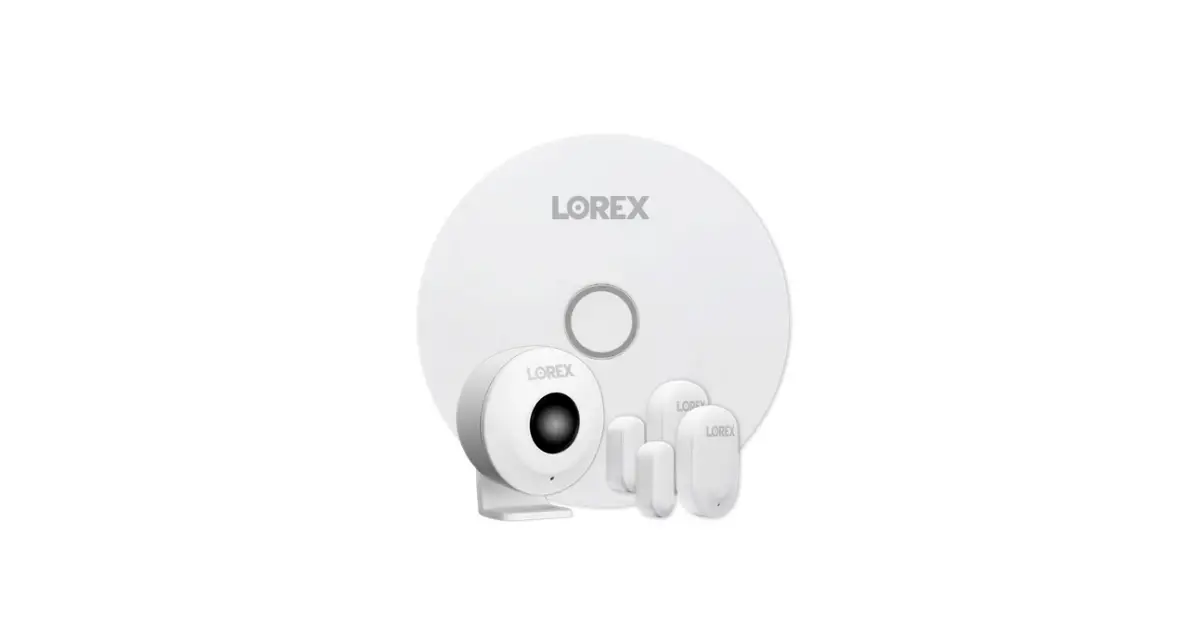
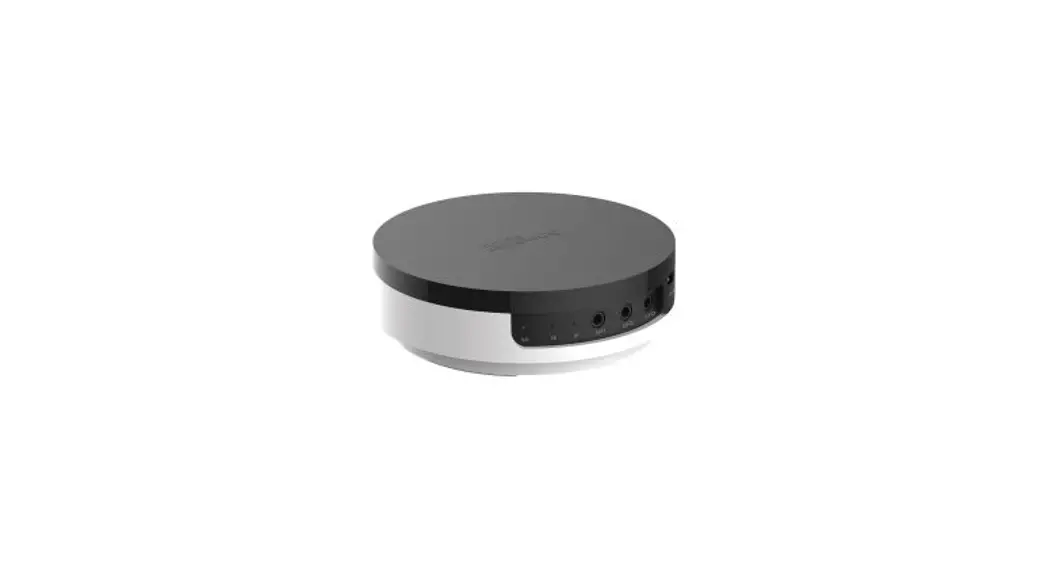
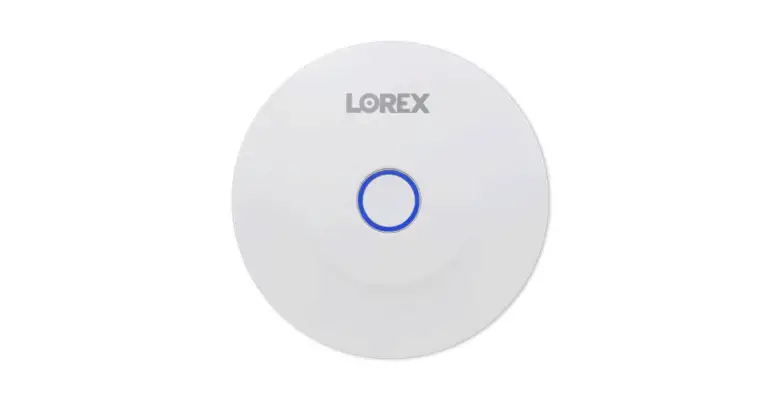
217E-C001 Hub
Installation Guide and User Manual Product Information: – Power
Supply: The product operates with an operating voltage of AC(100 ~
260)V/50/60Hz. The mains supply current limit is 0.18A @ AC 230 V
and 0.3 A @ 115 V. It has a mains supply fuse of 1A / AC 250 V. The
mains supply fault threshold voltage is AC 60 V. The power supply
requires 2 A @ DC 5 V. – Quiescent current (Imin): The product has
a quiescent current of 80m A @ DC 5 V. – Standby Battery: The
standby battery has a maximum capacity of 5.0 Ah at DC 3.7 V. –
Maximum Battery Current Draw: The maximum battery current draw at
maximum operating temperature is 3A. – Wireless Networking: The
wireless radio interconnection operates at frequencies of 433MHz.
It can connect up to 24 devices within a maximum distance of 200m
from the gateway*. The group mode configuration timeout is set to 2
minutes. – LTE Frequency Bands: The product supports LTE-TDD
B34/B38/B39/B40/B41, LTE-FDD B1/B2/B3/B4/B5/B7/B8/B12/B13/
B18/B19/B20/B25/B26/B28/B66, UMTS/HSPA+ B1/B2/B4/B5/B6/B8/B19, and
GSM/GPRS/EDGE 850/900/1800/1900 MHz. – (U)SIM Card: The product
requires a Nano SIM card that operates at 1.8 V / 3 V.
Miscellaneous: – Operating Temperature: The product can operate
within a specified temperature range. – Operating Humidity: The
product can operate within a specified humidity range. – Storage
Temperature: The product can be stored within a specified
temperature range. – Storage Humidity: The product can be stored
within a specified humidity range. – Dimensions (h x w x d): The
product has specific dimensions. – Weight (including batteries):
The product has a specified weight including batteries. Product
Usage Instructions: 1. Connect the power supply to the product
using an AC(100 ~ 260)V/50/60Hz source. 2. Ensure that the mains
supply current does not exceed 0.18A @ AC 230 V or 0.3 A @ 115 V.
3. Check if the mains supply fuse is rated at 1A / AC 250 V and
replace if necessary. 4. Make sure the mains supply fault threshold
voltage is not below AC 60 V. 5. Connect the power supply to the
product with a DC 5 V output of at least 2 A. 6. Monitor the
quiescent current (Imin) and ensure it does not exceed 80m A @ DC 5
V. 7. If using standby battery, ensure it has a maximum capacity of
5.0 Ah at DC 3.7 V. 8. Do not exceed the maximum battery current
draw of 3A at maximum operating temperature. 9. Configure wireless
networking by following the wireless radio interconnection
operating frequencies and the number of connected devices. 10.
Insert a Nano SIM card that operates at 1.8 V / 3 V into the
product. Note: Please refer to the product manual for more detailed
instructions and safety precautions.
Installation Guide and User Manual
1
2
3
4
5
Fig. 1
Fig. 2
6
Fig. 3
Fig. 4
7
8
Power Supply
Operating voltage
AC(100 ~ 260)V/50/60Hz
Mains supply current limit
0.18A @ AC 230 V, 0.3 A @ 115 V
Mains supply fuse
1A / AC 250 V
Mains supply fault threshold voltage
AC 60 V
Power supply
2 A @ DC 5 V
Quiescent current (Imin)
80m A @ DC 5 V
Standby battery maximum capacity (DC 3.7 V)
5.0 Ah
Maximum battery current draw@ maximum
3A
operating temperature
Wireless networking
Wireless radio interconnection operating frequencies
Number of connected devices
433MHz 24
Maximum distance between connected devices to 200m gateway*
Group mode configuration timeout
2 min
LTE Frequency Bands
(U)SIM Card
LTE-TDD B34/B38/B39/B40/B41 LTE-FDD B1/B2/B3/B4/B5/B7/B8/B12/B13/ B18/B19/B20/B25/B26/B28/B66 UMTS/HSPA+ B1/B2/B4/B5/B6/B8/B19 GSM/GPRS/EDGE 850/900/1800/1900 MHz
Nano SIM card 1.8 V / 3 V
Miscellaneous Operating Temperature Operating Humidity Storage Temperature Storage Humidity Dimensions (h x w x d) Weight (including batteries)
*Distance in free air
(-5 ~ +40) °C 0 ~ 95) % RH, non-condensing (-25 ~ +80) °C (0 ~ 98) % RH, non-condensing (129 x 99 x 35) mm 300g
9
10