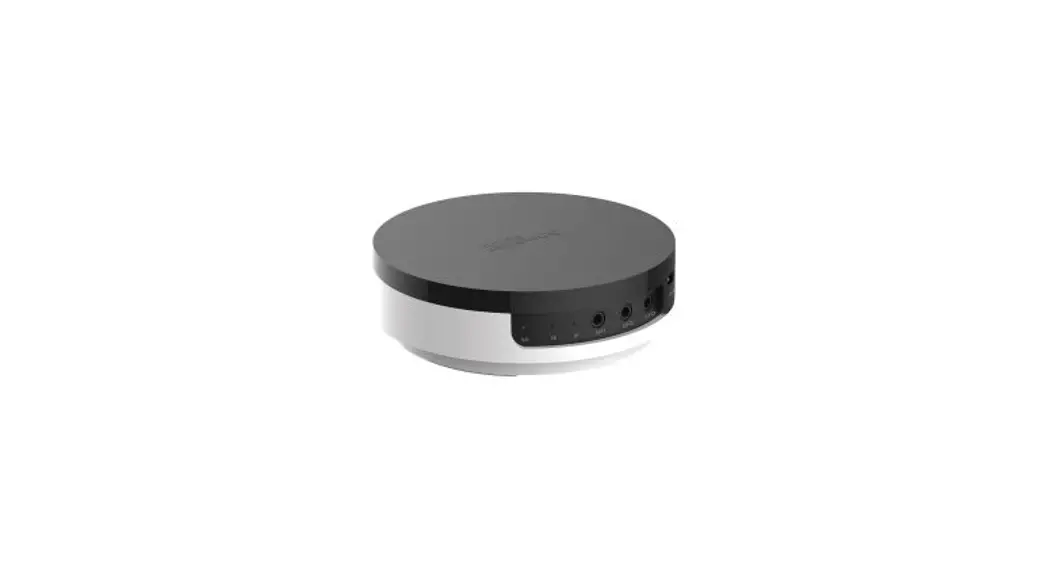

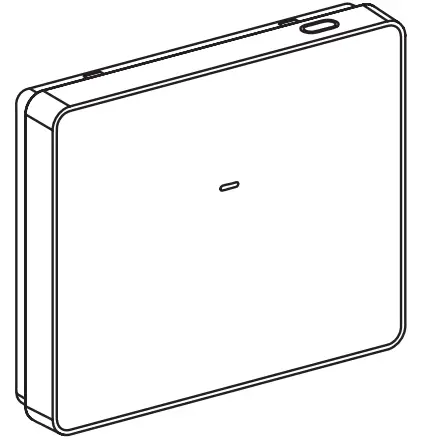
CCT501800, CCT501801

 Refer to the system user guide for more information, scan the QR code or follow the link:
 https://www.productinfo.schneider-electric.com/wiser_home/




Wiser Hub 2nd Generation
Prerequisites
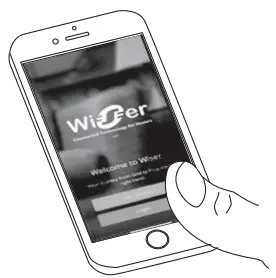
Scan the QR code to download the Wiser app to your smartphone, to configure and control Wiser devices.
 App Store URL:
https://apps.apple.com/app/wiser-heat/id1222853887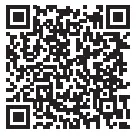 Google Play Store URL:
https://play.google.com/store/apps/details?id=com.schneider_electric.WiserHeat
For your safety
 DANGER
HAZARD OF ELECTRIC SHOCK, EXPLOSION, OR ARC FLASH
Safe electrical installation must be carried out only by skilled professionals. Skilled professionals must prove profound knowledge in the following areas:
- Connecting to installation networks
- Connecting several electrical devices
- Laying electric cables
- Safety standards, local wiring rules, and regulations
Failure to follow these instructions will result in death or serious injury.
Getting to know the product
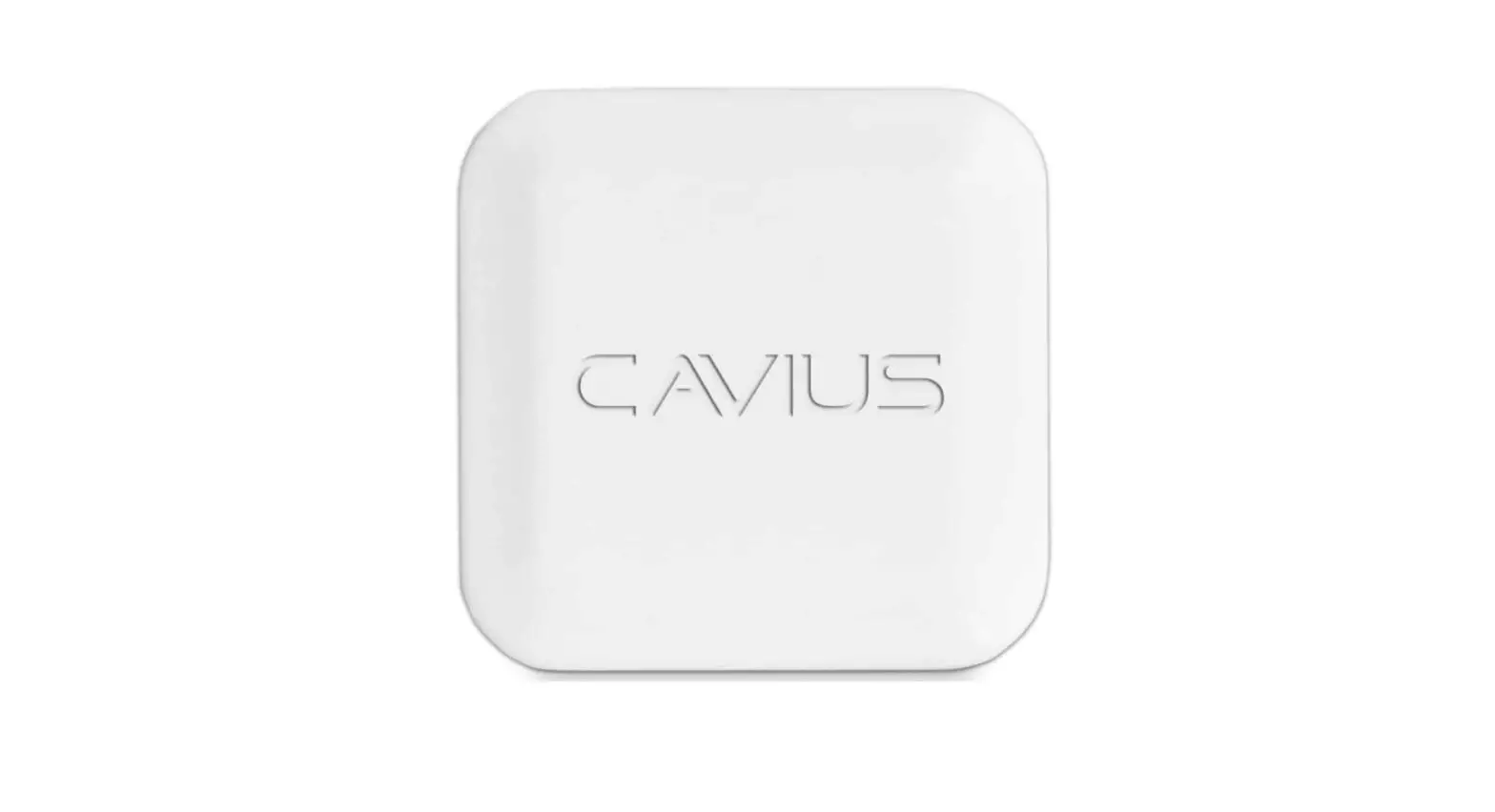
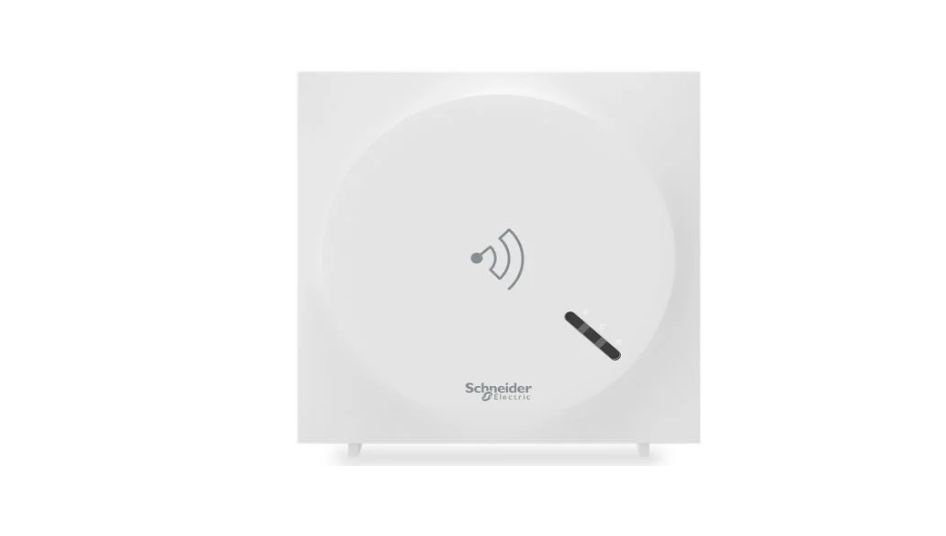
The Wiser Hub 2nd Generation (hereinafter known as a hub) is a communication interface, enabling you to easily manage your home environment by communicating with
your Wiser Zigbee devices and Wi-Fi® router.
Functions
- Monitors and controls Wiser Zigbee devices through the mobile app or Wi-Fi®.
- Coordinates and controls Wiser Zigbee devices around the home and connects the system to the internet via a Wi-Fi® connection
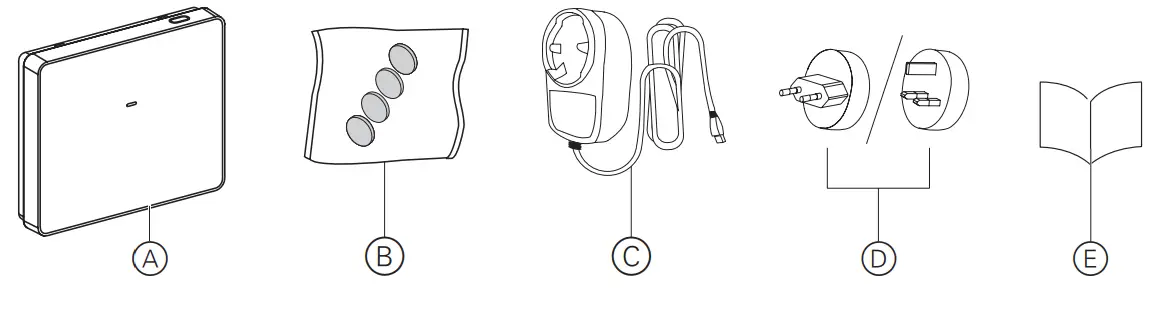
 Package contents
A Wiser Hub 2nd Generation
B 4 x Rubber feet
C AC adaptor
D Power plug head
E Installation instructions
 The wall box, Wiser Wall Box Power Supply, screw plugs, and screws are not included in the package. They must be procured separately.
 Mounting the hub
 Installing the AC adaptor
DANGER
RISK OF ELECTRIC SHOCK, EXPLOSION, OR ARC FLASH
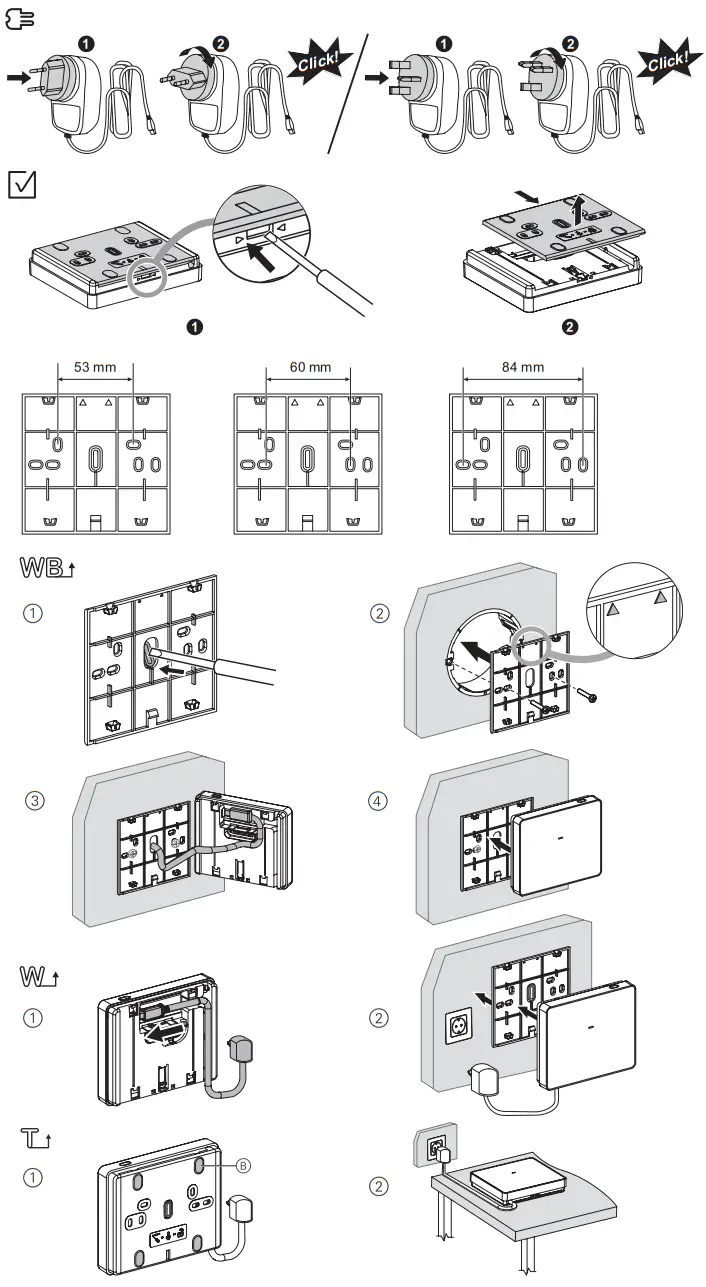
Make sure that the power plug head is inserted in the correct position and rotated clockwise 90º until the plug firmly locks onto the AC adaptor with a ‘click’ sound.
Failure to follow these instructions will result in death or serious injury.
NOTICE
EQUIPMENT DAMAGE
- If the hub is mounted on the wall box, use the Wiser Wall Box Power Supply (CCT501800-0001).
- If the hub is mounted on a wall or table, use the supplied AC adapter only.
Failure to follow these instructions can result in equipment damage.
 Removing the wall plate
NOTICE
EQUIPMENT DAMAGE
Use only a small flat head screwdriver to release the wall plate from the hub.
Failure to follow these instructions can result in equipment damage.The wall plate is suitable for wall boxes with a screw pitch of 53 mm, 60 mm, and 84 mm. Choosing the installation locationThe arrows on the wall plate must face upwards.
 Wall box
The Wiser Wall Box Power Supply must be preinstalled into the wall box. For more information refer to the Wiser Wall Box Power Supply (CCT501800-0001) installation instruction.
- Use a small screwdriver to discard the breakout tab from the wall plate.
- Mount the wall plate on the wall box using screws.
- Connect the wall box power supply cable into the central channel of the hub.
- Mount the hub on the wall plate and make sure that it is firmly secured.
 Wall
Wall
Use countersunk screws when mounting the wall plate on a wall.
- Connect the AC adapter cable into the long channel with a cable outlet on the top or bottom of the hub.
- Mount the hub on the wall plate and make sure that it is firmly secured
 Table
Table
- Affix the rubber feet B at the four corners on the rear side of the wall plate.
- Place the hub on the table.
Connecting the hubDANGER
RISK OF ELECTRIC SHOCK, EXPLOSION, OR ARC FLASH
Make sure that the 5 VDC power supply is turned off before making connections to the hub.
Failure to follow these instructions will result in death or serious injury.
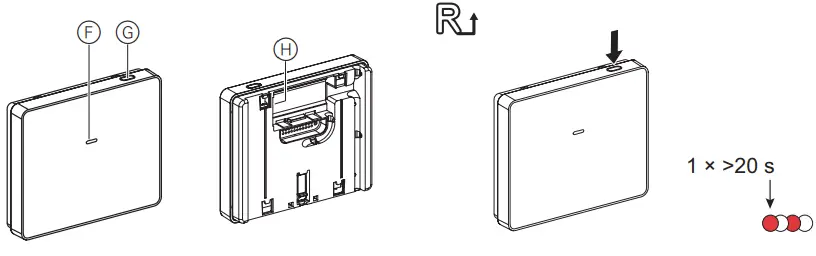
 Operating elements
F Status LED
G Setup button
H USB-C port for the AC adaptor
Resetting the hub
The hub supports Wi-Fi® connections.
 Resetting the hub
Press and hold the setup button (> 20 s), the status LED blinks red up to 20 s.
The status LED stops blinking upon successful reset of the device then releases the setup button.
 Do not release the setup button until the LED stops blinking, otherwise, the resetting will be interrupted.
- Upon successful reset of all configuration data, user data and network data are deleted.
 Operating the hub
 Operating the hub
Prerequisites
The hub must be properly installed and powered on.
Configuring the hub
The hub can be configured through the mobile app.
For detailed configuration procedures refer to the system user guide.
 Behavior of the LEDs
Refer to the system user guide.
Troubleshooting
Refer to the system user guide.
Technical data
| Product code and description | CCT501800 – Wiser Hub 2nd Generation with UK power adapter |
| CCT501801 – Wiser Hub 2nd Generation with Europlug power adapter | |
| Rated voltage | 5.0 VDC |
| Power consumption | Load: 5 W Standby: 1 W |
| Operating temperature | 0 ‘IC to 45 °C. indoor use only |
| Storage temperature | -20 °C to 65 °C |
| Relative humidity | 10% to 90%, non-condensing |
| IP rating | IP20 |
| Ball pressure test temperature | 85 °C |
| Pollution degree | 2 |
| Software class | A |
| Radio technology | Wi-Fr: 2.4 GHz, IEEE802.11 b/g/n Zigbee: 2.4 GHz, IEEE802.15.4 |
| Radio frequency | Wi-Ft 2412 – 2472 MHz Zigbee: 2405 – 2480 MHz |
| Max. radio- frequency power transmitted | Zigbee: +12dBm (16 mW) Wi-Fr: +17dBrn (50 mW) |
| Certification | Ziobee 3.0 |
Power supply
| Input voltage | 100 – 240 VAC, 50/60 Hz, 0.5 A-Max |
| Output voltage | 5.0 VDC, 1.5 A, 7.5 W |
| Output connector | USB-C |
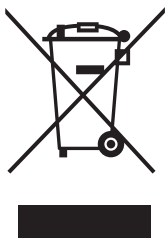 Dispose of the device separately from household waste at an official collection point. Professional recycling protects people and the environment against potential negative effects.
Trademarks
- Wiser™ is a trademark and the property of Schneider Electric SE, its subsidiaries, and affiliated companies.
- Zigbee® is a registered trademark of the Zigbee Alliance.
- Apple® and App Store® are brand names or registered trademarks of Apple Inc.
- Google Play™ Store and Android™ are brand names or registered trademarks of Google Inc.
- Wi-Fi® is a registered trademark of Wi-Fi Alliance®.
Other brands and registered trademarks are properties of their relevant owners.
EU Declaration of conformity
Hereby, Schneider Electric Industries declares that this product is in compliance with the essential requirements and other relevant provisions of RADIO EQUIPMENT DIRECTIVE 2014/53/EU. Declaration of conformity can be downloaded on:se.com/docs.
Schneider Electric Industries SAS
If you have technical questions, please contact the Customer Care Centre in your country.
se.com/contact
NNZ42658-00
03/2021