 Wiser™
 CCT595011




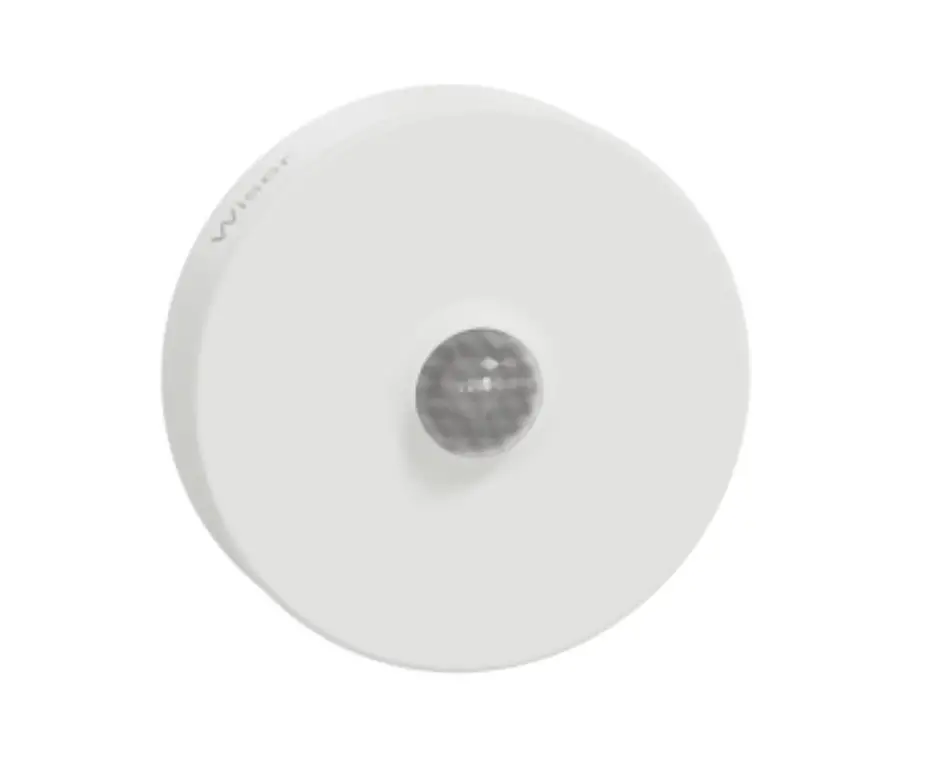
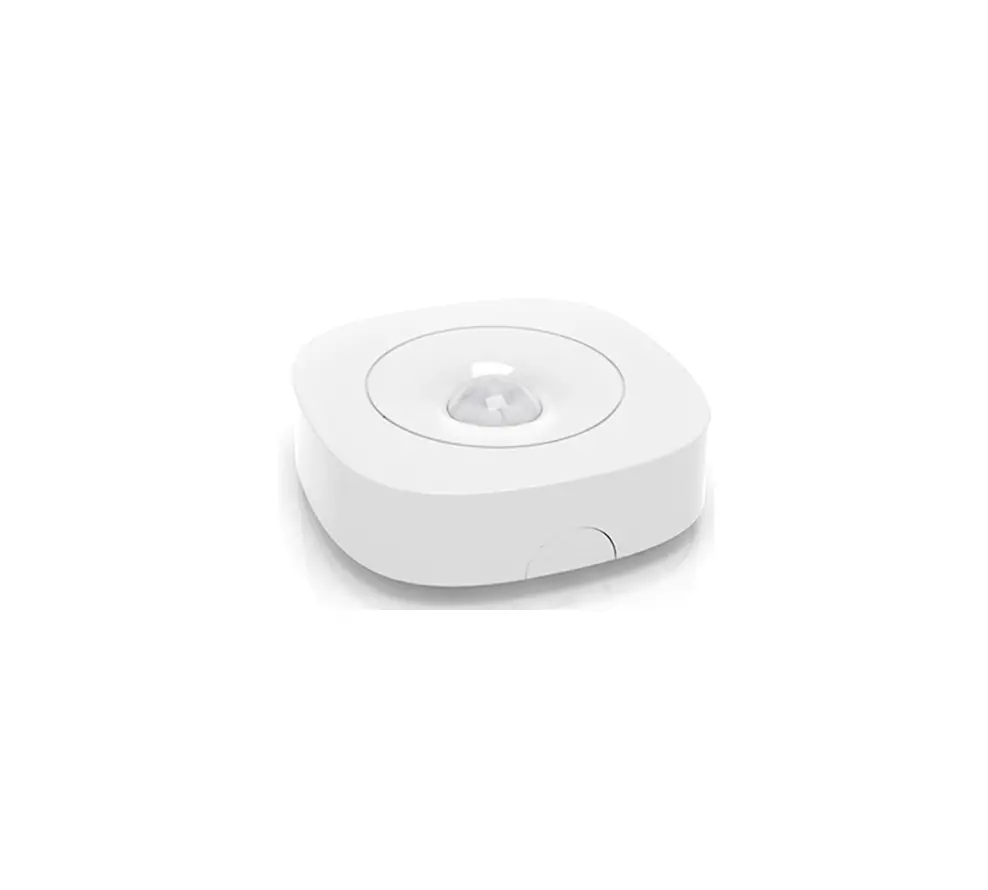
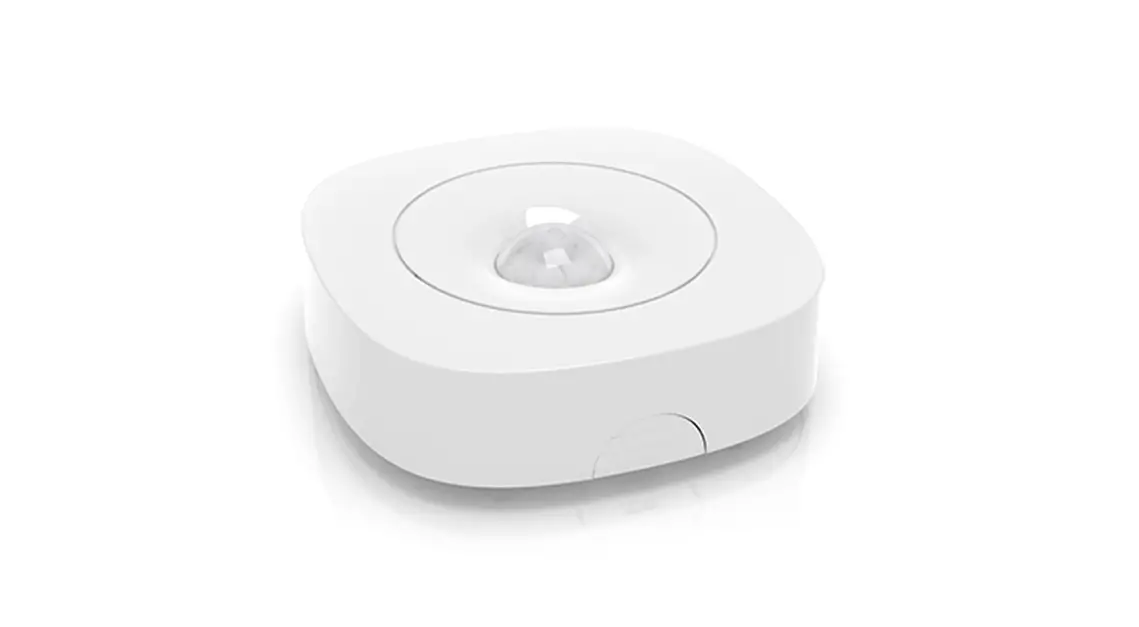
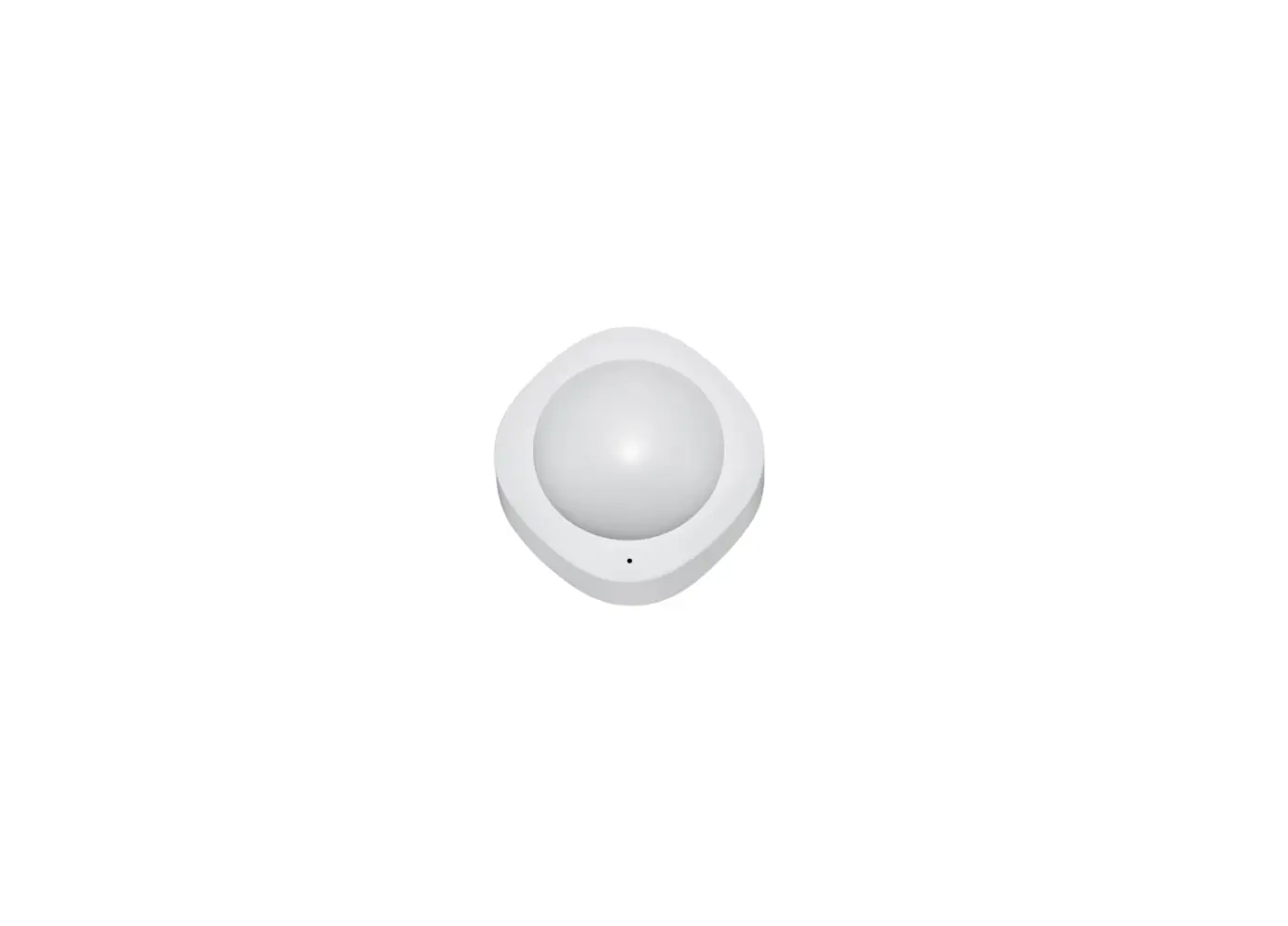
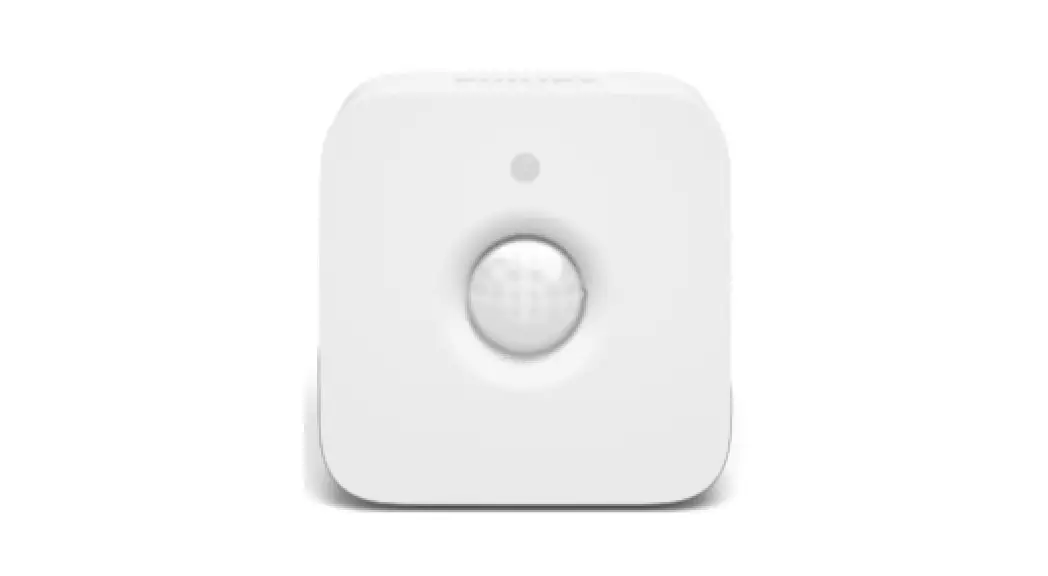
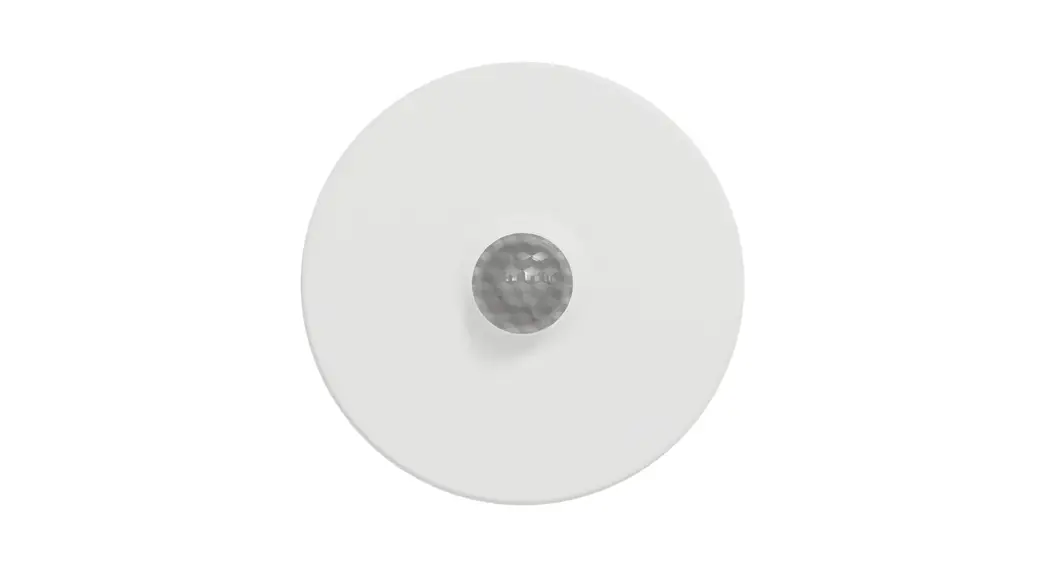
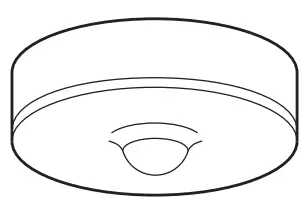
Wiser Motion Sensor
Prerequisites
Download the Wiser app to your smartphone and install the Wiser Gateway/Hub (hereinafter referred to as Wiser Gateway) to configure and control Wiser devices.
Additional system information
Detailed product information is available online in the system user guide: Scan the QR code or follow the link.
 https://www.productinfo.schneider-electric.com/wiser_eu/
For your safety
| NOTICE |
| RISK OF DAMAGE TO DEVICE Always operate the product in compliance with the specified technical data. Failure to follow these instructions can result in equipment damage. |
Getting to know the product
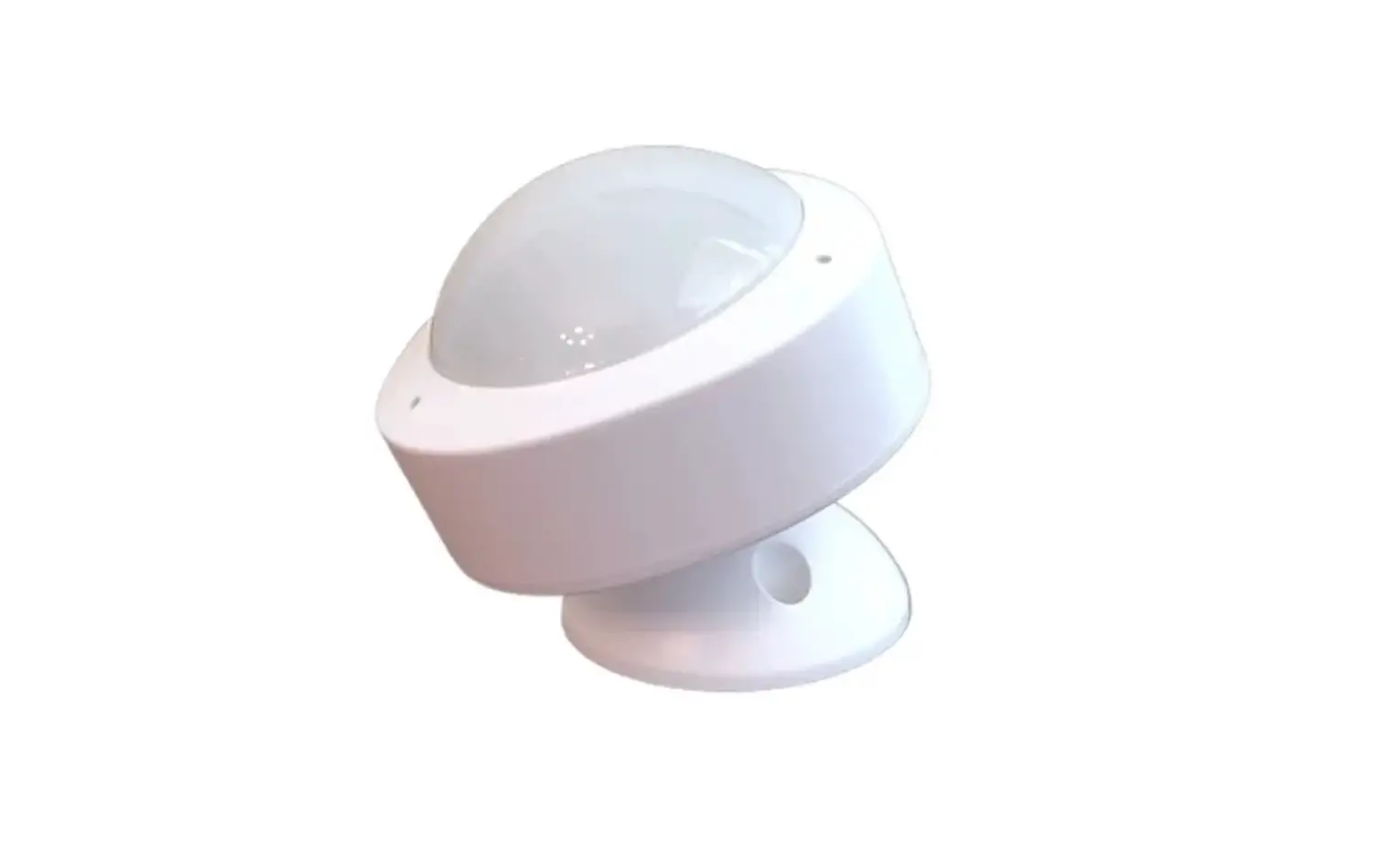
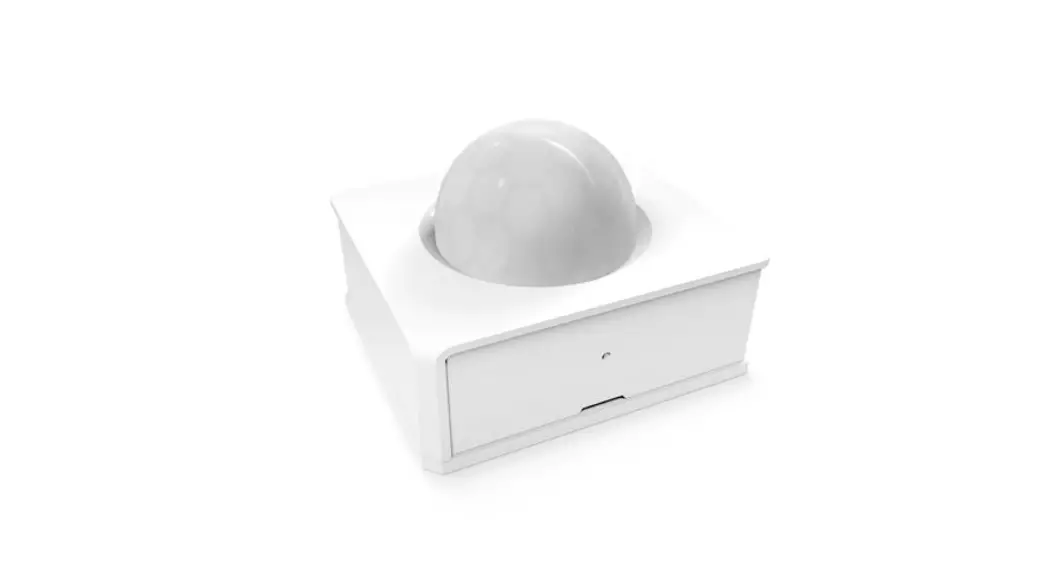
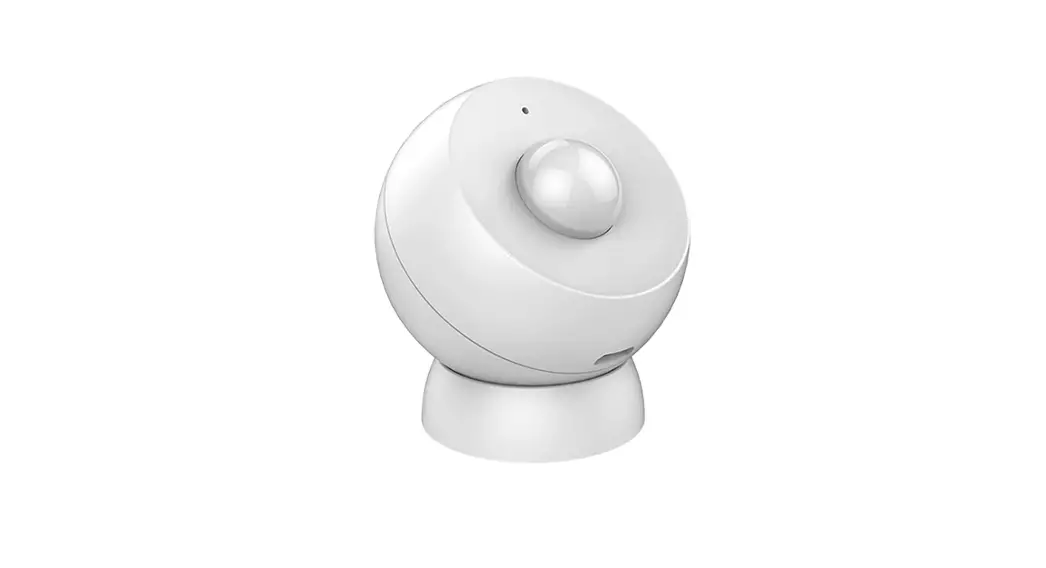
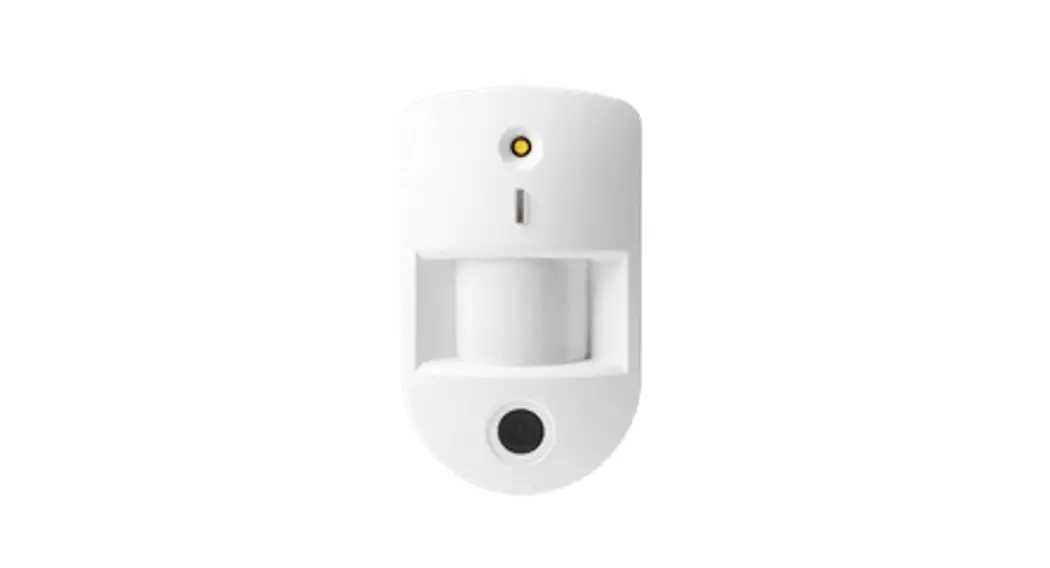
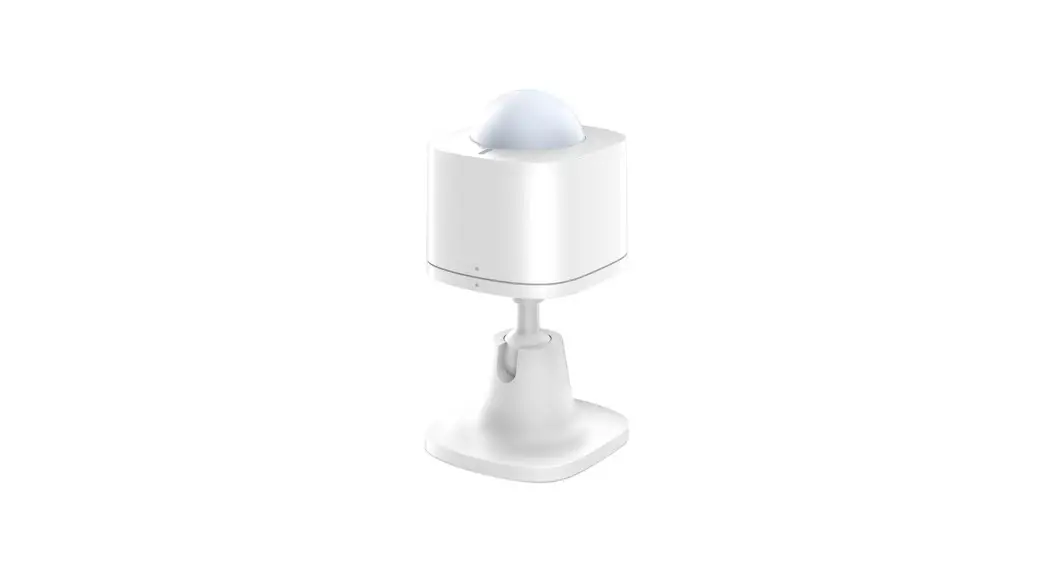
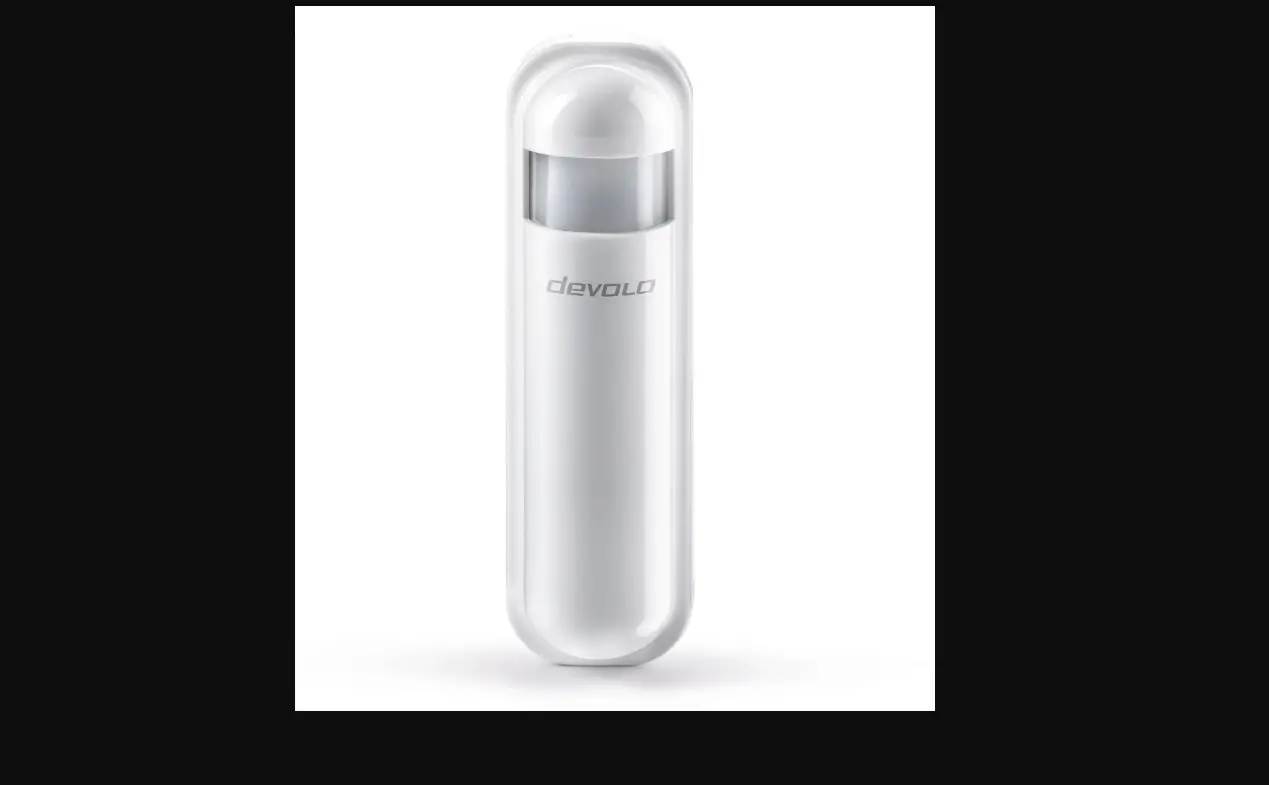
The Wiser Motion Sensor (hereinafter referred to as sensor) reports the detection of movement to the Wiser Gateway (and actuator to perform configured functions), measures the luminance of the environment, and passes this data to the Wiser Gateway. The threshold of luminance settings and/or detection of movement can be programmed to determine what action to be taken at that moment.
When the sensor is connected to the Wiser Gateway, it directly reports motion detection data to the Gateway.
When the battery is low (less than 10%), the status LED blinks orange once per minute, and a message is sent to the Wiser Gateway.
Package contents
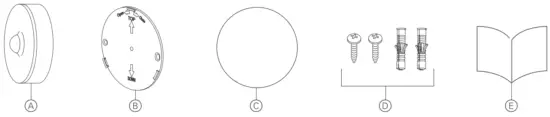
A Motion sensor
B Baseplate
C Adhesive pad
D Screws: 2 × ST4.2 × 25 mm with wall plugs
E Installation instructions
Choosing the mounting location 
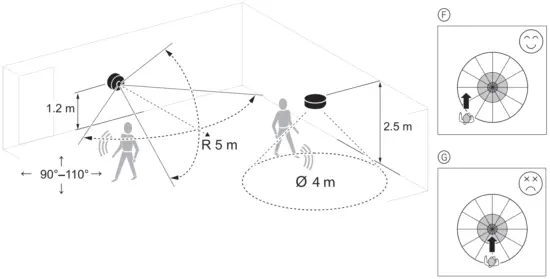
The sensor can be mounted on a wall or ceiling to provide desired coverage:
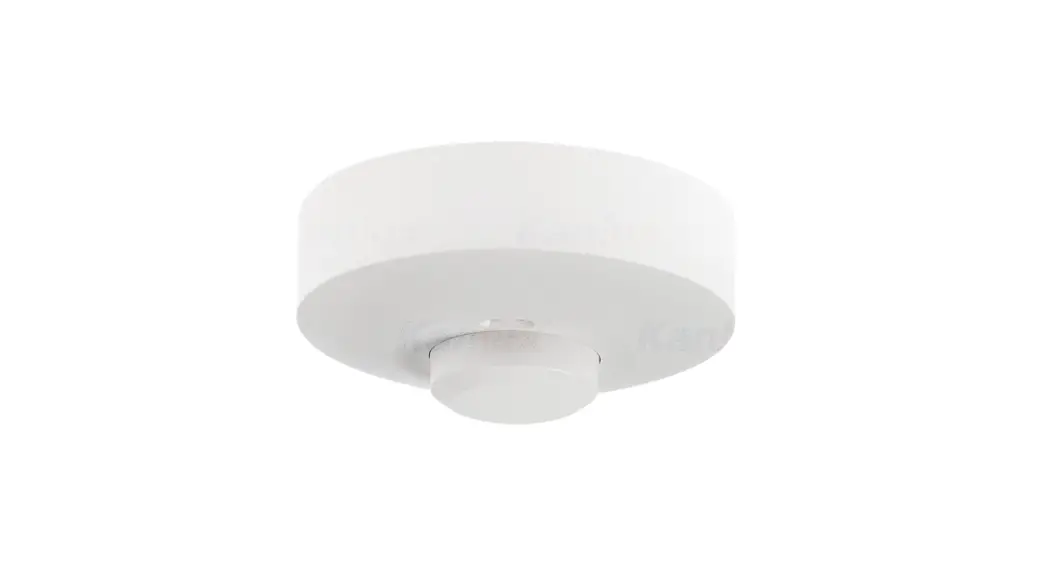
- The ceiling mount provides a 360° detection angle with a maximum range of 4 m diameter.
- A wall mount provides a detection angle of 90° to 110° horizontal and vertical with a maximum range of 5 m radius.
 Do not install the sensor in a place where there is strong sunlight or wind (for example, close to ventilation).
- When the ambient temperature is >32°C, the sensor’s ability o measure sensitivity, detection range, and detection angle are degraded.
Walking direction
The PIR sensor is more sensitive to movement across different patterns. On the contrary, the sensor is less sensitive when movement is directed towards the sensor, since the range is reduced.
F More sensitive to movement across the pattern
G Less sensitive to movement directly towards the sensor
Mounting the sensor 
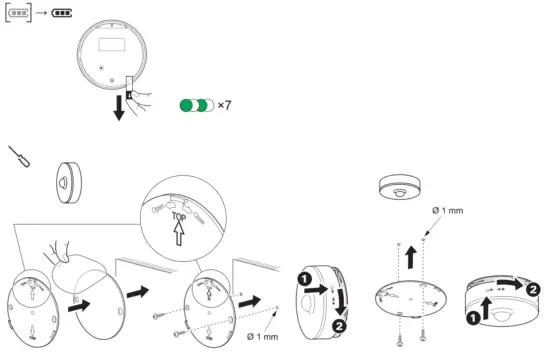
Removing the battery isolation strip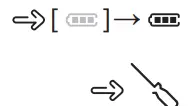
Mounting

- For wood or plastic surfaces, use either the adhesive pads or mounting screws.
- If using screws, pre-drill a 1 mm hole.
- For metal surfaces, use the adhesive pads only.
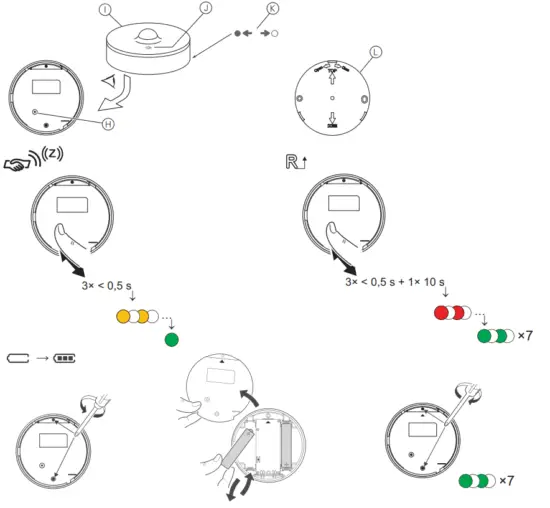
Operating elements 
H Function key
I Sensor
J Status LED
K Base plate lock/unlock instruction: Turn to lock into the base plate
 Turn to unlock from a base plate
L Base plate
Setting the sensor
Remove the sensor from the base plate to access the function key H.
Connecting to the Wiser Gateway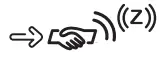
1 Short press (< 0,5 s) the function key 3 times.
The sensor scans for the available Zigbee network. The status LED turns green if the sensor successfully connects to the Wiser Gateway.
2 Follow the instructions in the Wiser app to set the sensor parameters through the Wiser Gateway.
Resetting the sensor
Short press (< 0,5 s) the function key 3 times and then long-press the function key once for >10 s to reset the sensor to factory default mode.
All configuration data, user data, and network data are deleted.
Replacing the batteries
While refastening the battery cover make sure the triangle marks on the battery cover and the PCBA align.
The behavior of the status LED 
Refer to the system user guide.
Troubleshooting
Refer to the system user guide.
Technical data
| Battery | 3 VDC, LRO3 MA x2 |
| Battery life | Up to 5 years (may vary based on the usage, frequency of firmware update, and environment) |
| Nominal power | 590 mW |
| IP rating | IP20 |
| Operating frequency | 2405 – 2480 MHz |
| Max. radio frequency power transmitted | 57 dBm |
| Operating temperature | -10 °C to 50 °C |
| Relative humidity | 10 % to 95 % |
| Lux measurement range | 0 lx to 2000 lx |
| Lux resolution | 1 lx |
| Dimensions | 0 75.0 x 26.6 mm |
| Certification | Zigbee 3.0 |
| Ceiling mounted at 2.5 m | |
| Detection angle | 360° |
| Detection range | 0 4 m |
| Wall-mounted at 1.2 m | |
| Detection angle | 90° to 110° horizontal and vertical |
| Detection range | 5 m in radius |
 Dispose of the device separately from household waste at an official collection point. Professional recycling protects people and the environment against potential negative effects.
Trademarks
- Zigbee® is a registered trademark of the Zigbee Alliance.
- Apple® and App Store ® are brand names or registered trademarks of Apple Inc.
- Google Play ™ Store and Android ™are brand names or registered trademarks of Google Inc.
- Wiser ™ is a trademark and the property of Schneider Electric SE, its subsidiaries, and affiliated companies.
Other brands and registered trademarks are properties of their relevant owners.
EU Declaration of conformity
Hereby, Schneider Electric Industries, declares that this product is in compliance with the essential requirements and other relevant provisions of RADIO EQUIPMENT DIRECTIVE 2014/53/EU. Declaration of conformity can be downloaded on: se.com/docs.
Schneider Electric Industries SAS
If you have technical questions, please contact the Customer Care Centre in your country. se.com/contact
 Choose Energy® | Switch Providers & Save | Enroll Online
 Our offices around the world