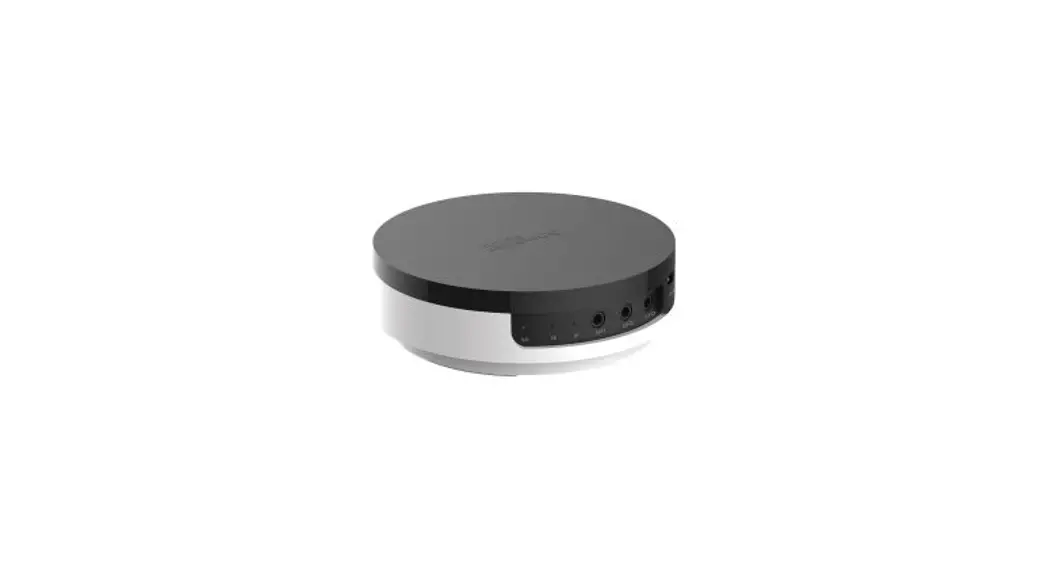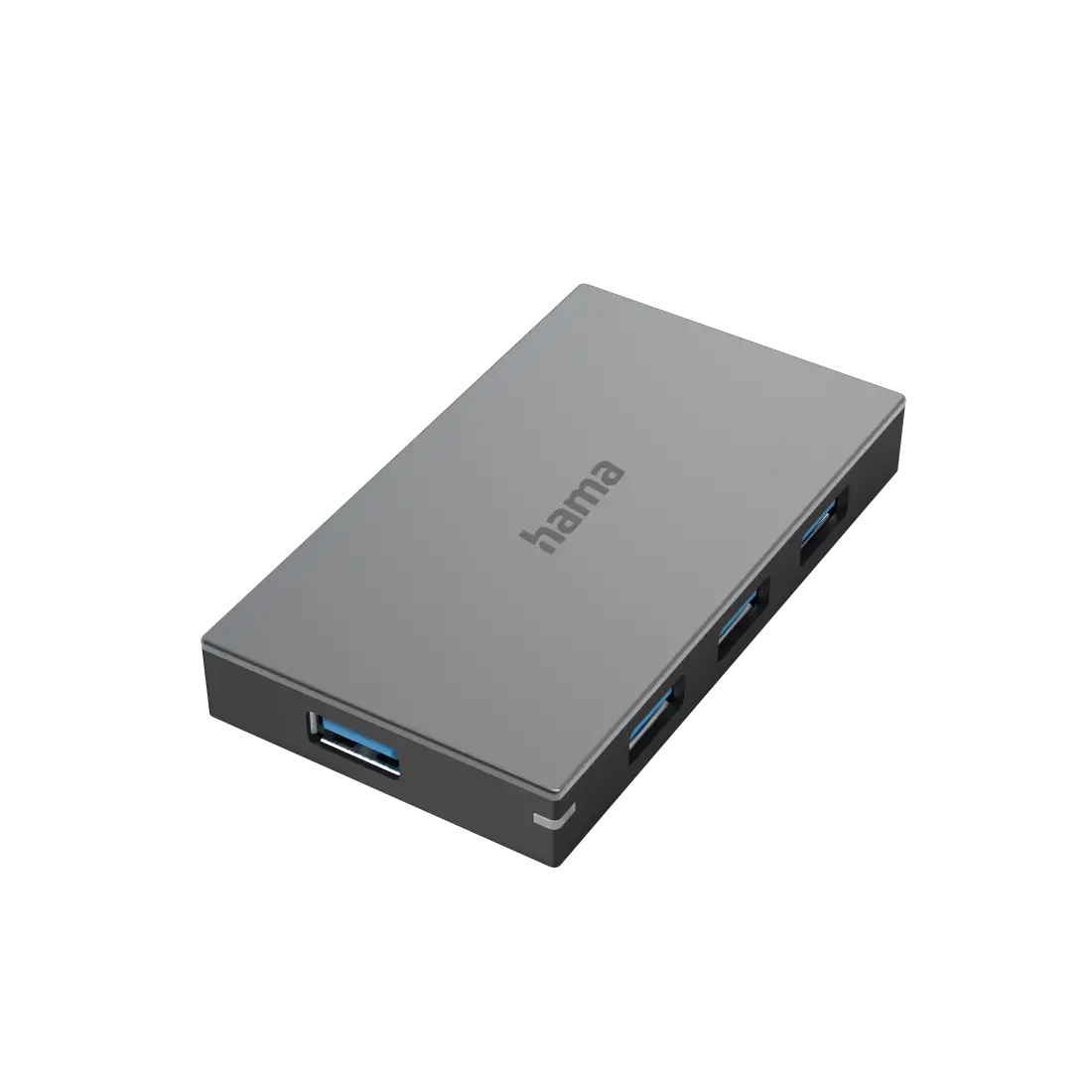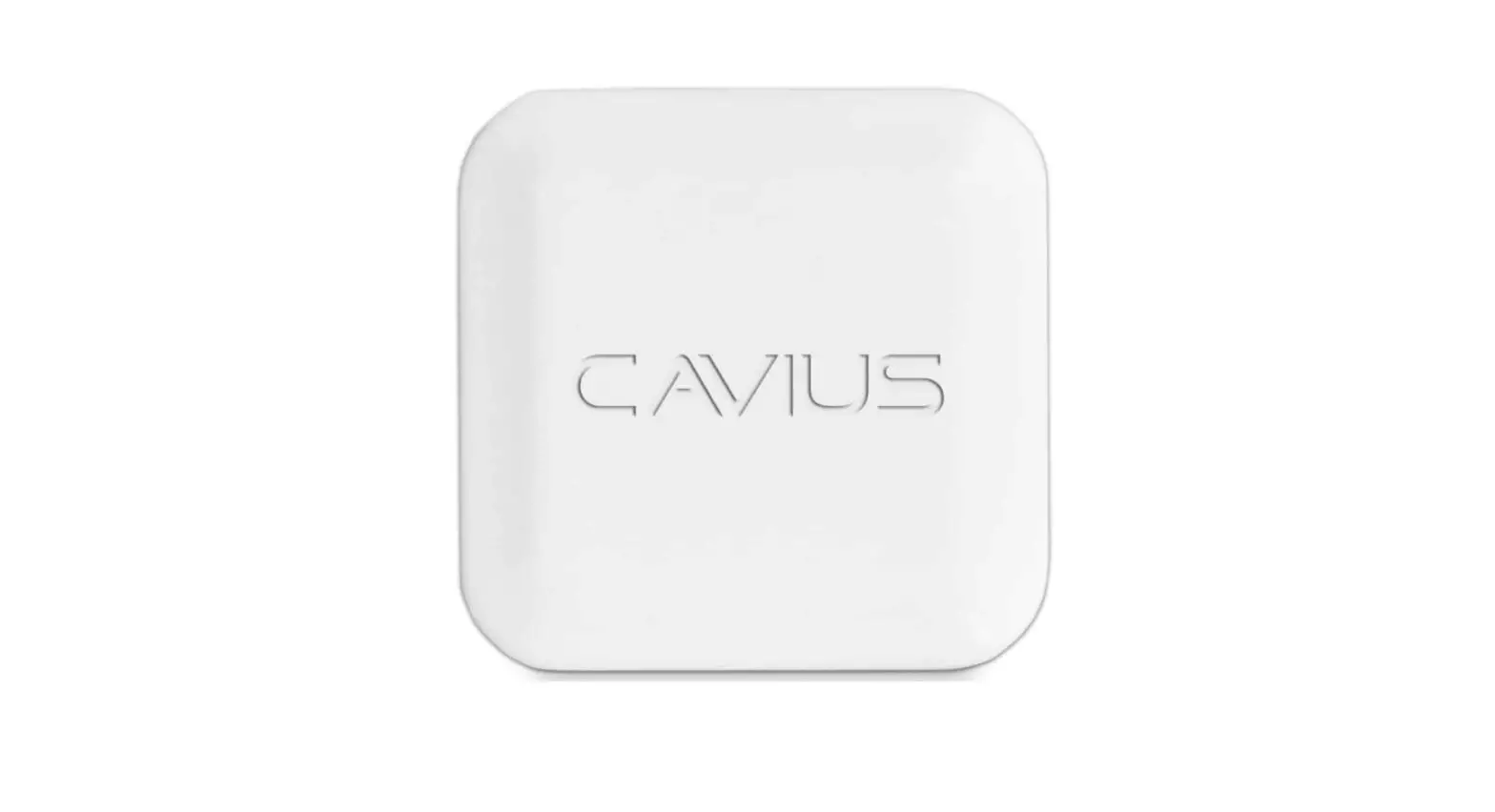
CAVIUS 6001 Hub Device Instruction Manual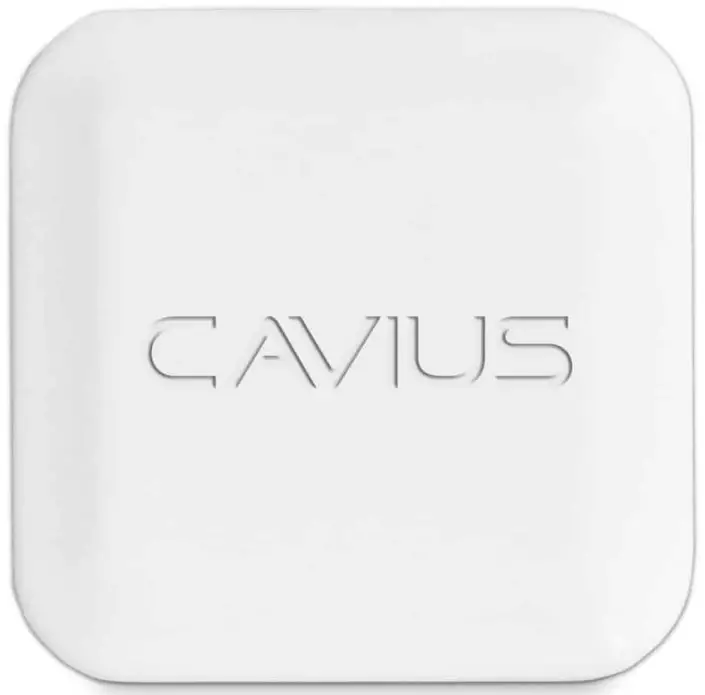
Specifications
- Hub/Gateway device
- Dimensions: 60mm x 60mm x 10mm
- RF Range: >300m, free field.
- Power: USB powersupply
- CE, RoHS, REACH, RED directive, EN60065, EN300-220.
- 6001/6002 = 868-869MhZ/918-928MhZ (2 way)
- 5vdc 1A USB power supply
- Complies to RED and LVD directives

All Rights reserved: CAVIUS Aps assumes no responsibility for any errors, which may appear in this manual. Furthermore, CAVIUS Aps reserves the right to alter the hardware, software, and/or specifications detailed herein at any time without notice, and CAVIUS Aps does not make any commitment to update the information contained herein. All the trademarks listed herein are owned by their respective owners. Copyright © CAVIUS Aps.
Developed by CAVIUS Aps, Jens Juuls Vej 28 K, DK-8260 Manufactured in P.R.C.

Connecting Instructions
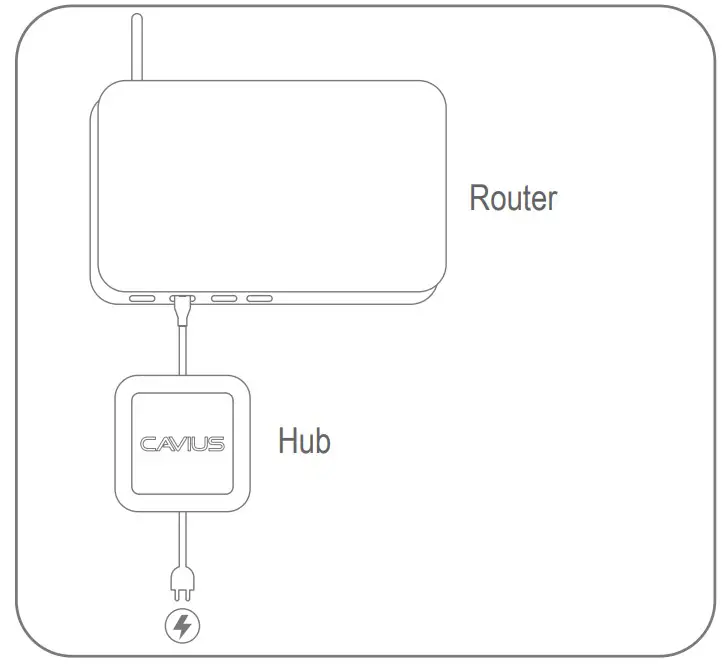
Connect the hub to the router. Connect to power. CAVIUS logo will start flashing whe it’s powered on and after a few seconds, it will be constantly lit. If something is wrong with the power or connection, then it will continue to flash.
Installation
Install the CAVIUS Alarm App from App Store or Google Play on your smart phone and/or tablet.
App Instructions
Start the App.
Find your ID on the backside of the hub. Follow the instructions on the App.