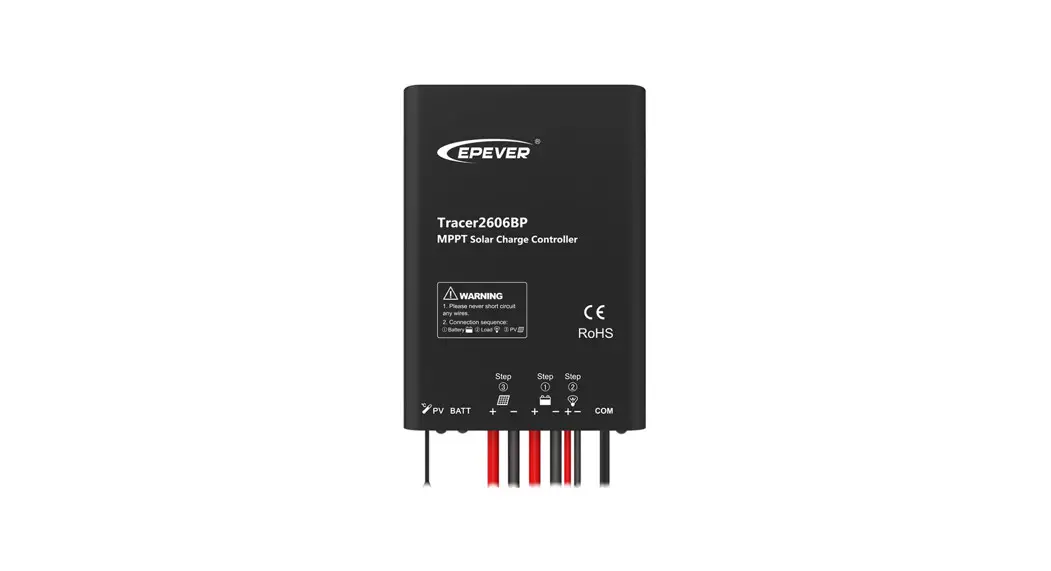
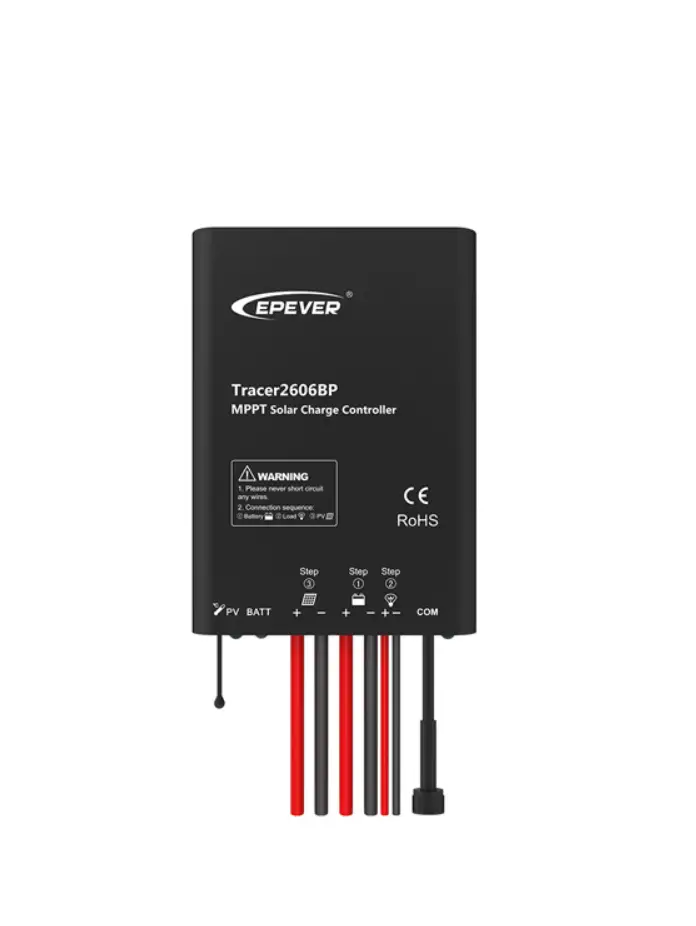
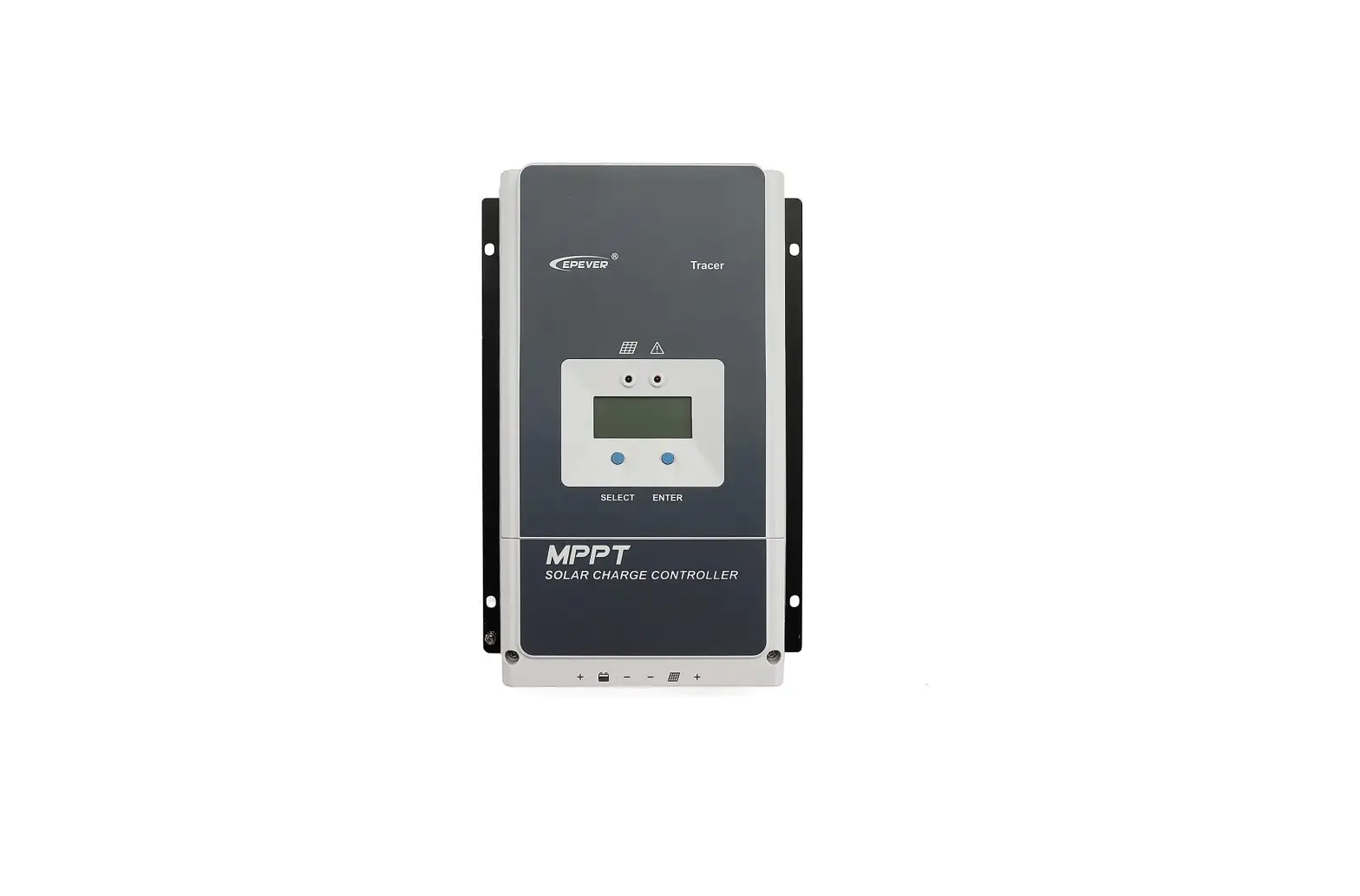
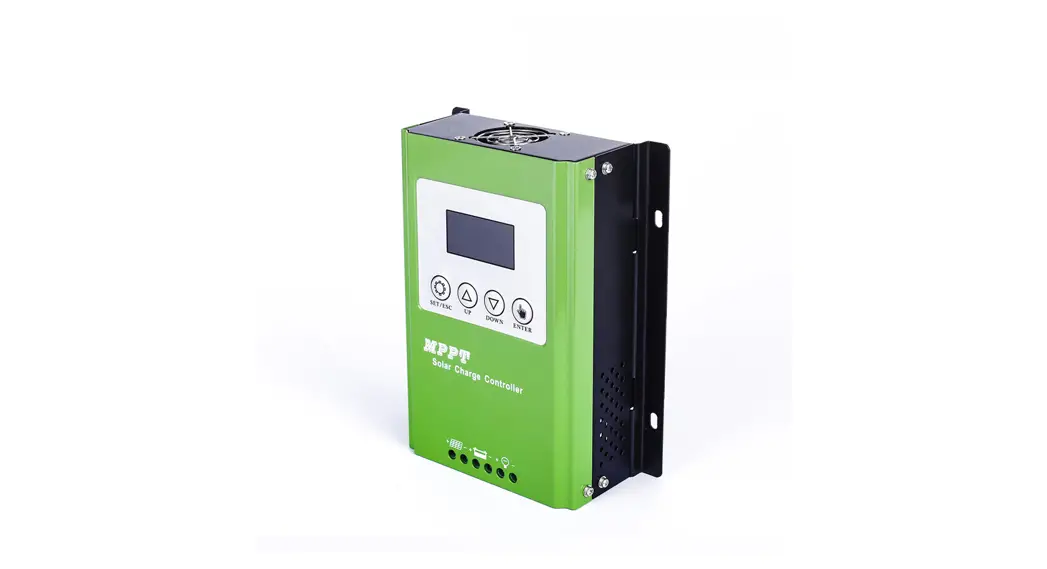
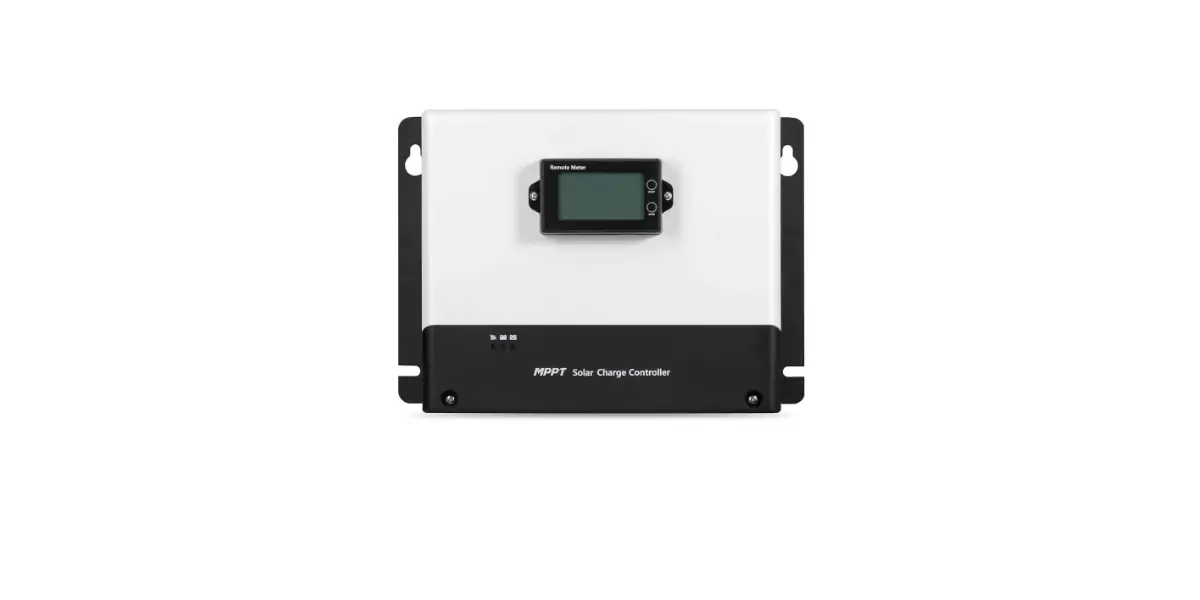
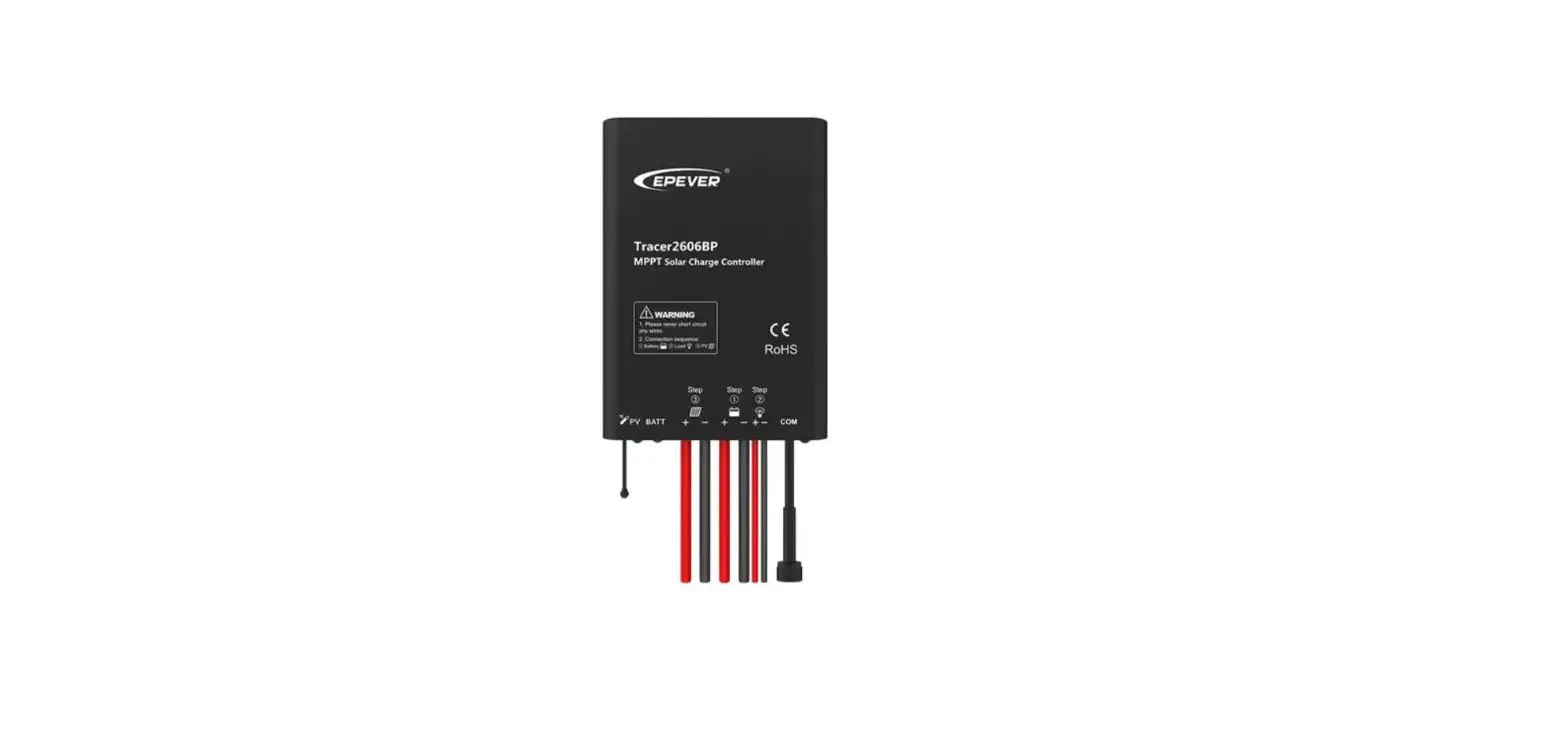
Tracer 7810CPN MPPT Solar Charge Controller
Product Information
Manufacturer
HUIZHOU EPEVER TECHNOLOGY CO., LTD.
Product Name
Tracer-CPN MPPT Solar Charge Controller
Overview
The Tracer-CPN MPPT Solar Charge Controller is a device used to
regulate the charging of batteries from solar panels. It uses
Maximum Power Point Tracking (MPPT) technology to optimize the
energy harvest from the solar panels.
Appearance
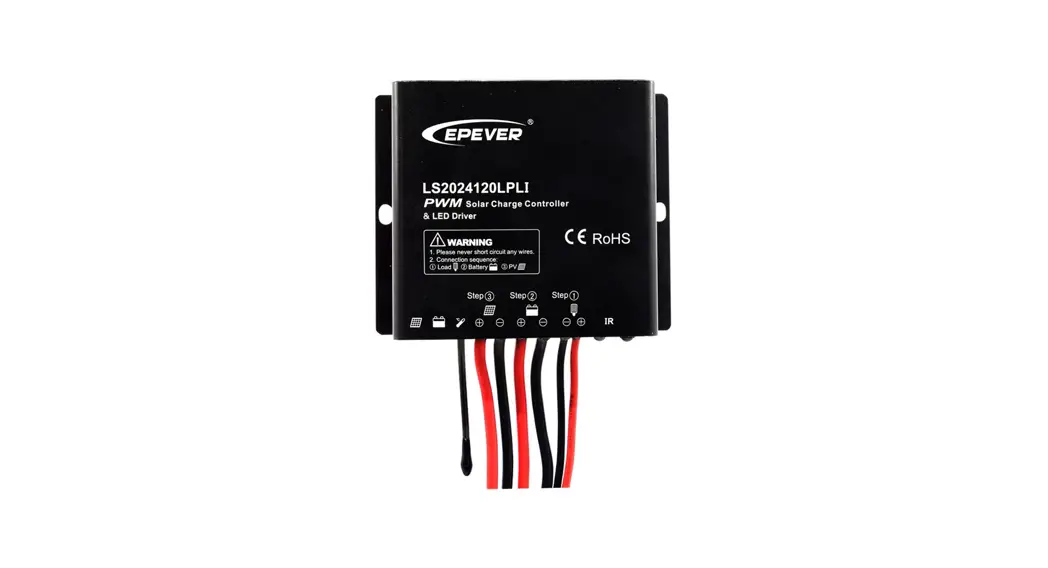
- RS485 waterproof port
- Temperature Sensor
- Charging Status indicator
- Battery Status indicator
- Load Positive and Negative Wires
- Battery Positive and Negative Wires
- PV Positive and Negative Wires
- Built-in Bluetooth module
The RS485 waterproof port provides a DC power of 5VDC/200mA and
has a short-circuit protection function. The port is isolation
design for Tracer7810CPN/ Tracer7810CPN(BLE), and non-isolation
design for other series. The temperature sensor ensures that the
controller charges or discharges at the default temperature of 25°C
if it is short-circuited or damaged. The built-in Bluetooth module
is available only in the Tracer-CPN (BLE) series.
Usage Instructions
- Read the user manual carefully before using the product and pay
attention to the safety information. - Do not install the product in humid, salt spray, corrosion,
greasy, flammable, explosive, dust accumulative, or other severe
environments. - Use a common-negative controller for a common-negative system
to prevent damage to the controller. - Connect a fast-acting fuse in series with the battery positive
(+). The fast-acting fuse must be 1.25 to 2 times the rated
controller current. The installed distance is within 150mm. - After powering the controller, the battery LED indicator on the
controller shall flash green. If it’s not green, please refer to
chapter 10, Troubleshooting. - The load is automatically turned ON after powering on the
controller for 10s. After the load keeps ON status for 10s, the
controller restores to the set working mode. - Set the load working mode according to your requirement:
- Manual Mode (Default ON)
- Light ON/OFF
- Light ON+ Timer
- Real-time Control Control
turned on after 10 minutes.
HUIZHOU EPEVER TECHNOLOGY CO., LTD.
Thank you for selecting the Tracer-CPN MPPT solar charge controller. Please read this manual carefully before using the product and pay attention to the safety information. Do not install this product in humid, salt spray, corrosion, greasy, flammable, explosive, dust accumulative, or other severe environments.
MPPT Solar Charge Controller
1. Overview
The Tracer-CPN solar charge controller adopts the advanced Maximum Power Point Tracking charging technology. Increase the system charging efficiency yet lower the system cost. The controller supports various batteries, such as sealed, gel, flooded, and lithium batteries. Users can view and modify the operational status and parameters. It can be widely used in a solar home system, traffic signal, street light, solar garden lamp, etc. The features are listed below: Adopt high-quality components of ST, IR, and Infineon to ensure product lifespan Wider working environment temperature Apply to lead-acid battery and lithium battery Lithium battery self-activating and low-temperature protection function The maximum DC/DC conversion efficiency of 98% Advanced Maximum Power Point Tracking (MPPT) technology, with tracking
efficiency of no less than 99% Advanced MPPT control algorithm to minimize the MPP lost rate and lost time Accurately recognizing and tracking multiple power points PV power limitation function Constant voltage output function Monitoring and setting parameters via Mobile APP, PC software Standard Modbus communication protocol for the RS485 bus connections Connect the IoT (Internet of Things) and Cloud Server to realize remote monitoring The RS485 port can provide a power supply Built-in Bluetooth module (Only Tracer-CPN(BLE) supports) Low self-consumption design, lower than 15mA Aluminum housing for better cooling Real-time energy statistics function IP68 waterproof degree
2. Appearance
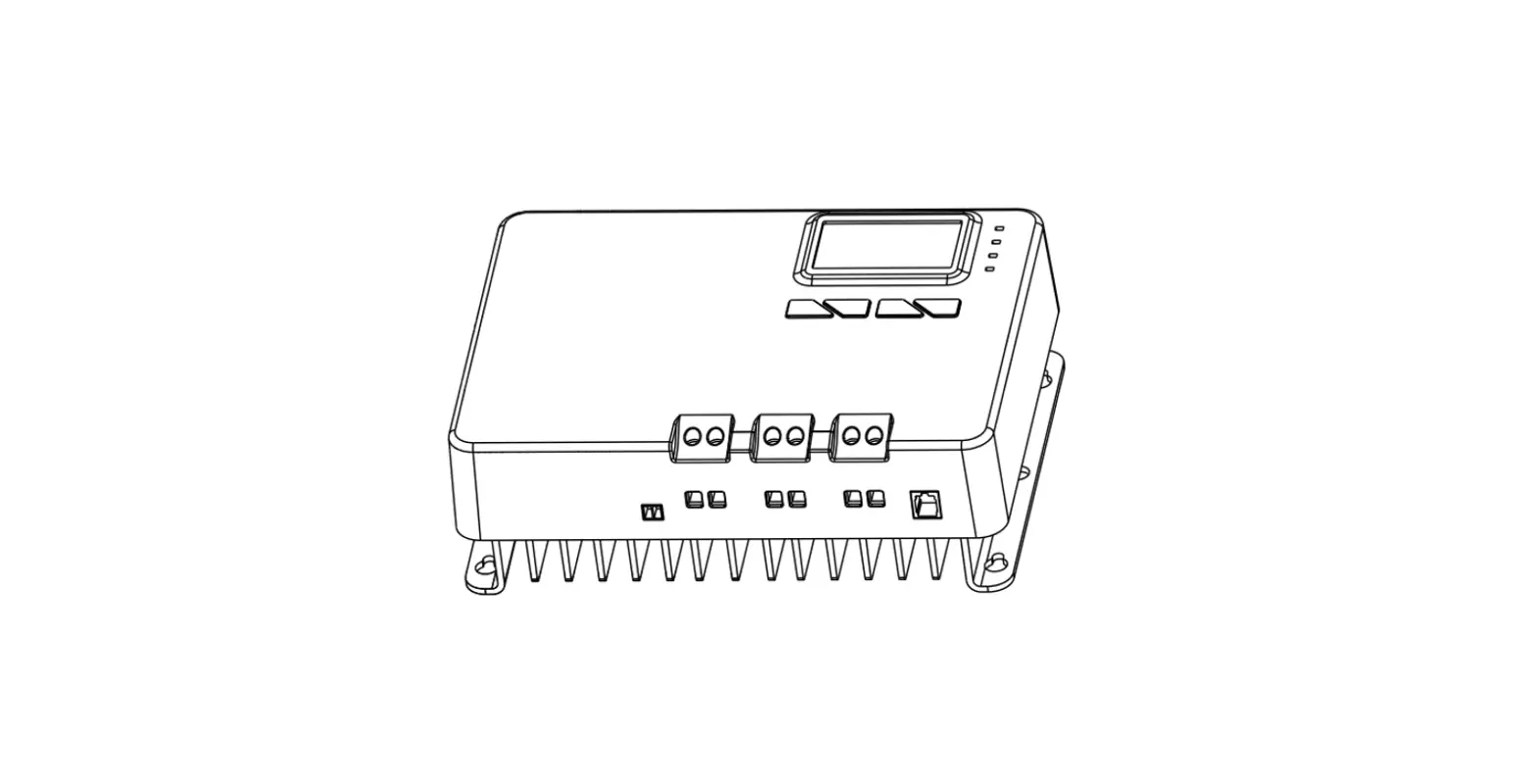
RS485 waterproof port Temperature Sensor Charging Status indicator Battery Status indicator Load Positive and Negative Wires Battery Positive and Negative Wires PV Positive and Negative Wires Built-in Bluetooth module
The RS485 waterproof port can provide a DC power of 5VDC/200mA, and have the
short-circuit protection function. The port is isolation design for Tracer7810CPN/ Tracer7810CPN(BLE), and non-isolation design for other series. The pin definition is shown below:
Pin VCC
A B GND
Definition +5VDC RS485-A RS485-B
Power ground
CAUTION: When the RS485 port is not working, the waterproof cap must be installed to prevent water from getting in.
If the temperature sensor is short-circuited or damaged, the controller shall be charging or discharging at the default temperature of 25. Only the Tracer-CPN (BLE) series are designed with the built-in Bluetooth module; please select as you require.
3. Wiring
Connection sequence
1) Connect components to the controller in the sequence Battery > load > PV as shown above and pay much attention to the “+” and “-.” Please don’t connect the fast-acting fuse or circuit breaker during the installation. When disconnecting the system, the order will be reserved. 2) The Tracer-CPN/Tracer-CPN (BLE) controllers are common-negative; all the negative terminals can be grounded simultaneously, or anyone can be grounded. However, according to the practical application, the negative terminals of the PV array, battery, and load can also be ungrounded. Still, the grounding terminal on the shell must be grounded. It effectively shields electromagnetic interference from the outside and prevents some electric shock to the human body.
1
Tel: +86-752-3889706
Website: www.epever.com
CAUTION
A common-negative controller for a common-negative system, such as the motorhome, is recommended. The controller may be damaged if a common-positive controller is used and the positive electrode is grounded in the common-negative system.
3) Connect a fast-acting fuse in series with the battery positive (+). The fast-acting fuse must be 1.25 to 2 times the rated controller current. The installed distance is within 150mm. 4) After powering the controller, the battery LED indicator on the controller shall flash green. If it’s not green, please refer to chapter 10, Troubleshooting.
Load self-test function
The load is automatically turned ON after powering on the controller for 10s. After the load keeps ON status for 10s, the controller restores to the set working mode.
4. LED Indicators
Indicator
Color
Green
Status
On Solid
OFF Slowly Flashing(1Hz)
Instruction PV connection normal but low voltage(irradiance) from PV, no charging No PV voltage(night time) or PV connection problem
In charging
Fast Flashing(4Hz) On Solid
PV overvoltage Battery normal
Green
Slowly Flashing(1Hz)
Battery full
Fast Flashing(4Hz) Battery overvoltage
Orange
On Solid
Battery under voltage
On Solid
Battery over-discharged
Battery overheating Red
Fast Flashing(4Hz) Lithium battery low
temperature
Charging indicator(green) and battery indicator(orange) flashing simultaneously
System voltage error
When connecting with a lithium battery, the controller does not recognize the
system voltage automatically.
5. Load Working Mode
1) Manual Mode (Default ON) 2) Light ON/OFF
Turn-On voltage (Adjustable): 5V (12Vsystem), delay10min. Turn-Off voltage (Adjustable): 6V (12Vsystem), delay10min. Note: 24V system voltage×2
3) Light ON+ Timer
4) Real-time Control Control the load ON/OFF time by setting a real-time clock.
CAUTION
In the Light ON/OFF and Light ON/Timer modes, the Load is turned on after 10 minutes.
6. Accessories (optional) and Software
1PC Software
www.epever.com —-Solar Station Monitor 2APP Software
Android phone
www.epever.com—-ChargeController(Li) iPhone APP Store—-EPEVER—-EP-01
2
HUIZHOU EPEVER TECHNOLOGY CO., LTD. MT50 does not support the relevant parameters of the lithium battery.
Note: Only the Tracer-CPN series support the external EPEVER BLE module, the Tracer-CPN (BLE) series are already designed with a built-in Bluetooth module.
7. Protection
PV Over Current The controller will limit the battery charging current to the rated charge current. Therefore an oversized solar array may not work at peak power.
PV Short Circuit The controller will stop charging when the PV input is short-circuited or the short-circuit occurs at the low-power charging. Clear faults to resume work. The controller may be damaged when the PV input is short-circuited WARNING on a high-power.
PV Reverse Polarity The PV can be reversely connected with a controller when: Only the PV is connected to the controller. The battery is correct connected, and the PV open-circuit voltage is lower than 85V. The controller will be damaged when the PV array is reversely connected, and the PV array’s actual power exceeds 1.5 times the WARNING rated charge power!
Battery Reverse Polarity The battery can be reversely connected when the PV is disconnected or reversely connected. Correct the wire connection to resume work. The controller will be damaged when the PV connection is correct WARNING and the battery connection is reversed!
Battery Over Voltage When the battery voltage exceeds the Over Voltage Disconnect Voltage, the controller will stop charging the battery to protect the battery from being overcharged.
Battery Over Discharge When the battery voltage is lower than the Low Voltage Disconnect Voltage, the controller will stop discharging the battery to protect the battery from being over-discharged.
Battery Overheating The controller detects the environment temperature by the external temperature sensor. If the environment temperature exceeds 65ºC, the controller will stop working and recover below 55ºC.
Lithium battery Low Temperature When the battery temperature is lower than the low-temperature protection value, the Lithium battery charging/discharging is stopped. It resumes work when the battery temperature exceeds the low-temperature protection value.
Load Overload
8. Technical Specifications
Tel: +86-752-3889706
Website: www.epever.com
If the load current exceeds 1.05 times the rated load current, the controller will
disconnect the load after a delay time. Overloading must be cleared by reducing the load and restarting the controller. Load Short Circuit The load will be switched off when the short circuit (4 times rated load current) happens. The controller will automatically attempt to reconnect the load five times. Suppose short circuit protection still exists after the fifth attempt. In that case, the user has to clear the short circuit, restart the controller or wait for one night-day cycle (night time>3 hours). Temperature sensor breakdown When the temperature sensor is short-circuited or damaged, the controller will charge or discharge at 25°C by default to avoid damage to the battery caused by overcharge or over-discharge. High-voltage Transients The controller is protected against small high-voltage transients. In lightning-prone areas, additional external arrester is recommended.
9. Troubleshooting
Faults
Possible reasons
Troubleshooting
Charging LED is off
during the daytime, and sunshine falls on PV modules properly
PV array disconnection
Confirm that PV and battery wire connections are correct and tight
No LED indicator
Battery voltage may be less than 8.5V
Measure battery voltage with the multi-meter. A minimum of 8.5V can start up the controller
Battery LED flashes green quickly
Battery over voltage
Check if the battery voltage exceeds the OVD, and disconnect the PV
The load will recover when the
Battery LED is red ON solid
Battery over-discharged
battery voltage is restored to or above the LVR (low voltage reconnect voltage).
Battery LED flashes red
Battery Overheating
The controller will resume when the battery temperature declines to 50ºC or below.
Please reduce the number of
Load Overload
electric equipment. Restart the controller.
wait for one night-day cycle (night
The load has no output
time>3 hours). Check carefully the loads’
Load Short Circuit
connection and clear the fault. Restart the controller. wait for one night-day cycle (night
time>3 hours).
When the load is overloaded or short-circuited, the load will automatically
restore output five times, respectively, delaying 5S, 10S, 15S, 20S, and 25S.
10. Disclaimer
This warranty does not apply to the following conditions: Damage from improper use or use in an unsuitable environment. PV or load current, voltage, or power exceeds the rated value of the controller. The actual working temperature exceeds the limited working environment
temperature. The user disassembly or attempted to repair the controller without permission. The controller is damaged due to natural elements such as lighting. The controller is damaged during transportation and shipment.
Lead-acid Lithium
Item
Model
Rated system voltage
Battery work voltage range
Rated charge/discharge current
Rated charge power
Max. PV open circuit voltage
MPP Voltage range Battery Type
Equalize Charging Voltage Boost Charging Voltage Float Charging Voltage Low Voltage Reconnect Voltage Low Voltage Disconnect Voltage Boost Charging Voltage Low Voltage Reconnect Voltage Low Voltage Disconnect Voltage
Self-consumption Temperature compensation coefficient Communication Work temperature Enclosure
Dimension (L x W x H)
Mounting hole size Mounting size (L x W) Power cable (PV/BAT/LOAD) Net weight
Tracer5206CPN/Tracer5206CPN(BLE)
Tracer7810CPN/Tracer7810CPN(BLE)
12/24VDC Auto( Lithium battery cannot automatically identify system voltage)
8 ~ 32VDC
20A
30A
260W/12V; 520W/24V 60V (at minimum operating environment temperature)
46V( at 25 environment temperature )
390W/12V; 780W/24V 100V (at minimum operating environment temperature)
92V( at 25 environment temperature )
(Battery voltage +2V) ~ 36V
(Battery voltage +2V) ~ 72V
Lead-acid battery: Sealed(Default) / Gel / Flooded/User; Lithium battery:LiFePO4/ Li-NiCoMn/User
Sealed: 14.6V, Gel: No, Flooded: 14.8V, User: 9-17V (×2/24V)
Sealed: 14.4V, Gel: 14.2V, Flooded: 14.6V, User: 9-17V (×2/24V) Sealed/Gel/Flooded: 13.8V, User: 9-17V (×2/24V) Sealed/Gel/Flooded: 12.6V, User: 9-17V (×2/24V)
Sealed/Gel/Flooded: 11.1V, User: 9-17V (×2/24V)
LiFePO4: 14.5V, Li-NiCoMn: 12.5V, User: 9-17V (×2/24V) LiFePO4: 12.8V, Li-NiCoMn: 10.5V, User: 9-17V (×2/24V)
LiFePO4: 11.1V, Li-NiCoMn: 9.3V, User: 9-17V (×2/24V)
10mA(12V); 7mA(24V)
15mA(12V); 9mA(24V)
-3mV//2V (Lithium batteries don’t have temperature compensation coefficient)
RS485/BLE
-40+50 (Above 45, please operate in derating)
IP68
Tracer5206CPN: 147mm × 130mm × 50mm
Tracer7810CPN: 155mm × 141mm × 51.5mm
Tracer5206CPN(BLE): 157mm × 130mm × 50mm
Tracer7810CPN(BLE): 165mm × 141mm × 51.5mm
4.5mm
4.5mm
121mm × 120mm
132mm × 120mm
PV:11AWG, BAT/LOAD: 10AWG
PV:11AWG, BAT/LOAD: 10AWG
1.30kg
1.59kg
Any changes without prior notice! Version number: V1.1
3
4
 Home - EPEVER
 汇能精电-创造精准电源