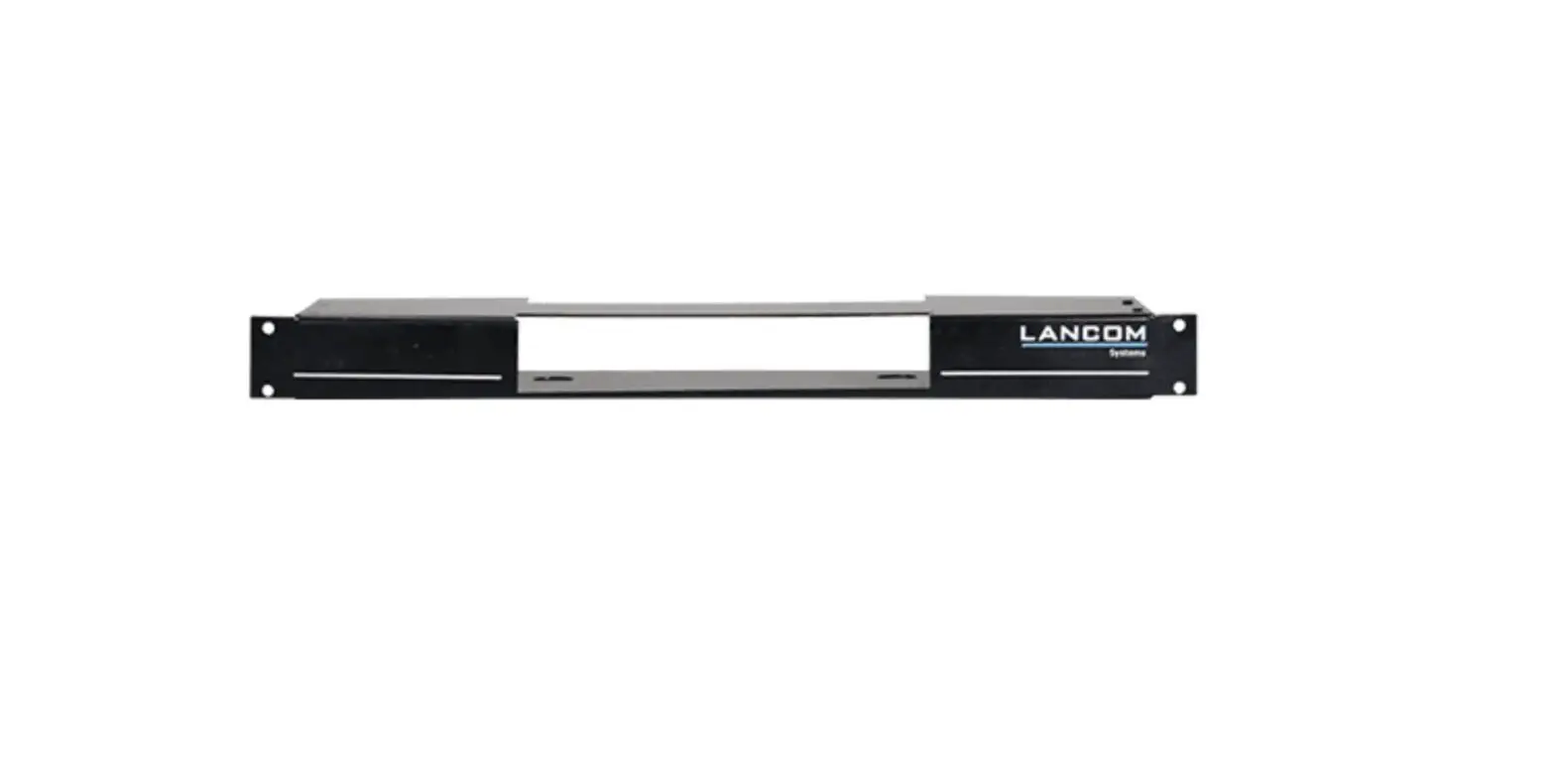
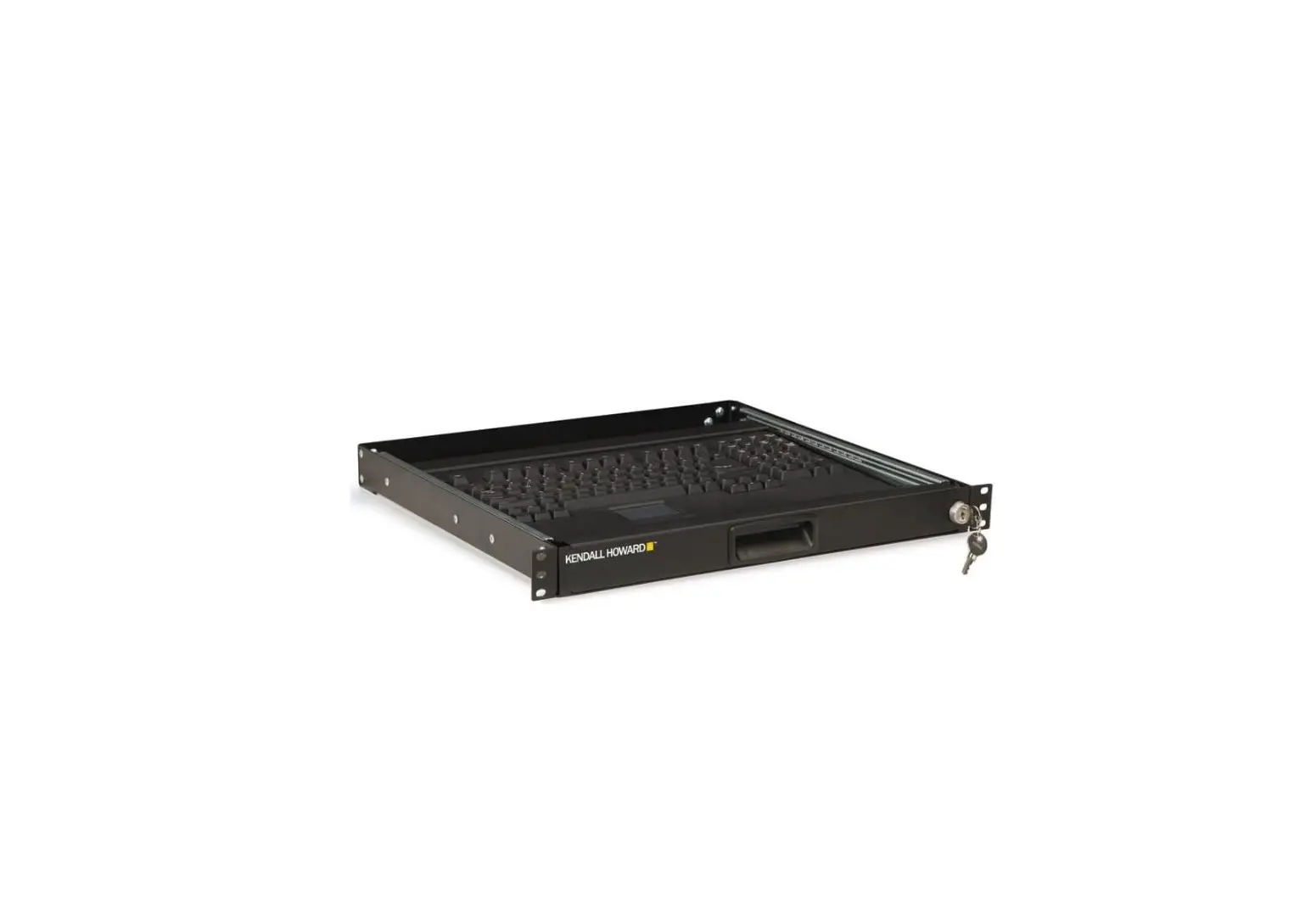
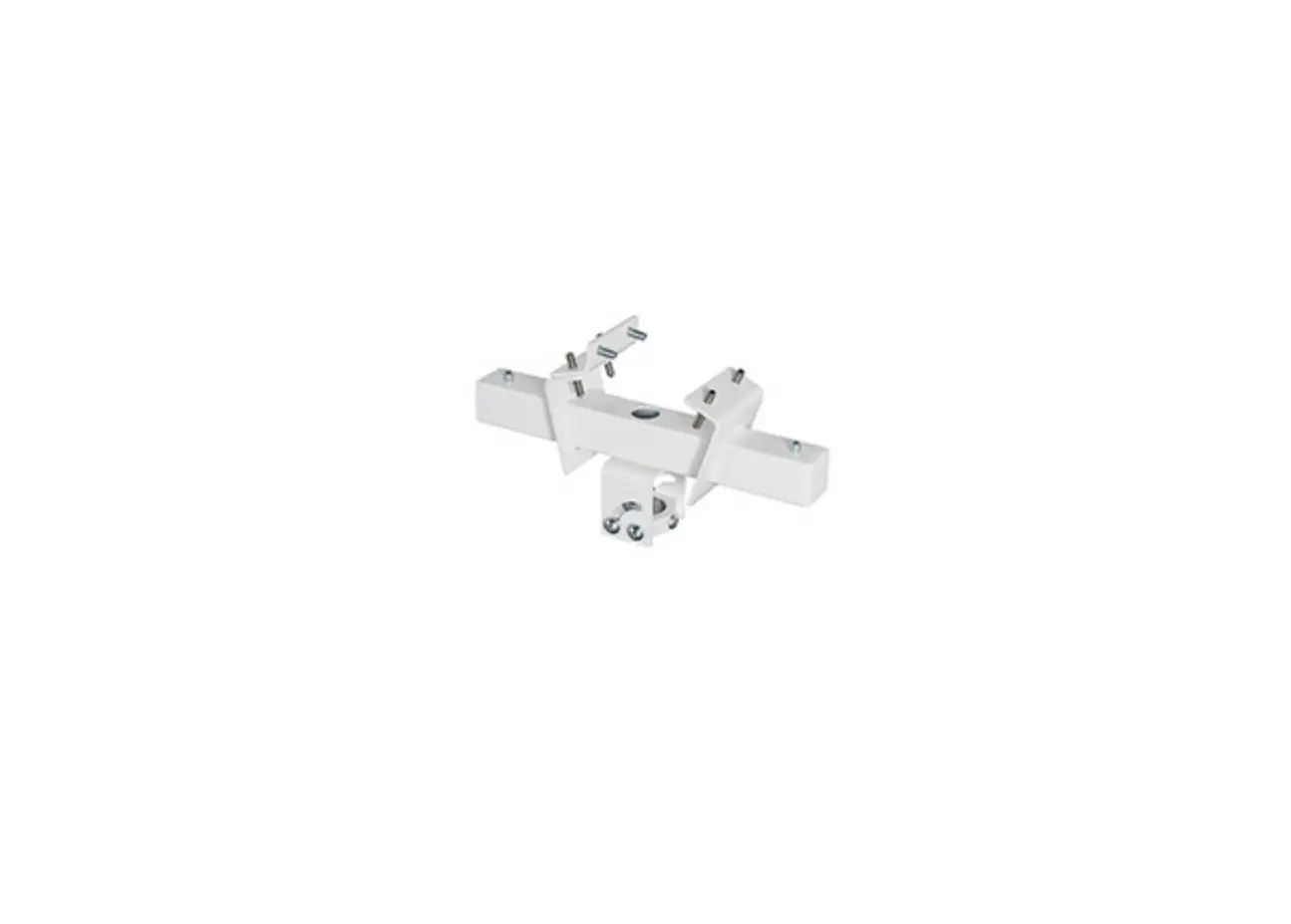
Rail Mount Keyboard Bridge
Product Information: RAIL MOUNT KEYBOARD BRIDGE
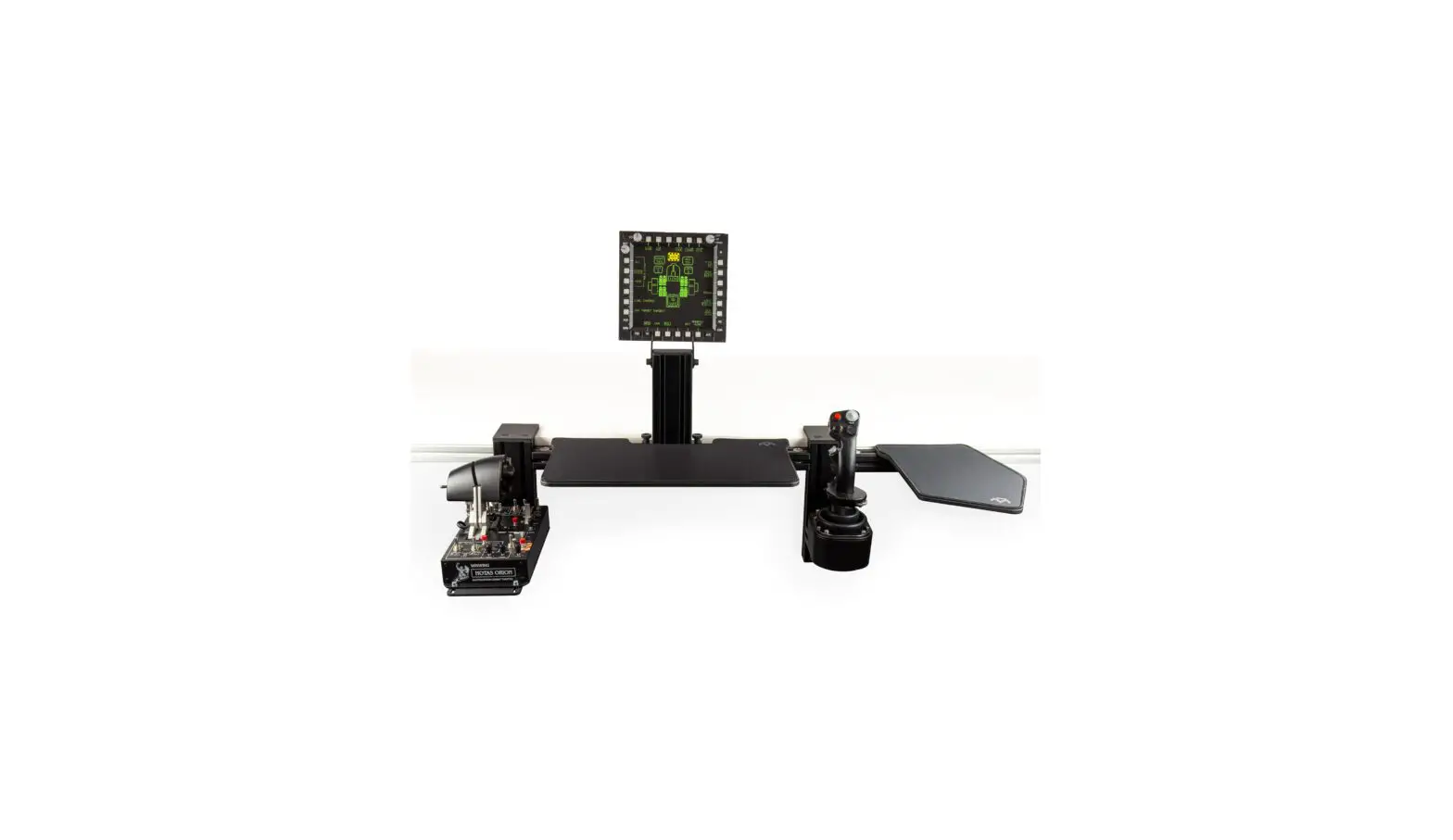
The RAIL MOUNT KEYBOARD BRIDGE is a versatile accessory that
allows you to mount your keyboard onto a rail system. It provides a
convenient solution for optimizing workspace ergonomics and
increasing productivity.
General Assembly Information
- Profile Nut: Hex key set with ball head and extension or
similar tool is required for assembly. - Universal Connector: The bridge includes universal connectors
with slot nuts (M8x30) for secure attachment. - Bolt Dimensions: The bridge utilizes M8 bolts with various
lengths (M8x35, M8x25) for assembly. - Profile Cap Assembly: The bridge includes profile caps for a
finished look. - Parts: The package includes all necessary parts for assembly,
and no extra or spare parts are provided.
Product Usage Instructions
Assembly Steps:
- Ensure a flat surface for assembly to ensure proper alignment
of parts. - Follow the steps mirrored for both sides of the bridge.
- Adjust the distance of the keyboard plate to your table edge as
desired. - Secure the universal connectors using M8x16 flat head black
bolts and slot nuts. - Move the bridge to the desired height before tightening the
bolts. Both sides should be at the same height. - Attach the cap using M5 and M6 slot nuts, along with M6x16 and
M6x18 flat head black bolts. - Ensure all components are securely tightened.
Note: The assembly instructions provided are for the right side
of the bridge, but should be mirrored for the left side.
For additional information and safety notices, please refer to
the complete instruction manual provided.
RAIL MOUNT KEYBOARD BRIDGE
Instruction Manual Bedienungsanleitung
Mode d`emploi
GENERAL ASSEMBLY INFO AND HOW TO
PROFILE NUT
HEX KEY SET WITH BALL HEAD + EXTENSION OR SIMILAR REQUIRED
MTSIM RAIL MOUNT KEYBOARD BRIDGE INSTRUCTION MANUAL
2
UNIVERSAL CONNECTOR
slot nut M8
universal connector
M8x30
ALTERNATIVE
universal connector
M8x30
very loose pre-assembled
slide in
MTSIM RAIL MOUNT KEYBOARD BRIDGE INSTRUCTION MANUAL
3
extension for more tightening
power
BOLT DIMENSIONS AND HOW TO MEASURE THEM [mm]
35
35
25
25
M8x35 M8x35 M8x25 M8x25
8 8 8 8
PROFILE CAP ASSEMBLY
MTSIM RAIL MOUNT KEYBOARD BRIDGE INSTRUCTION MANUAL
4
PARTS
1x
40 40
40
40
1x
2x
4x
120
40
2x
3 bores
70
40
2x
2x
100
40
8x
40
MTSIM RAIL MOUNT KEYBOARD BRIDGE INSTRUCTION MANUAL
5
Ø 8
BAG 1
10x
30
14x
M8
4x
16
8
black
BAG 2
2x
4x black
18
2x
M6
6
6
10x
2x 2x
black
16
2x
M5
MTSIM RAIL MOUNT KEYBOARD BRIDGE INSTRUCTION MANUAL
6
ASSEMBLY
These steps have to be done similar (mirrored)
for both sides. Shown here for the right side.
Use a flat surface for assembly to ensure the parts are properly aligned.
Profiles colored for better understanding.
MTSIM RAIL MOUNT KEYBOARD BRIDGE INSTRUCTION MANUAL
7
120 mm
100 mm
pre-assembled universal connector
Possible distance adjustment of the keyboard plate to your
table edge.
70 mm
pre-assembled universal connector
MTSIM RAIL MOUNT KEYBOARD BRIDGE INSTRUCTION MANUAL
8
pre-assembled universal connector
120 mm
pre-assembled universal connector
4x cap
MTSIM RAIL MOUNT KEYBOARD BRIDGE INSTRUCTION MANUAL
9
M8x16 flat head black
bracket
slot nut M8
2x slot nut
M8
MTSIM RAIL MOUNT KEYBOARD BRIDGE INSTRUCTION MANUAL 10
universal connector M8x30
M8x16 flat head
black
MTSIM RAIL MOUNT KEYBOARD BRIDGE INSTRUCTION MANUAL 11
Move to the desired height before tightening
the bolts. Assemblies on both
sides have to be at the same height.
MTSIM RAIL MOUNT KEYBOARD BRIDGE INSTRUCTION MANUAL 12
slot nut M5
knob loose fit
MTSIM RAIL MOUNT KEYBOARD BRIDGE INSTRUCTION MANUAL 13
slot nut M6
cap
slot nut M6
M6x16 flat head black
cap
M6x16 flat head black
MTSIM RAIL MOUNT KEYBOARD BRIDGE INSTRUCTION MANUAL 14
2x M6x18 flat head black
2x M6x18 flat head black
move angled into the slots detail
MTSIM RAIL MOUNT KEYBOARD BRIDGE INSTRUCTION MANUAL 15
MTSIM RAIL MOUNT KEYBOARD BRIDGE INSTRUCTION MANUAL 16
QUICK RELEASE
01-12-2022
WARNING NOTICES
CAUTION! Do not clamp your fingers while attaching the rail mount keyboard bridge. CAUTION! Check before usage if all screws are tightened. CAUTION! Check before usage that the mounting plate is screwed on tight after making height adjustments. DANGER: Contains small parts not suitable for children under 3 years. Only suitable for children over 12 years and adults. All MTSIM products are hand assembled and quality checked. The mount is designed for usage only with a computer controller (e.g. joystick or throttle). We exclude liability if the product is used for purposes other than intended. MTSIM shall be liable for damage arising from causes other than the detriment to life, body and health only to the extent that such damage arises from wilful misconduct, gross negligence or the culpable violation of a fundamental contractual obligation on the part of MTSIM or a vicarious agent (e.g. the delivery service) of MTSIM. Any further liability for damages shall be excluded. If you have safety concerns or questions regarding assembly, contact us under [email protected] or visit www.mtsim.com/en/
WARNHINWEISE
VORSICHT! Klemmgefahr beim Befestigen der Tastaturplatte. VORSICHT! Achten Sie darauf, dass vor Benutzung alle Schrauben immer fest angezogen sind. VORSICHT! Achten Sie darauf, dass die Befestigungsplatte nach der Höheneinstellung fest angezogen ist. GEFAHR: Nicht für Kinder unter 3 Jahren, Kleinteile – Verschluckungsgefahr! Nur für Kinder ab 12 Jahren und Erwachsene Alle Produkte der Firma MTSIM sind handgefertigt und qualitätsgeprüft. Die Halterung ist nur zur Verwendung in Kombination mit einem PC Controller (z.B. Joystick oder Schubreglers) ausgelegt. Wir übernehmen keine Haftung für zweckentfremdete Benutzung. Für andere als durch Verletzung von Leben, Körper und Gesundheit entstehende Schäden haftet die MTSIM lediglich, soweit diese auf vorsätzlichem oder grob fahrlässigem Handeln oder auf schuldhafter Verletzung einer wesentlichen Vertragspflicht durch MTSIM oder eines Erfüllungsgehilfen (z.B. dem Zustelldienst) der MTSIM beruhen. Eine darüber hinausgehende Haftung auf Schadensersatz ist ausgeschlossen. Bei Fragen zur Sicherheit oder Aufbau unserer Produkte, wenden Sie sich an [email protected] oder besuchen unsere Website unter www.mtsim.com
NOTICES D`AVERTISSEMENT
ATTENTION! Risque de pincement des doigts lorsque vous attachez la fi xation à la rail. ATTENTION! Vérifi ez que toutes les vises sont correctement serrées avant utilisation. ATTENTION! Après ajustement en hauteur de la plaque de montage, vérifi ez que les vises sont correctement serrées avant utilisation. DANGER: Contient des petites pièces susceptibles d`être avalées. Ne convient pas aux enfants de moins de 3 ans. Utilisation appropriée pour enfants à partir de 12 ans et adultes. Tous les produits MTSIM sont fait main et on passés les contrôles de qualité. La fixation est conçue uniquement pour une utilisation avec un joystick ou une manette des gaz. Nous dégageons toute responsabilité pour toute utilisation autre que celle prévue. Pour les dommages engendrés autres que l’atteinte corporelle, à la vie et à la santé, MTSIM n’est responsable que dans la mesure où ces dommages reposent sur un acte intentionnel, une faute lourde ou la violation fautive d’une obligation contractuelle essentielle par MTSIM ou par des agents délégués par MTSIM. Une responsabilité allant au-delà en dommages et intérêts est exclue. Si vous avez des questions concernant la sécurité ou l`assemblage, contactez-nous a [email protected] ou visitez www.mtsim.com/fr/
 MTSIM – MONSTERTECH – Simulation Design – Offizielle Webseite