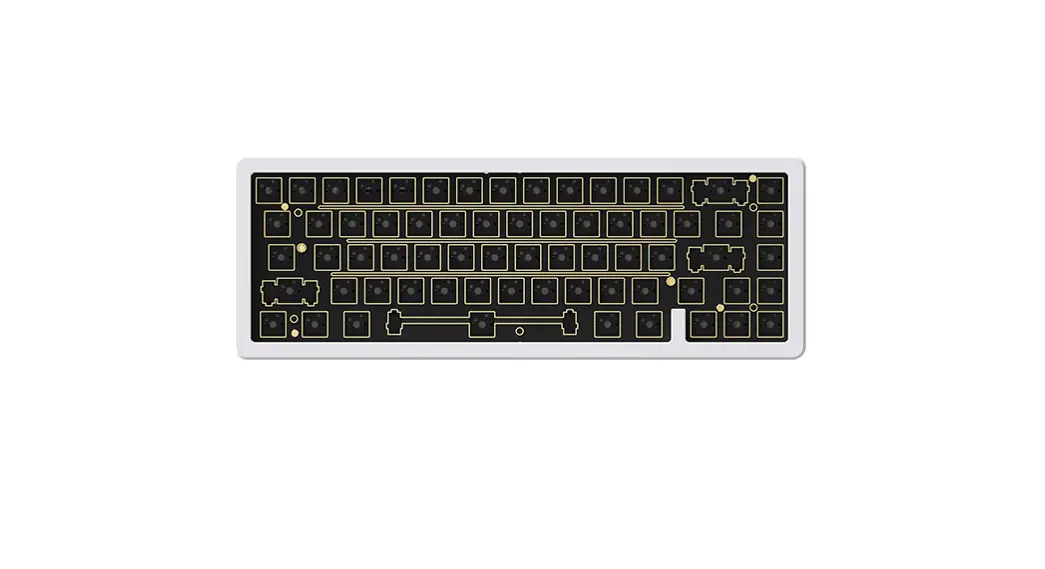
KB-M2-P90 Flat Panel Mount Keyboards
Product Information:
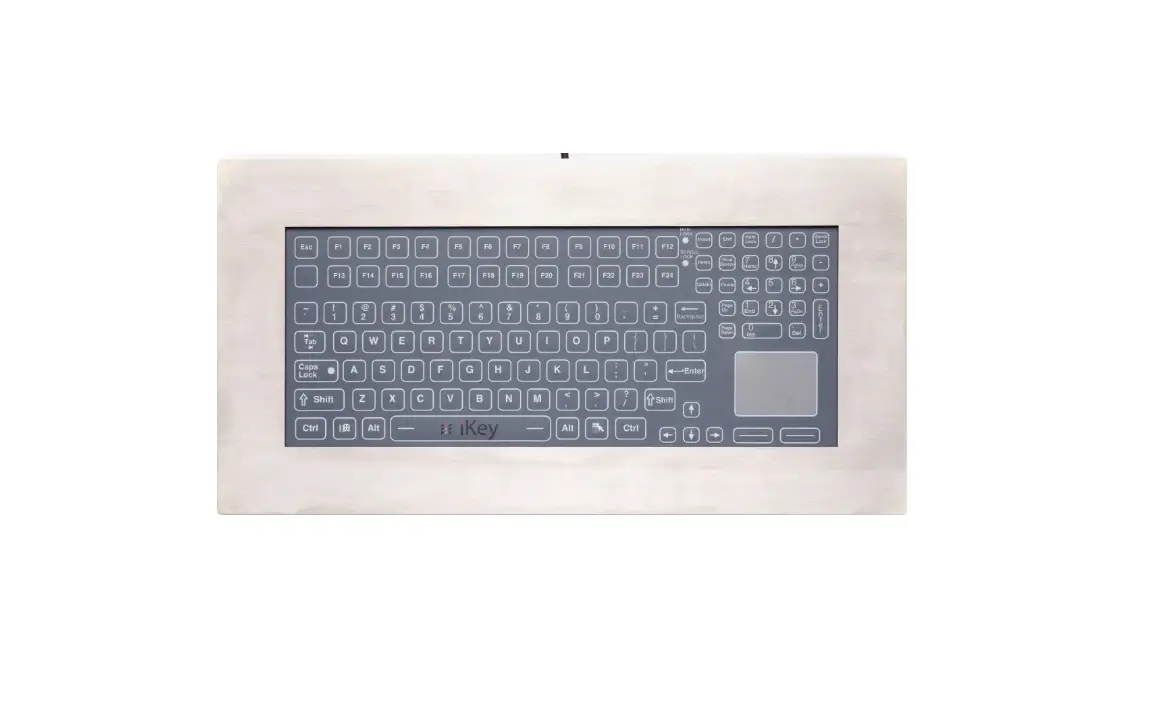
The KB-M2-P90, KB-R2-P90, and KB-R3-P90 Series Flat Panel Mount
Keyboards are designed to be mounted onto a panel for efficient use
of space. These keyboards are compatible with both USB and PS2
connections and come with 16 M5 locknuts for installation.
The maximum panel thickness allowed for the keyboard is 6.0 mm
(1/4). The keyboard dimensions are 416.1 mm (16.38) in width and
200.7 mm (7.90) in height. The rear collar measures 30.9 mm (1.21)
in diameter.
Product Usage Instructions:
- Using the dimensions provided in Figure 1, cut a mounting
pattern into the panel where the keyboard will be installed. Ensure
that the panel thickness does not exceed 6.0 mm (1/4). - Remove the 16 locknuts from the back of the keyboard and set
them aside. Temporarily remove the rear collar from the
keyboard. - Insert the keyboard into the panel and reattach the rear
collar. - Tighten all 16 locknuts until the gasket is compressed to a
thickness of 1/16 to 3/32.
Once the keyboard is installed, connect it to your device using
either a USB or PS2 connection. The USB connection cable is 4.6 m
(15 FT) long, while the PS2 connection cable is 1.8 m (6 FT)
long.
Installation Instructions
KB-M2-P90, KB-R2-P90, and KB-R3-P90 Series Flat Panel Mount Keyboards
1. Cut mounting pattern in panel. Refer to Figure 1 for the cutout dimensions. NOTE: The maximum panel thickness allowed for the keyboard is 6.0 mm (1/4″).
2. Remove and set aside the 16 locknuts from the rear of the keyboard, then temporarily remove the rear collar from the keyboard. 3. Insert the keyboard into the panel and reattach the collar. 4. Tighten all 16 locknuts until the gasket is compressed to 1/16″ to 3/32″ thick.
416.1 mm (16.38″)
200.7 mm (7.90″)
USB: 4.6 m (15 FT) PS2: 1.8 m (6 FT)
16 X M5 LOCKNUTS (PROVIDED)
FIGURE 1 REAR VIEW SHOWING CUTOUT DIMENSIONS
REAR COLLAR
FIGURE 2 SIDE VIEW
30.9 mm (1.21″)
99115A · December 20, 2022 · www.HopeIndustrial.com · International: +1 (678) 762-9790 · UK: +44 (0) 20 7193 2618 · Copyright © 2023 Hope Industrial Systems, Inc.
 Industrial Monitors & Touch Screens - Hope Industrial Systems