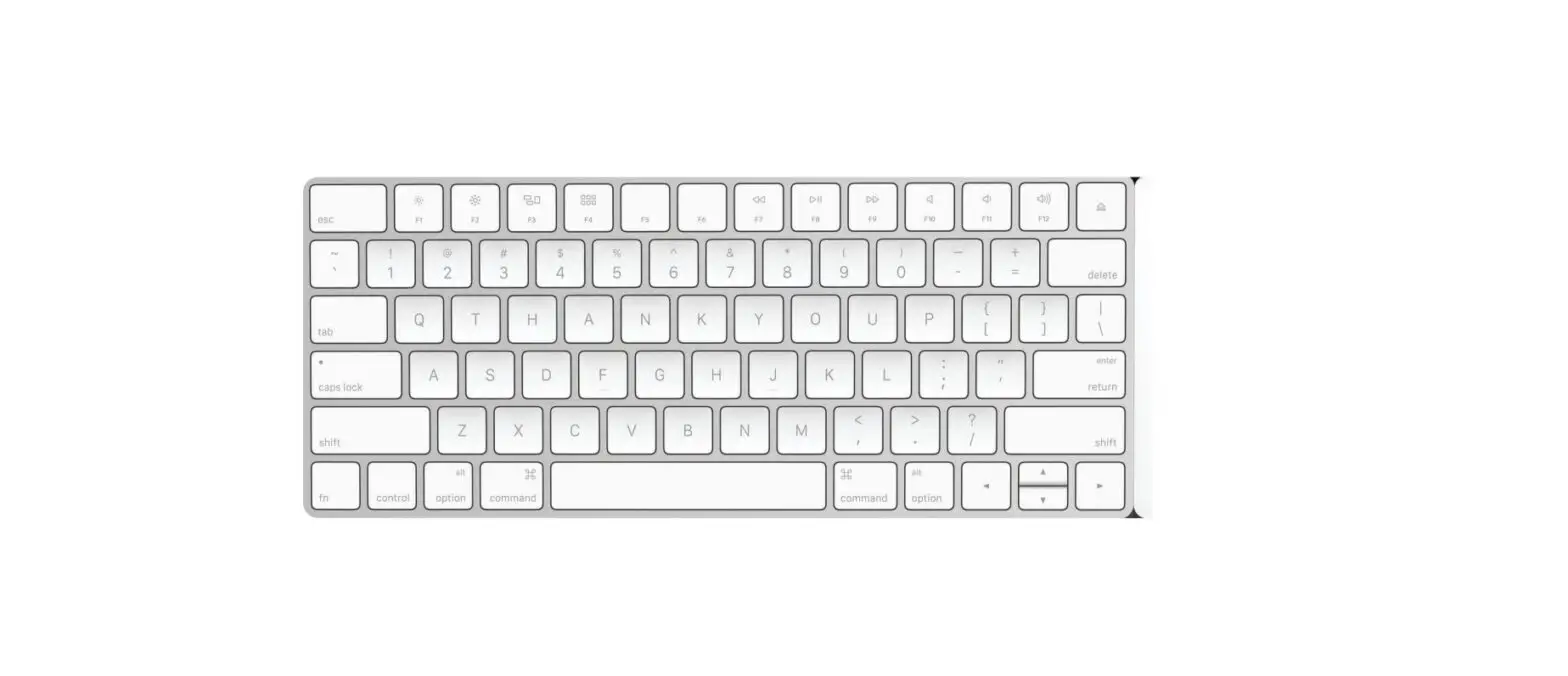

twelve south 12-1633 MagicBridge Keyboard
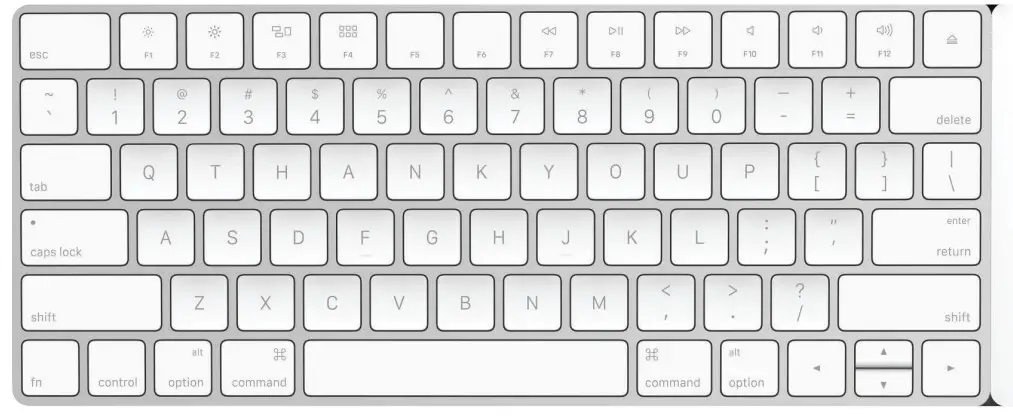
What’s in the box?
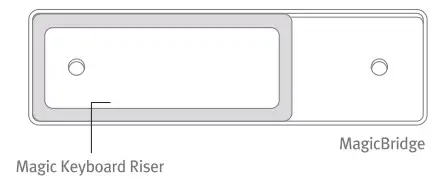
Setting up your MagicBridge
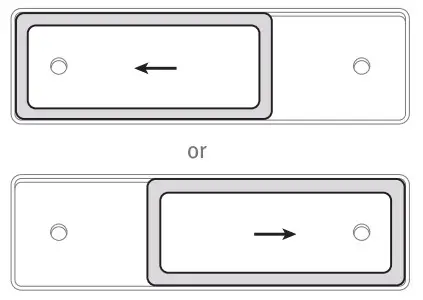
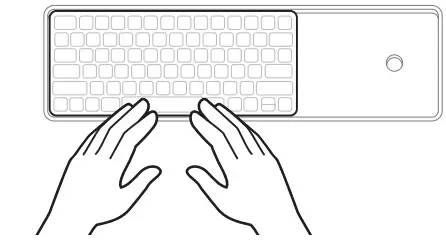
- Slide Magic Keyboard Riser left or right to your preferred keyboard position.

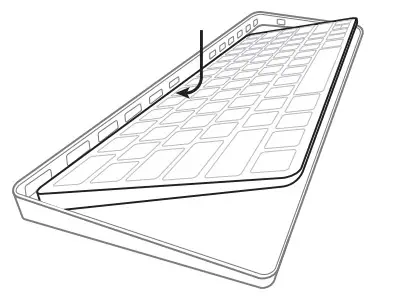
- Place the back edge of your Magic Keyboard into MagicBridge.

- Snap the front edge of the keyboard into MagicBridge to secure in place.

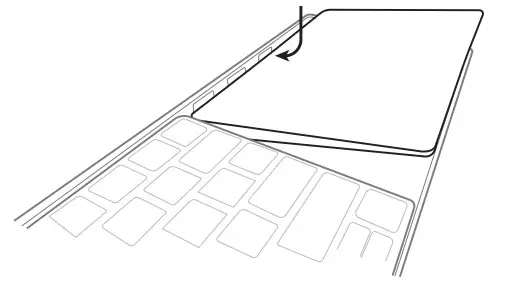
- Place the back edge of your Magic Trackpad 2 into MagicBridge.

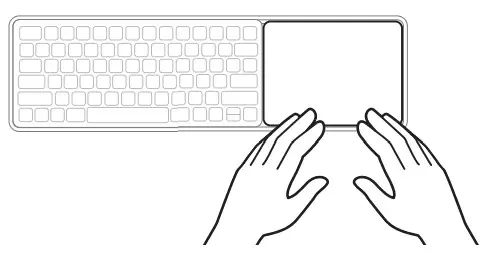
- Snap the front edge of the trackpad into MagicBridge to secure in place.

Removing Magic Keyboard / Magic Trackpad 2
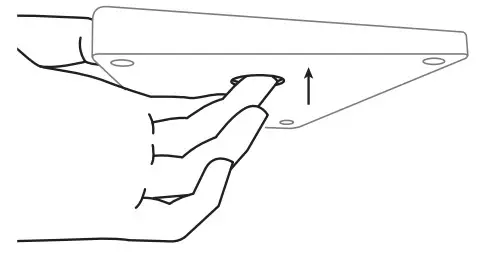
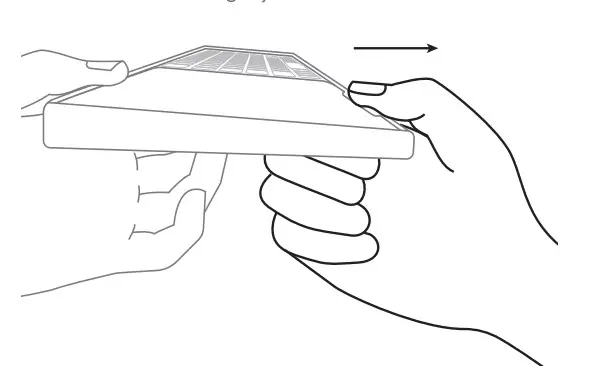
- To remove your Magic Keyboard or Magic Trackpad 2, place finger inside hole on bottom of MagicBridge.

- Then push up from bottom, and pull front tab forward at the same time slightly to release.