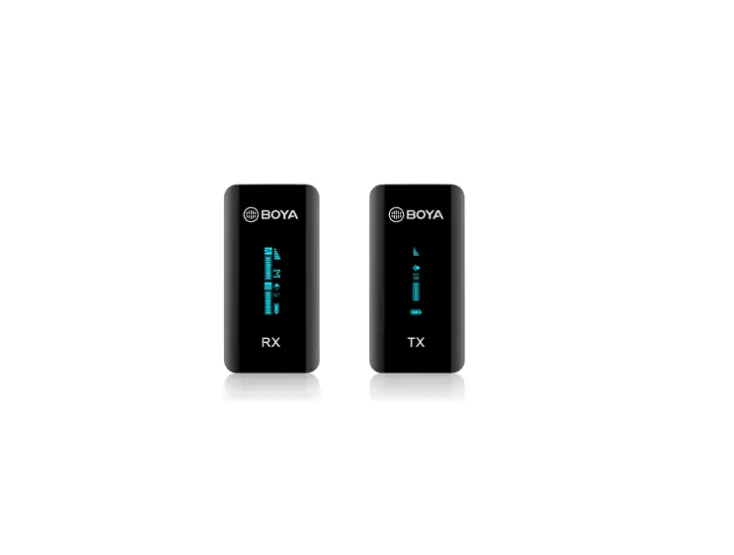
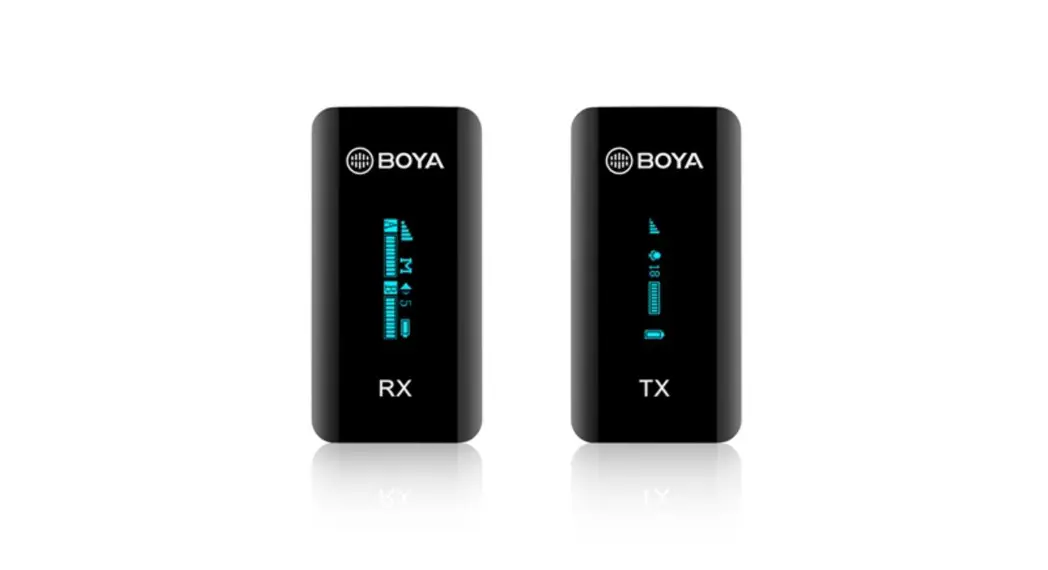
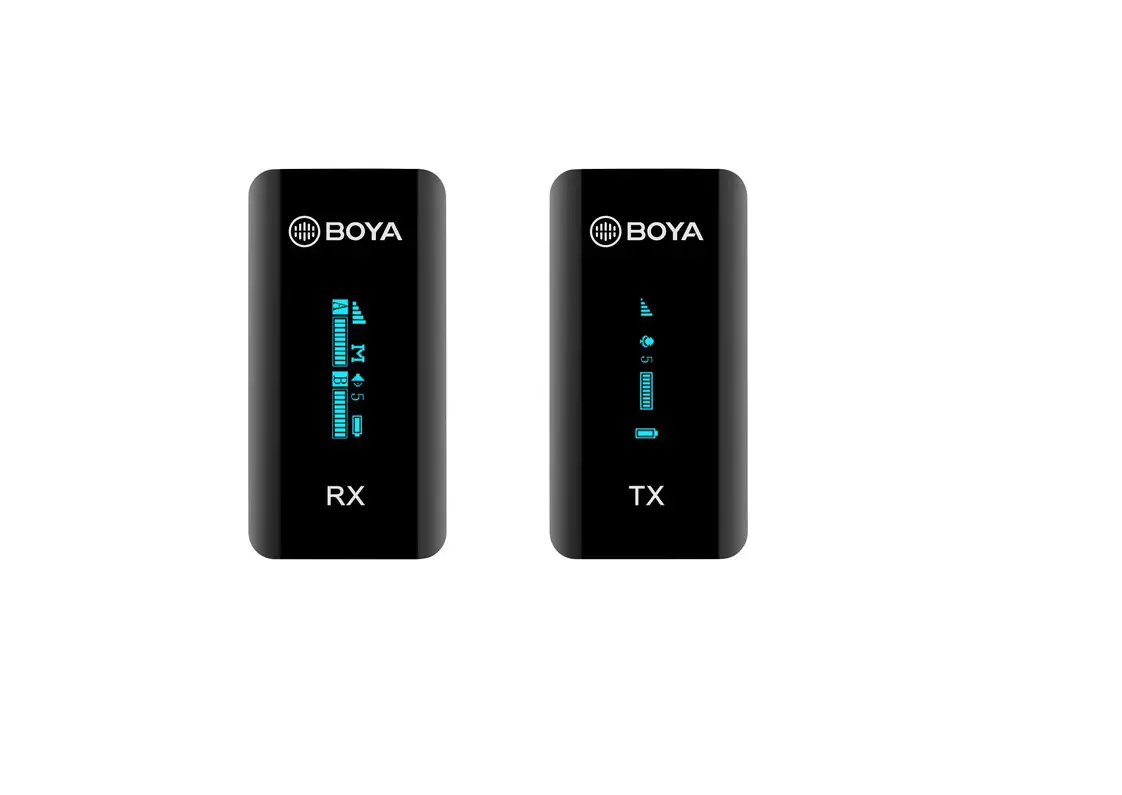
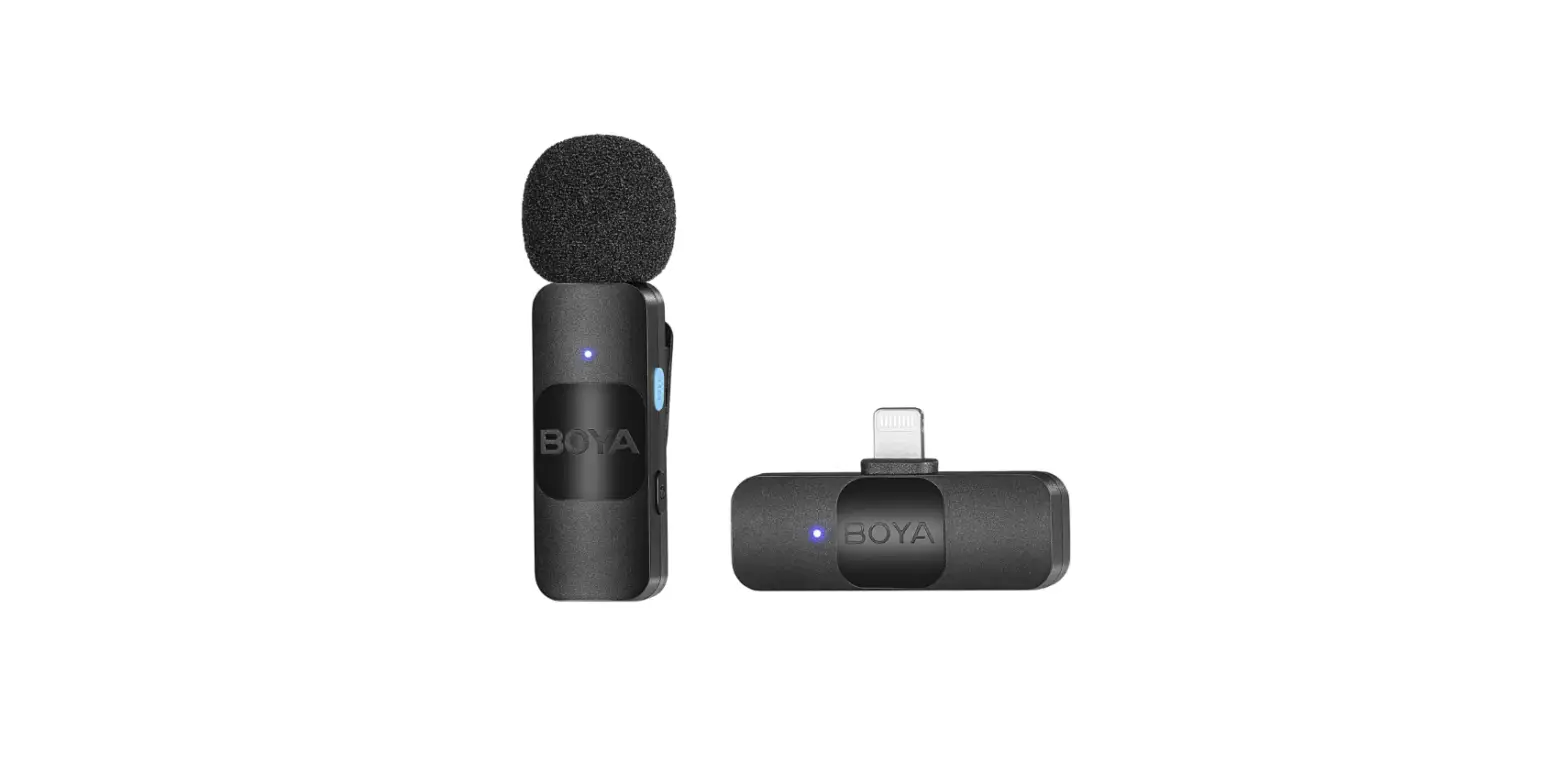
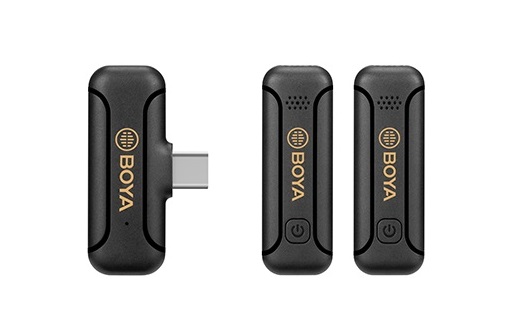
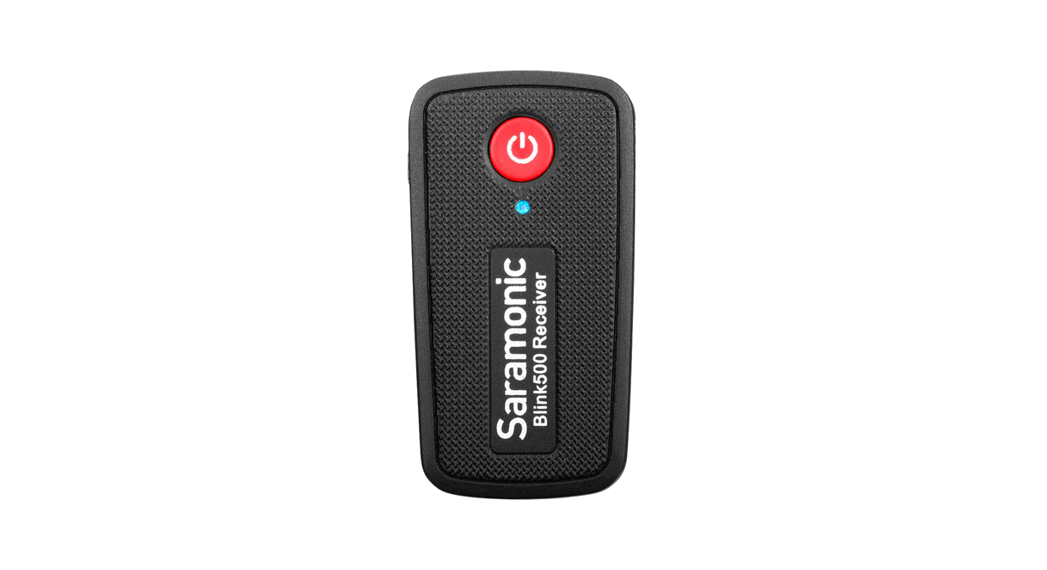
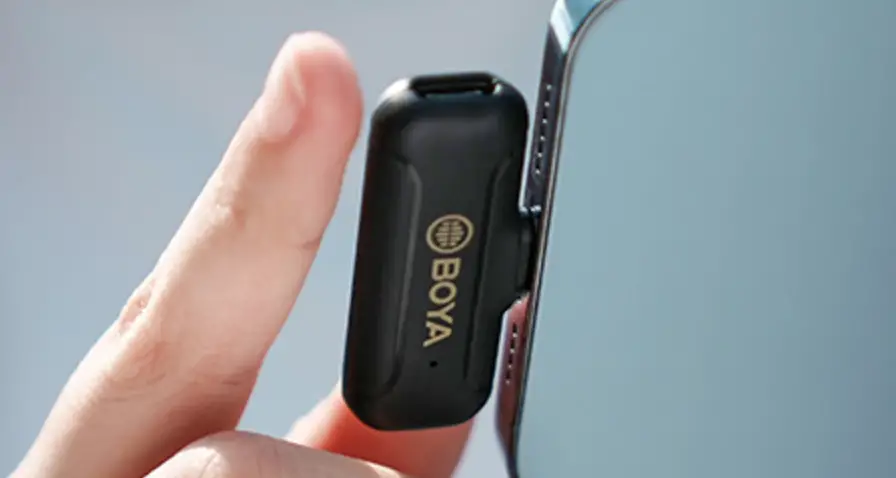
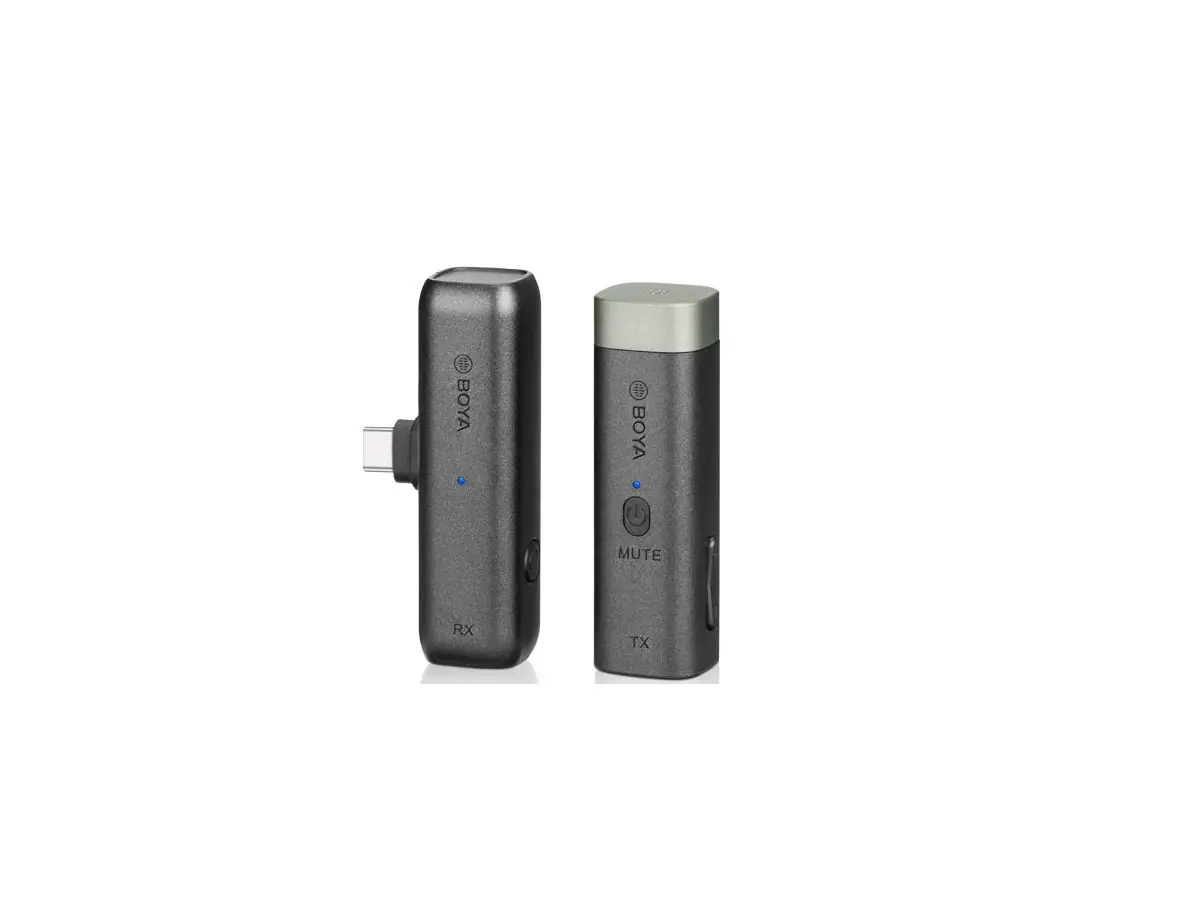
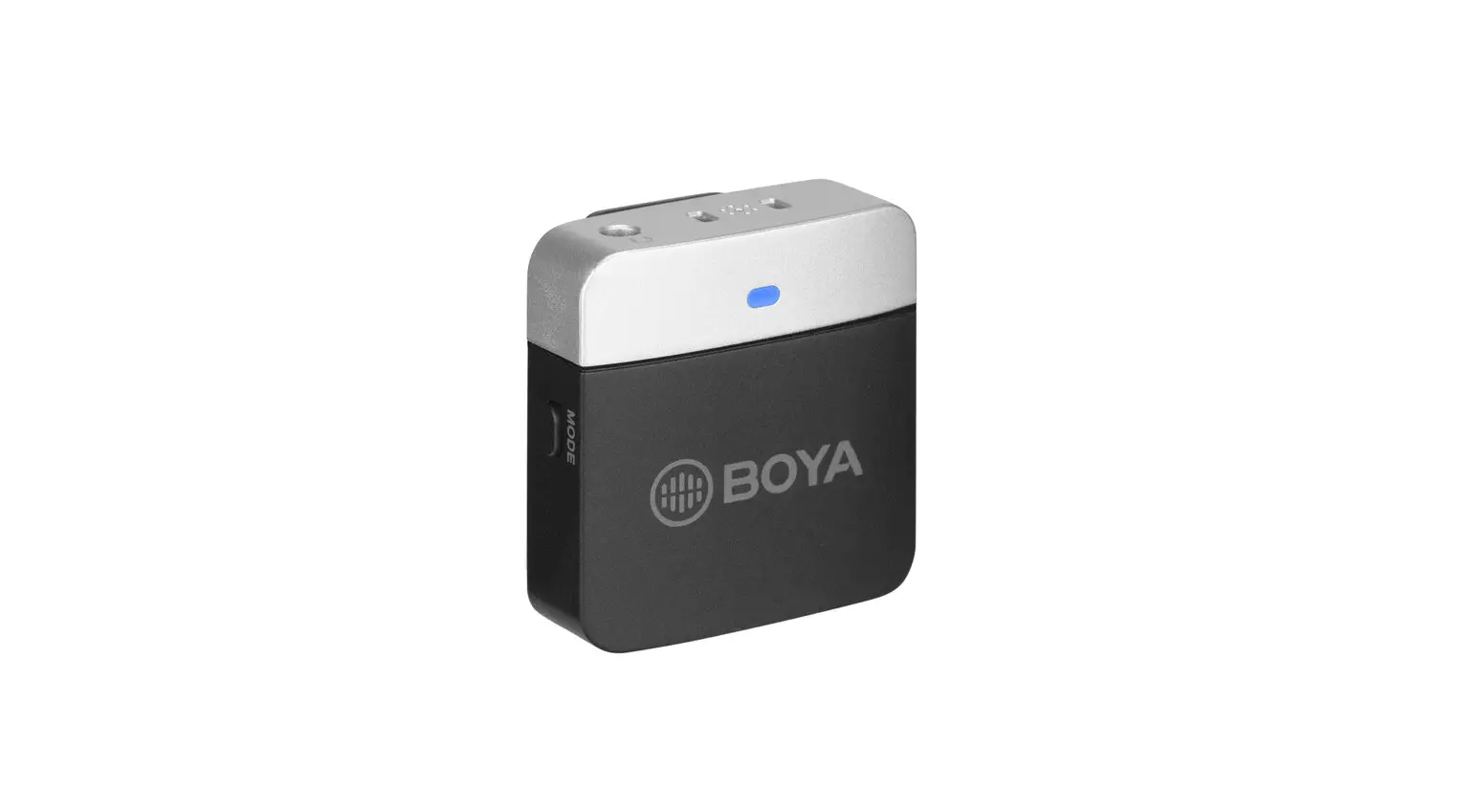
BOYALINK Ultracompact 2.4GHz Dual-Channel Wireless Microphone System
Ultracompact 2.4GHz Dual-Channel Wireless Microphone
System
Product Information:
The BOYALINK is an ultra-compact and portable 2.4GHz wireless
microphone system that is compatible with cameras, smartphones,
tablets, computers, and more. It features automatic pairing and
selectable noise cancellation, delivering broadcast-quality sound
with remarkable ease of use. The BOYALINK is ideal for content
creation, live streaming, vlogging, mobile journalism, and much
more.
The kit includes three different adapters: 3.5mm TRS, USB-C, and
iOS Lightning. The receiver has a USB-C charging port that supports
charging and powering the device while using it with a USB-C/ iOS
Lightning adapter. The included charging case allows you to charge
the transmitter and receiver anywhere, making the BOYALINK kit easy
to carry on.
Product Usage Instructions:
Before using the BOYALINK, please read the instruction manual
carefully and strictly operate and store it in accordance with the
instructions. Please save the manual for your future reference.
Cautions:
- Non-professional teardown is strictly prohibited.
- Please keep it away from heat sources such as radiators or
spotlights. - Do not remove the battery without professionals’ help.
- Please clean the device with only a soft, dry cloth.
- When using and storing, please keep away from dust and
moisture. - For the best pick-up pattern, do not hold your hand against the
microphone capsule cover.
Transmitter:
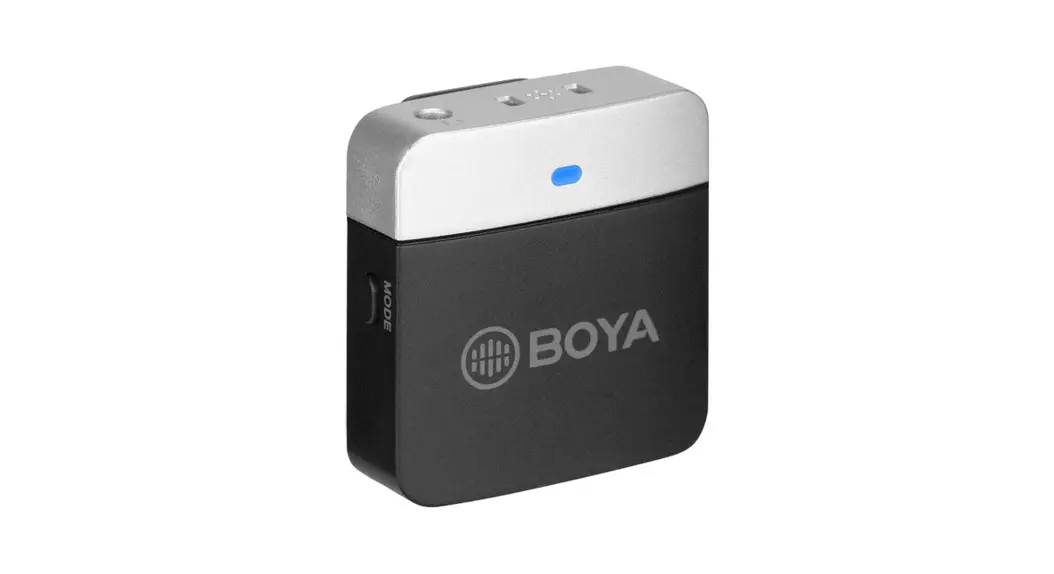
The transmitter has an in-built microphone capsule and a status
indicator. The status indicator blinks blue slowly when unpaired,
and static blue when paired successfully. It blinks red slowly when
muted, and static green when noise cancellation is enabled. The
indicator blinks blue/green 3 times quickly when in maximum/minimum
gain and blinks red quickly when the battery is low. When charging,
the indicator is static red, and when fully charged, the red light
turns off. The transmitter has a belt clip and charging contacts,
and a USB-C charging port for charging the transmitter while it is
in use.
Receiver:
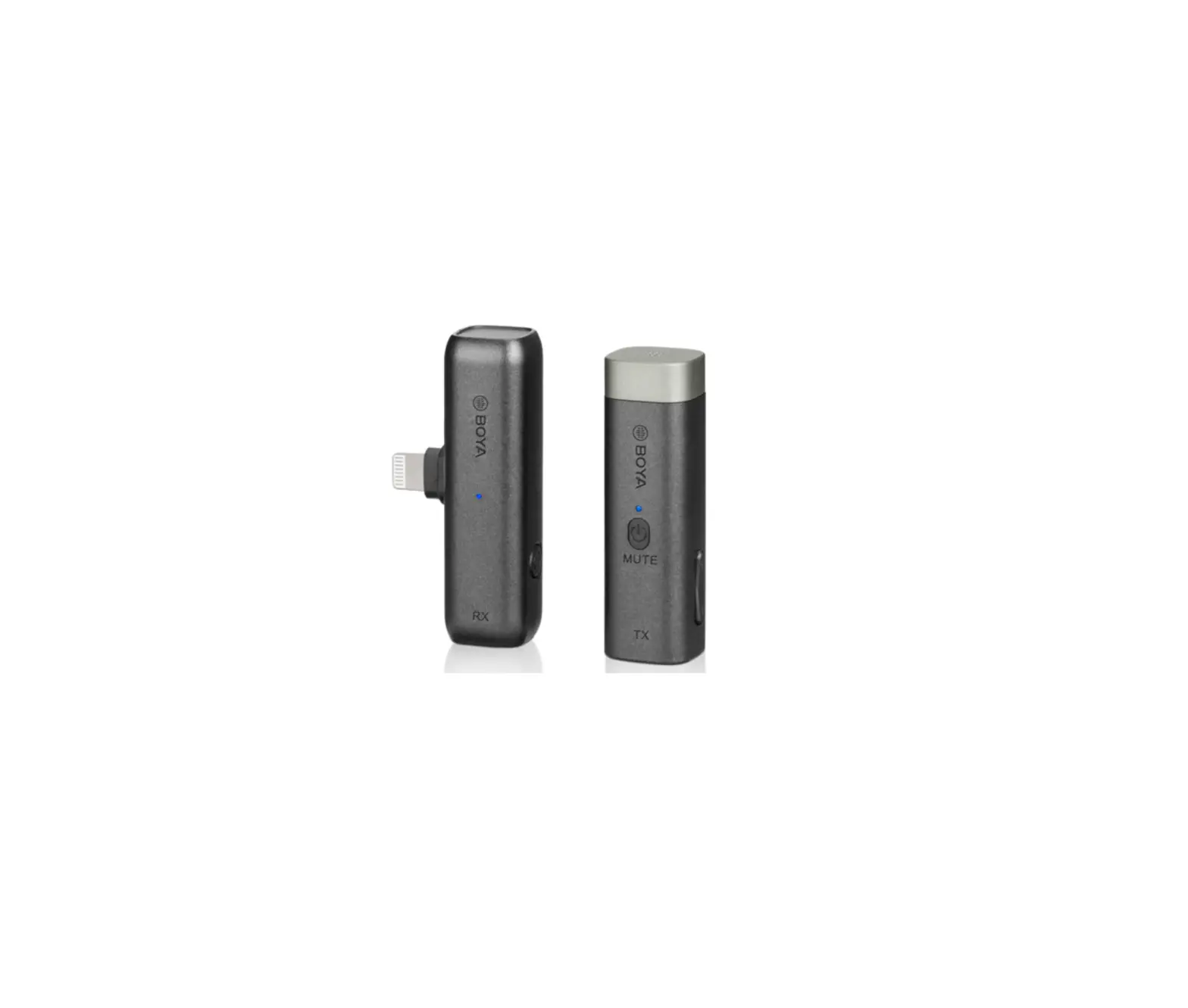
The receiver has a power button to turn on or off, a mono/stereo
toggle to set the output mode to mono or stereo, and a status
indicator. The status indicator blinks blue slowly when unpaired
and static blue when paired successfully. When the battery is low,
it blinks red quickly, and when charging, the indicator is static
red. When fully charged, the red light turns off. The receiver has
contacts, a clasp, charging contacts, a USB-C charging port for
charging the receiver, and an MFi certified lightning adapter to
connect to an iOS lightning device. It also has a USB-C adapter to
connect to Android smartphones, tablets, computers, and other USB-C
devices and a 3.5mm TRS adapter to connect to cameras, recorders,
mixers, or other devices with a 3.5mm TRS jack.
Ultracompact 2.4GHz Dual-Channel Wireless Microphone System
2.4GHz BOYALINK
Instruction Manual
Statement
Please read this manual carefully before using and strictly operate and store it in accordance with the instructions. Please save the manual for your future reference. If you need further assistance than the user manual, please consult your retailer for help or email us: [email protected]
Cautions
1. Non-professional teardown is strictly prohibited. 2. Please keep it away from heat sources such as radiators or spotlights. 3. Do not remove the battery without professionals’ help. 4. Please clean the device with only a soft, dry cloth. 5. When using and storing, please keep away from the dust and moisture. 6. For the best pick-up pattern, do not hold your hand against the
microphone capsule cover.
01
General Introduction
The BOYALINK is an ultra-compact and portable 2.4GHz wireless microphone system, compatible with cameras, smartphones, tablets, computers and more. It features automatic pairing and selectable noise cancellation, delivering broadcast-quality sound with remarkable ease of use. The BOYALINK is ideal for content creation, live streaming, vlogging, mobile journalism and much more.
There are 3 different adapters included in the kit: 3.5mm TRS, USB-C, and iOS Lightning. The receiver has a USB-C charging port that supports charging and powering the device while using it with a USB-C/ iOS Lightning adapter.
The included charging case allows you to charge the transmitter and receiver anywhere, making the BOYALINK kit easy to carry on.
Features
· Also available in 48kHz HD audio when noise cancellation enabled · Wide-range 20-20,000Hz frequency response – deliver exceptional high-
quality sound · In-built rechargeable lithium-ion battery provides 10+ hours of recording · Mono/ Stereo output switchable · 3.5mm TRS analog output, USB-C and iOS Lightning digital output
universal compatibility with cameras, smartphones and computers · Rotating clasp-type fur windshield, not easy to fall off · The receiver’s clasp allows the adapter to be easily removed.
02
Product Structure
Transmitter 1 2 3 4
5
6 7
In-built Microphone Capsule Status Indicator
Status
Indicator
Unpaired
Blinking blue slowly
Paired successfully
Static blue
Mute
Blinking red slowly
Noise cancellation enabled
Static green
Maximum/ Minimum gain
Blinking blue(green) 3 times quickly
Low battery
Blinking red quickly
Charging
Static red
Fully charged
Red light off
Power Button · Press and hold to power on or off.
· Press to mute or unmute the microphone.
+/- Button · Press the “+” or “-” button to adjust mic gain in
6 levels. · Press both the “+” and “-” buttons at the same
time to enable/disable noise cancellation. · The setting is retained even after the power is
turned off.
Belt Clip
Charging Contacts
USB-C Charging Port For charging the transmitter. (It’s okay to use the transmitter while charging.)
03
Receiver 1 2
3
4 5 6 7
48 49
4 10
Status Indicator
Status
Indicator
Unpaired
Blinking blue slowly
Paired successfully
Static blue
Low battery
Blinking red quickly
Charging
Static red
Fully charged
Red light off
Power Button Press and hold to power on or off.
Mono/ Stereo Toggle The output mode can be set to either mono or stereo. When in mono mode, the audio from the capsule, or capsules will be mixed to both the left and right sides. When in stereo mode, the two capsules’ audio output will be separated to the left and right sides.
Contacts
Clasp
Charging Contacts
USB-C Charging Port For charging the receiver. An external device can be powered and charged through this port while the receiver with a USB-C or iOS Lightning adapter is plugged into it.
MFi Certified Lightning Adapter It can be connected to an iOS Lightning device.
USB-C Adapter It can be connected to Android Smartphones, Tablets, Computers and other USB-C devices.
3.5mm TRS Adapter It can be connected to cameras, recorders, mixers or other devices with a 3.5mm TRS jack.
04
Charging Case
7 8
6
51
2
3
45
Slot for Transmitter(s) Slot for Adapters Slot for Fur Windshield Slot for Receiver Charging Contacts USB-C Charging Port OPEN Button Charging Indicator
Status Low battery
Battery Level
10% 25%
Charging
25%-50% 50%-75%
75%-100%
Fully charged 100%
Indicator
05
Operation Guide
1. Attach the fur windshield to the transmitter(s) when using it outdoors or in a windy environment.
2. Push the selected adapter into the receiver. Connect the receiver to your audio devices, such as a camera, smartphone, tablet, computer, etc.
06
3. Press and hold the power buttons to turn the transmitter(s) and receiver on.
4. The transmitter(s) and receiver will be automatically paired as soon as it is switched on. The indicators of both are static blue.
5. Toggle
to select either mono
or stereo output mode.
6. It is recommended to record a sample and play it back to check if the audio level is acceptable before recording.
07
7. In order to improve the recording effect in a noisy environment, it is recommended that press the “+”
and “-” buttons
on the transmitter(s) at
the same time to enable noise cancellation.
8. After recording, put the transmitter(s) and receiver back into the case for charging.
Troubleshooting
If you encounter problems when using the unit, please refer to the following checklist before contacting technical support. If the problem cannot be solved, please contact the dealer’s after-sales service department.
If there is no sound from the unit or no sound when connected to an external device Make sure the adapter on the receiver is well connected to your device.
Or remove the adapter and wipe the charging contacts with a clean cloth. Make sure the mic gain is not turned to minimum. Make sure the unit is not muted.
08
If the sound of the unit is too low or too loud or even distorted Adjust mic gain to the suitable level for recording in the current environment to improve the recording effect.
Current noise or other abnormal noise appears during monitoring Make sure there is no interference near the unit. If the noise still exists after changing the unit’s position, please contact our customer service.
The operating range of the unit is limited and the sound is frequently intermittent Make sure there is no interference between the transmitter and receiver. If the intermittent sound still occurs frequently, please contact our customer service.
Failed to charge the transmitter(s) or receiver via the charging case Make sure the charging contacts of both are in full contact. Wipe the
charging contacts with a clean cloth and try again. If you want to check whether the magnetic force is aging or whether
the charging contacts of the two are not in sufficient contact, press the transmitter/receiver placed in the charging box to check whether it is in a charging state. If the transmitter(s) or the receiver is still failed to be charged, please contact our customer service.
09
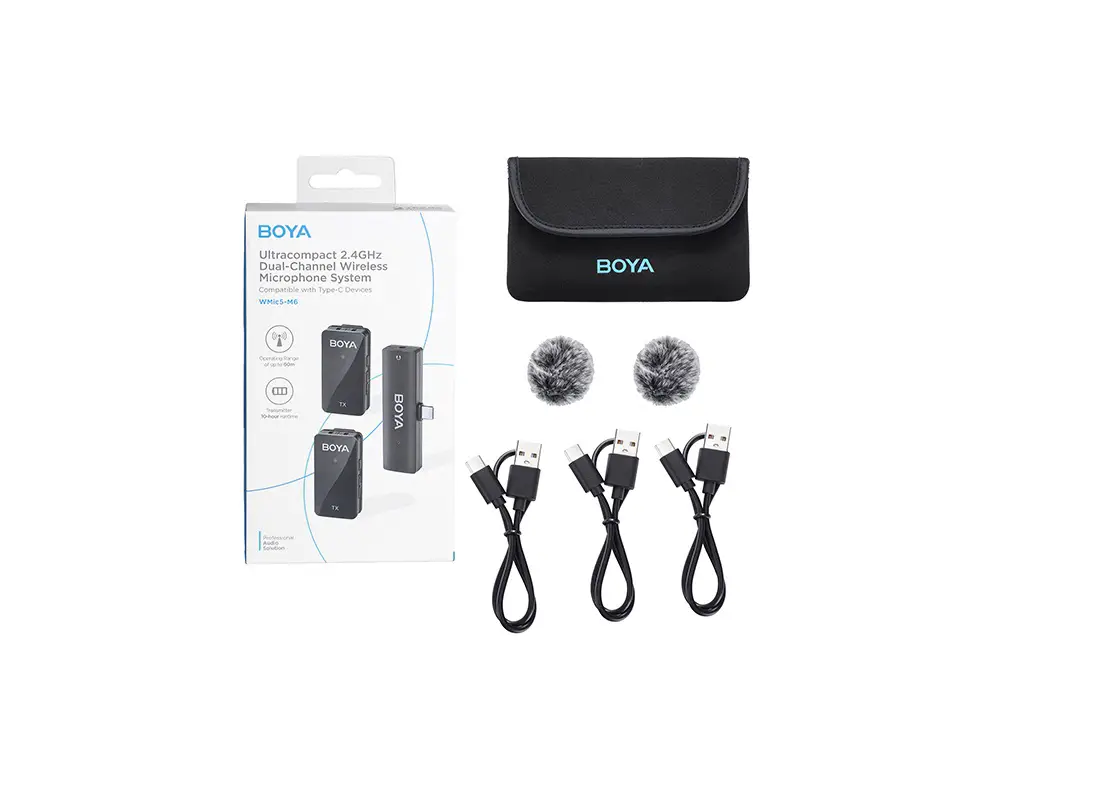
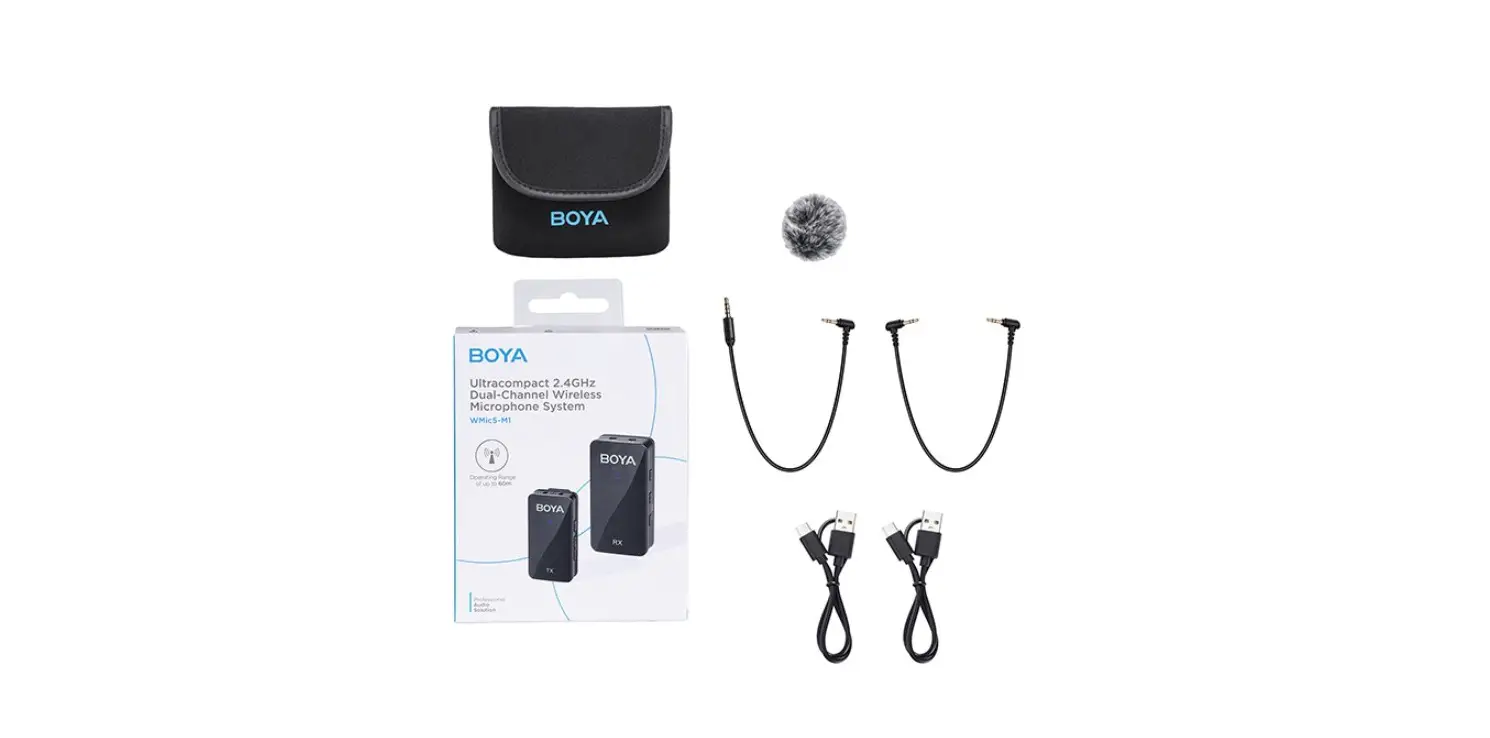
In the Box
2×
1×
Transmitter Receiver
2× Fur Windshield
1× USB-A to USB-C Cable
1× Charging Case
Design Perfotmence Sound
1× Carring Pouch
1× 3.5mm TRS Adapter
1× USB-C Adapter
1× MFi Certified Lightning Adapter
10
Specifications
Transmitter & Receiver
Transmission Type
2.4GHz digital frequency
Modulation
Digital modulation
Polar Pattern
Omnidirectional
Antenna
Operating Range (Without Obstacle)
Distortion
TX: Ceramic antenna, RX: pcb antenna Up to 60m < 0.01%
Frequency Response
20Hz-20kHz
Sampling Rate
48kHz
Bit Rate
16bit
Signal-to-Noise Ratio
>85dB
Audio Input Audio Output Battery Voltage/ Capacity Power Requirements In-built Battery Life Weight Dimensions
TX: In-built microphone capsule
RX: 3.5mm TRS analog output, USB-C and iOS Lightning digital output
TX: 3.7V/95mAh RX: 3.7V/120mAh
In-built lithium-ion battery/ Charging contacts/ USB-C charging port TX: Approx. 10 hours RX: Approx. 6 hours
TX: 12g; RX: 15g (with an adapter)
TX: 59×16.2×12.8 mm; RX: 61×18.2×12.8 mm
Operating Temperature
0°C to +50°C
Storage Temperature
-10°C to +50°C
11
Charging Case
Battery Capacity Charging Time Charging Connector Times for Charging Microphone Weight Dimensions Operating Temperature Storage Temperature
1000mAh Approx. 1.5 hours USB-C 2 times (2*TX+1*RX) 97.5g 112x73x33 mm 0°C to +50°C -10°C to +50°C
12
[email protected]
1. 2. 3. 4. 5. 6.
13
BOYALINK 2.4GHz , Vlog 3.5mm TRSUSB-CiOS Lightning Type-C iOS Lightning/ USB-C
· 48kHz · 20-20,000Hz · 10 · / · 3.5mm TRS & USB-CiOS Lightning
—- · ·
14
1 2 3
4
5
6 7
/ 3
/ /
+/- · “+”/”-” 6 · “+””-” /
·
Type-C
15
1 2
3
4 5 6 7
48 49
4 10
/
/
Type-C Lightning/ Type-C
MFi Lightning Lightning iOS
Type-C Type-C
3.5mm TRS 3.5mm TRS
16
7 8
6
51
2
3
Type-C
45
10% 25% 25%-50% 50%-75% 75%-100% 100%
17
1. 2.
18
3.
4.
5.
/
6. 19
7. “+””-”
8. /
20
/ /
21
2×
1×
2×
1× USB-A Type-C
1×
Design Perfotmence Sound
1×
1× 3.5mm TRS
1× Type-C
1× MFi Lightning
22
&
2.4GHz TXRXpcb 60 <0.1% 20Hz-20kHz 48kHz 16bit >85dB TX RX3.5mm TRS / Type-C / MFi Lightning TX: 3.7V/95mAh RX: 3.7V/120mAh / / Type-C
TX 10 RX 6
TX12g RX15g TX59x16.2×12.8 mmRX61x18.2×12.8 mm 0° C ~ +50° C -10° C ~+ 50° C
23
1000mAh 1.5H Type-C 2*TX+1*RX 2 97.5g 112x73x33 mm
24
www.boya-mic.com
V01
FCC Caution: Any Changes or modifications not expressly approved by the party responsible for compliance could void the user’s authority to operate the equipment. This device complies with part 15 of the FCC Rules. Operation is subject to the following two conditions: (1) This device may not cause harmful interference, and (2) this device must accept any interference received, including interference that may cause undesired operation.
IMPORTANT NOTE: Note: This equipment has been tested and found to comply with the limits for a Class B digital device, pursuant to part 15 of the FCC Rules. These limits are designed to provide reasonable protection against harmful interference in a residential installation. This equipment generates, uses and can radiate radio frequency energy and, if not installed and used in accordance with the instructions, may cause harmful interference to radio communications. However, there is no guarantee that interference will not occur in a particular installation. If this equipment does cause harmful interference to radio or television reception, which can be determined by turning the equipment off and on, the user is encouraged to try to correct the interference by one or more of the following measures: –Reorient or relocate the receiving antenna. –Increase the separation between the equipment and receiver. –Connect the equipment into an outlet on a circuit different from that to which the receiver is connected. –Consult the dealer or an experienced radio/TV technician for help.
FCC Radiation Exposure Statement: This equipment complies with FCC radiation exposure limits set forth for an uncontrolled environment.
SHENZHEN JIAYZ PHOTO INDUSTRIAL., LTD. The BOYA logo is a trademark which is registered and owned by Shenzhen Jiayz Photo Industrial., Ltd. : A16 TEL: 400 6131096 Email: [email protected] www.boya-mic.com / www.jiayz.com
 Mic
Mic BOYA-Wireless Microphones,Accessories,Recording Equipment
 长丰影像 - 创新音频影像技术引领者