 2.4GHz Dual-channel
Wireless Microphone System
BY-M1V1/BY-M1V2/BY-M1V3
BY-M1V4/BY-M1V5/BY-M1V6
User Manual
General Introduction
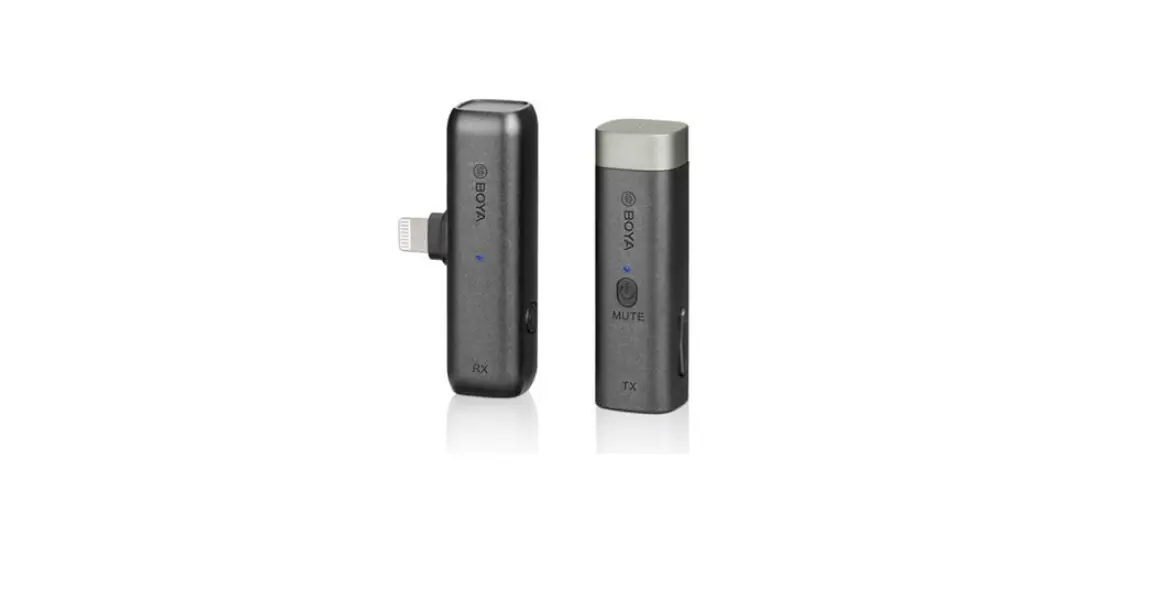
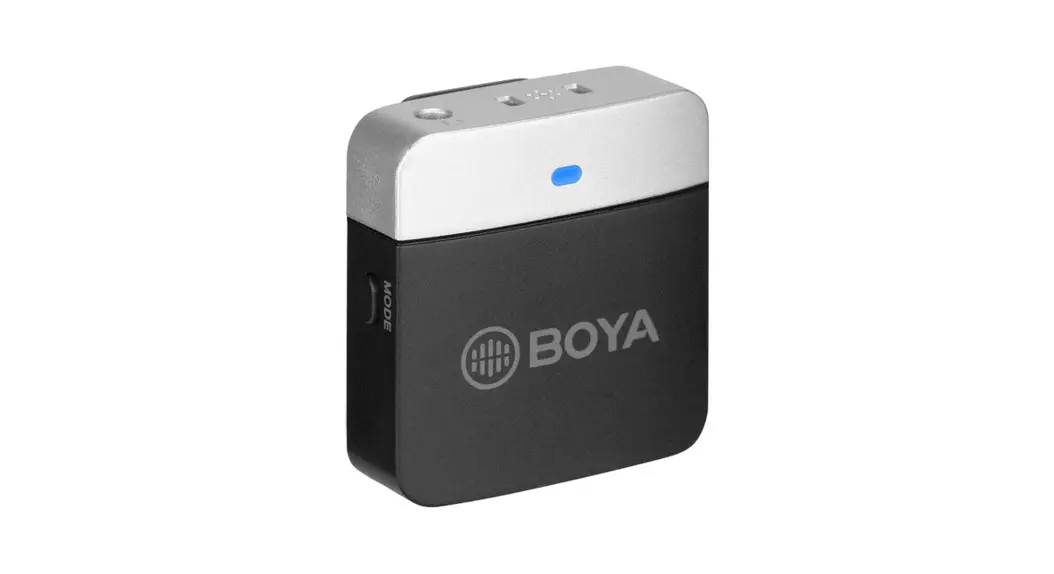
The BOYA BY-M1V is an incredibly lightweight, ultracompact and easy-to-use 2.4GHz wireless microphone system for up to 2 people.
This mic series has RX/ RXD/ RXU port o f kits to choose from, delivering exceptional-quality sound to smartphones, tablets, DSLR cameras and camcorders. It provides a great solution for live streaming, content creation, mobile journalism and more.
Available Kits
| Model | In the box | |
| BY-M1V1 | 1 x BY-M1V-TX | 1 x BY-M1V-RX |
| BY-M1V2 | 2 x BY-M1V-TX | 1 x BY-M1V-RX |
| BY-M1V3 | 1 x BY-M1V-TX | 1 x BY-M1V-RXU |
| BY-M1V4 | 2 x BY-M1V-TX | 1 x BY-M1V-RXU |
| BY-M1V5 | 1 x BY-M1V-TX | 1 x BY-M1V-RXD |
| BY-M1V6 | 2 x BY-M1V-TX | 1 x BY-M1V-RXD |
Features
- Ultracompact and portable
- Up to 60m wireless operation range
- Easy-to-use clip-on TX transmitter/ RX receiver
- Compatible with smartphones, tablets, cameras, camcorders, etc
- Built-in mic for high-quality sound
- Ideal for 2-person interviews, podcasts & live streaming
- Selectable mono/stereo output
Product Structure
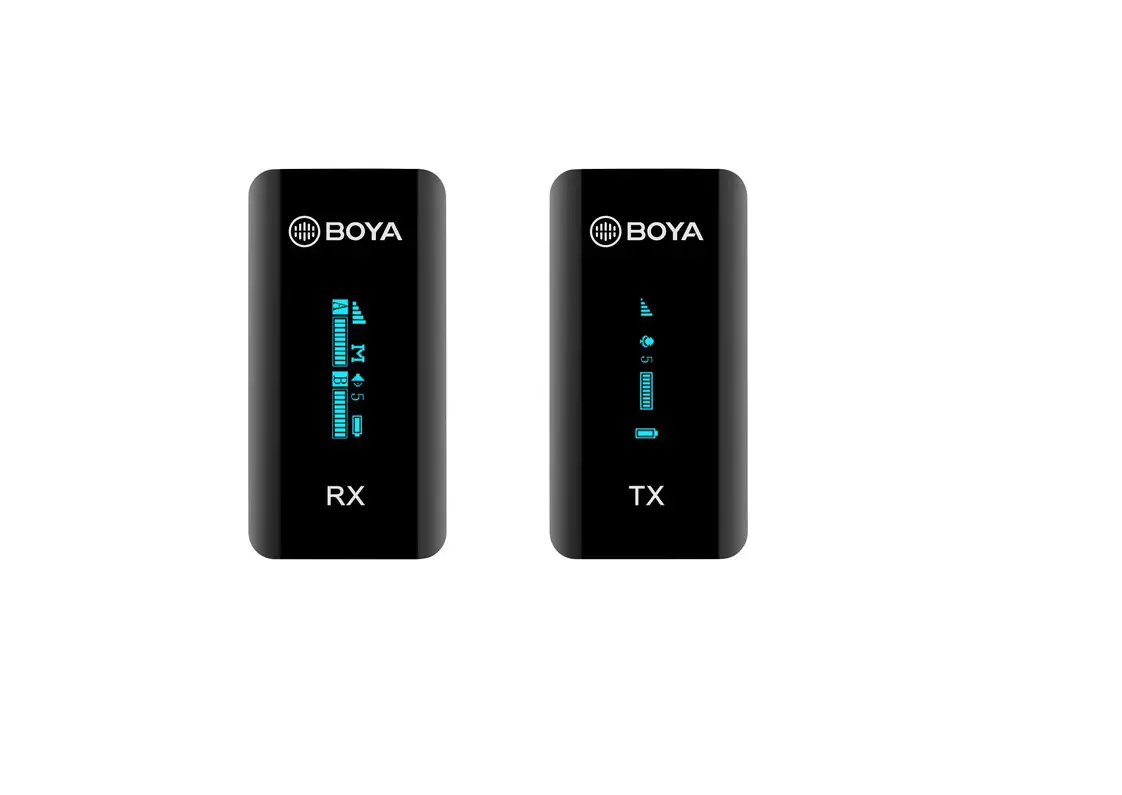
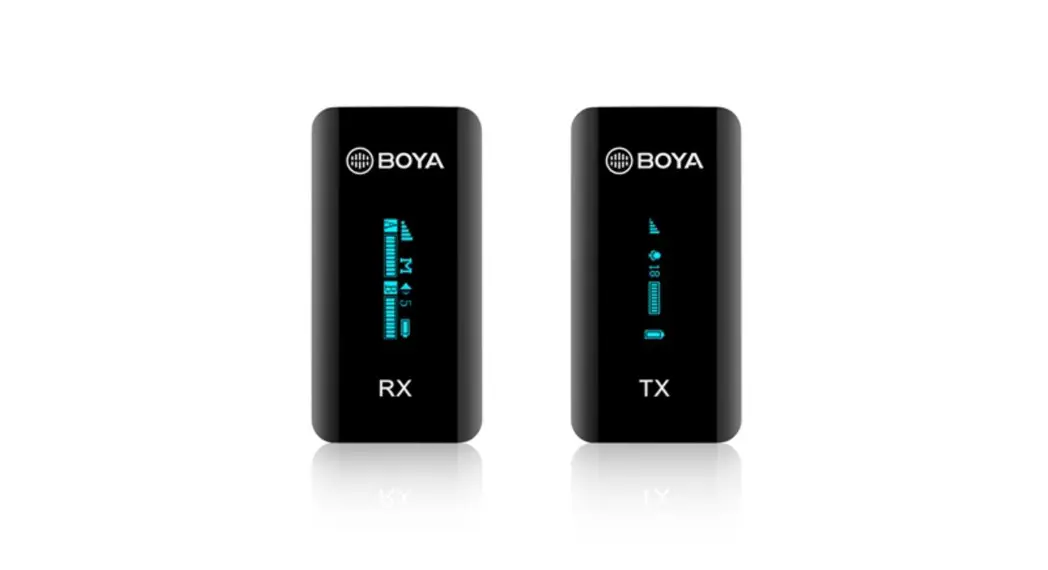
BY-M1V-TX: Clip-on Transmitter with Built-in Microphone
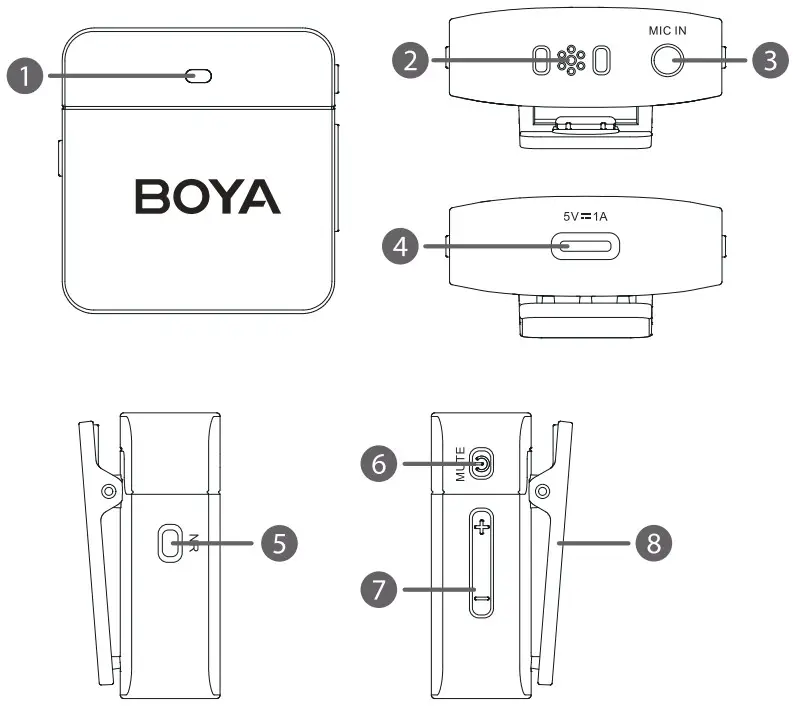
1. Status indicator
| Status | Indicator |
| Unpaired | Blinks blue slowly (per second) |
| Pairing | Quickly blinks blue 3 times |
| Paired Successfully | Solid blue light |
| Mute ON | Blinks red slowly (per second) |
| Noise Cancellation ON | Solid green light |
| Maximum/Minimum Gain | Quickly blinks blue twice |
| Low Battery | Blinks red quickly |
| Charging | Solid red light |
| Fully Charged | Solid blue light |
 Note: If the microphone is muted when battery is low or charging, the indicator will display the current working status (Mute ON) instead of the battery level.
2. Built-in microphone
3. 3.5mm mic in jack
It can be connected to a 3.5mm TRS lavalier microphone.
4. USB-C charging port
Use the included USB-C charging cable to charge the unit.
5. Noise cancellation button
Short press to turn on/off noise cancellation.
6. Power/Mute/Pair button
| Function | Operation |
| Power ON/OFF | Press and h o l d for 2 seconds |
| Mute ON/OFF | Short press |
| Pairing | Double-click when not paired |
7. Gain control (+-button)
Press the +/- button to adjust mic gain (totally 7 levels).
If the maximum/minimum level is reached, the indicator will quickly blink blue twice.
8. Belt clip
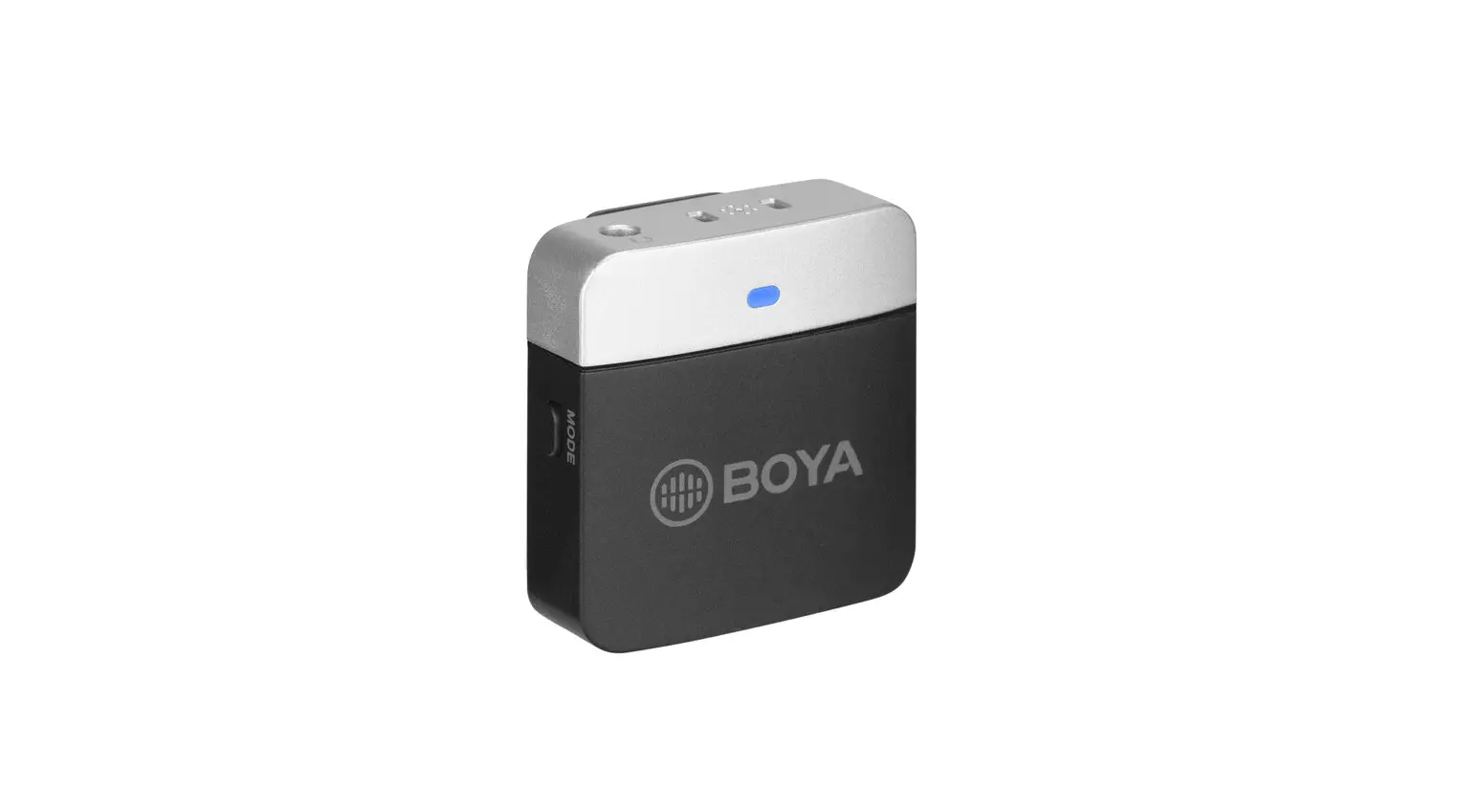
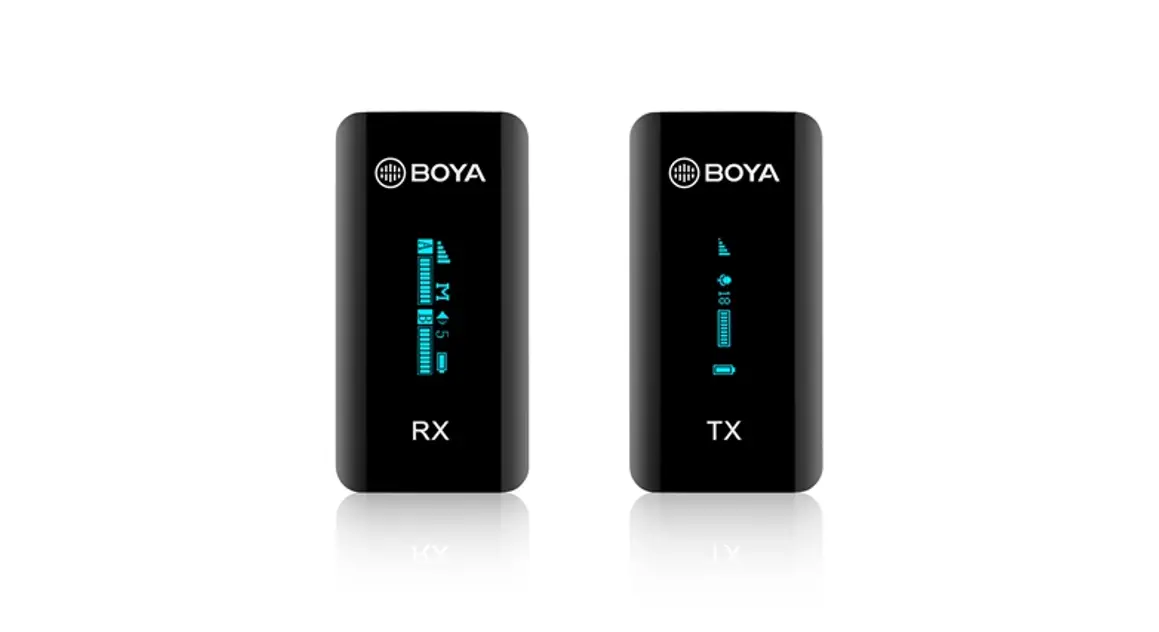
BY-M1V-RX: Camera-mountable Clip-on Receiver
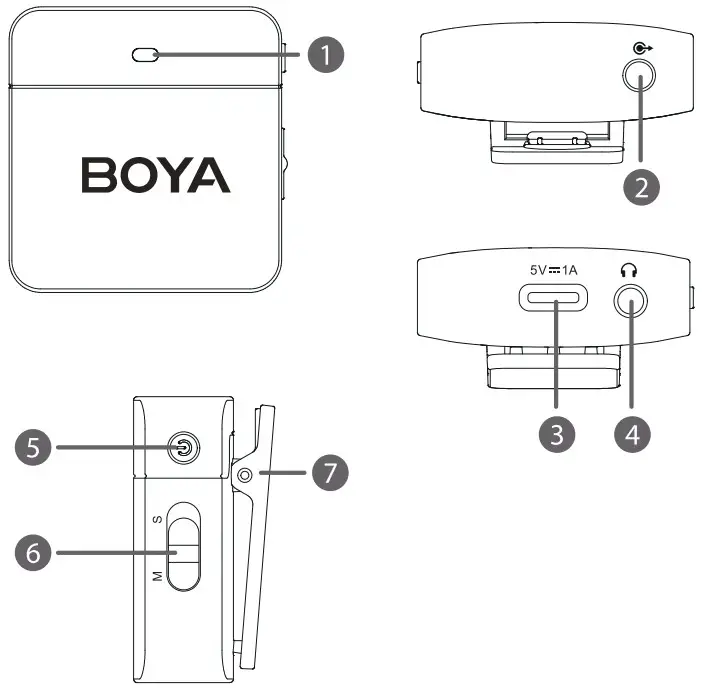 1. Status indicator
| Status | Indicator |
| Unpaired | Blinks blue slowly (per second) |
| Pairing | Quickly blinks blue 3 times |
| Paired Successfully | Solid blue light |
| Low battery | Blinks red quickly |
| Charging | Solid red light |
| Fully charged | Solid blue light |
2. 3.5mm TRS line output
Connect the BY-M1V-RX to a smartphone, tablet, camera, recorder or mixer with the included output cables.
3. USB-C charging port
Use the included USB-C charging cable to charge the unit.
4. 3.5mm headphone output
Connect headphones for audio monitoring.
5. Power/ Pair button
| Function | Operation |
| Power ON/OFF | Press and hold for 2 seconds |
| Pairing | Double-click when not paired |
6. Mono/ Stereo switch
The output mode can be toggled between mono and stereo. When in mono mode, the audio from the left and right channel will be mixed. When in stereo mode, the audio from the left and right channel will be separated to the left and right of the stereo output.
7. Belt clip
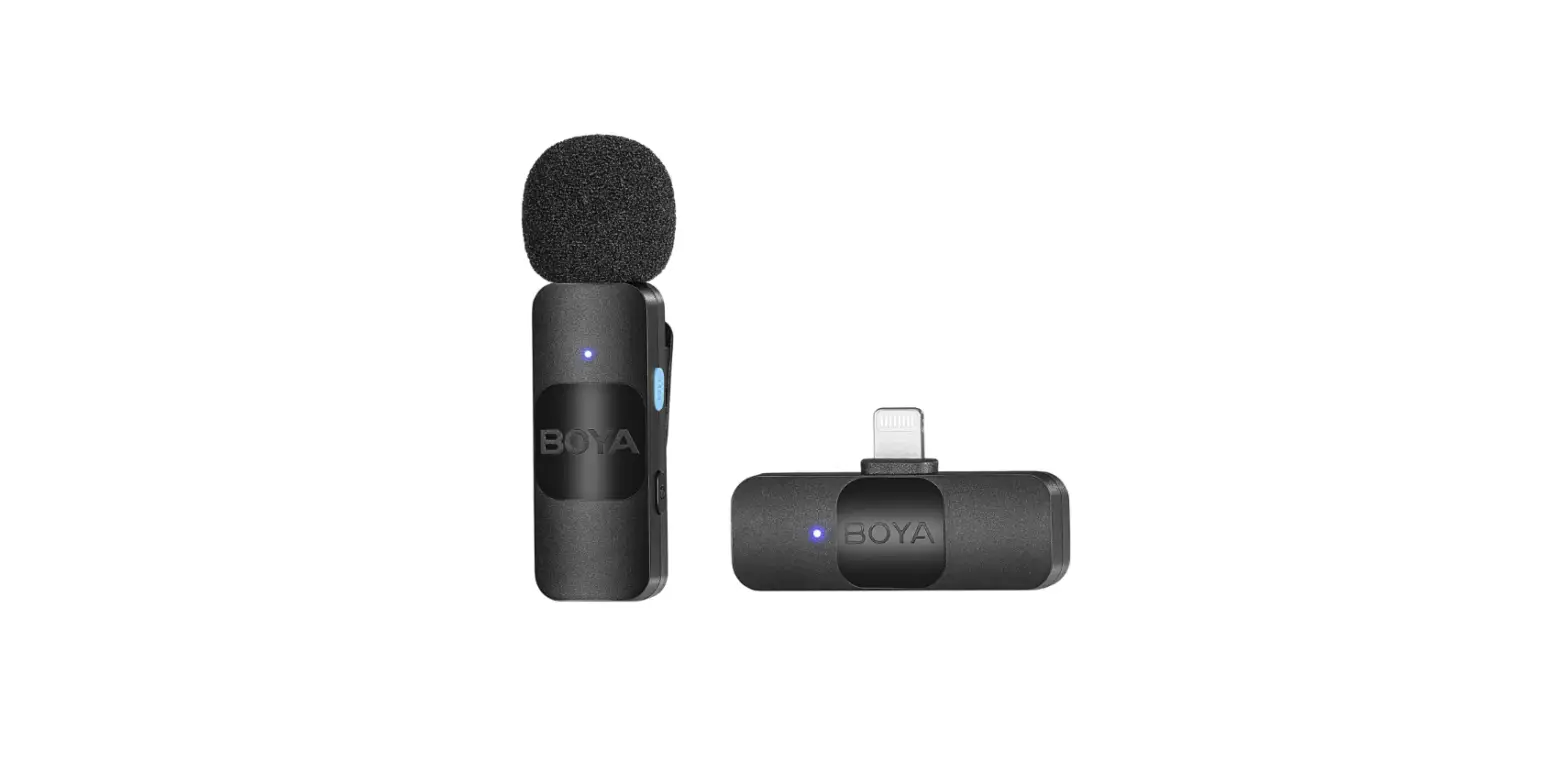
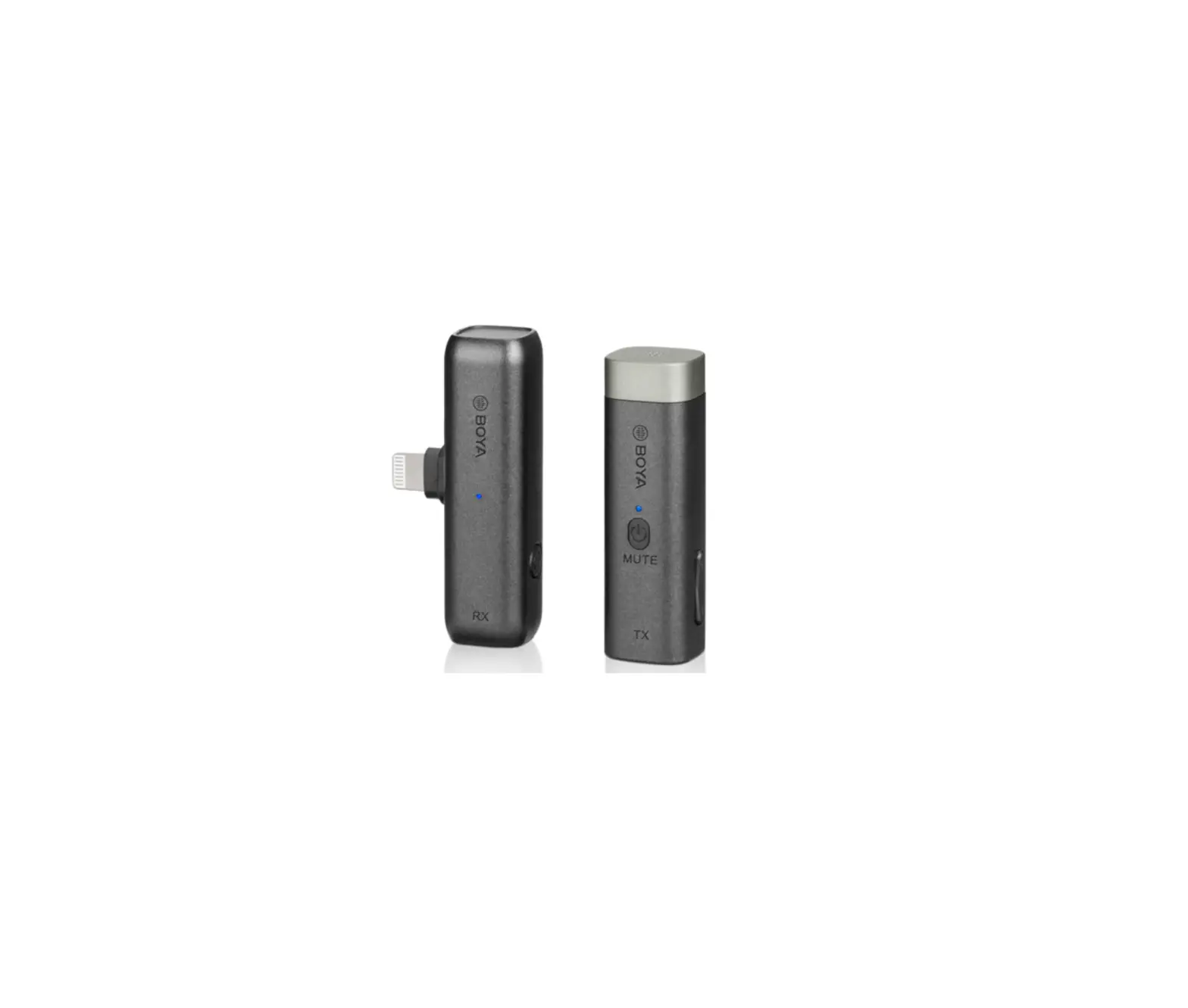
BY-M1V-RXD: Compact Receiver with MFi Certified Lightning Connector
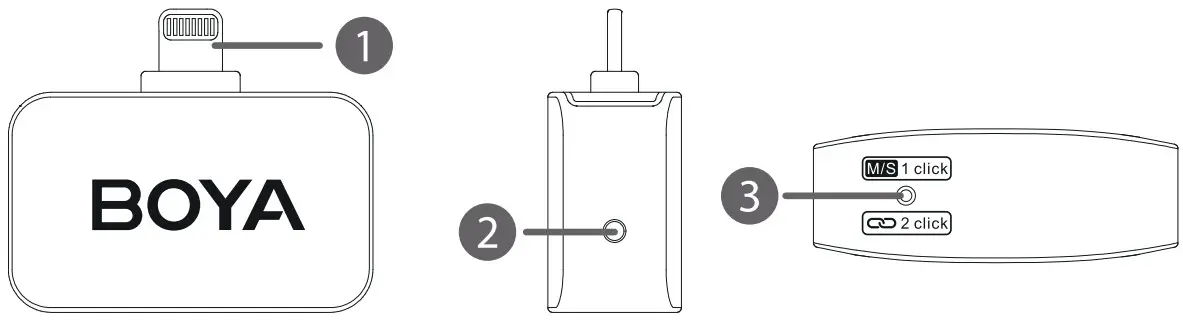 1. Lightning connector
It can be connected to an iOS Lightning device.
2. Status indicator
| Status | Indicator |
| Unpaired | Blinks blue slowly (per second) |
| Pairing | Quickly blinks blue 3 times |
| Paired Successfully (Mono) | Solid blue light |
| Paired Successfully (Stereo) | Blinks blue slowly(every 5 seconds) |
3. Pair & M/S pinhole
Use the included pin to click:
One click: switching between Mono and Stereo output mode.
When in mono mode, the audio from the transmitter, or transmitters will be mixed to both the left and right sides. When in stereo mode, the two transmitters’ audio output will be separated to the left and right sides.
Double click: enable pairing mode.
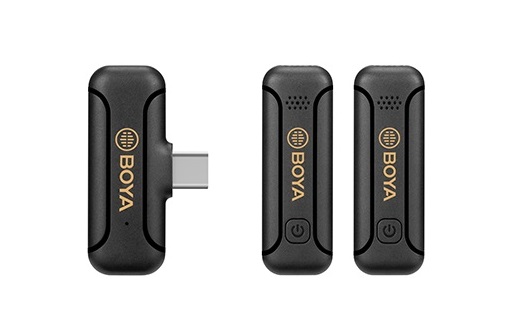
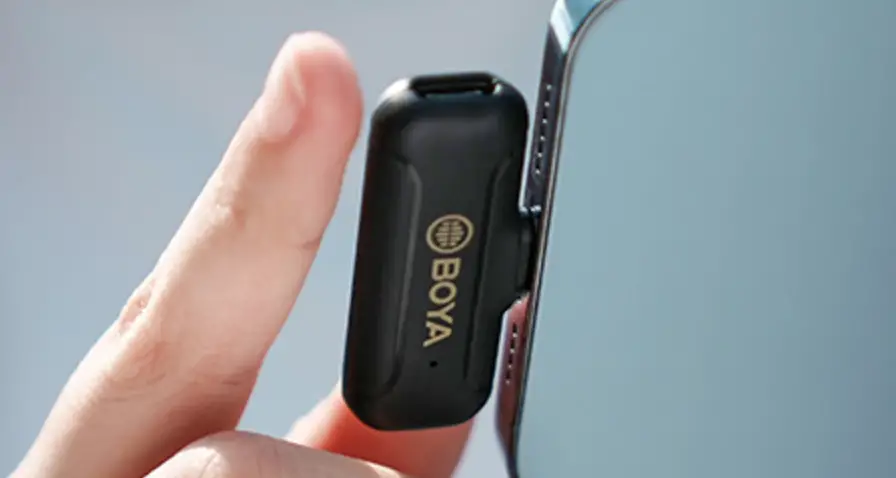
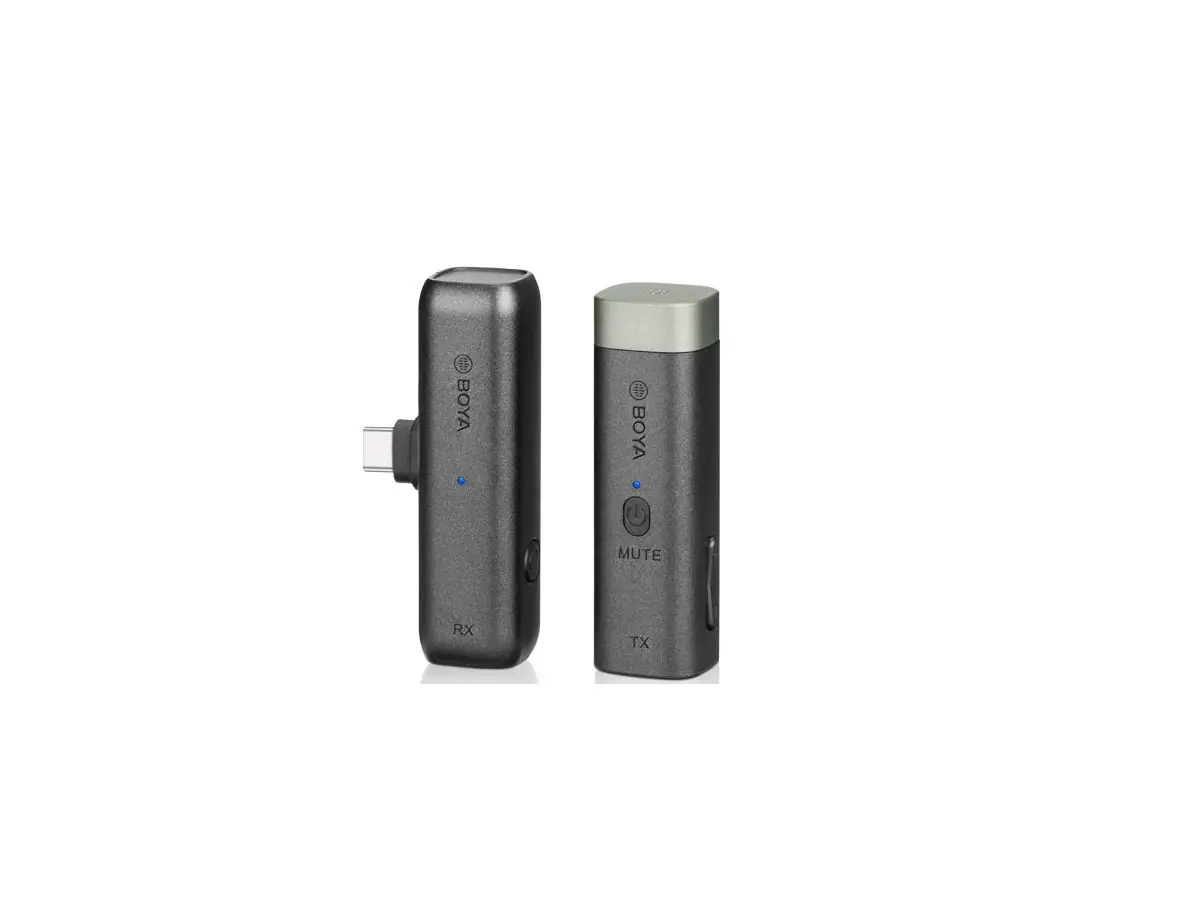
BY-M1V-RXU: Compact Receiver with USB-C Connector
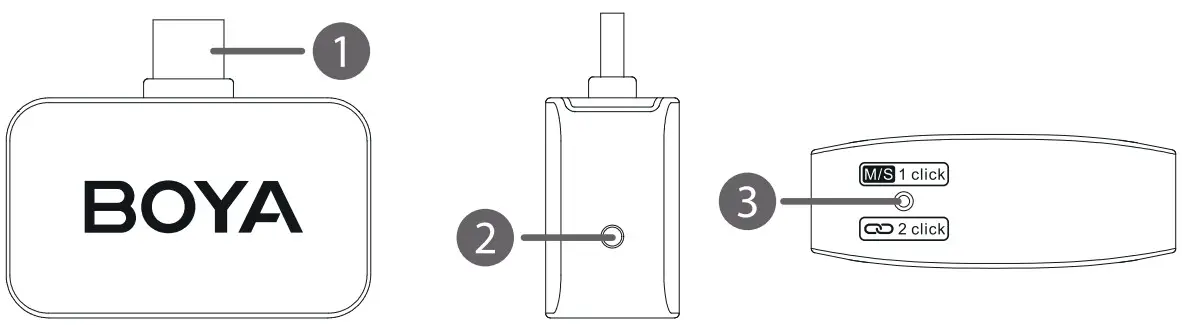 1. USB-C connector
It can be connected to an Android Smartphone, Tablet, Computers or other USB-C devices.
2. Status indicator
| Status | Indicator |
| Unpaired | Blinks blue slowly (per second) |
| Pairing | Quickly blinks blue 3 times |
| Paired Successfully (Mono) | Solid blue light |
| Paired Successfully (Stereo) | Blinks blue slowly (every 5 seconds) |
3. Pair & M/S pinhole
Use the included pin to click:
One click: switching between Mono and Stereo output mode.
When in mono mode, the audio from the transmitter, or transmitters will be mixed to both the left and right sides. When in stereo mode, the two transmitters’ audio output will be separated to the left and right sides.
Double click: enable pairing mode.
Operation Guide
For the BY-M1V1/ BY-M1V2 Kit
- Press and hold the power button for 2 seconds t o turn on the transmitter and the receiver.
- Pairing
Before leaving factory, the system is pre-paired. Therefore , the connection will be established once they are powered on. If they are disconnected, please follow the steps below:- Double-click the power button of transmitter and receiver to enter the pairing mode. The indicators o f both quickly blink blue 3 times.
- Transmitter and receiver will be successfully paired within 5 seconds. The indicators of both will turn solid blue.
- Repeat the above steps to pair another transmitter with the receiver.
- Connect the receiver to the mic input of a camera, recorder or mixer with the included 3.5mm TRS to TRS cable; or connect it to a smartphone, tablet, or computer with the included 3.5mm TRS to TRRS cable.
- You are ready t o record.
For the BY-M1V3/ BY-M1V4/ BY-M1V5/ BY-M1V6 Kit
- Press and hold the power button for 2 seconds to turn on the transmitter.
- Plug the BY-M1V-RXD into an iOS Lightning device or the BY-M1V-RXU into a USB-C device.
- Pairing
Before leaving factory, the system is pre-paired. Therefore, the connection will be established once they are powered on. If they are disconnected, please follow the steps below:- Double-click the power button of transmitter. The indicator quickly blinks blue 3 times.
- Then, insert the included pairing pin into the small pinhole on the receiver and double click the button. The indicator o f receiver quickly blinks blue 3 times.
- Transmitter and receiver will be paired within 5 seconds. After successfully paired, the indicator of transmitter will turn solid blue.
- Repeat the above steps to pair another transmitter with the receiver.
- You are ready t o record.
Note: Due to the 2.4GHz wireless frequency is widely used, the signal may be easily attenuated or interfered. Please try to avoid obstacles while using, such as walls and buildings. And keep away from the devices with 2.4GHz frequency, such as high-power Wi-Fi antennas, radios, etc.
Specifications
BY-M1V-TX
| Transmission Type | 2.4GHz ISM |
| Modulation | GFSK |
| Operating Range | >60m (without obstacles) |
| RF Output Power | <10mW |
| Audio Input | 3.5mm Jack or Built-in Omnidirectional Mic |
| Frequency Response | 50Hz-20kHz |
| Signal-to-Noise Ratio | > 75dB |
| Maximum SPL | Built-in Microphone: 120dB SPL |
| Sensitivity | Built-in Microphone: -39dB±2dB (OdB=1 V/Pa@1 kHz) |
| Noise Cancellation | Yes |
| Power Requirement | Built-in Li-ion Battery or USB-C DC 5V |
| Antenna | PIFA Antenna |
| Battery Life | Approx. 6 hours |
| Weight | 18g |
| Dimensions | 40.2×39.4×18.6mm |
| Operating Temperature | 0°C to 50°C |
| Storage Temperature | —20°C to 55°C |
BY-M1V-RX
| Transmission Type | 2.4GHz ISM |
| Modulation | GFSK |
| Operating Range | >60m (without obstacles) |
| RF Output Power | <10mW |
| Audio Output | 3.5 mm Headphone Output Jack |
| 3.5 mm TRS Line Output Jack | |
| Power Requirement | Built-in Li-ion Battery or USB-C DC 5V |
| Antenna | PIFA Antenna |
| Built-in Battery Life | Approx. 6 hours |
| Weight | 18g |
| Dimensions | 40.2×39.8×18.6mm |
| Operating Temperature | 0°C to 50°C |
| Storage Temperature | —20°C to 55°C |
BY-M1V-RXD
| Transmission Type | 2.4GHz ISM |
| Modulation | GFSK |
| Operating Range | >60m (without obstacles) |
| Audio Output | MFi Certified Lightning Connector |
| Power Requirement | Supplied by iOS Devices |
| Antenna | PIFA Antenna |
| Weight | 10g |
| Dimensions | 23.5x38x11.9mm |
| Operating Temperature | 0°C to 50°C |
| Storage Temperature | -20°C to 55°C |
BY-M1V-RXU
| Transmission Type | 2.4GHz ISM |
| Modulation | GFSK |
| Operating Range | >60m (without obstacles) |
| Audio Output | USB-C Connector |
| Power Requirement | Supplied by USB-C Devices |
| Antenna | PIFA Antenna |
| Weight | 10g |
| Dimensions | 23.5x38x11.9mm |
| Operating Temperature | 0°C to 50°C |
| Storage Temperature | —20°C to 55°C |
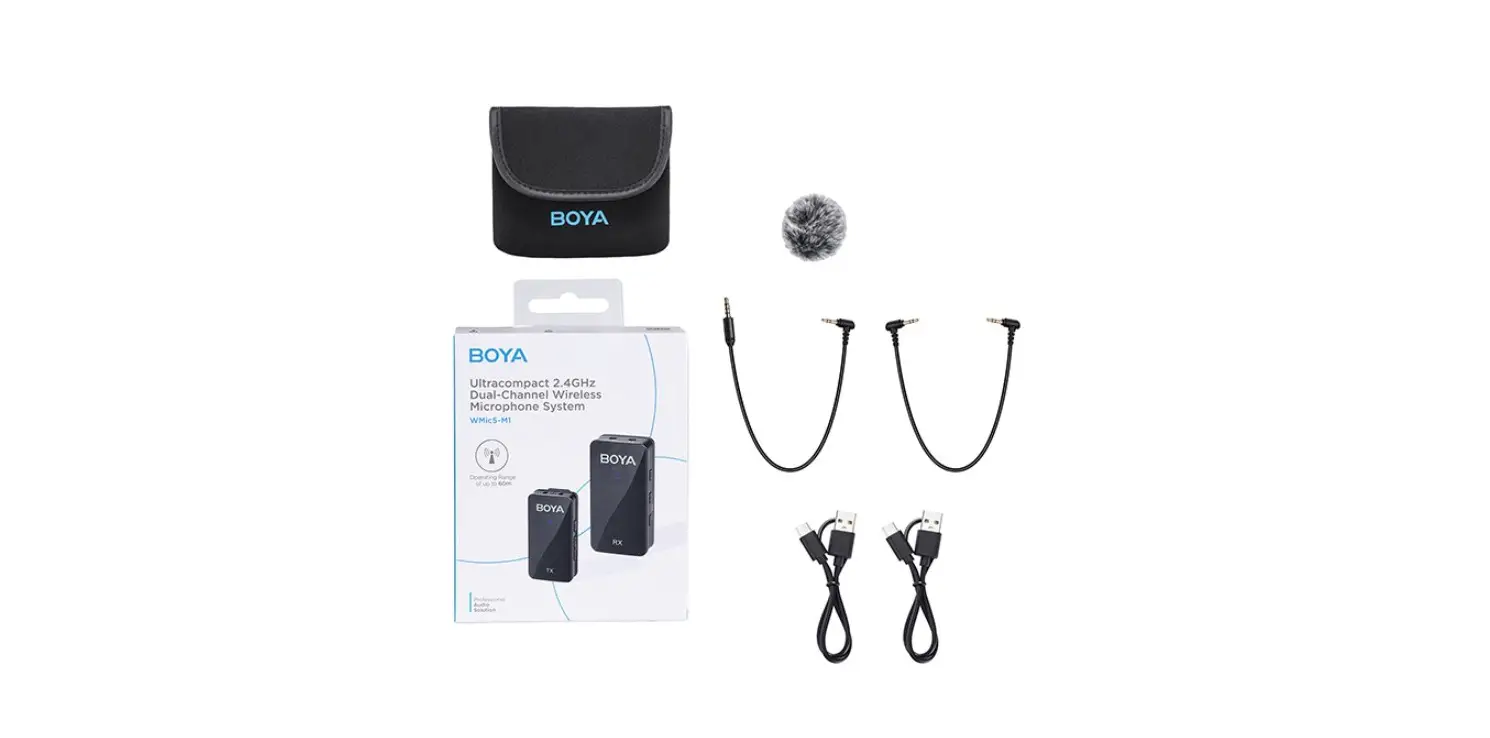
Packing List
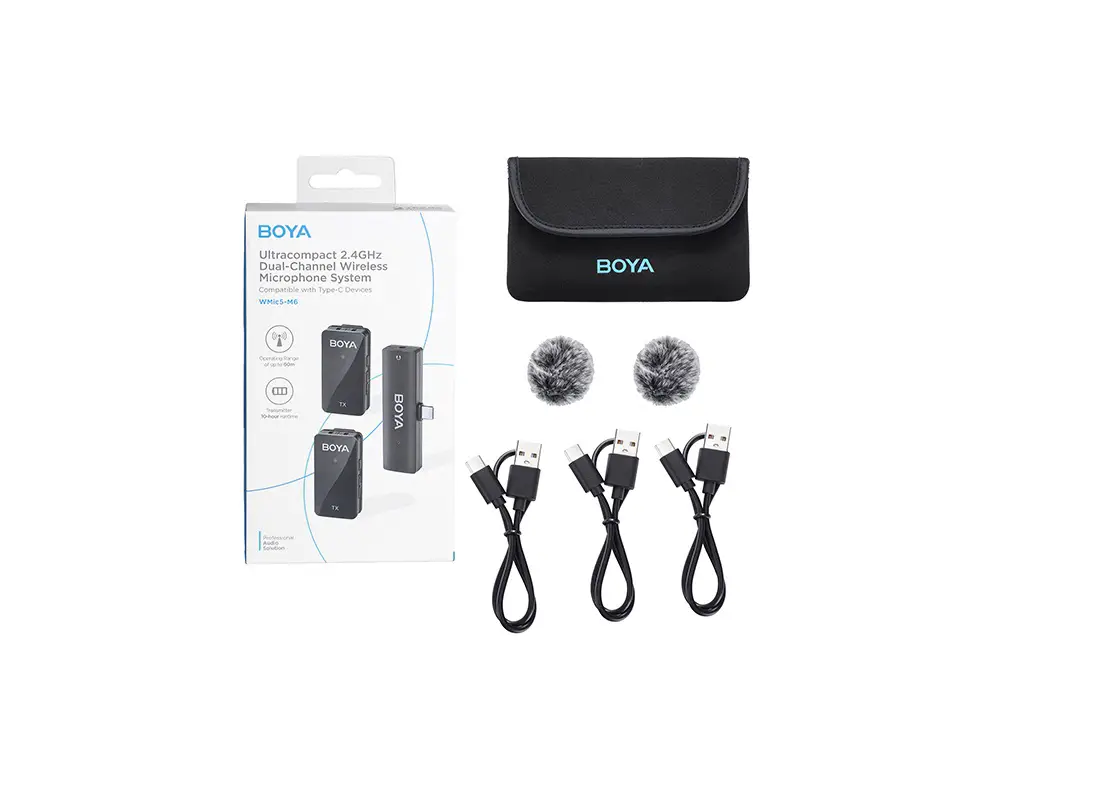
| BY-M1V1 1x BY-M1V-TX Transmitter 1x BY-M1V-RX Receiver 1x 3.5mm TRS to TRS Output Cable for Cameras 1x 3.5mm TRS to TRRS Output Cable for Smartphones 2x USB-C Charging Cable 1x Fur Windshield | BY-M1V2 2x BY-M1V-TX Transmitter 1x BY-M1V-RX Receiver 1x 3.5mm TRS to TRS Output Cable for Cameras 1x 3.5mm TRS to TRRS Output Cable for Smartphones 3x USB-C Charging Cable 2x Fur Windshield |
| BY-M1V3 1 x BY-M1V-TX Transmitter 1 x BY-M1V-RXU Receiver 1 x USB-C Charging Cable 1 x Fur Windshield 1 x Pairing Pin | BY-M1V4 2 x BY-M1V-TX Transmitter 1 x BY-M1V-RXU Receiver 2 x USB-C Charging Cable 2 x Fur Windshield 1 x Pairing Pin |
| BY-M1V5 1 x BY-M1V-TX Transmitter 1 X BY-M1V-RXD Receiver 1 x USB-C Charging Cable 1 x Fur Windshield 1 x Pairing Pin | BY-M1V6 2 x BY-M1V-TX Transmitter 1 x BY-M1V-RXD Receiver 2 x USB-C Charging Cable 2 x Fur Windshield 1 x Pairing Pin |
 1F0300300546