
Wired/Wireless Dual-Function Microphone
BY-PM500W
User Manual
 1F0300300432
General Introduction
Thanks for choosing BOYA!
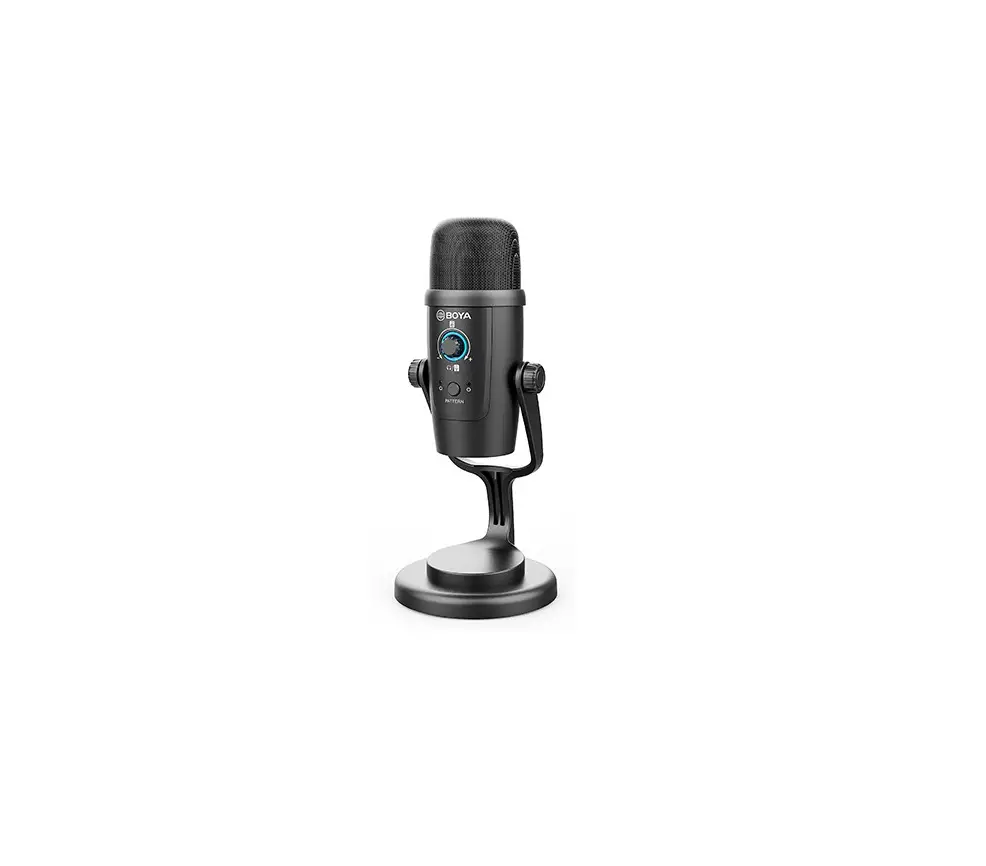
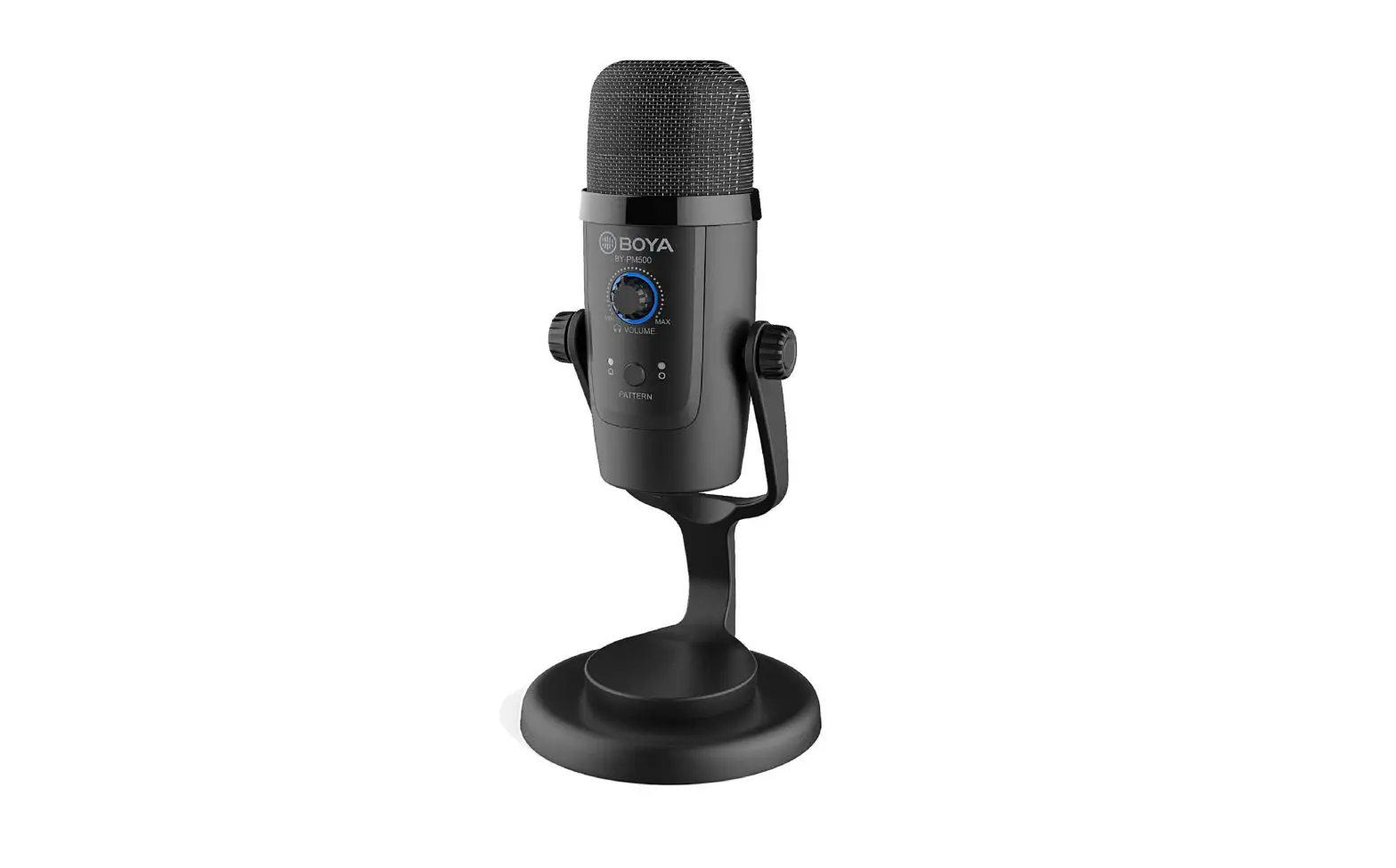
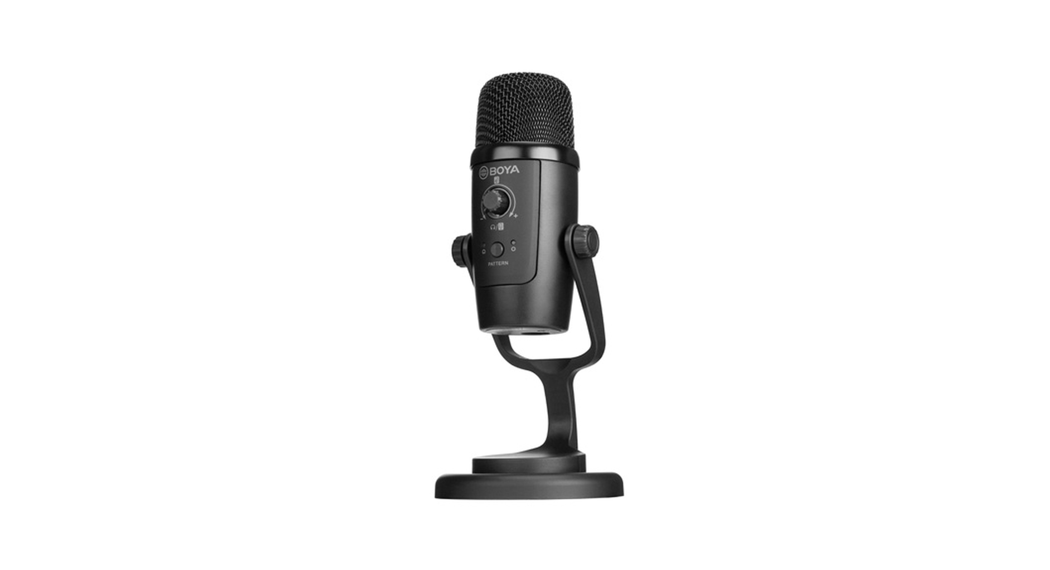
BOYA BY – PNISOOW is a dual-function microphone, offering wired or wireless operation for garners, streamers, podcasters in a variety of applications.
The microphone features selectable cardioid and omnidirectional pickup patterns, allowing you to customize your audio, and supporting 24bit/48 kHz resolution. Built-in 3.5rnm headphone jack allows you to monitor and ensure the audio intelligibility during recording
The headphone volume/gam/mute multi-function control allows you to adjust the volume according to your needs.
The MIS switch on the wireless receiver allows you to select mono or stereo output mode.
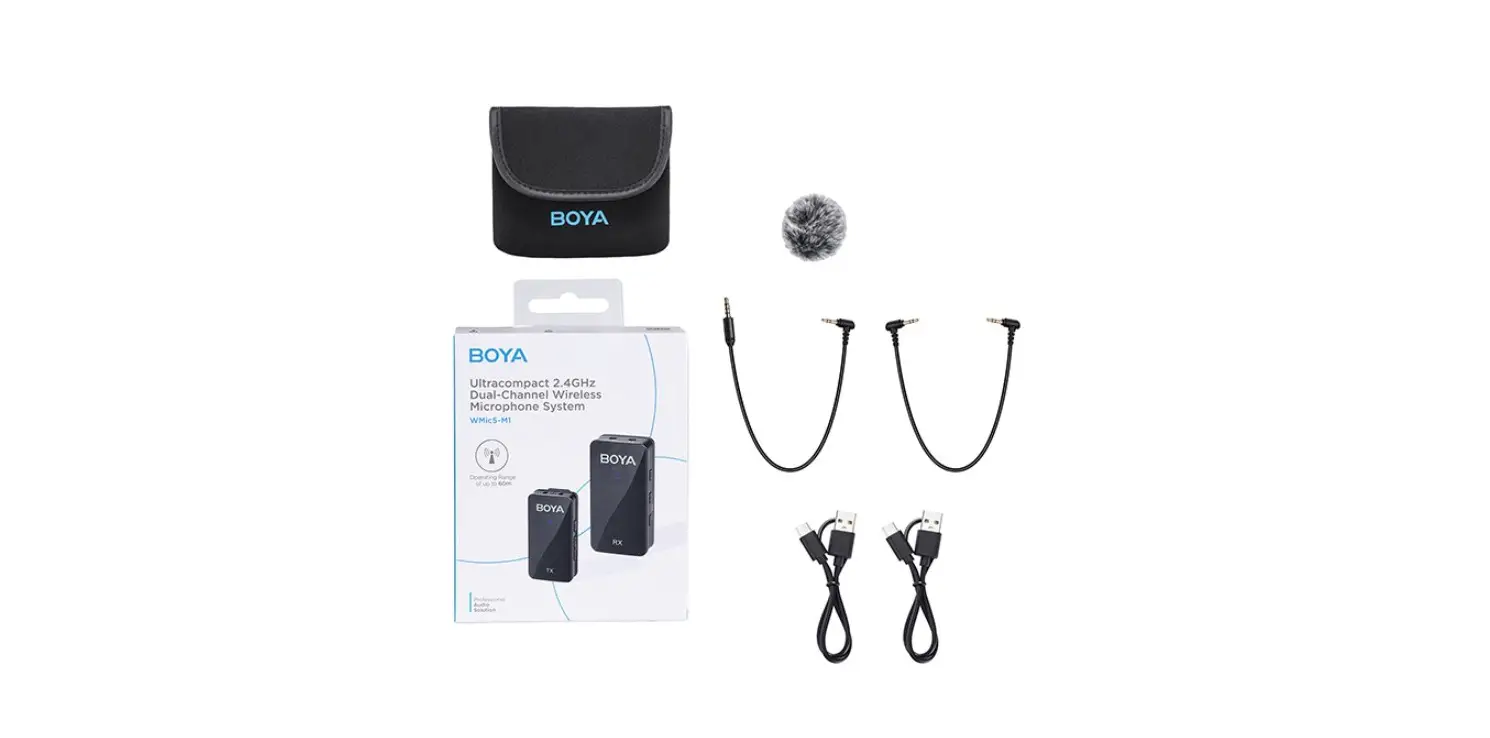
Package Contents
- BY – PMSOOW Microphonexl
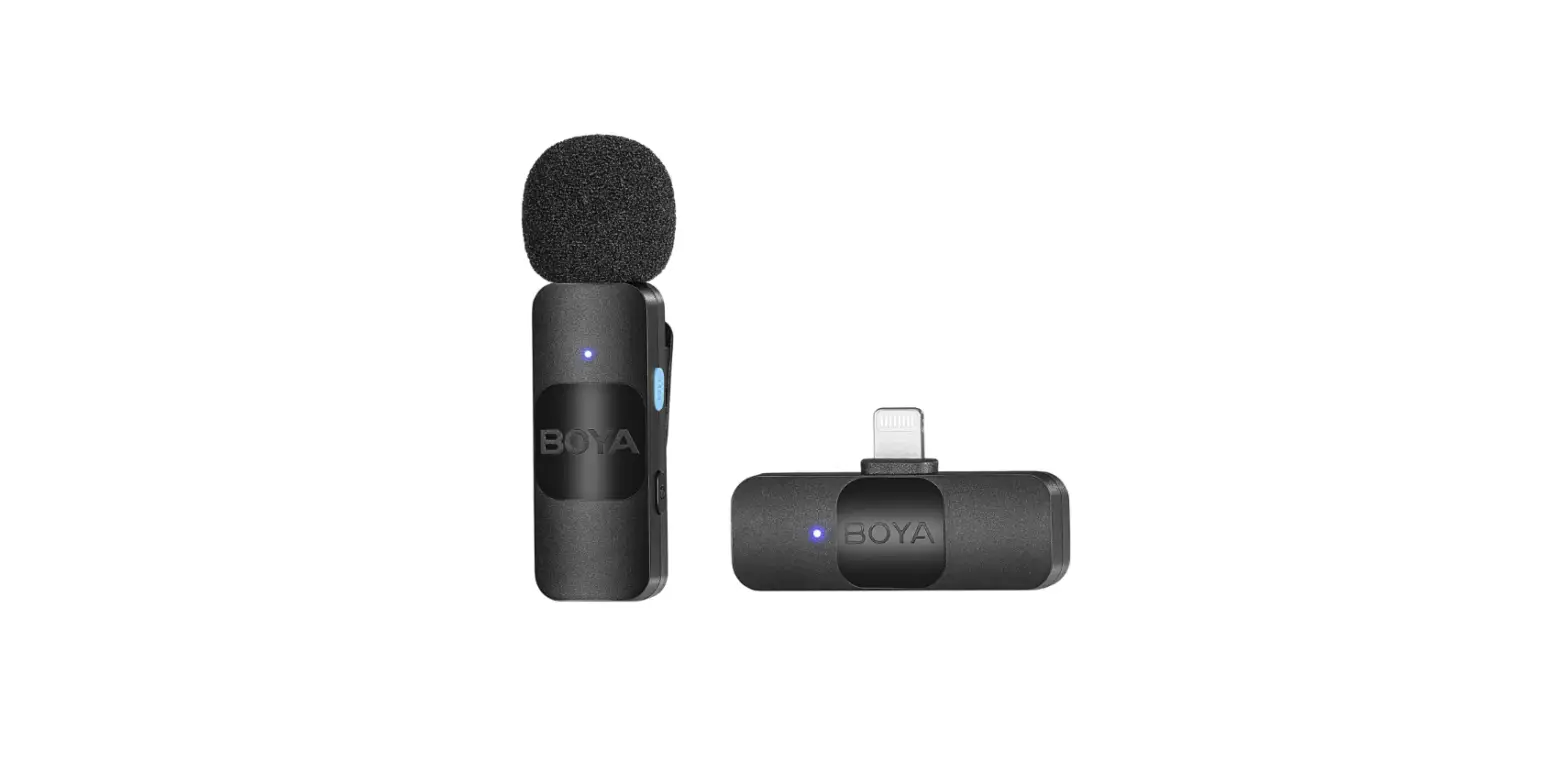
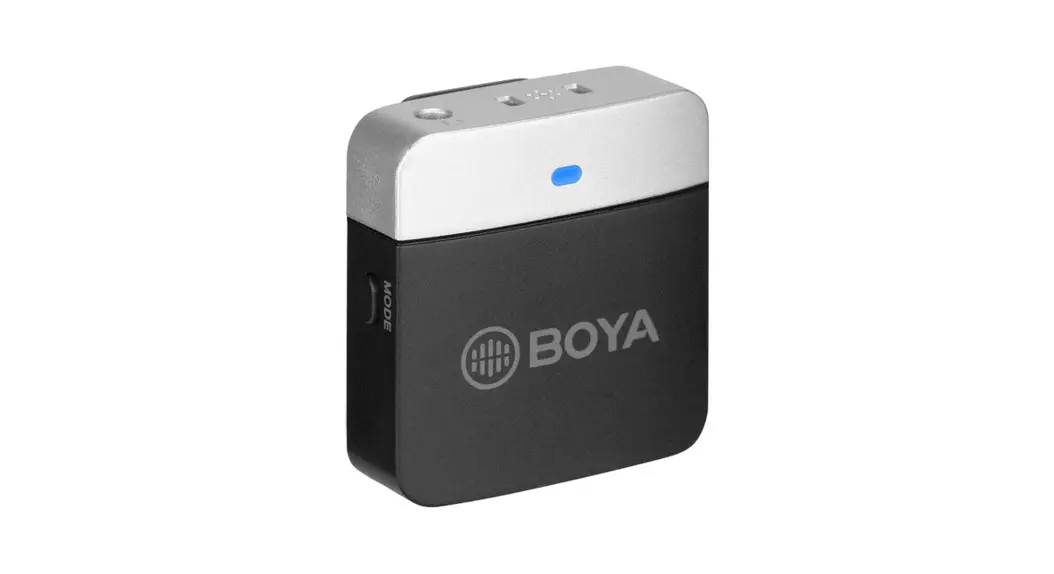
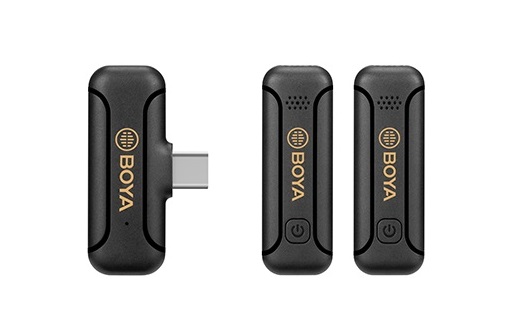
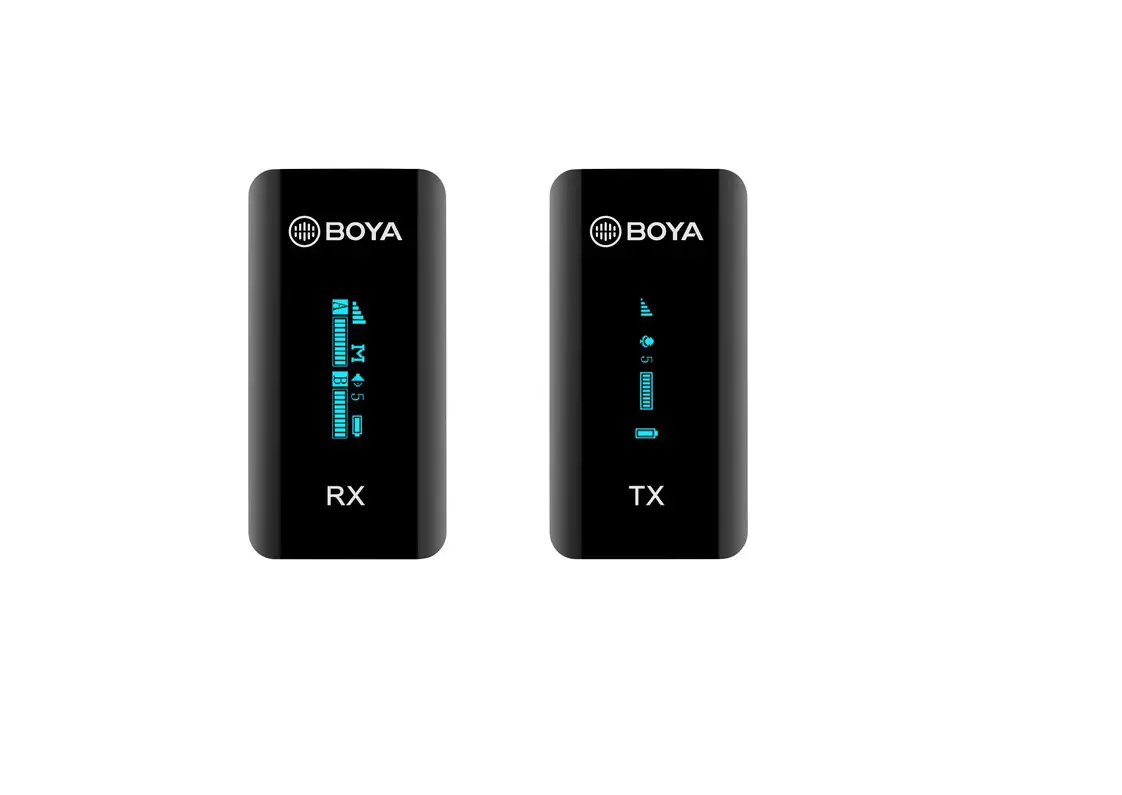
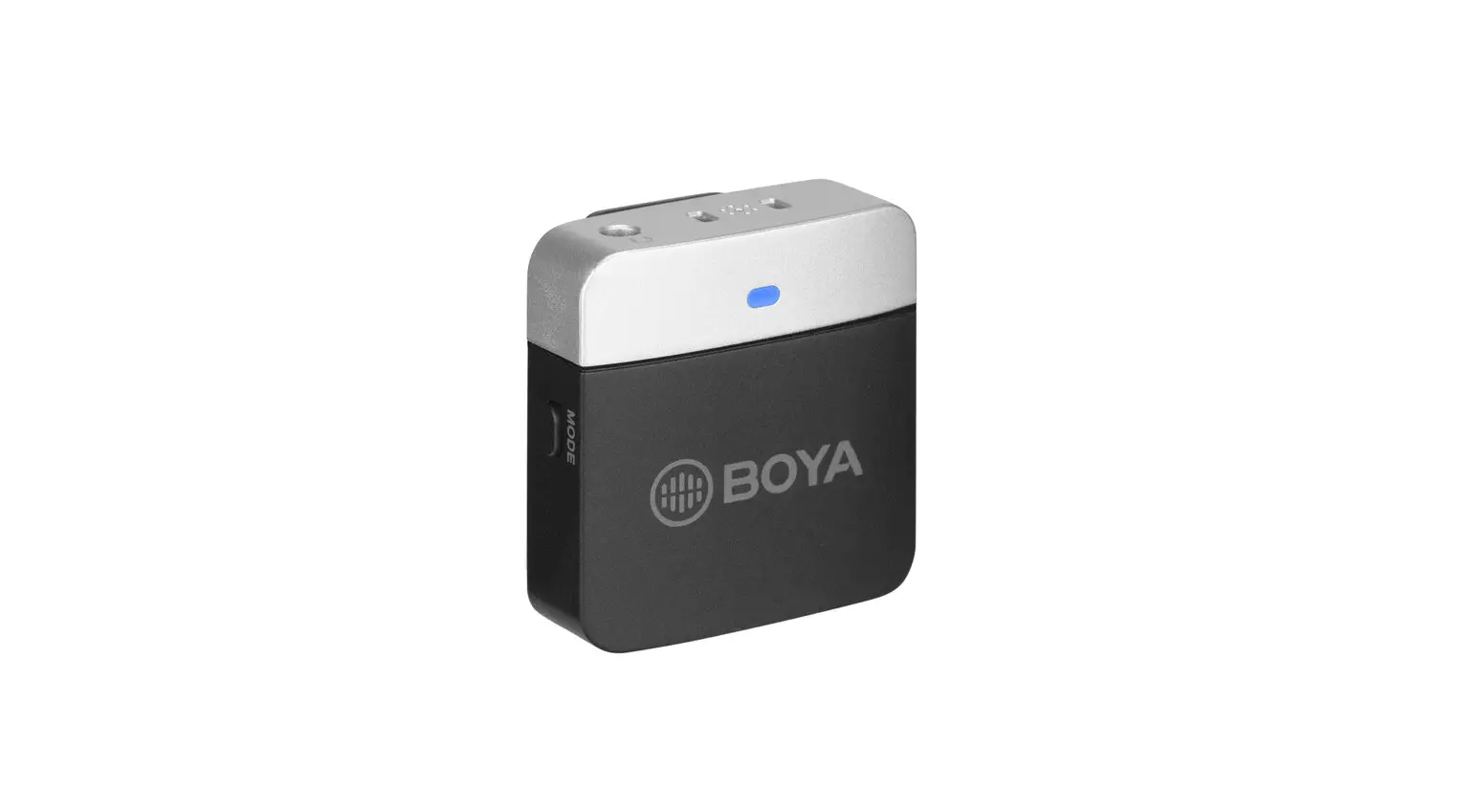
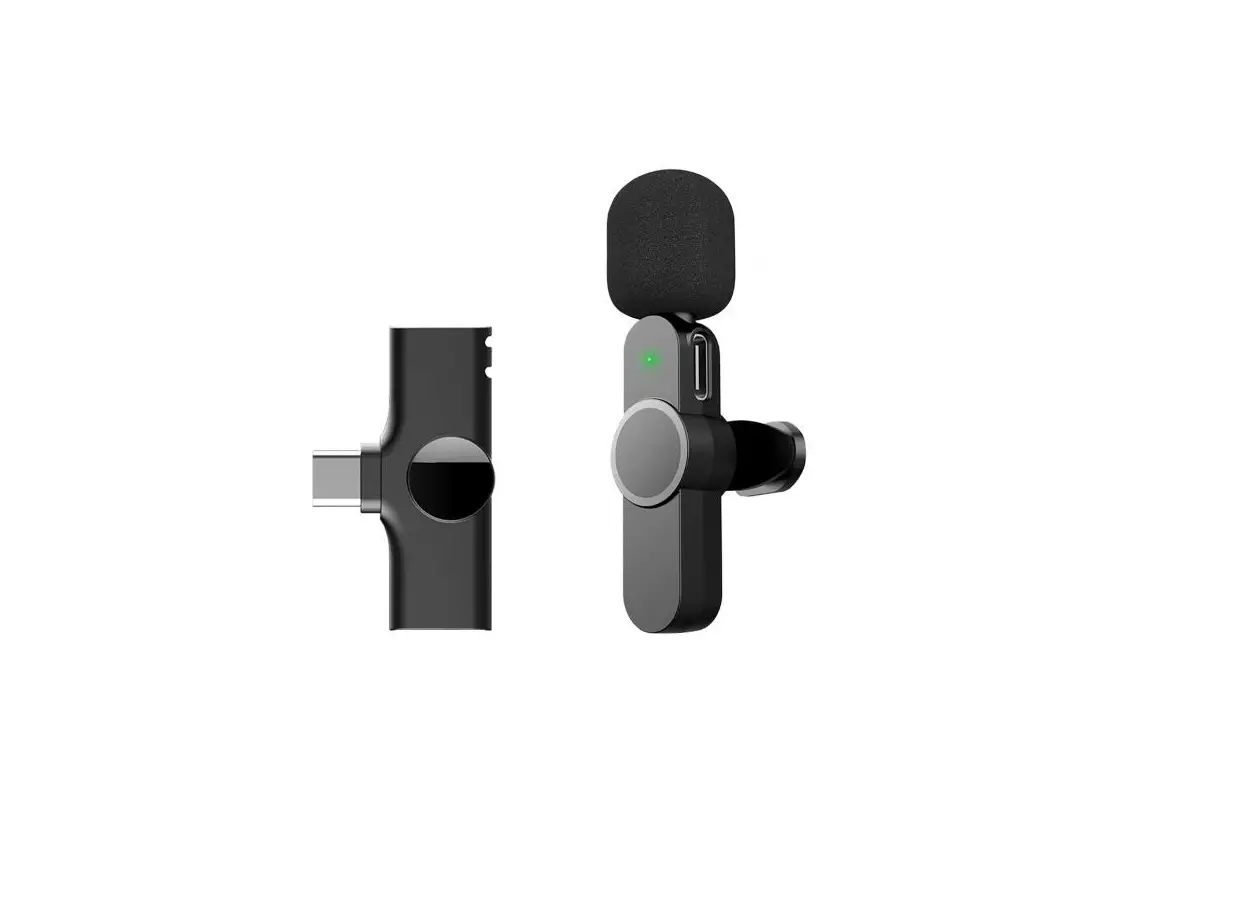
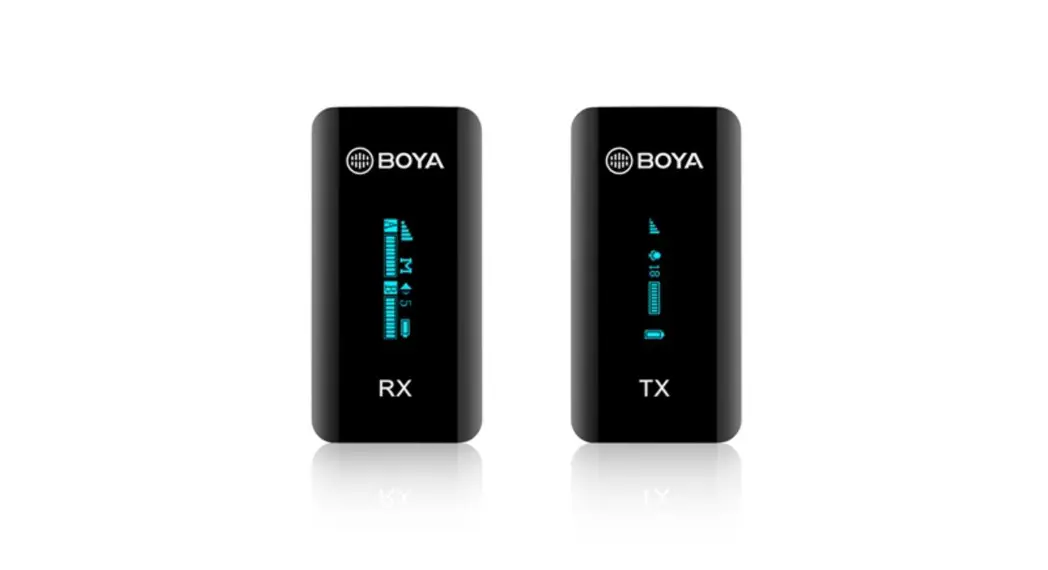
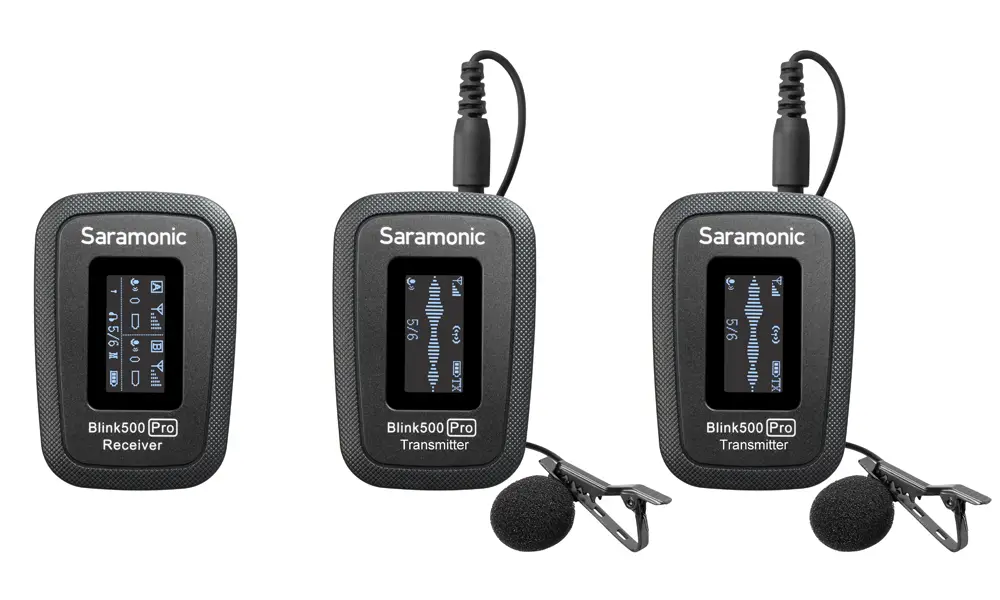
- Wireless Receiver×1
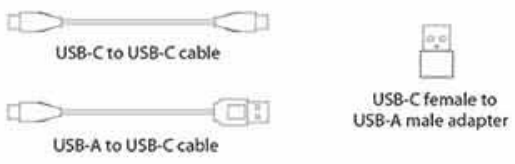
- USB-C Female to USB-A Male Adapterxt
- 3.9´(1.2m) USB-A to USB-C Cable×1
- 3.9´(1.2m) USB-C to USB-C Cable×1
Product Structure
TX
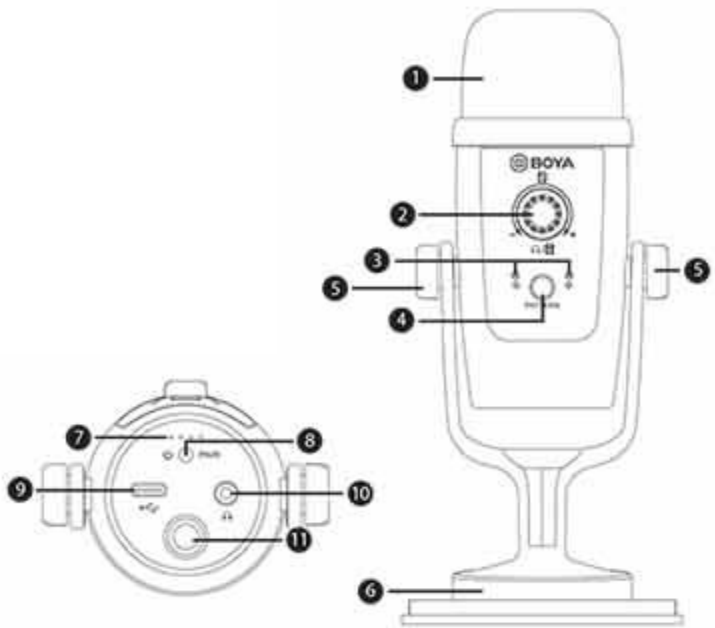
- Metal mesh windscreen
- Headphone volume/ gain/mute control
- Polar pattern indicators
- Polar pattern switch
- Locking knobs
- Desk stand
- Battery level indicator
- Power/pair button
- USB-C port
- 3.5mm headphone jack
- 3/8″ threaded hole
RX
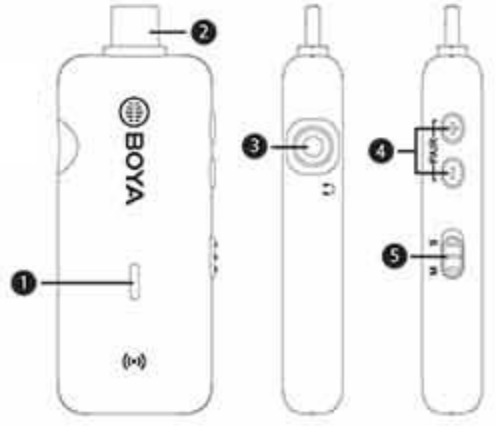
- Status indicator
- USB-C connector
- 3.5mm headphone jack
- Volume control(+/-)/Pair button
- Mono/stereo switch
Accessories
Functions
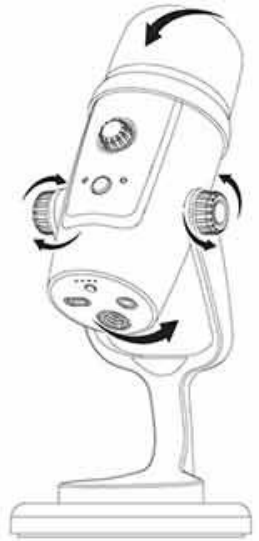
Angle Adjustment
Loosen the knobs of both sides anticlockwise. Adjust the microphone at your desired angle, then tighten the knobs.
Headphone Volume/Gain/Mute Control
| Mode | Indicator | Operation |
| Headphone volume control |  | Default sett n% headphone .lurne control Short press the knots to mute the microphone. Long press the knob to switch between gain tor-fool and headphone volume control Turn the knob to adjust nut gain/ headphone volume |
| Gain control |  | |
| Mute ON |  |
Polar Pattern Switching
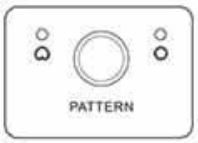
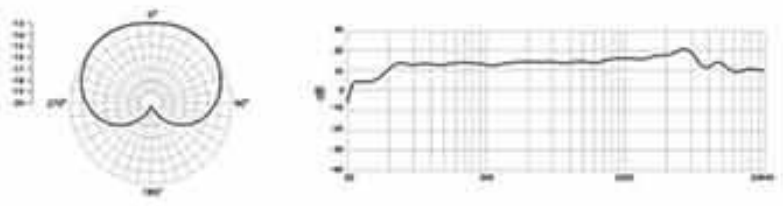
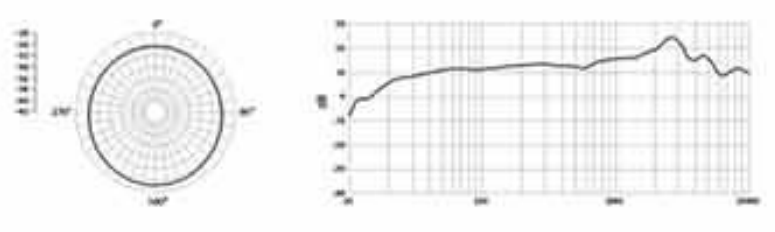
 Press the button to switch between Cardioid and Omnidirectional polar pattern
 Cardioid
Maximizes the rejection of sound coming from the sides and rear of the mic and can be used as a directional microphone to capture full, rich, natural-sounding audio for podcast, speech, dialog, instrument, etc
 Omnidirectional
Pick up sound equally from all directions, capturing a natural blend of voice and ambiance with low sensitivity to wind and handling noise, as well as to vocal plosives.
Factory Reset
For optimum sound, please press and hold the headphone volume/gain/mute control knob and the polar pattern switch simultaneously to restore the factory setting. The indicator will blink red three times.
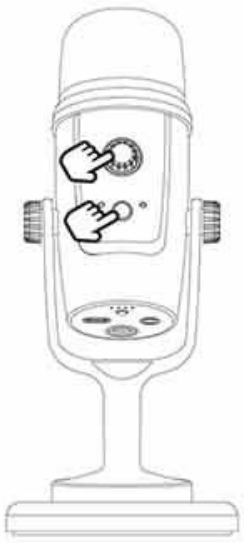
Press and hold the knob and the button simultaneously
Operation Guide
Wired Operation
- Connect the microphone to your smartphone computer.
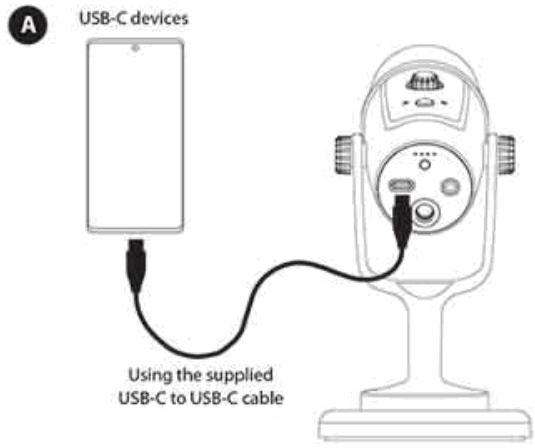
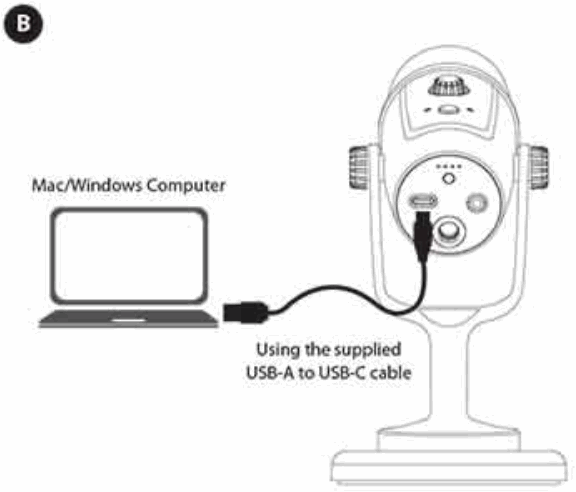
- Connect headphones for audio monitoring.

- Adjust the headphone volume/gain/mute control knob according to your needs.
- You are ready to record
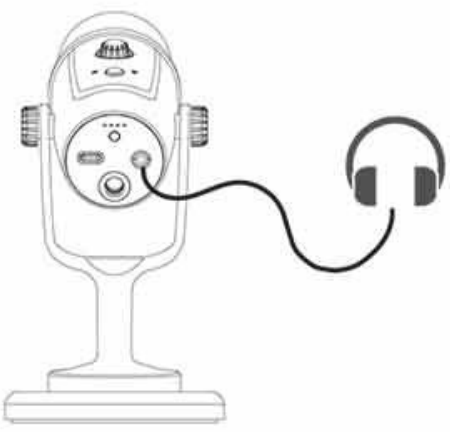
Wireless Operation
- Turn on the transmitter

Press and hold the power/pair button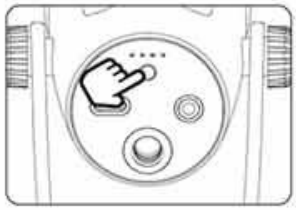
Note: When using the wired function, short press the power/pair button to enable wireless function simultaneously. Double-click the power/pair button to enter pairing mode. Press again to disable the wireless function. - Conned the Receiver to an external device
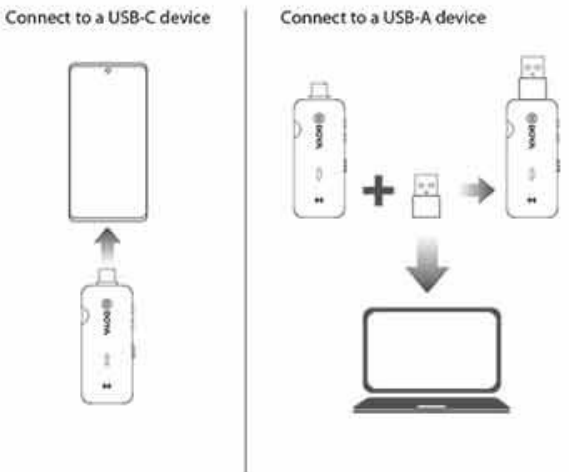
- TX & RX Pairing
Before leaving the factory. the transmitter and the receiver are pre-paired. Therefore, the connection will be established once they are powered on, If they are disconnected, please follow below steps:
(1) Double-click the TX’s pair button to enter pairing mode.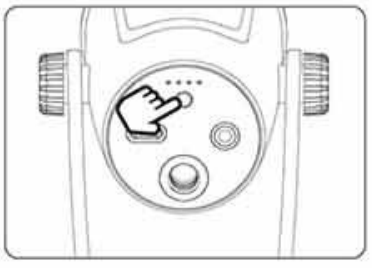 (2) Press the RX’s pair(+ and -) button to enter pairing mode.
Press + and – buttons simultaneously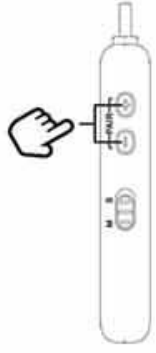
- The transmitter and the receiver will be successfully paired within 10 seconds.
Mode Paired Successfully Indicators (of both TX and MO Slowly flashing blue light Unpaired Quickly flashing blue light Pairing Solid blue light - Connect headphones for audio monitoring.
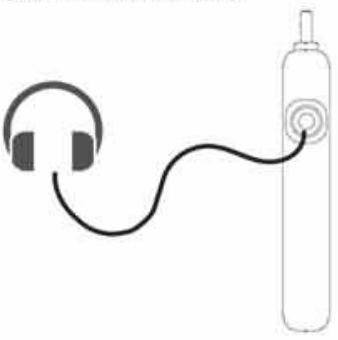
- You are ready to record.
Note: Due to the 2.4GHz wireless frequency, the signal can be easily attenuated. Please try to avoid obstacles, such as walls and buildings, and avoid close proximity to devices with 2.4GHz signals, such as high-power win antennas, smartphones with a win in use. radios. etc.
Features
- Ideal for gaming. streaming, podcasting, and more
- Compatible with Android devices, it:6 devices with US13-C connector and Mac/Windows computers
- Supports wired or wireless operation
- Selectable cardioid and omnidirectional polar patterns
- All-in-one knob for gain & volume control & muting function
- 3.5mm headphone monitoring jack
- 10m wireless operation range (Indoors with obstacles)
- Switchable mono/stereo output mode on the wireless receiver
- Rugged integrated microphone desktop stand
Specifications
Wired Operation
| MK Capsule | 14mm Condenser Capsule |
| Polar Pattern | Cardioid/Omnidirectional |
| Frequency Response | 20K1- 20kHz |
| Sensitivity | -36dB (0d801V/Pa, 1kHz 1Pa) |
| Signal-to-Noise Ratio | 80dB |
| Maximum SR | 110dB |
| Sampling Rate | 48kHz |
| Bit Pate | 24bit |
| Mic Gain | 0-54dB |
| Working Voltage | SV/100mA |
| Audio Output Connector | 35mm Headphone Jack |
| USS-C Port | |
| Operating Temperature | 0°C to 50°C |
| Storage Temperature | – 20°C to +55°C |
Wireless Operation
| Mx Capsule | t4mrnCondenset Capsule |
| Polar Pattern | Cardioid/Omnidirectional |
| Frequency Response | 35Hz-18kHz |
| Sensitivity | -36d8 (OdB=1V/Pa. 1 kHz 1Pa) |
| Signal.to. Noise Ratio | 80d8 |
| Maximum SR | 110d8 |
| Transmission Type | 2.46Hz |
| Modulation | GFSK |
| Antenna | Dipole Antenna |
| Operating Range | 10m (Indoors with obstacles) |
| NF Output Power | <10mW |
| Distort 10E1 | < 0.05% |
| Battery Ule | 8 Hours |
| Charging Time | 1.5 Hours |
| Battery Capacity | 800mAh |
| Dimensions | TX: 226.7×100×100mm |
| RX: 71.6×17, 1×10.55mm | |
| Weight | TX: 660g |
| RX: 12.5g |
Polar Pattern
Cardioid Polar Pattern
Omnidirectional
SHENZHEN JTAYZ PHOTO INDUSTRIAL, LTD.
The BOYA logo is a trademark that is registered and owned by Shenzhen Jiayz Photo Industrial, Ltd.
TEL: 400 6231096
Email: [email protected]
www.boya-mic.com/www.jiayz.com