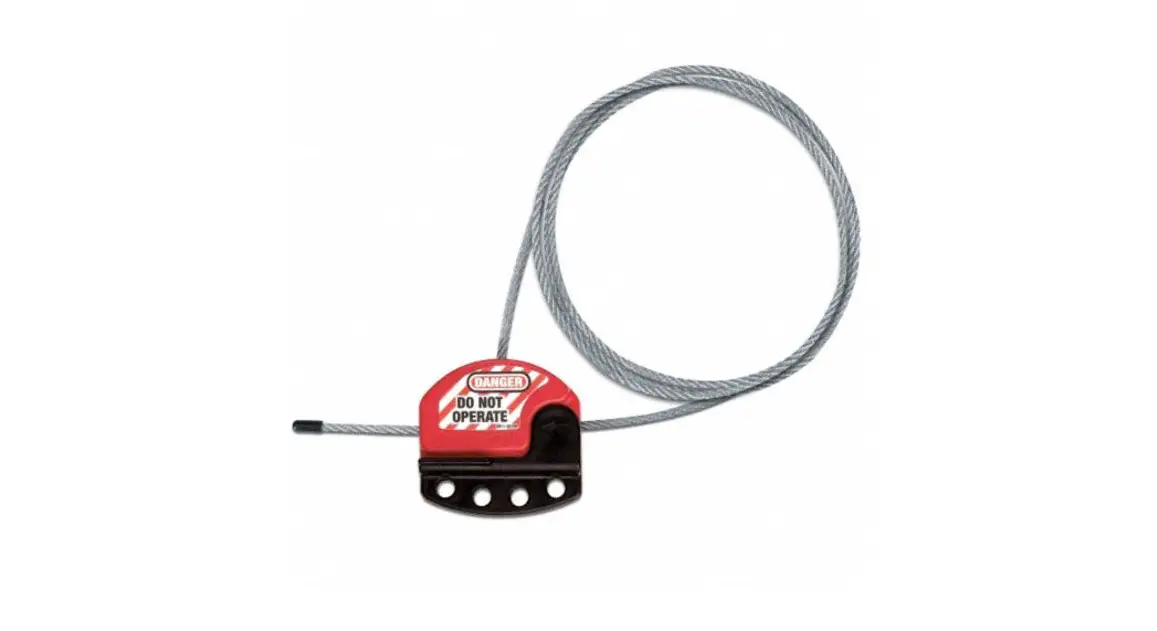

Uline H-3441 Adjustable Cable Lockout Installation Guide

Uline H-3441 Adjustable Cable Lockout Installation Guide

ULINE Cantilever Racks - logo

H-3441
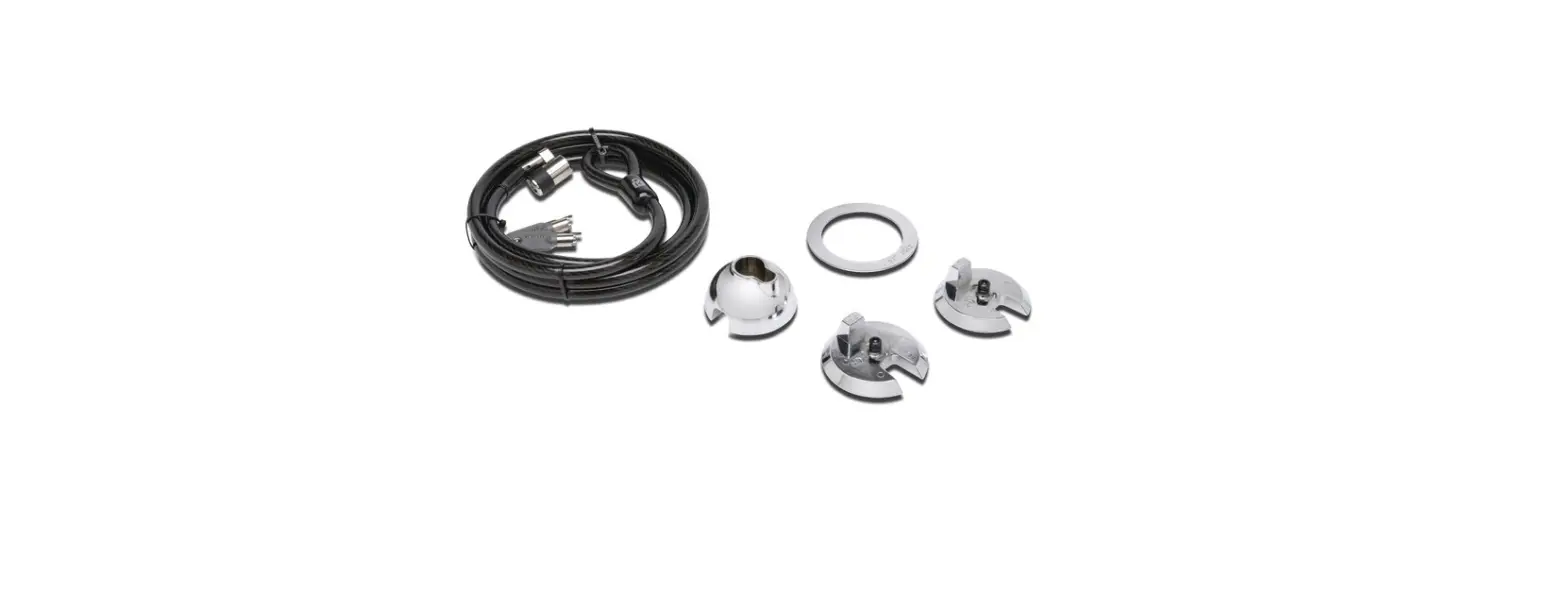
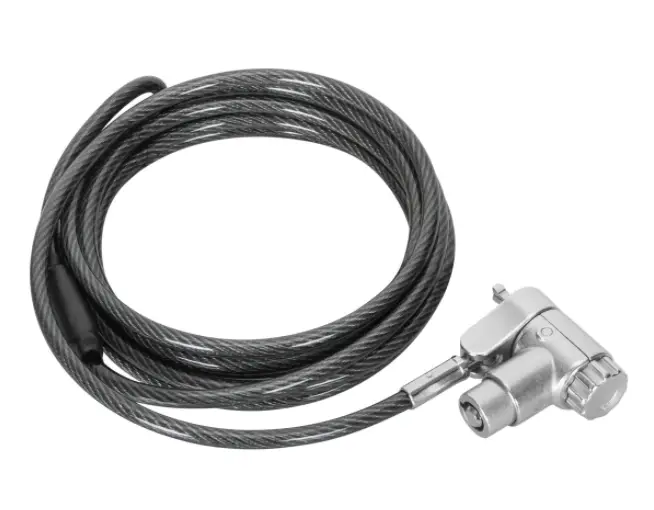
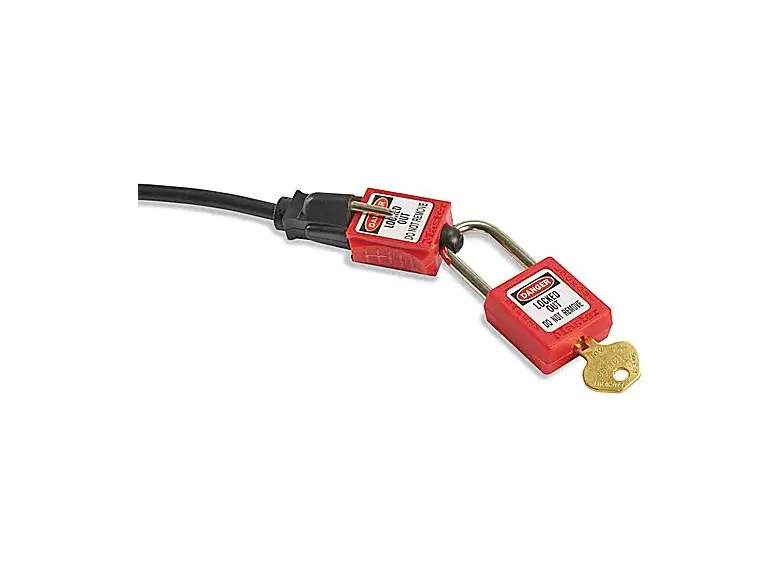
ADJUSTABLE CABLE LOCKOUT
1-800-295-5510
uline.com
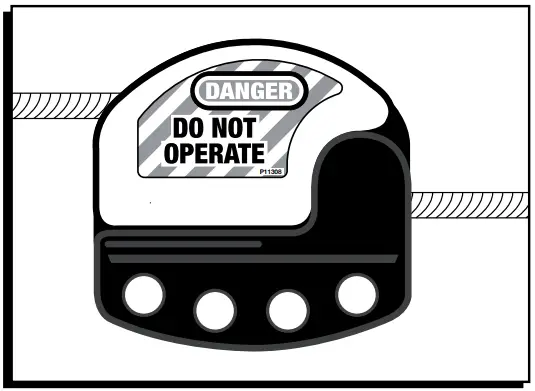
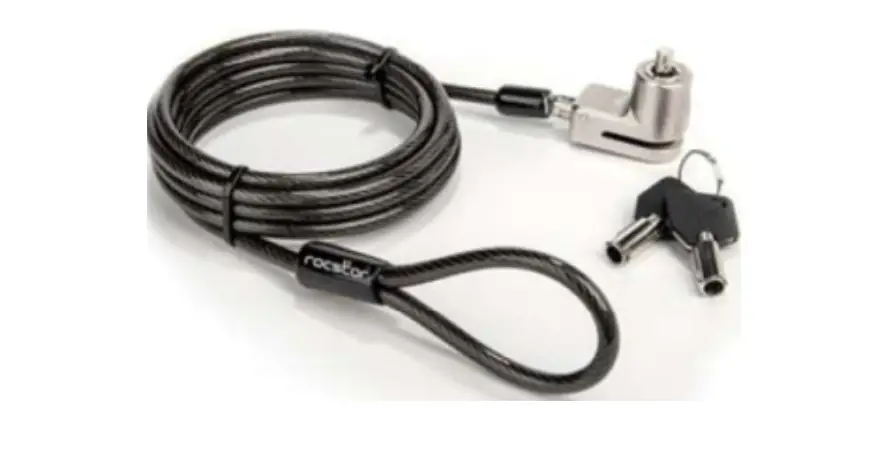
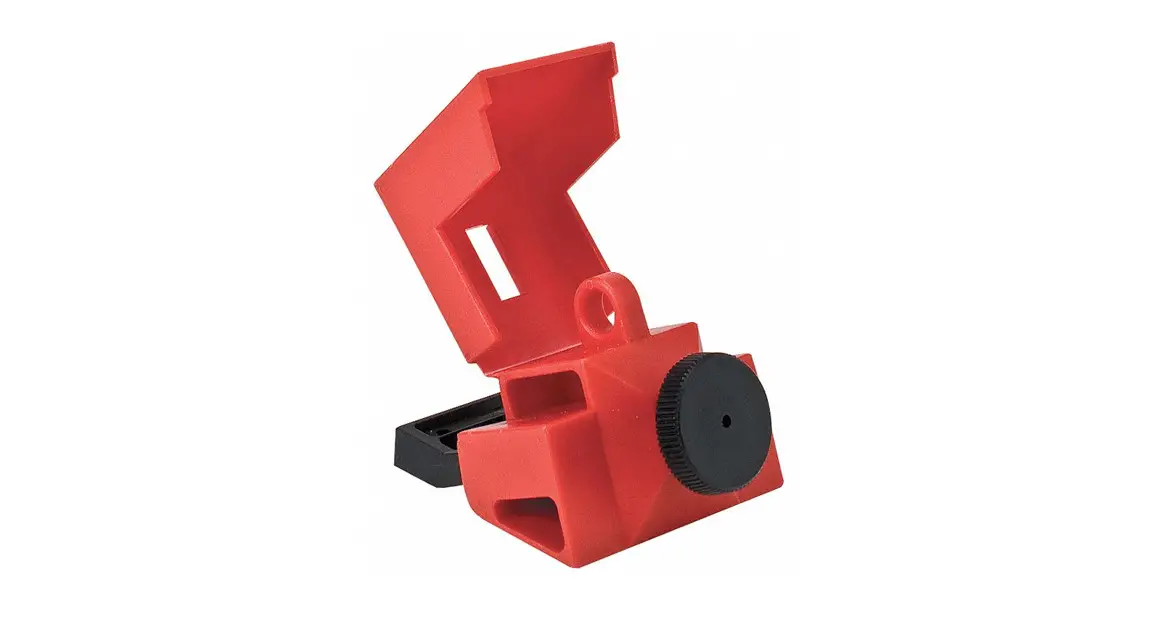
ULINE H-3441 Adjustable Cable Lockout -

ASSEMBLY

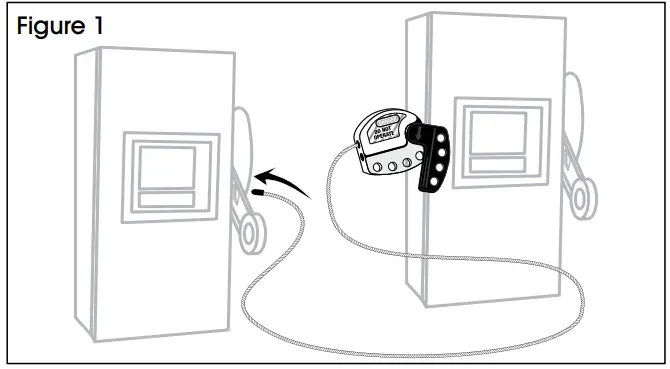
  1. With the cable lockout in between the two devices, thread the cable through the first device and pull it towards you. (See Figure 1)
    ULINE H-3441 Adjustable Cable Lockout - 1
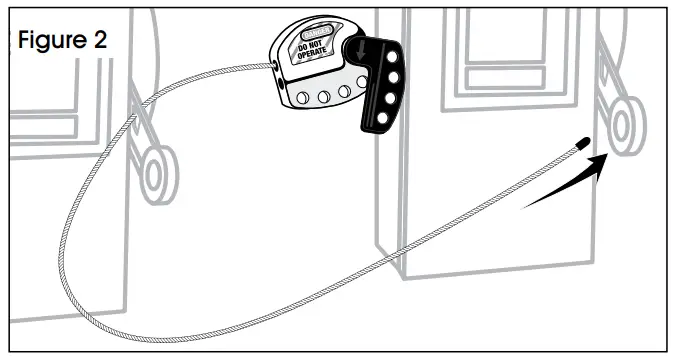
  2. Bring the end of the cable over to the second device. (See Figure 2)
    ULINE H-3441 Adjustable Cable Lockout - 2
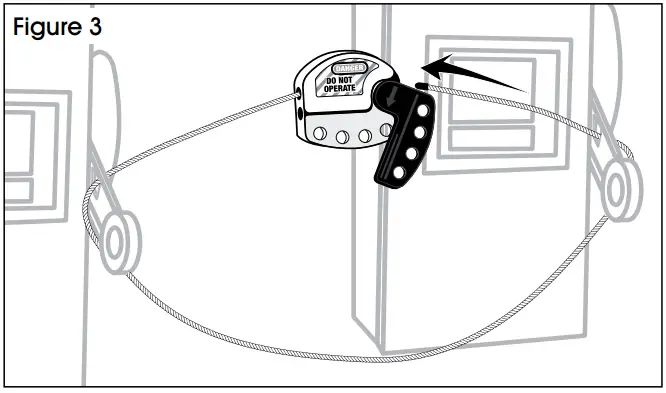
  3. Thread the cable away from you through the second device. (See Figure 3)
    ULINE H-3441 Adjustable Cable Lockout - 3
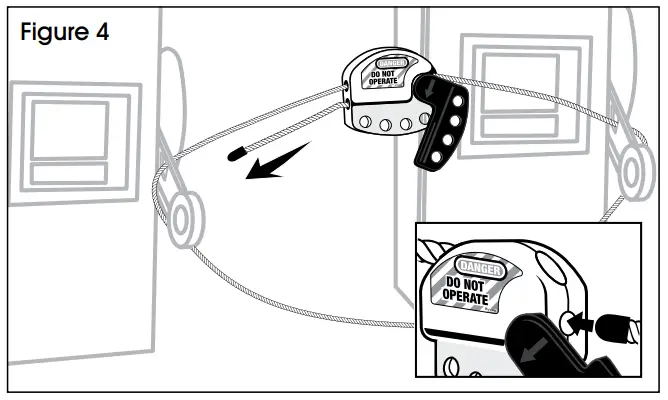
  4. Insert the end of the cable into the lockout device. (See Figure 4)
    ULINE H-3441 Adjustable Cable Lockout - 4
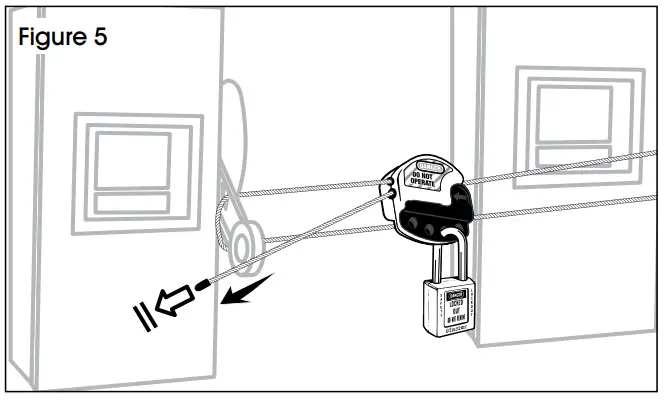
  5. Close lockout handle and pull the cable through until it is taut. Insert the padlock and secure. (See Figure 5)
    ULINE H-3441 Adjustable Cable Lockout - 5

0521 IH-3441

Documents / Resouces

Download manual
Here you can download full pdf version of manual, it may contain additional safety instructions, warranty information, FCC rules, etc.


Related Manuals