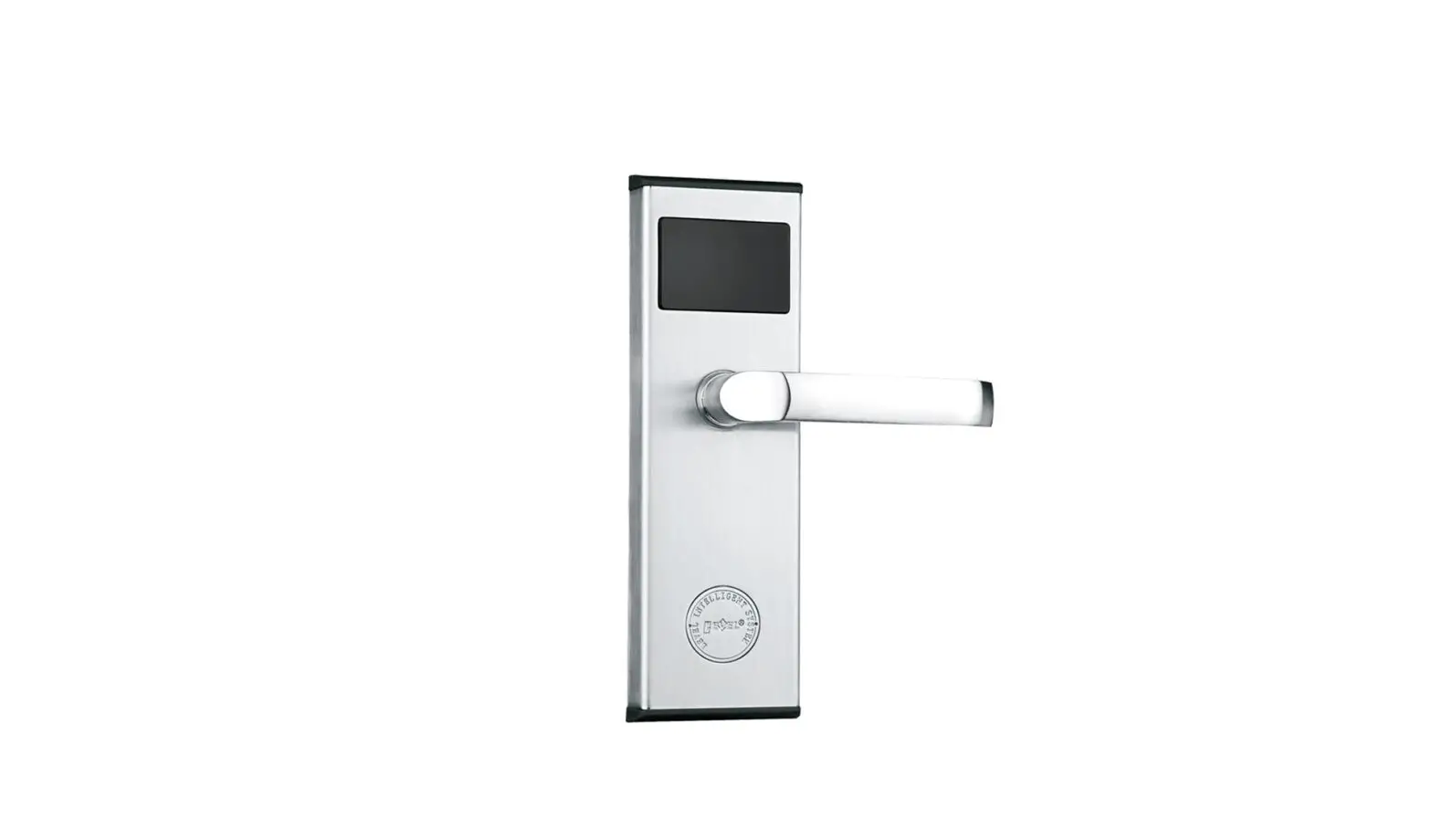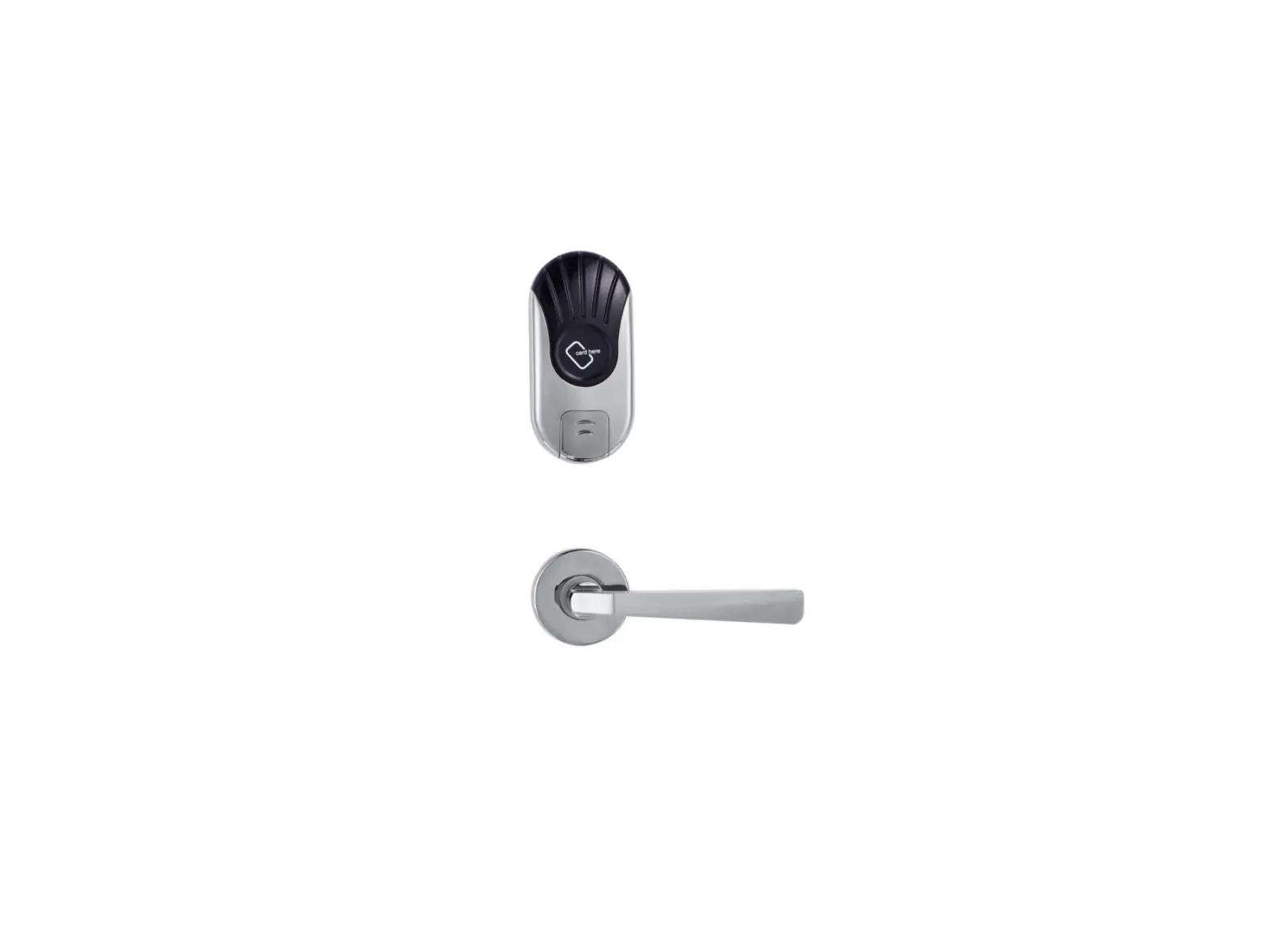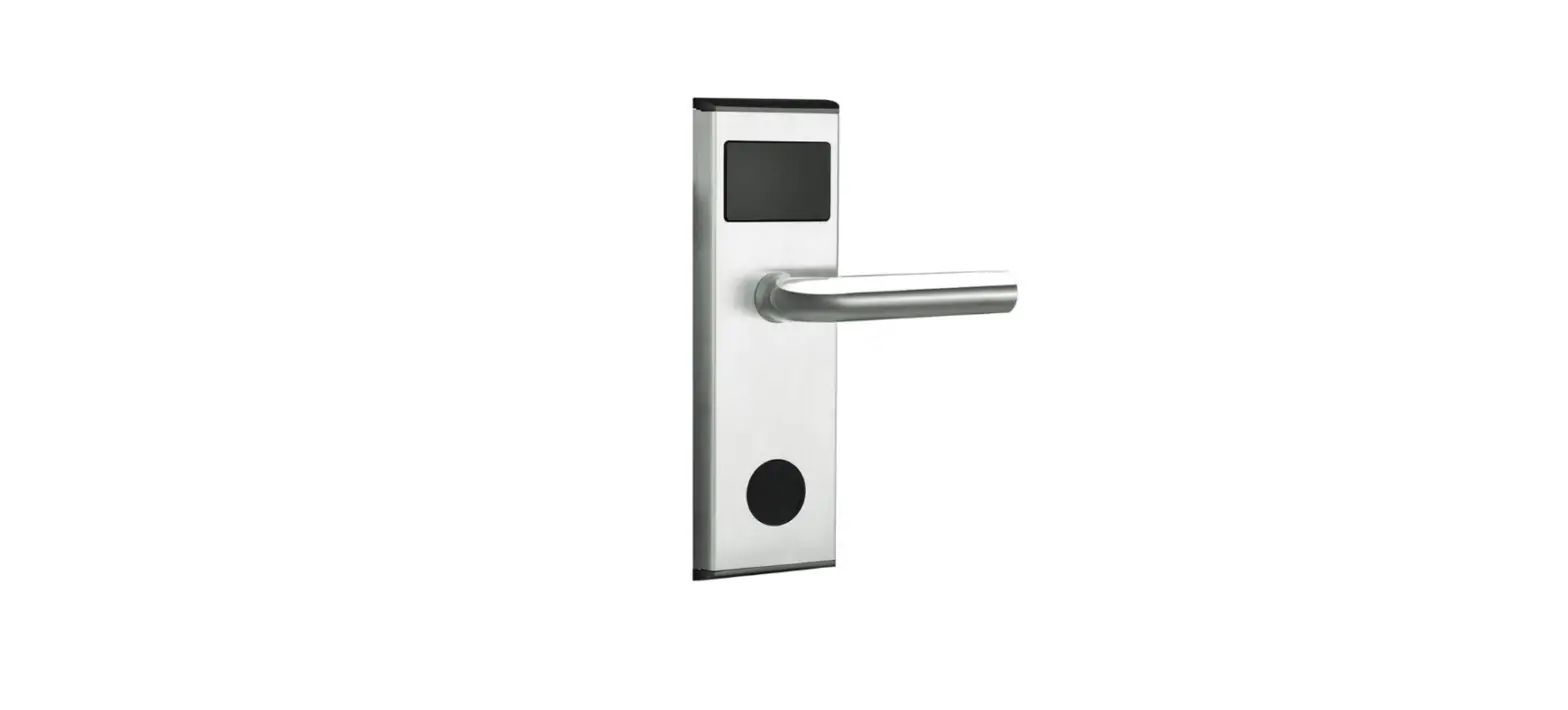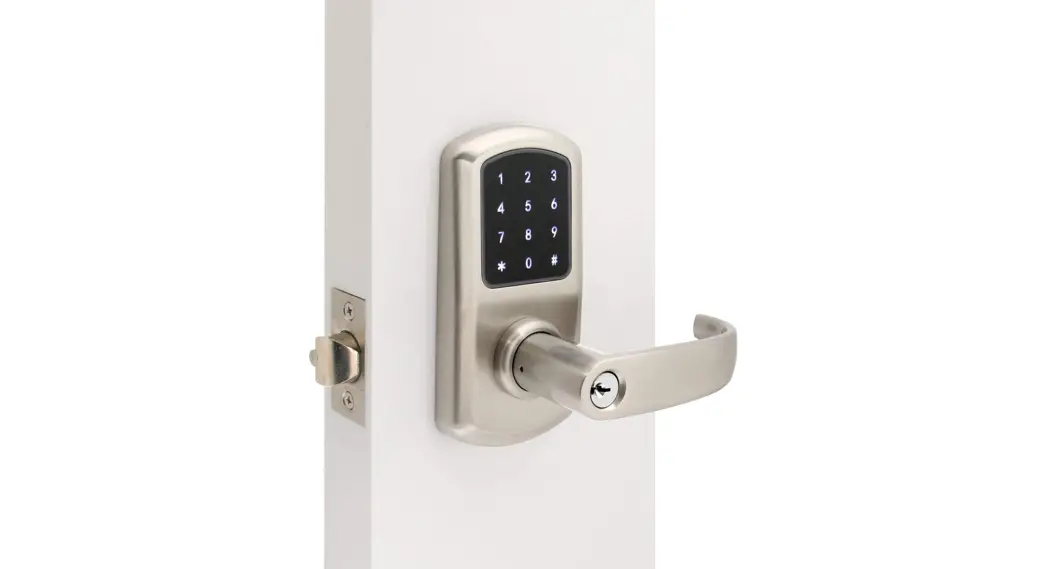
LEVEL RF-290 Electronic Lock Installation Guide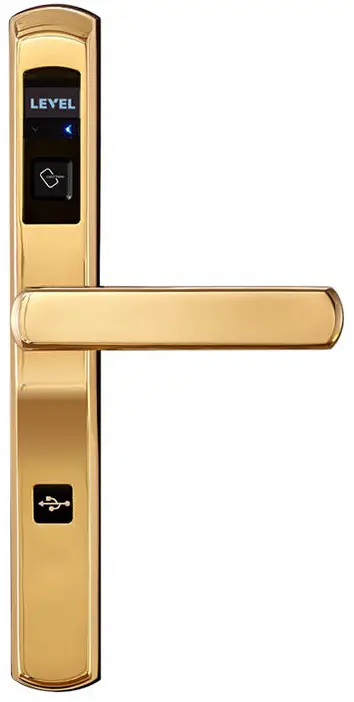
Product Overview
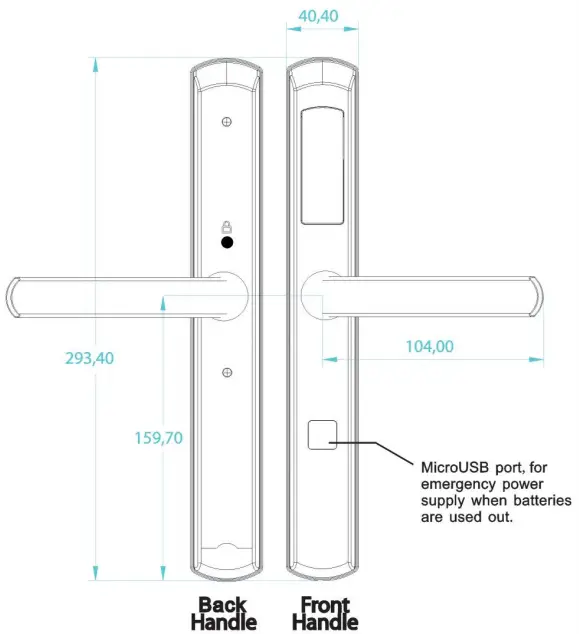
Package Contents
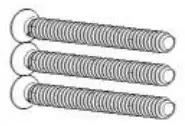
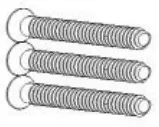
3 sets of fixing screws in varying lengths to suit different door thicknesses
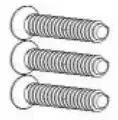
- 3pcs M6 bookplate Fixing Screws – Type A

- 3pcs M6 backplate Fixing screws – Type B

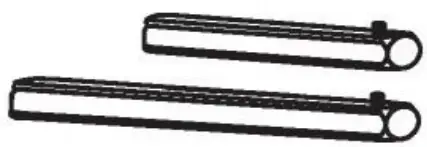
- 2pcs Lew Spindles 2 different lengths to suit varying door thicknesses.

- 3pcs M6 backplate Fixing screws – Type C.

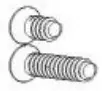
- 2pcs M5 Back handle Ning screws.

- 4 x M Batteries NOT INCLUDED.

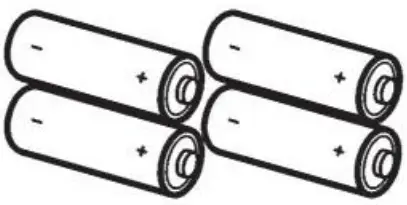
Please Note – for external installations ensure to use Lithium batteries, avoid Alkaline.
 Cable Connection
 Screw Location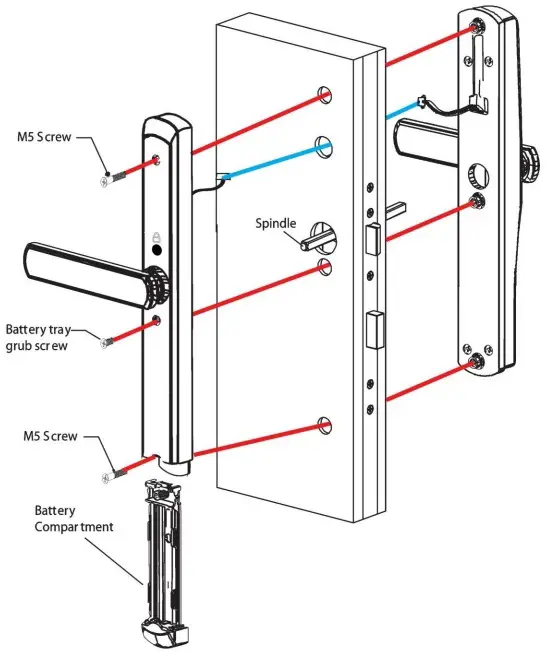
IMPORTANT Ensure holes drilled, machined in the door match LEVEL hole-making template exactly.
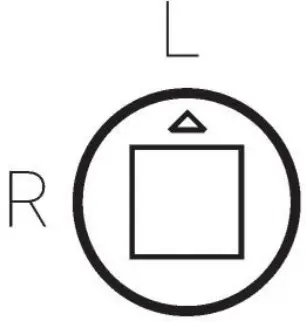
IMPORTANT Set the Handing direction before installing the RezLok on the door. Ensure the arrow located on the backside of the Front handle is pointing to L for Left & R for Right handed doors.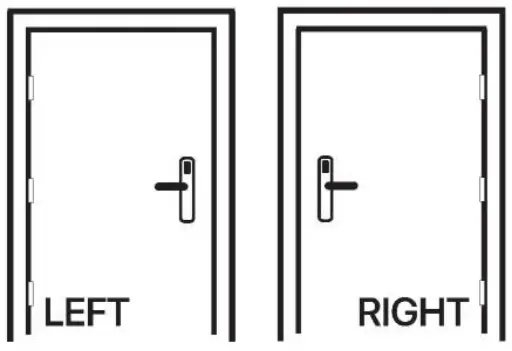
Drilling/Routing Template
(Please note drawings NOT to scale)
Drilling Holes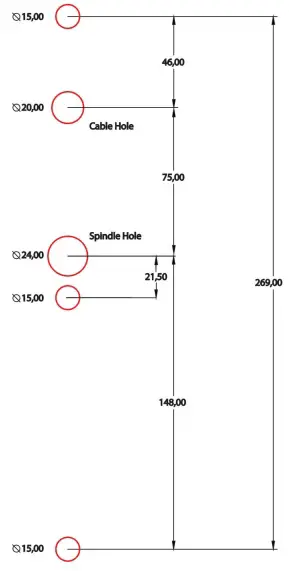
Location of drilling on the door is usually 1 meter from ground to the lever handle. The back set is deter-mined by the chosen lock.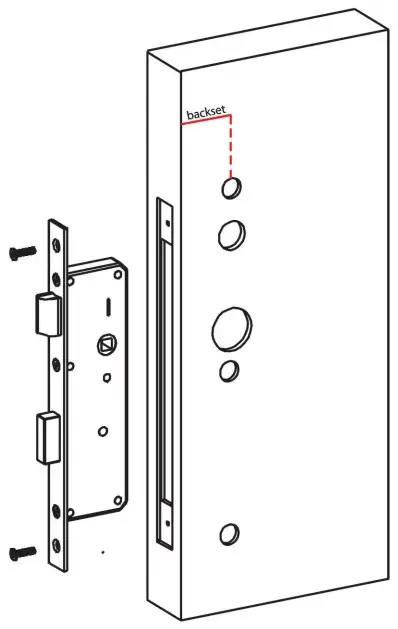
Operating Guide
(Based on Level hotel lock management software user manual)
RFID Contactless
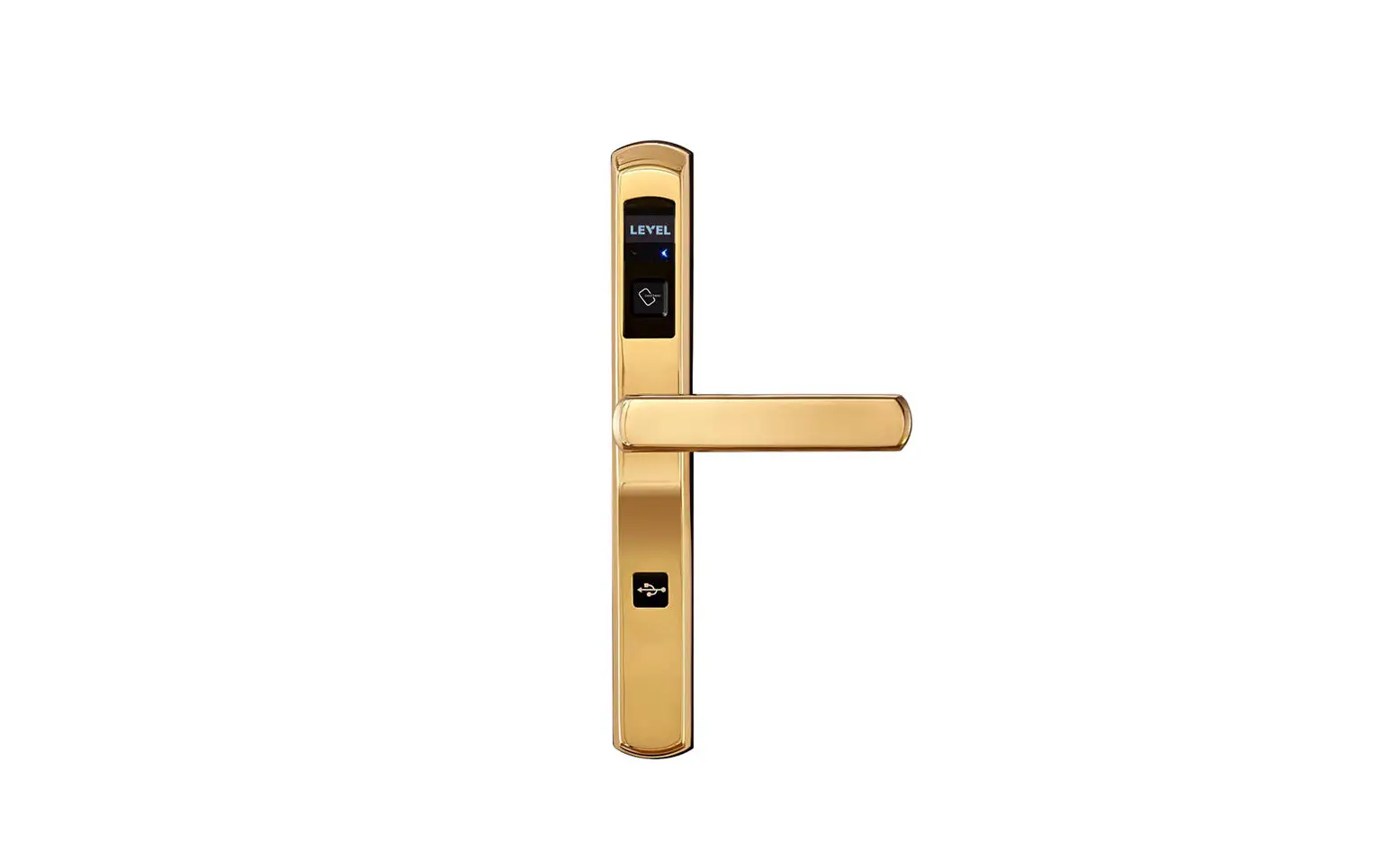
LEVEL Electronic Lock RF-290 lock set can be operated via RFID (radio frequency identication) Specically MiFare 13.56Mhz key cards, key fobs, wristbands or even sticker tags.
If the RFID credential is valid when presented to the front panel it will sound a”beep”and activate the motor so the lever can be rotated downwards and in turn retracts the latch. The lock will also display a blue LED. Invalid credentials will show a red LED and blink a number of times, it is important to count the quantity of red blinks as this helps to diagnose the reason why access was rejected.
Smartphone App using BLE
BLE stands for Bluetooth Low Energy, the lock set allows an App (i0S and Android) to operate it. Ensure to be close by to the lock set, and that Bluetooth is enabled on the smartphone. Press the unlock icon on screen within the app, the red and blue LED will blink rapidly as the BLE key is being validated, and then if valid the same blue LED will display and a beep will sound.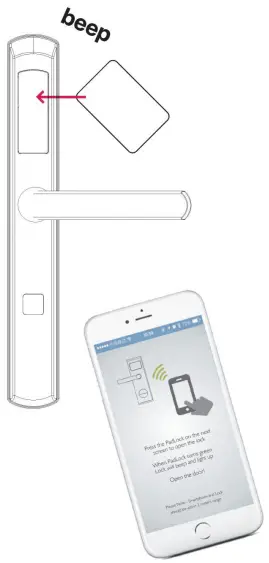
FCC Statement
Changes or modification to this unit not expressly approved by the party responsible for compliance could void the user’s authority to operate the equipment.
NOTE: This equipment has been tested and found to comply with the limits for a Class B digital device, pursuant to Part 15 of the FCC Rules. These limits are designed to provide reasonable protection against harmful interference in a residential installation. This equipment generates uses and can radiate radio frequency energy and, if not installed and used in accordance with the instructions, may cause harmful interference to radio communications. However, there is no guarantee that interference will not occur in a particular installation. If this equipment does cause harmful interference to radio or television reception, which can be determined by turning the equipment o and on, the user is encouraged to try to correct the interference by one or more of the following measures:
- Reorient or relocate the receiving antenna.
- Increase the separation between the equipment and receiver.
- Connect the equipment into an outlet on a circuit dierent from that to which the receiver is connected.
- Consult the dealer or an experienced radio/TV technician for help.
Support
GUANGDONG LEVEL INTELLIGENT LOCK INDUCTRIAL CO., LTD.
 Production: NO.1 PingXi Industrial Park, PingZhou,NanHai,FoShan,China.
 Salels center: 3 Floor,67 bldg,Shidongxia Road, FoShan,China. 112
 TEL : +86-757-83998771 / 83998772 / 83998773
 FAX : +86-757-83998770
 E-mail: [email protected]
 WEB: www.levellock.com