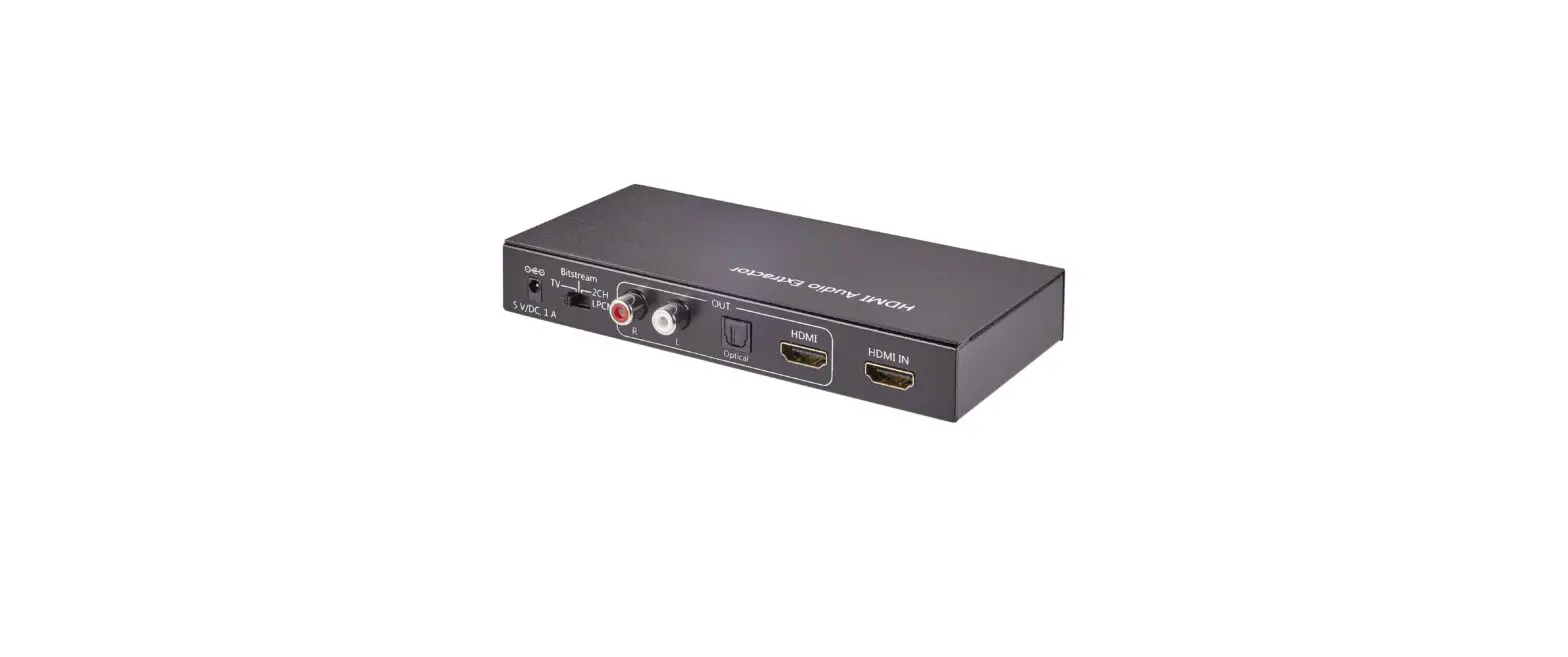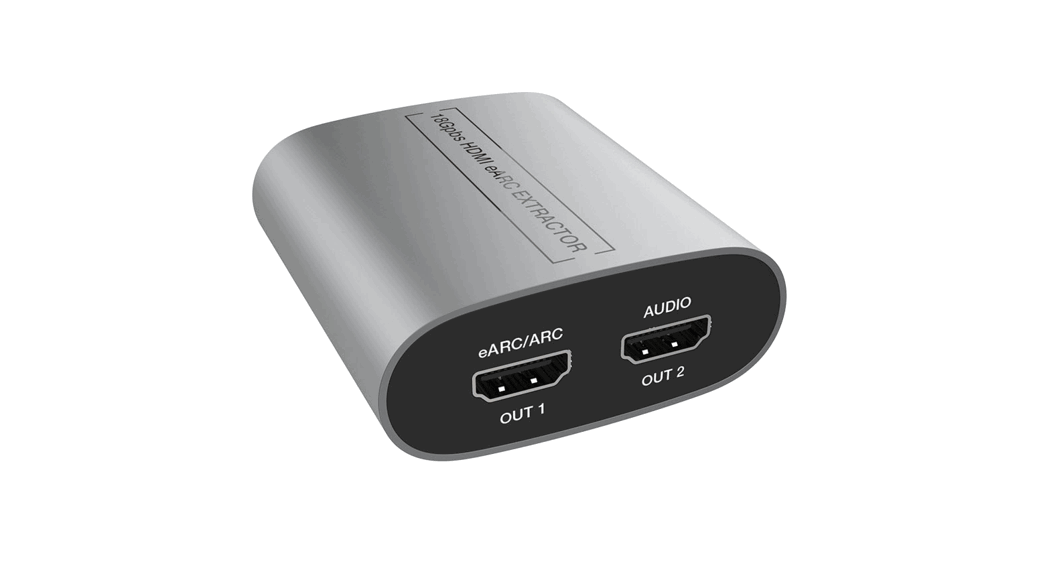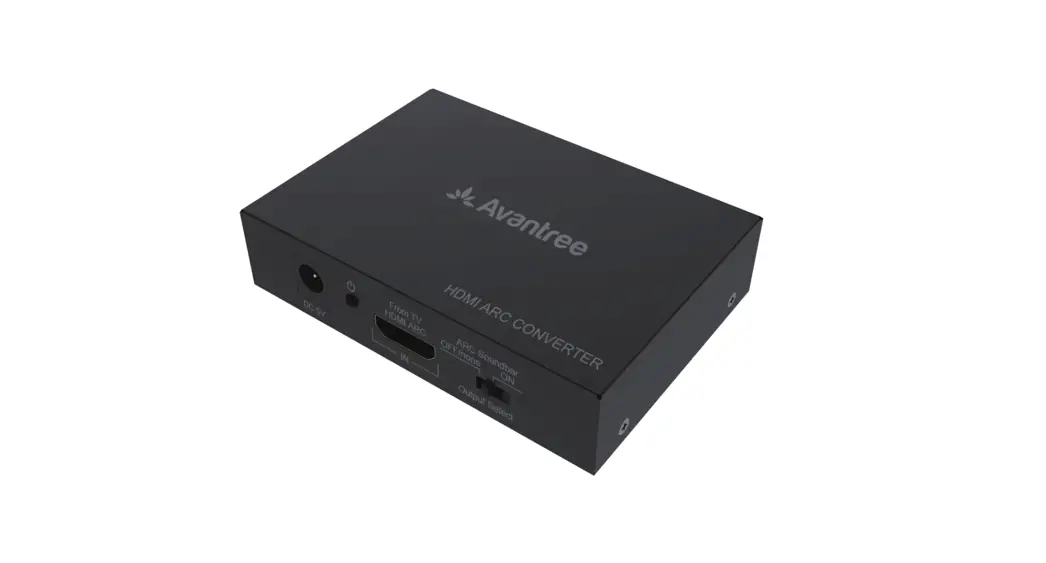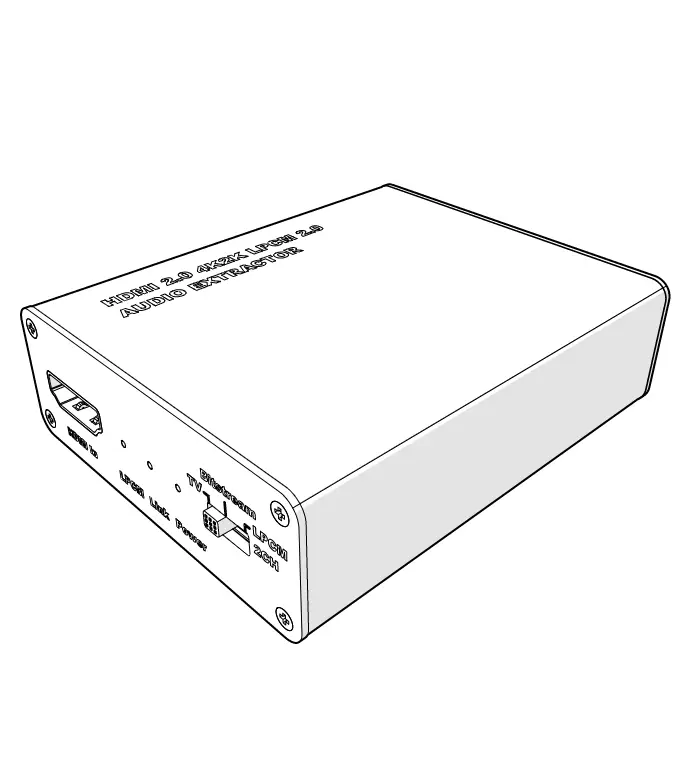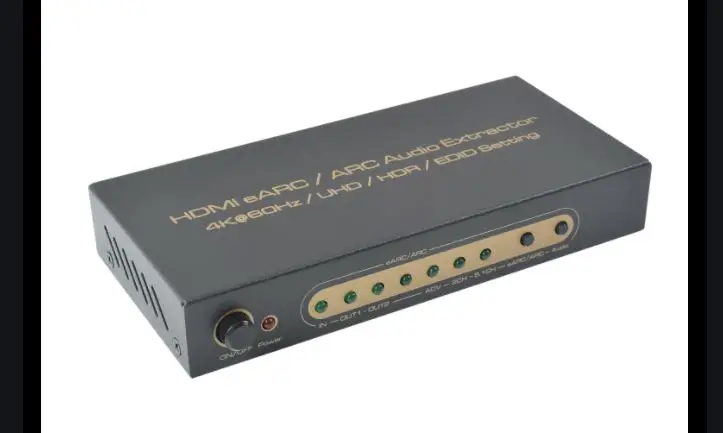

Extractors HDMI eARC/ARC Audio Extractor
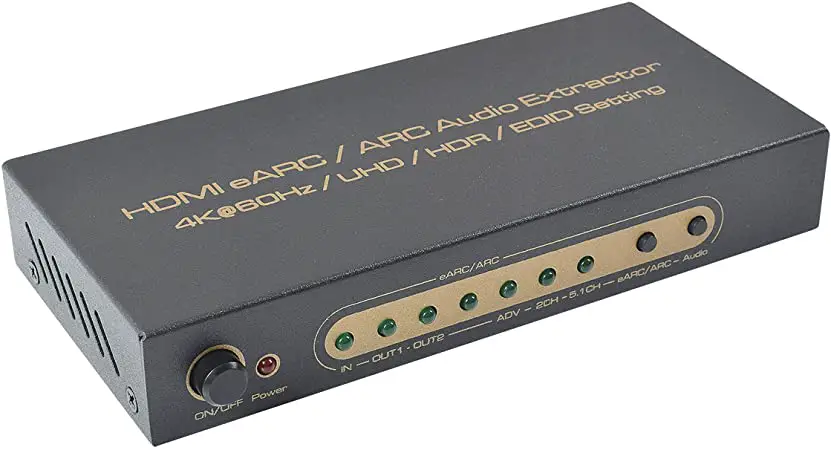
(4K@60Hz/UHD/ HDR/EDID Setting)
Model No:AA6316
INTRODUCITON
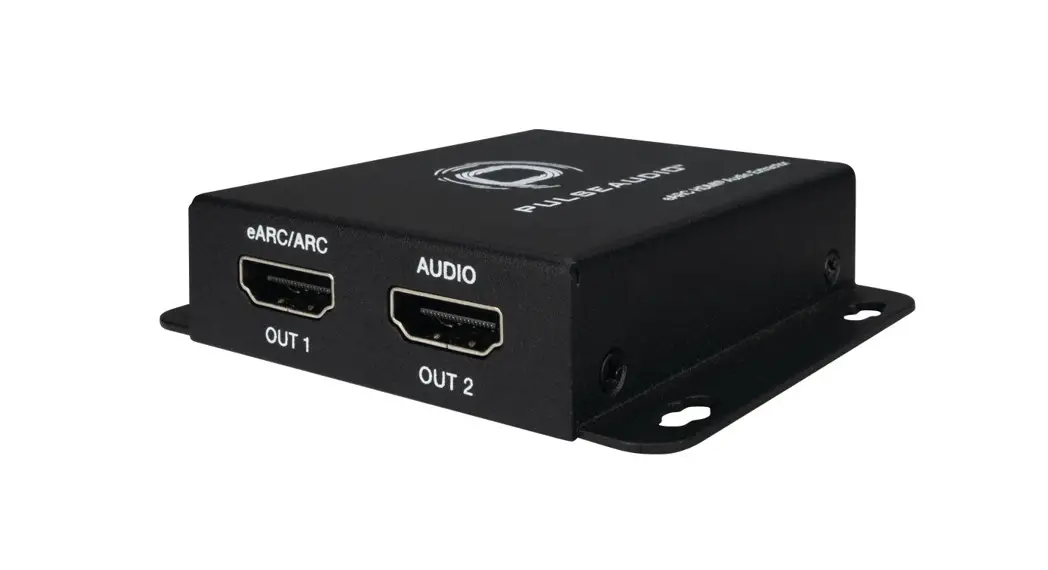
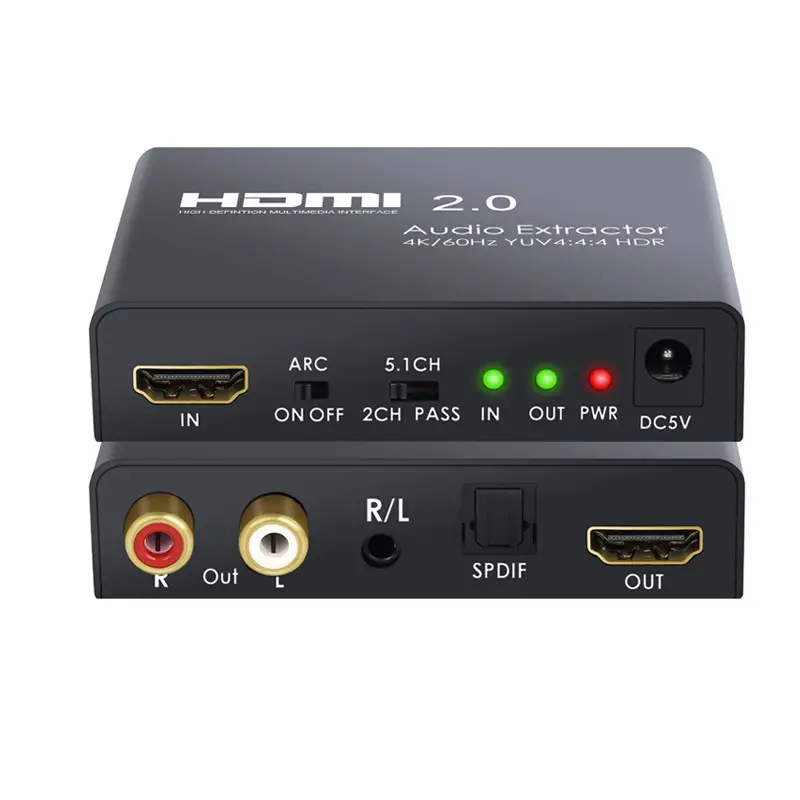
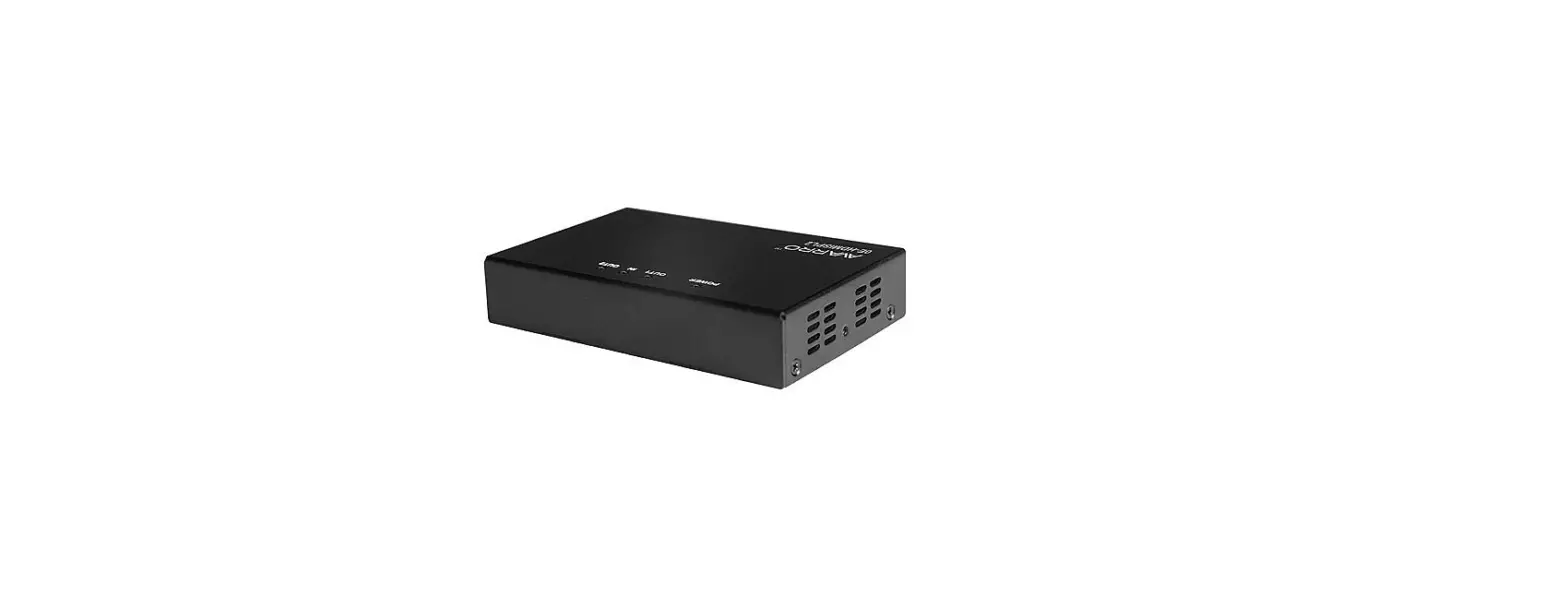
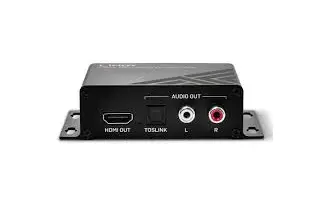
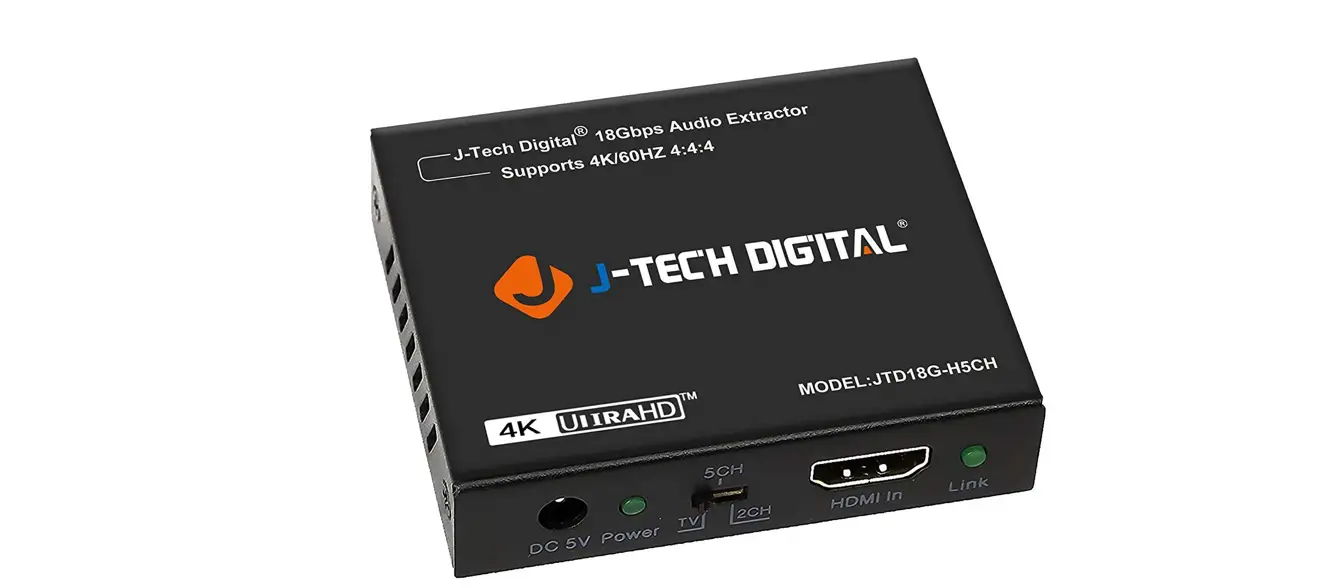
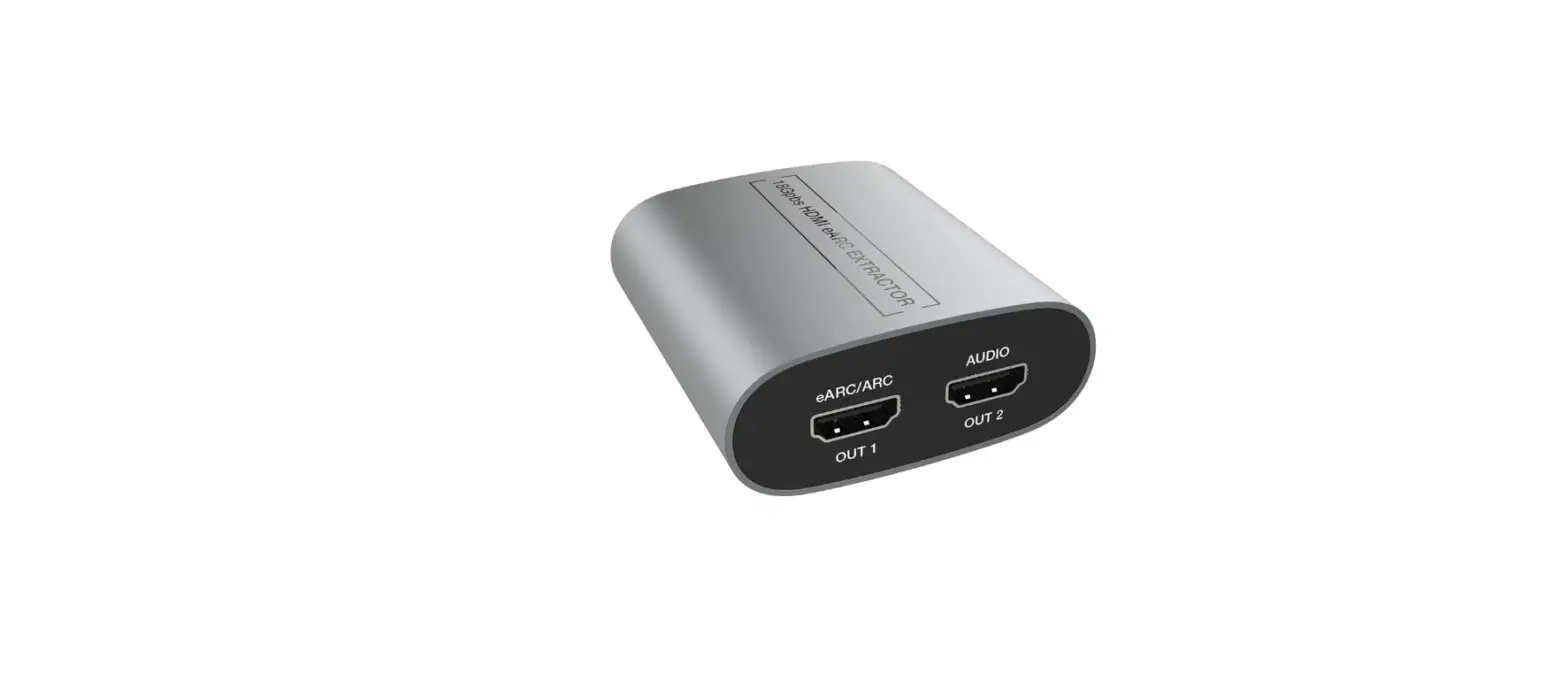
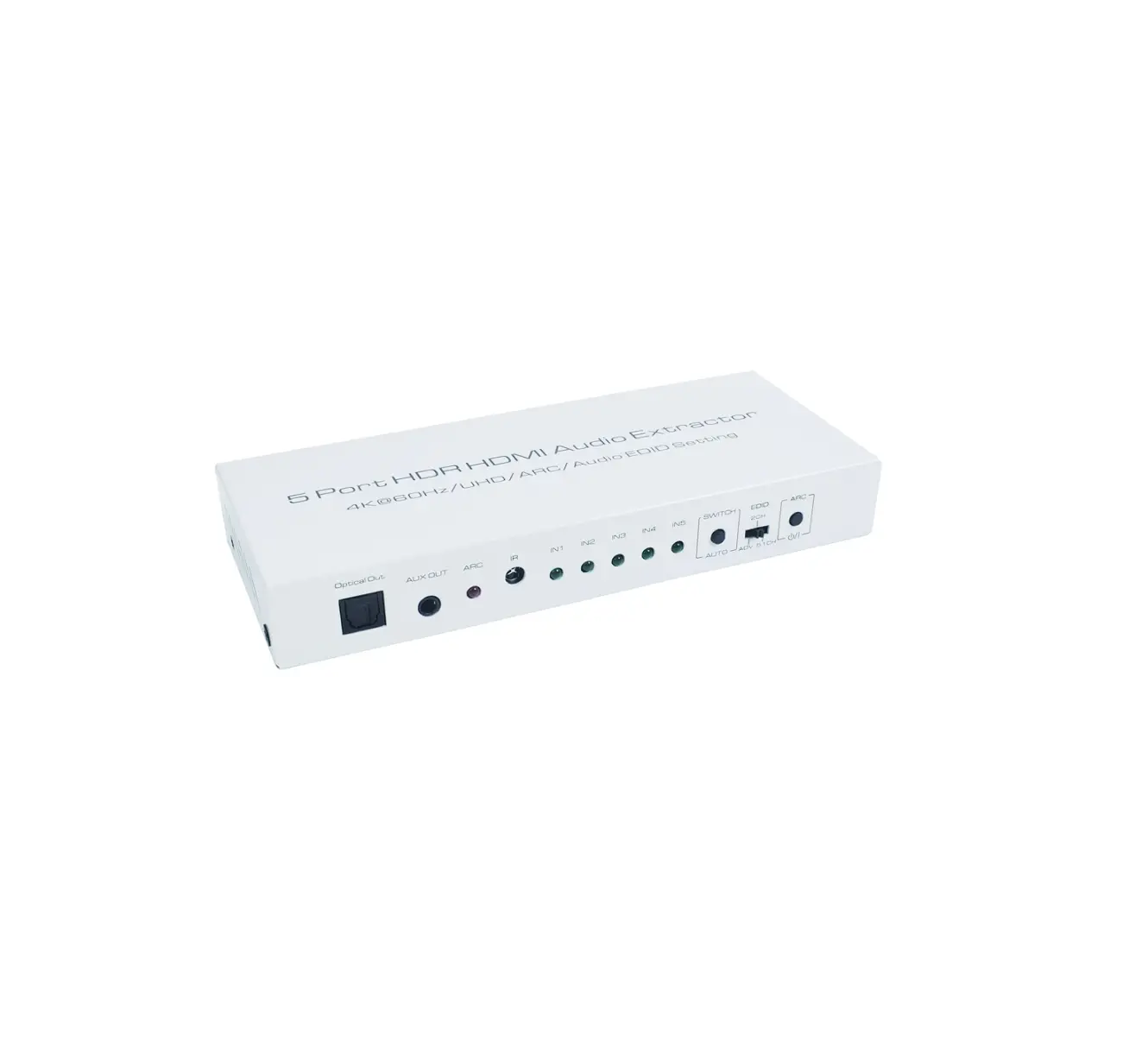
Picture 1.0 front panel showing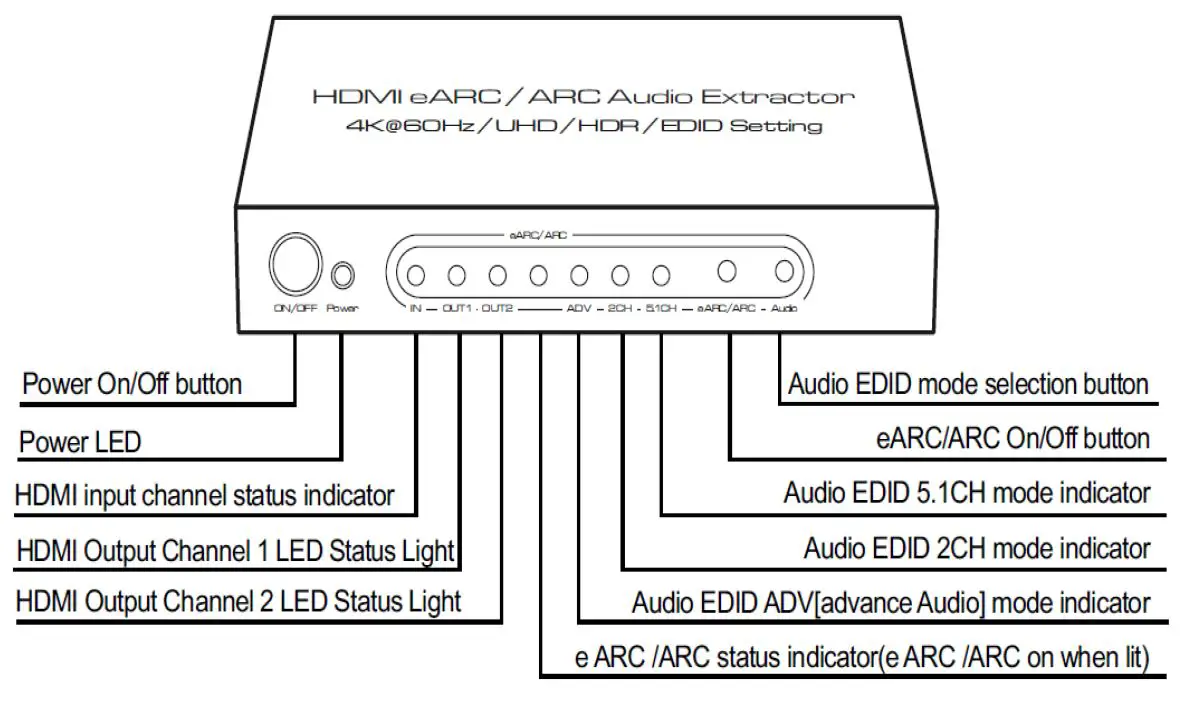
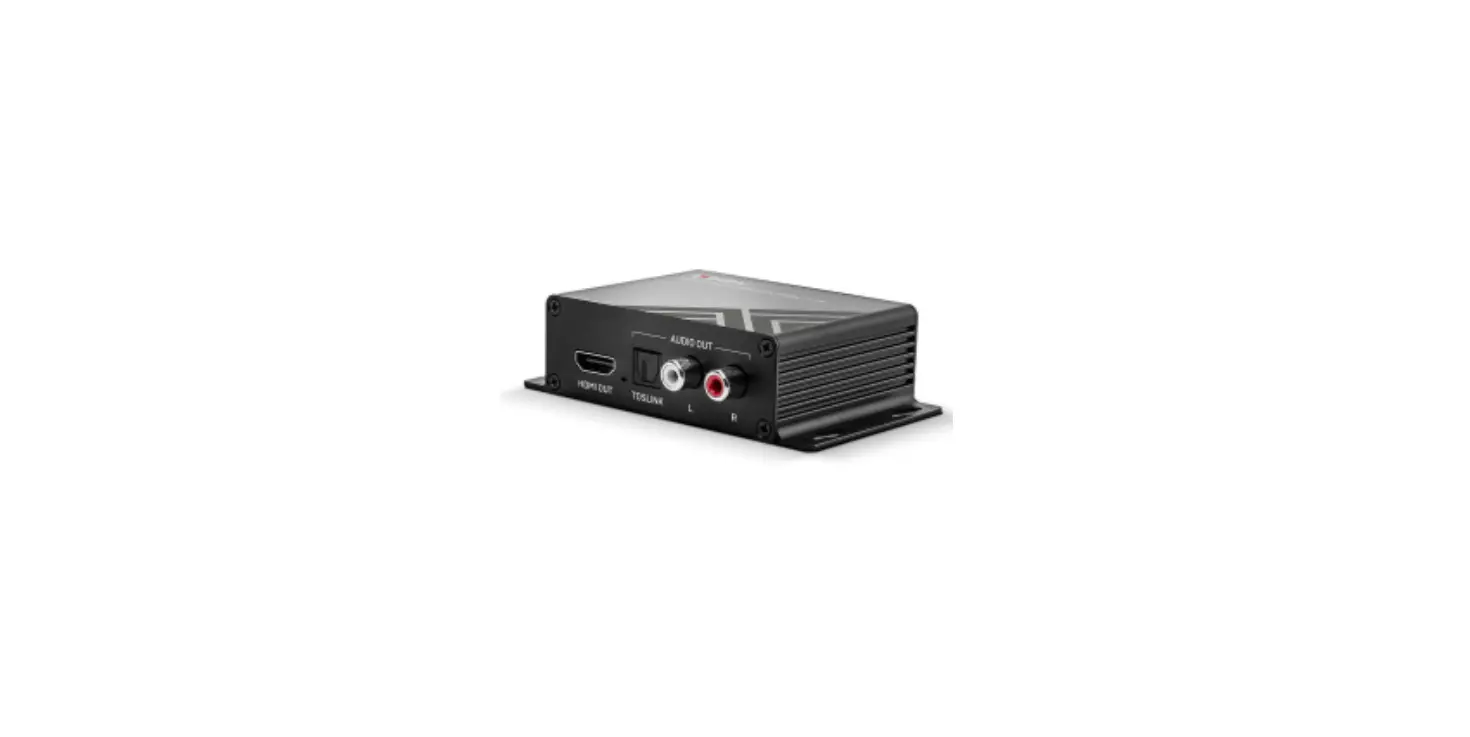
Picture 1.1 rear panel showing
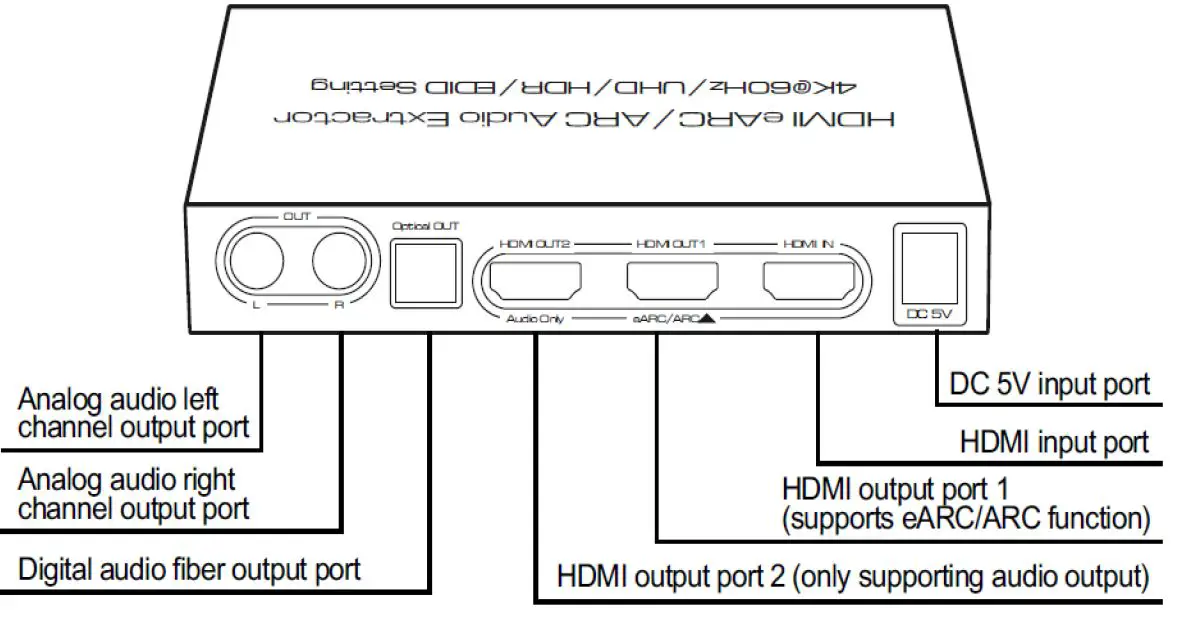
Connection and operation:
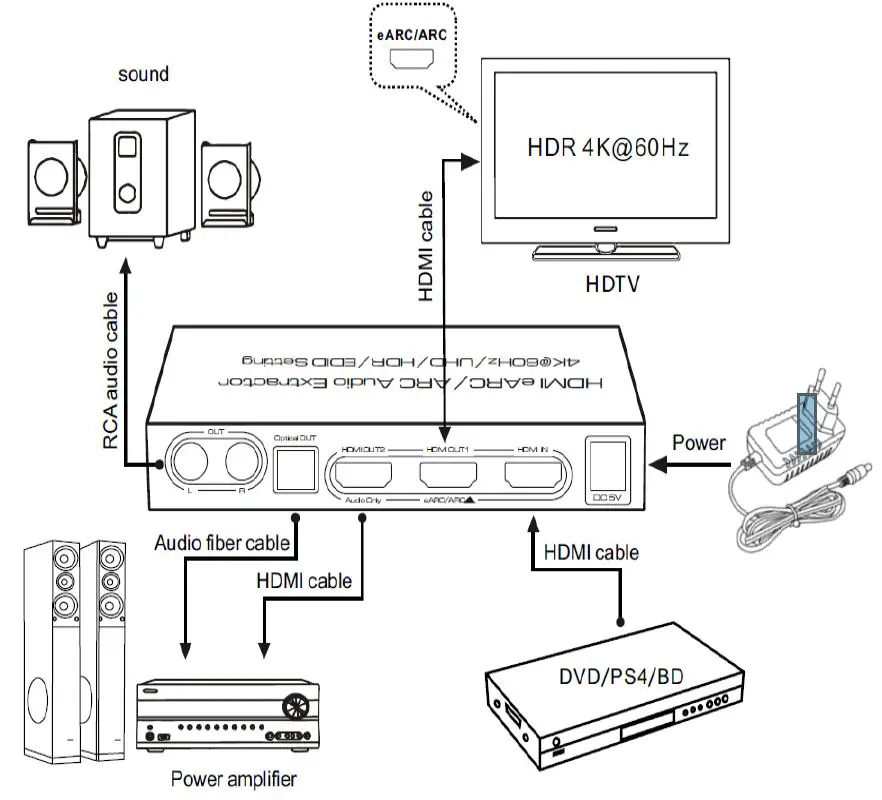
*Connect according to the connection method in the above figure, source → display device → audio output device → power
Audio mode description:
| Audio Mode | Function Introduction |
| 2CH | Audio EDID Stereo Audio Mode. At this mode, all output port will output stereo audio. |
| 5.1CH | Audio EDID 5.1 Audio Mode. At this mode, the HDMI Output port and Optical Output port will output the 5.1 Audio, And the L/R Port will no audio output. |
| ADV | Audio EDID ADV Mode. At this mode, if the output connected device like the HDMI 7.1 AV Receiver can support 7.1 audio and the HDMI Input signal source is 7.1 audio format, it will output 7.1 audio, And the L/R and optical port will have no audio. |
eARC/ARC function description:
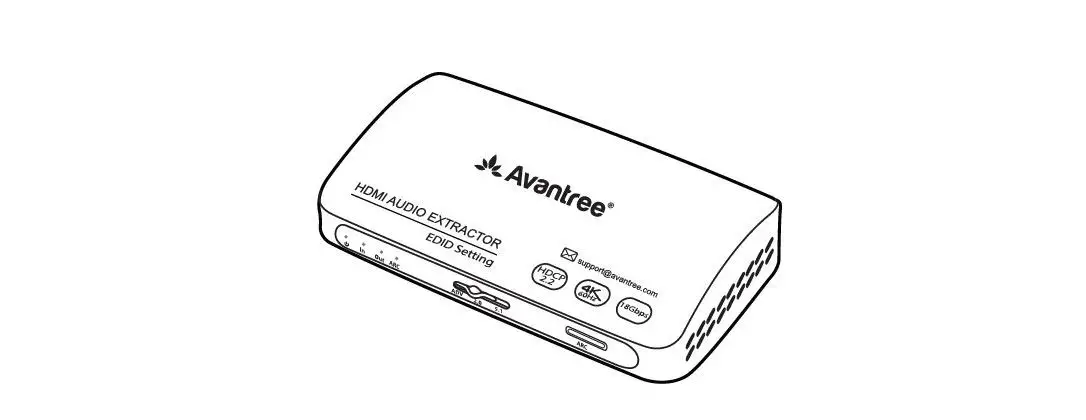
eARC/ARC Button:eARC/ARC On/Off button. After press the button, eARC/ARC will be turned on and the matched LED Light will go bright; if press again, the eARC/ARC will be closed and the matched Led Light will go dark.
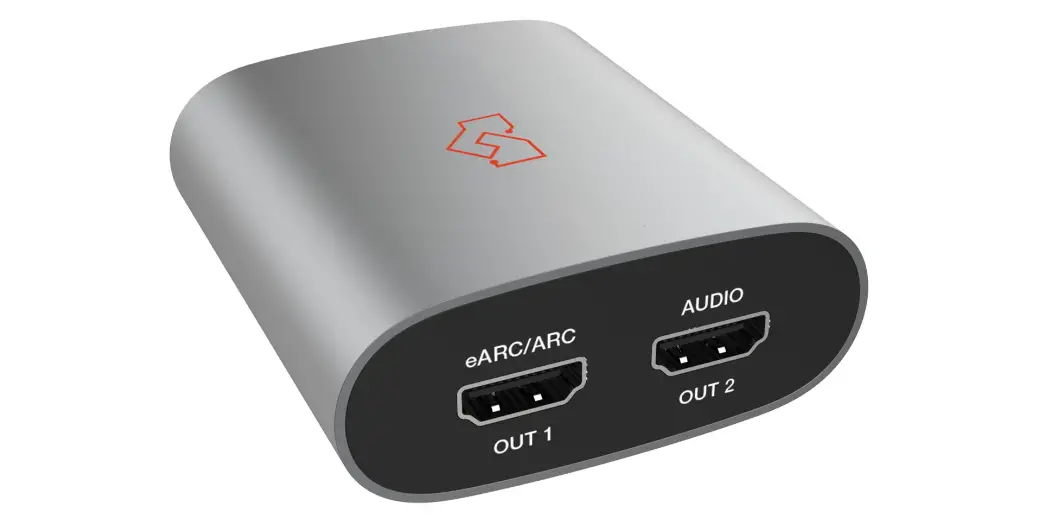
When using the eARC or ARC, the HDMI Output 1 port need to connect with the HDMI Input port (with eARC or ARC mark) of Display. When eARC/ARC is at aticve state, the matched LED Light will go bright and the eARC/ARC Returned audio will output from HDMI Output 2 port、 Optical Port、L/R Port. ( The L/R Port will have audio only if the eARC/ARC returned audio format is LPCM2.0;The optical port will have audio only if the eARC/ARC returned audio format is LPCM2.0、Dolby AC-3、DTS5.1. The e-ARC support max 7.1 audio return, if the eARC returned audio format is 7.1 Audio, the L/R and Optical port will have no audio and the HDMI Output 2 port will output 7.1 audio.
If there is no audio after you trun on the eARC/ARC, please check your display if the CEC have been turned on and if the eARC or ARC is at active state, if the HDMI Cable is certified for support the eARC or ARC. If all set-ups of Display and HDMI Cable is correct, please restart the Audio Extractor again.
Spec:
| Mode No | AA6316 |
| Mode name | HDMI eARC/ARC Audio Extractor |
| Input channel | HDMI port x1 |
| Output channel | HDMI port x2、RCA port x2、Optical port x1 |
| eARC features | Support Optical、L/R、HDMI OUT2 output |
| ARC features | Support Optical、L/R、HDMI OUT2 output |
| Video format | HDR、UHD、HLG、Dolby Vision |
| Resolution format | 480P/720P/1080P/4K@30Hz/4K@60Hz |
| Deep color | 8/10/12Bit@480P/720P/1080P 8Bit@2160P |
| HDMI In/Out Supported Audio Format | Dolby HD/DTS HD/Dolby Atoms/Dolby AC3/DTS/LPCM Etc |
| Digital audio output supported audio format | LPCM2.0/DTS/DOLBY-AC3…… |
| HDMI Input cable length | 2160P/AWG 26 ≤3m 1080P/AWG 26 ≤10m |
| HDMI Output cable length | 2160P/AWG 26 ≤3m 1080P/AWG 26 ≤10m |
| DAC sample frequency range | 32~192 KHz |
| HDMI transmission bandwidth | 25~600MHz |
| HDMI transmission rate | 0.75~18Gbps |
| Power adapter specification | Input: AC 100~240V Output: DC 5V/1A |
| Max working current | 600mA |
| Working temperature range | 0 ~ +40℃ |
| Working humidity range | 5 to 85%RH(No Condensation) |
| Storage temperature | -15 to 55℃ |
| Storage humidity | 5 ~95%RH(No Condensation) |
| Size | 139×64.5×22.3 (mm) |
| Weight | 225g |