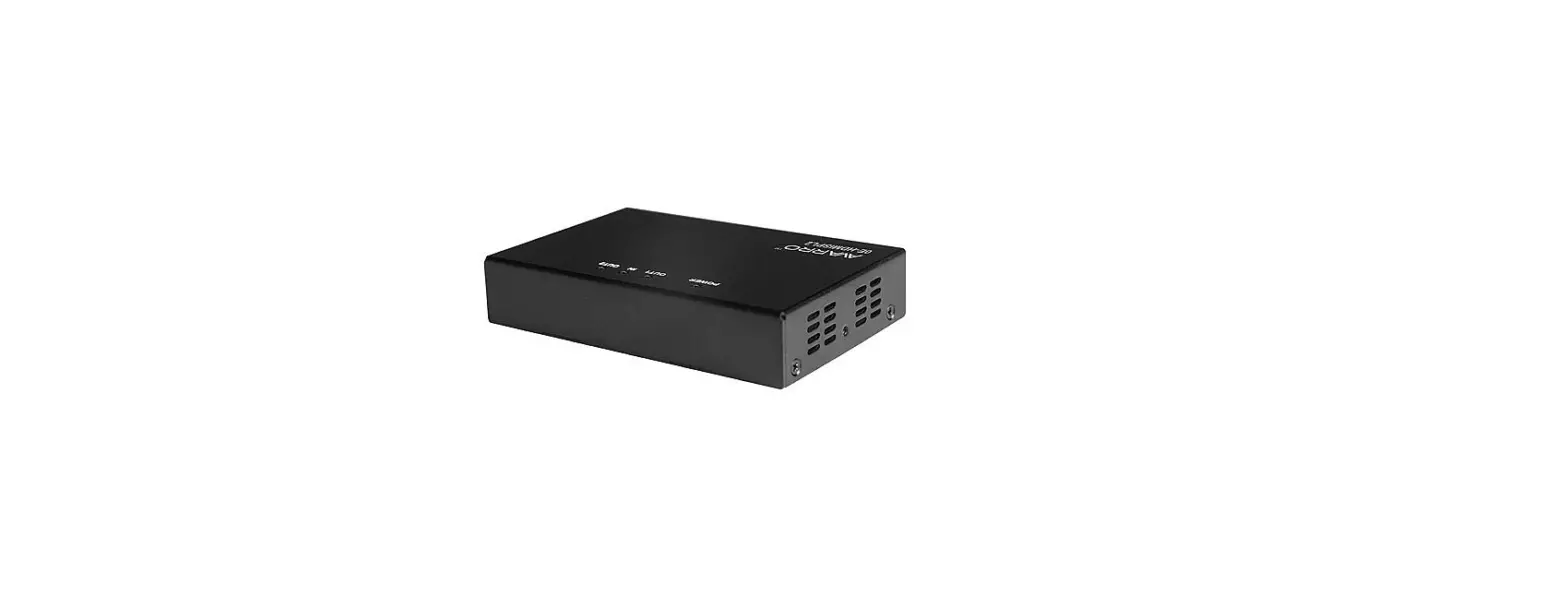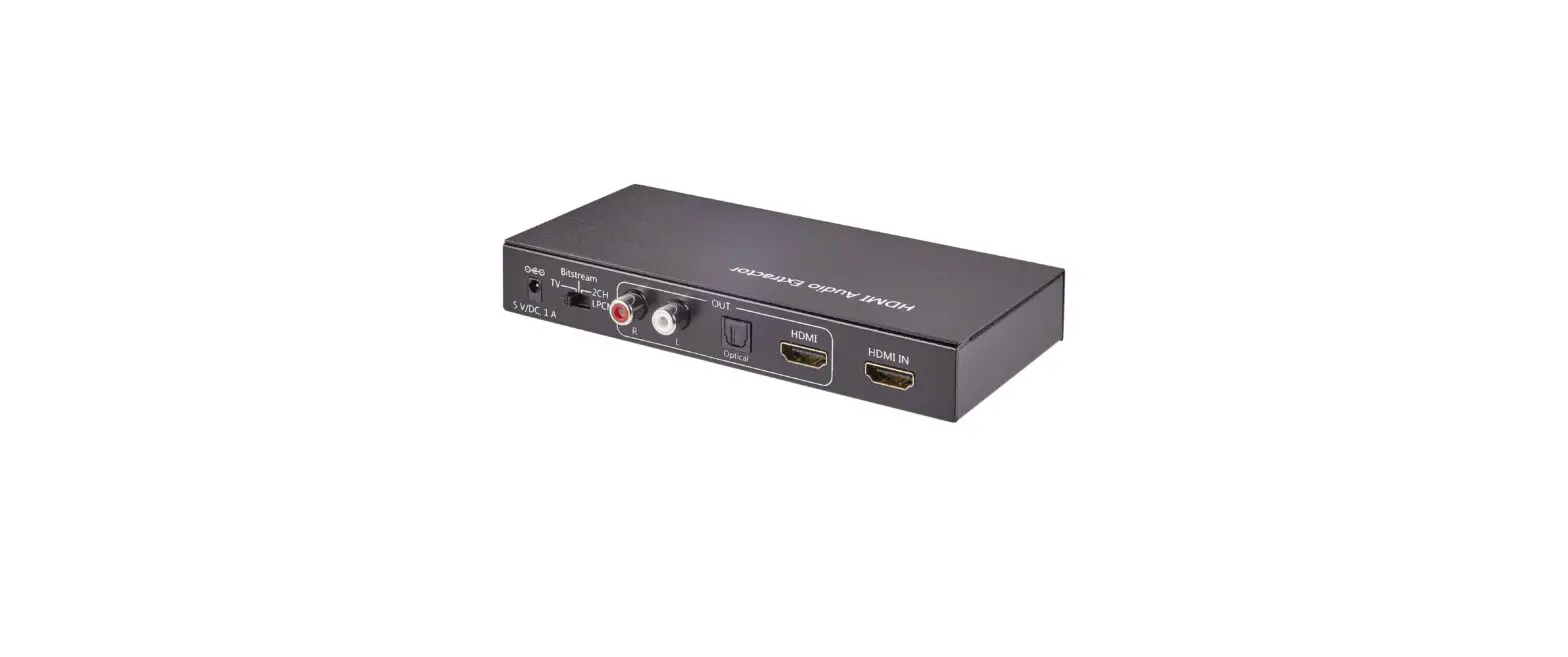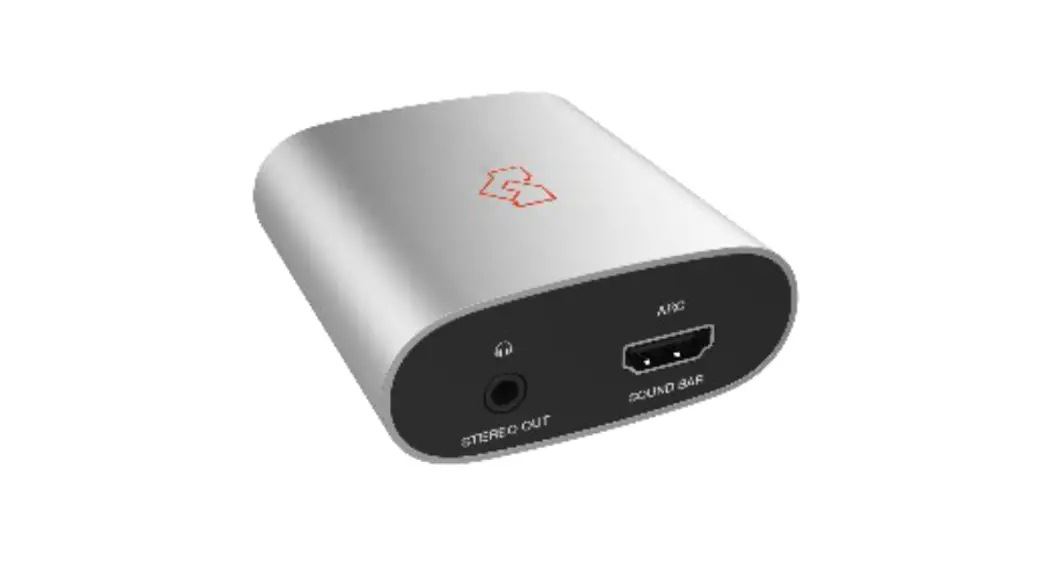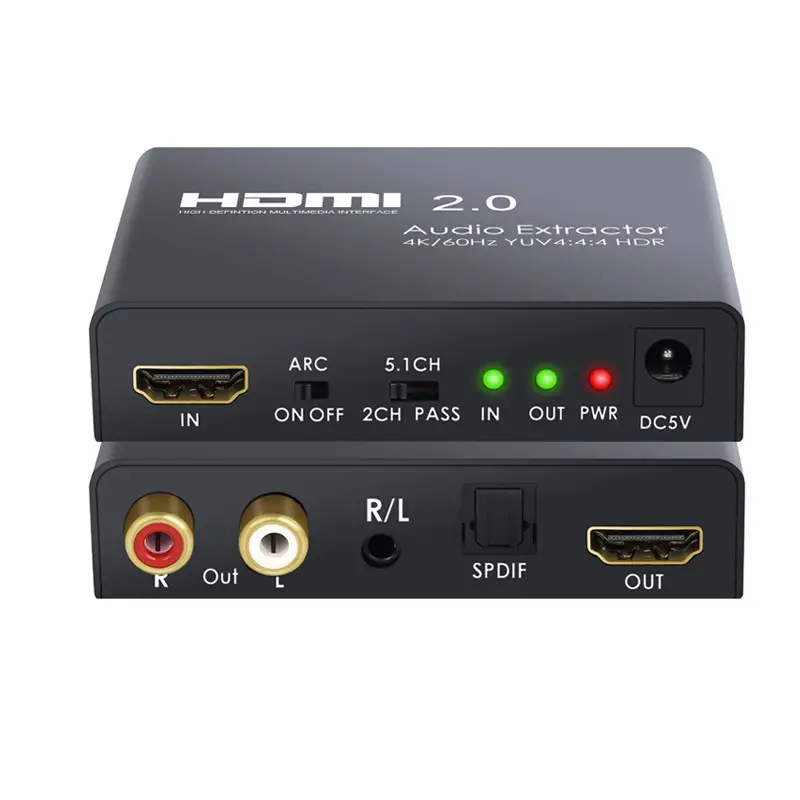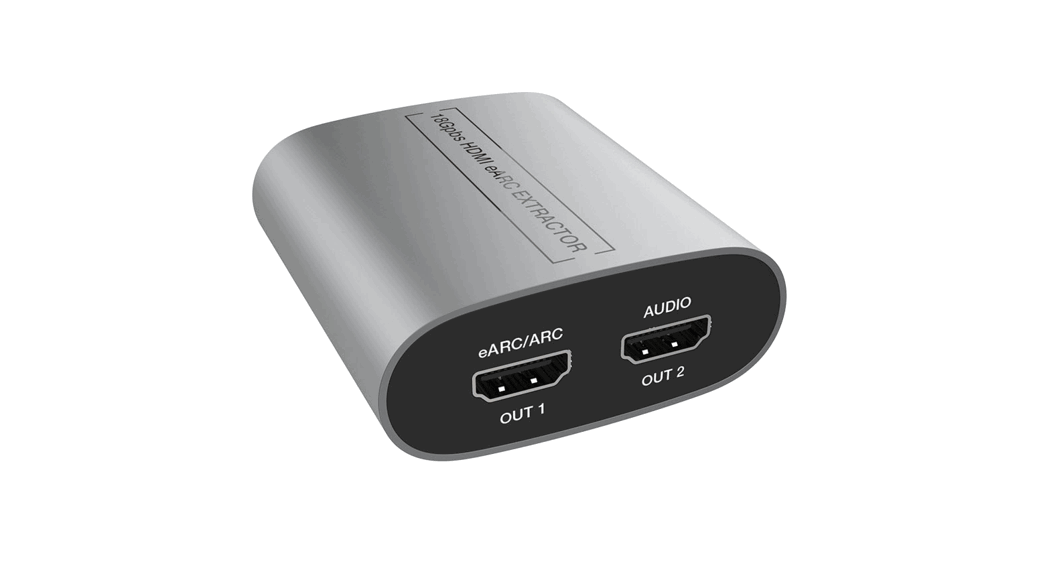

VLHA-EREX
HDMI 2.0 eARC Audio Extractor
VER 1.02
User Manual
VLHA-EREX HDMI 2.0 eARC Audio Extractor
Thank you for purchasing this product
Please read these instructions carefully for optimum performance and safety before connecting, operating, or adjusting this product. Please keep this manual for future reference.
Surge protection device recommended.
This product contains sensitive electrical components that electrical spikes may damage, surges, electric shocks, lightning strikes, etc. The use of surge protection systems is highly recommended to protect and extend the life of your equipment.
Introduction
The 18Gbps HDMI eARC audio extractor supports the eARC function, which can extract eARC audio from a TV terminal and output it to the audio amplifier through the HDMI port so that the existing audio amplifier can play high-quality audio. It can effectively solve the problem that the supporting audio amplifier needs to be upgraded due to the upgrading of the TV.
Features
☆ HDMI 2.0b and HDCP 2.3 / 1.x compliant
☆ Supports 18Gbps video bandwidth
☆ Supports video resolution up to 4K2K@60Hz with 24bit RGB/YCbCr 4:4:4
☆ Supports VESA format up to QSXGA@60Hz
☆ HDR, HDR10, HDR10+, Dolby Vision pass-through
☆ Supports PCM 2.0, LPCM 5.1 / 7.1, Dolby Digital, Dolby digital plus, Dolby True-HD, Dolby Atmos, DTS 5.1, DTS ES 6.1, DTS HRA, DTS HD Master, DTS:X
☆ Built-in Equalizer, Retiming, and Driver
☆ Dedicated HDMI output for audio only with 720p black screen
☆ Supports eARC/ARC audio (from TV) extract to HDMI audio output
☆ Supports CEC function and advanced EDID management
Package Contents
- 1× 18Gbps HDMI eARC Extractor
- 1× USB Cable (USB-A to Micro USB)
- 1× User Manual
Specifications
| Technical | |
| HDMI Compliance | HDMI 2.0b |
| HDCP Compliance | HDCP 2.3 / 1.x |
| Video Bandwidth | 18 Gbps |
| Video Resolution | Up to 4k2k@60Hz 4:4:4 |
| Color Depth | 8-bit, 10-bit, 12-bit (1080p@60Hz) 8-bit (4K2K@60Hz YUV4:4:4) 8-bit,10-bit,12-bit (4K2K@60Hz YCbCr 4:2:2/4:2:0 ) |
| Color Space | RGB 4:4:4, YCbCr 4:4:4/4:2:2/4:2:0 |
| HDMI Audio Formats | PCM 2.0, LPCM 5.1 / 7.1, Dolby Digital, Dolby Digital Plus, Dolby TrueHD, Dolby Atmos, DTS 5.1, DTS ES 6.1, DTS HRA, DTS HD Master, DTS:X |
| ESD Protection | Human body model — ±8kV (air-gap discharge) & ±4kV (contact discharge) |
| Connection | |
| Input | lx HDMI Type A [19-pin female] |
| Output | 2x HDMI Type A [19-pin female] |
| Mechanical | |
| Housing | Aluminum Enclosure |
| Color | Silver |
| Dimensions | 65mm[W] x 70mm[D] x 27mm[H] |
| Weight | 83g |
| Power Supply | USB 5V / 500mA |
| Power Consumption | 1.75W (Max) |
| Operation Temperature | 32 – 104°F / 0 – 40°C |
| Storage temperature | -4 – 140°F / -20 – 60°C |
| Relative Humidity | 20 – 90% RH (Non-Condensation) |
Operation Controls and Functions
5.1 Left Panel
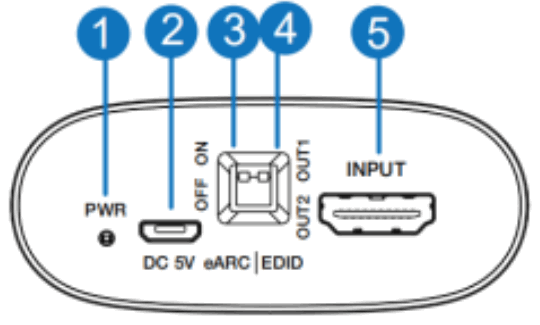
| No. | Name | Function Description |
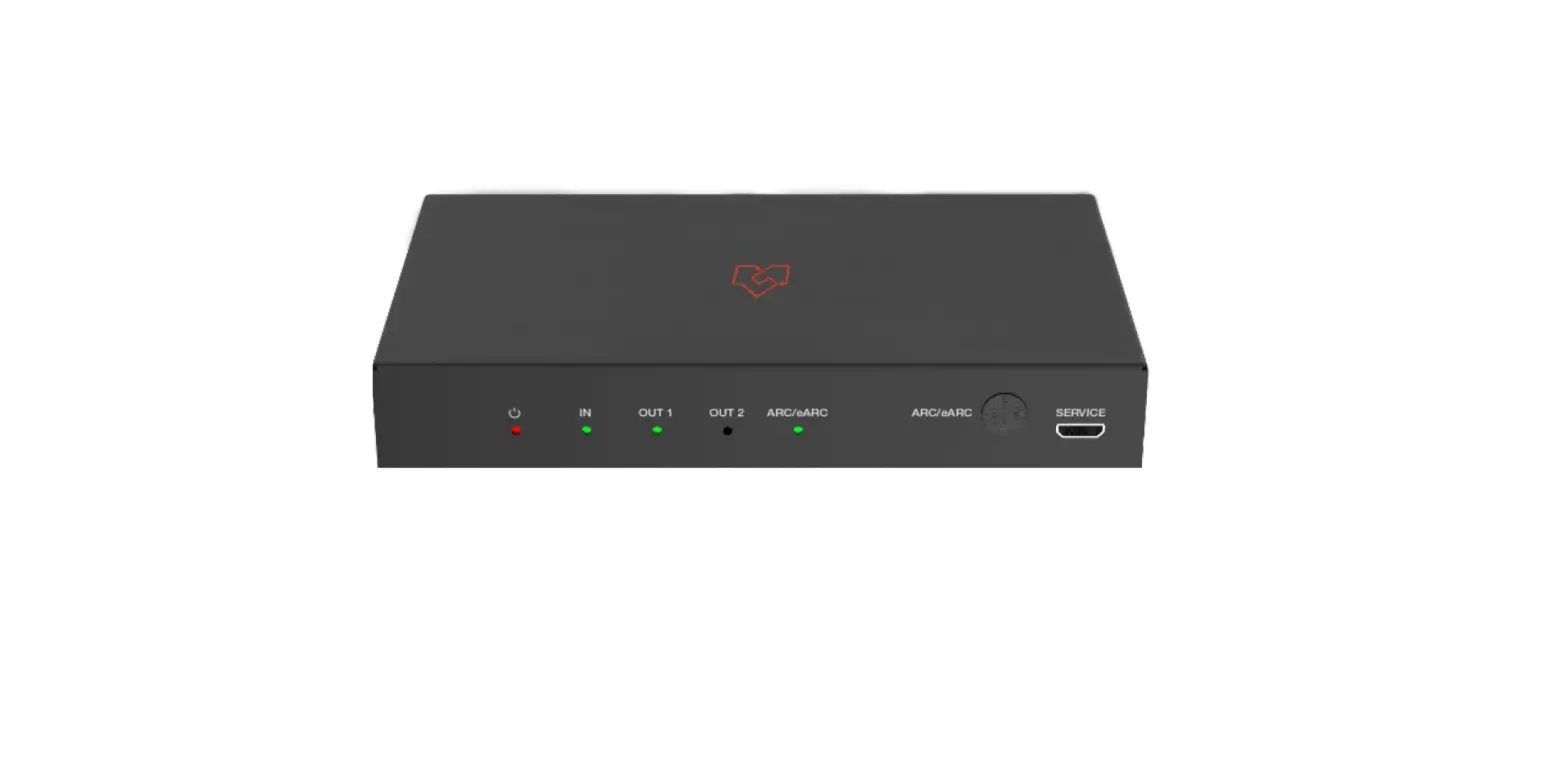
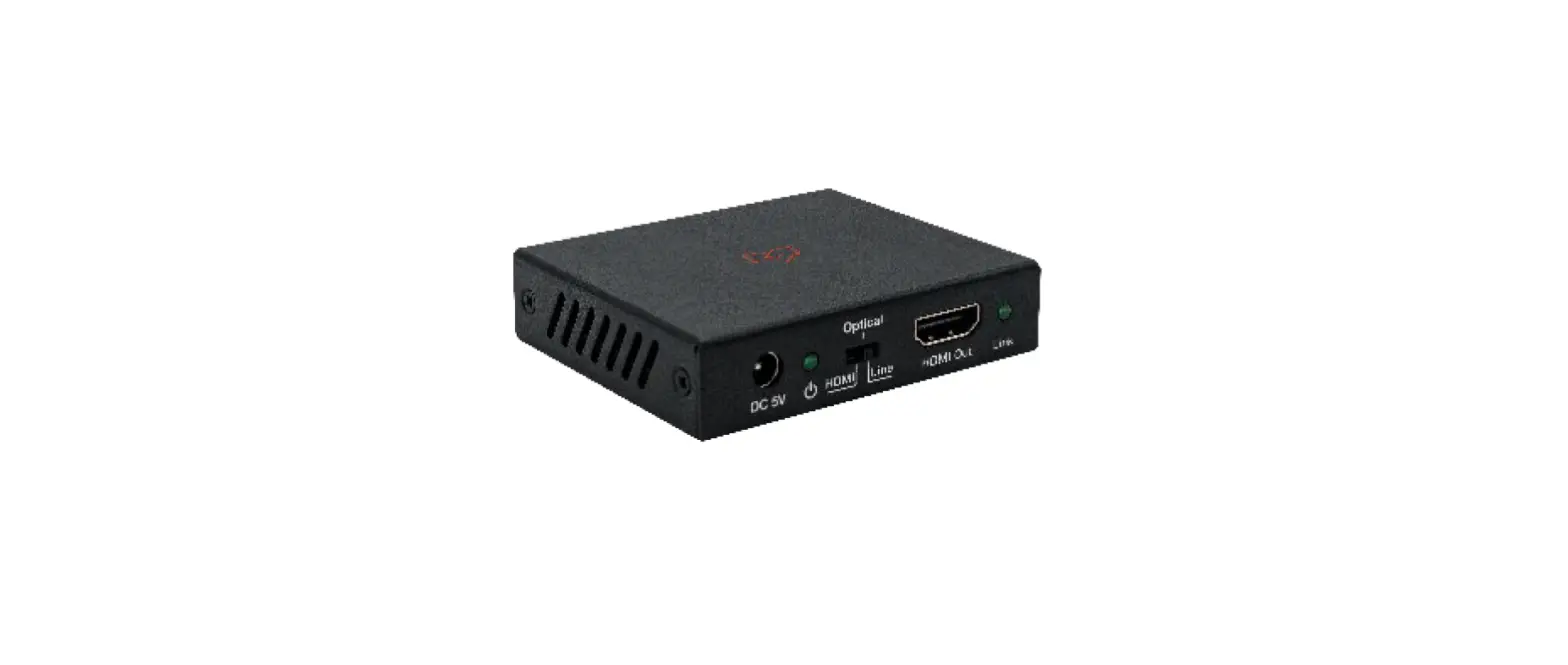
| 1 | Power LED | Red LED will be on when the device is powered on. |
| 2 | DC 5V | 1)DC 5V power supply port; 2)Firmware update port |
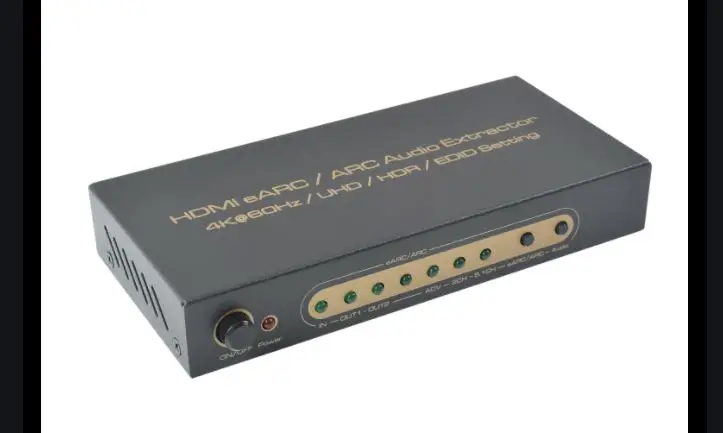
| 3 | eARC switch | The switch is used to turn on/off the eARC function: Switch to the “ON” position, and the AUDIO OUT2 port will output the eARC/ARC audio; Switch to the “OFF” position, and the AUDIO OUT2 pod will output the audio from HDMI IN port. |
| 4 | EDID switch | The switch is used to select the EDID setting: Switch to the “OUT1” / “OUT2” position, and the product will copy the corresponding EDID fromthe device connected to OUT1/ OUT2 port. If the copy fails, it will use the internal EDID of the default 1080p 2CH. |
| 5 | INPUT port | HDMI signal input port. Connect to HDMI source device. |
5.2 Right Panel
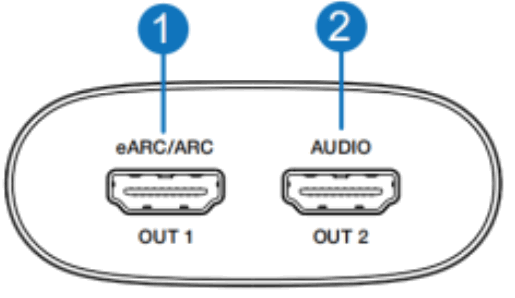
| No. | Name | Function Description |
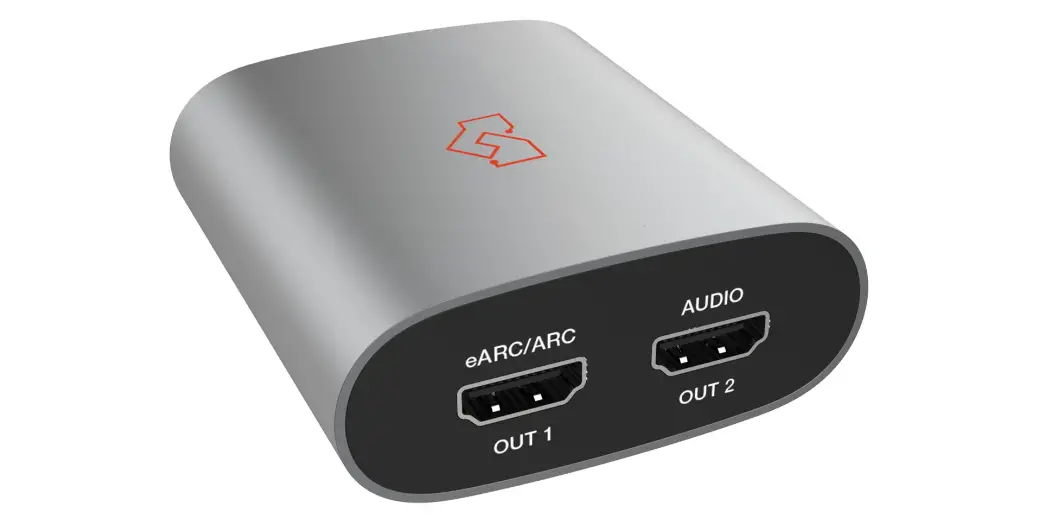
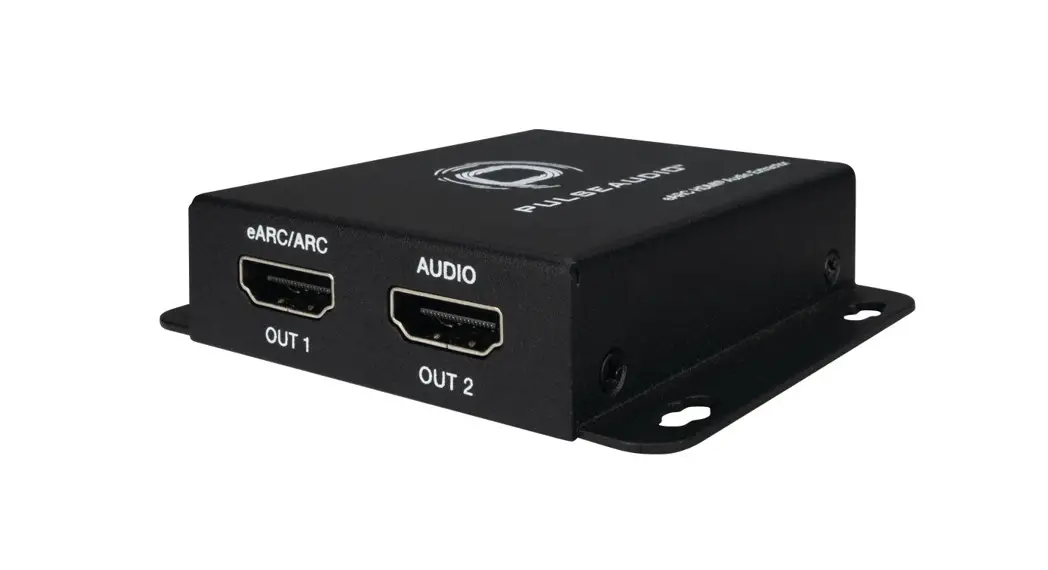
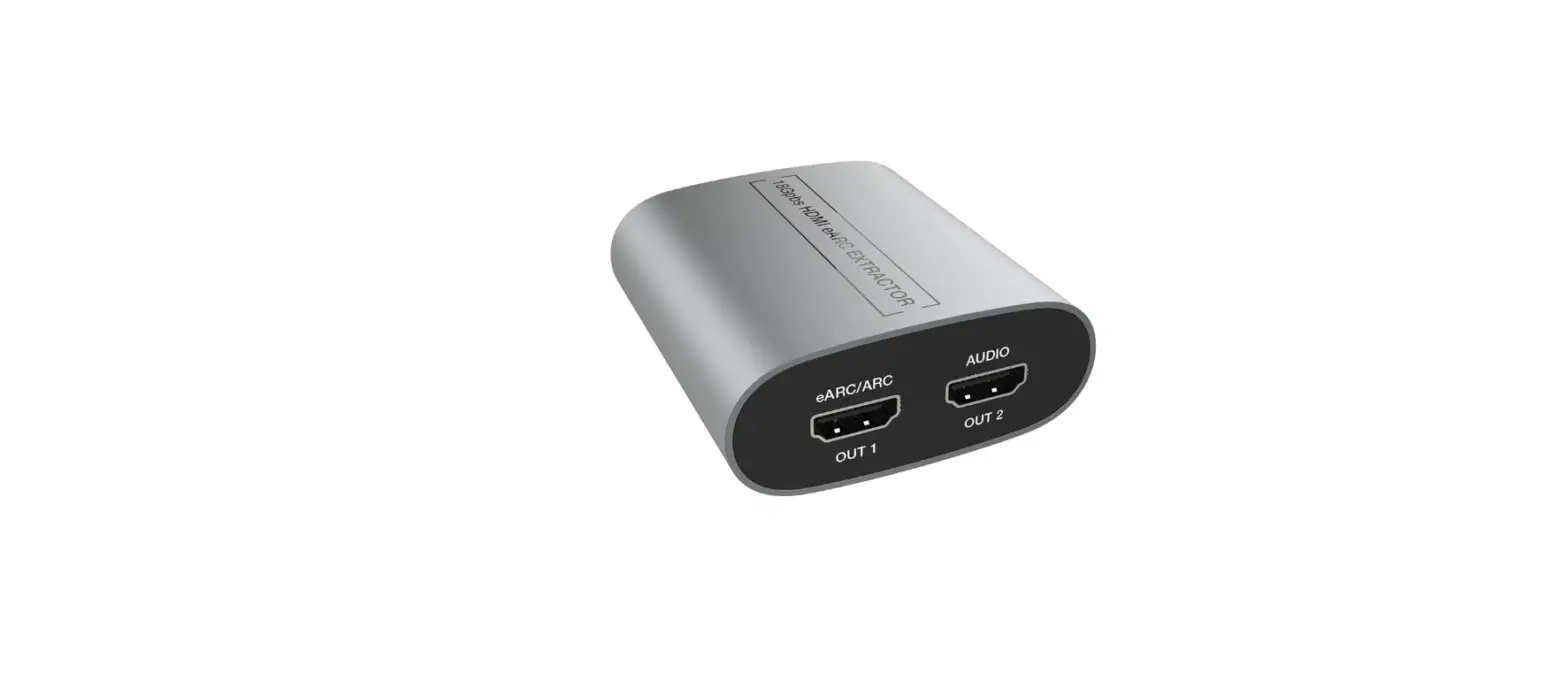
| 1 | eARC/ARC OUT 1 | TV eARC/ARC audio output port. Connect to a TV with an eARC function. |
| 2 | AUDIO OUT2 | HDMI Audio output port, connecting to amplifier or speaker. When the eARC function is enabled, this port outputs a 720p black screen, and the audio is extracted from the HDMI IN port; When the eARC function is disabled, this port outputs a 720p black screen, and the eARC audioreturned from the eARC/ARC OUT 1 port. |
Application Example
Mode 1: eARC / ARC Application
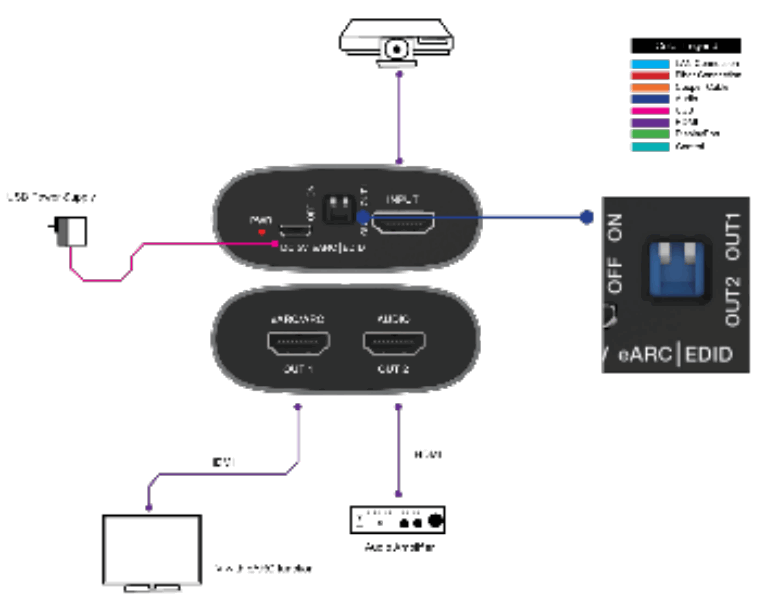
Notes:
- It is recommended not to connect any device to the INPUT port.
- Please connect the OUT 2 port to the input port of AVR.
Mode 2: Ordinary Input Application
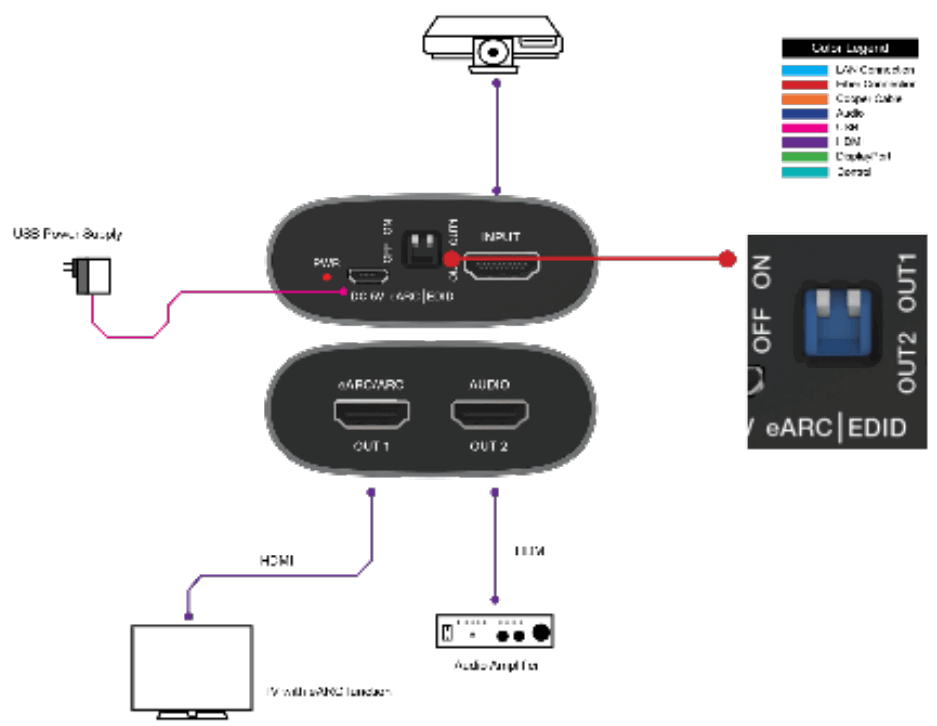
– A: Please connect the OUT 2 port to the input port of AVR, not the output port. When using the ARC/eARC function, please turn the eARC switch to ON and leave the extractor input empty. Please turn the eARC switch to OFF when in a common input application.