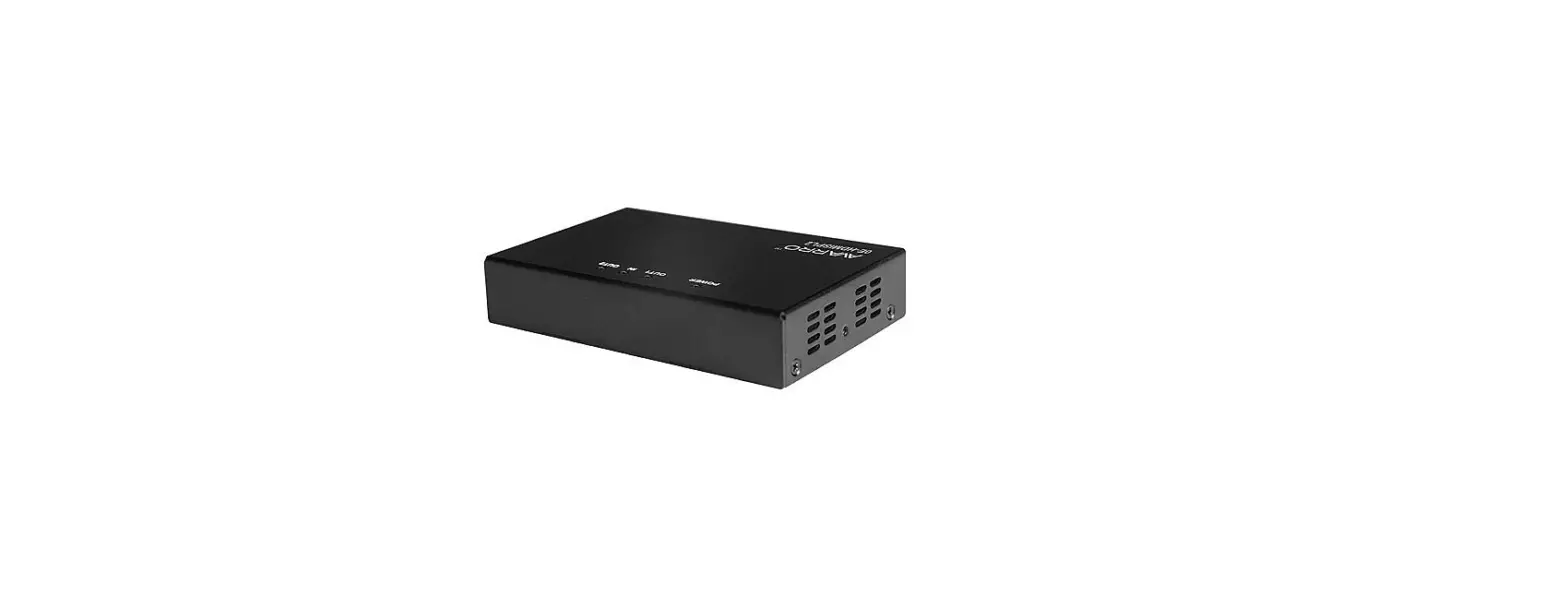
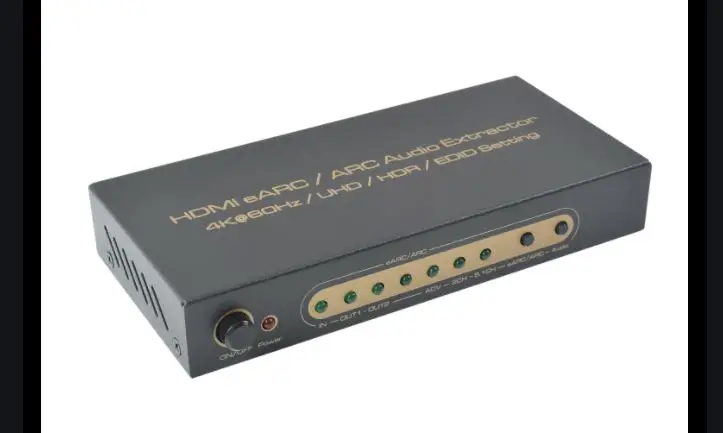
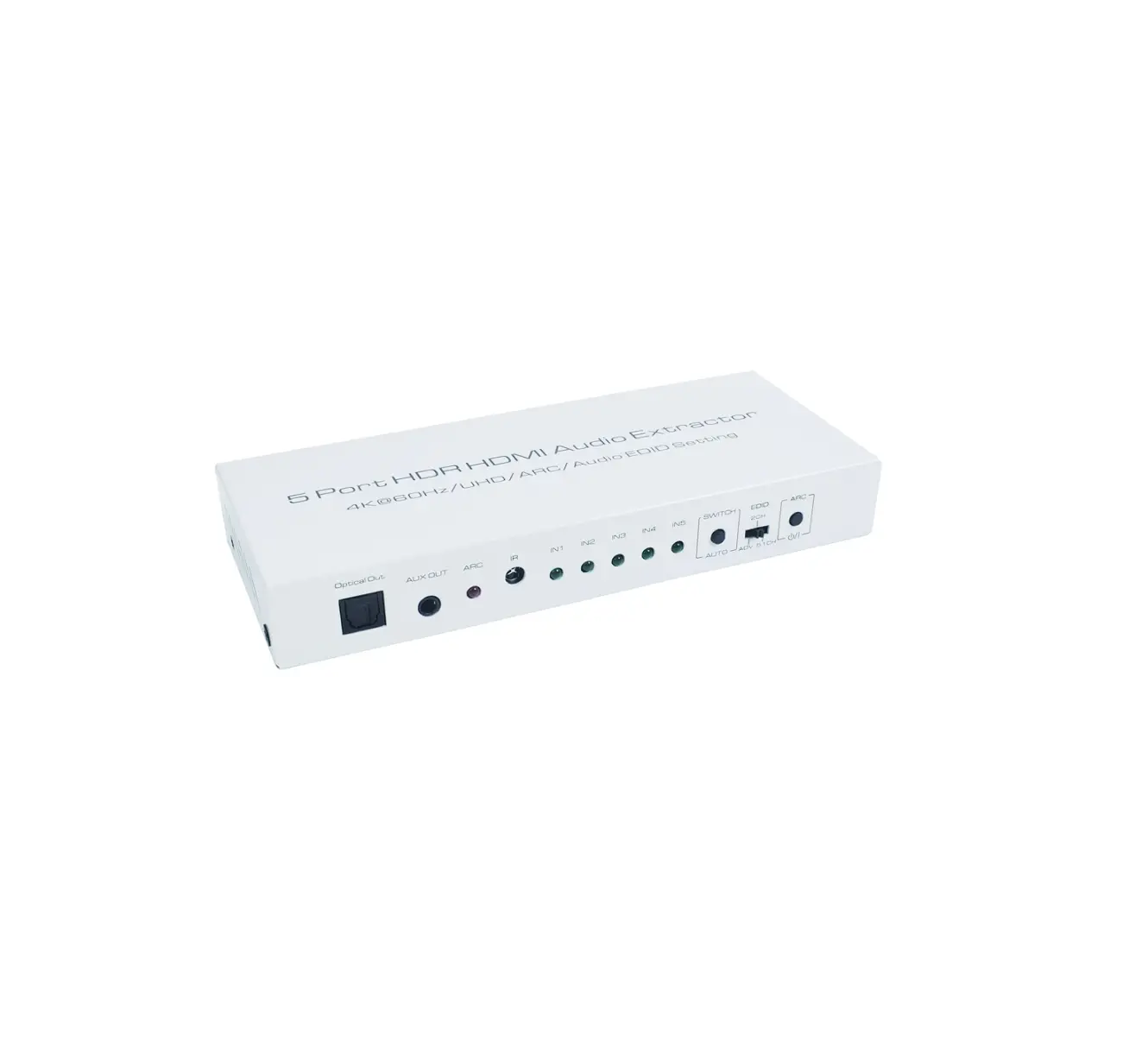
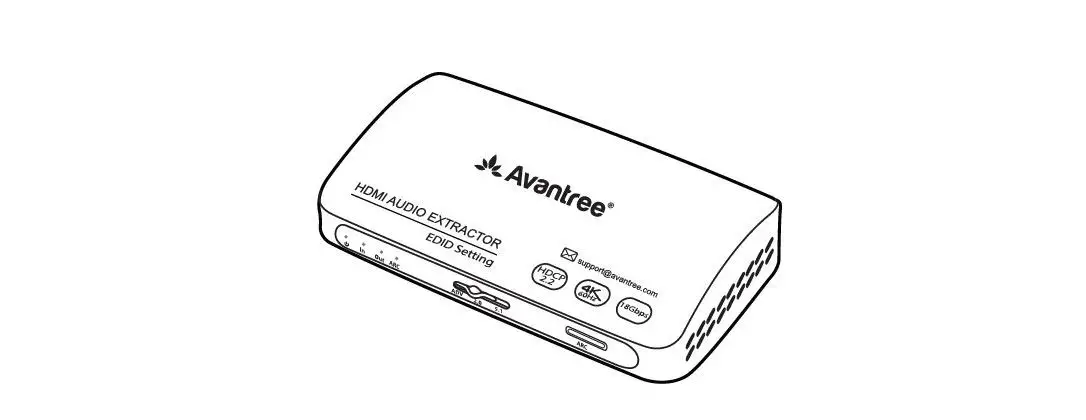
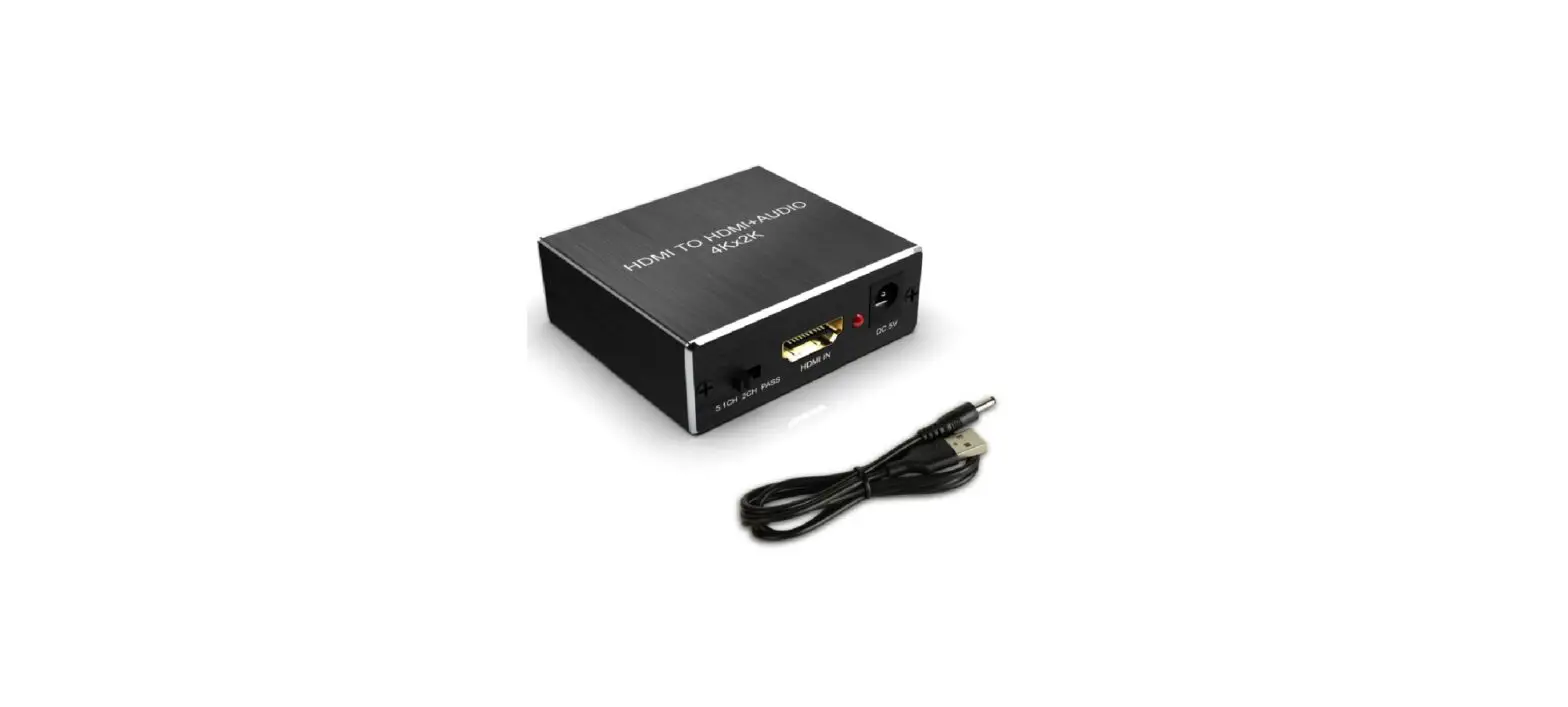
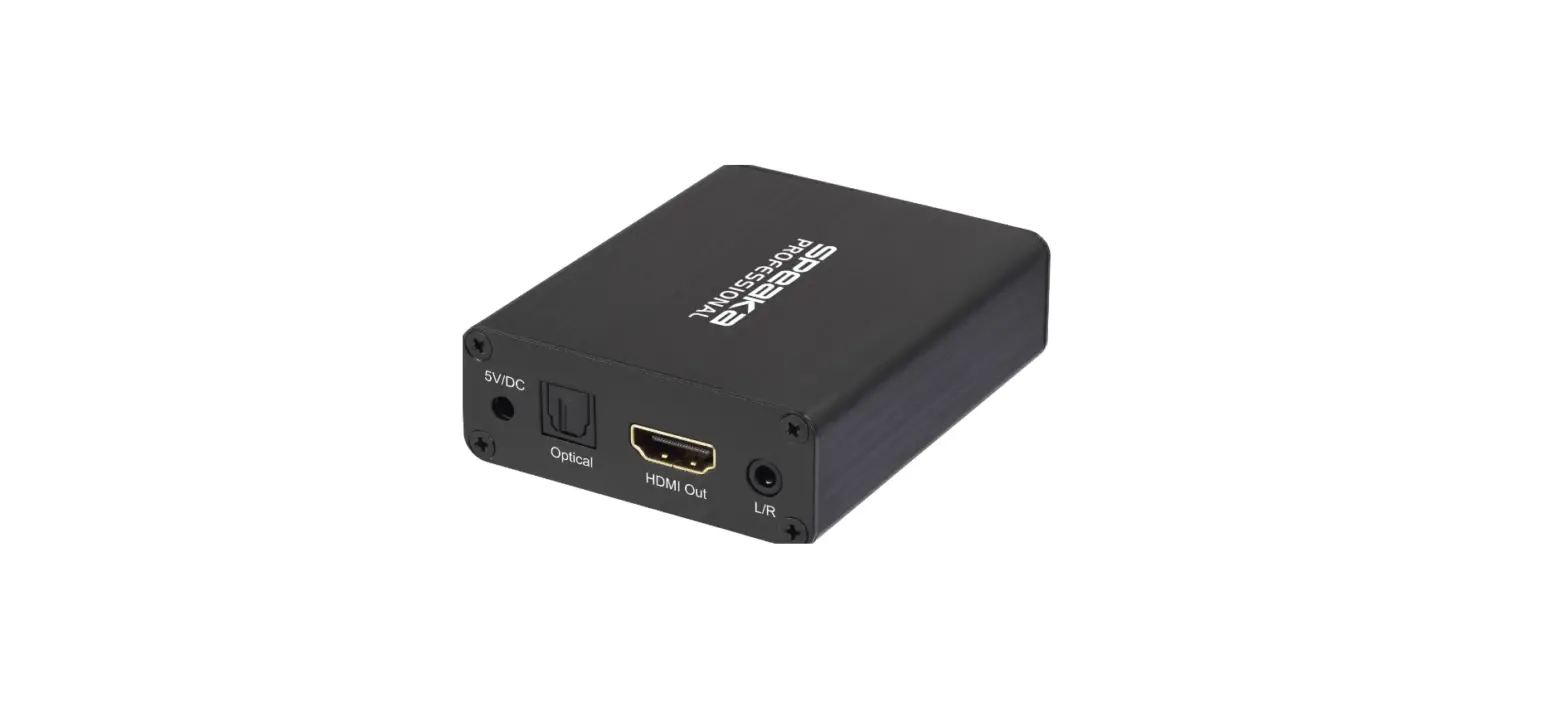
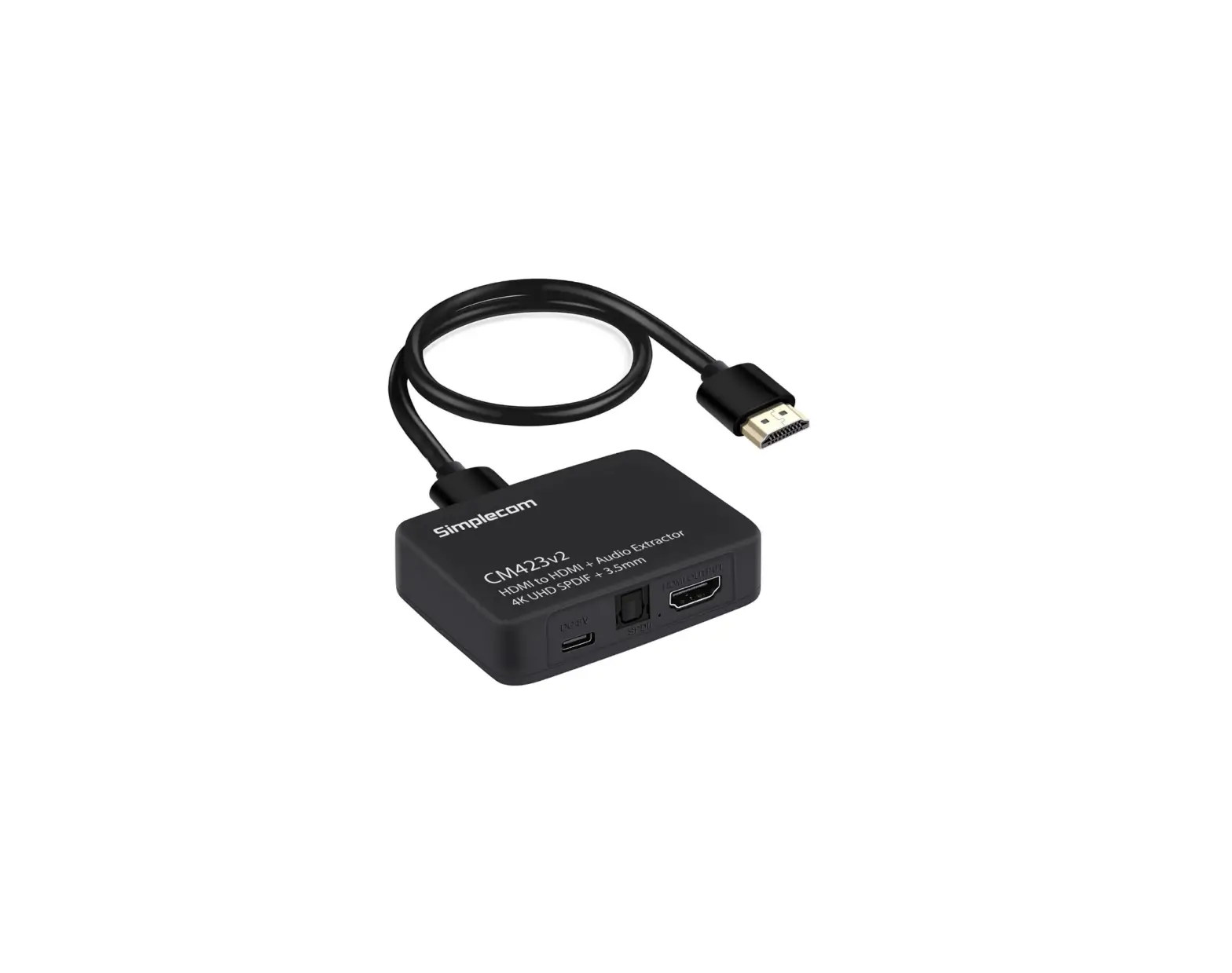
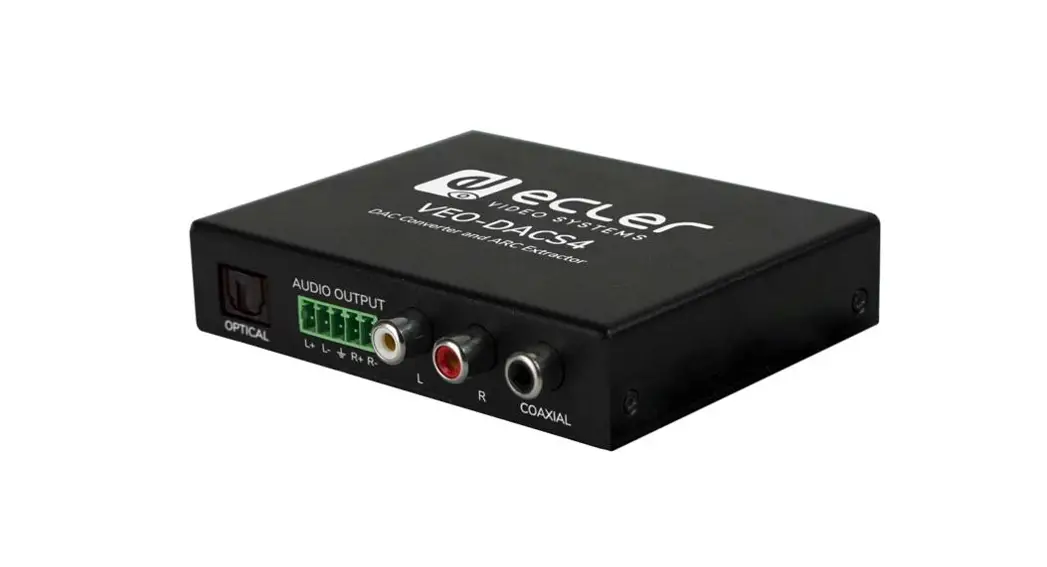
VEXT3470AT HDMI Audio Extractor
User Manual
Preface
Thank you for purchasing the Nedis VEXT3470AT.
This document is the user manual and contains all the information for correct, efficient and safe use of the product.
This user manual is addressed to the end user. Read this information carefully before installing or using the product.
Always store this information with the product for use in the future.
Product description
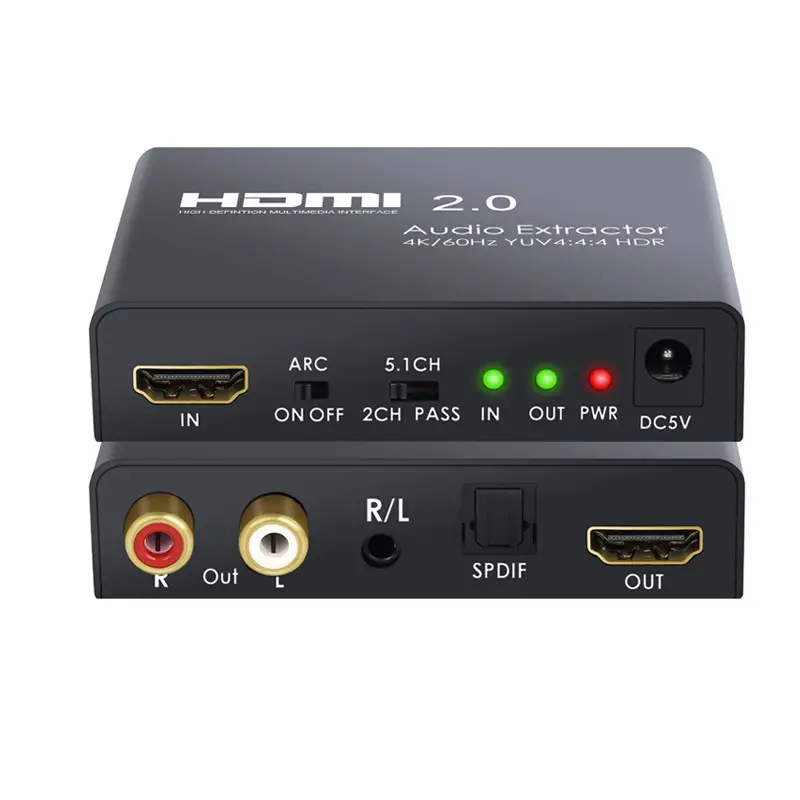
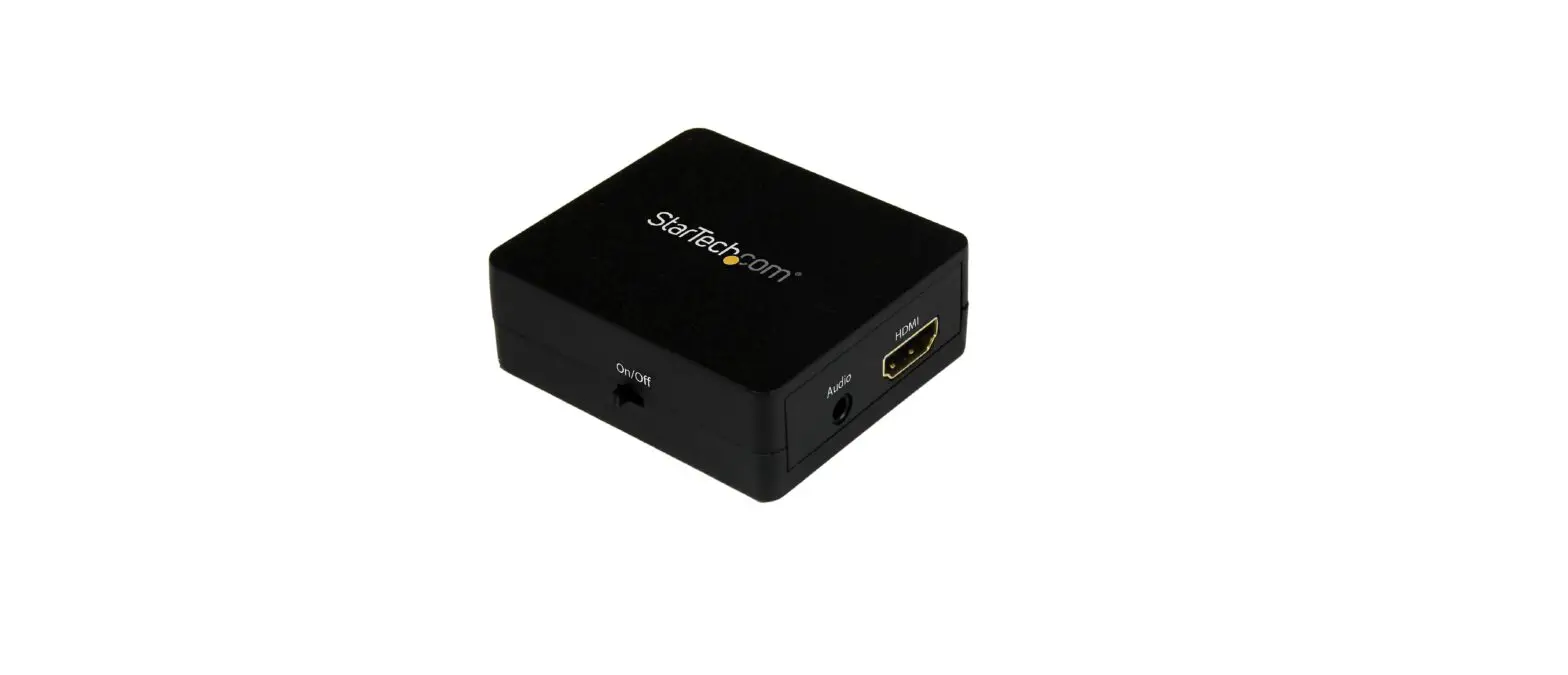
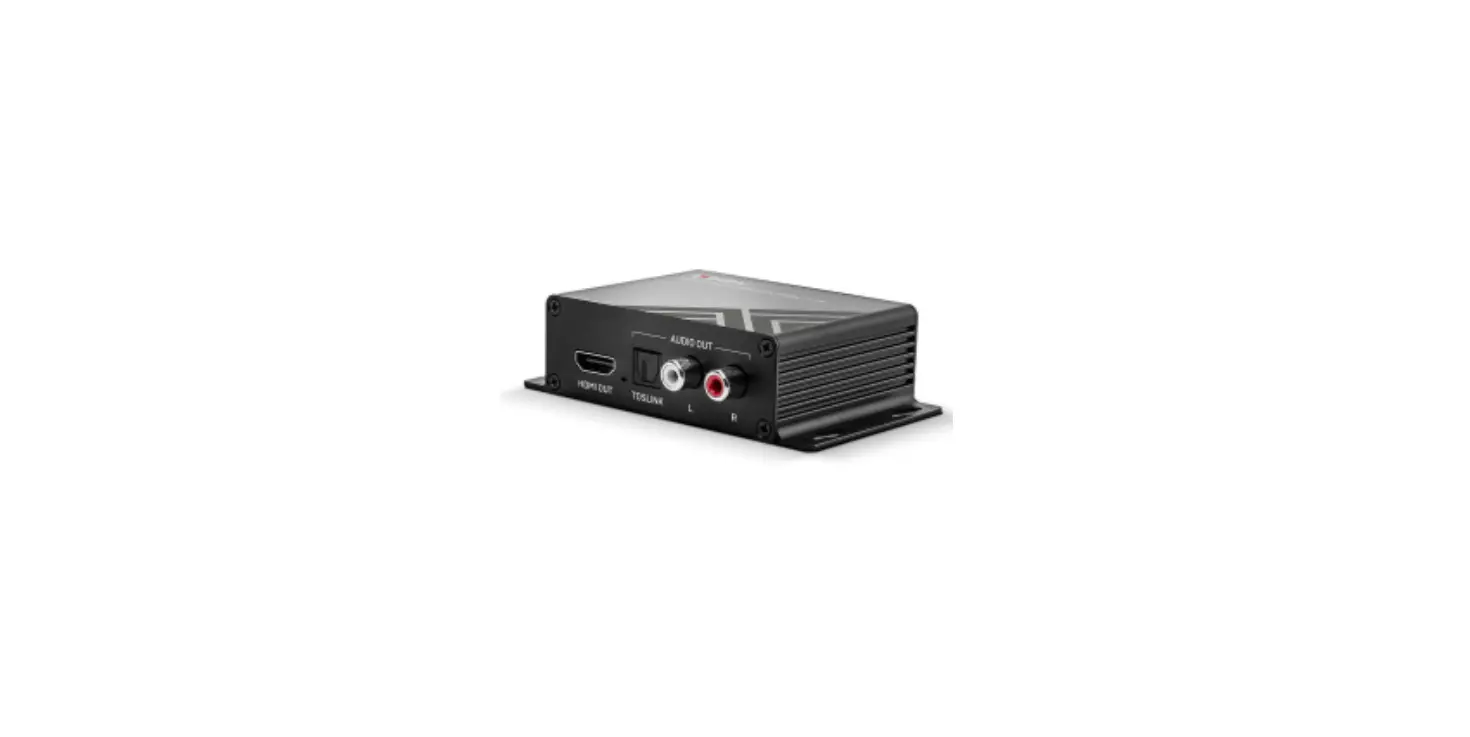
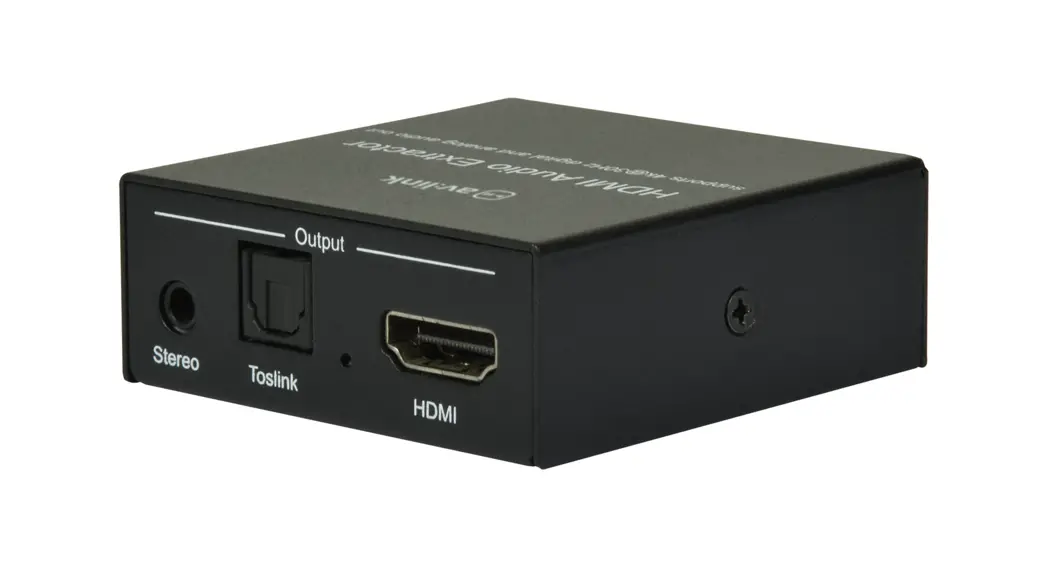
The VEXT3470AT is an audio extractor.
The product extracts audio signal from any HDMI compliant source and sends the audio to a digital optical or analog stereo L/R audio output.
Intended use
Any modification of the product may have consequences for safety, warranty and proper functioning.
Specifications
Product | HDMI Audio Extractor |
Article number | VEXT3470AT |
Dimensions (l x w x h) | 77 x 64 x 23 mm |
HDMI Compliance | HDMI 2.0b |
HDCP Compliance | HDCP 2.2 and HDCP 1.4 |
Video Bandwidth | 18 Gbps |
Video Resolutions | 4K2K @ 60 Hz (YUV4:4:4) 4K2K @ 30 Hz 1080p @ 120 Hz 1080p 3D @ 60 Hz |
Colour space | RGB YCbCr 4:4:4 YCbCr 4:2:2 |
Colour depth | 10 bit 12 bit |
HDMI Audio Formats (pass-through) | LPCM 2/5.1/7.1CH Dolby Digital 2~5.1CH DTS 2~5.1CH Dolby Digital Plus Dolby TrueHD DTS-HD Master Audio |
Optical Audio Formats | LPCM 2CH Dolby Digital 2~5.1CH DTS 2~5.1CH |
L/R Audio Formats | Analog stereo 2CH |
ESD Protection | Human body model – ±8kV (air-gap discharge) ±4kV (contact discharge) |
Input | 1 x HDMI 19 pin female |
Outputs | 1 x HDMI 19 pin female 1 x R/L audio 3.5 mm stereo mini-jack 1 x Optical S/PDIF |
Power supply Input | 100– 240 VAC 50/60 Hz |
Power supply Output | 5 VDC / 2 A |
Operating temperature | 0 °C – 40 °C |
Storage temperature | -20°C – 60°C |
Relative humidity | 20 – 90% RH (no condensation) |
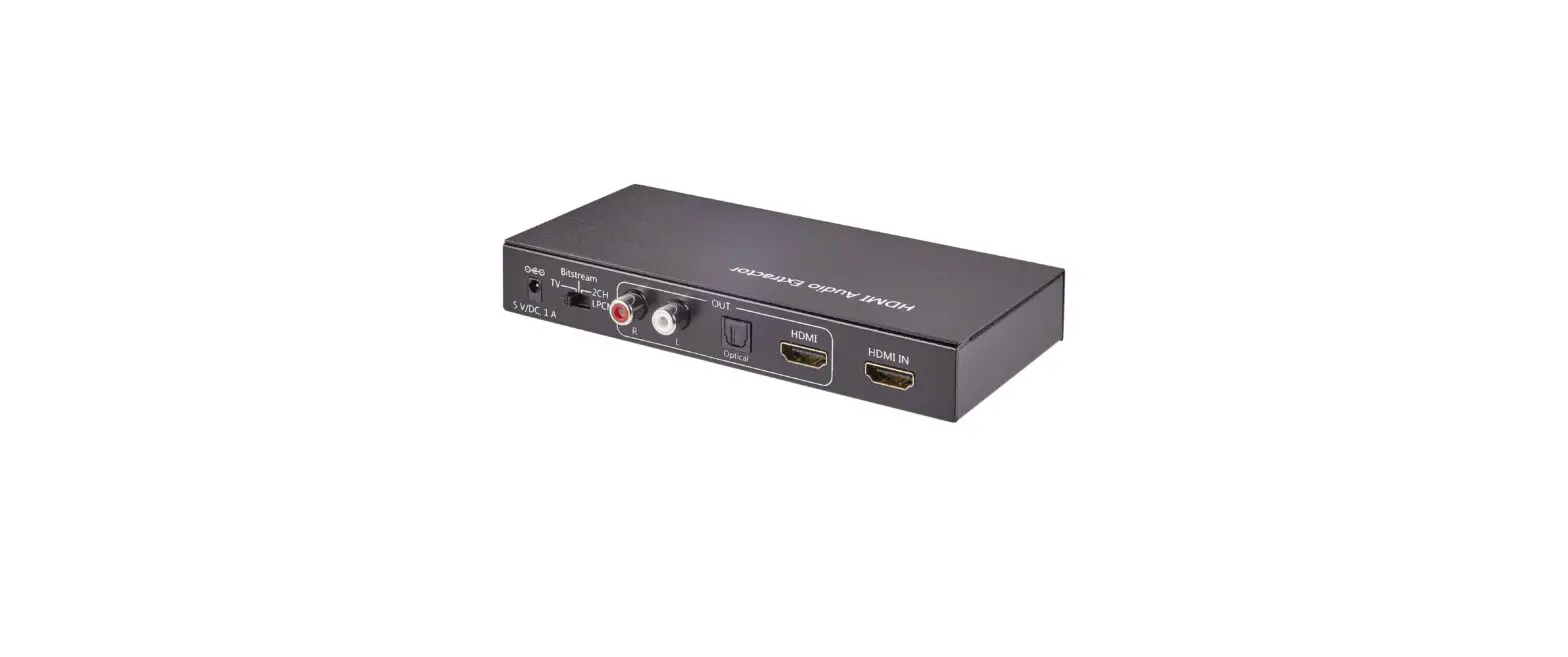
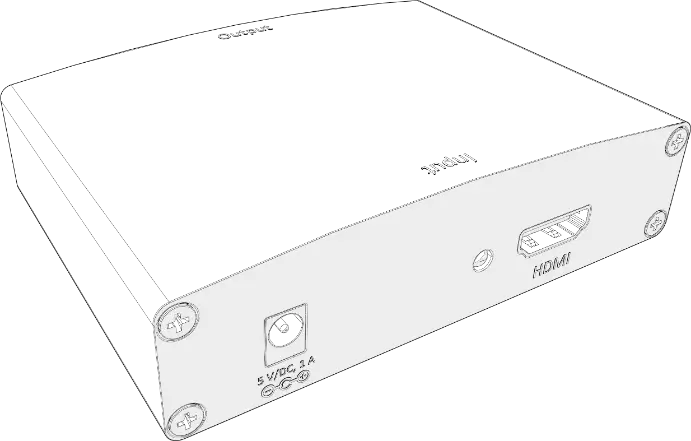
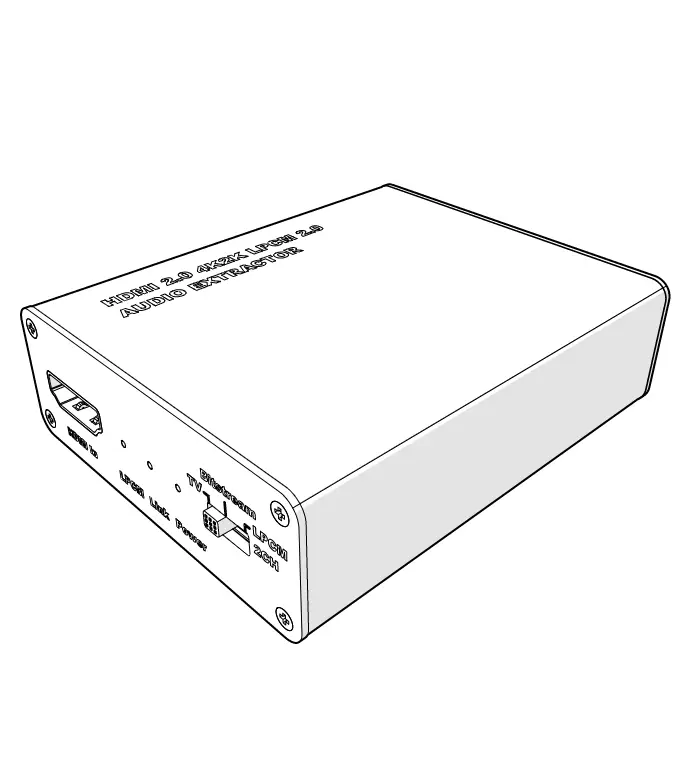
Main parts (image A)
 |
A |
1. HDMI input |
2. Indicator LED |
3. EDID |
4. Power supply port |
5. Optical output |
6. HDMI output |
7. L/R output |
8. Power cable |
Safety instructions
WARNING
- Only use the product as described in this manual.
- Do not use a damaged product.
- Do not expose the product to direct sunlight, naked flames or heat.
- Do not expose the product to water or moisture.
- Place the product on a stable and flat surface.
- Do not drop the product and avoid bumping.
- Do not open the product.
- Keep the product out of reach from children.
Use
1. Plug A8 into A4.
2. Plug the other end of A8 into a power outlet.
3. Plug an HDMI cable (not included) from a DVD or Blu-ray Player into A1.
4. Plug an optical cable (not included) from an amplifier or sound system into A5.
5. Plug the other end of a HDMI cable from a display into A6.
6. Plug the speakers into A7.
7. Select the output with A3.
- A2 light up the selected output.
Maintenance
- Clean the product regularly with a soft, clean, dry cloth. Avoid abrasives that can damage the surface.
- Do not use aggressive chemical cleaning agents such as ammonia, acid or acetone when cleaning the product.
Warranty
Any changes and/or modifications to the product will void the warranty. We accept no liability for damage caused by improper use of the product.
Disclaimer
Designs and specifications are subject to change without notice. All logos, brands and product names are trademarks or registered trademarks of their respective owners and are hereby recognized as such.
Disposal
 | This symbol indicates that this product should not be thrown away with other household waste throughout the EU. To prevent possible harm to the environment or human health by uncontrolled waste disposal, you are responsible for recycling it so that it can promote the sustainable reuse of raw materials. To return your used product, you can use the regular return and collection systems or contact the store where the product was purchased. They can recycle this product for the environment. |