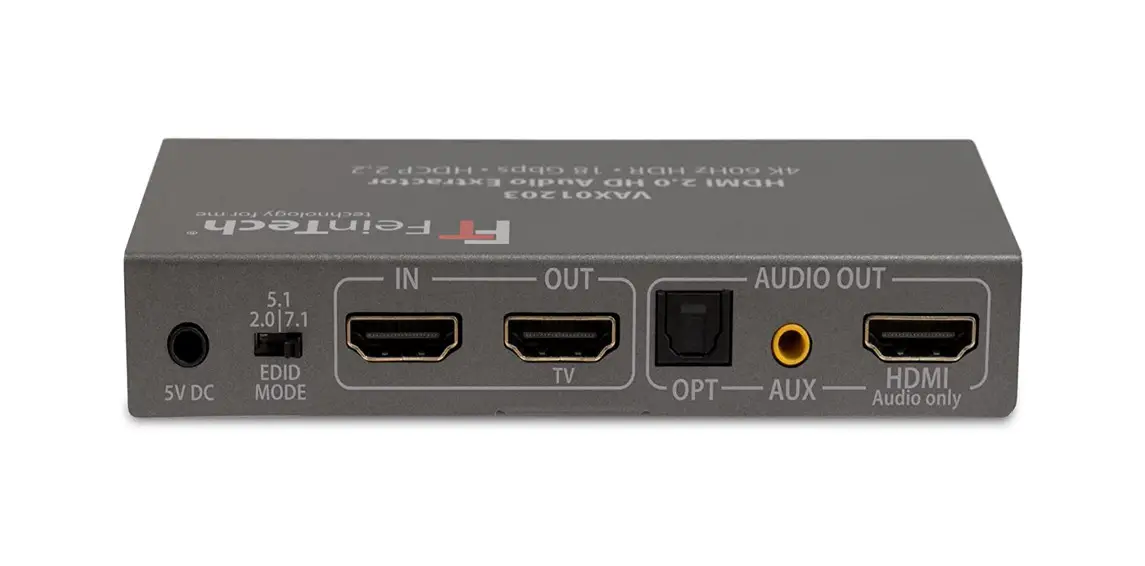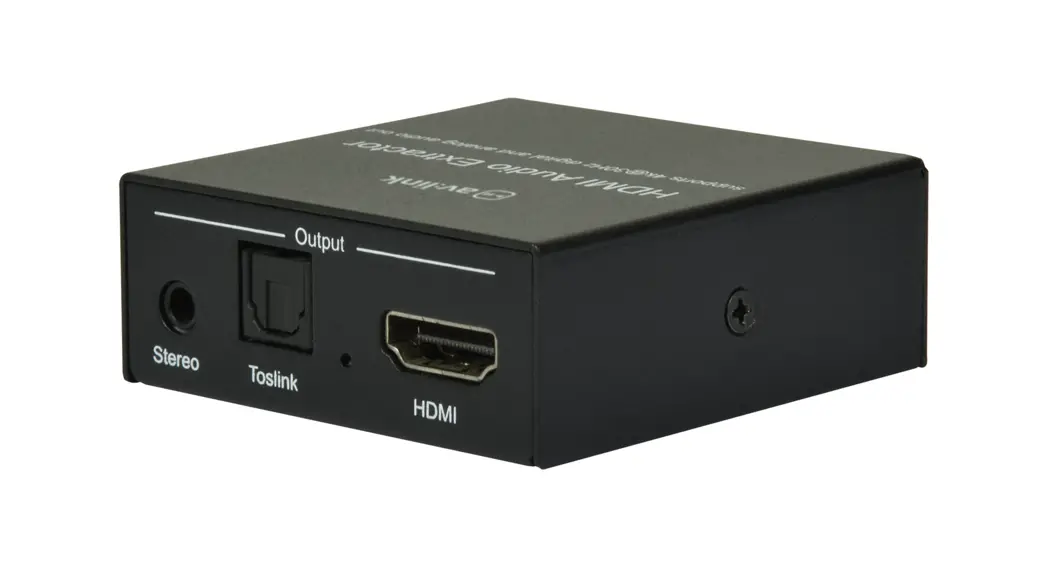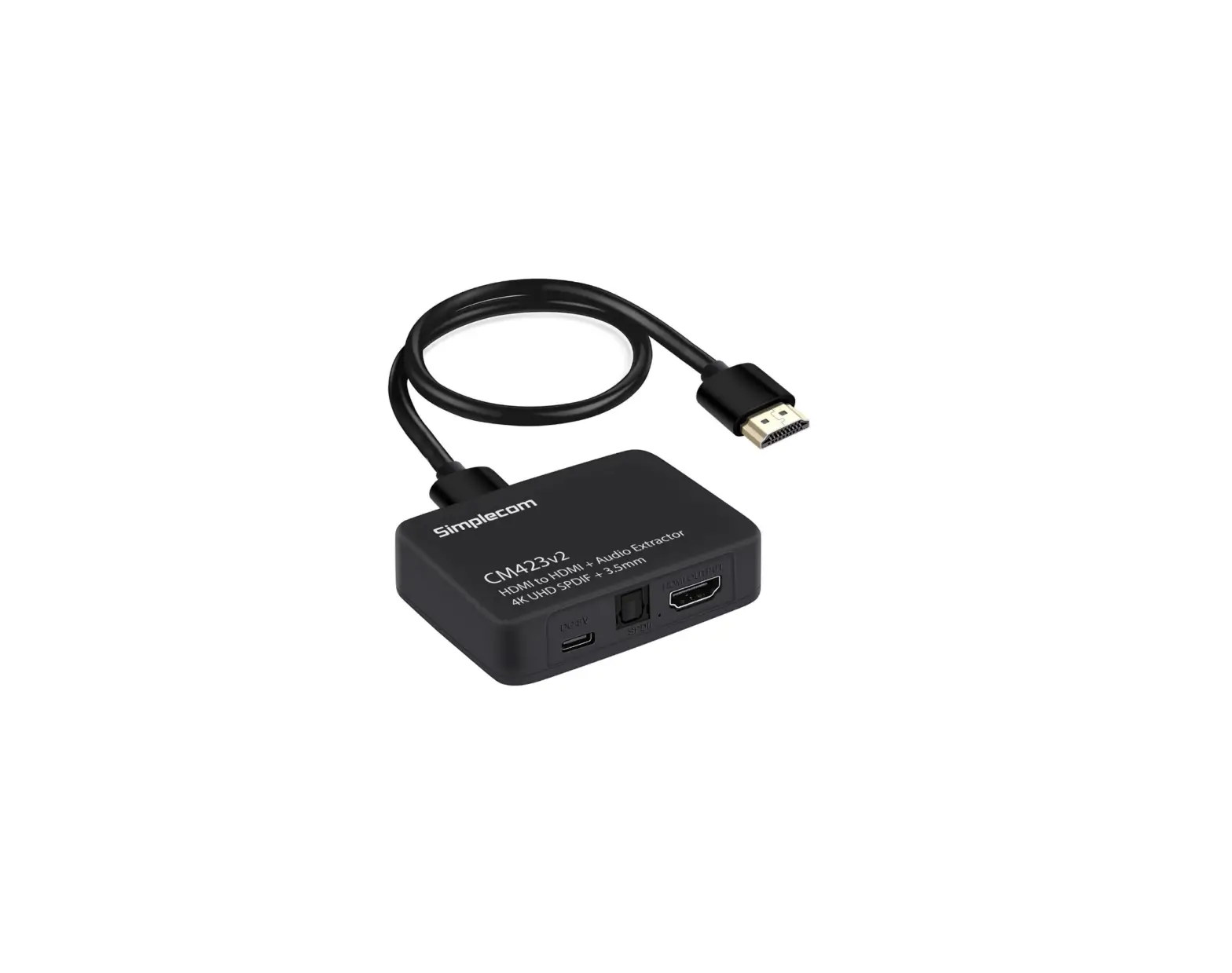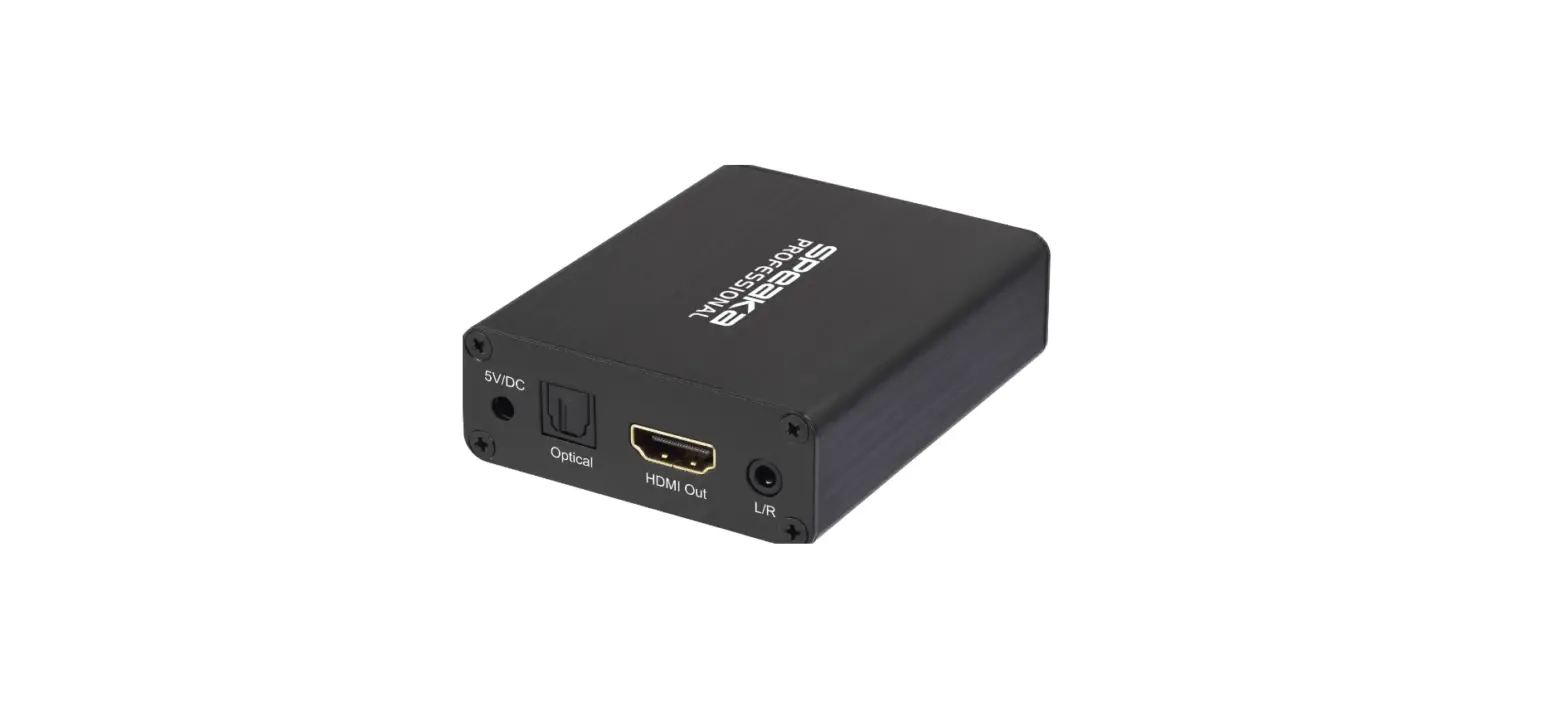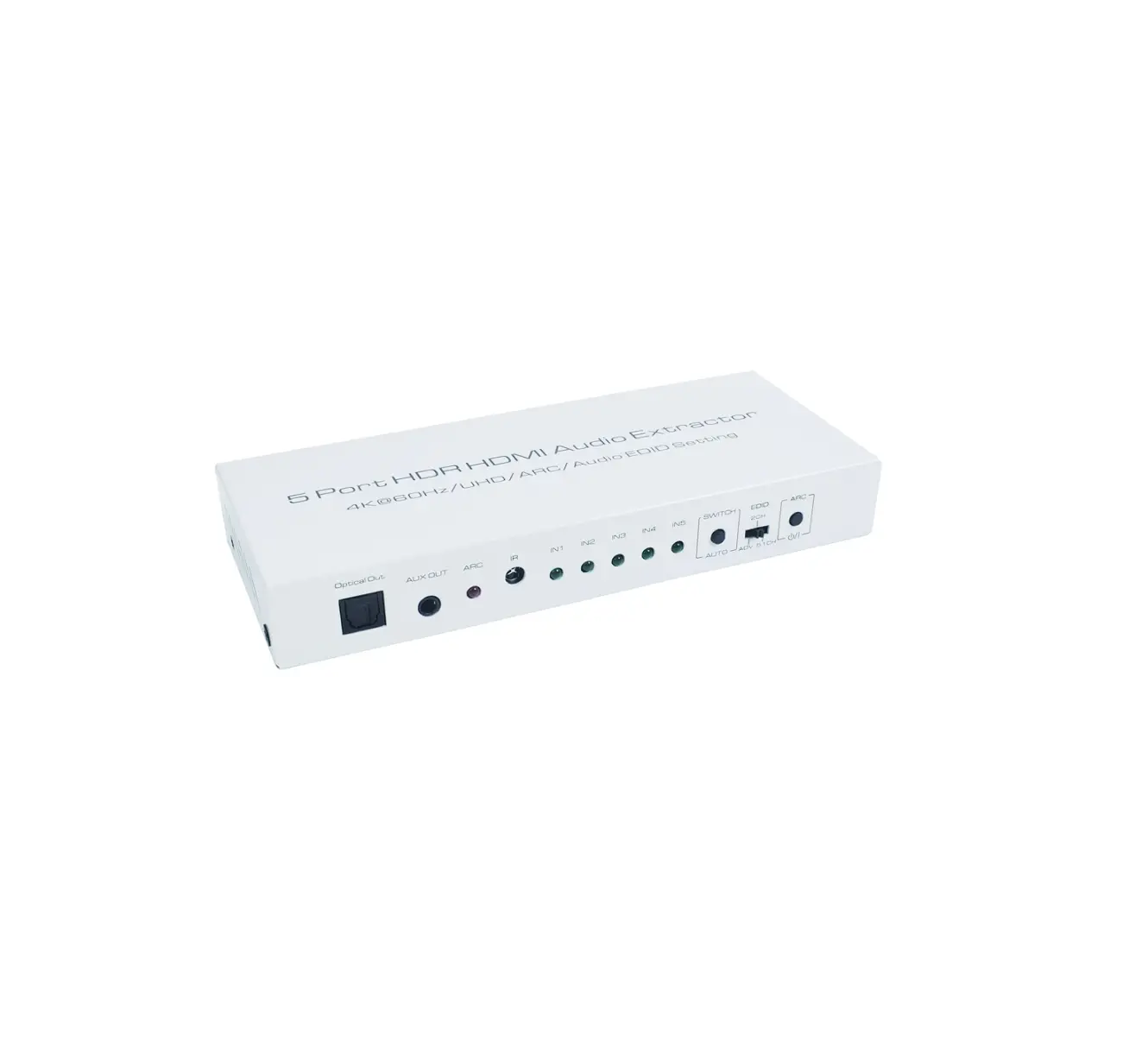
US ELECTRONICS AA6312 5 Port HDR HDMI Audio Extractor
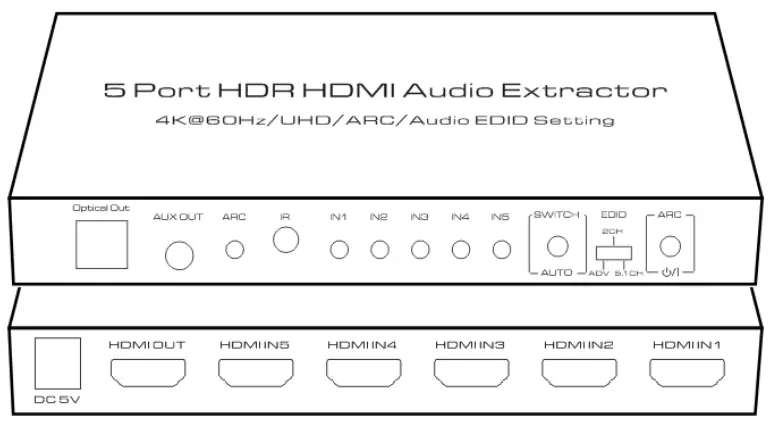
FEATURES OF THE INTERFACE
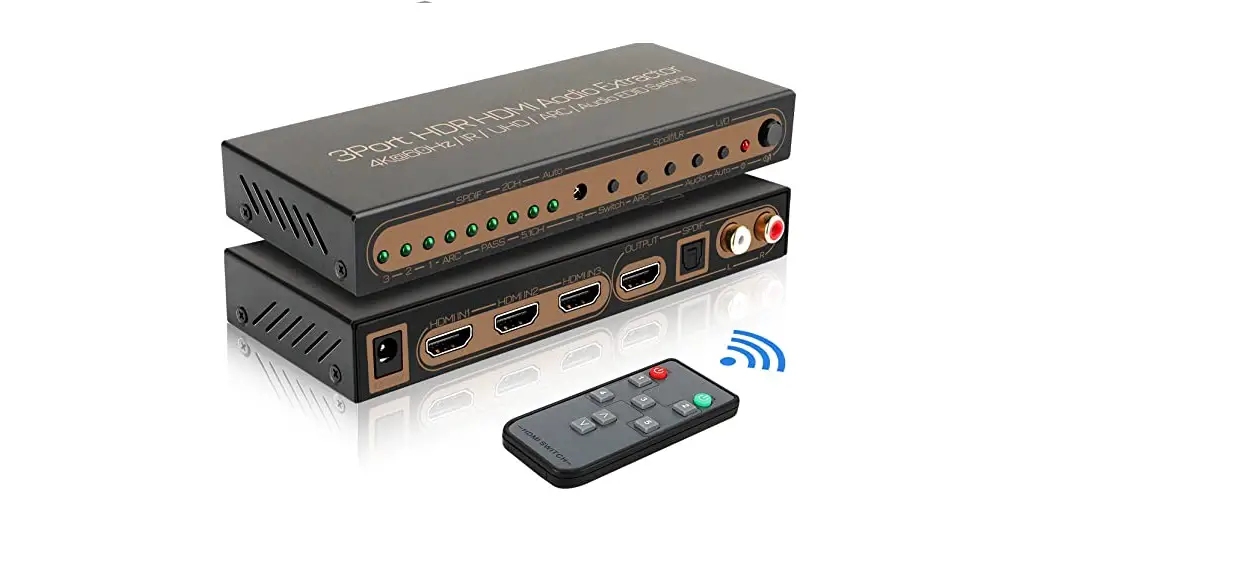
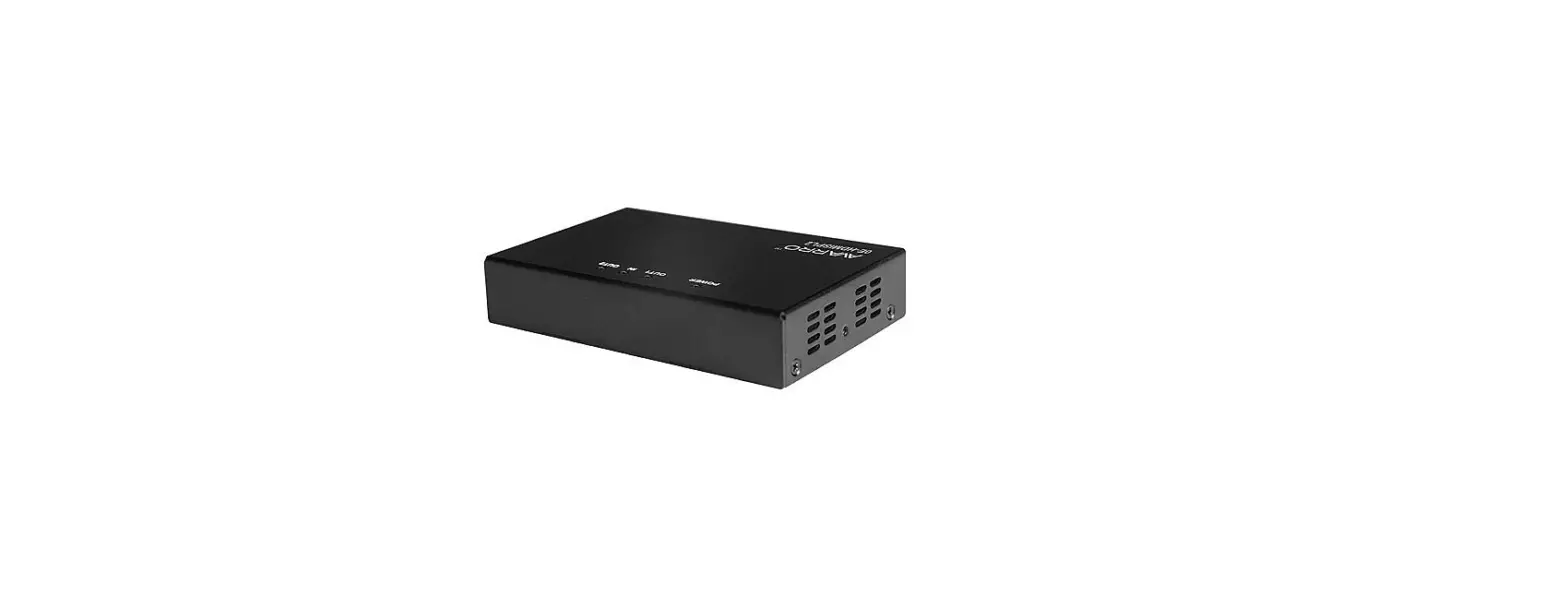
Picture 1.0 front panel view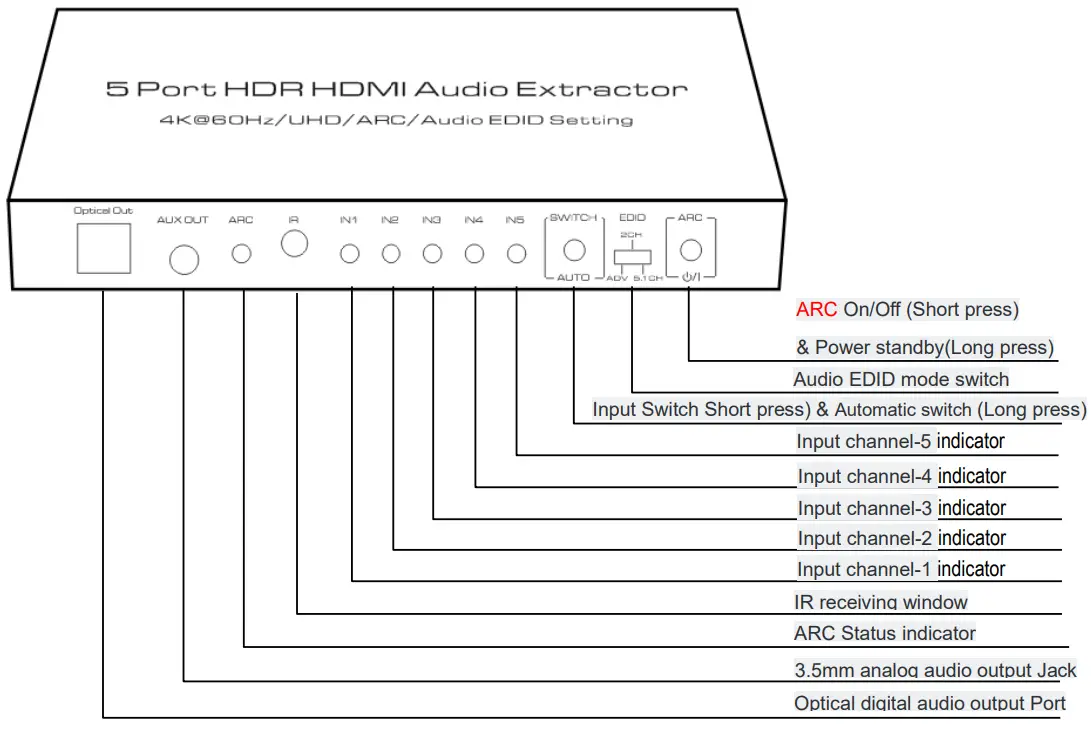
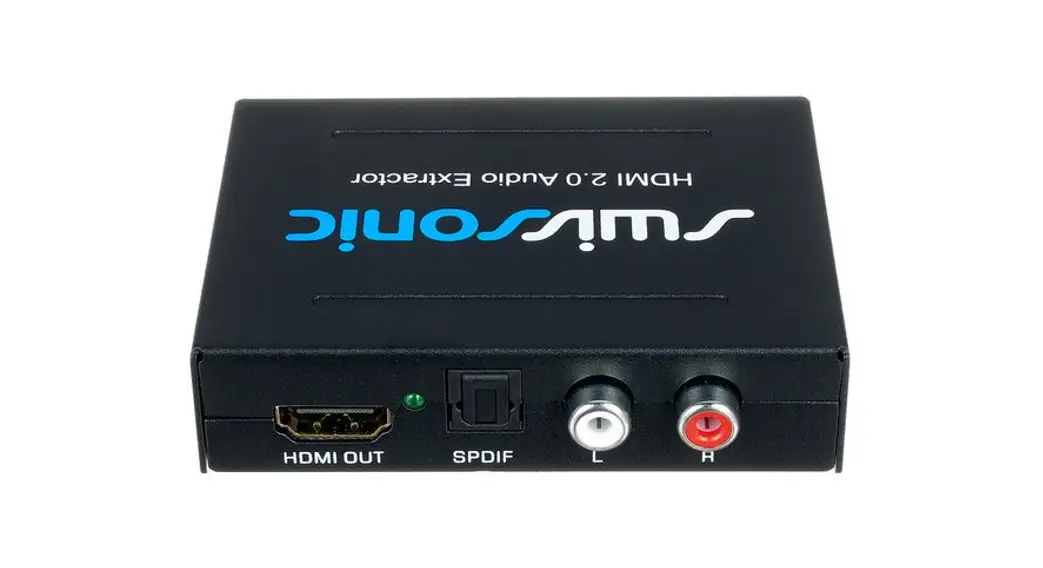
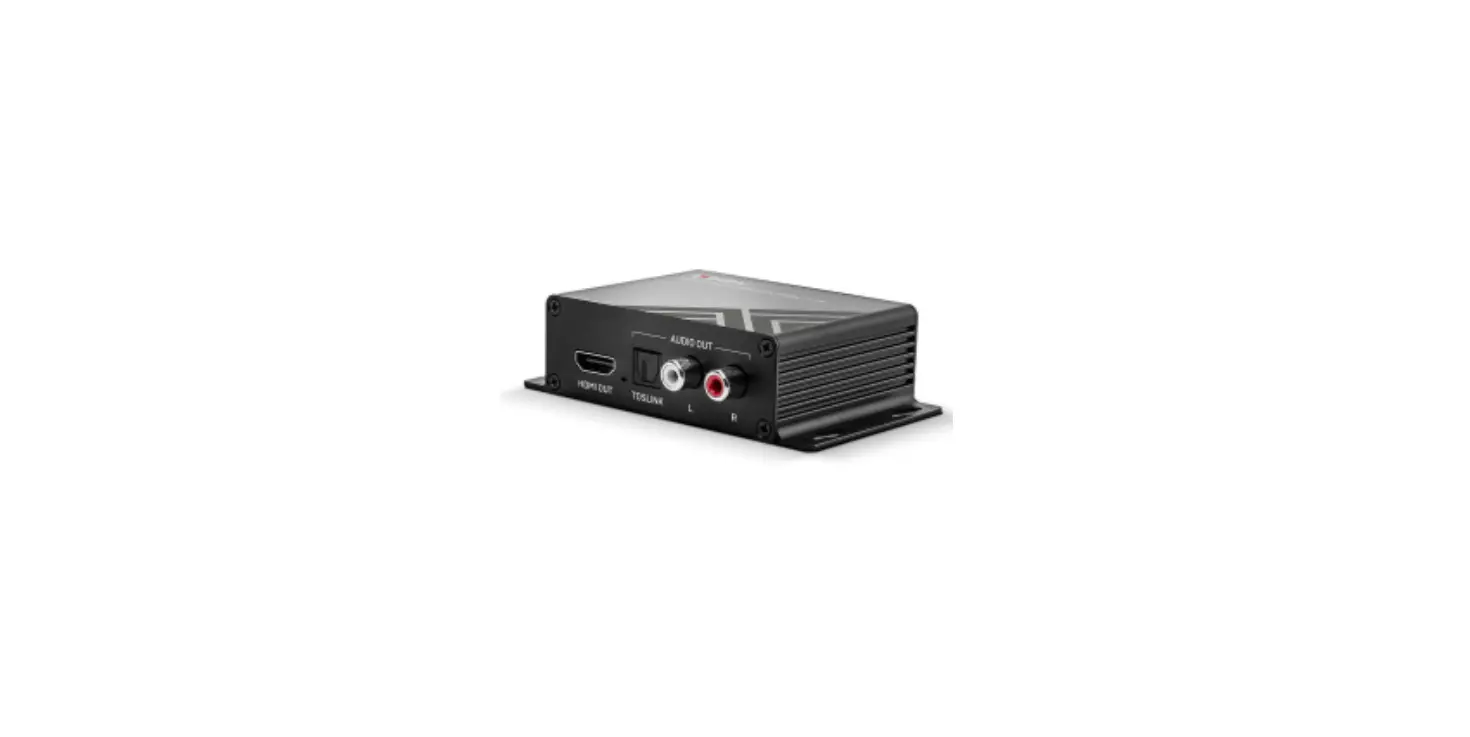
Picture 1.1 rear panel view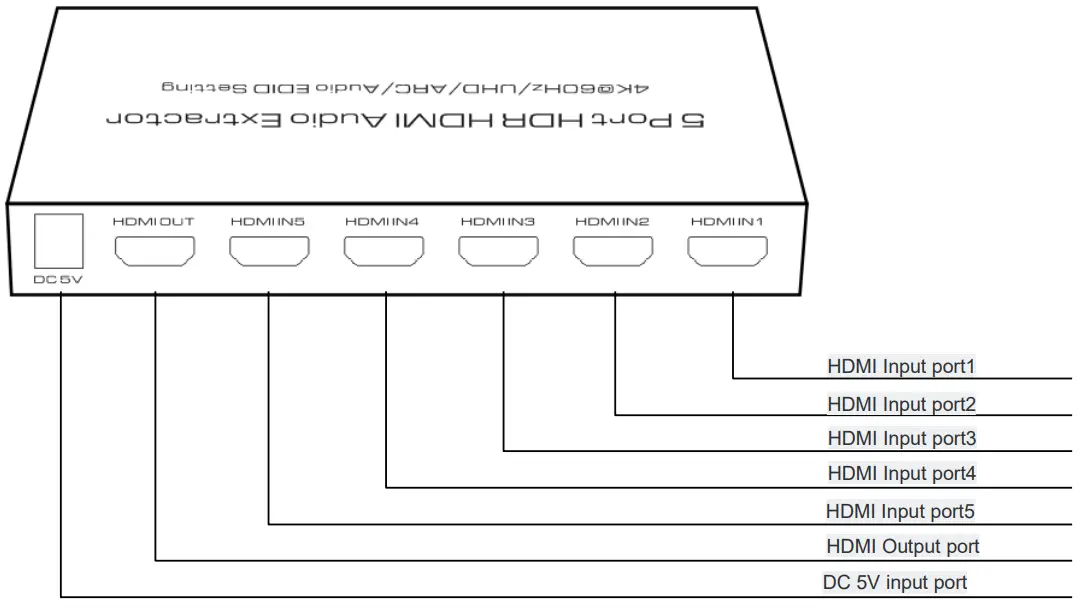
Picture 1.2 IR panel view and function introduction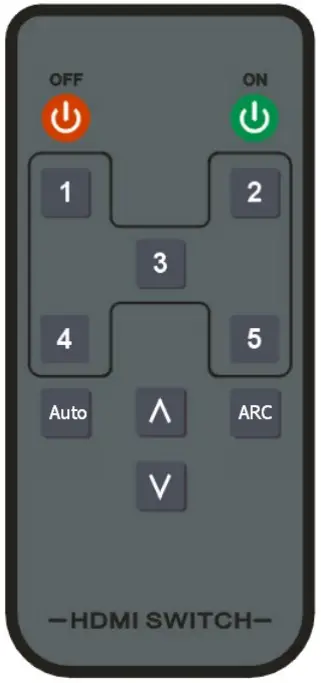
Remote keys | Panel keys | Functional description |
 |  | Power standby on/off button Press the Panel key more than 3 seconds to enter the standby mode |
CH1~5 | SWITCH | Input source channel selection |
AUTO | AUTO | Auto switch function enabled or disabled. Press the Panel key more than 3 seconds to enable or disable this function. |
∧/∨ | SWITCH | Loop switch the input channels in order 1-5 |
ARC | ARC | ARC (Audio Return Channel ) on/off |
* Please take out the film at the rear of the remote before you use. Please insert the film to remote rear if you do not use the remote for long time.
Connection and operation:
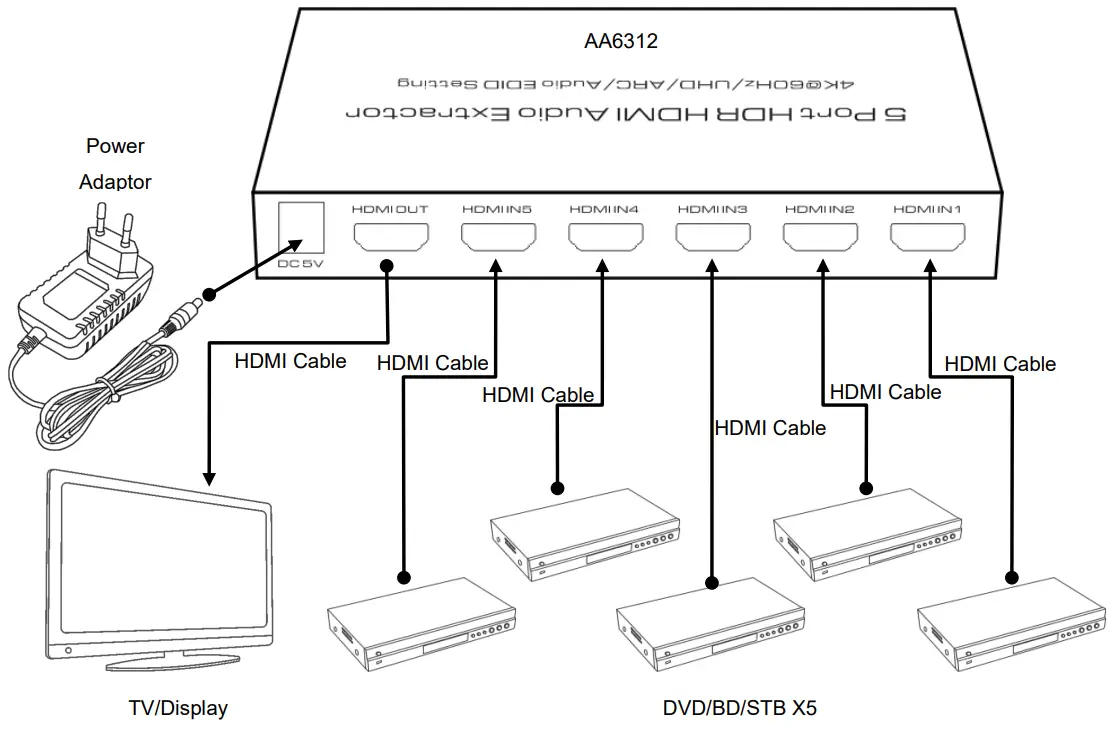
Matters needing attention:
- Before using ARC, make sure your TV HDMI port supports ARC and the arc have been turned on.
- When the ARC is enabled, the product extracts audio from the TV HDMI ARC port. Audio signal will be output from the optical port, while AUX port has no output at this time. When the ARC function is disabled, the optical and AUX output audio extracted from the HDMI input source.
- Function description of “Audio EDID mode switch”
By selecting different EDID modes, the audio EDID information of the display device can be changed to make the signal source output the corresponding audio formatAudio EDID mode
Description Suitable situation
ADV The audio output format is determined by the EDID information of the HDMI output connected equipment.
You can get the best sound quality in this mode. But Optical and AUX ports may not have sound output because the format is not supported.Recommended HDMI output 2CH All ports priority output the stereo audio in this mode. Recommended
AUX output5.1CH
Priority output 5.1 channel bit stream in this mode. In this mode, AUX port may not have sound output because the format is not supported. Recommended Optical output - Function description of “Auto switch”
The Switch can sup port input channel Auto Switch function, it can auto jump to the input channel port that just have HDMI Cable connected(means have new Signal Source connected); it can also auto jump to other input channel port that have signal input if the current channel signal source is closed (Power needs to be cut off for some equipment) or the current input port HDMI cable is taken out. The Auto function can be turned on/off by the pressing the【AUTO】key at the panel or remote. When the input channel led indicator flash for one time, the auto switch is turned on; when the input channel led indicator flash for three times, the auto switch function is closed.
SPECIFICATIONS:
| Model No. | AA6312 |
| Model name | 5 Port HDR HDMI Audio Extractor |
| Input channel | HDMIx5, DCx1 |
| Output channel | HDMIx1, Opticalx1, AUXx1 |
| Video format | 480P/720P/1080P/2160P@60/50/30/25/24(Support1080P@120) Supports HDR and Dolby Vision |
| Deep color | 8/10/12Bit@1080P, 8Bit@2160P |
| Audio format | Dolby HD/DTS HD/Dolby Atoms/Dolby AC3/DTS/LPCM etc. |
| Transmission bandwidth | 600MHz Max. |
| Transmission rate | 18Gbps Max. |
| Input cable length | 2160P/AWG 26 ≤5m;1080P/AWG 26 ≤10m |
| Output cable length | 2160P/AWG 26 ≤5m;1080P/AWG 26 ≤12m |
| Power adapter specification | Input: AC 100~240V / Output: DC 5V/1A |
| Max working current | 500mA |
| Working temperature range | -5 ~ +40℃ |
| Working humidity range | 5 to 85%RH(No Condensation) |
| Storage temperature | -15 to 55℃ |
| Storage humidity | 5 ~95%RH(No Condensation) |
| Size | 159*64*22 (mm) |
| Weight | 230g |
| Accessories | Manual, Power Adaptor, Remote Control |