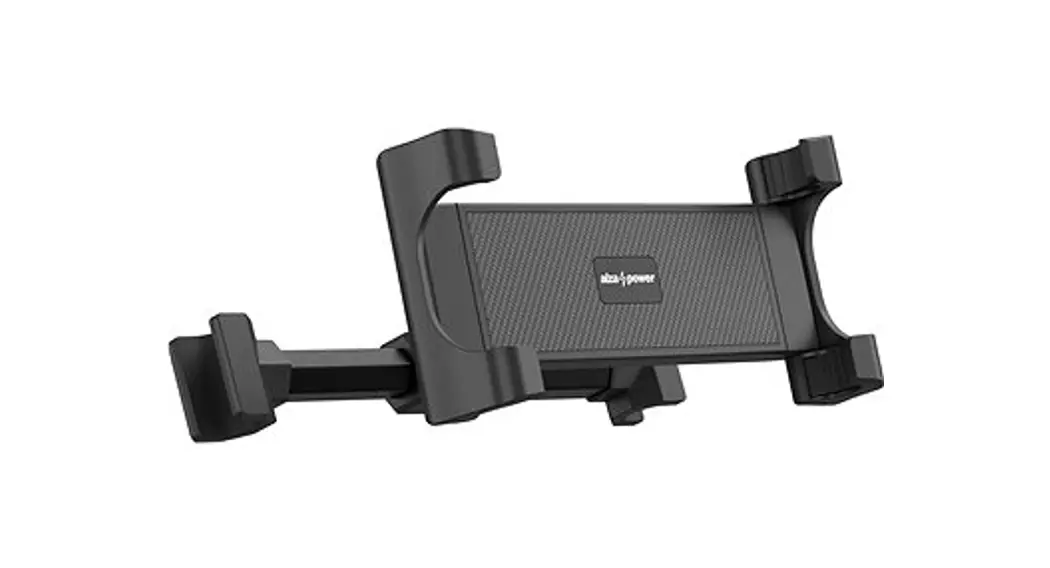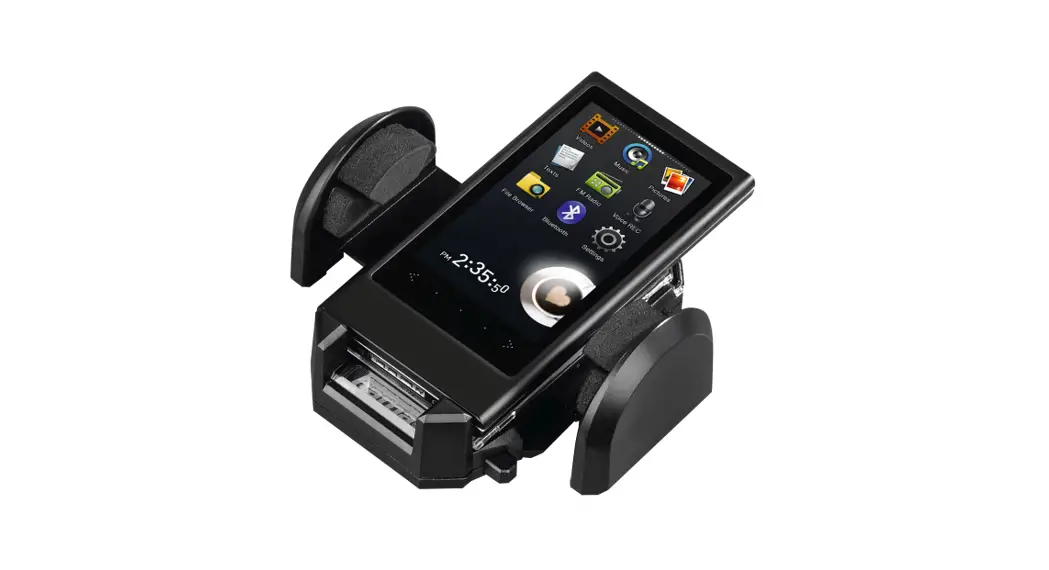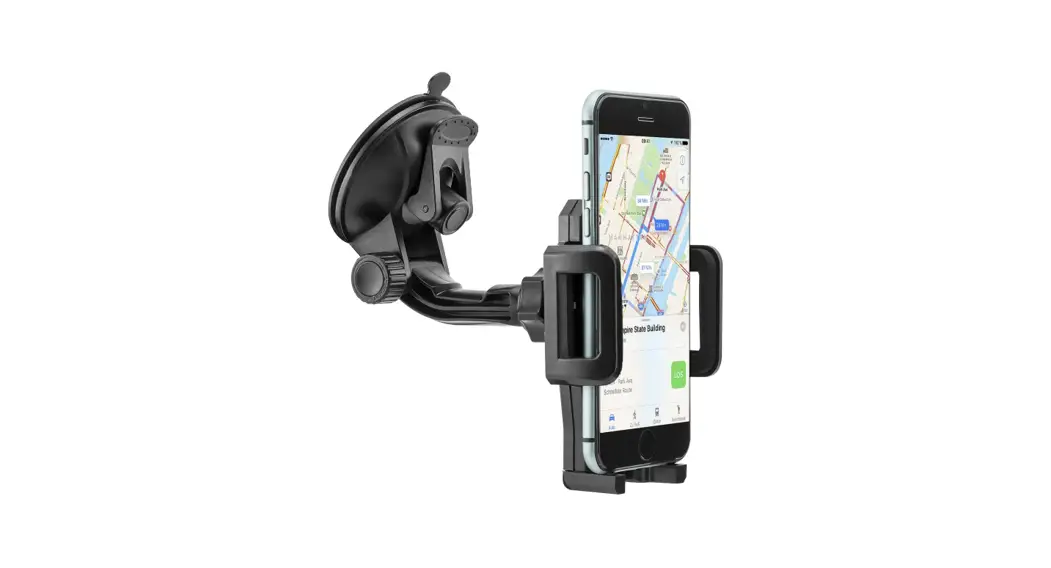

XQISIT 907666 Universal Phone Mount Headrest
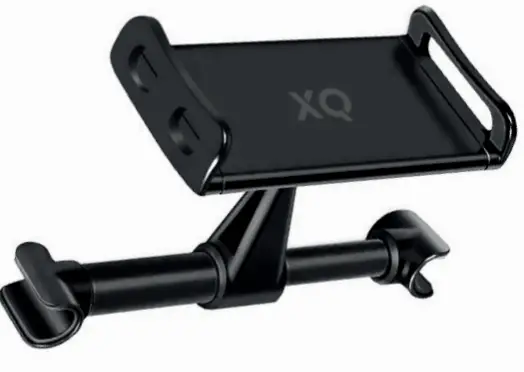
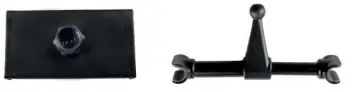
IN THE BOX
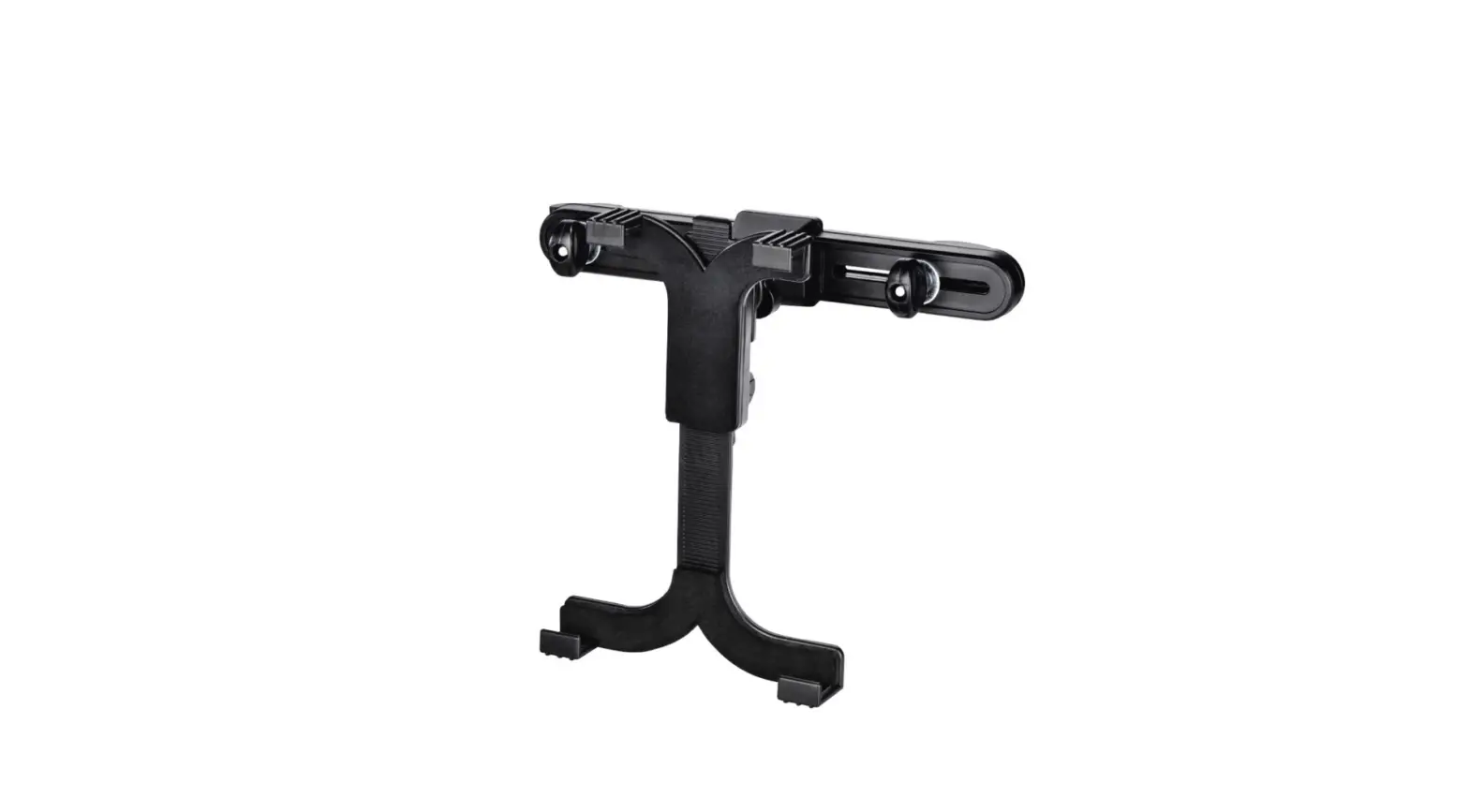
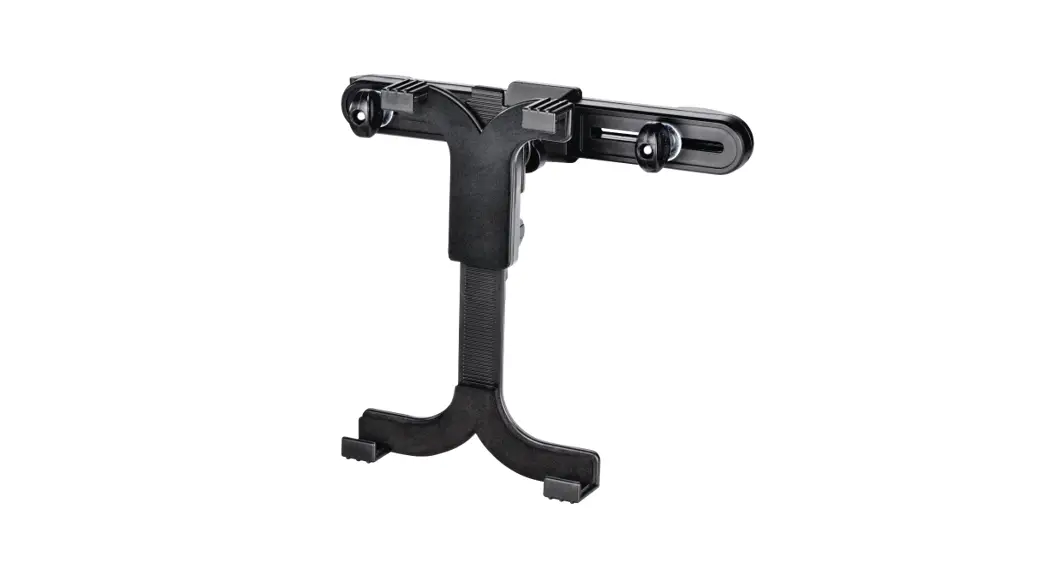
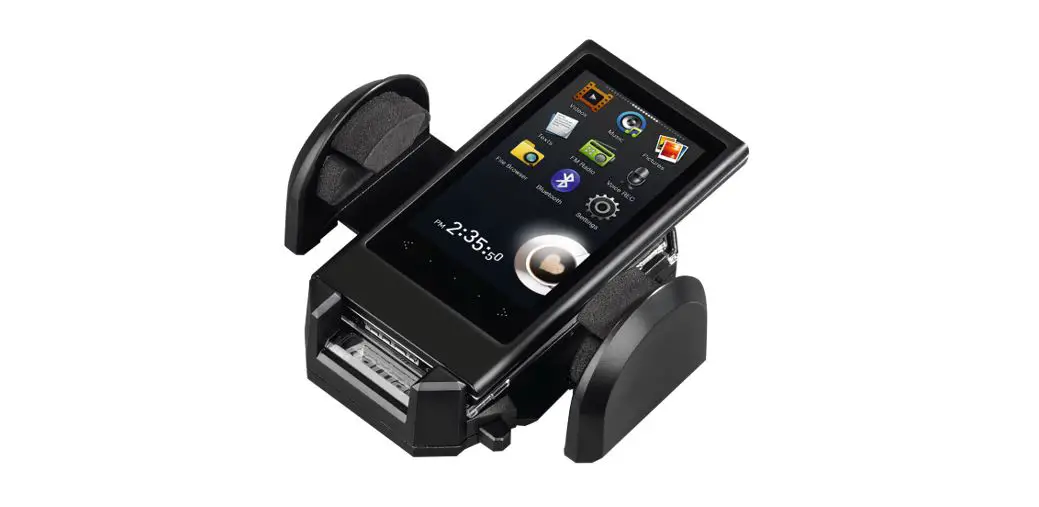
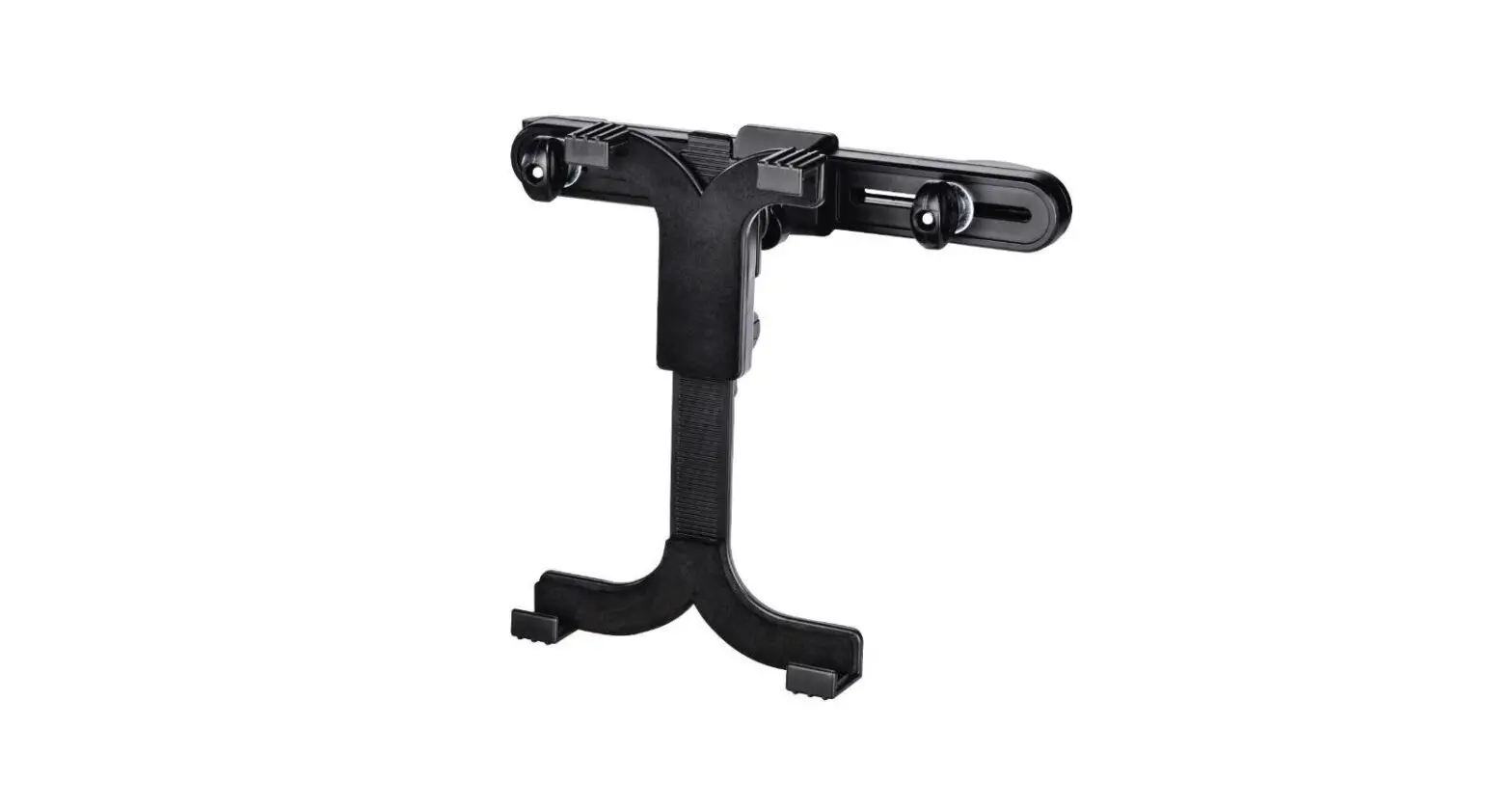
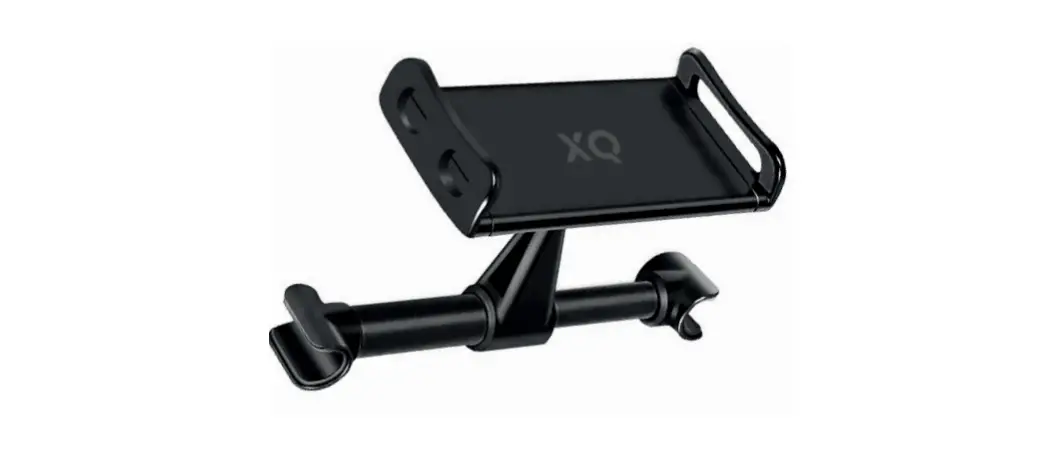
- Device holder
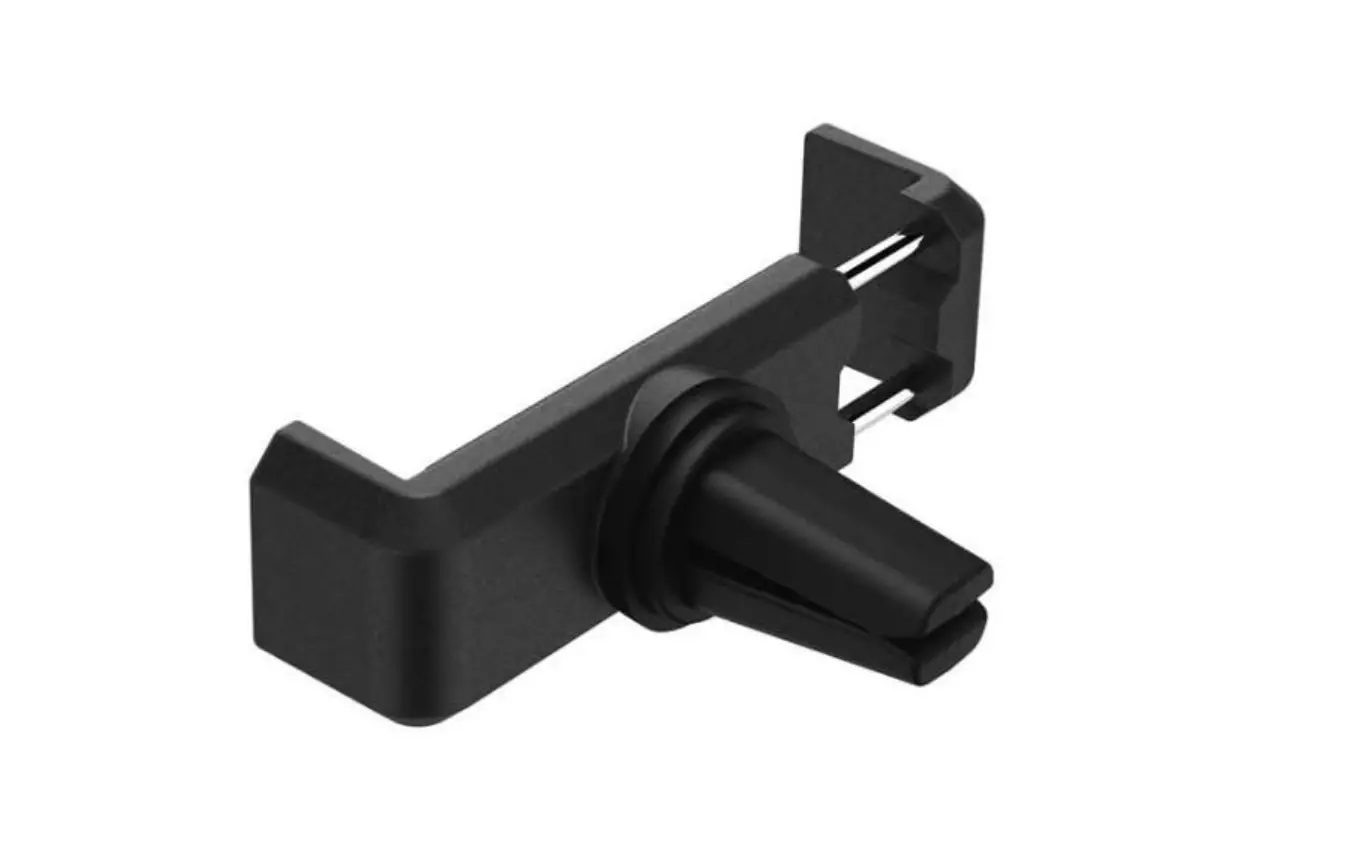
- Headrest mount
- User’s instructions

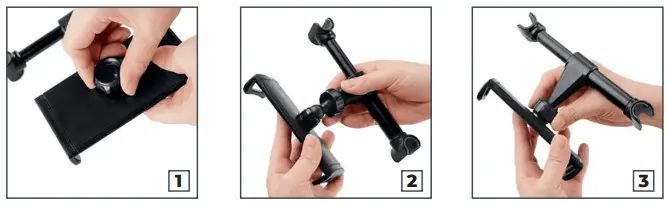
INSTRUCTIONS
- Unscrew the nut on the back of the device holder.
- Pass the ball head of the headrest mount through the nut and position it into the dedicated slot on the back of the device holder.
- Tighten back the nut to secure the 2 elements together.

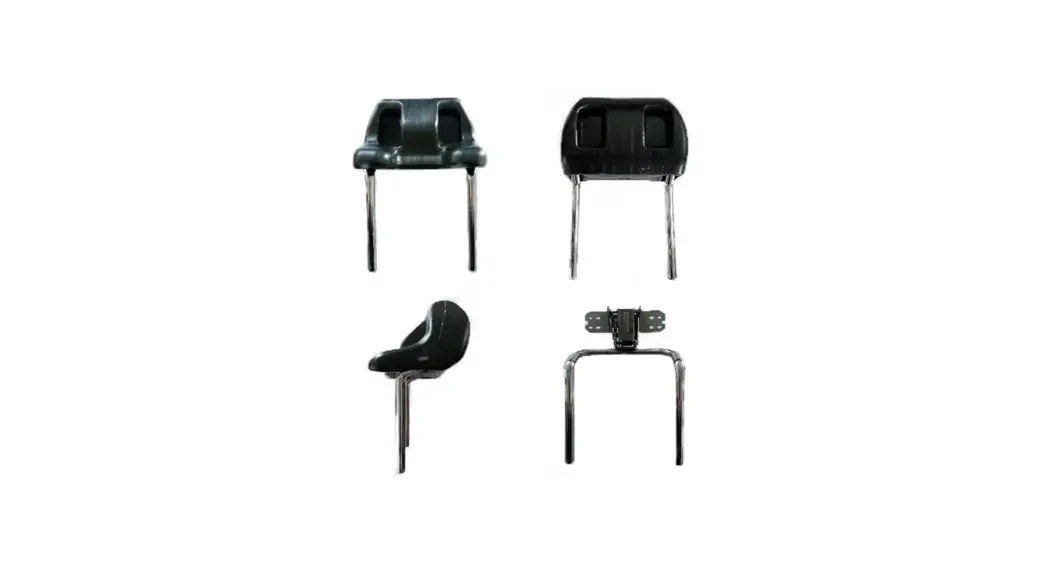
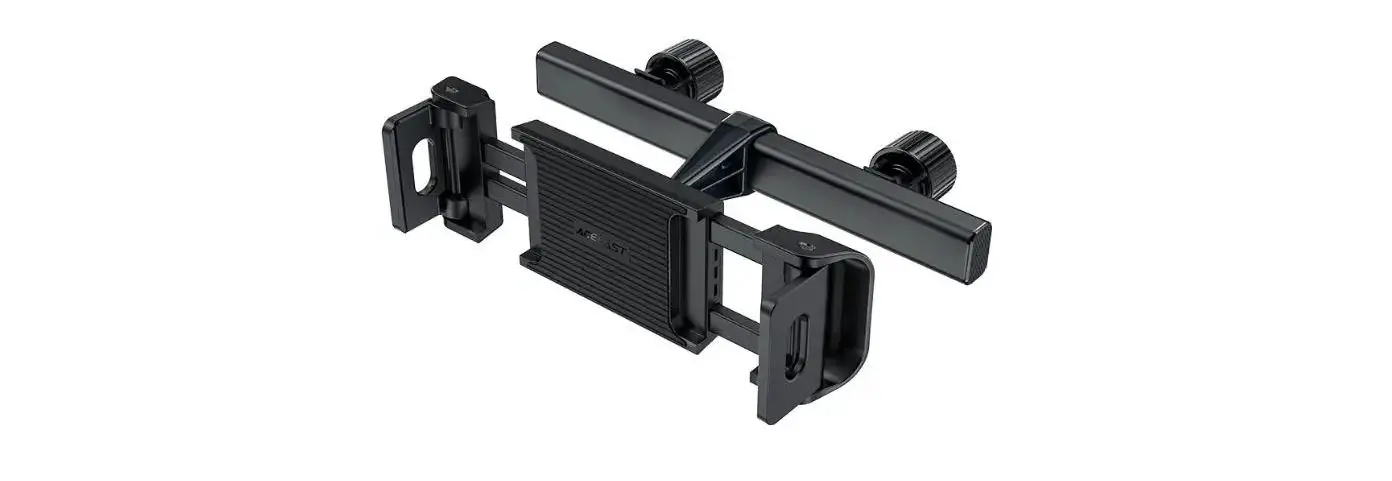
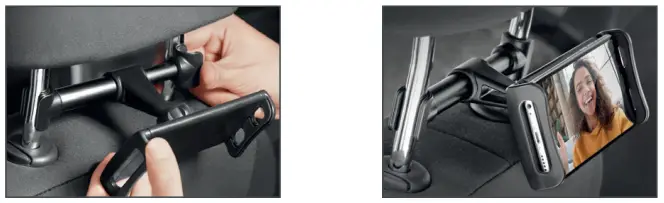
- To attach the assembled device holder to the front-seat headrest, place the left side of the rod on one of the headrest posts.
- Then, push the right end of the telescopic rod and place it securely between the two headrest posts.
- Place your device in the holder and adjust its position and angle as desired.

FOR MORE INFO
- For further product information, contact [email protected]
- Distributor: STRAX GmbH, Belgische Allee 52+54, 53842 Troisdorf, Germany,
- www.strax.com