Quick Start Guide
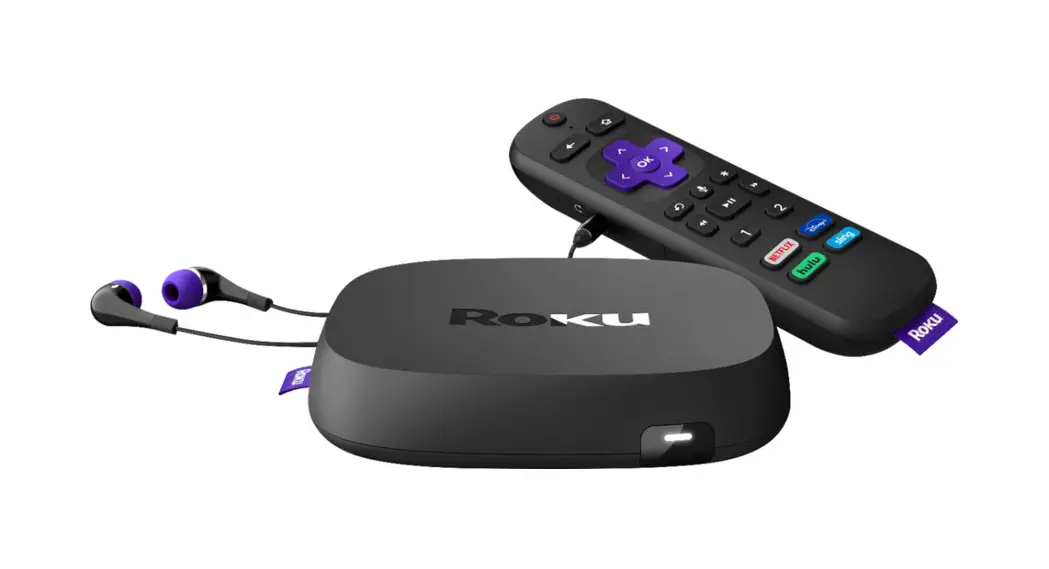
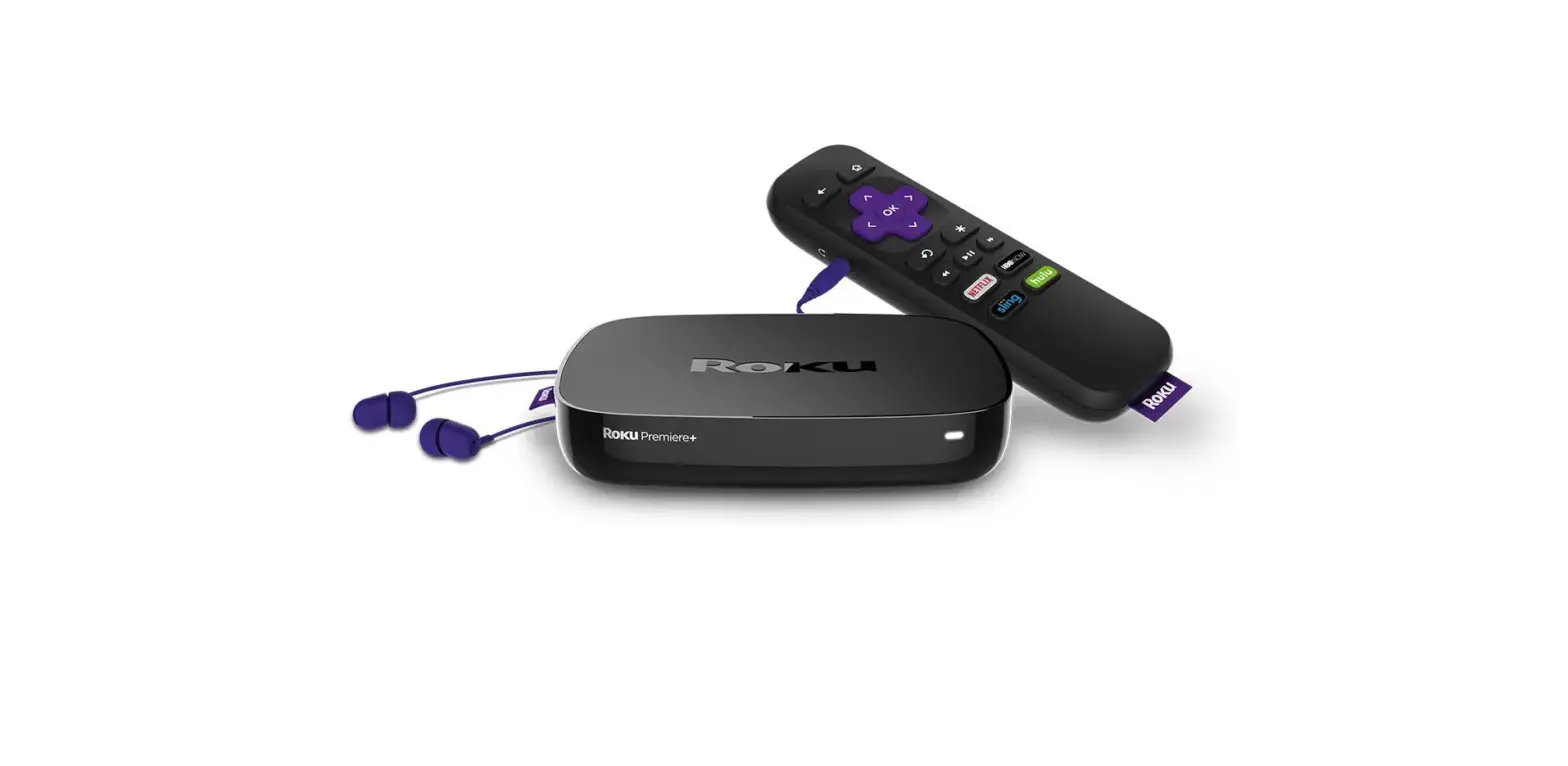
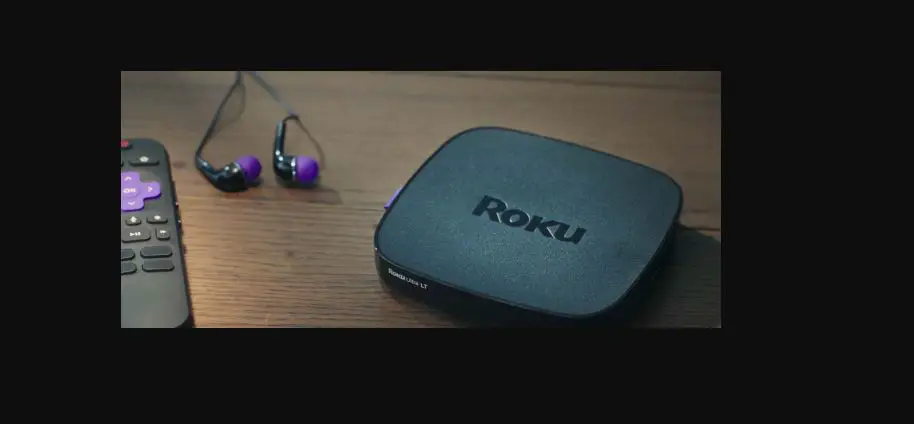
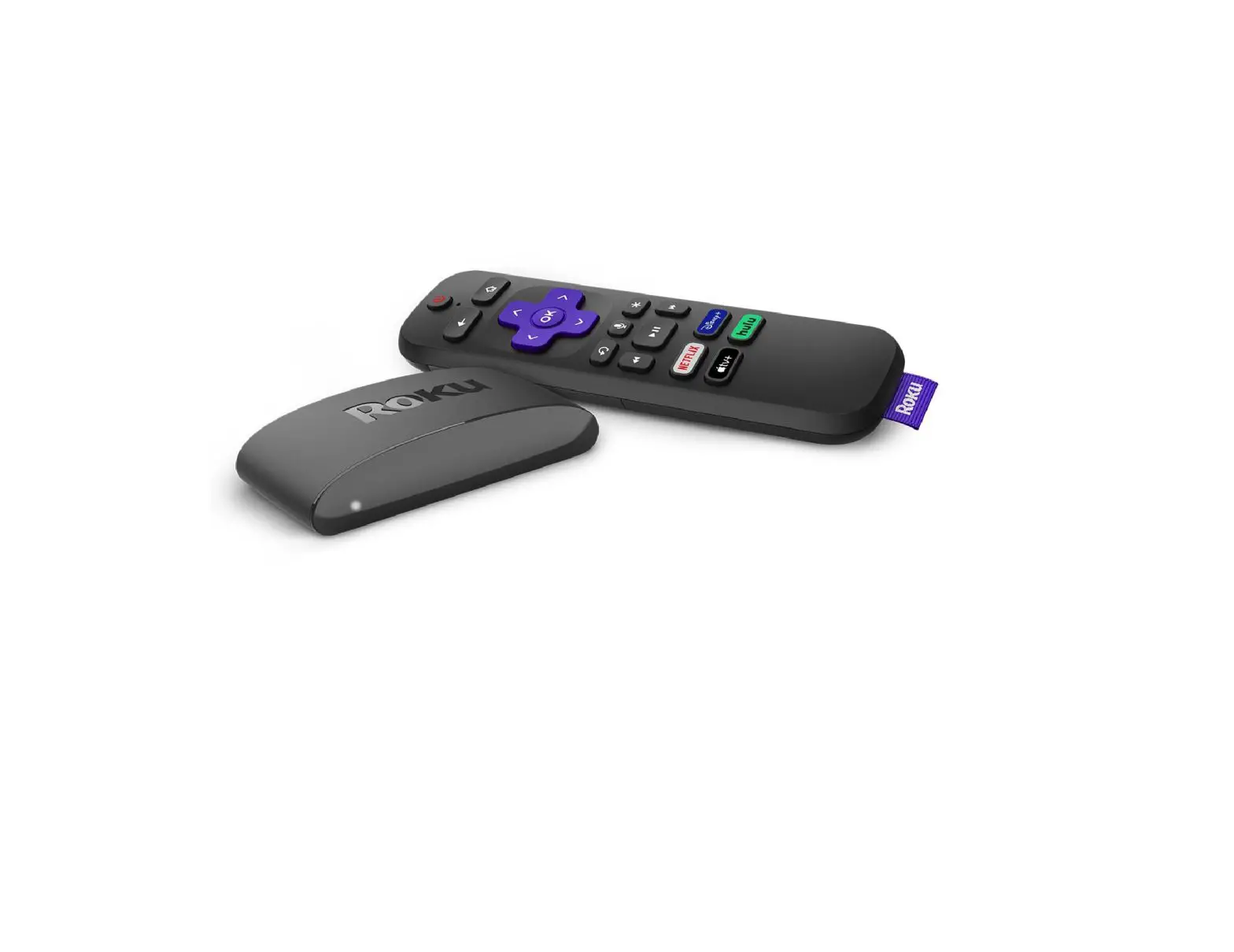
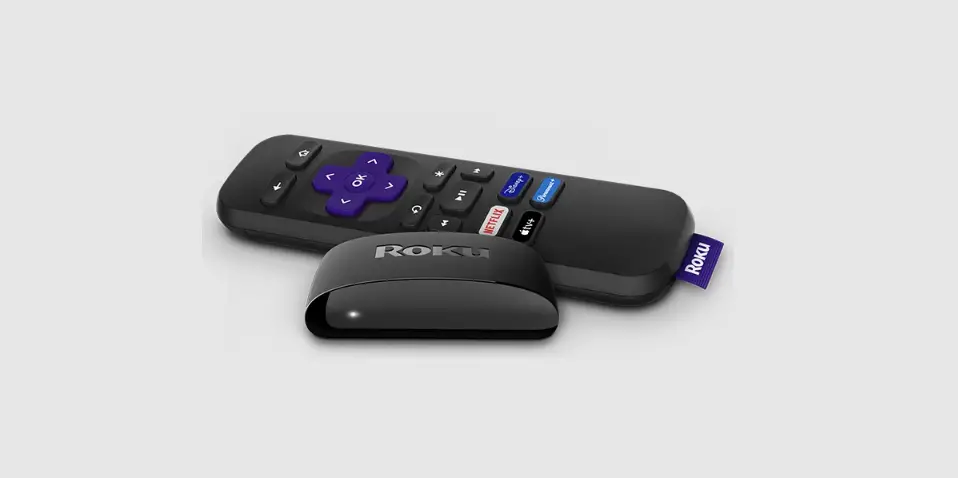
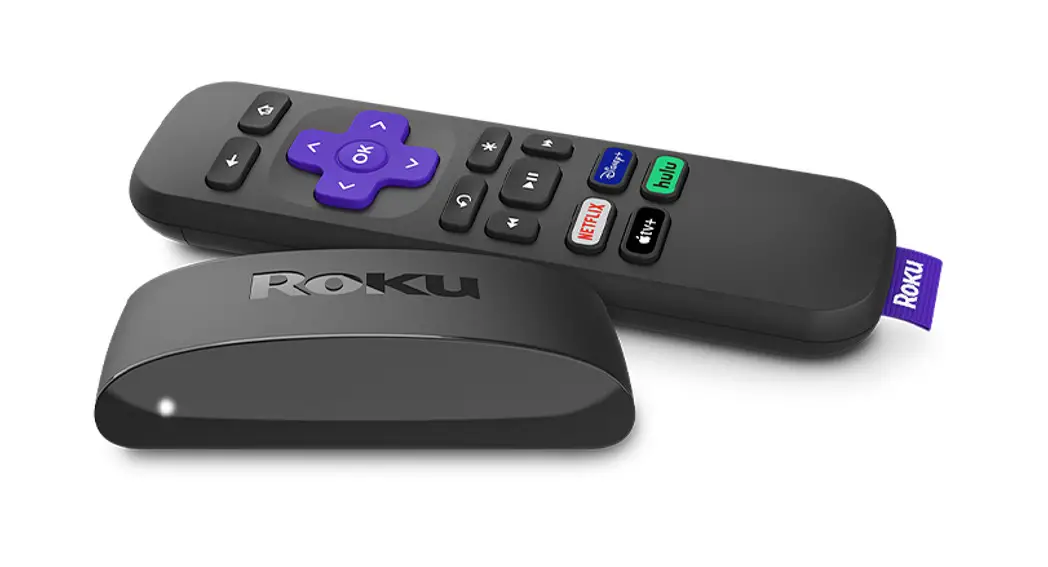
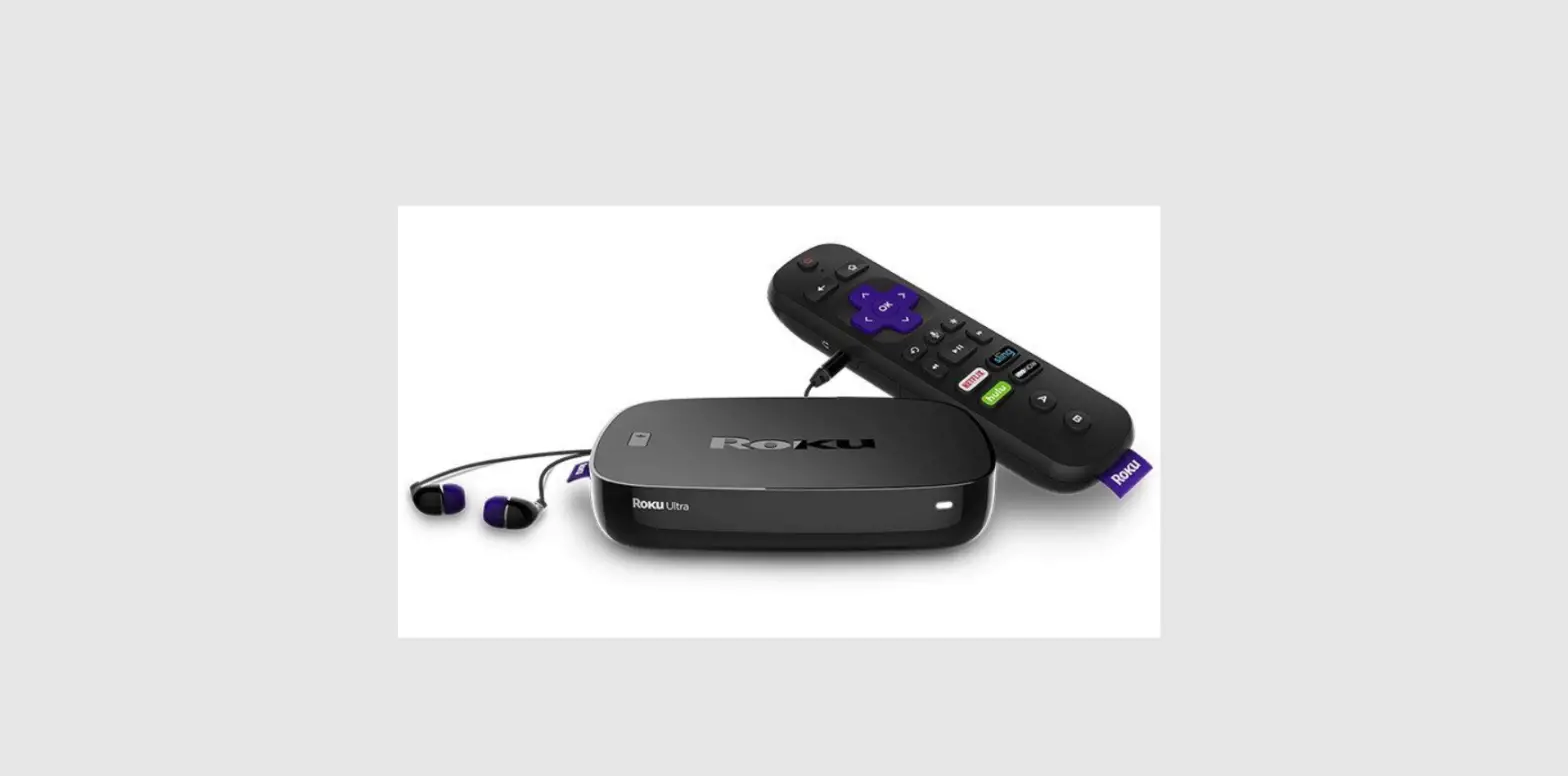
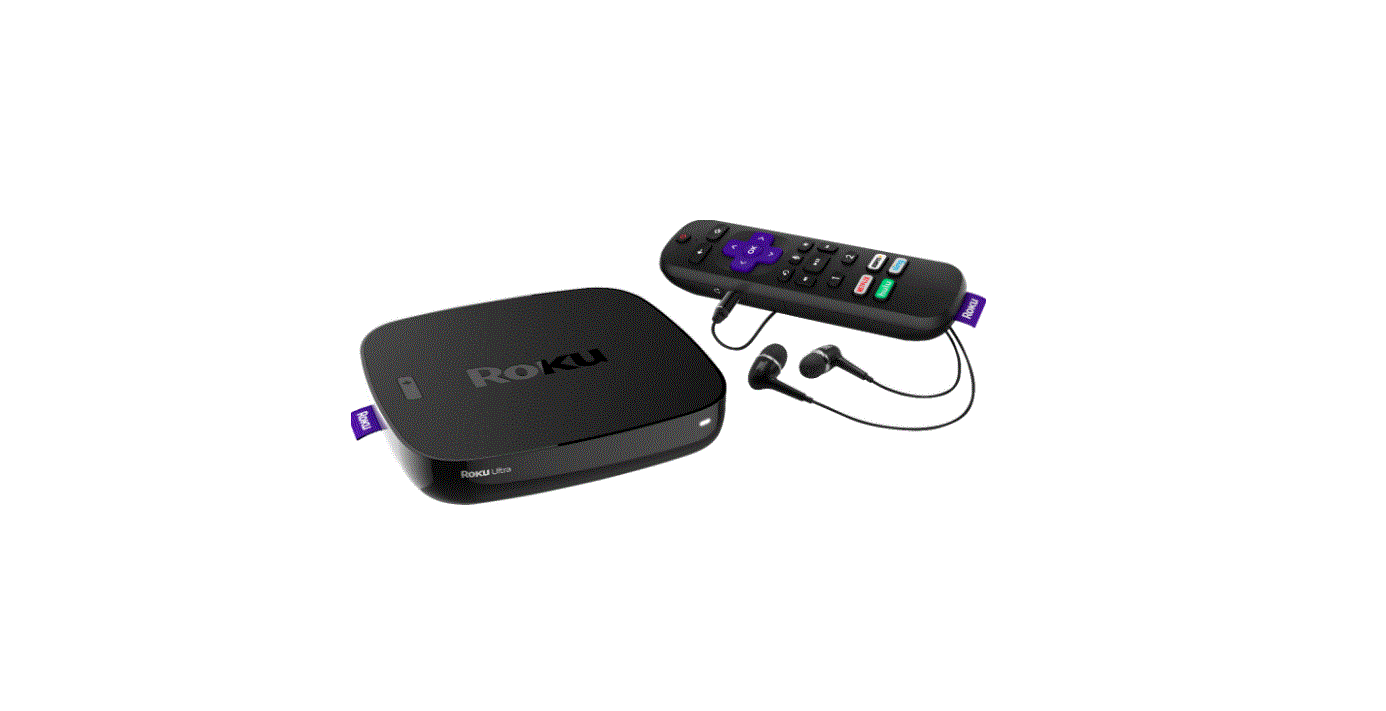
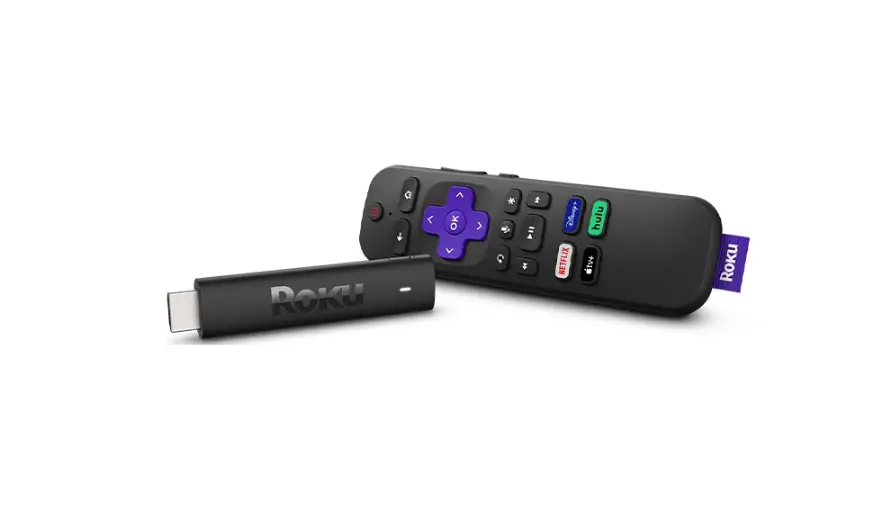
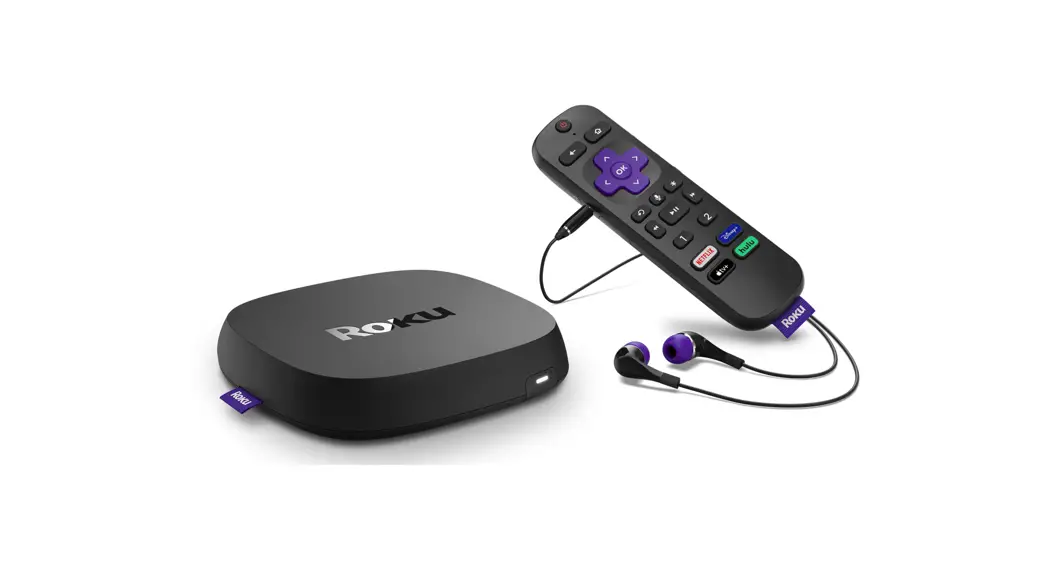
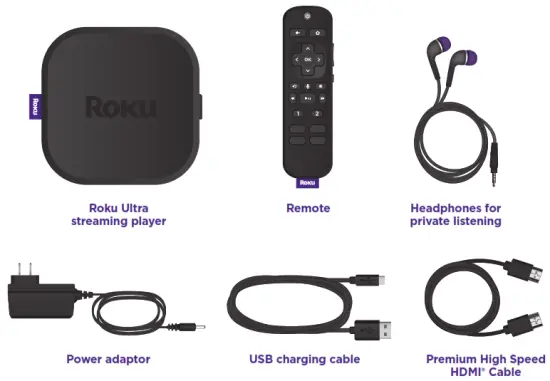
What’s included
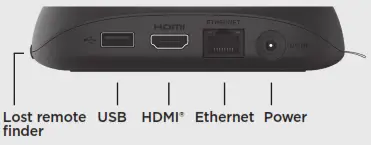
Details
TIP:
For help setting up your device, visit go.roku.com/ultra
Let’s get started
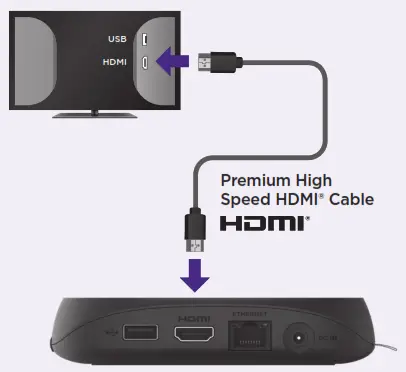
STEP 1: Connect to TV
Connect your streaming player to an HDMI port on the back of your TV with the included cable.
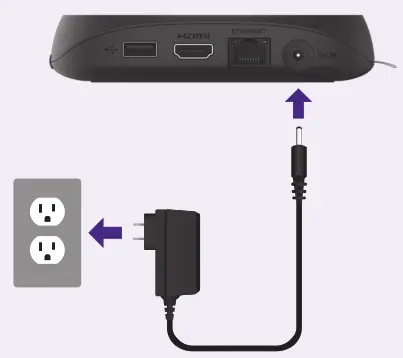
STEP 2: Connect to power
Use the included power adaptor to connect your streaming player to a wall outlet.
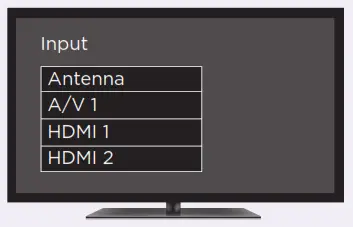
STEP 3: Select input
Use your TV remote to power on your TV and select the input (source) you used to connect your streaming player.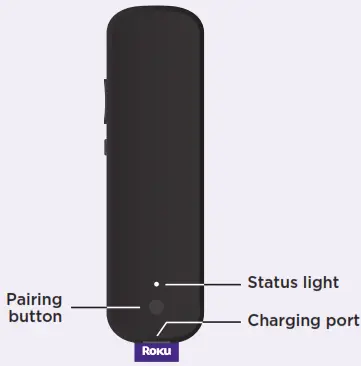
STEP 4: Pair your remote
Press and hold the pairing button on your remote for 5 seconds until the status light turns green and starts blinking. Your remote will pair automatically.
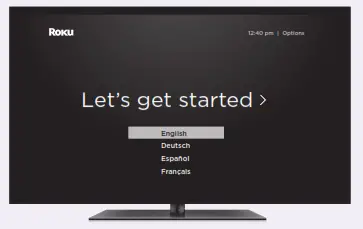
STEP 5: Follow the on-screen setup
Follow the instructions on your TV screen. Activate your streaming player by using your computer or smartphone to link a Roku account.
IMPORTANT:
Roku never charges for activation support.
Charging your remote
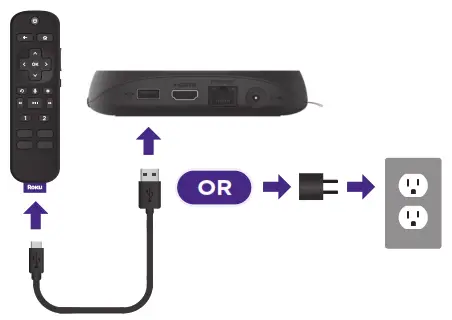
Connect your remote to the USB charging cable and either:
• the USB port on the back of your player
• a wall outlet using a standard USB adaptor (like your phone charger)
The status light will stop blinking once your remote is finished charging.
You’ll see a message on your TV when it’s time to charge again.
Remote features
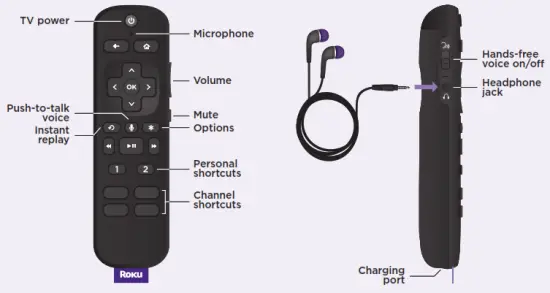

Private listening
Plug headphones into your remote to use private listening. Your TV will mute automatically.

Lost remote finder
Say “Hey Roku, where’s my remote?” or press the button on your streaming player to locate it.

Personal shortcuts
Quickly launch a channel, play your favorite playlist, and more with a tap. To set: Press a personal shortcut button for on-screen instructions.
Just talk to it. It’s that easy.
 Play entertainment
“Hey Roku, launch The Roku Channel”
“Hey Roku, play classic rock”
 Control your streaming
“Hey Roku, pause”
“Hey Roku, turn captions on”
 Control your TV
“Hey Roku, turn my TV off”
“Hey Roku, turn it up”
 Find more to watch
“Hey Roku, show me the news”
“Hey Roku, search for comedies”
TIP:
For the best experience, keep the remote near you and speak towards it when giving a command.
Common questions
Why do I need to create a Roku account?
You’ll need a Roku account to stream, add channels, easily manage subscriptions, rent movies, and more.
Why should I enter a credit card?
Saving a payment method makes it easy to rent or buy movies, subscribe to popular channels, and start free trials in just a click.
No charges will be made without your authorization.
Can I still give voice commands if I turn off my hands-free voice?
Yes, you can! Just press and hold the voice button to give a command instead.
You don’t need to say “Hey Roku” when using a push-to-talk voice.
Visit go.roku.com/ultra for more information
Need more help?
support.roku.com
Cut cable.
Save money.
Stream big.
streamandsave.com
See what’s streaming
for free, tips, and more
Visit roku.com/blog © 2022 Roku, Inc. All rights reserved. Roku and the Roku logo are the registered
trademarks of Roku, Inc. All other logos and trademarks herein are not owned by Roku, Inc.
are the property of their respective owners.
 Roku
Roku Roku
Roku Roku
Roku Roku
Roku