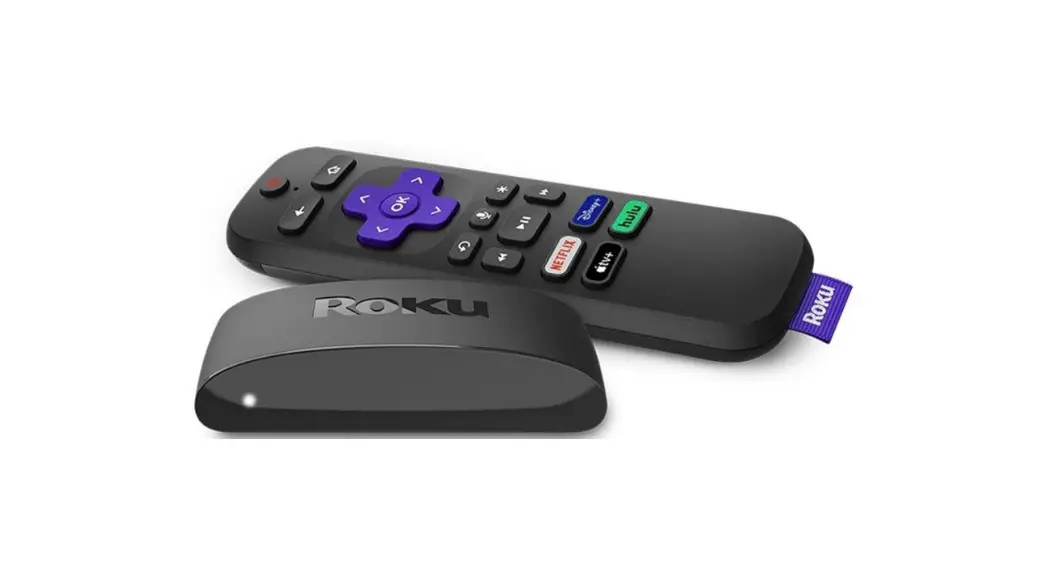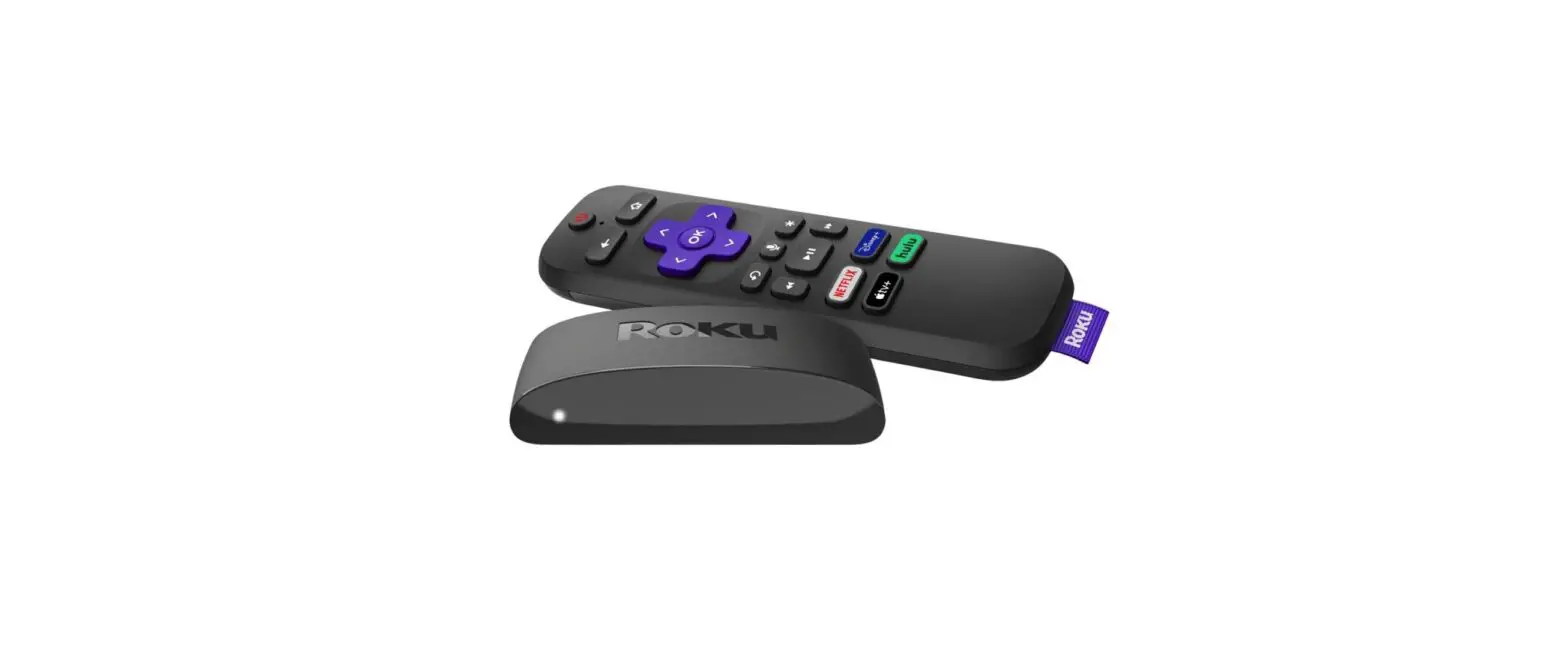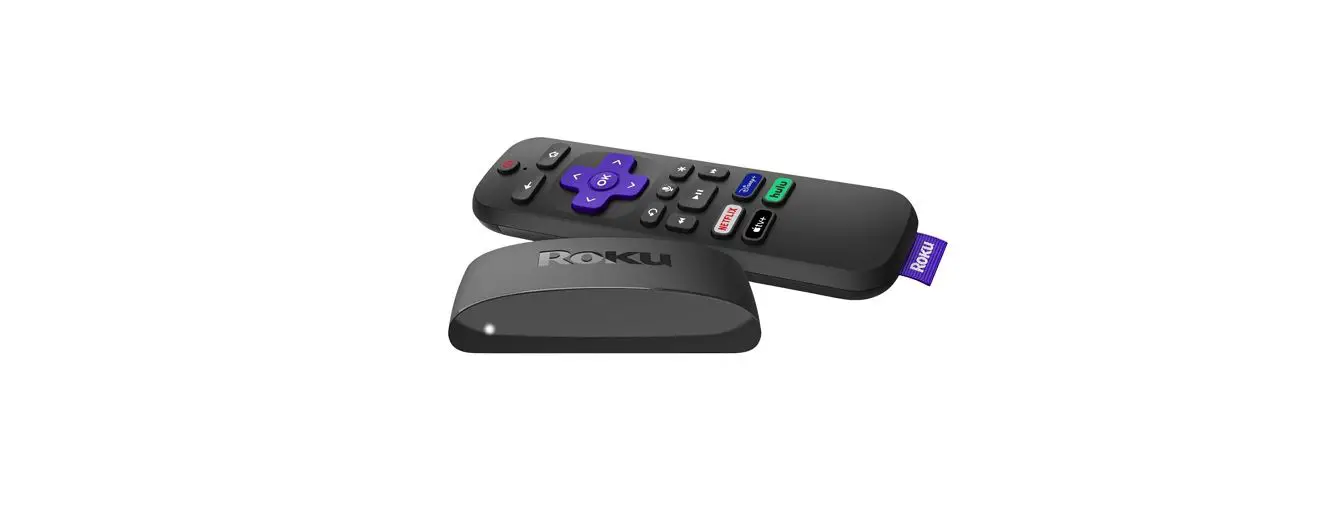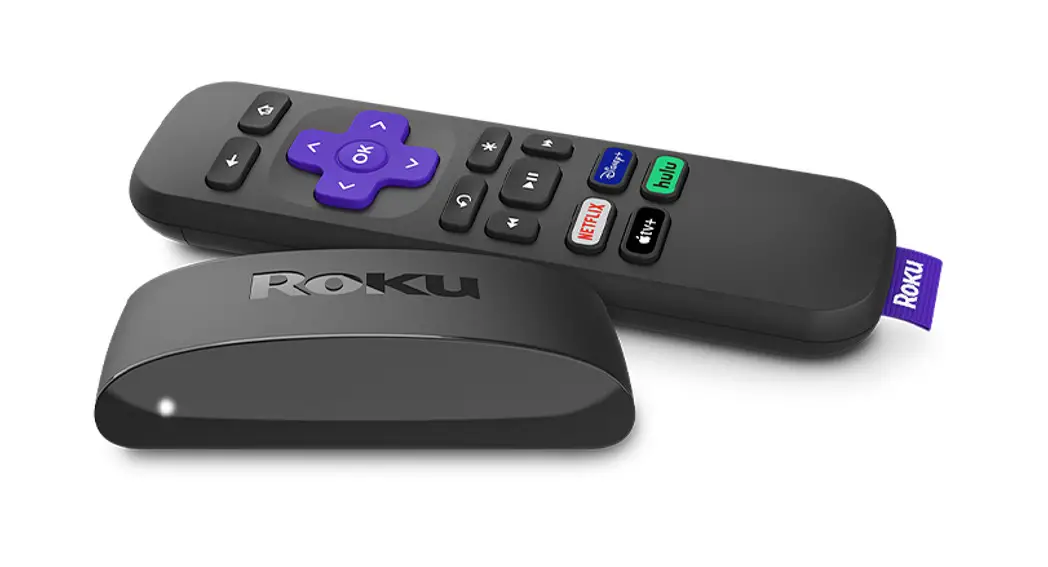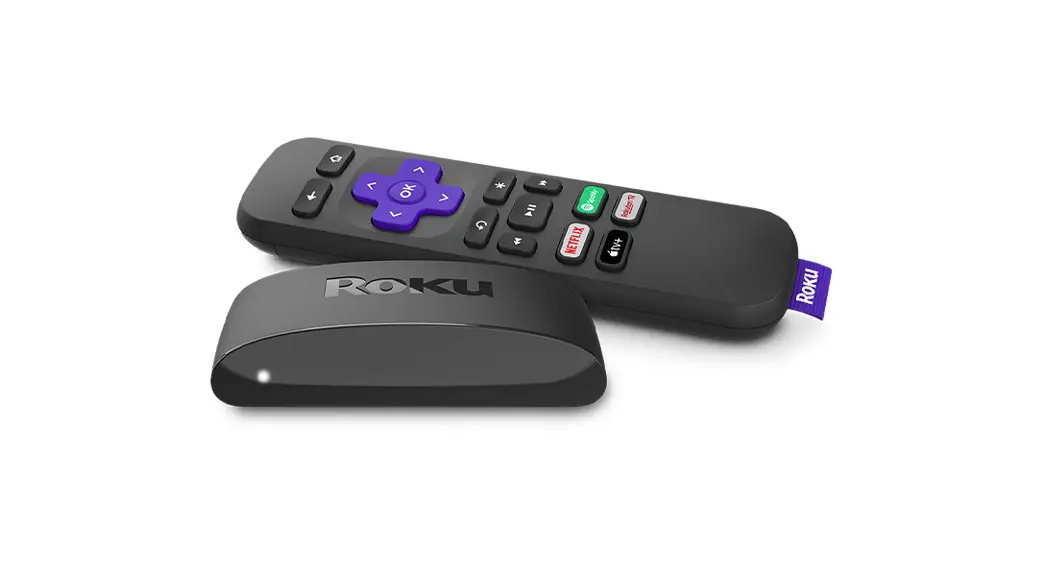

Roku Express 4k
Quick Start Guide
What’s included
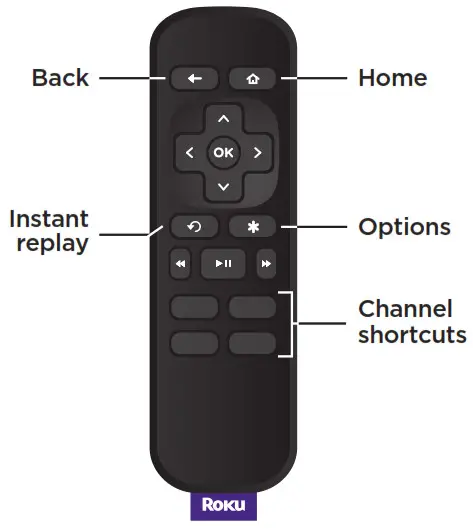 Remote
RC680
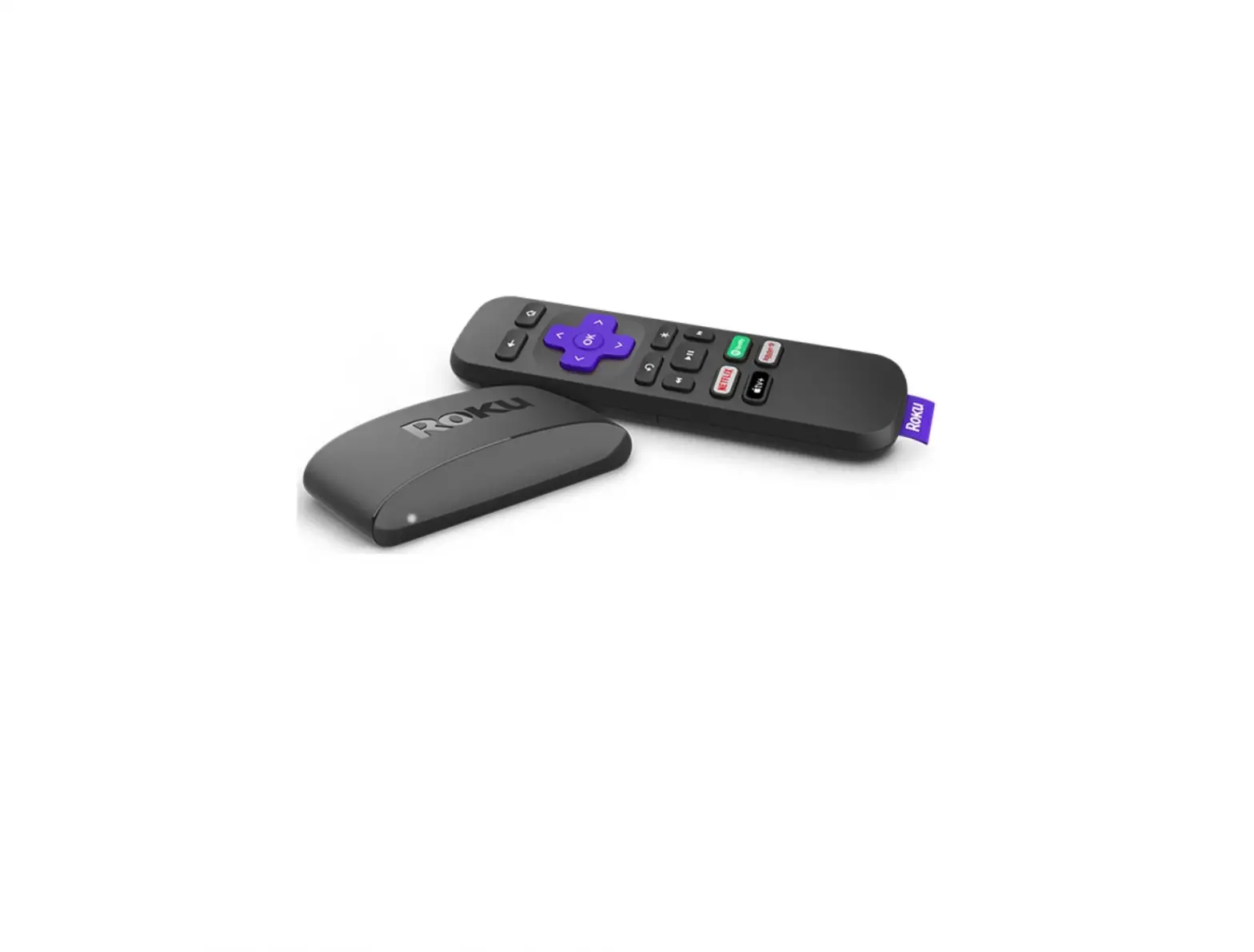
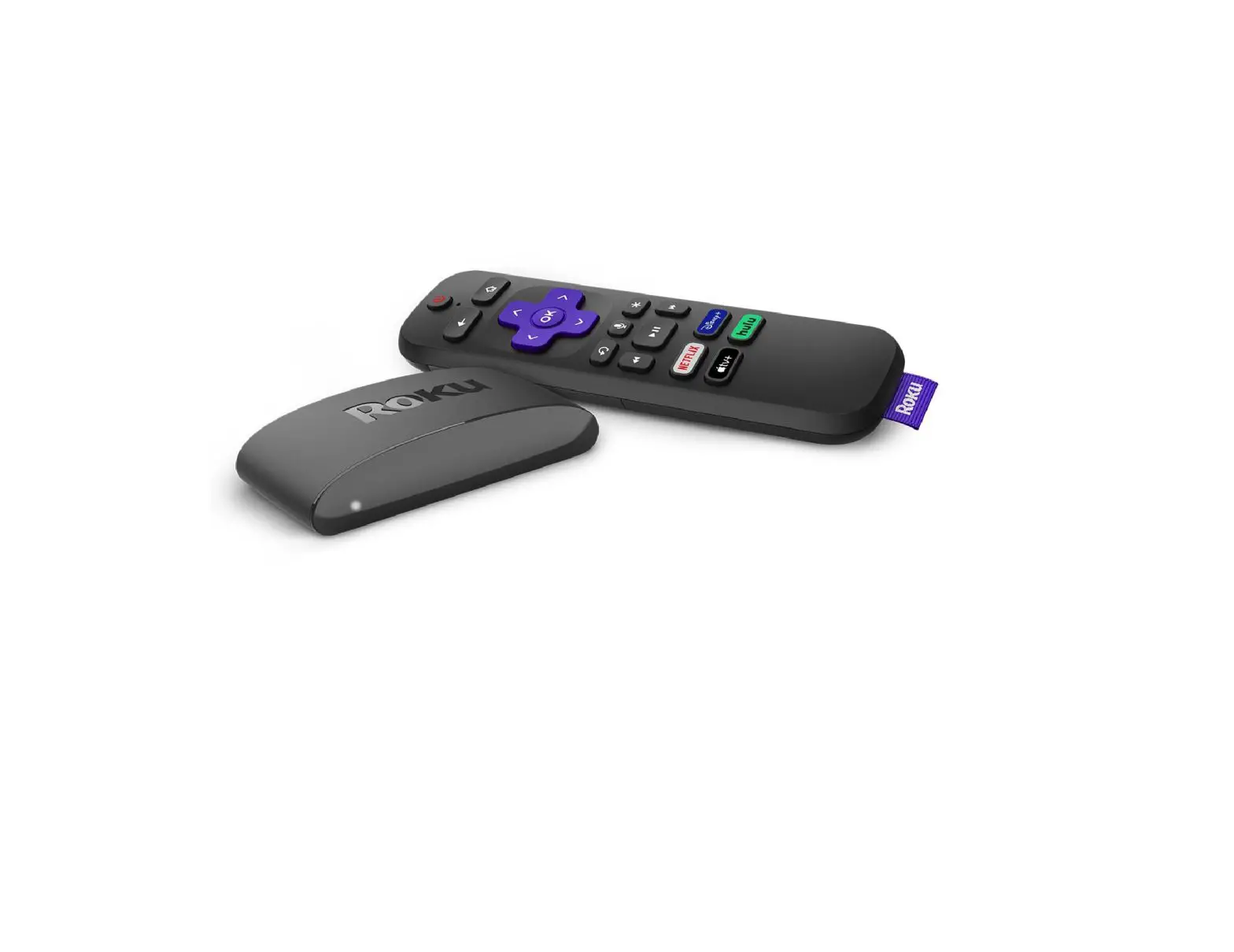
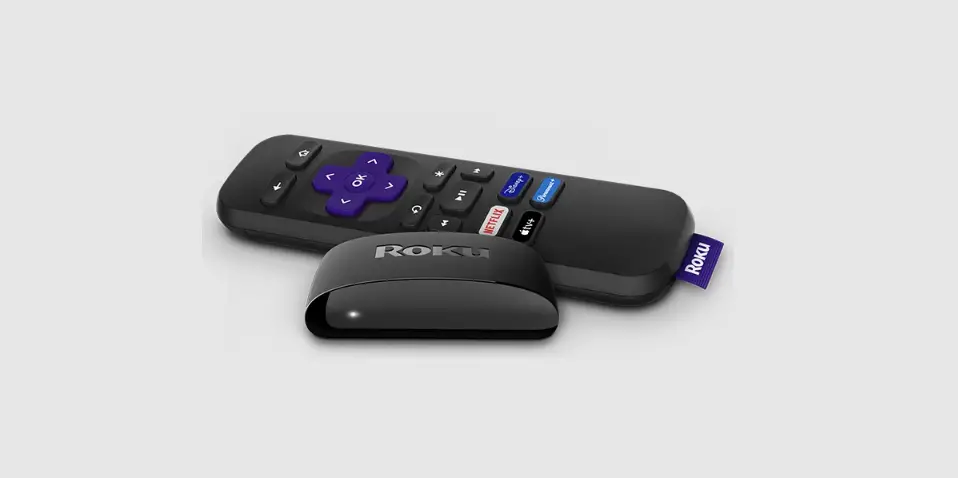
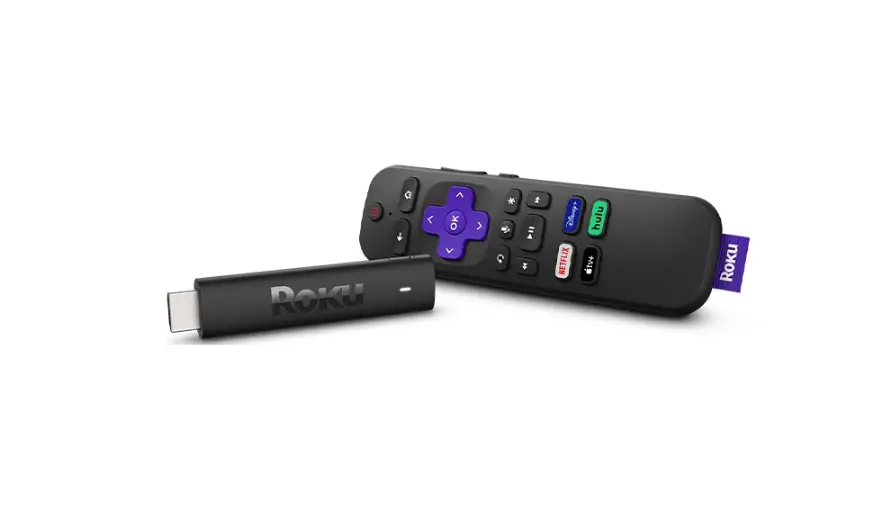
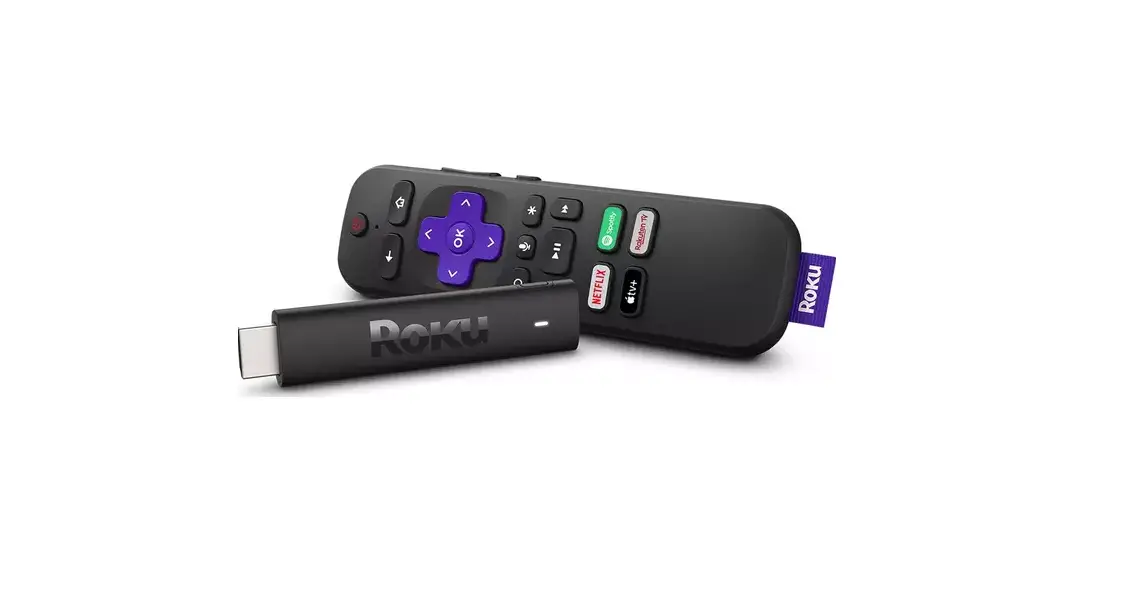
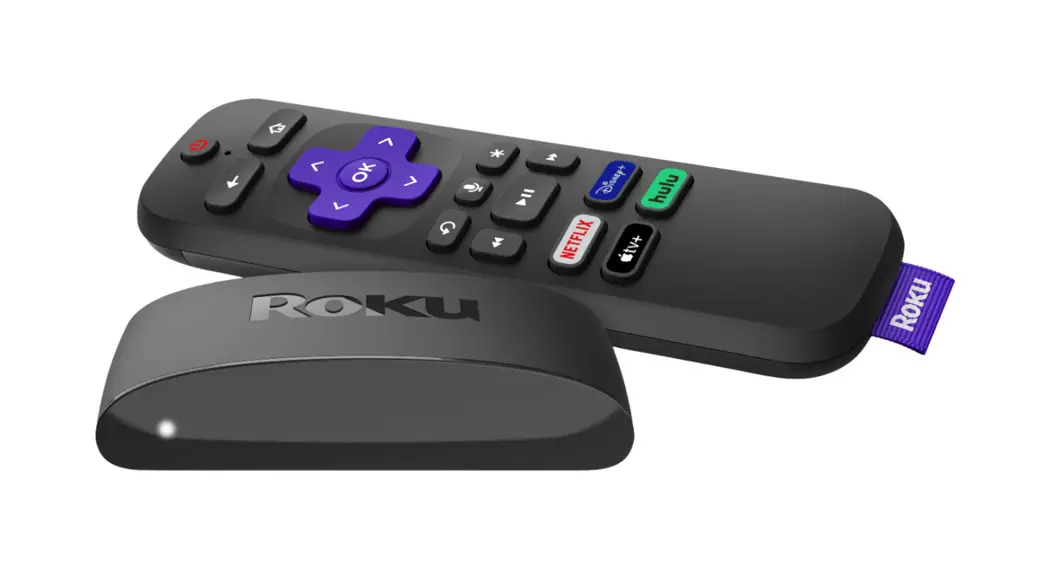
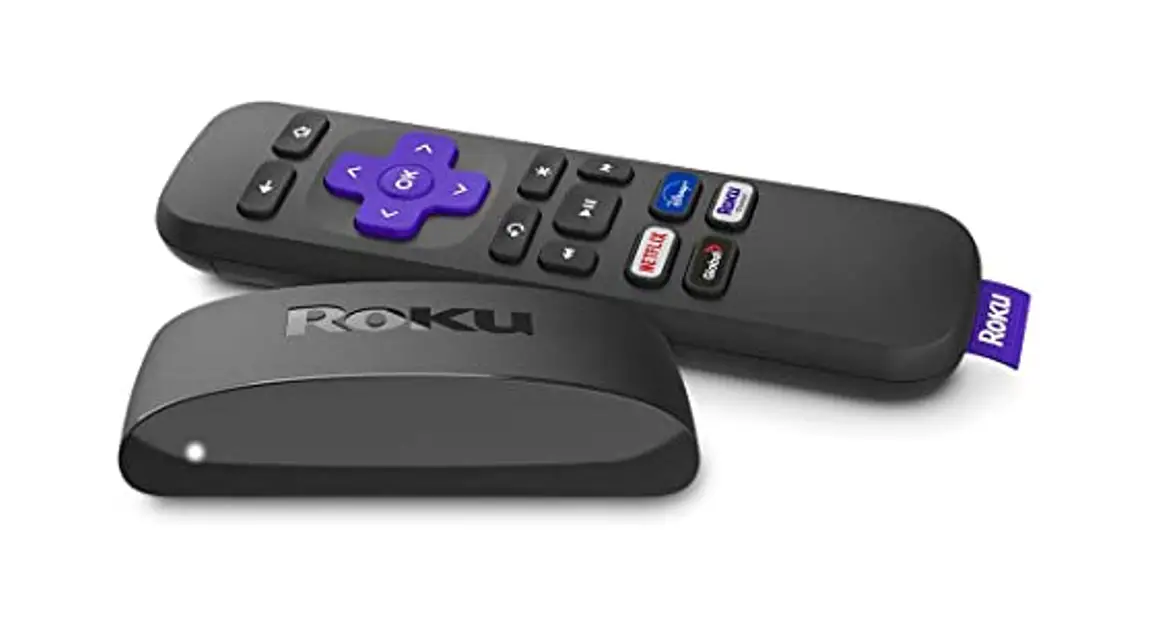
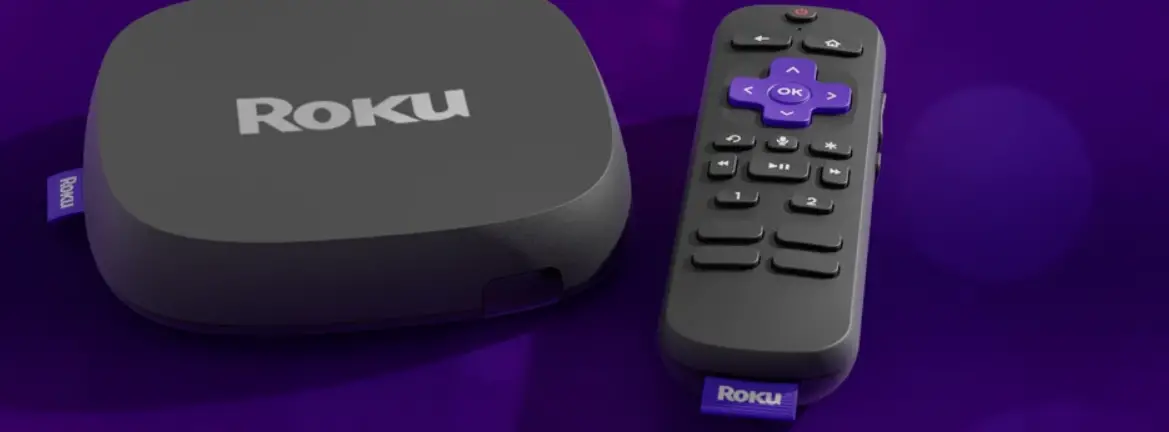
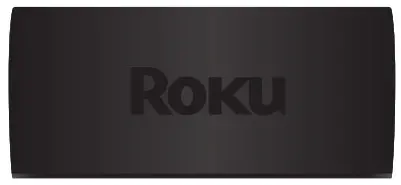 Roku Express 4K streaming player Roku Express 4K streaming player3940RW | 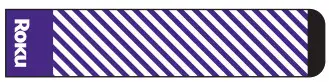 Removable adhesive strip Removable adhesive strip |
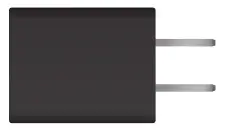 Power adaptor Power adaptor | 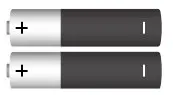 Two AAA Two AAADuracell® batteries |
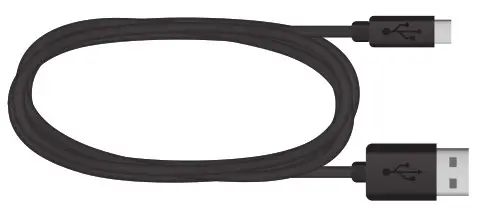 USB power cable | 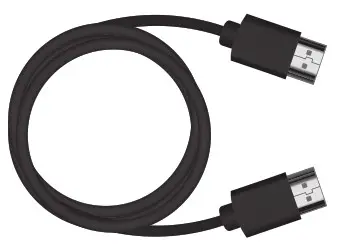 Premium High Speed Premium High SpeedHDMI® Cable |
Details Let’s get started
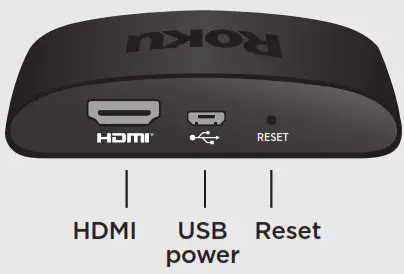 Let’s get started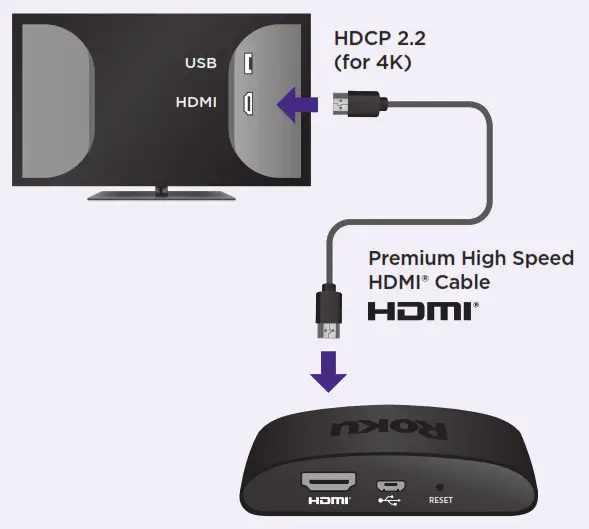
Connect to TV
Connect your streaming player to an HDMI port on the back of your TV with the included cable. For 4K streaming, you’ll need to use an HDMI port that supports HDCP 2.2.
TIP:
For help setting up your device, visit go.roku.com/express4K
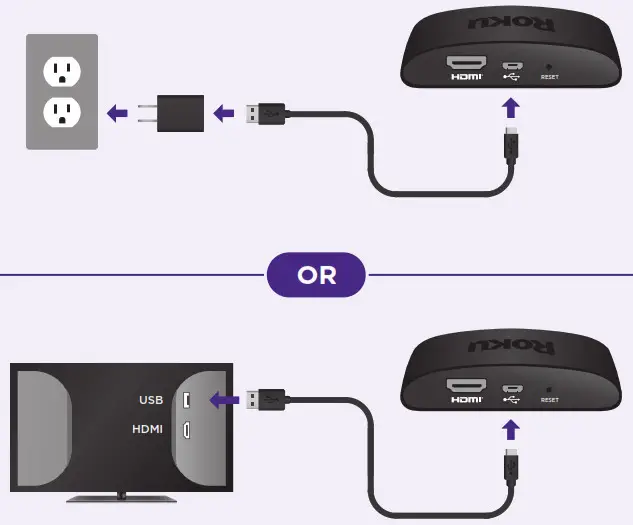
Connect to power
For the best streaming experience, use the included USB power cable and power adaptor to connect your streaming player to a wall outlet. Or use the included USB power cable to connect to the USB port on your TV.
NOTE:
See a red light on your streaming player?
That means the USB port on your TV is not providing enough power. Use the included power adaptor instead.
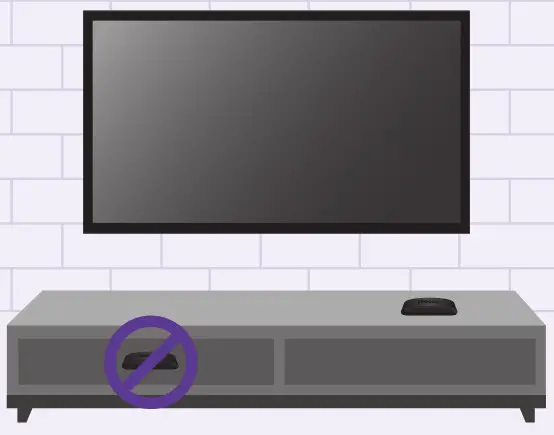
Position streaming player
Place your streaming player near your TV or attach it with the included removable adhesive strip.
 DO NOT place your streaming player behind the TV or inside a closed TV cabinet. Doing so may cause overheating.
DO
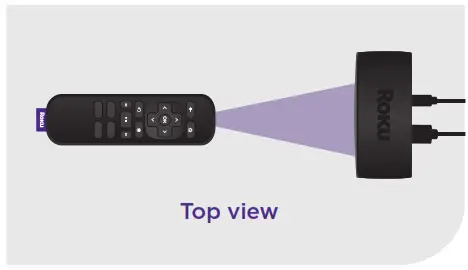 Make sure that the front of your streaming player has a direct line of sight to your remote control.
OPTIONAL
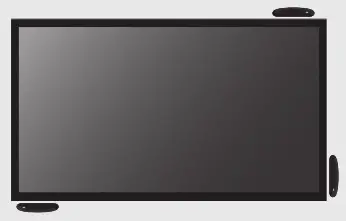 To attach your streaming player to your TV, see the adhesive strip instructions on the back page of this guide.
Select input
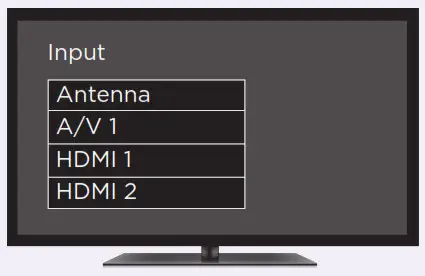
Use your TV remote to power on your TV and select the input (source) you used to connect your streaming player.
Insert batteries
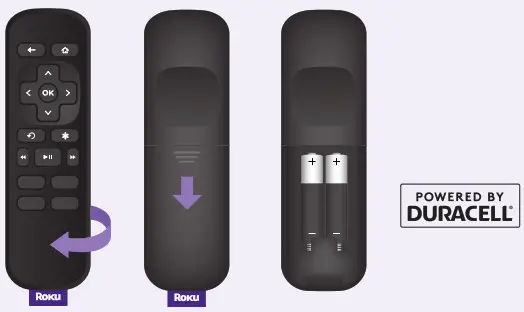
Slide open the cover on the back of your remote and insert the included Duracell® batteries.
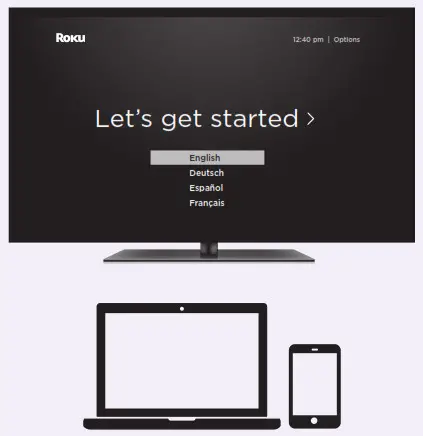
Follow the on-screen setup
Follow the instructions on your TV screen. Activate your streaming player by using your computer or smartphone to link to a Roku account.
IMPORTANT:
Roku does not charge for activation support –beware of scams.
Common questions
Why do I need to create a Roku account?
You’ll need a Roku account to stream, add channels,
easily manage subscriptions, rent movies, and more.
Why do I need to enter a credit card?
Saving a payment method makes it easy to rent or buy movies,
subscribe to popular channels, and start free trials in just a click.No charges will be made without your authorization.
What should I do if my streaming player is not connecting to my wireless network?
Double-check the network you selected and that you entered your password correctly. If you have other devices connected to this network, your streaming player should connect.
Visit go.roku.com/express4K for more information
Adhesive strip instructions
Use this removable strip if you want to attach your streaming player to your TV. Keep in mind that this strip can only be used once and your streaming player requires a direct line of sight to your remote control.
To apply the adhesive strip
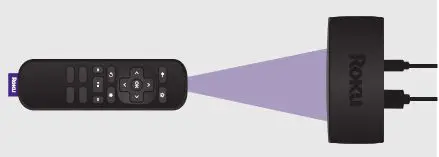 Choose a flat, clean surface in line of sight to your remote.
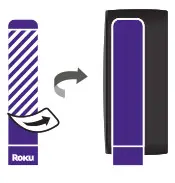 Remove the striped liner and press adhesive to the bottom of your player.
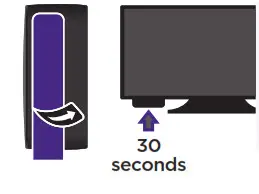 Remove the other liner and hold your player in position for 30 seconds.
To remove the adhesive strip
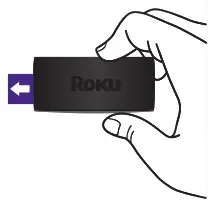 Gently pull the adhesive strip sideways.
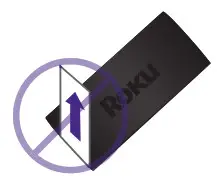 Do not pull the adhesive strip towards you.
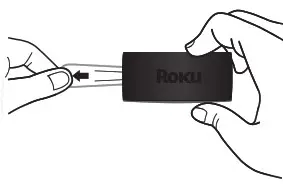 Stretch the strip slowly to release.
| Need more help? support.roku.com |
|
|
| Cut cable. Save money. Stream big. streamandsave.com |
|
|
 Video tutorials
 Wireless help
 Free TV
 Live TV
See what’s streaming for free, tips, and more blog.roku.com
Follow us
© 2021 Roku, Inc. All rights reserved. Roku and the Roku logo are the registered trademarks of Roku, Inc. HDMI, the HDMI Logo, and High-Definition Multimedia Interface are the trademarks or registered trademarks of HDMI Licensing, LLC.
All other logos and trademarks herein not owned by Roku, Inc. are the property of their respective owners.
 Roku
Roku Getting to know your Roku Express 4K or Express 4K+|Learn about Express 4K/4K+
 Roku
Roku Roku
Roku