
User Manual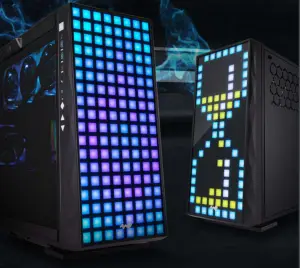
Product Story
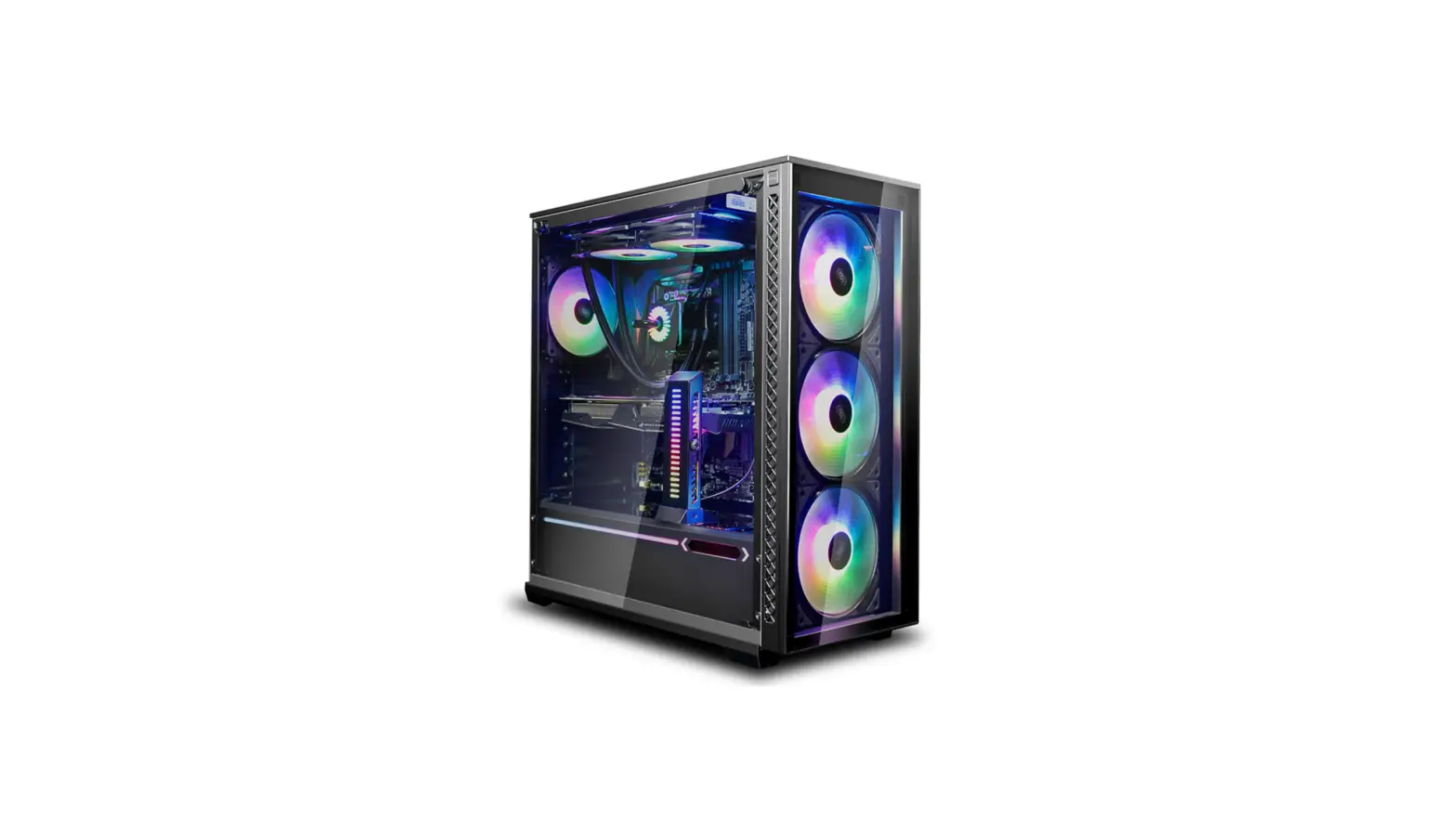
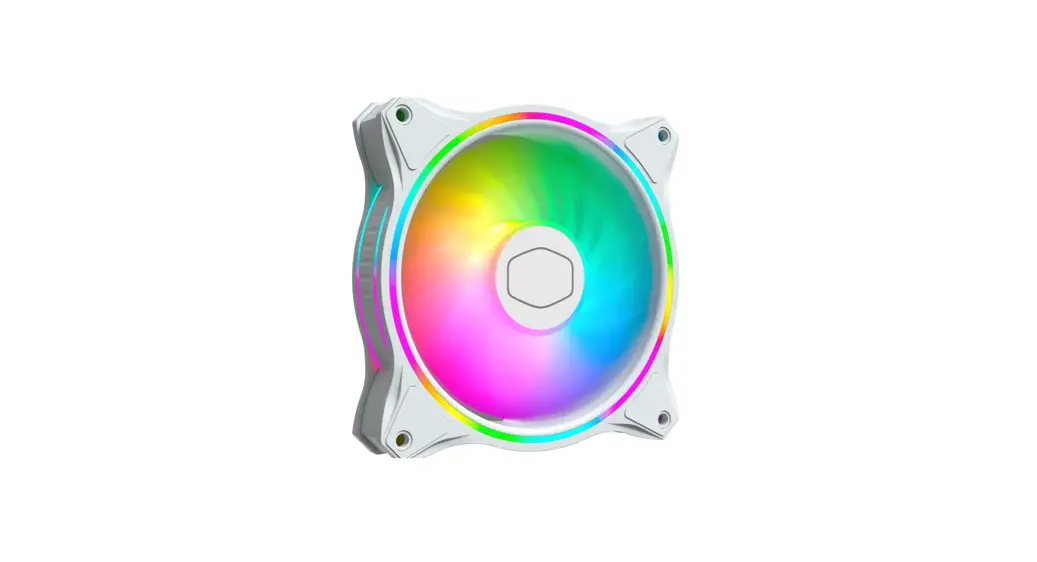
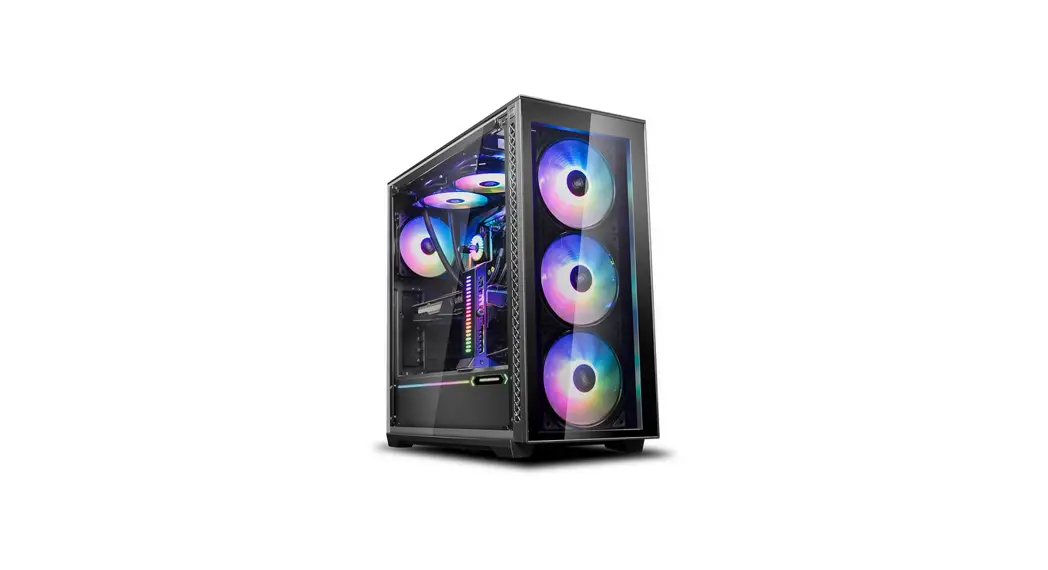
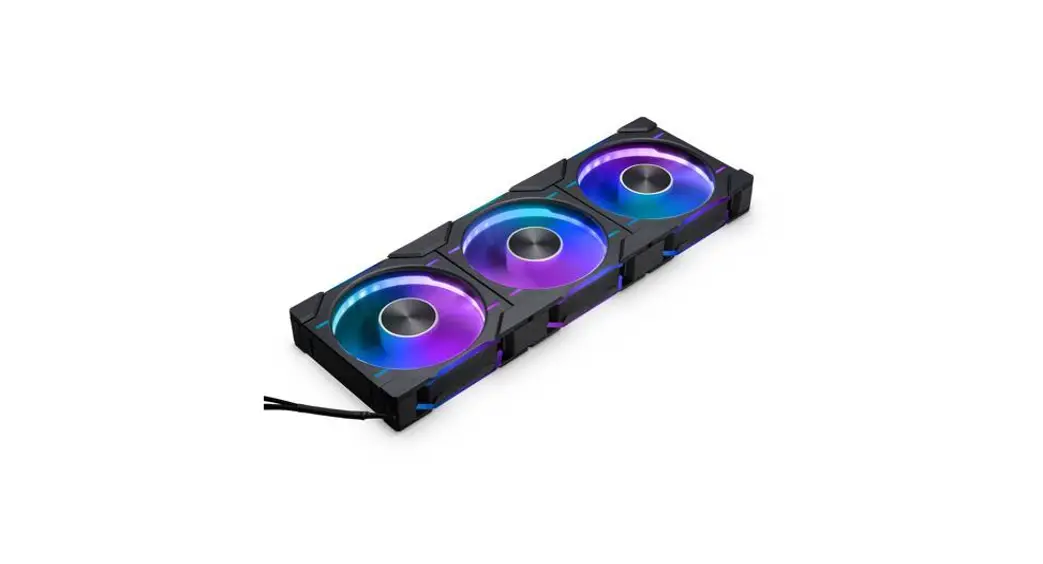
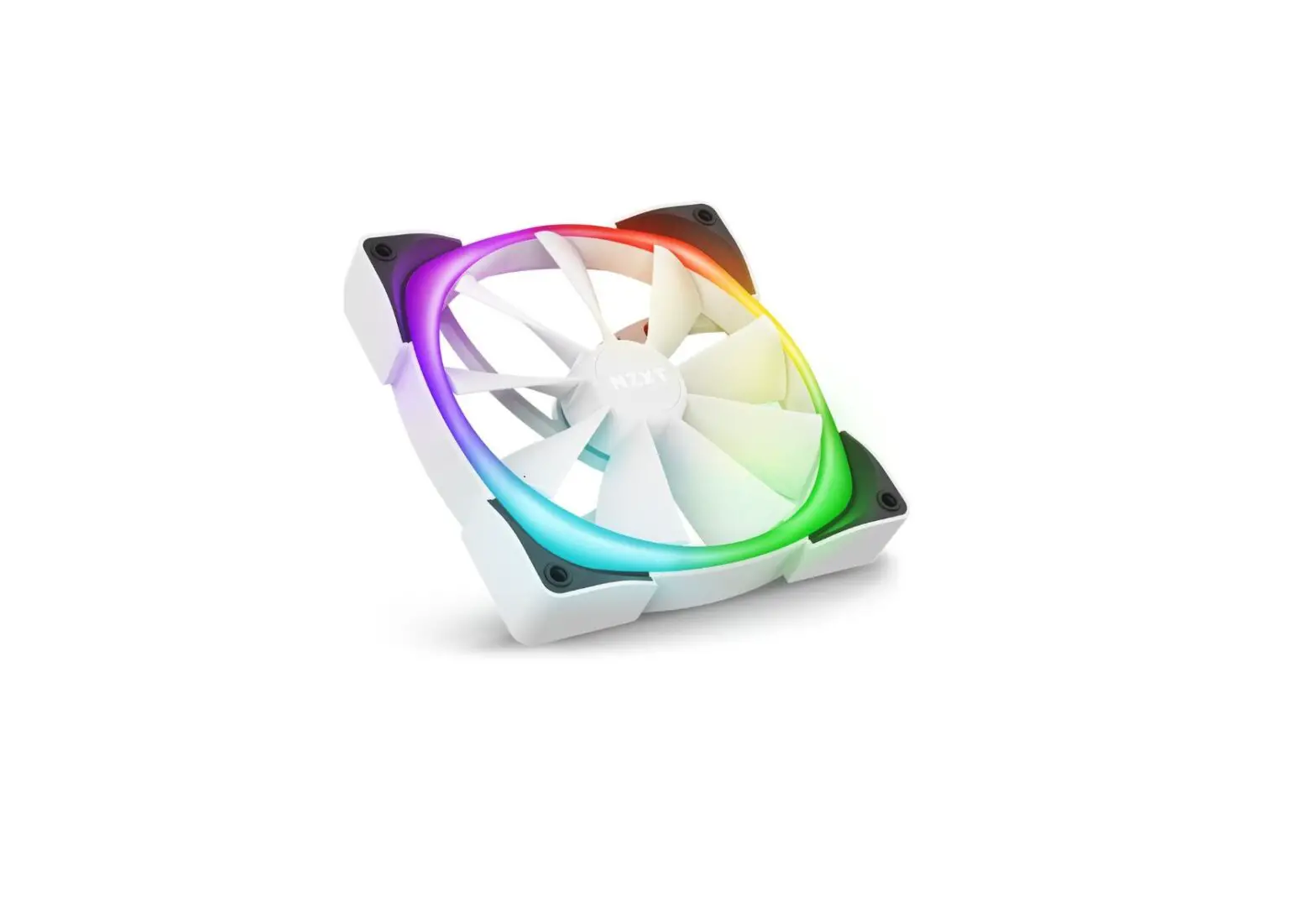
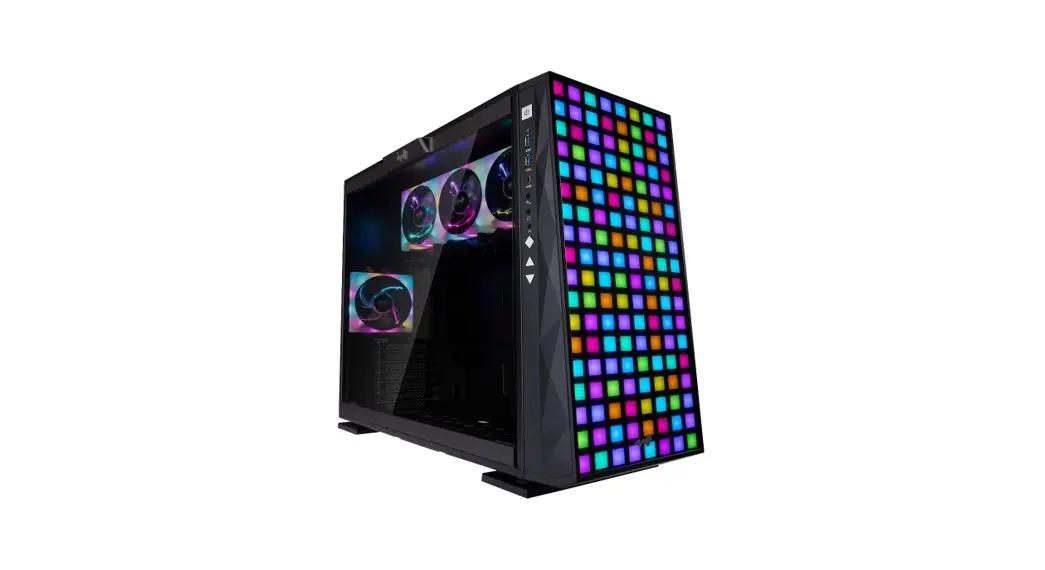
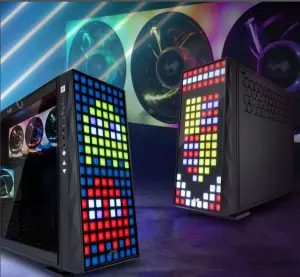
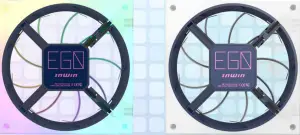
Inspired by the beauty of stained glass, the 309 is for RGB enthusiasts that crave their PCs to be a light show, a club, or festive enough for the holidays. Create your own designs with 144 addressable RGB LEDs! For the love of RGB, can we get any more LEDs?! Yes actually, by including our EGO fans with 16 MORE LEDs per fan. The 309 will be the light of your life!
Specifications
| Model | 309 |
| Part Number | IW-309-Black |
| Colors | Black |
| Case Type | Mid Tower |
| Materials | SECC, Tempered Glass, ABS |
| M/B Compatibility | 12″ x 11″ ATX, Micro-ATX, Mini-ITX |
| Expansion Slots | PCI-E x 7 |
| Maximum Compatibility | ▪ VGA Card Length: 350mm (Maximum) ▪ CPU Heatsink Height: 160mm |
| Front Ports | ▪ 1 x USB 3.1 Gen 2 Type-C ▪ 2 x USB 3.0 ▪ HD Audio ▪ LED & Fan Mode Button ▪ LED & Fan Control Buttons |
| Internal Drive Bays | ▪ 2 x 3.5″ ▪ 2 x 2.5″ (2 Pre-Installed, Max. up to 3 bays) |
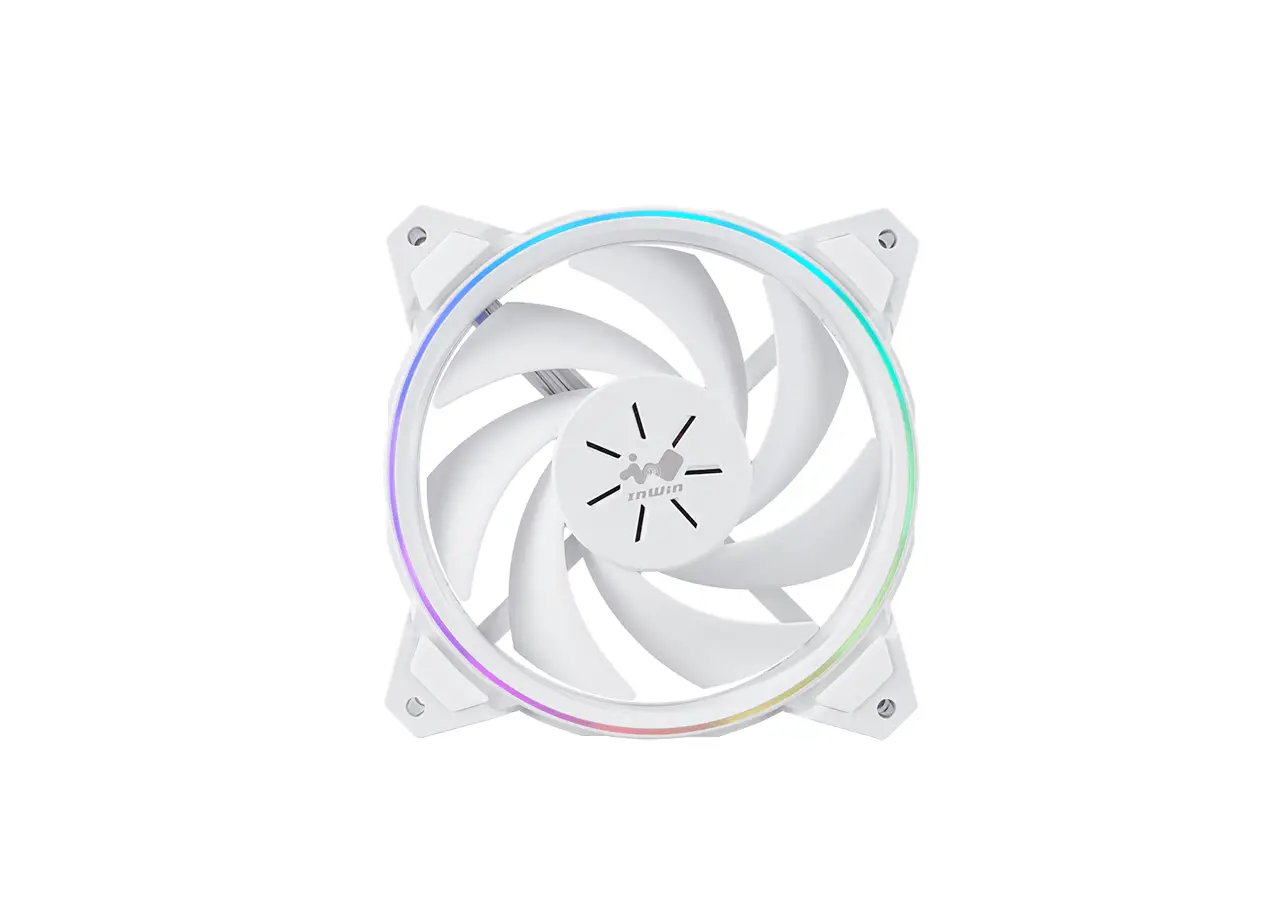
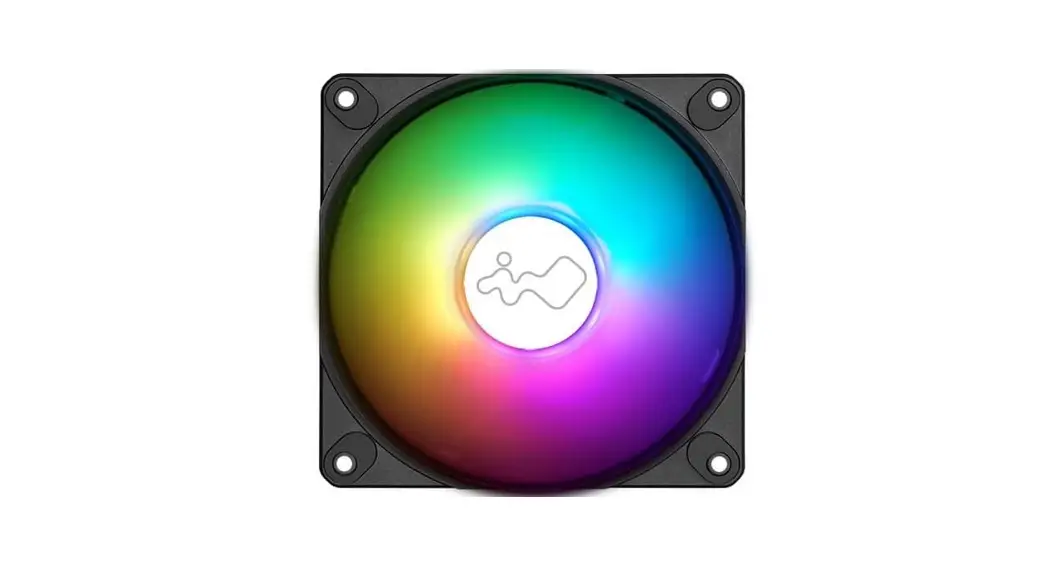
| Thermal Solution Compatibility | ▪ 1 x 120mm Rear Fan / 120mm Radiator ▪ 3 x 120mm Top Fan / 360mm Radiator ▪ 3 x 120mm Bottom Fan / 360mm Radiator (Slim) (4 InWin EGO Fans Pre-Installed: 3 on Top; 1 at Rear) |
| Power Supply Compatibility | PSII: ATX12V – Length up to 200mm |
| Product Dimensions (H x W x D) | 500 x 238 x 553mm 19.7″ x 9.4″ x 21.8″ |
| Package Dimensions (H x W x D) | 335 x 618 x 706mm 13.2″ x 24.4″ x 27.8″ |
| Net Weight | 13.65kg / 30.1lb |
| Gross Weight | 17.06kg / 37.6lb |
- Our products comply with RoHS regulation.
- Specifications may vary based on different regions.
- Extra fee for optional parts.
Specifications (InWin EGO Fans)
| Model | EGO AE120 |
| Fan Size | 120 x 120 x 25mm |
| Materials | Silicone, PC |
| Rated Voltage | DC 12V |
| Rated Power | 0.76W |
| Rated Current | 0.06A |
| ADD RGB Rated Voltage | 5V |
| ADD RGB Rated Power | 4W |
| ADD RGB Rated Current | 0.8A |
| Speed Mode | (PWM) 800~1400 RPM Turbo Mode: 2000 RPM Max. |
| Air Flow | 40.7 CFM Turbo Mode: 58.05 CFM |
| Air Pressure | 1.51mm/ H2O Turbo Mode: 2.74mm/H2O |
| LED | Addressable RGB |
| Connector | 6-Pin Modular |
| Noise Level | < 22 dB(A) Turbo Mode: 32 dB(A) Max. |
| Bearing Type | Sleeve Bearing |
Package Contents
| 309 Chassis | |
| Mag-Ear Headphone Hanger (Random Color) | 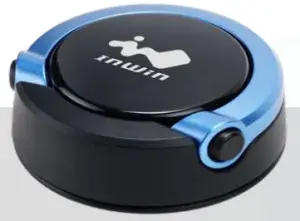 |
| Accessories Bag |  |
| QR Code Card |  |
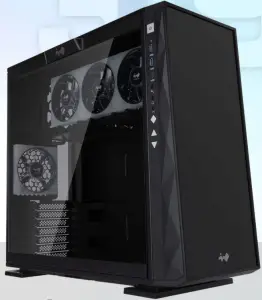
Accessories Bag Case Structure
 Case Structure
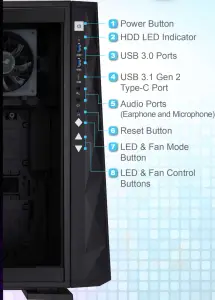 Case Structure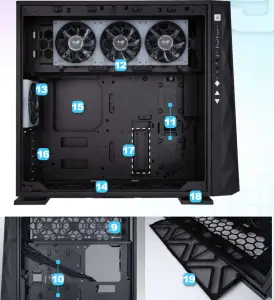
- 9 . Power Supply Mounting Area
10. 3.5″ Drive Bay
11 .2.5″ Drive Bay
12. Top Fan / Radiator Mounting Area (3 InWin EGO Fans Pre-Installed)
13. Rear Fan / Radiator Mounting Area (1 InWin EGO Fan Pre-Installed)
14 .Bottom Fan / Radiator Mounting Area
15. Motherboard Mounting Area
16 . PCI-E Expansion Slots
17. Extra PCI-E Supporting Mounting Hole
18 . Shock-Proof Stands
19. Fan Dust Filter
Installation Guide
- Please follow the related chapters to assemble.
- Please use original provided accessories to avoid damage to the product.
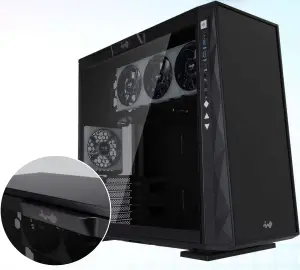
Opening the Chassis Please remove by pressing the handle on top of the panel. 
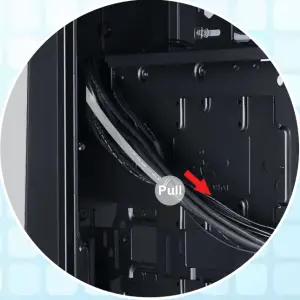
Clock Synchronization Please pull the plastic mylar tab to activate the clock synchronization, then run the GLOW2 software to provide accurate time on the front panel. 
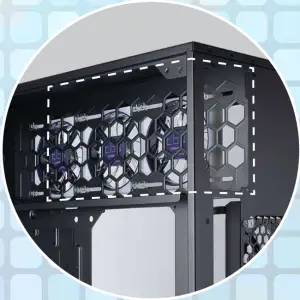
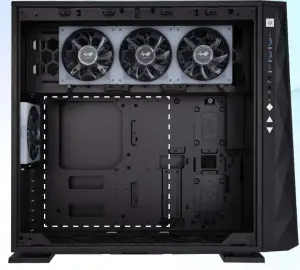
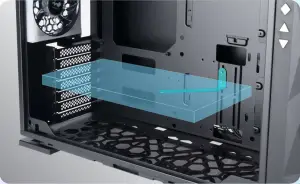
Power Supply Installation Parts Required: Hexagon Head Screws The power supply can be mounted on the top bracket Motherboard Installation Parts Required: Motherboard Stand-Offs, Motherboard Stand-Off Socket, Hexagon Head Screws Expansion Card Installation Parts Required: Hexagon Head Screws, Graphics Card Holder 
I/O Wires Installation 
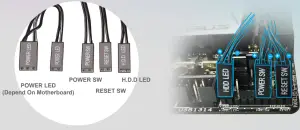
USB3.0 Header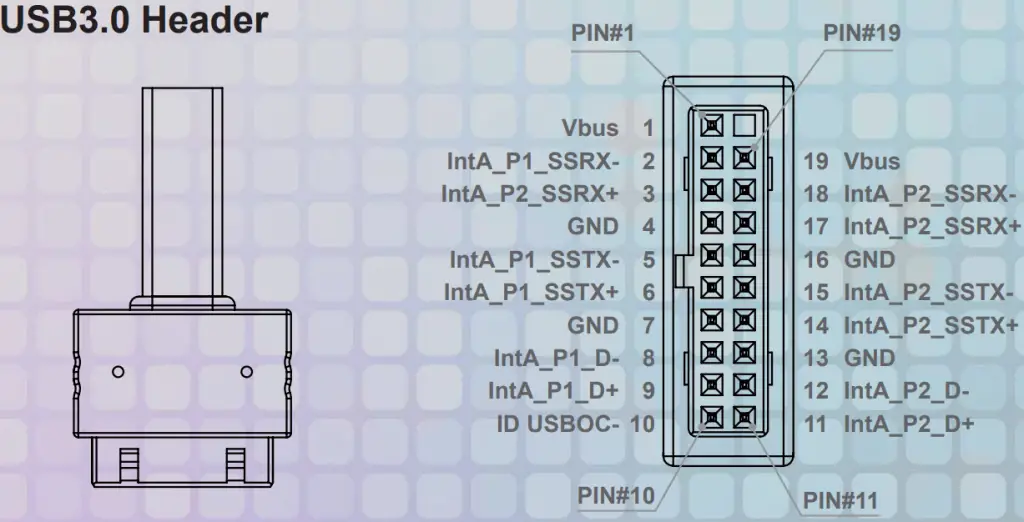
The Instructions of Type-C Cable
If your motherboard supports Type-C, please connect the
Type-C connector with the header directly on the motherboard.
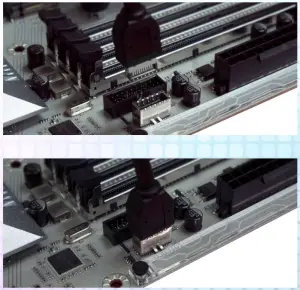
USB Cable
Please plug in the USB port on the motherboard.
LED Power
Ensure the beveled edge of the PSU connector is properly aligned with the beveled edge of the LED light connector.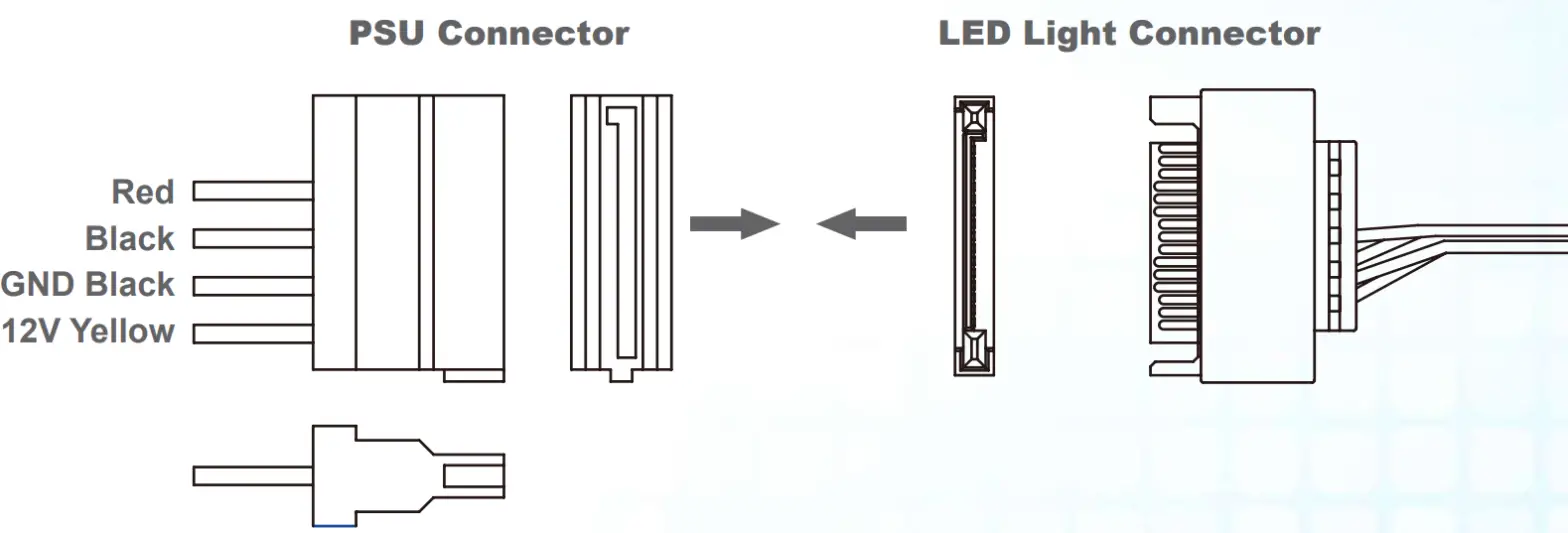
Controller Power
Make sure the PSU connector is properly aligned with the controller connector from edge to edge.
Addressable RGB Cable (Optional Installation Steps) If your motherboard supports the addressable RGB effect, please follow the directions of the image below and insert
addressable RGB cable into the 3-pin, 5V header directly on the motherboard.
4-Pin Fan Connector (Optional Installation Steps)
Please follow the directions of the image below and insert the 4-pin connector into the fan header directly on the motherboard.
Note: The fans will be controlled by the motherboard when the connector is installed properly. If you would like to control the EGO fans via InWin’s exclusive GLOW2 software, please DO NOT install the fan connector with your motherboard.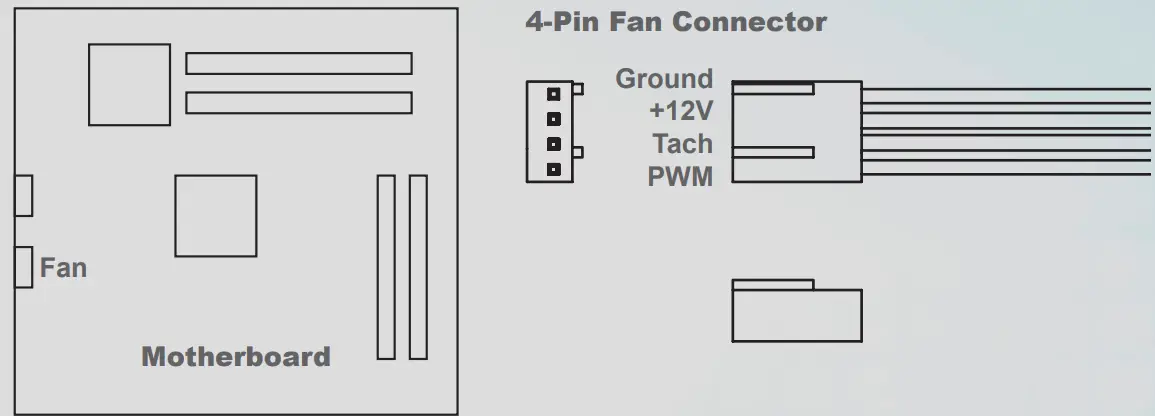
2.5” Drive Bays Installation
Parts Required: 2.5” HDD Screws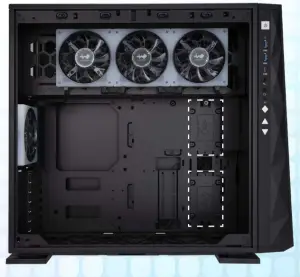
3.5” Drive Bays Installation
Parts Required: 3.5” HDD Screws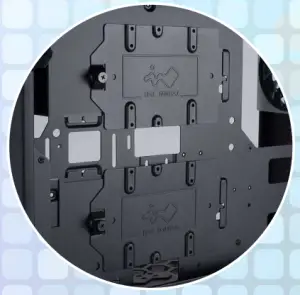
Fan / Liquid Cooling Radiator Installation
Parts Required: Water-cooling System Washers, M3 / #6-32 Thread Water-Cooling Radiator Screws (EGO Exclusive)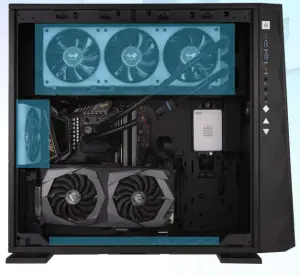
Completing Installation
Parts Required: Cable Ties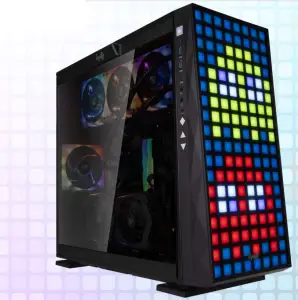
LED & Fan Control Buttons Instructions
The LEDs and fans can be controlled by pressing the control buttons on the I/O panel or controlled by GLOW2 software.
Control Buttons Descriptions
For more detailed instructions, please watch the video at this website link
Control Buttons Instructions
Please follow the button sequence below to adjust LED brightness, lighting effects and fan speed.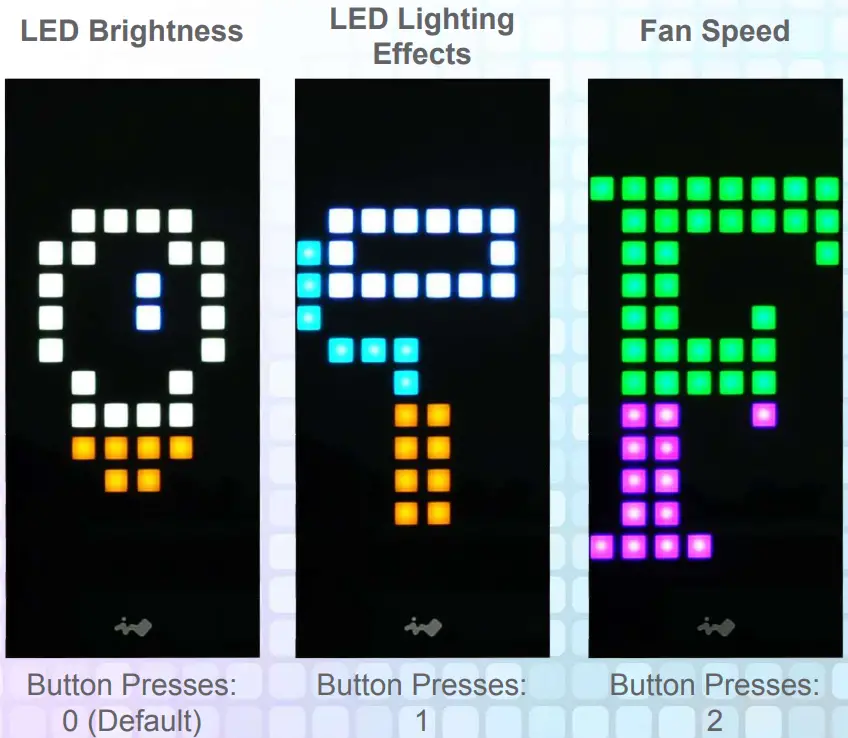
Note: The control mode rotate to the LED Brightness Mode if you press the Control Mode button three times.
GLOW2 Software Instructions

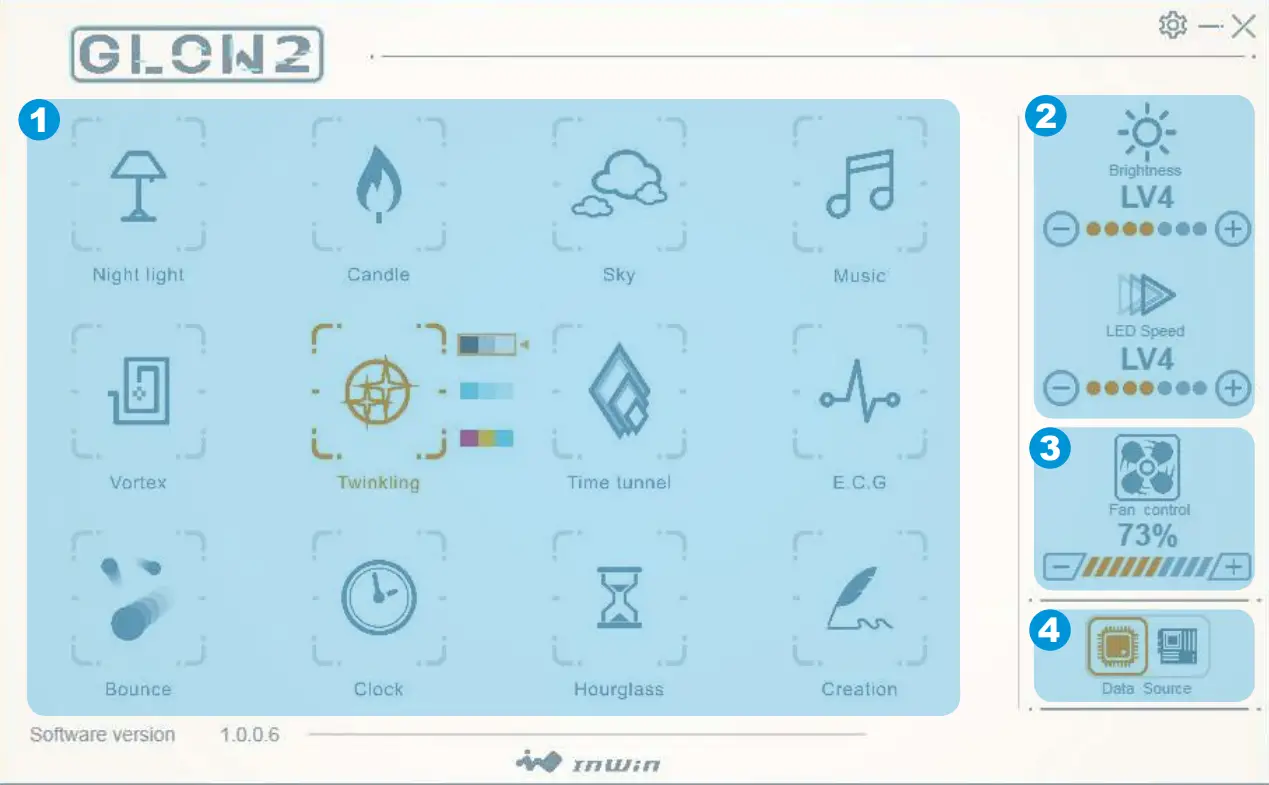
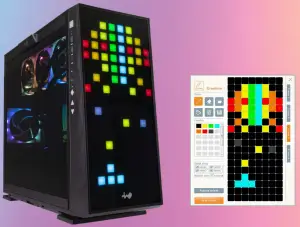
The InWin exclusive GLOW2 software encourages users to create their own unique lighting effect. Choose your own style! The simple and clean intuitive interface is easy to operate. GLOW2 possesses 12 different lighting modes, but the most intriguing is Creation Mode, which grants users access to design their own front panel to match their preferred theme. The only limitation is your own imagination!
1. Please click “download” on the 309 websites to install the GLOW2 software. (https://www.in-win.com/en/gaming-chassis/309)
2. After downloading the GLOW2 on the desktop, please click to open it.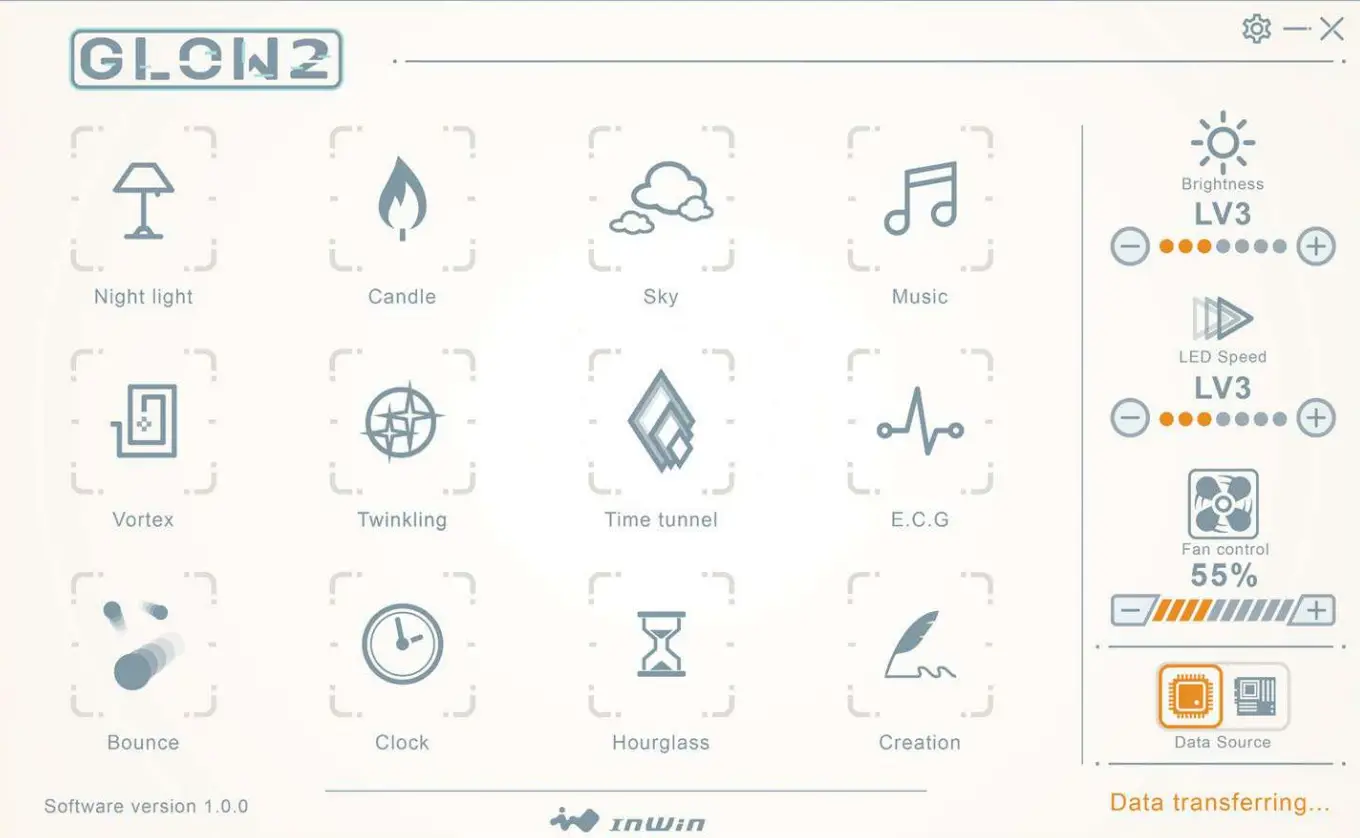
Colors
Each mode provides up to 3 colors to choose from.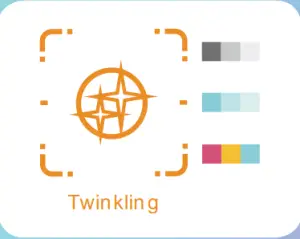 Lights & Speed
Control lights and speed by + and – buttons, there have 7 levels.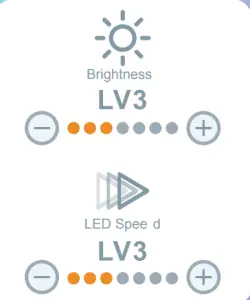
Fan Output
Control the EGO fans’ speed by pressing the + and – buttons. There are 10 fan speed levels up to Turbo mode. If the 4-pin fan connector is connected with the motherboard, you can easily click the fan icon on the GLOW2 software to adjust the control mode.
* Note: The fan control will not work on the GLOW2 software if the motherboard software is running.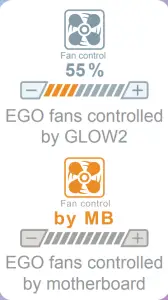
Motherboard or GLOW2 software options
Control the lighting effects with an ARGB-enabled motherboard. If your motherboard doesn’t have an addressable header (3-pin, 5V), you can control the lighting by downloading the GLOW2 software.
Note: The 309 and EGO fans use a lot of LEDs and some motherboards may not be able to handle the number of LEDs. Please use the GLOW2 software if the lighting isn’t functioning properly.
 |  |
| Addressable RGB header isn’t properly connected to the motherboard. | The lighting is controlled by the motherboard software. |
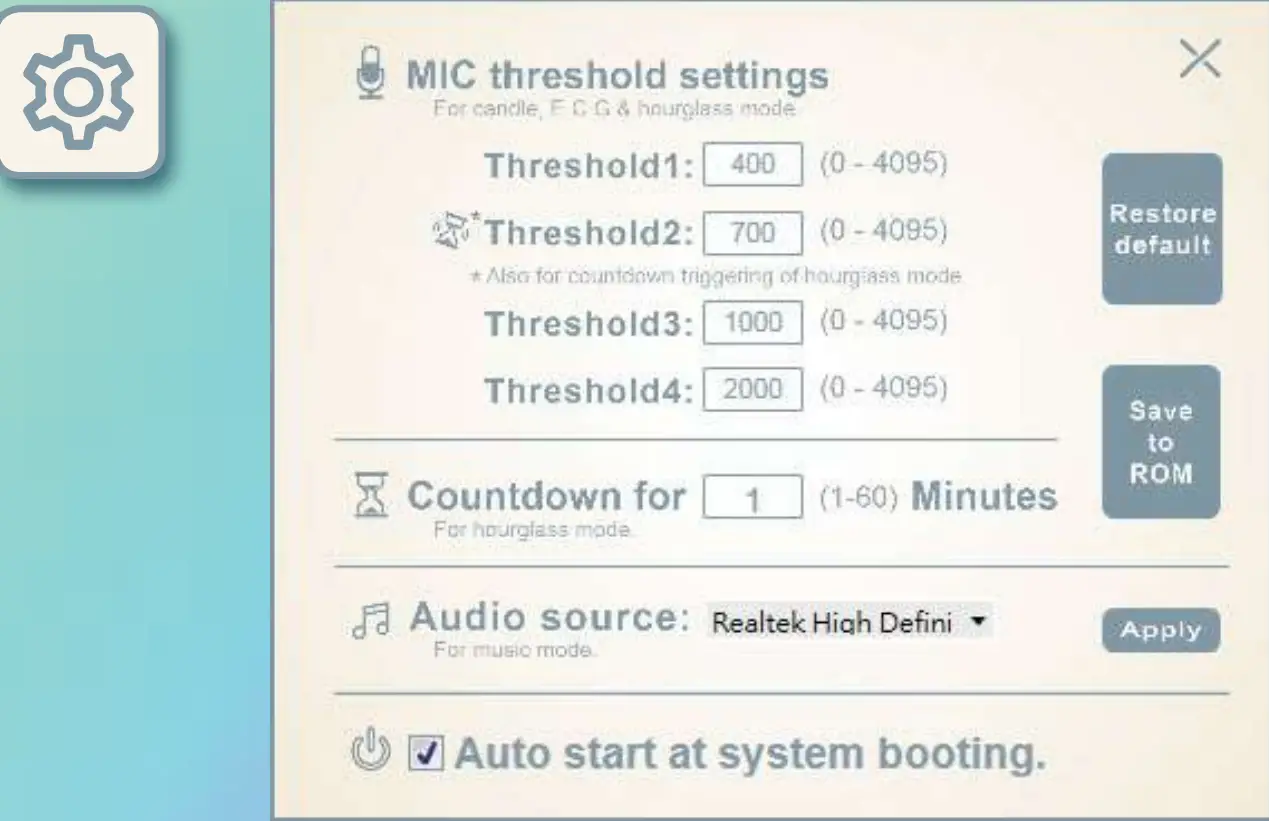
MIC Threshold Settings
Please set the numbers in ascending order. The smaller the number, the greater the sensitivity.
Hourglass Time Setting
Please set from 1 to 60 minutes.
* Note: Please click the “Save to ROM” and “Apply” buttons to apply all the changes.
Mode Descriptions
| Night Light Create an atmosphere in dark room |  |
| Candle Lighting effect by voice catching from microphone |  |
| Sky A cloud floating in the sky |  |
| Music Equalizer mode’s lights reveal the rhythm of the music |  |
| Vortex Rotating vortex |  |
| Twinkling Like stars twinkling in the night sky |  |
| Time Tunnel Dazzling tunnel effect |  |
| E.C.G Heartbeat effect by voice catching from microphone |  |
| Bounce Light moves like a bouncing ball |  |
| Time Clock display the time |  |
| Hourglass Up to 60 minutes countdown. Clap hand to reset the time when red flashlight shows time up. |  |
| Creation Customize own lighting effect |  |
Creation Mode
| Creation Customize own lighting effect | |
| Tool Brush / Eraser / File Painting / Trash Can / Save |  |
| Palette Please double-click the block to add/change the colors. | 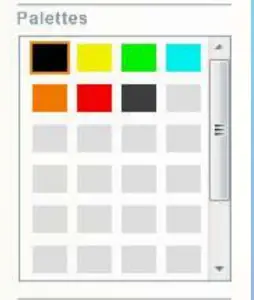 |
| SlideShow Provide 4 plates to create an image, which offers 60 seconds maximum to setting slideshow time on the front panel. | 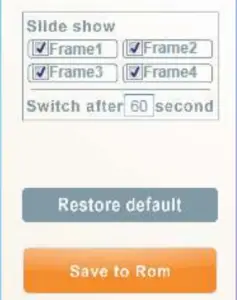 |
Notices and Warranty
Notices
- Please follow the user manual for installation.
- To avoid damaging any circuits, please make sure the power is off before assembling any internal device.
- When installing the computer components, please use the antistatic precautions to prevent ESD (electrostatic discharge) damage. This can cause injury to the installer and/or damage to the machine. Incorrect installation may burn out the motherboard and other system components.
- When the side panels are opened, please do not put your hands or other objects into the fans or other parts in operation. And please make sure to keep away from children and pets.
- Please avoid unnecessary insertions and extractions to the addressable cable as it may damage the pins.
- To avoid any damages, please do not use this product for any other purpose than its intended use.
- Any modifications may damage the product.
- Please remove all internal devices before shipping or moving. (Including power supply, hard drives, motherboard, CPU, etc)
- Keep this product away from areas with high temperatures such as heat dissipation machines, air conditioners, or other machines which may generate high temperatures.
- Please use only this product’s exclusively supplied cables. Other cables may not be compatible and could cause serious damage to your system and power supply.
- Please replace the battery of the chip if the clock synchronization doesn’t work.
- There are 4 EGO fans pre-installed in this product, if you would like to install 5 or more fans, please use the additional exclusive power cable to avoid overloading the system and other system components.
Warranty
- For more detailed warranty information, please visit the InWin retail website at www.in-win.com.
- The actual product is subject to change without prior notice. InWin Development Inc. reserves the right to make any final modifications.
Copyright © 2019 In Win Development Inc. All Rights Reserved.