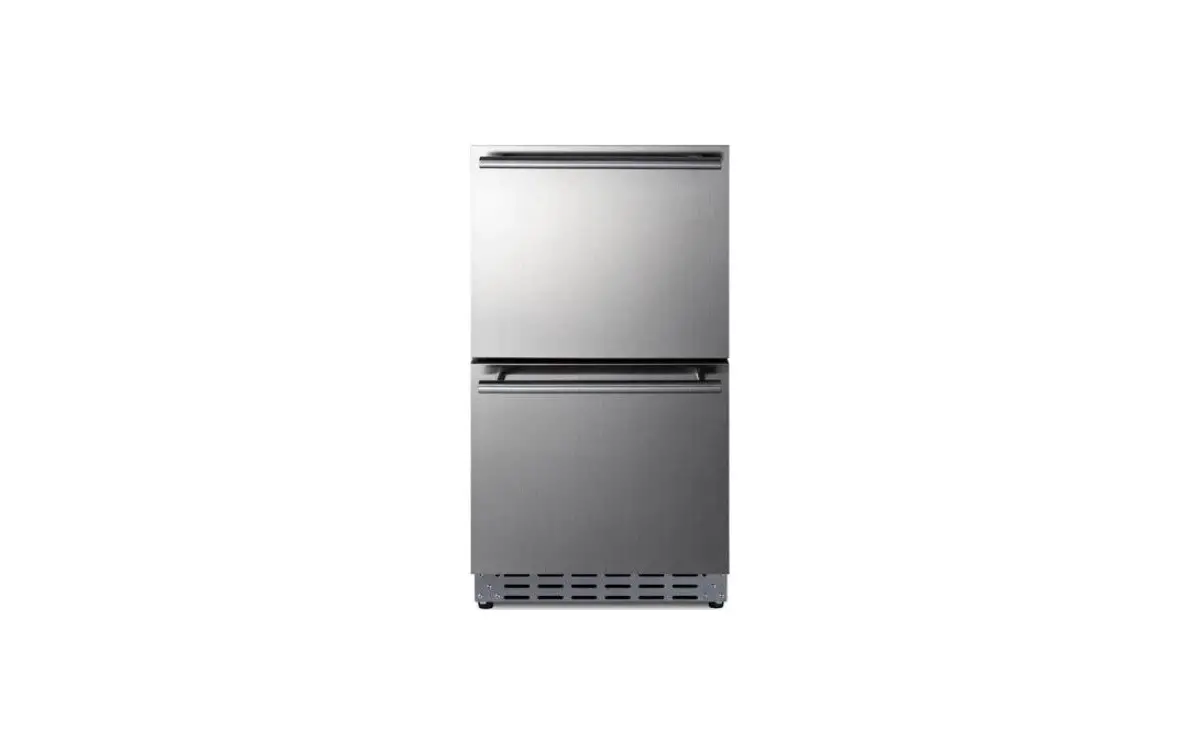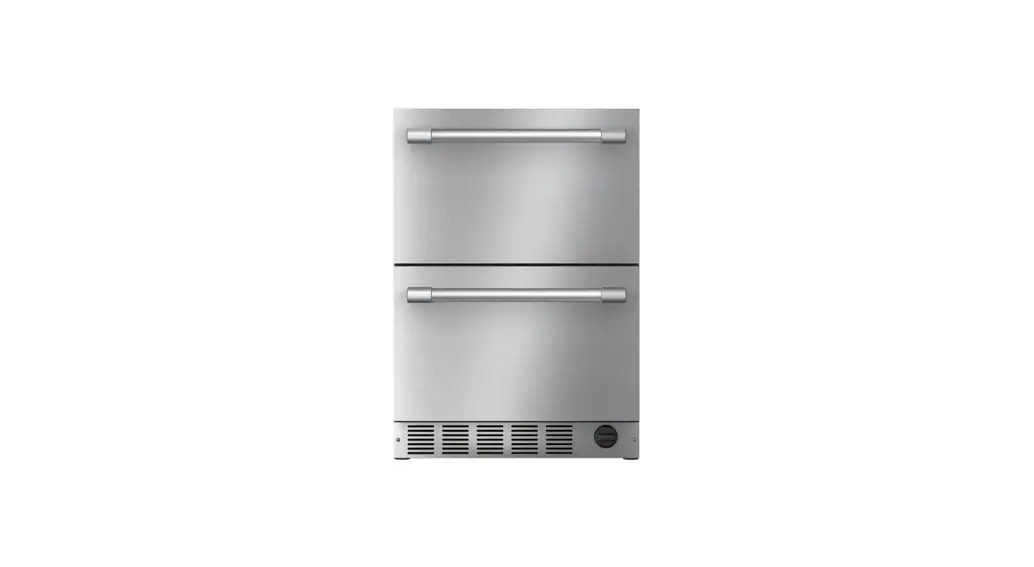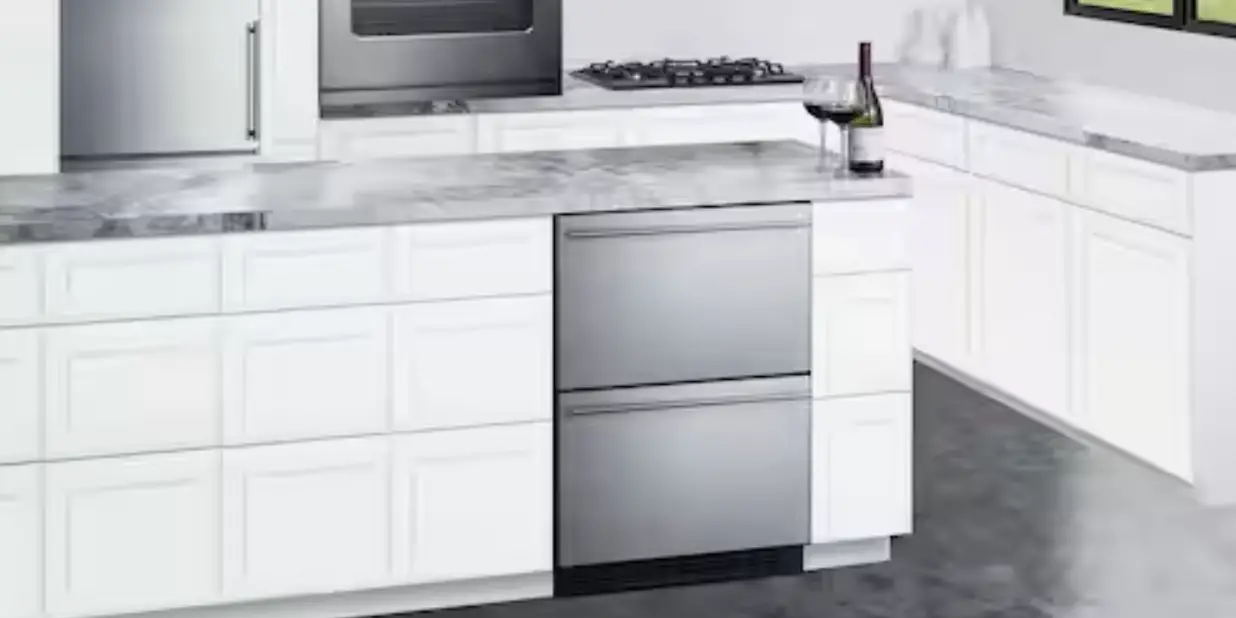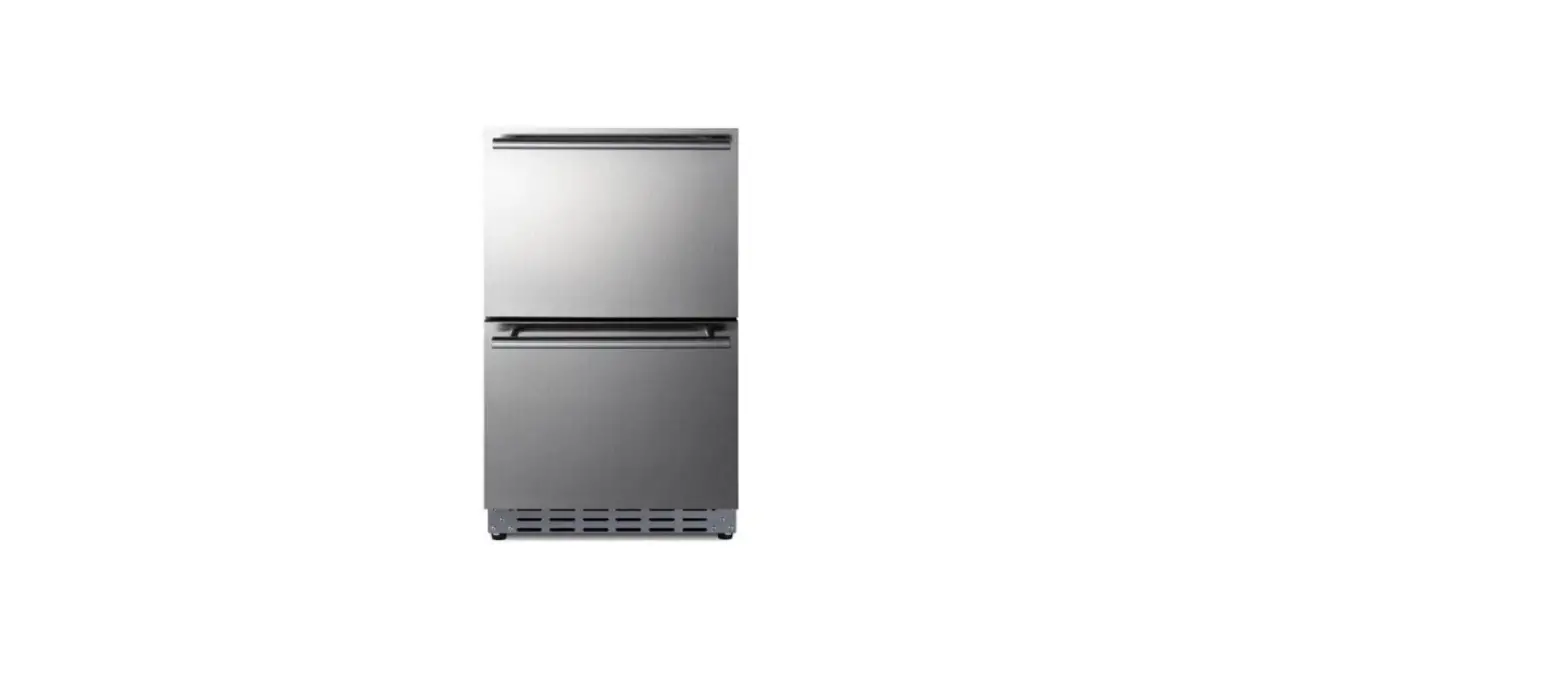

SUMMIT ADRD18H34 18 Inch Counter Depth Built In Drawer Refrigerator
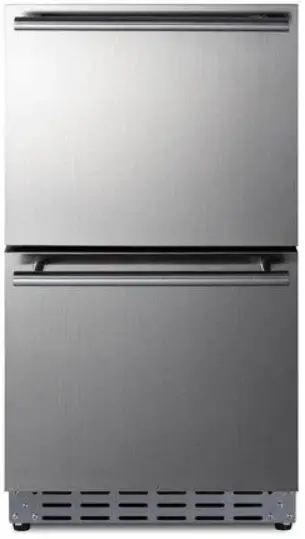
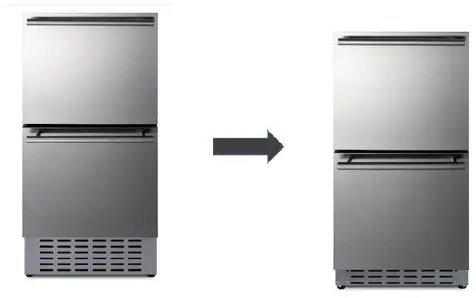
If this unit’s 34 ¼” height is too high for your counter, you can remove the base to bring it down to 32”. This will allow the refrigerator to fit under most ADA compliant counters.
Tools Needed
- Philips screwdriver
Removing the Black Plates
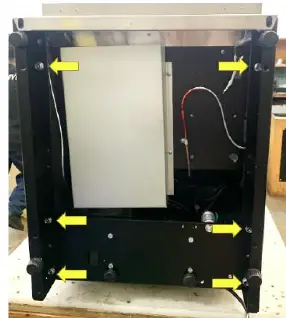
- Gently place the unit on its back.
- Remove the 4 legs by manually unscrewing them. Set aside.
- Unscrew the 6 screws holding the left and right plates using the Phillips screwdriver.
- Pull the plates off the units.
- Removing the Kickplate
- To remove the kickplate, unscrew the 4 screws on each side of the kickplate. Set the screws aside
- Installing the Shorter Kickplate
- Using the screws you set aside in step 5, secure the shorter kickplate to the unit.
- Screw the legs set aside during step 2 back onto the unit.
Summit Appliance Division
- Felix Storch, Inc.
- www.summitappliance.com
- 718-893-3900
- [email protected]
 Manufacturing Specialty Appliances Since 1969 | Summit® Appliance