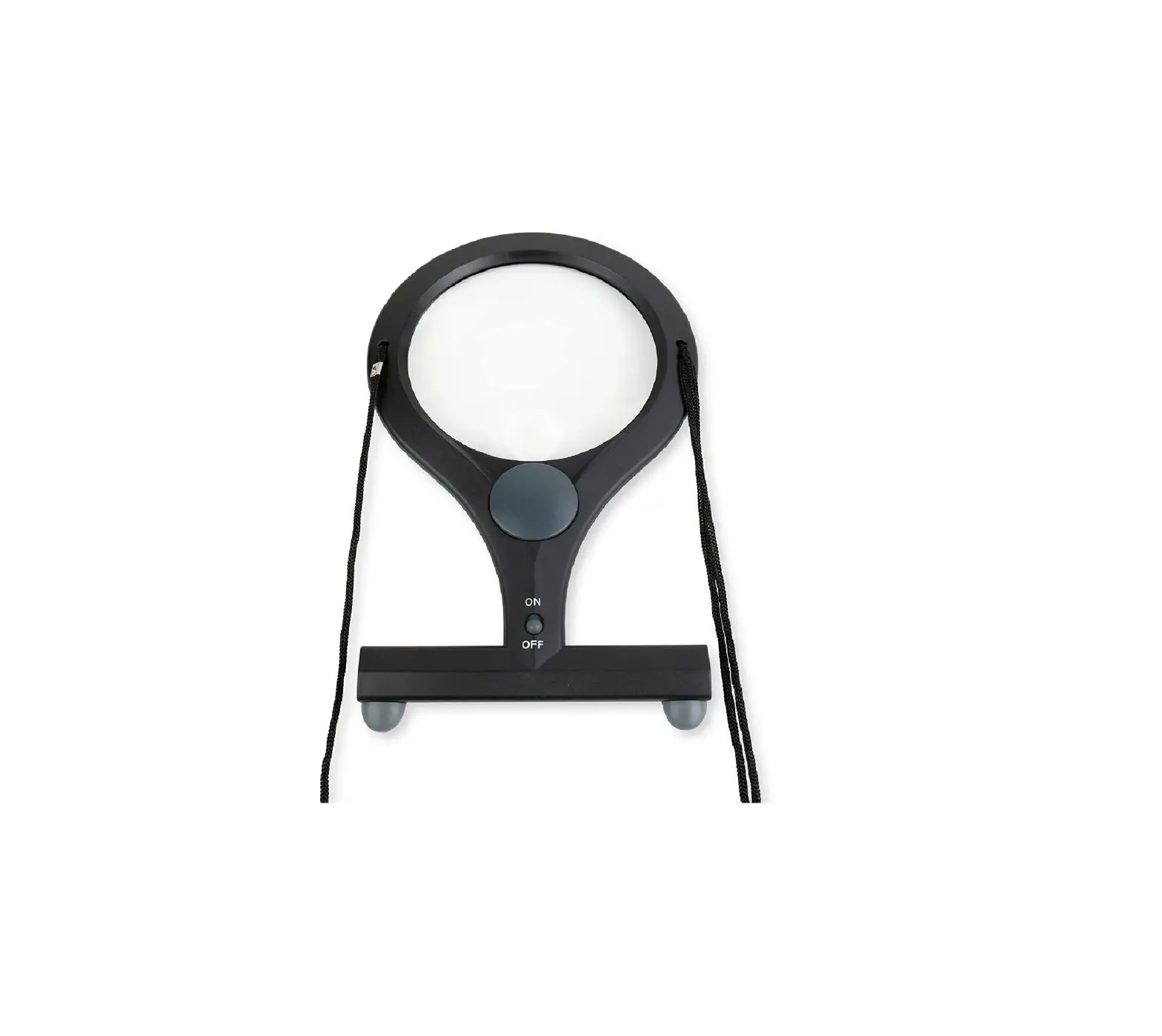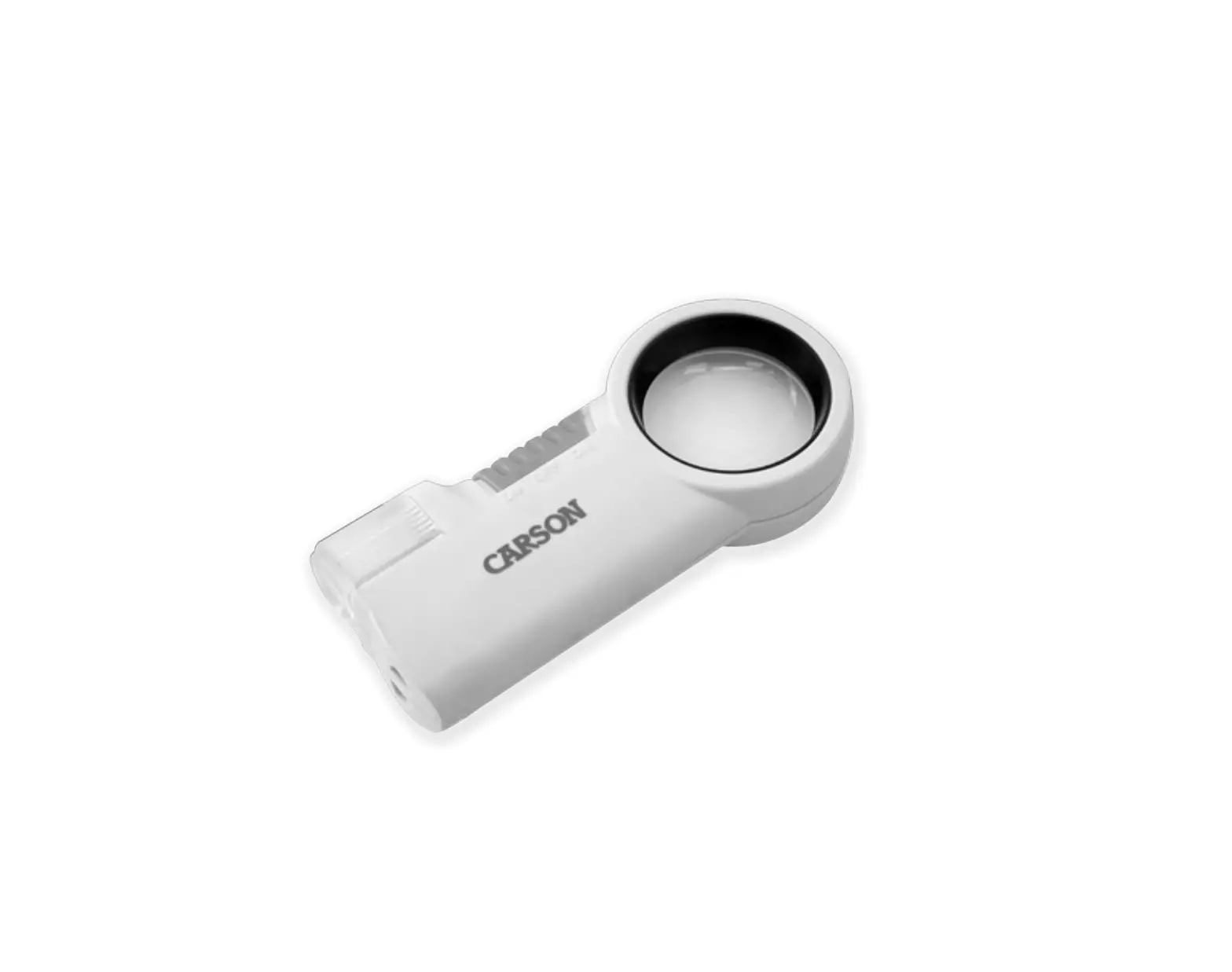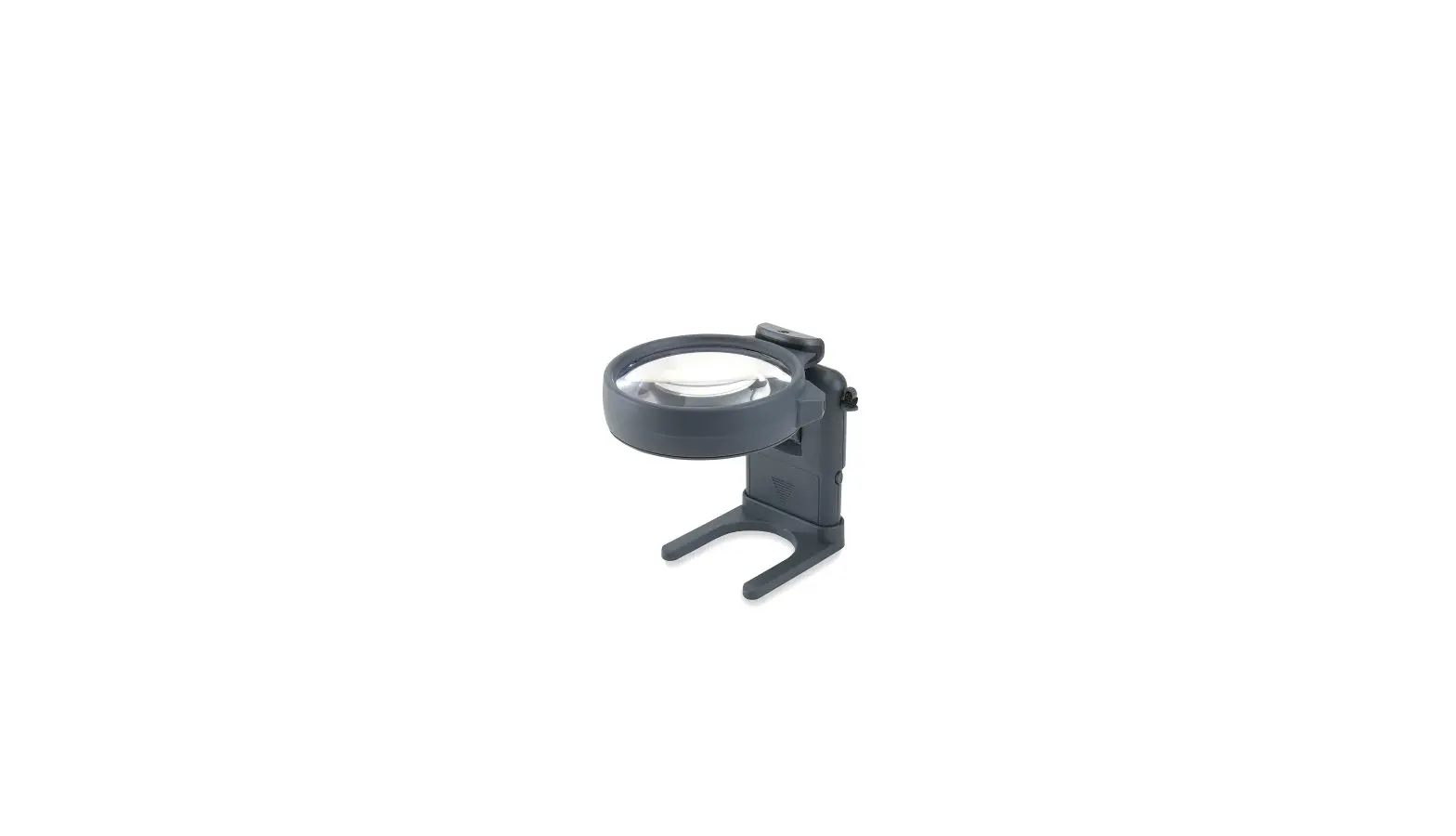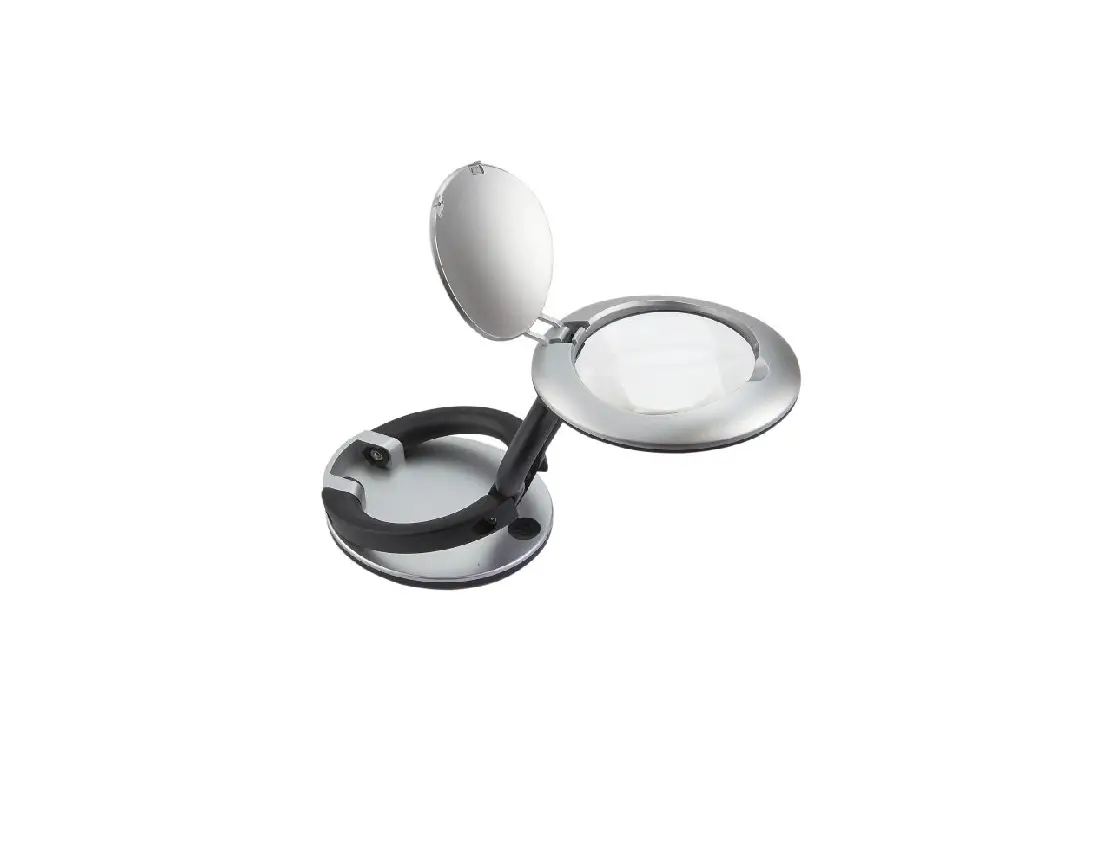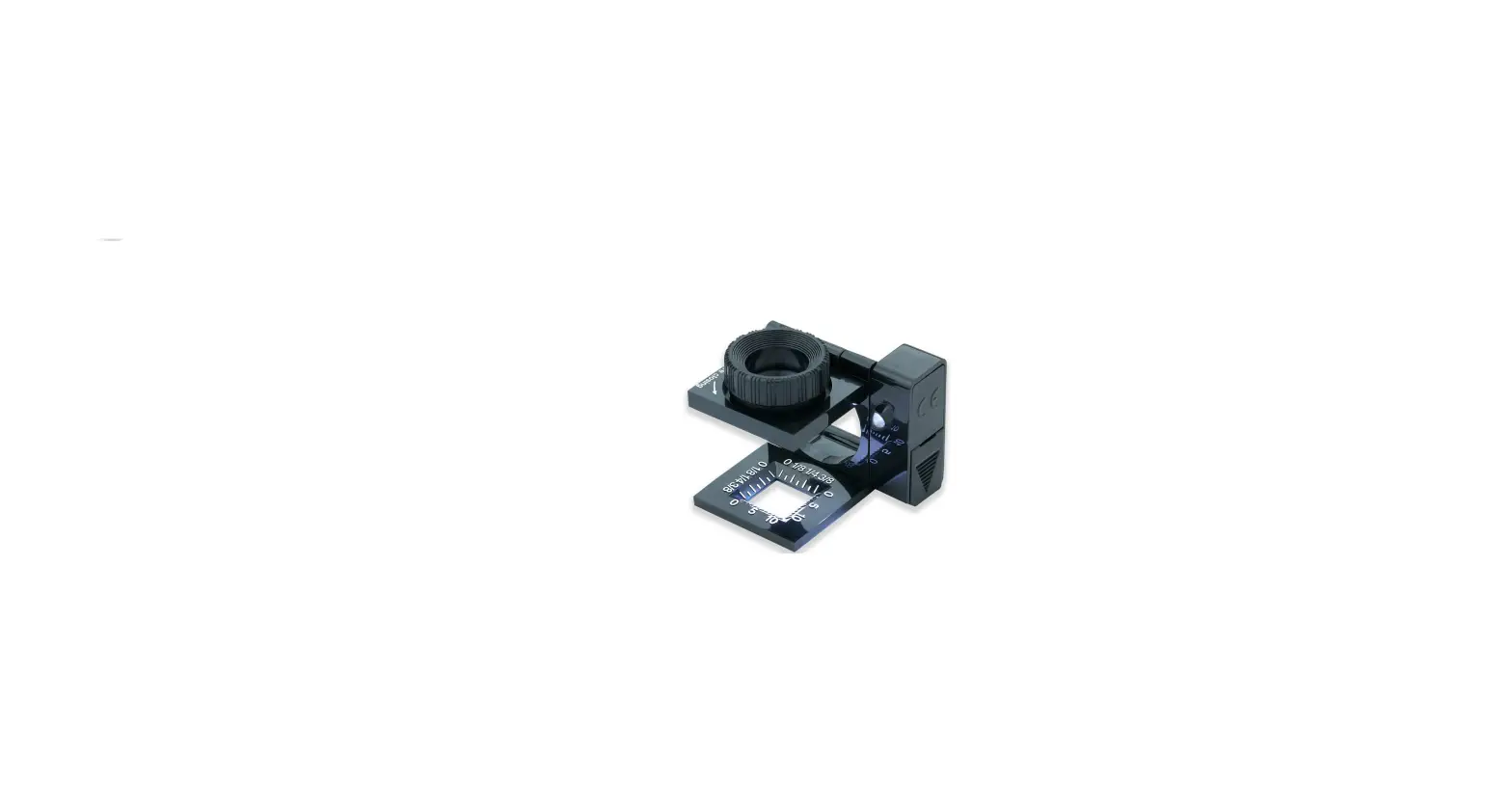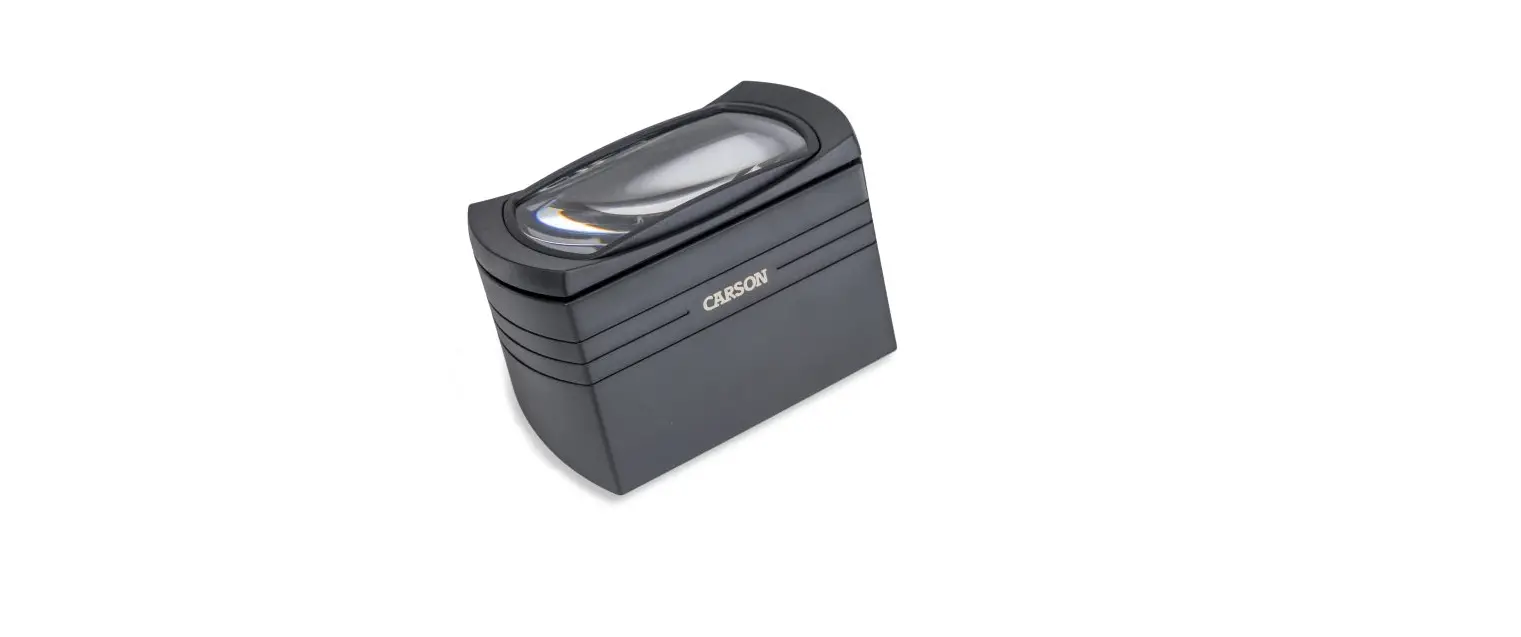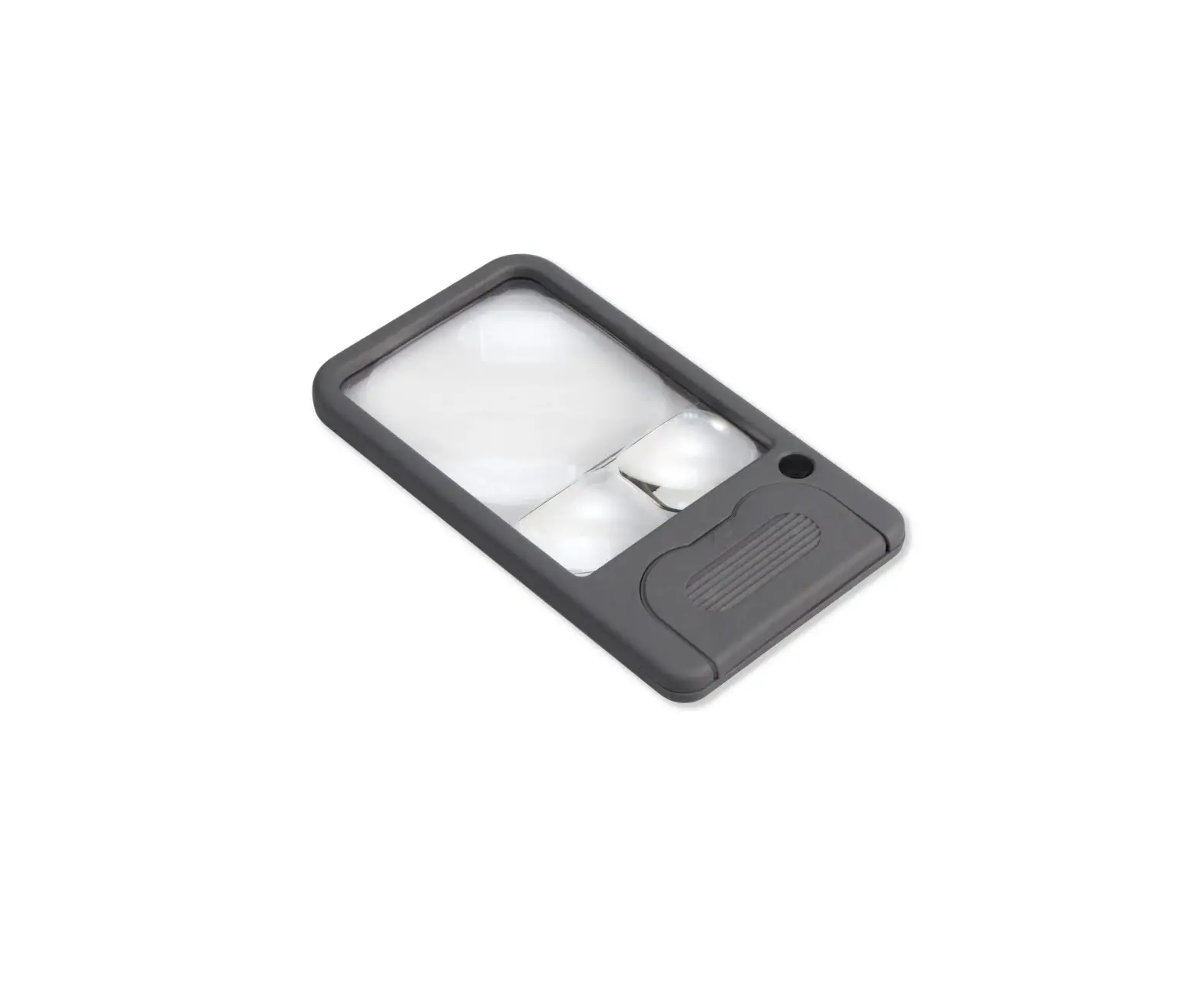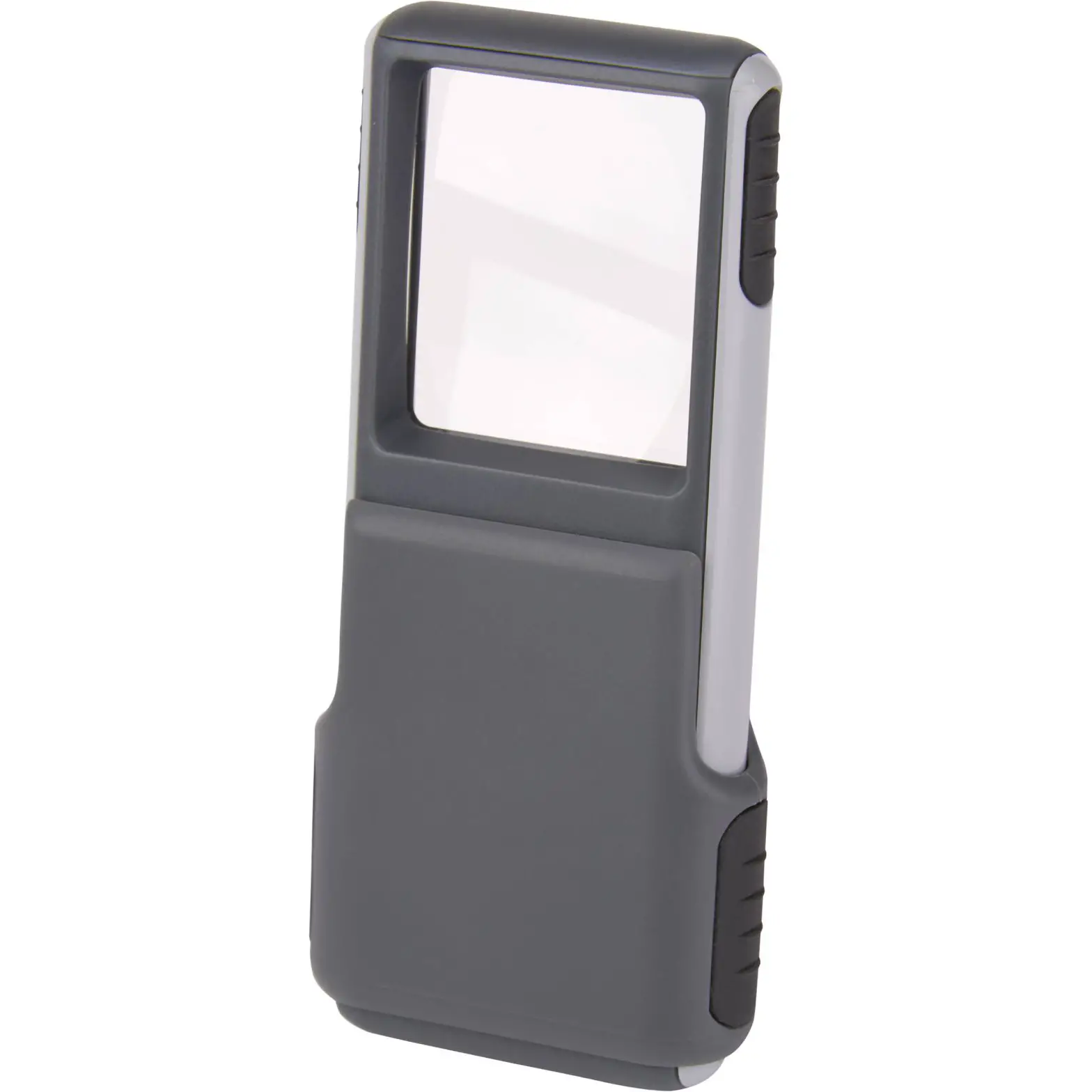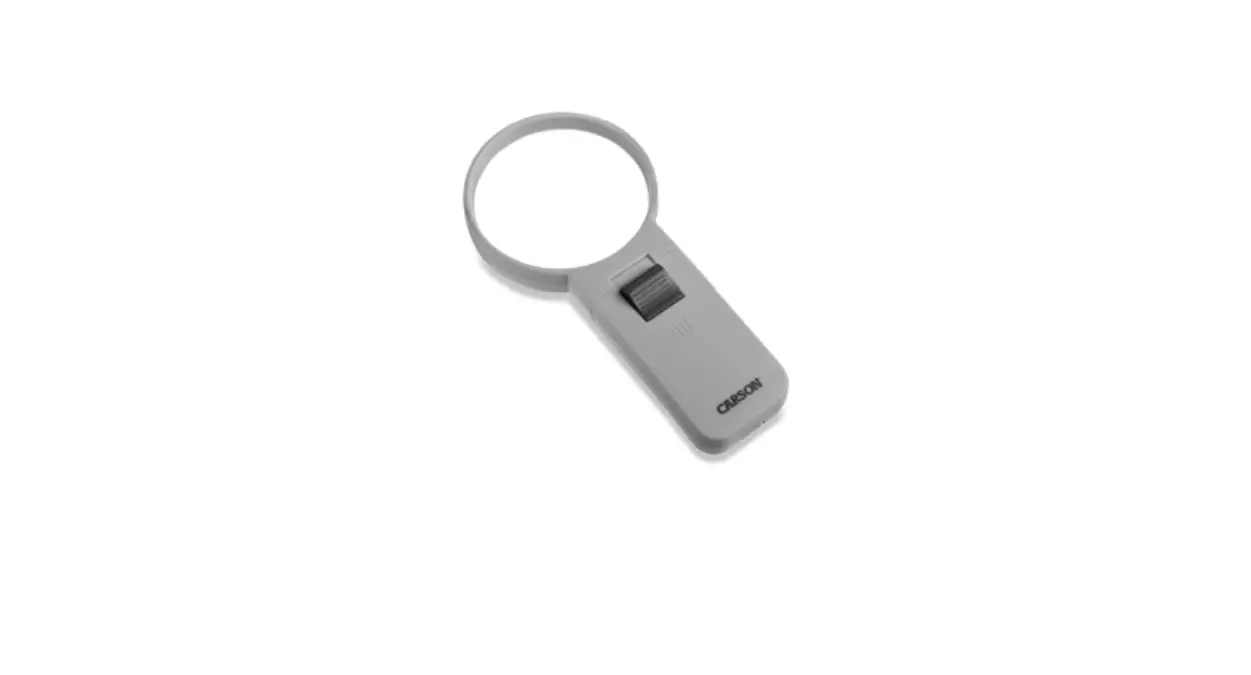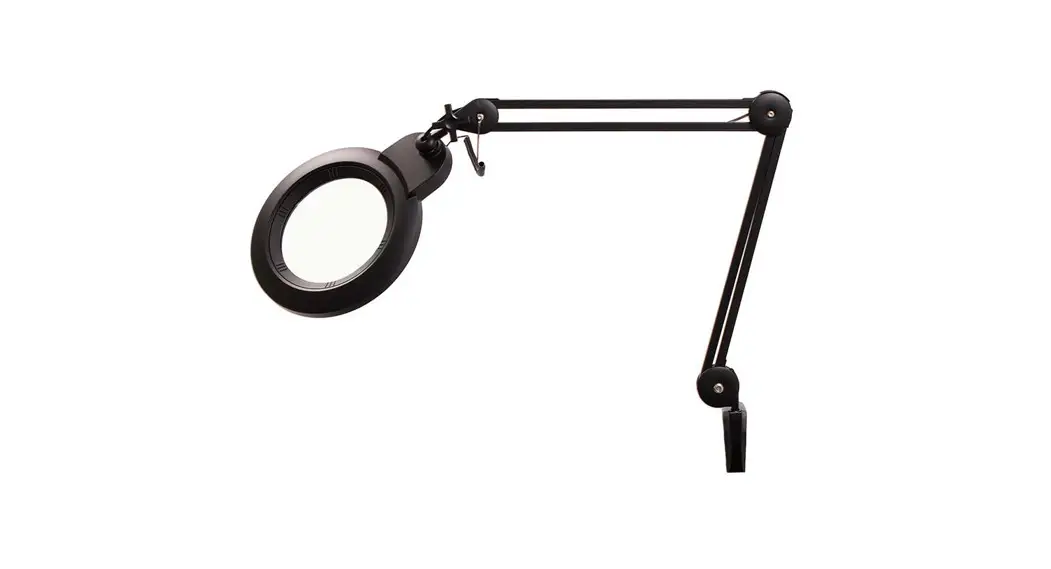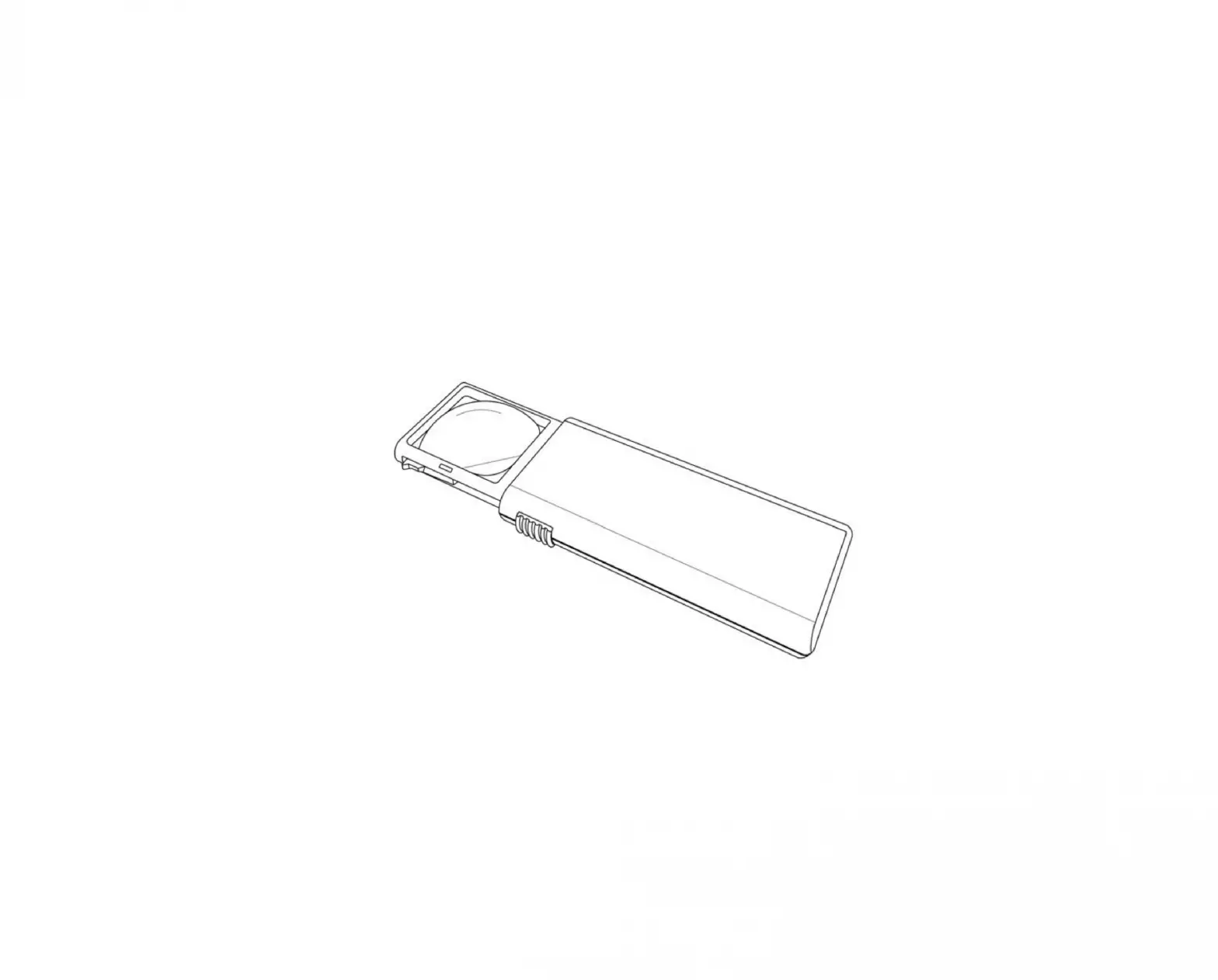
Carson Lk-30 Lighted Magnilook 2.5x / 4.5x Led Lighted Hands-free Magnifier
Instructions for use:
To Activate LED Light
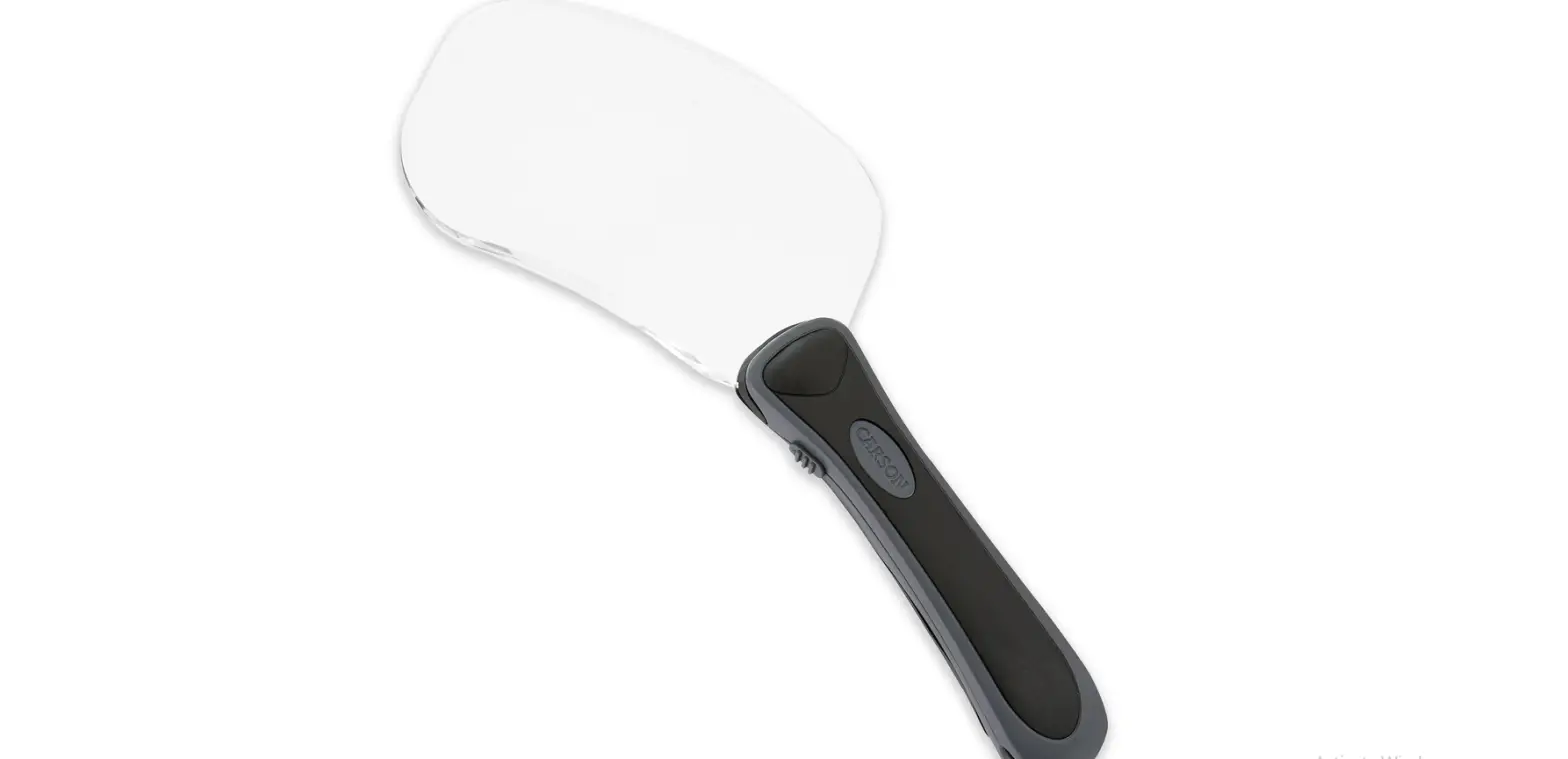
To turn light on, slide switch located on top of magnifier handle up (Fig. 1).
Note: Please remove battery tab before first use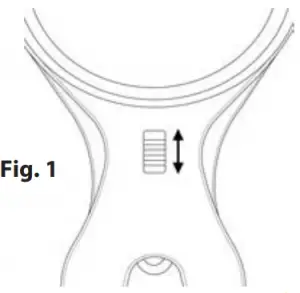
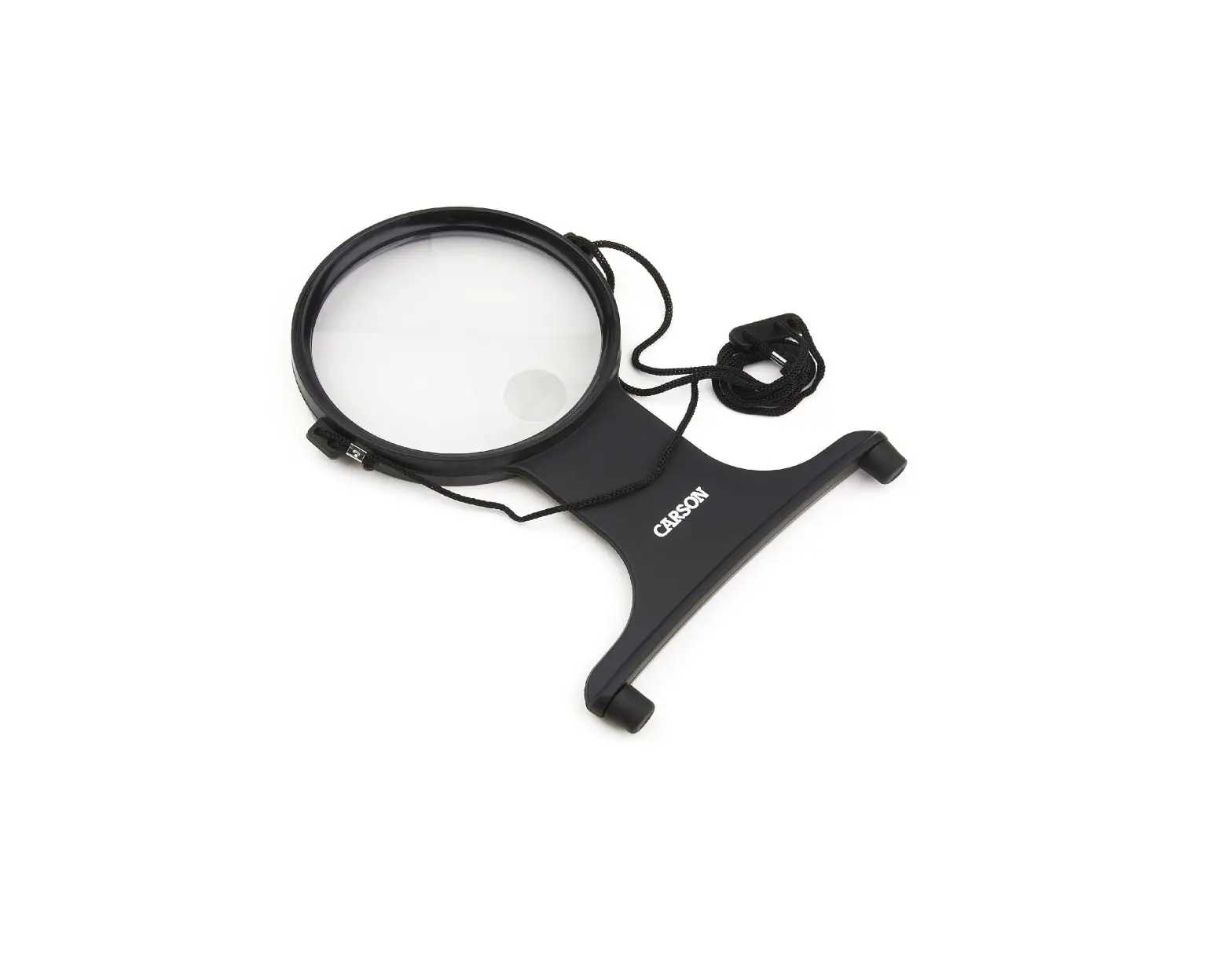
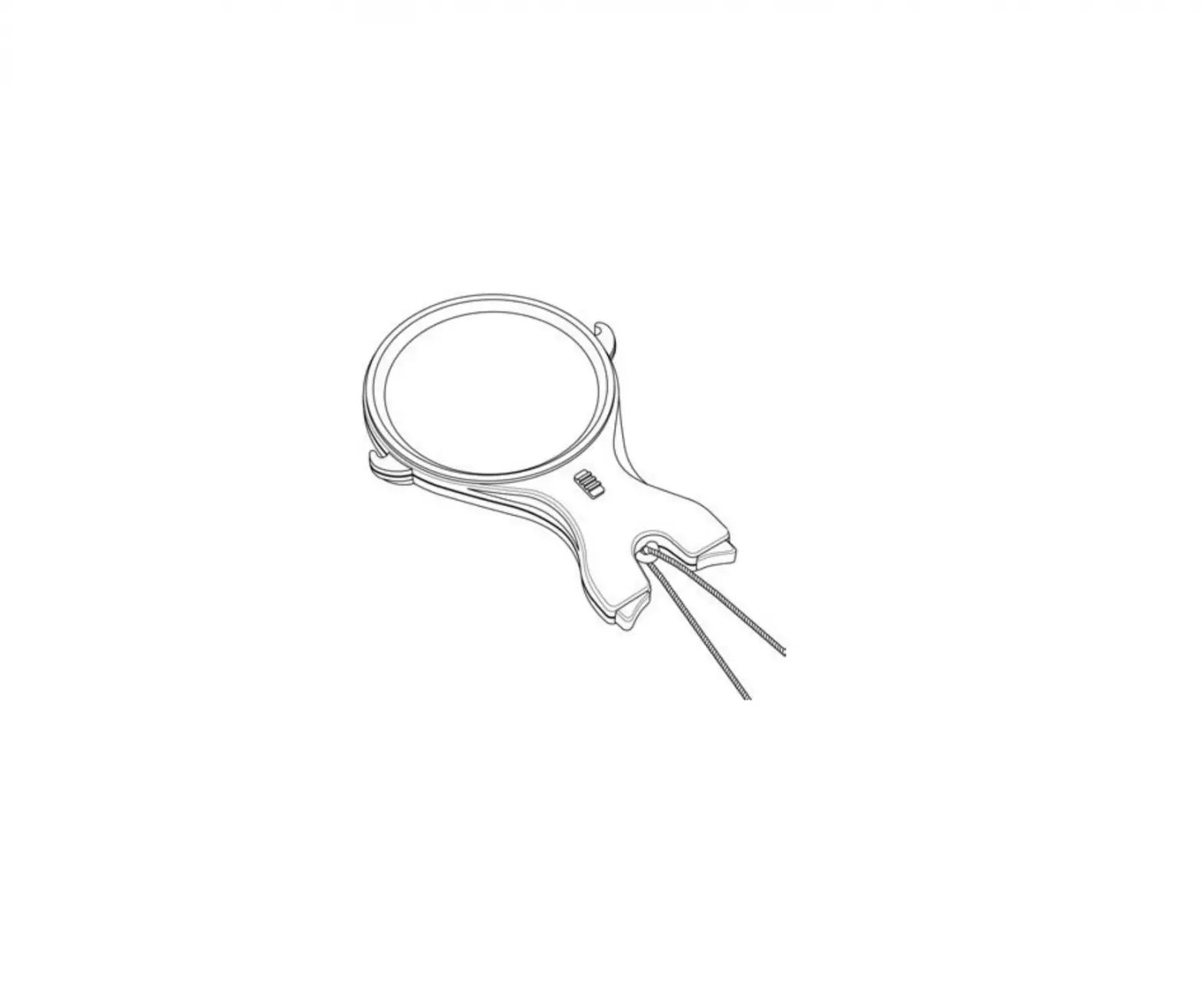
To Use Hands Free
Place strap around neck and adjust length as desired. Loop strap under hooks on each side of magnifier rim. Rest rubber tips on bottom of magnifier against chest (Fig. 2-3).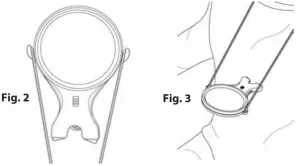
Replacing Batteries
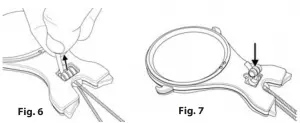
Locate battery door on bottom of handle. Remove safety screw and pull back battery door (Fig. 4-5). Pull ribbon to remove spent batteries (Fig. 6) and replace with three fresh G-3 button cell batteries according to polarity indicators marked on bottom of battery compartment (Fig. 7). Make sure ribbon is placed under batteries for easy removal. Replace battery door and safety screw.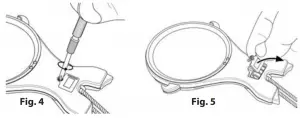
Warning: Use only alkaline batteries. Mixing old and new, different brands or types within brands may cause batteries to leak, overheat or explode. Keep away from fire or excessive heat. Inspect batteries for corrosion or leakage. Insert in direction indicated. Rechargeable batteries not recommended.
Cleaning Your Magnifier
Clean lens with a soft, clean microfiber cloth by rubbing gently in a circular motion. Moisten the lens cloth with water if needed. Do not use harsh chemicals, solvents or abrasives as they may damage the lens.
CAUTION – FIRE HAZARD:
Keep magnifier away from direct sunlight to prevent accidental fire
Customer Service:
If you experience any difficulties, please contact us and we will be happy to help you

For warranty information, visit www.carson.com/warranty
In the U.S.A.
Phone: 1-631-963-5000
Email: [email protected]
In the U.K.
Phone: +44 (0) 1938 557440
Email: [email protected]
In the E.U.
Phone: +44 (0) 1938 557440
Email: [email protected]
 Warranty – Carson Optical