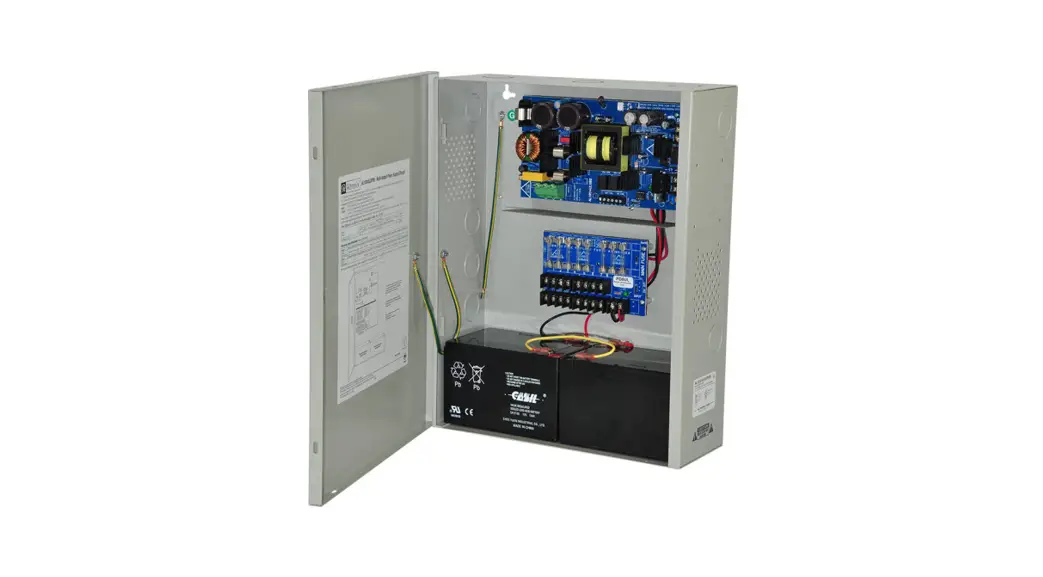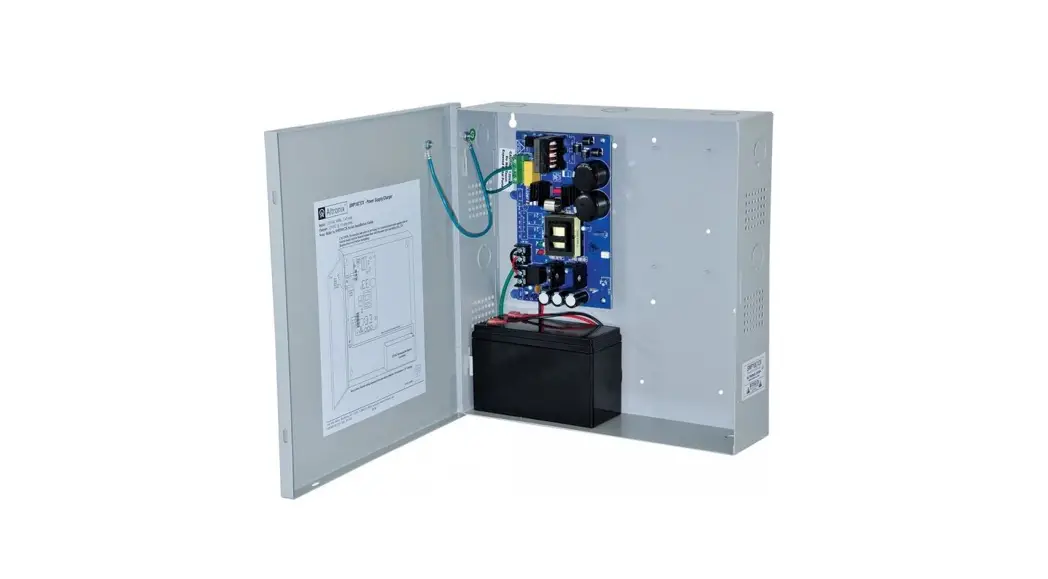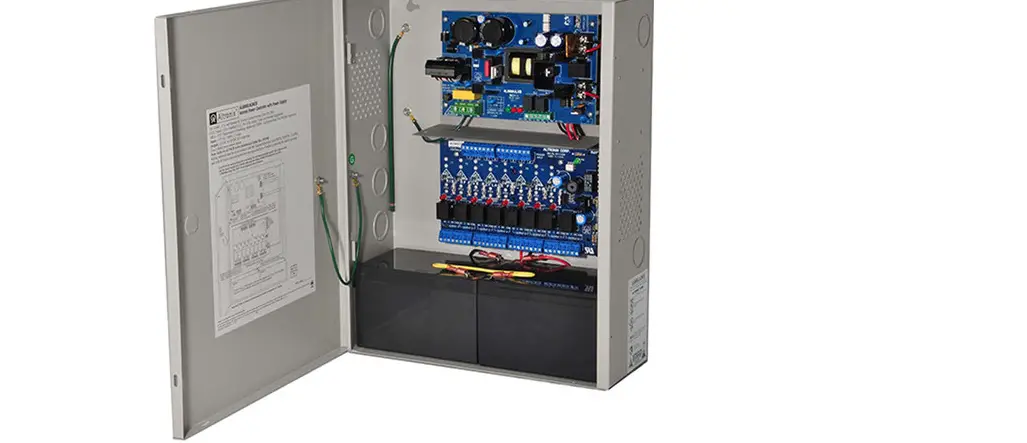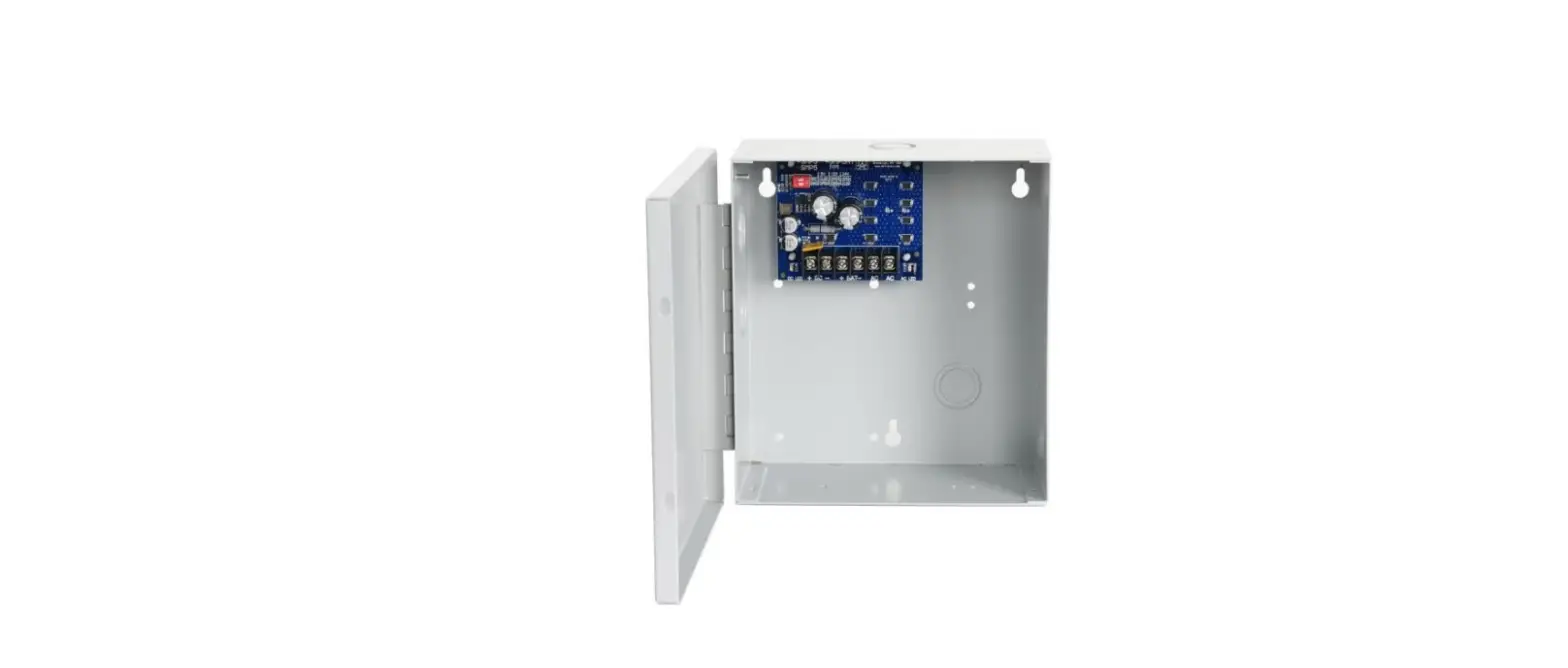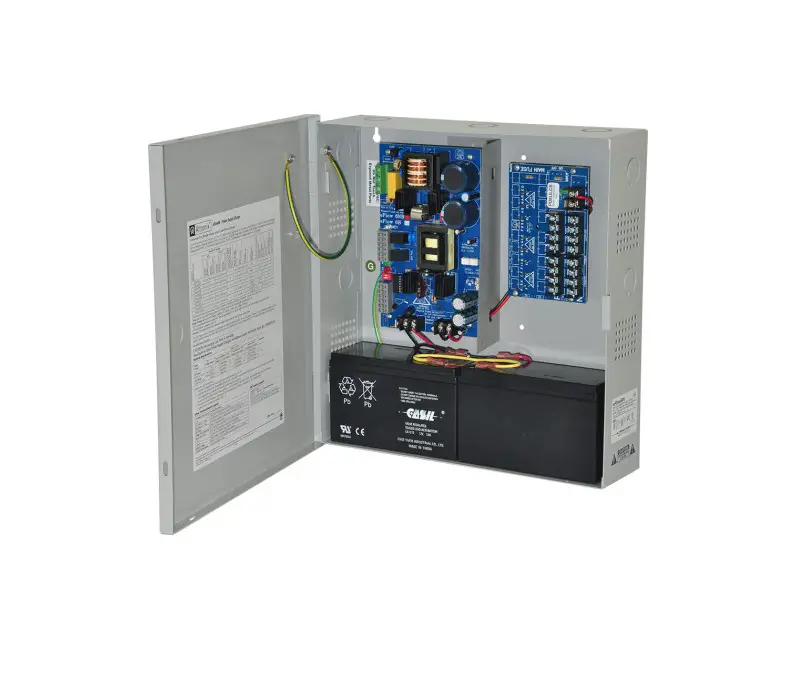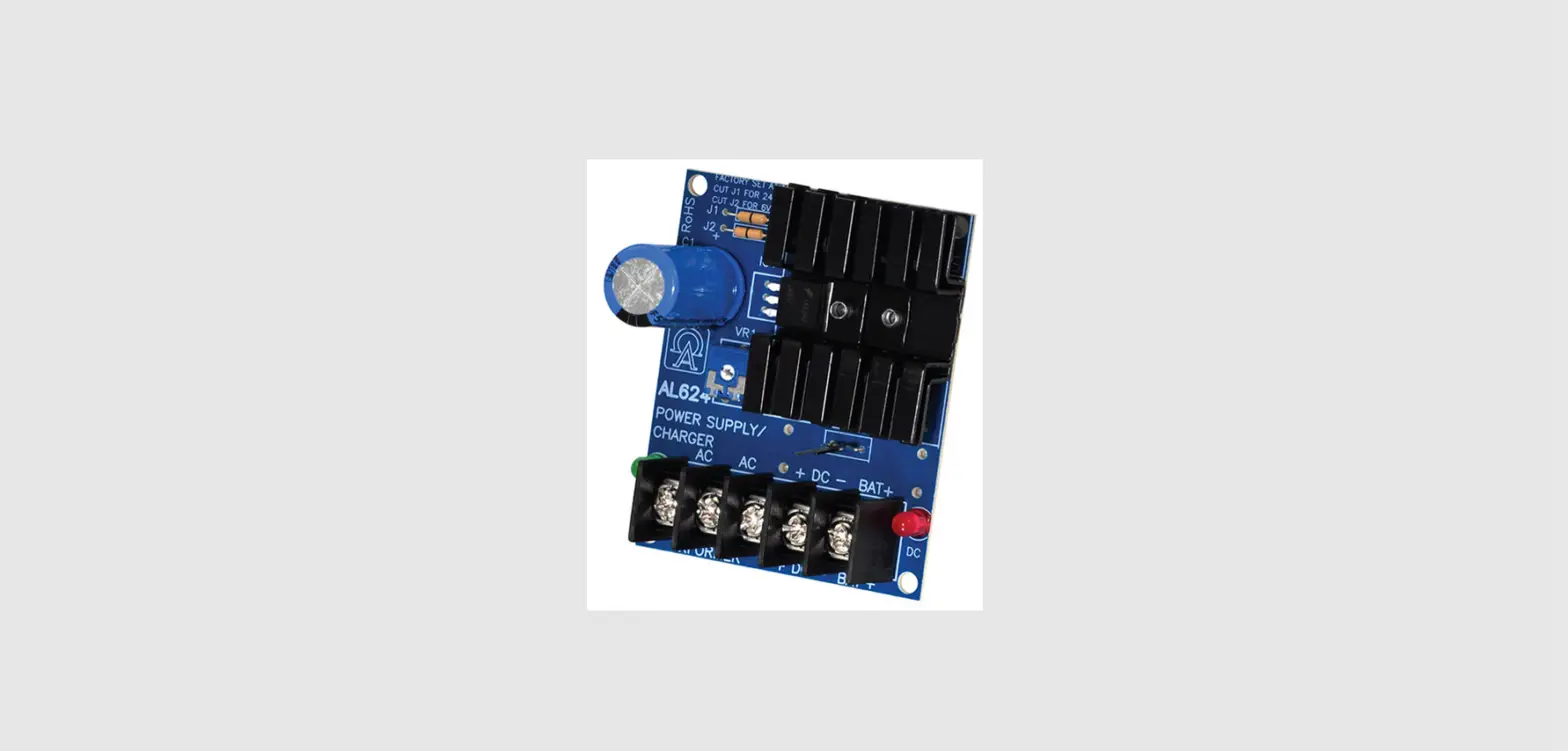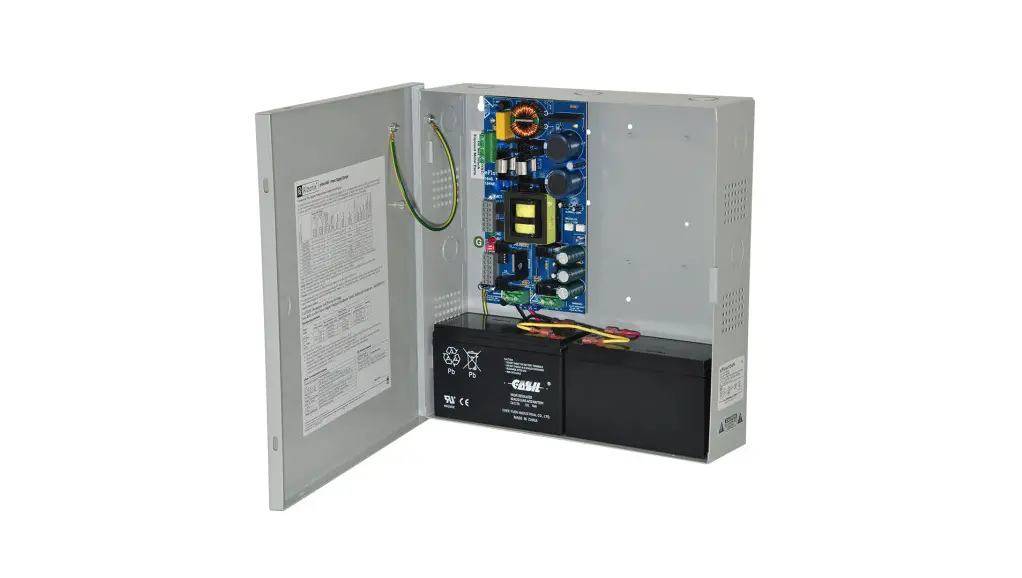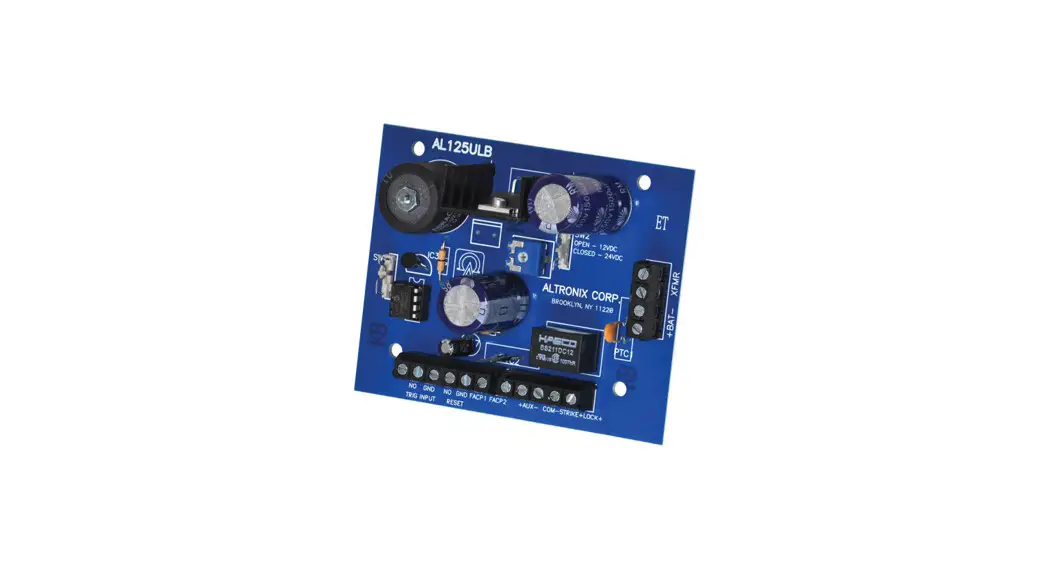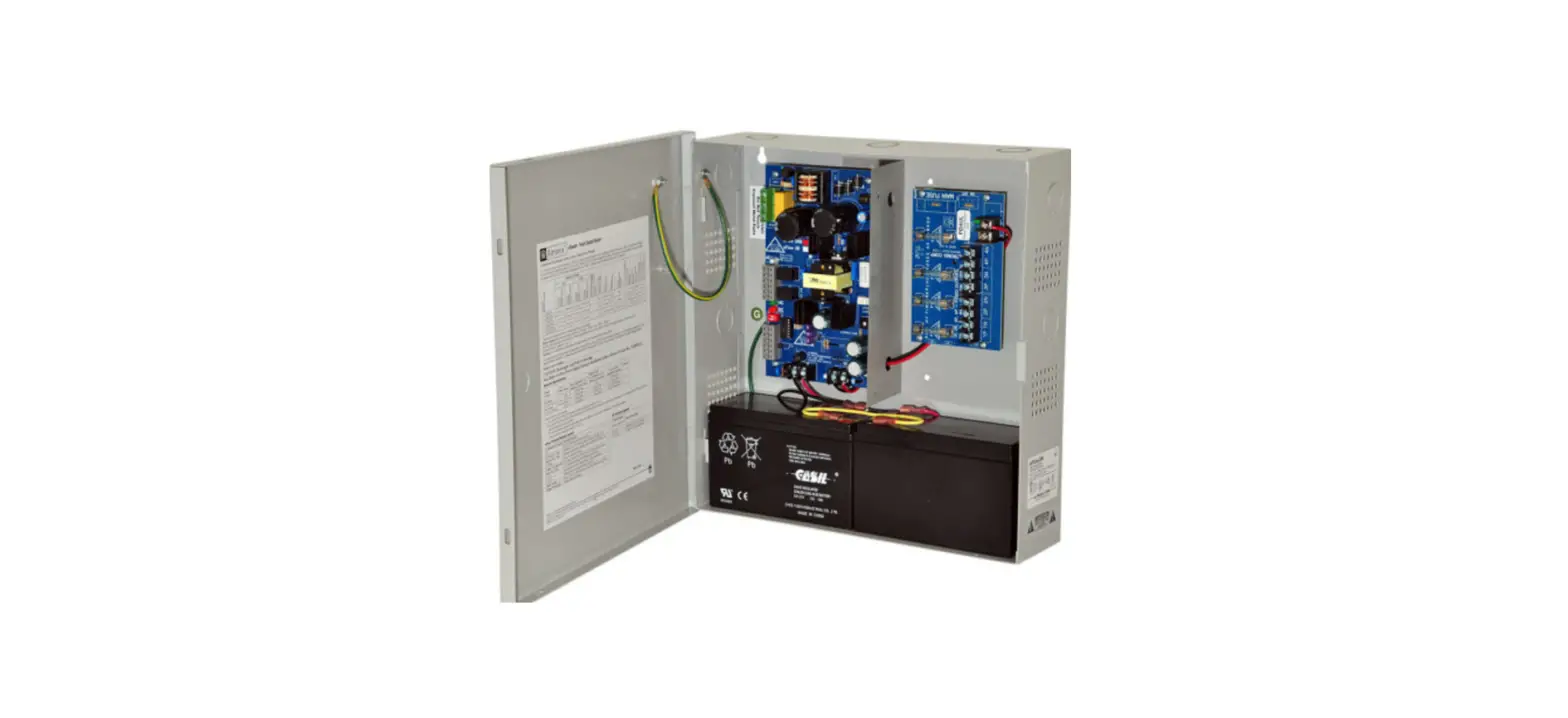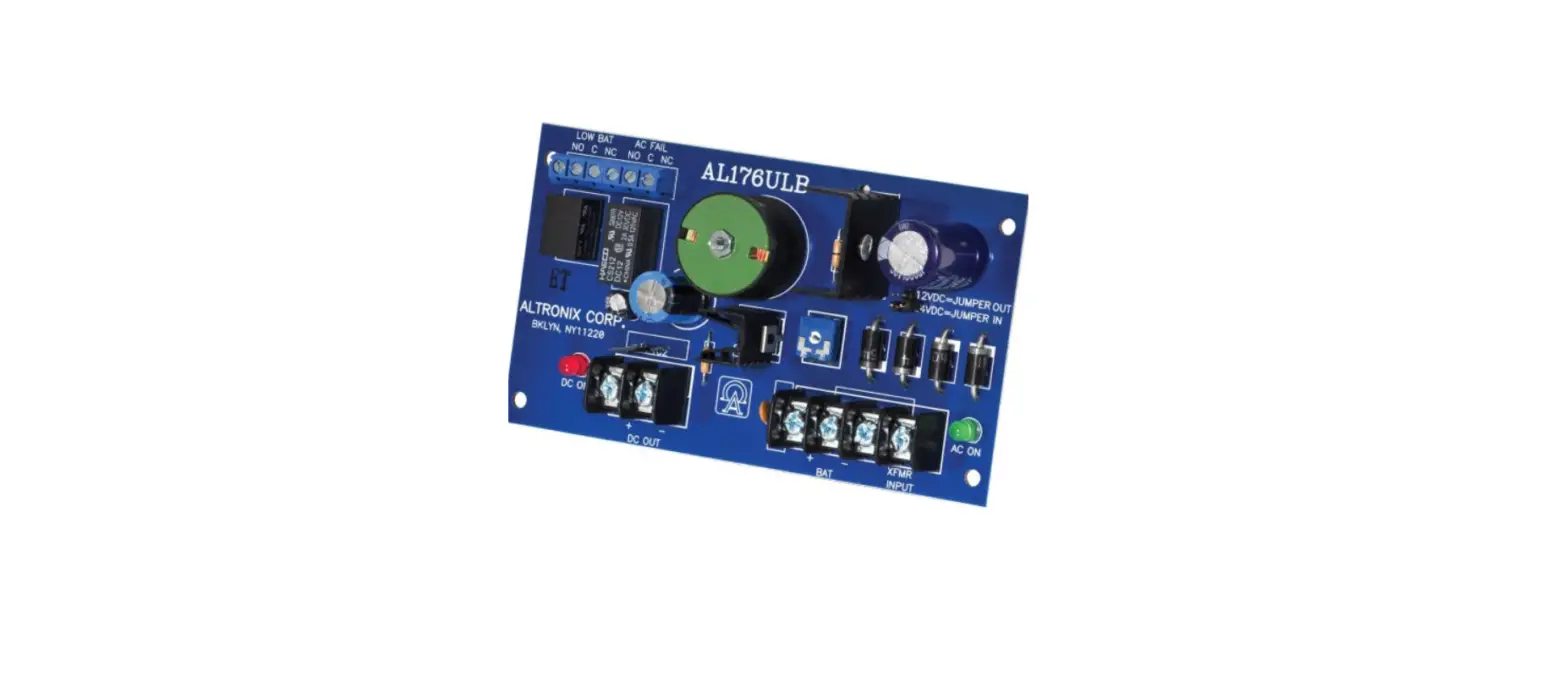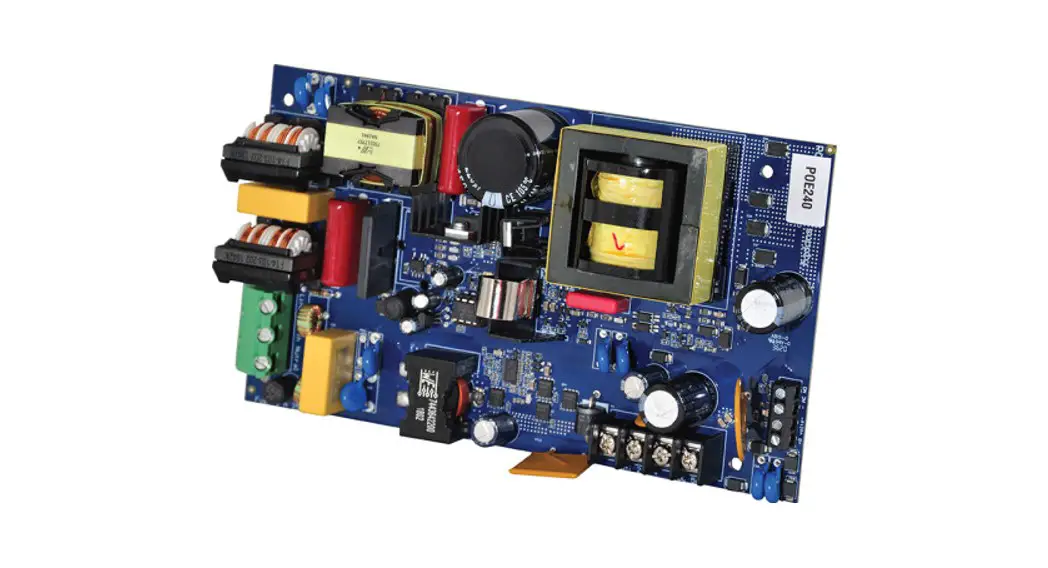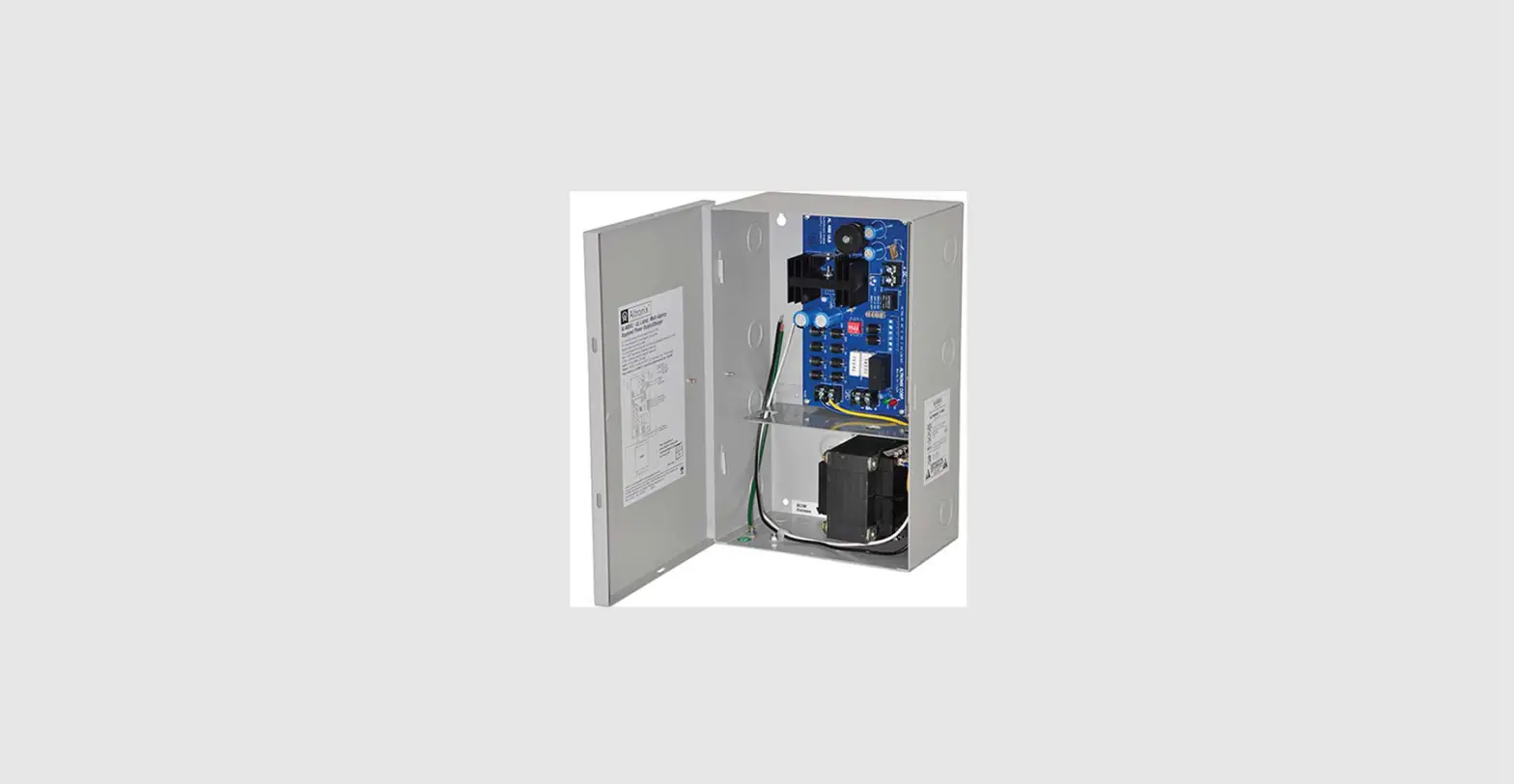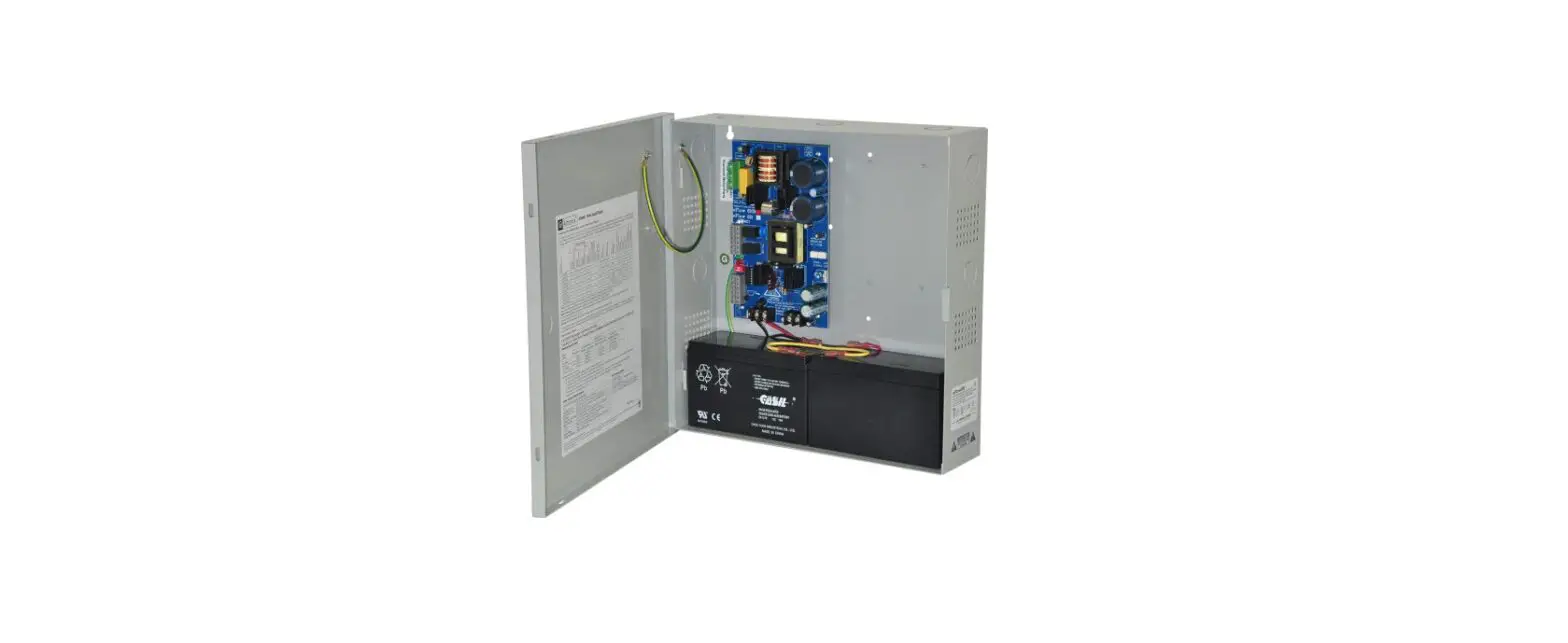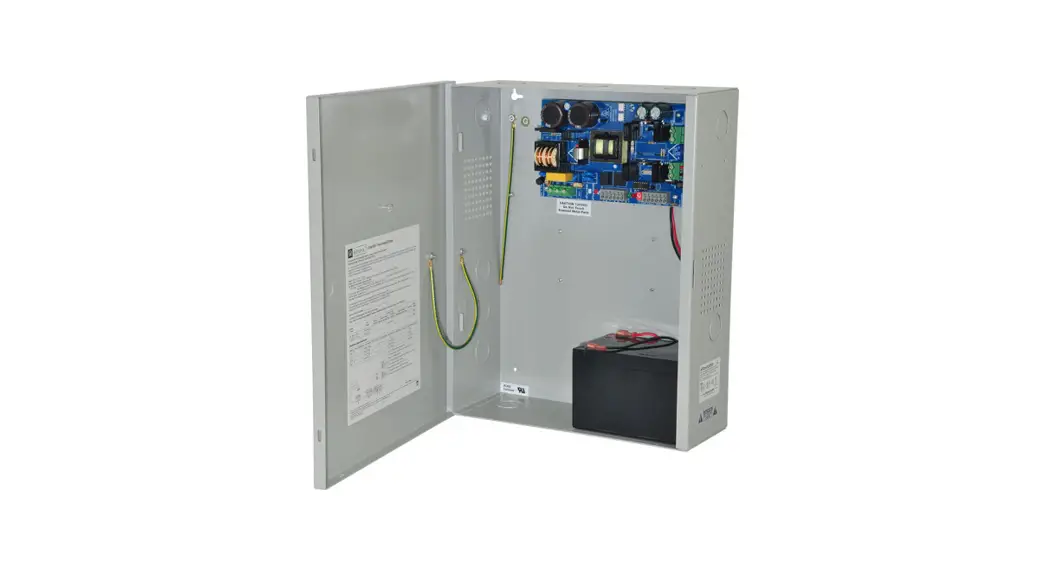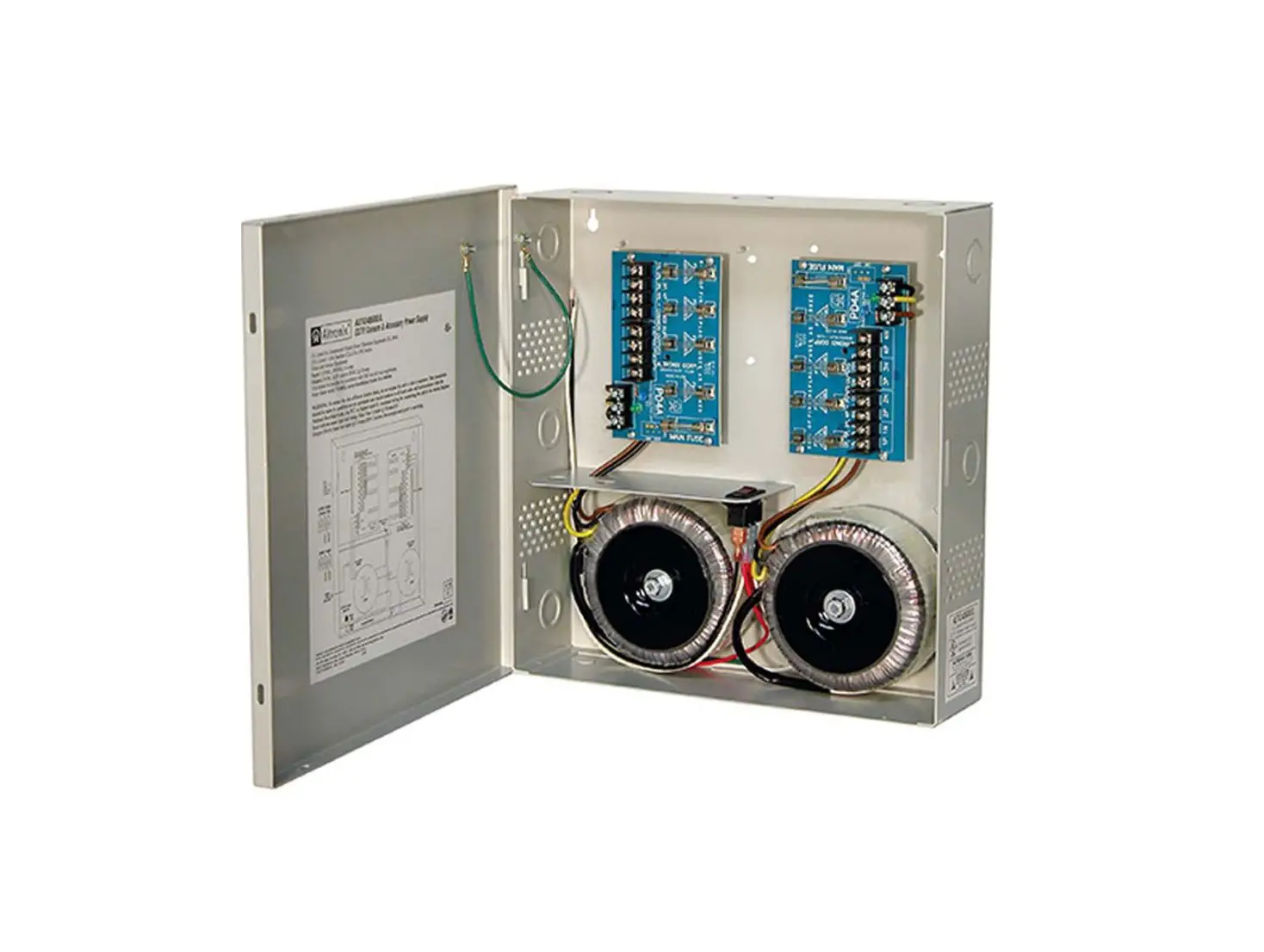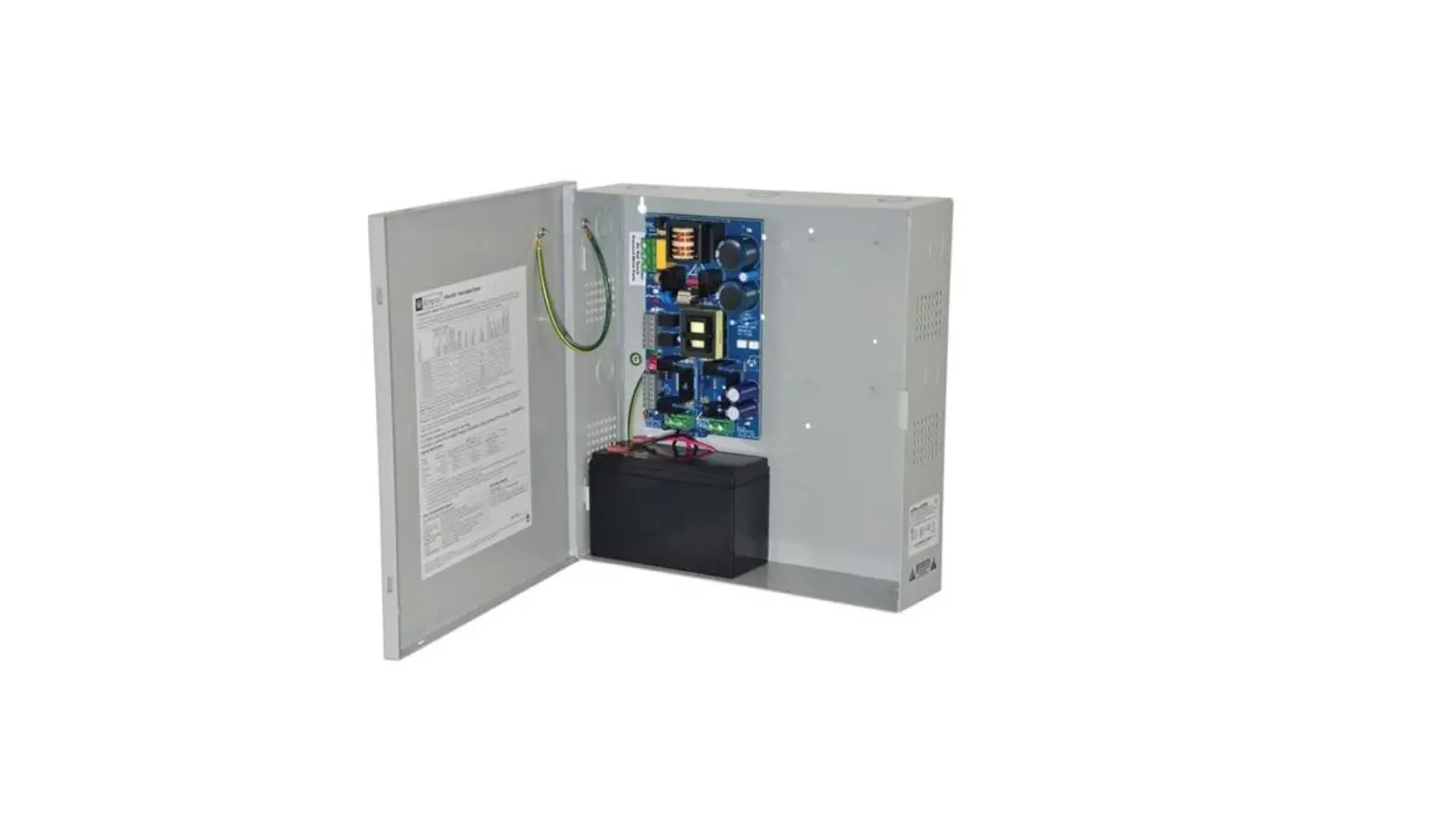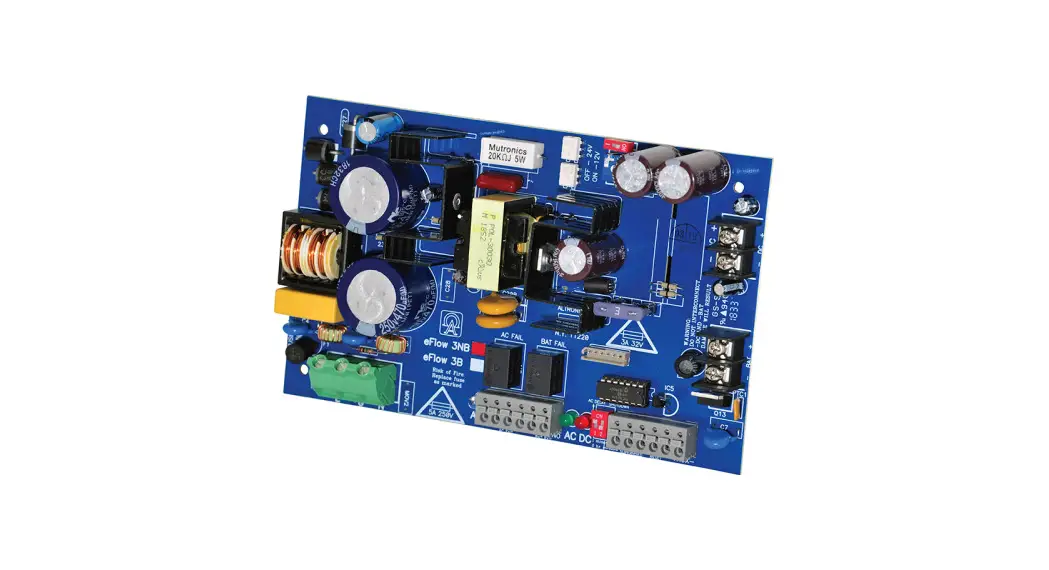

 3NBV eFlow NBV Series Power Supply or Charger Boards
Instruction Manual
eFlow3NBV eFlow NBV Series Power Supply or Charger Boards
Models Include:
| eFlow3NBV – 12 or 24VDC @ 2A | eFlow102NBV – 12VDC @ 10A |
| eFlow4NBV – 12 or 24VDC @ 4A | eFlow104NBV – 24VDC @ 10A |
| eFlow6NBV – 12 or 24VDC @ 6A | |
Overview:
Altronix flew power supply/chargers convert a 220VAC (working range 198VAC – 256VAC), 50/60Hz input to a 12VDC or 24VDC output.
Specifications:
| Altronix Model Nuber | Input Rating 220VAC 50/60Hz | Output Voltage (Current) | Aux. Output (unswitched) | Maximum Charge Current | |
| 12VDC | 24VDC | ||||
| eFlow3NBV | 2.1A | 2A | 2A | 1A | 1.54A |
| eFlow4NBV | 2.1A | 4A | 4A | 1A | 1.54A |
| eFlow6NBV | 2.1A | 6A | 6A | 1A | 1.54A |
| eFlow102NBV | 2.1A | 10A | – | 1A | 1.54A |
| eFlow104NBV | 2.7A | – | 10A | 1A | 1.54A |
All of the above Power Supply/Chargers can be installed in Trove1 and Trove2 Access and Power Integration Systems and Maximal Series.
Features:
Agency Listings:
- CE European Conformity.
Output:
- Overvoltage protection .
- Filtered and electronically regulated outputs.
Battery Backup:
- Built-in charger for sealed lead acid or gel-type batteries.
- Automatic switch over to stand-by battery when AC fails.
- Transfer to stand-by battery power is instantaneous with no interruption.
Fire Alarm Disconnect:
- Supervised Fire Alarm disconnect (latching or non-latching) 10K EOL resistor. Operates on a normally open (NO) or normally closed (NC) trigger.
Supervision:
- AC fails supervision (form “C” contacts).
- Battery fail and presence supervision (form “C” contacts).
- Low power shutdown. Shuts down DC output terminals if battery voltage drops below 80% of nominal. Prevents deep battery discharge.
Visual Indicators:
- Green AC Power LED indicates 220VAC present.
- AC input and DC output LED indicators.
Additional Features:
- Short circuit and overload protection.
Board Dimensions (approximate L x W x H):
eFlow3NBV, eFlow4NBV,
eFlow6NBV, eFlow102NBV:
7 .5” x 4 .6” x 1 .75”
(190 .5mm x 116 .8mm x 44 .5mm)
eFlow104NBV:
8 .25” x 4 .56” x 1 .5”
(209 .5mm x 115 .8mm x 38 .1mm) .
Stand-by Specifications:
eFlow3NBV:
| Battery | Burg. Applications 4 hr. Stand-by/15 min. Alarm | Fire Applications 24 hr. Stand-by/5 min. Alarm | Access Control ApplicationsStand-by |
| 7AH | 0.4A/2A | – | 1.5 Hours/2A |
| 12AH | 1A/2A | 0.3A/2A | 3.5 Hours/2A |
| 40AH | 2A/2A | 1.2A/2A | Over 4 Hours/2A |
| 65AH | 2A/2A | 1.5A/2A | Over 4 Hours/2A |
eFlow4NBV:
| Battery | Burg. Applications 4 hr. Stand-by/15 min. Alarm | Fire Applications 24 hr. Stand-by/5 min. Alarm | Access Control Applications Stand-by |
| 7AH | 0.4A/4A | – | 15 Mins./4A |
| 12AH | 1A/4A | 0.3A/4A | 35 Mins./4A |
| 40AH | 4A/4A | 1.2A/4A | Over 4 Hours/4A |
| 65AH | 4A/4A | 1.5A/4A | Over 4 Hours/4A |
eFlow6NBV:
| Battery | Burg. Applications 4 hr. Stand-by/15 min. Alarm | Fire Applications 24 hr. Stand-by/5 min. Alarm | Access Control Applications Stand-by |
| 7AH | 0.4A/6A | – | 10 Mins./6A |
| 12AH | 1A/6A | 0.3A/6A | 35 Mins./6A |
| 40AH | 6A/6A | 1.2A/6A | Over 4 Hours/6A |
| 65AH | 6A/6A | 1.5A/6A | Over 4 Hours/6A |
eFlow102NBV:
| Battery | Burg. Applications 4 hr. Stand-by/15 min. Alarm | Fire Applications 24 hr. Stand-by/5 min. Alarm | Access Control Applications Stand-by |
| 7AH | 0.4A/10A | N/A | 5 Mins./10A |
| 12AH | 1A/10A | 0.3A/10A | 15 Mins./10A |
| 40AH | 6A/10A | 1.2A/10A | Over 2 Hours/10A |
| 65AH | 6A/10A | 1.5A/10A | Over 4 Hours/10A |
eFlow104NBV:
| Battery | Burg. Applications 4 hr. Stand-by/15 min. Alarm | Fire Applications 24 hr. Stand-by/5 min. Alarm | Access Control Applications Stand-by |
| 7AH | 0.4A/10A | N/A | 5 Mins./10A |
| 12AH | 1A/10A | 0.3A/10A | 15 Mins./10A |
| 40AH | 6A/10A | 1.2A/10A | Over 2 Hours/10A |
| 65AH | 6A/10A | 1.5A/10A | Over 4 Hours/10A |
Installation Instructions:
Wiring methods shall be in accordance with the National Electrical Code/NFPA 70/NFPA 72/ANSI, the Canadian
Electrical Code and with all local codes and authorities having jurisdiction. The product is intended for indoor use only.
- Mount the eFlowNBV power supply/charger in desired location/enclosure (mounting hardware included).
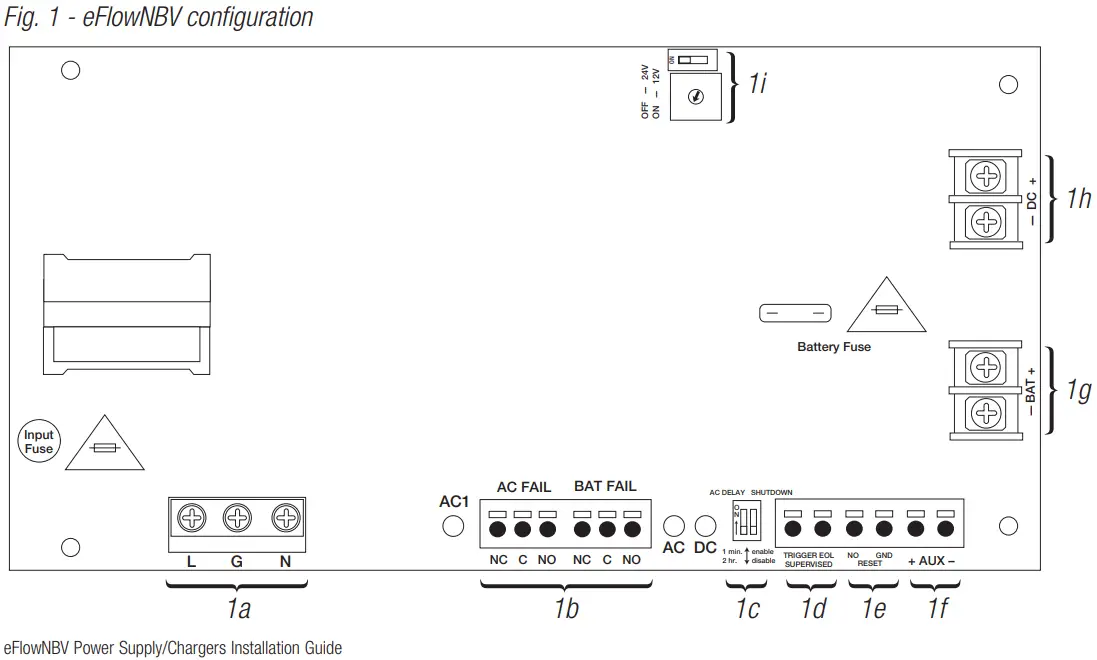
Use metal standoffs for the bottom mounting holes to provide sufficient grounding for the board. - Set desired DC output voltage by setting SW1 to the appropriate position on the power supply board (Fig. 1i, pg. 5).
- Connect unswitched AC power (220VAC, 50/60Hz) to terminals marked [L, G, N] (Fig. 1a, pg. 5).
Use 14 AWG or larger for all power connections. Secure green wire leads to earth ground.
Keep power-limited wiring separate from non-power-limited wiring (220VAC, 50/60Hz Input,
DC Output (refer to Specifications chart pg. 3), Battery Wires).
Minimum 0.25” spacing must be provided.
CAUTION: Do not touch exposed metal parts.
Shut branch circuit power before installing or servicing equipment.
There are no user-serviceable parts inside.
Refer installation and servicing to qualified service personnel. - Measure output voltage before connecting devices. This helps avoid potential damage.
- Connect devices to be powered to terminals marked [– DC +] (Fig. 1h, pg. 5).
For auxiliary device connection, this output will not be affected by Low Power Disconnect or Fire Alarm Interface. Connect the device to terminals marked [+ AUX –] (Fig. 1f, pg. 5). - For Access Control applications batteries are optional. When batteries are not used, a loss of AC will result in the loss of output voltage. When the use of stand-by batteries is desired, they must be lead acid or gel type.
Connect the battery to terminals marked [– BAT +] (Fig. 1g, pg. 5) . Use two (2) 12VDC batteries connected in series for 24VDC operation (battery leads included). Use batteries – Castle CL1270 (12V/7AH), CL12120 (12V/12AH), CL12400 (12V/40AH), CL12650 (12V/65AH) batteries or UL-recognized BAZR2 batteries of an appropriate rating.
Note: Separate enclosures must be used for housing 40AH or 65AH batteries. - Connect appropriate signaling notification devices to AC FAIL & BAT FAIL (Fig. 1b, pg. 5) supervisory relay outputs.
- To delay AC reporting for 2 hrs ., set SW2 to the appropriate DIP switch position [AC Delay] (Fig. 1c, pg. 5).
- To enable or disable Low Output Power Shutdown set SW2 to the appropriate DIP switch position [Shutdown](Fig. 1c, pg. 5) .
10 . A short or NO or NC input triggers FACP [Trigger EOL Shutdown] (Fig. 1d, pg. 5).
11 . Place a jumper for non-latching FACP. A momentary short on these terminals resets FACP latching
[Trigger EOL Shutdown] (Fig. 1e, pg. 5).
Wiring:
Use 18 AWG or larger for all low voltage power connections.
Note: Take care to keep power-limited circuits separate from non-power-limited wiring (220VAC, Battery)
Maintenance:
The unit should be tested at least once a year for the proper operation as follows:
Output Voltage Test: Under normal load conditions, the DC output voltage should be checked for proper voltage level.
Battery Test:
Under normal load, conditions check that the battery is fully charged, and check the specified voltage (12VDC @ 13 .2 or 24VDC @ 26 .4) both at the battery terminal and at the board terminals marked [– BAT +] to ensure that there is no break in the battery connection wires.
Replacing Batteries: Disconnect existing batteries. Connect the battery to the terminals marked [– BAT +]. Use two (2) 12VDC batteries connected in series for 24VDC operation.
LED Diagnostics:
| Red (DC) | Clear (AC1) / Green (AC) | Power Supply Status |
| ON | ON | Normal operating condition. |
| ON | OFF | Loss of AC. The standby battery is supplying power. |
| OFF | ON | No DC output. |
| OFF | OFF | Loss of AC. Discharged or no stand-by battery. No DC output. |
Terminal Identification:
| Terminal Legend | Function/Description |
| L, G, N | Connect 220VAC, 50/60Hz to these terminals: L to hot, N to neutral, G to the ground (Fig. 1a, pg. 5). |
| – DC + (Fig. 1h, pg. 5) | eFlow3NBV: 12VDC or 24VDC @ 2A continuous output (power-limited output). eFlow4NBV: 12VDC or 24VDC @ 4A continuous output (power-limited output). eFlow6NBV: 12VDC or 24VDC @ 6A continuous output (non power-limited output). eFlow102NBV: 12VDC @ 10A continuous output (non power-limited output). eFlow104NBV: 24VDC @ 10A continuous output (non power-limited output). |
| Trigger EOL Supervised | Fire Alarm Interface trigger input from a short or FACP. Trigger inputs can be normally open and normally closed from an FACP output circuit (power-limited input) (Fig. 1d, pg. 5). |
| NO, GND RESET | FACP interface latching or non-latching (power-limited output) (Fig. 1c, pg. 5). |
| + AUX – | Auxiliary Power-Limited output rated @ 1A (unswitched) (power-limited output) (Fig. 1f, pg. 5). |
| AC Fail NC, C, NO | Indicates loss of AC power, e.g. connect to audible device or alarm panel. The relay is normally energized when AC power is present. Contact rating 1A @ 30VDC (power-limited) (Fig. 1b, pg. 5). |
| Bat Fail NC, C, NO | Indicates low battery condition, e.g. connect to the alarm panel. The relay is normally energized when DC power is present. Contact rating 1A @ 30VDC. A removed battery is reported within 5 minutes. Battery reconnection is reported within 1 minute (power-limited) (Fig. 1b, pg. 5). |
| – BAT + | Stand-by battery connections. Maximum charge current 1.54A (non-power-limited) (Fig. 1g, pg. 5). |
Notes:
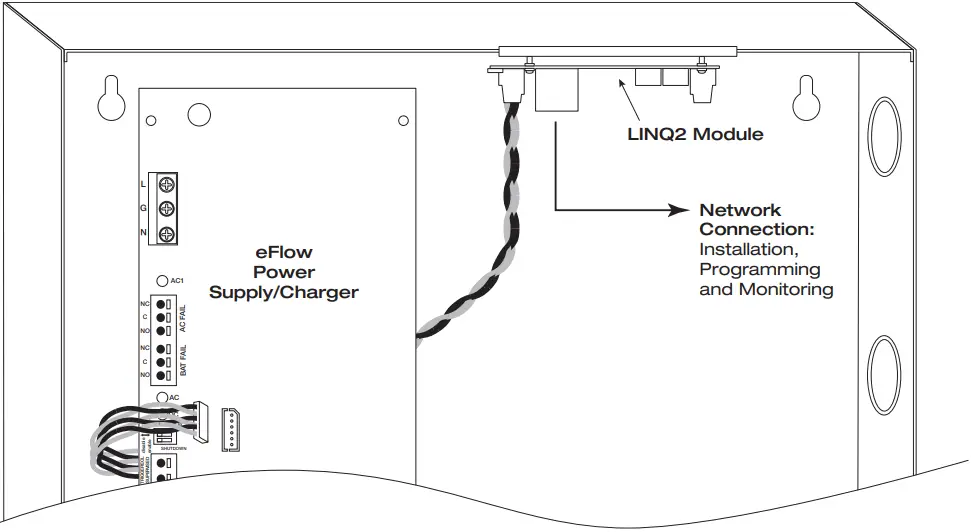
eFlow Power Supply/Chargers can be Controlled and Monitored while Reporting
Power/Diagnostics from Anywhere over the Network…
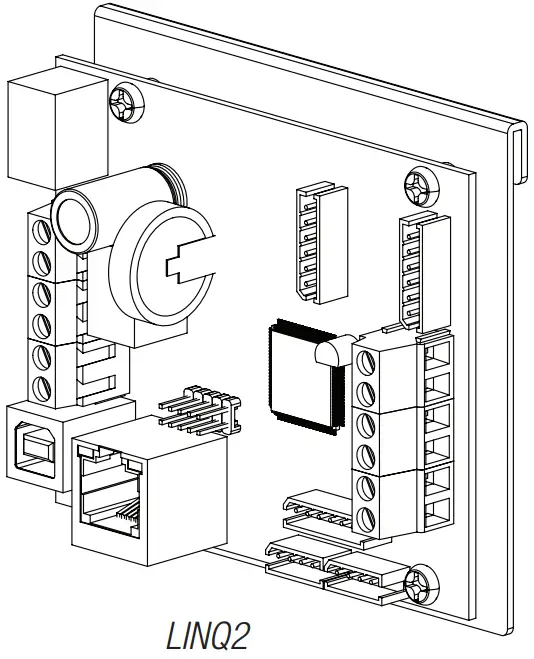

LINQ2 – Network Communication Module
LINQ2 provides remote IP access to real-time data from eFlow power supply/chargers to help keep systems up and running at optimal levels. It facilitates fast and easy installation and set-up, minimizes system downtime, and eliminates unnecessary service calls, which helps reduce Total Cost of Ownership (TCO) – as well as creates a new source of Recurring Monthly Revenue (RMR).
Features:
- UL is Listed in the U .S . and Canada.
- Local or remote control of up to (2) two Altronix eFlow power output(s) via LAN and/or WAN.
- Monitor real-time diagnostics: DC output voltage, output current, AC & battery status/service, input trigger state change, output state change, and unit temperature.
- Access control and user management: Restrict read/write, Restrict users to specific resources
- Two (2) integral network controlled Form “C” Relays.
- Three (3) programmable input triggers: Control relays and power supplies via external hardware sources.
- Email and Windows Dashboard notifications
- The event log tracks history.
- Secure Socket Layer (SSL).
- Programmable via USB or web browser – includes operating software and 6 ft. USB cable.
LINQ2 Mounts Inside any eFlow Enclosure
Altronix is not responsible for any typographical errors.
140 58th Street, Brooklyn, New York 11220 USA
phone: 718-567-8181
fax: 718-567-9056
website: www.altronix.com
e-mail: [email protected]
Lifetime Warranty
IIeFlowNBV
F23U
eFlowNBV Power Supply/Chargers Installation Guide
 Altronix Home