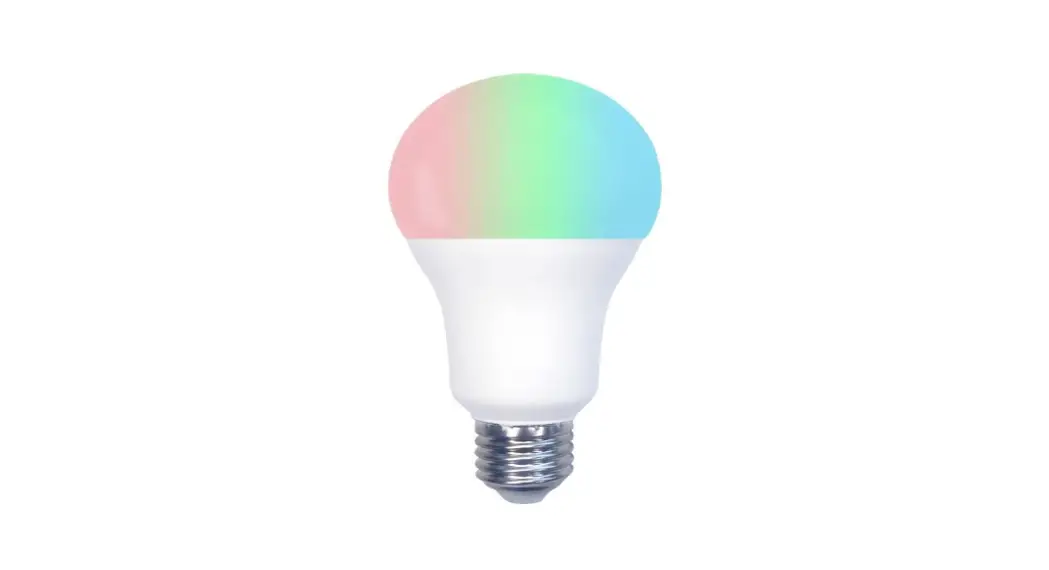
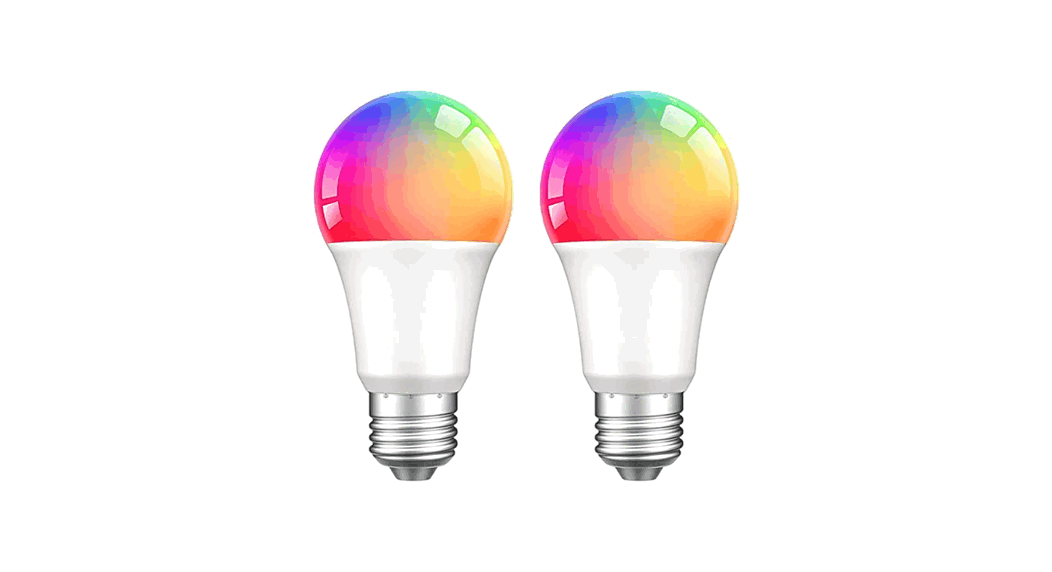
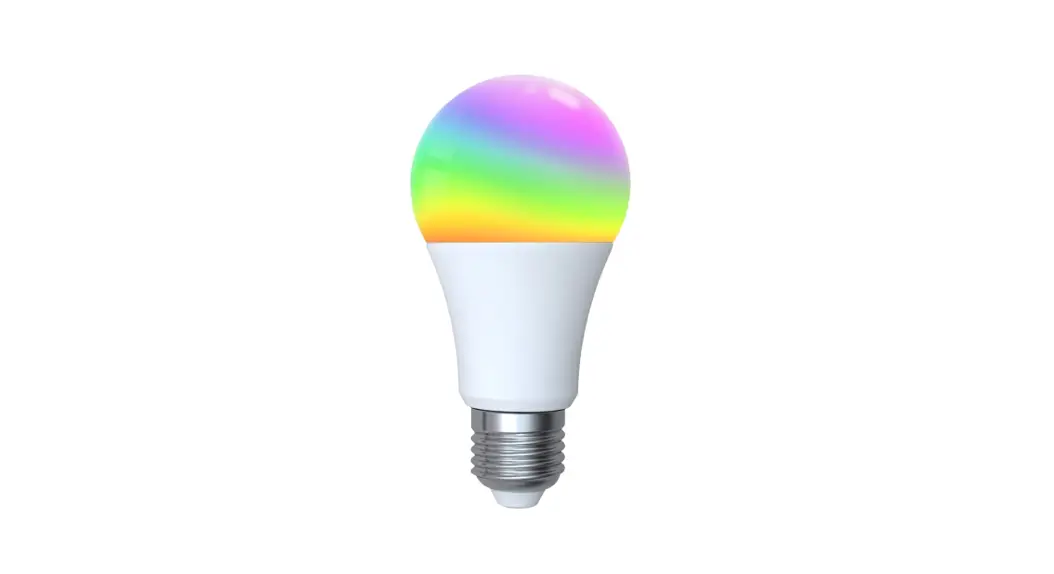
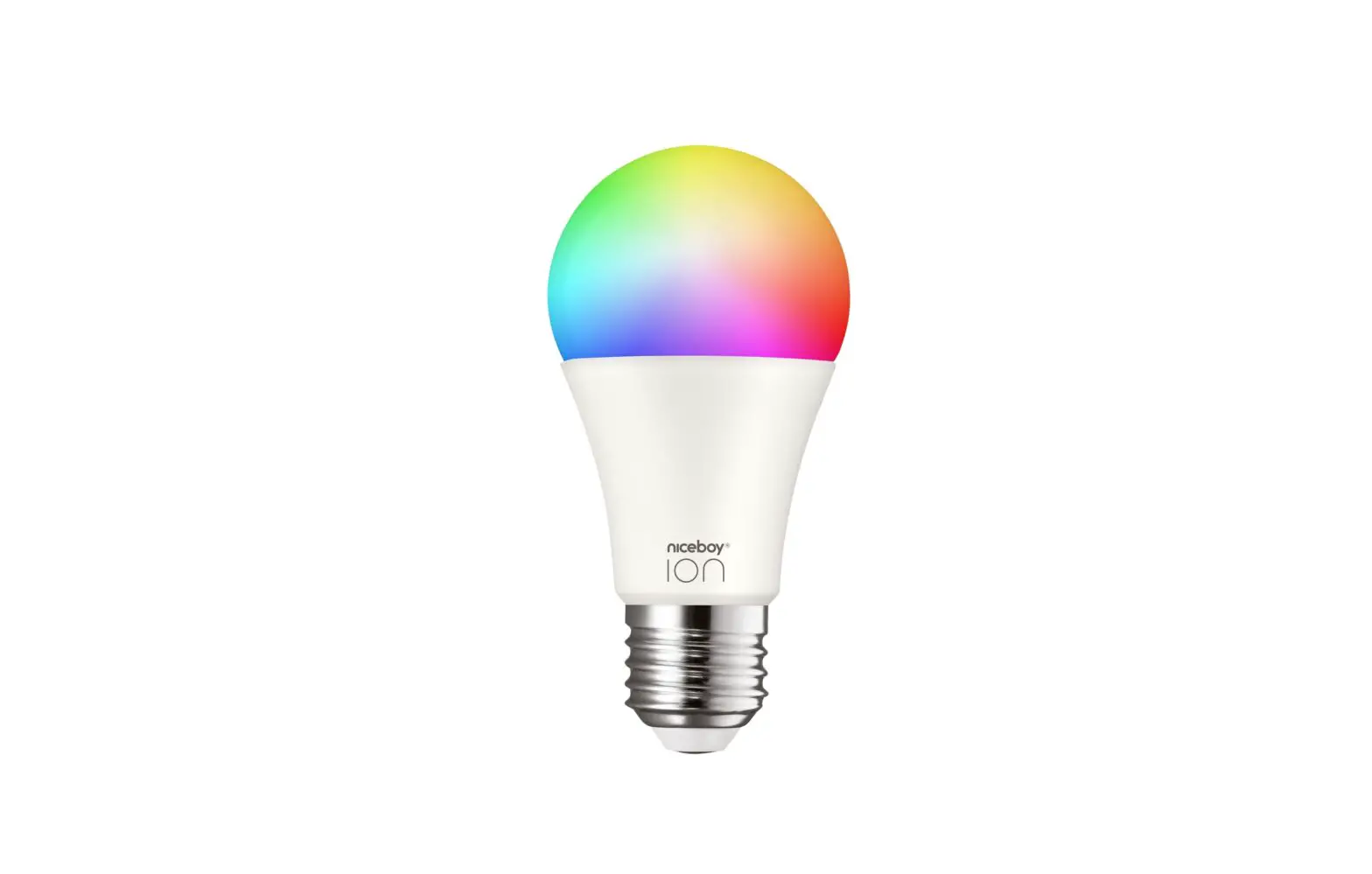
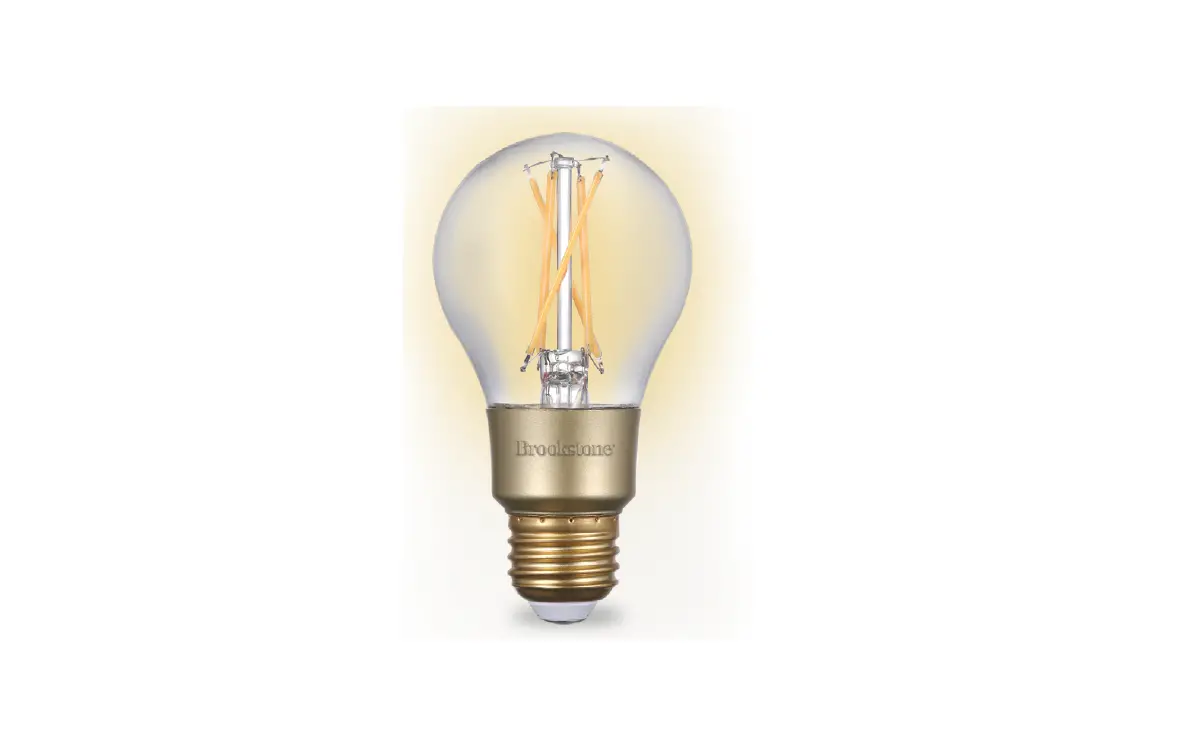
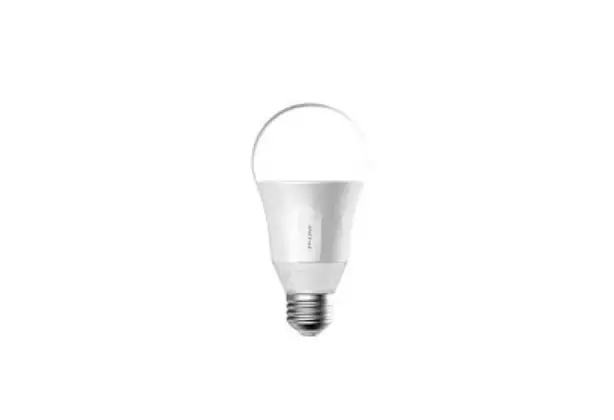
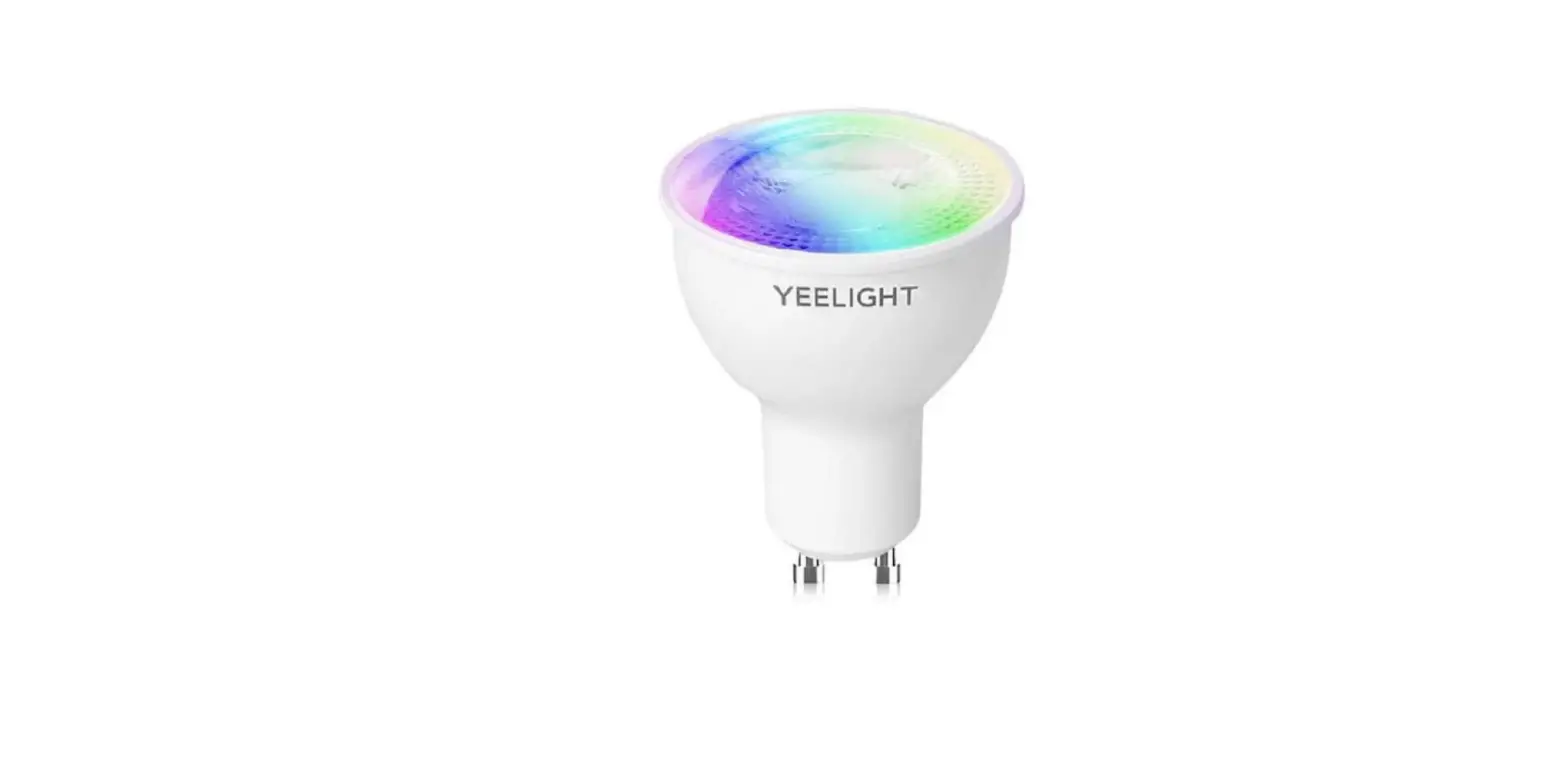
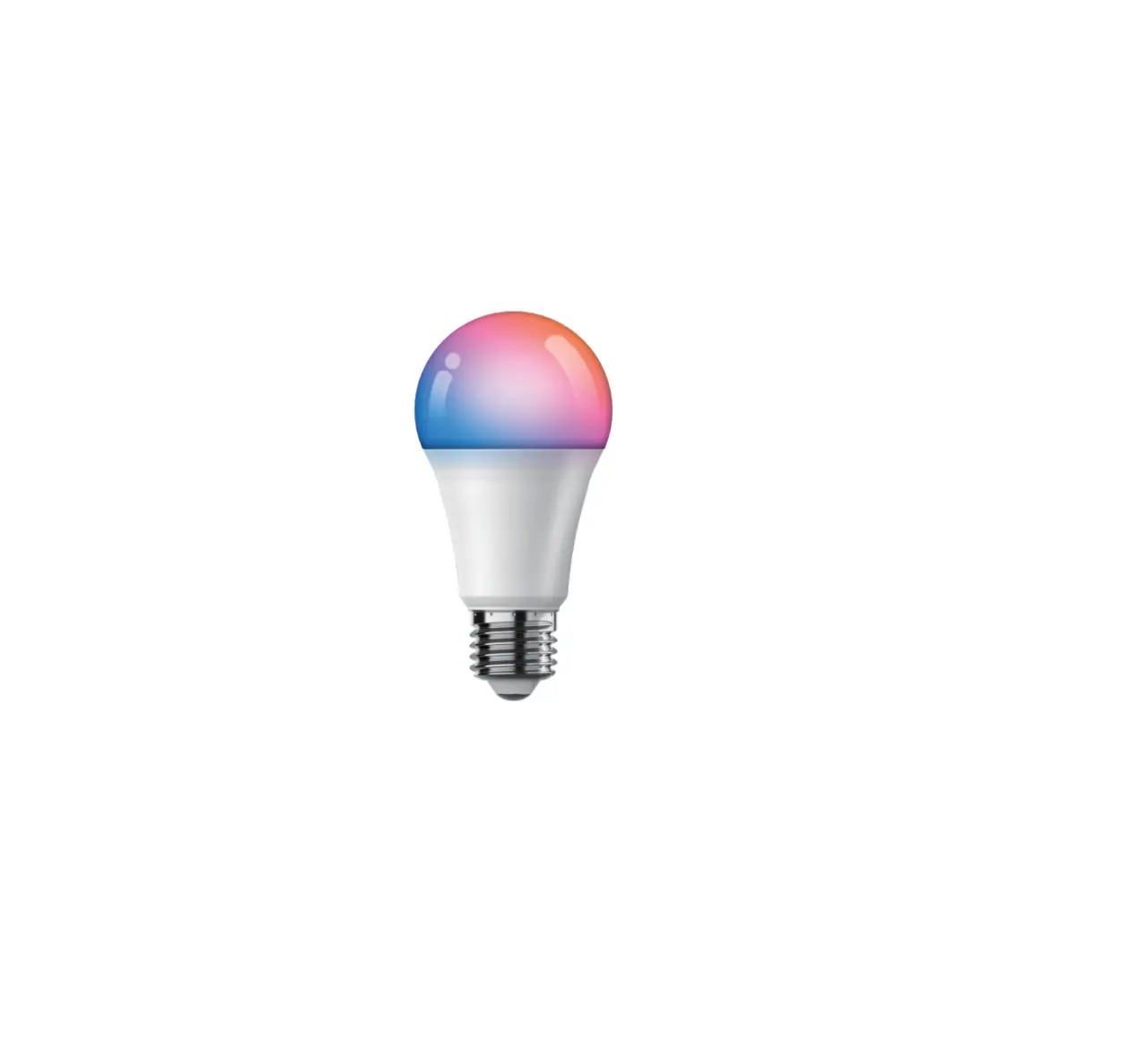
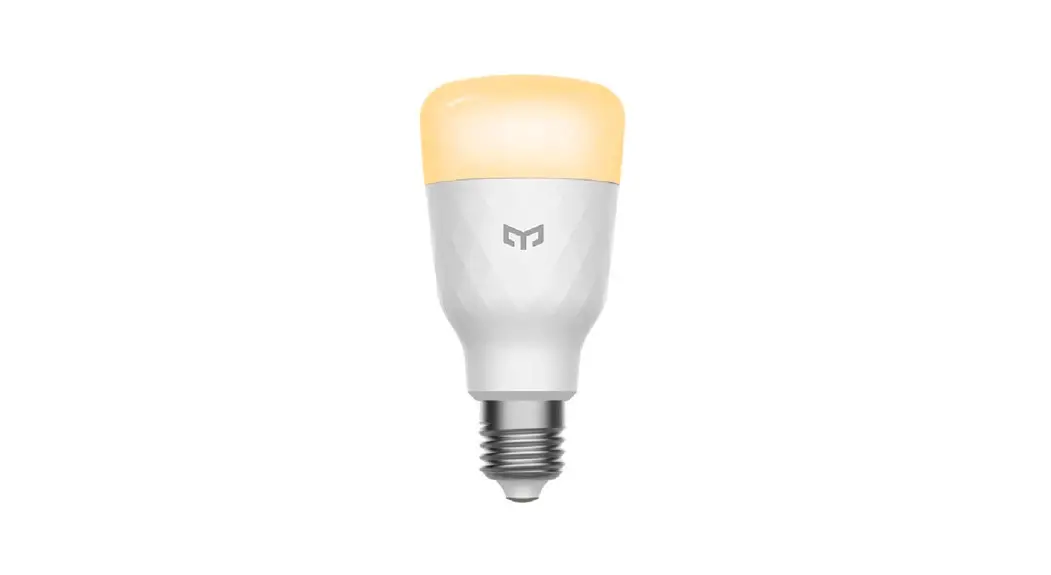
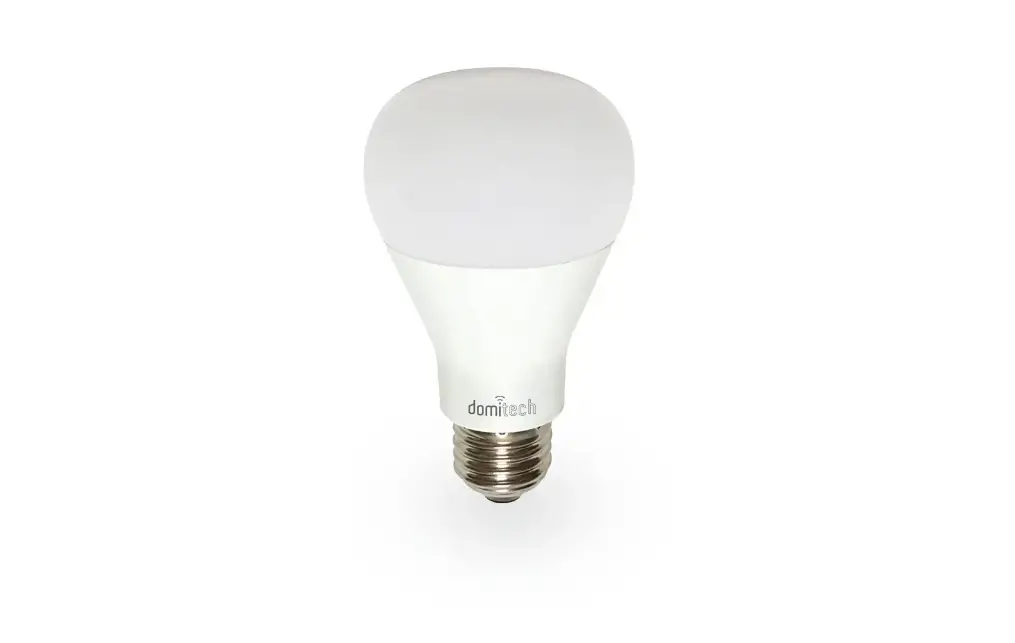
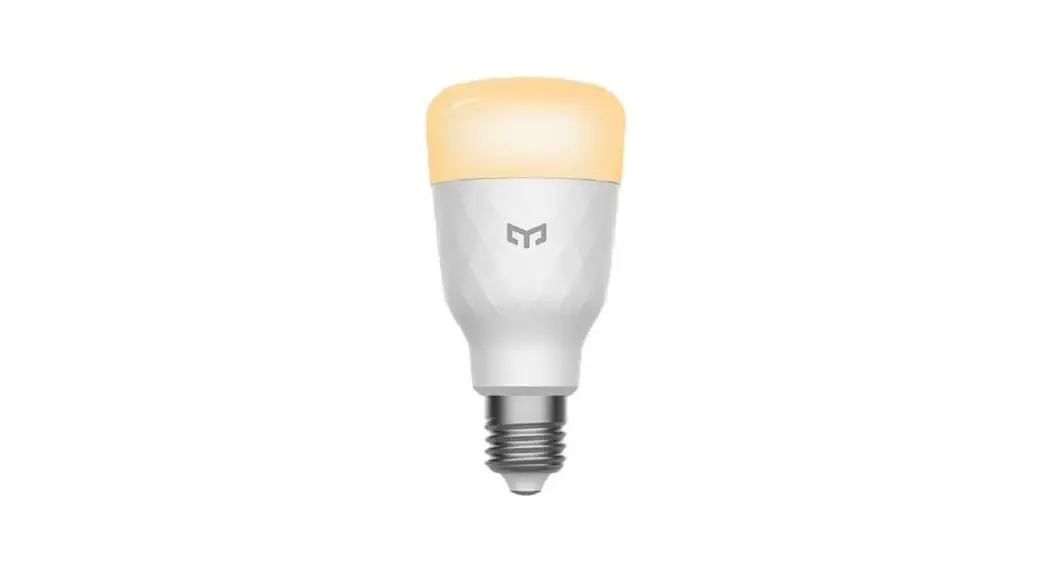
C37 Smart Light Bulb
Product Information
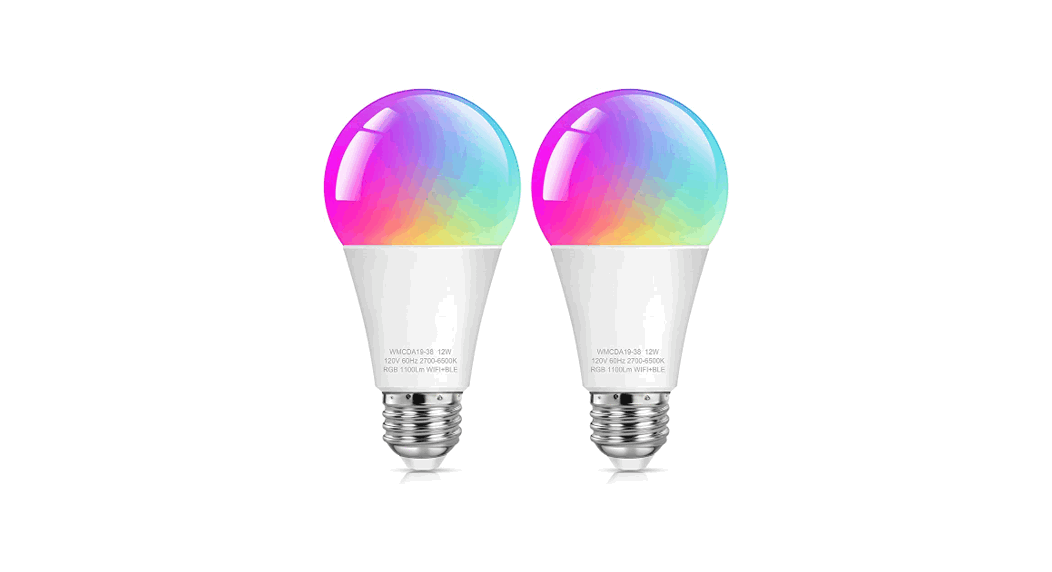
The Smart Light Bulb by MOES HOME is a home lighting solution
that can be controlled remotely through the Smart Life App. It is
compatible with Amazon Alexa and Google Home for voice control. The
bulb can be easily installed by a qualified electrician and
complies with current IEE wiring regulations and local building
control.
Product Usage Instructions
- Download the MOES App from the App store or scan the provided
QR code. The MOES App is recommended over the Tuya Smart/Smart Life
App for better compatibility and additional features. - Register or log in to the MOES App using your phone number. If
you already have a MOES account, choose the “Log in” option. - Add the lamp to the Smart Life App by tapping the “+” icon on
the top corner of the My device page. Choose “Light Source (BLE+
Wi-Fi)” as the device type and follow the instructions in the app
to connect the lamp. - Ensure that the lamp is set to flash rapidly. Follow these
steps:- Step 1/2: Turn the lamp on, then off, then on, then off, then
on, then off, then on. Keep a reasonable time interval between each
on/off action. Turn off the lamp after it is turned on. - Step 2/2: Confirm that the lamp’s indicator is rapidly blinking
(2 times per second).
- Step 1/2: Turn the lamp on, then off, then on, then off, then
- Once the connection is established, the lamp will appear in
your list on the app. You can control it from anywhere in the world
using the app. Additionally, you can rename the lamp and group
multiple lamps together.
NN
HOME,SMART MOES HOME
Smart Light Bulb
User Manual
Bitte scannen Sie den QR-Code, um das deutsche Handbuch, das Installationsvideo und die Funktionsein-führung zu erhalten
Escanee el código QR para obtener el manual en español, el video de instalación y la introducción de la función
Veuillez scanner le code QR pour obtenir le manuel en français, la vidéo d’installation et l’introduction des fonctions
QR-, ,
Leia o código QR para obter o manual em português, o vídeo de instalação e a introdução das funções
Important information
It is recommended that the fittings are installed by a qualified electrician ensuring the installation complies with current IEE wiring regulations & local building control.
Always switch off mains supply before installation.
Smart Life APP Instructions
1. Download MOES App on App store or scan the QR code
MOES App is upgraded as much more compatibility than Tuya Smart/Smart Life App, functional well for scene controlled by Siri, widget and scene recommendations as the fully new customized service. (Note: Tuya Smart/Smart Life App still works, but MOES App is highly recommended)
2. Registration or Log in. Download “MOES” Application. Enter the Register/Login interface; tap
2
English
English
3
“Register” to create an account by entering your phone number to get verification code and “Set password”. Choose “Log in” if you already have a MOES account.
3. Add lamp to Smart Life APP
– Tap the icon “+” on the top corner of “My device” page, choose your device type – Light Source(BLE+ Wi-Fi), then follow the instructions in the APP to connect the lamp.
Step 2/2
Confirm light Lamps and lanterns is now rapidly flashing (2 times per second)
2 times per second
Confirm indicator rapidly blink
4. The lamp needs to be set to flash rapidly.
Please follow the 2 steps below:
Step 1/2 Turn on-off-on-off-on-off-on
(Keep time interval not too short, turn off after light is on)
ON
OFF
5. After connection, the lamp will appear in your list and you can control it from anywhere in the world. You can also rename the lamp and group more lamps.
Compatible with Amazon Alexa and Google Home
4
English
English
5
6
BL29