 HOME,SMART MOES HOME
 Smart Light Bulb
User Manual (ZigBee3.0)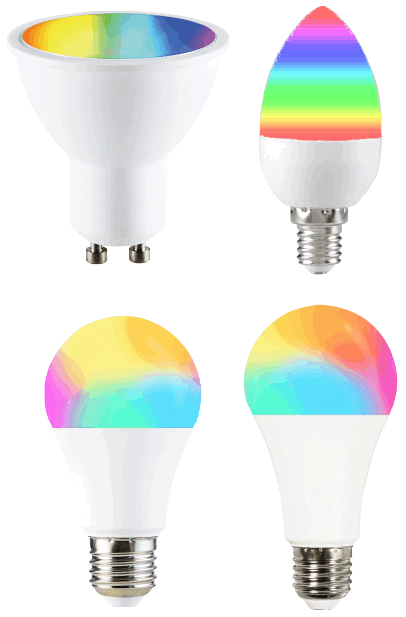

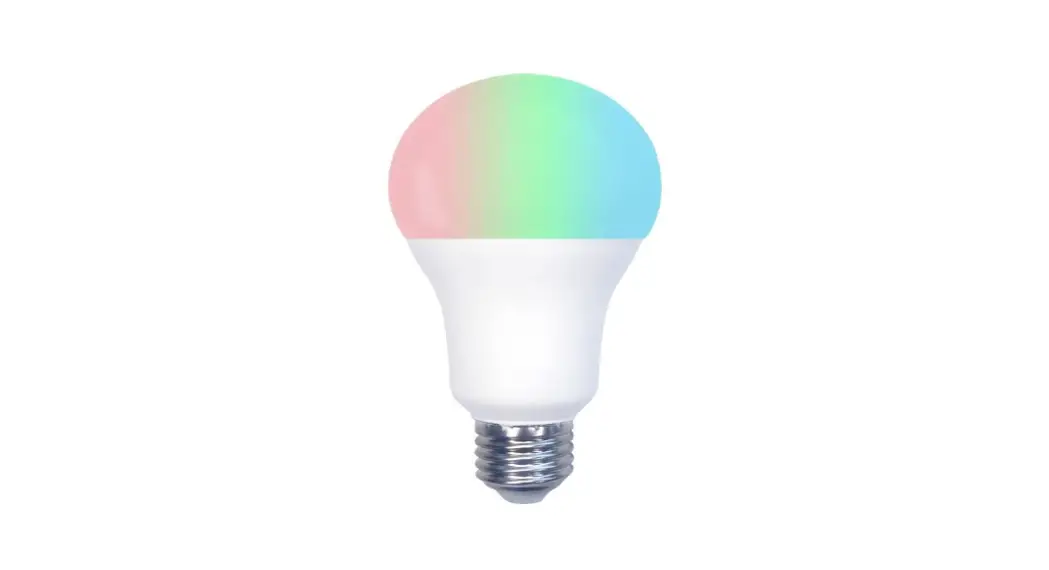
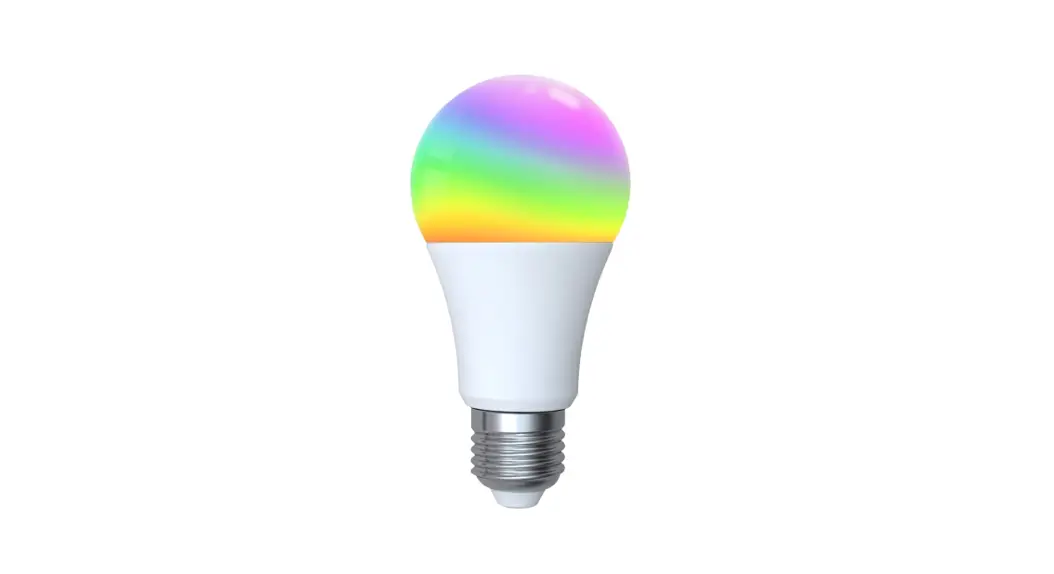
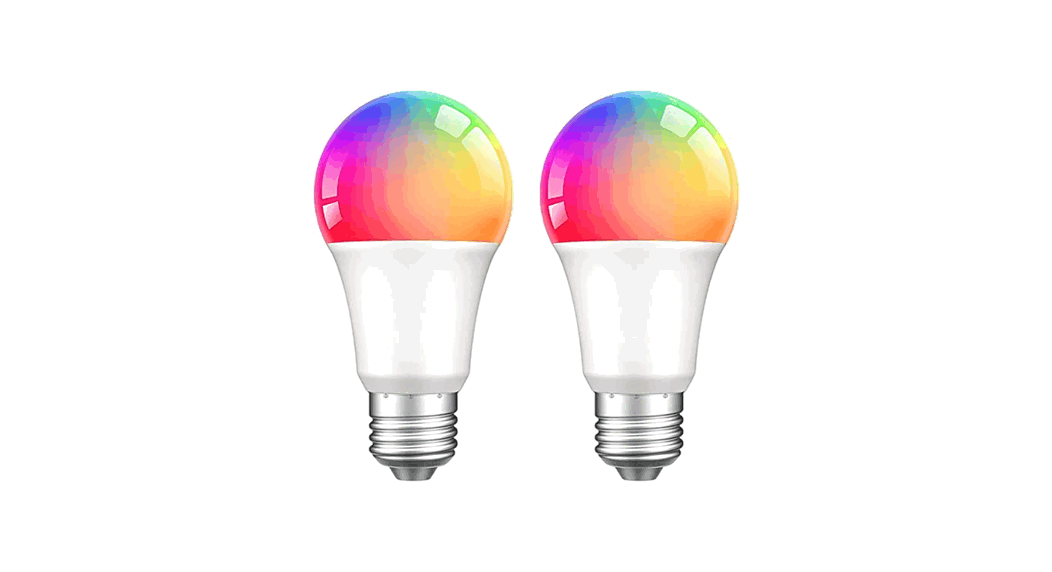
ZB-TDA9-RCW-E27-MS Smart Light Bulb
https://drive.google.com/drive/folders/1GyIU1R04eyhUiv52sjfLBI0L4UOKJ9K8?usp=sharing
https://pan.baidu.com/s/1vIvuK9sd5uhkB-rU6PuAcw?pwd=ank5
Important information
It is recommended that the fittings are installed by a qualified electrician ensuring the installation complies with current IEE wiring regulations & local building control.
Always switch off mains supply before installation.
Preparation for use
APP Download MOES APP
MOES App is upgraded as much more compatibility than Tuya Smart/Smart Life App, functional well for scene controlled by Siri, widget and scene recommendations as the fully new customized service.
(Note: Tuya Smart/Smart Life App still works, but MOES App is highly recommended)
2.Register or Log in
Enter the Register/Login interface; tap “Register” to create an account by entering your phone number to get verification code and “Set password”.
Choose “Log in ”if you already have a MOES account.
Steps for connecting the APP to the device
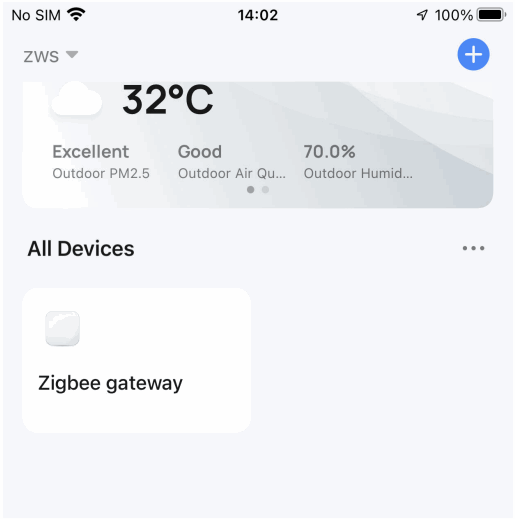
- Make sure your Smart MOES Smart APP has successfully connected to a ZigBee gateway.

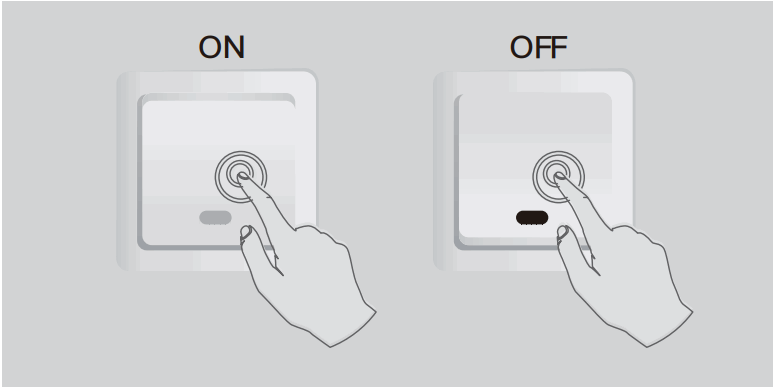
- Reset: The bulb by ON/OFF for 3 times until it flashes.
Please follow the 2 steps below:
Step 1/2
Turn on-off-on-off-on-off-on
(Keep time interval not too short, turn off after light is on) Step 2/2
Confirm light Lamps and lanterns is now rapidly flashing (2 times per second)
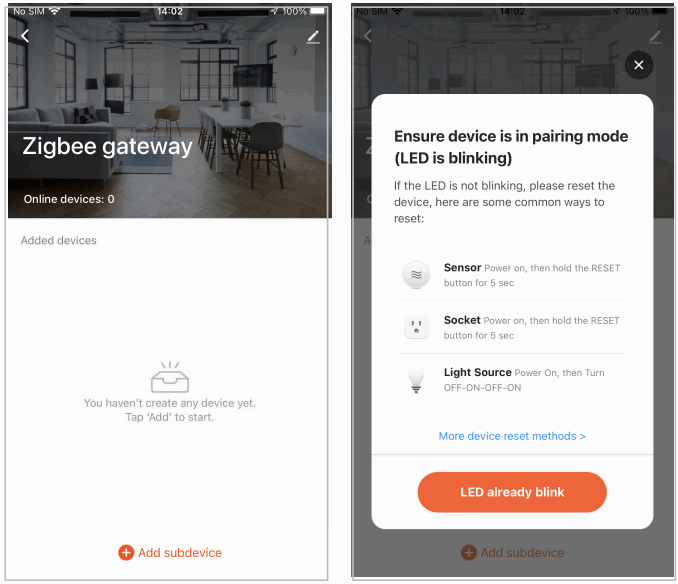
- Enter the gateway. Please follow the picture below to finish as “Add sub device →LED already blink, and the connecting will take about 10-120 seconds to complete depending on your network condition.
 Ensure the device is within the effective signal coverage of your smart ZigBee gateway for successful connection into the ZigBee gateway in MOES APP.
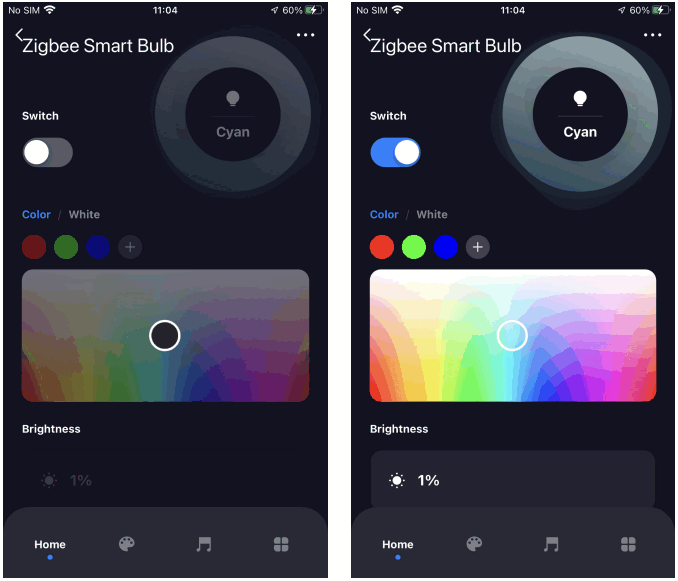
 - Add the device successfully, you can edit the name of the device to enter the device page by click “Done”.

- And now you can enjoy the smart automation by controlling the smart bulb anywhere you like.

 Step 2/2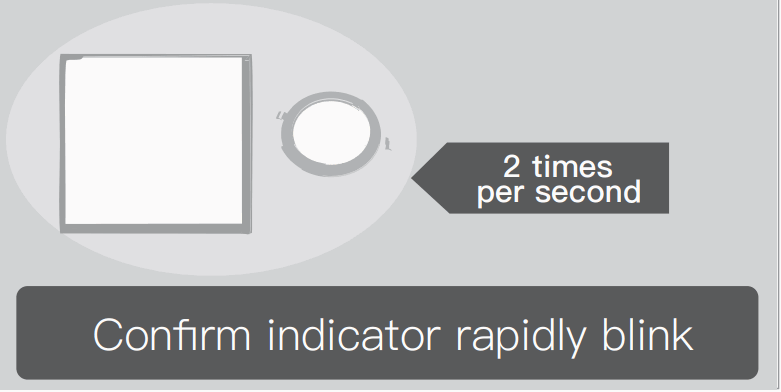
 Ensure the device is within the effective signal coverage of your smart ZigBee gateway for successful connection into the ZigBee gateway in MOES APP.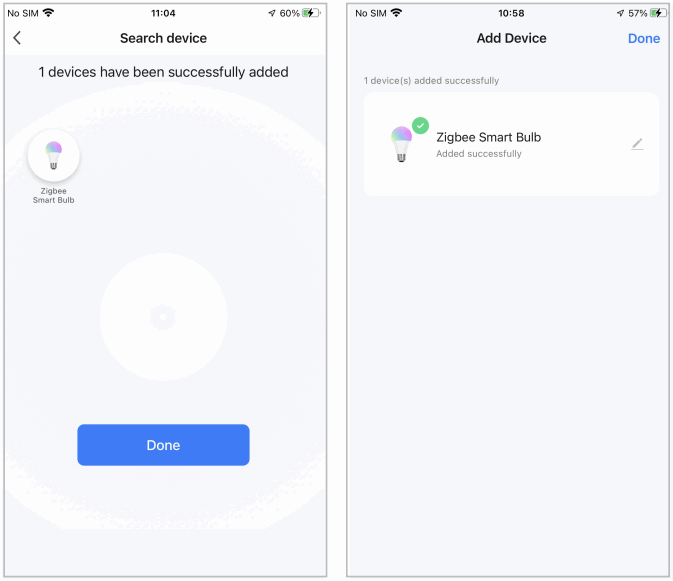
SERVICE
- During the free warranty period, if the product breaks down during normal use, we will offer free maintenance for the product.
- Natural disasters/man-made equipment failures, disassembly and repair without the permission of our company, no warranty card, products beyond the free warranty period, etc., are not within the scope of free warranty
- Any commitment (oral or written) made by the third party (including the dealer/service provider) to the user beyond the warranty scope shall be executed by the third party
- Please keep this warranty card to ensure your rights
- Our company may update or change the products without notice. Please refer to the official website for the updates.
RECYCLING INFORMATION
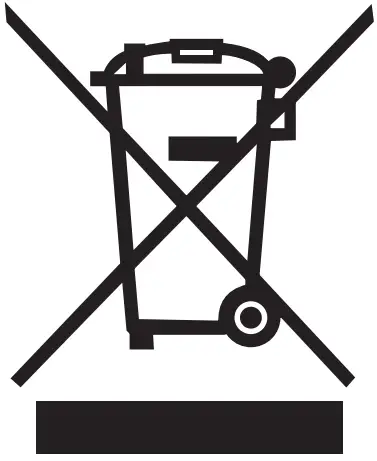 All products marked with the symbol for separate collection of waste electrical and electronic equipment (WEEE Directive 2012/19 / EU) must be disposed of separately from unsorted municipal waste.
To protect your health and the environment, this equipment must be disposed of at designated collection points for electrical and electronic equipment designated by the government or local authorities.
Correct disposal and recycling will help prevent potential negative consequences for the environment and human health.
To find out where these collection points are and how they work, contact the installer or your local authority.
Product Information
Product Name_____________________________
Product Type______________________________
Purchase date_____________________________
Warranty Period___________________________
Dealer Information_________________________
Customer’s Name__________________________
Customer Phone___________________________
Customer Address_________________________
Maintenance Records
| Failure date | Cause Of Issue | Fault Content | Principal |
Thank you for your support and purchase at we Moes,we are always here for your complete satisfaction, just feel free to share your great shopping experience with us.
If you have any other need, please do not hesitate to contact us first, we will try to meet your demand.

 @moessmart
 @moes_smart
 @moes_smart
 MOES.Official
 @moes_smart
 www.moes.net
 AMZLAB GmbH
Laubenhof 23, 45326 Essen
 EVATOST CONSULTING LTD
Address: Suite 11, First Floor, Moy Road
Business Centre, Taffs Well, Cardiff,
Wales, CF15 7QR
Tel:+442921680945
Email: [email protected]
 WENZHOU NOVA NEW ENERGY CO.,LTD
Address: Power Science and Technology
Innovation Center, NO.238, Wei 11 Road,
Yueqing Economic Development Zone,
Yueqing, Zhejiang, China
Tel:+86-577-57186815
Email: [email protected]
Made In China
 MOES Smart WiFi ZigBee Smart 2/3 Way Switch Socket Thermostat Sensor