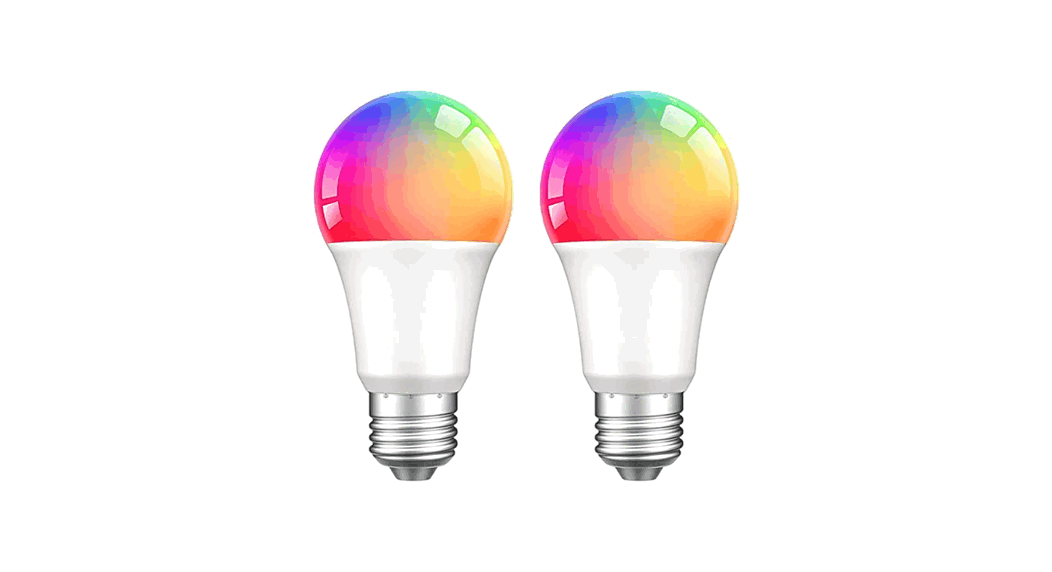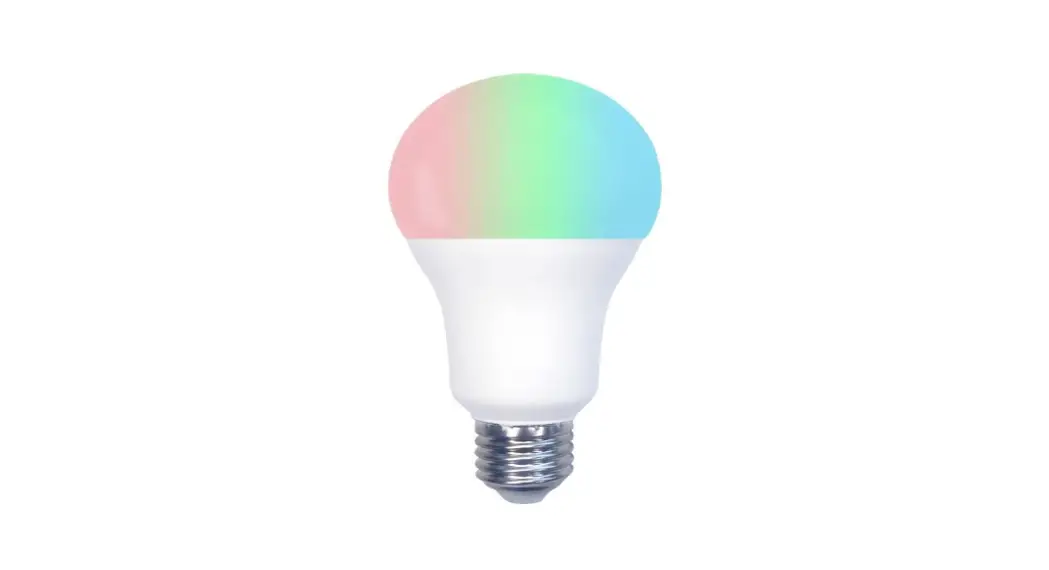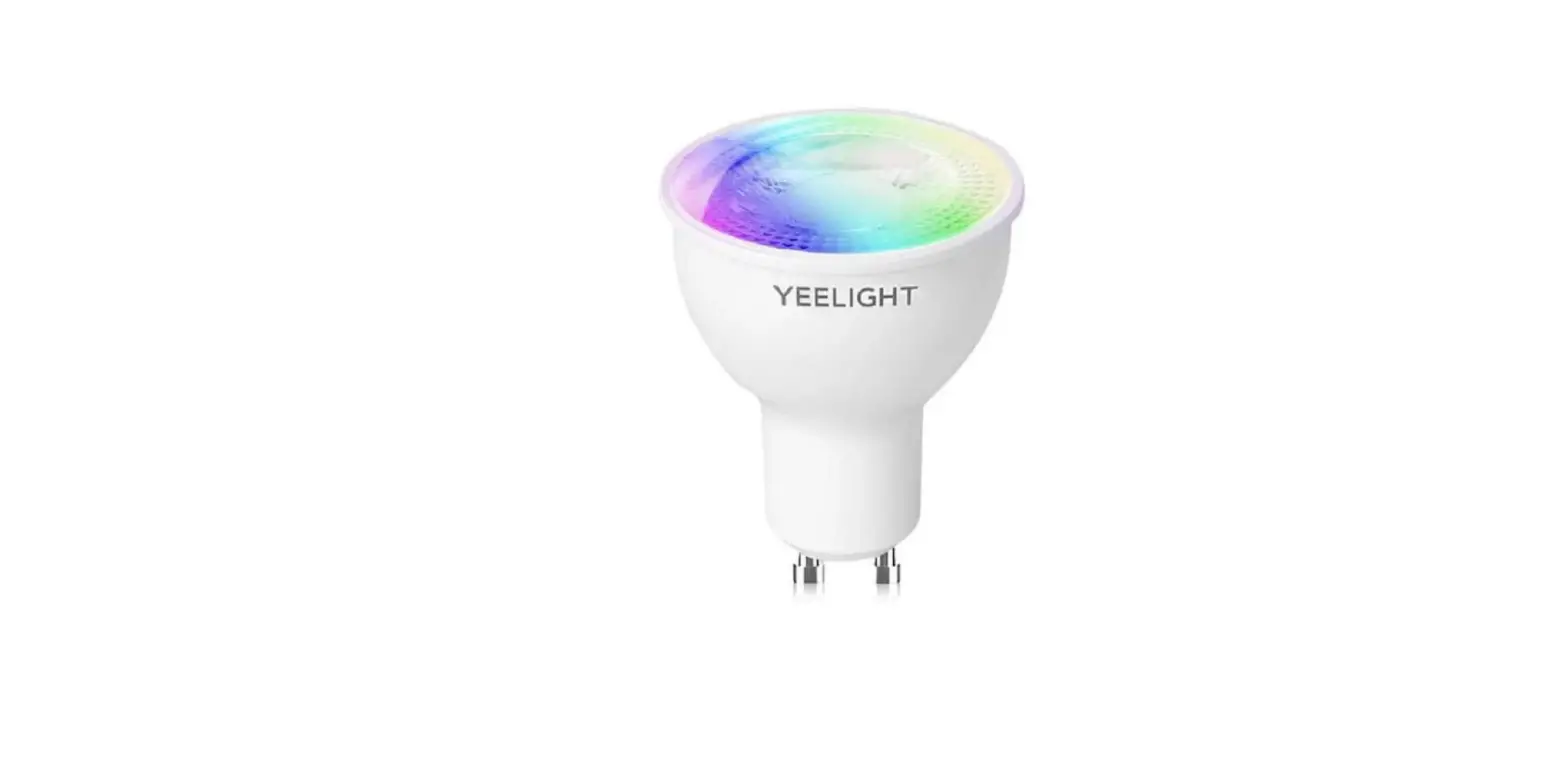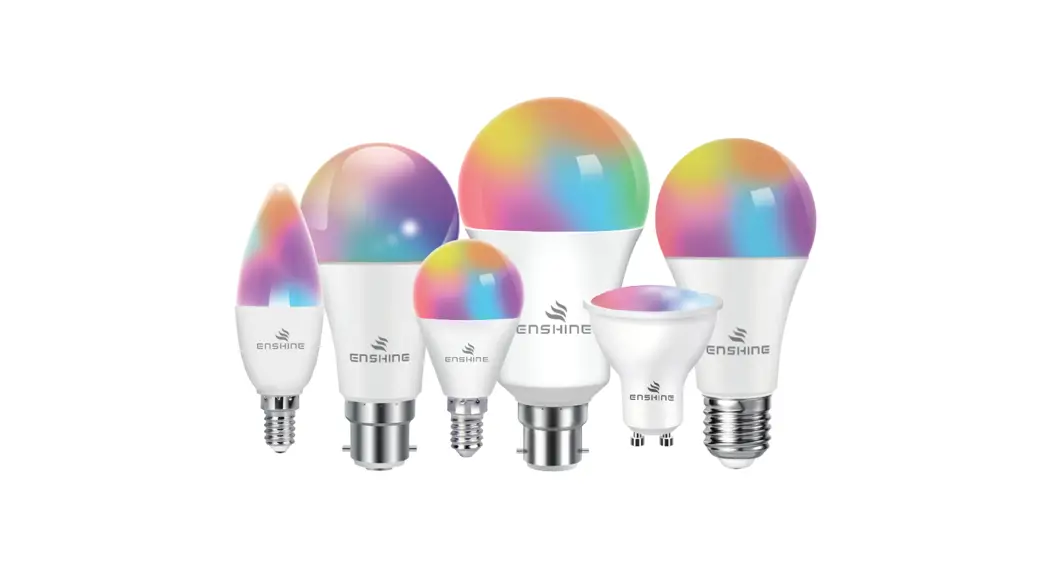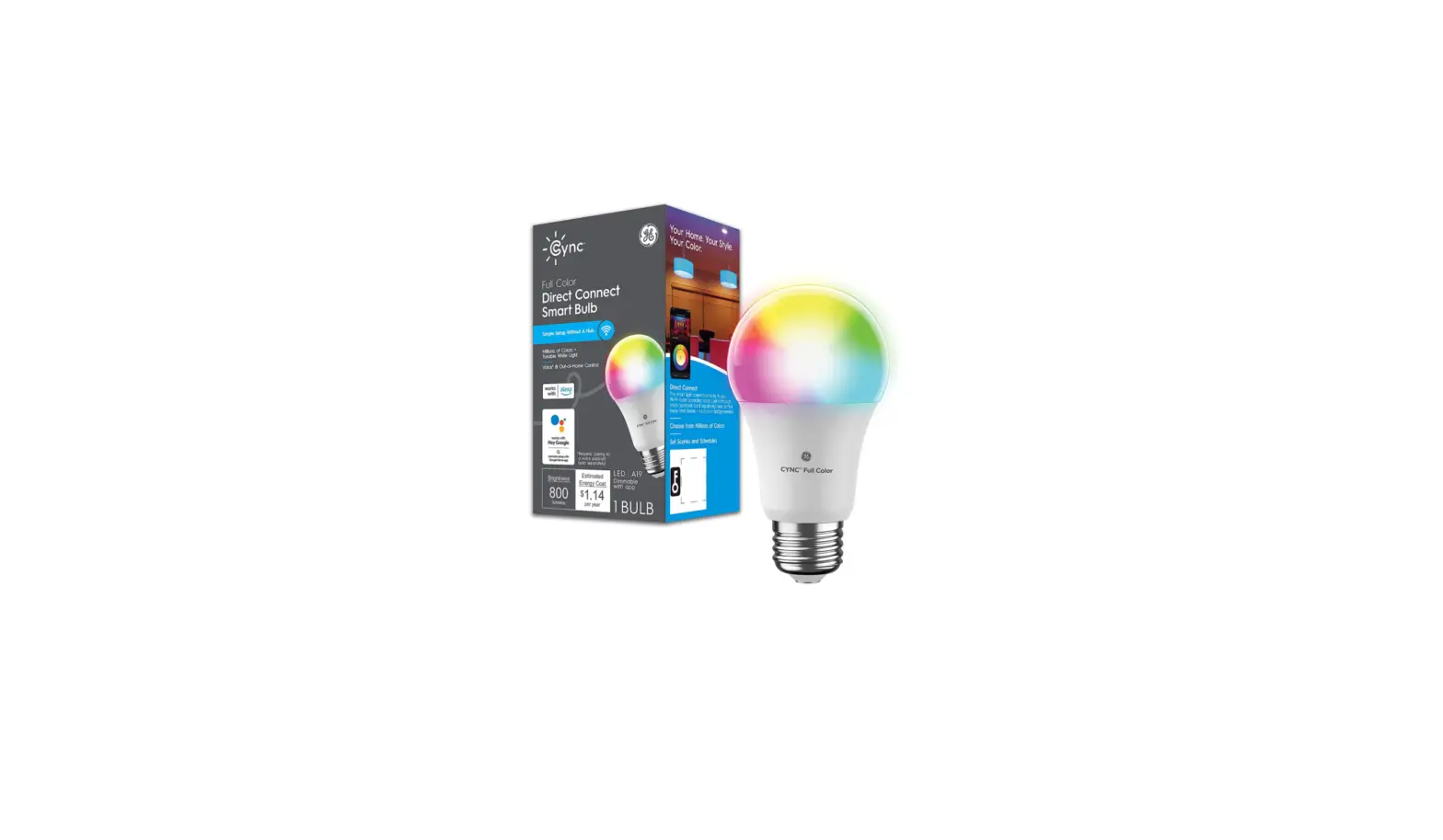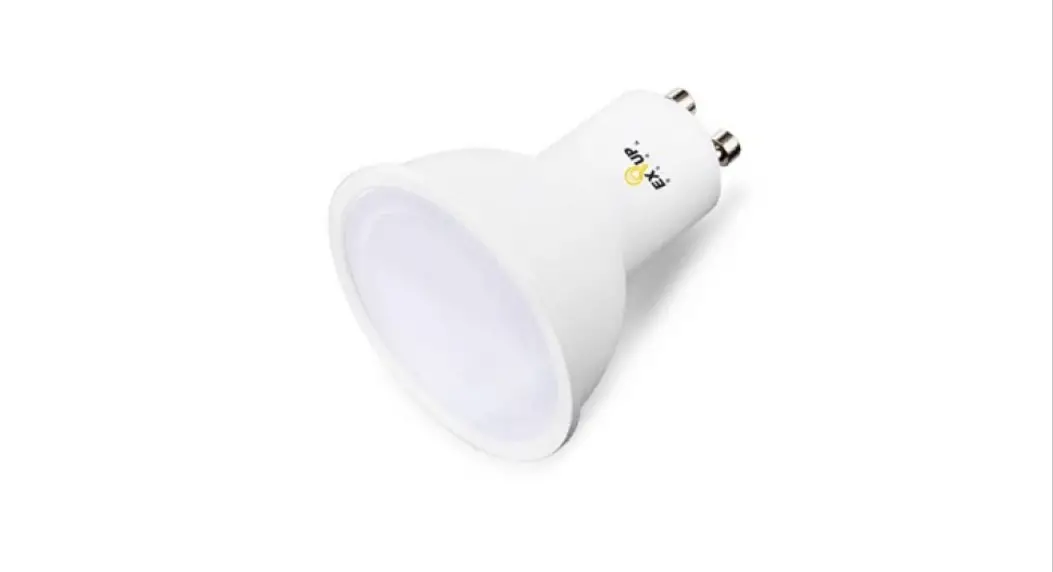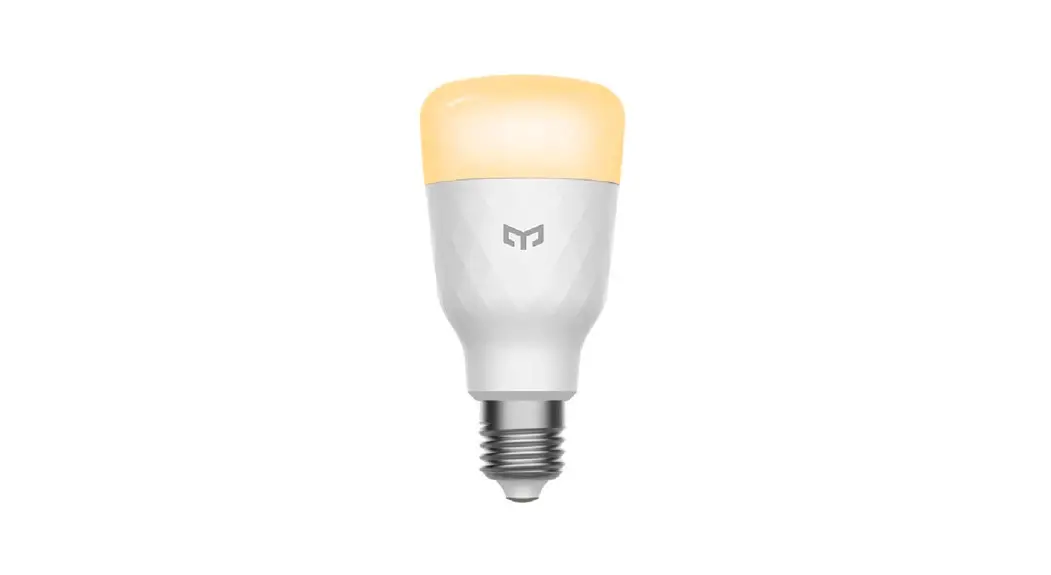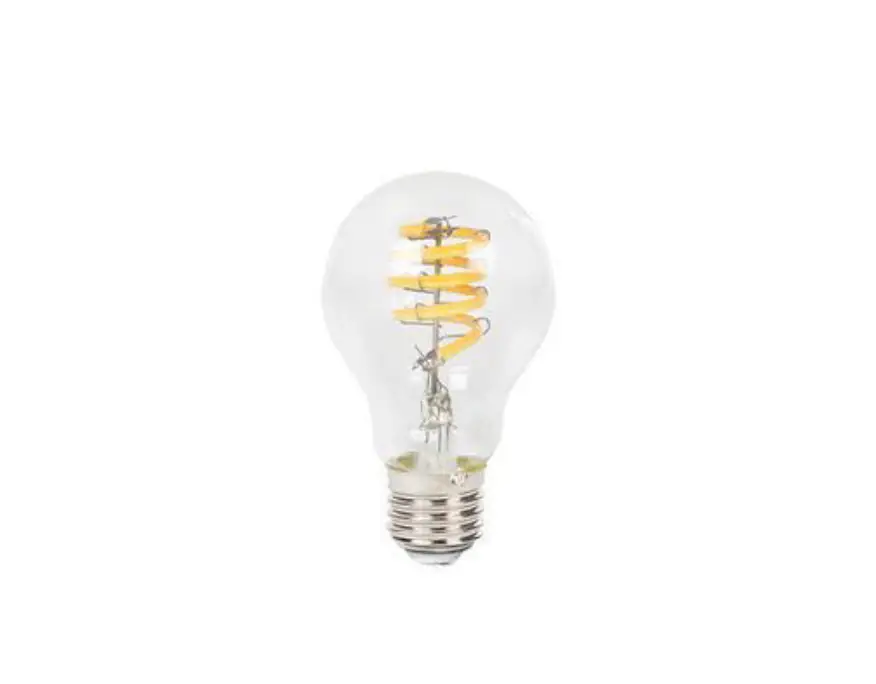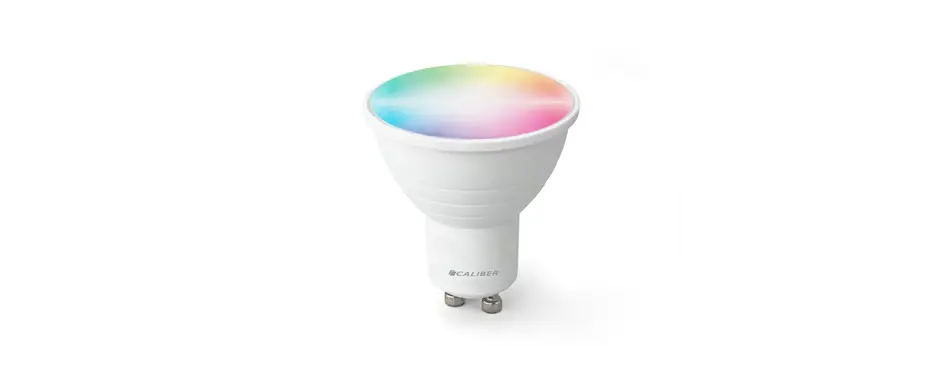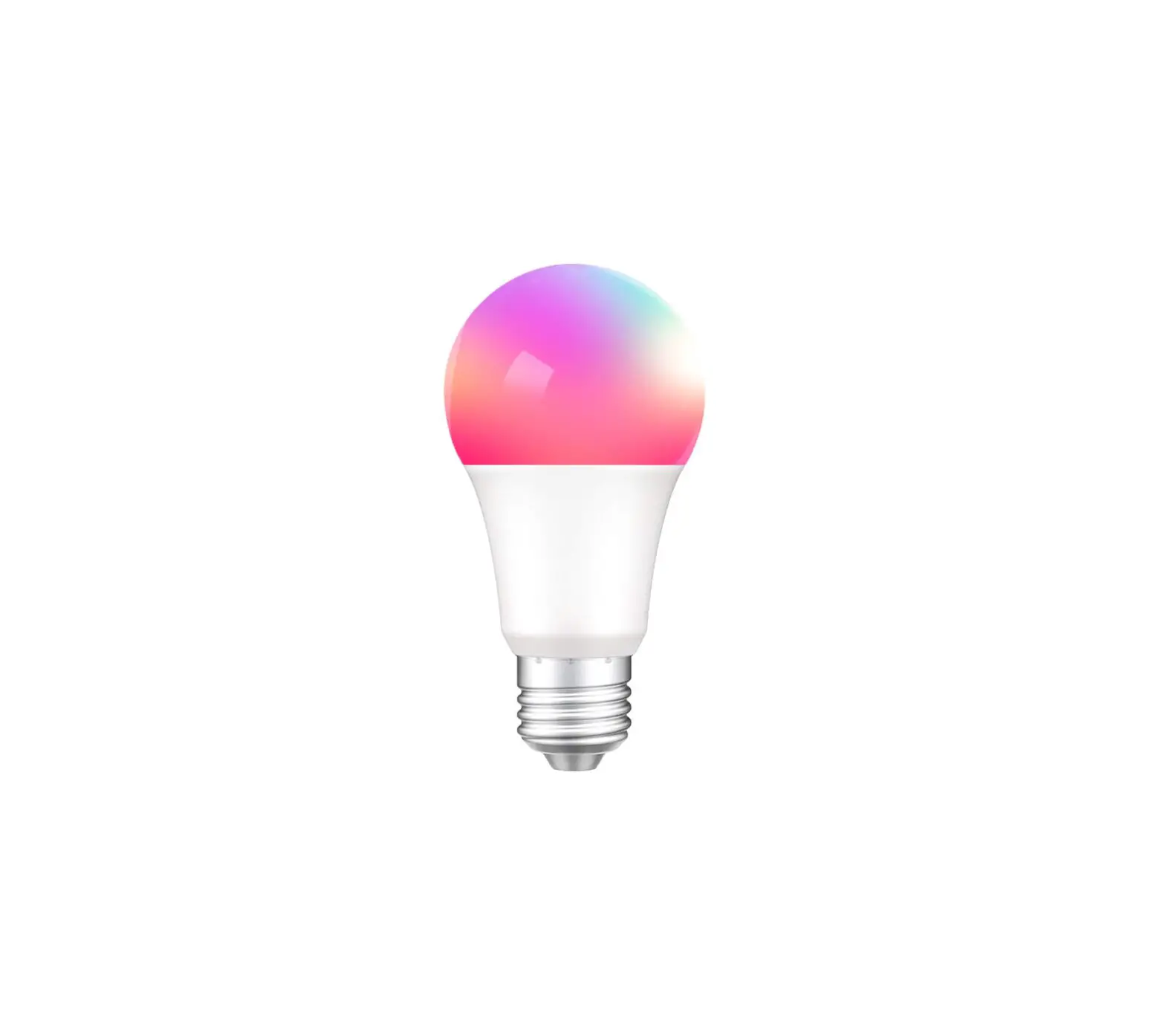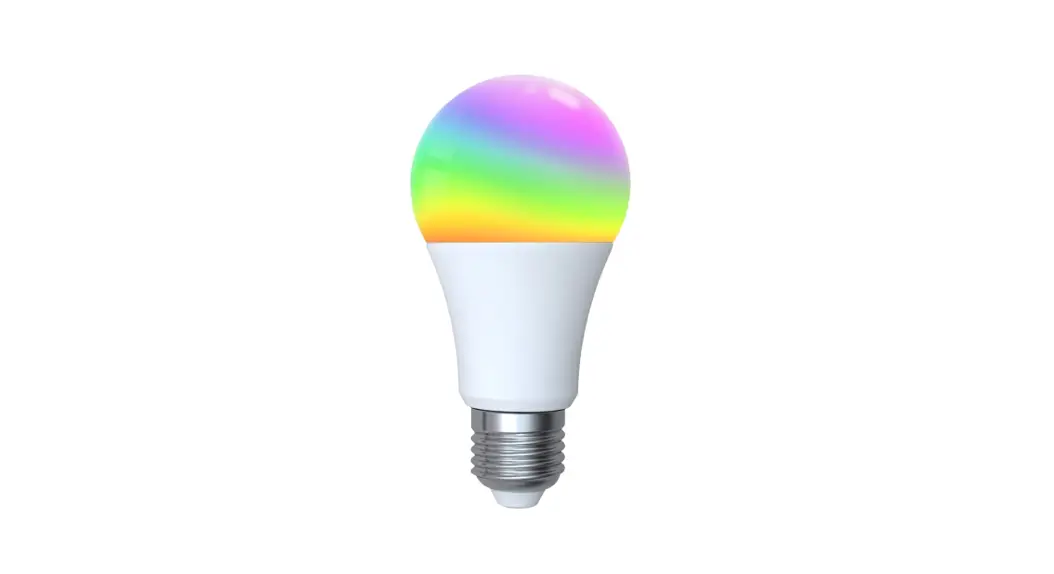

 Smart Light Bulb
User Manual (ZigBee3.0)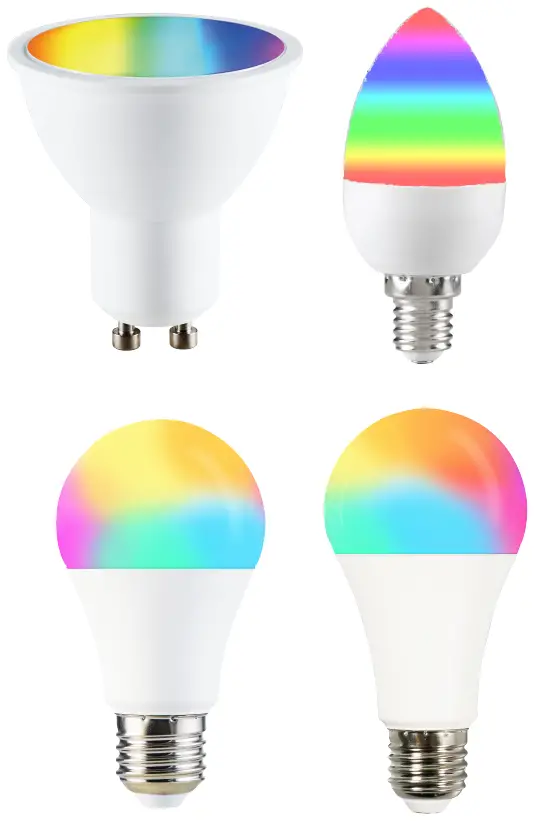

Important information
- It is recommended that the fittings are installed by a qualified electrician ensuring the installation complies with current IEE wiring regulations & local building control.
- Always switch off mains supply before installation.
Smart Life APP Instructions
- Download Smart Life APP
 http://smartapp.tuya.com/smartlife
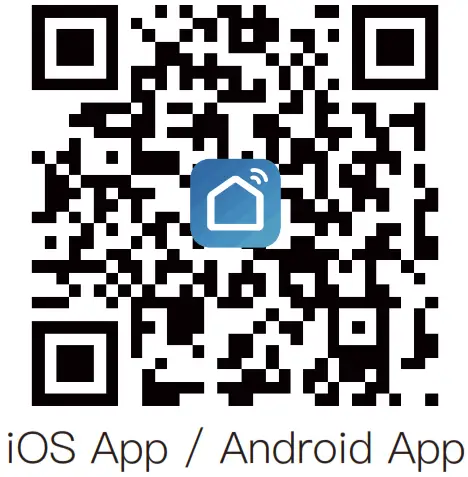
– Scan the QR code on the right to download the Smart Life APP. You can also search “Smart Life”in either App Store or Google Play to install the APP. - Register a Smart Life account and sign in the app
– You will be prompted to enter your mobile number or email address to register. The system automatically recognises your country / area. You can also select your country code.
Note: If you use a Mobile number you will be sent a text message with your confirmation code to complete your account registration.
Steps for connecting the APP to the device
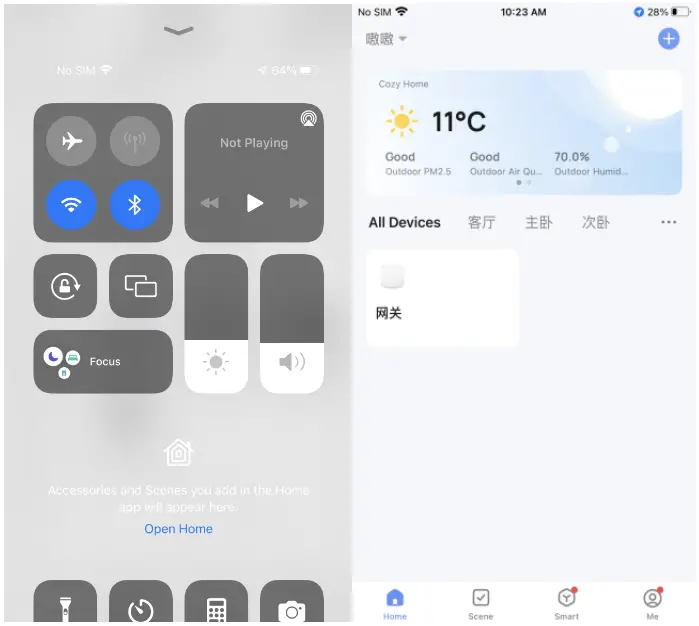
- Confirm you have connected 2.4G WiFi and a ZigBee hub into the Smart Life APP.

- Add the ZigBee bulb into the hub
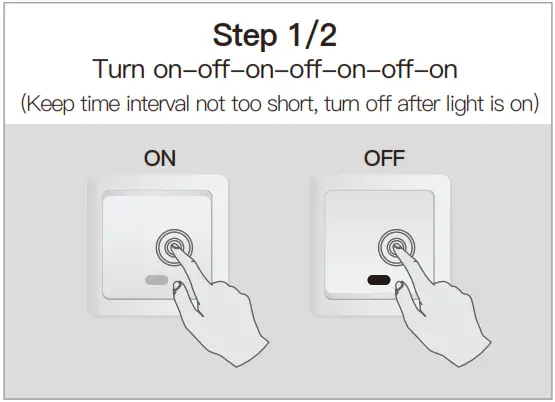
- Reset the bulb by ON/OFF for 3 times until it flashes for 6s.

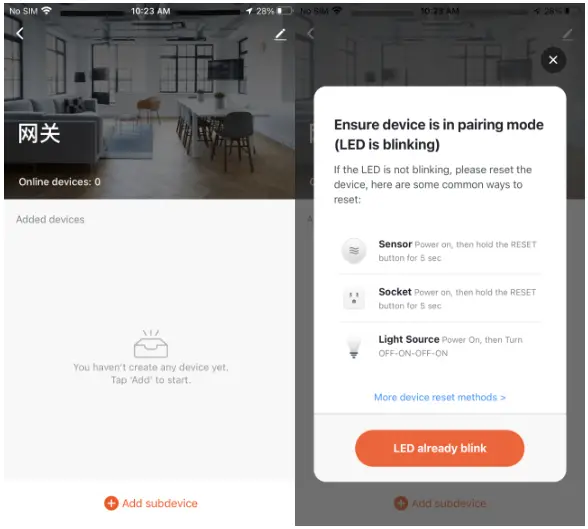
- Enter the gateway.
Please follow the picture below to finish as “Add subdevice→LED already blink, and the configuration would take about 10-120s,which is up to the network condition.
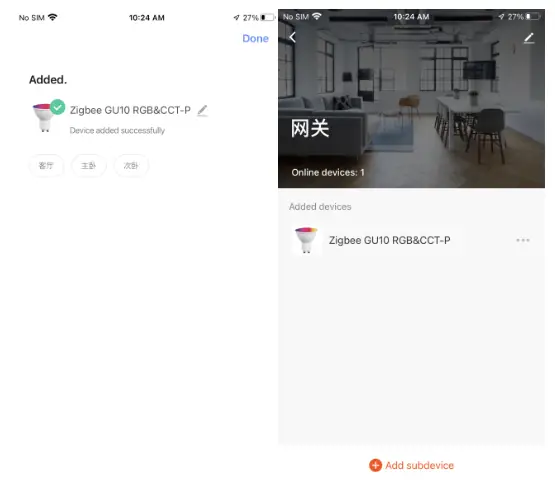
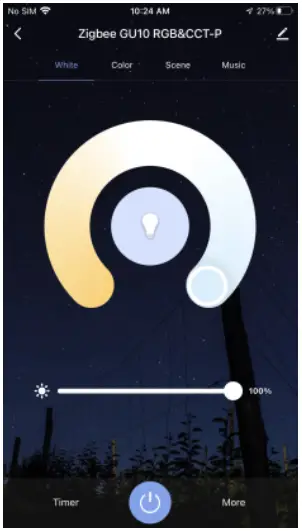
- Add the device successfully, you can edit the name of the device to enter the device page by click “Done”.

- And now you can enjoy the smart automation by controlling the smart bulb anywhere you like.

- Reset the bulb by ON/OFF for 3 times until it flashes for 6s.
Thank you for your support and purchase at we Moes,we are always here for your complete satisfaction,just feel free to share your great shopping experience with us.

If you have any other need,please do not hesitate to contact us first,we will try to meet your demand.
FOLLOW US @moessmart
 @moes_smart
 @moes_smart
 MOES.Official
 @moes_smart
 moes.net
 WENZHOU NOVA NEW ENERGY CO.,LTD
Address: Power Science and Technology Innovation Center,
NO.238, Wei 11 Road, Yueqing Economic Development Zone,
Yueqing, Zhejiang, China
Tel:+86-577-57186815
Email: [email protected] AMZLAB GmbH
Laubenhof 23, 45326 Essen
Made In China
 MOES Smart WiFi ZigBee Smart 2/3 Way Switch Socket Thermostat Sensor