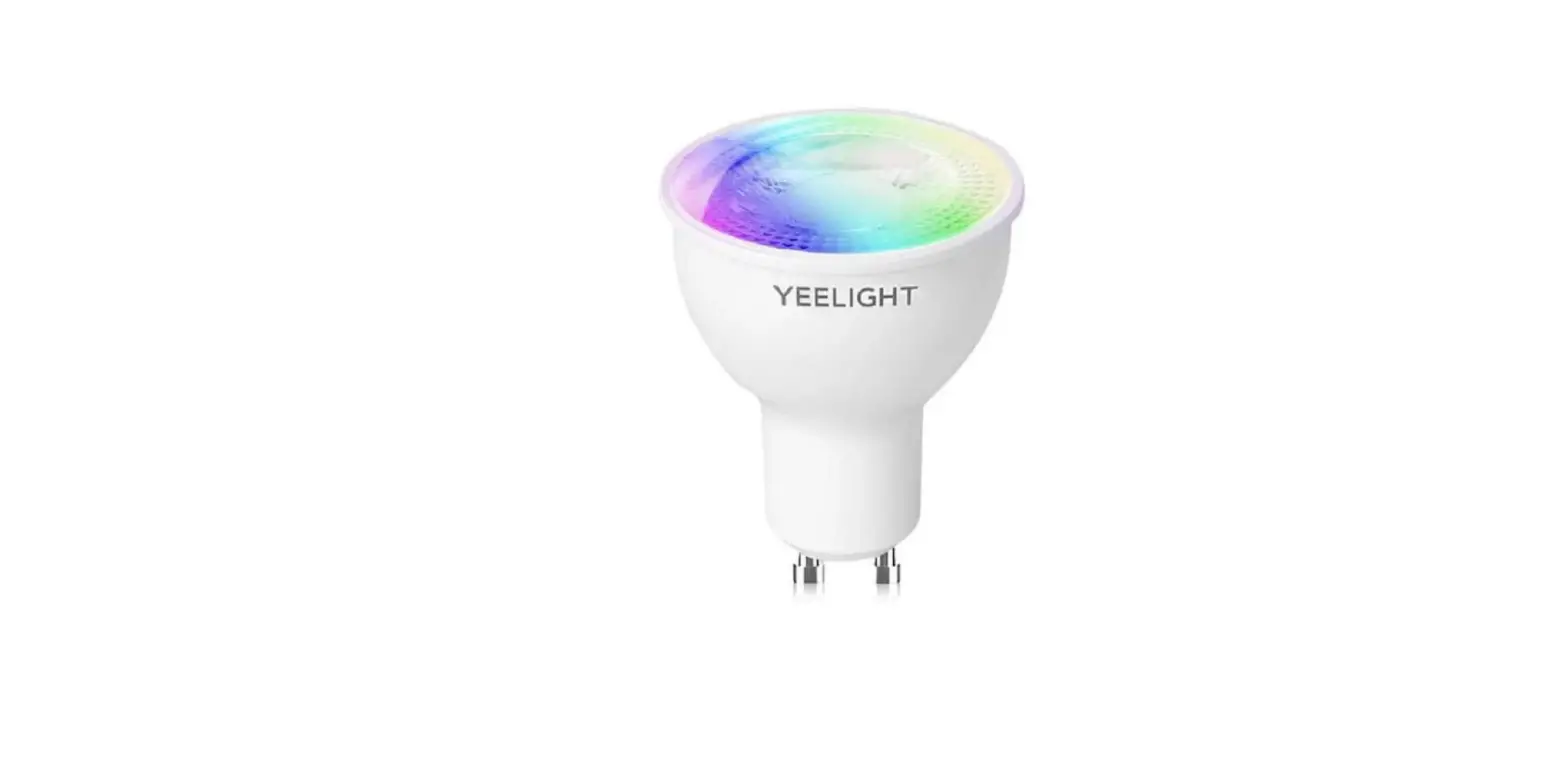
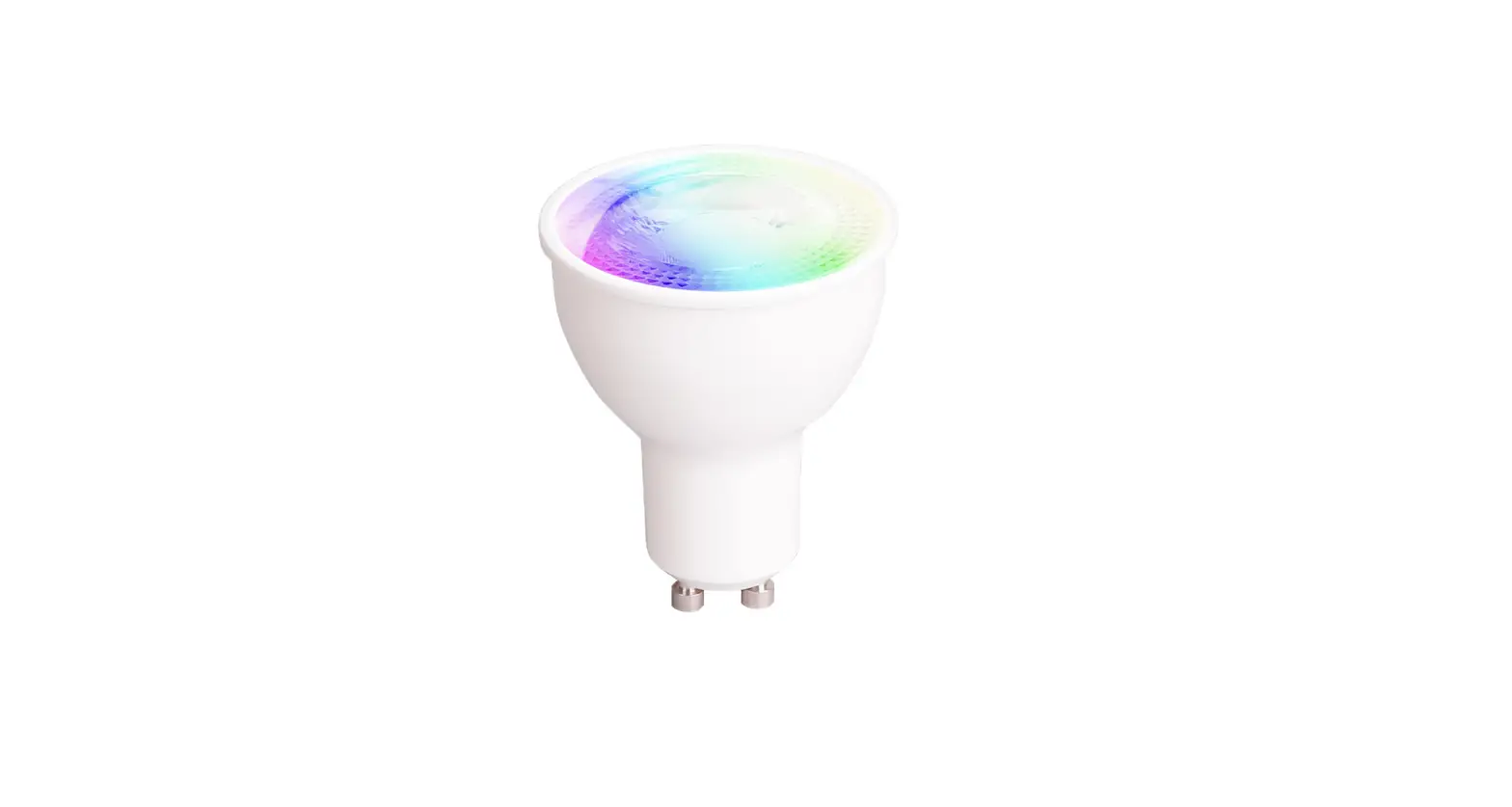
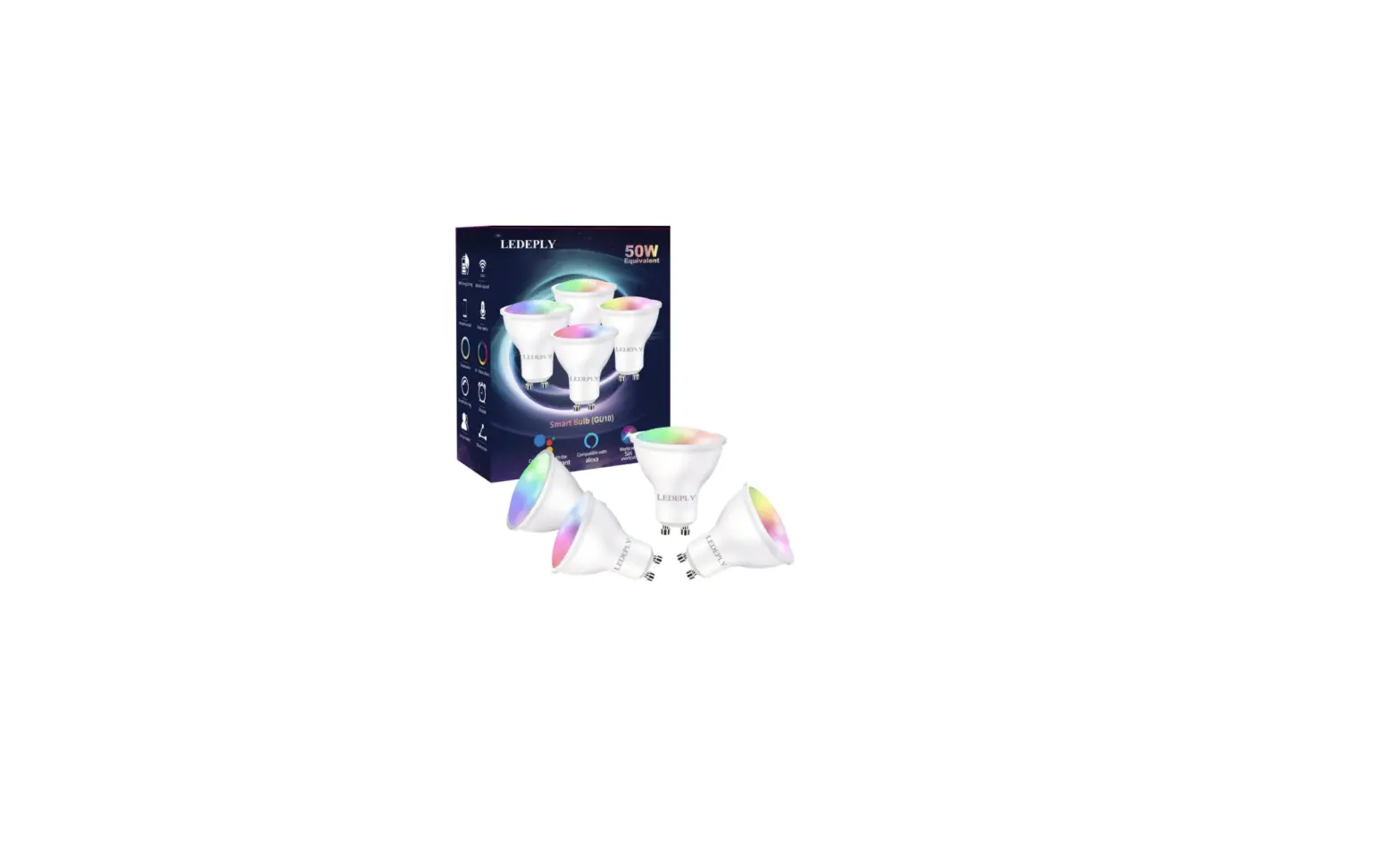
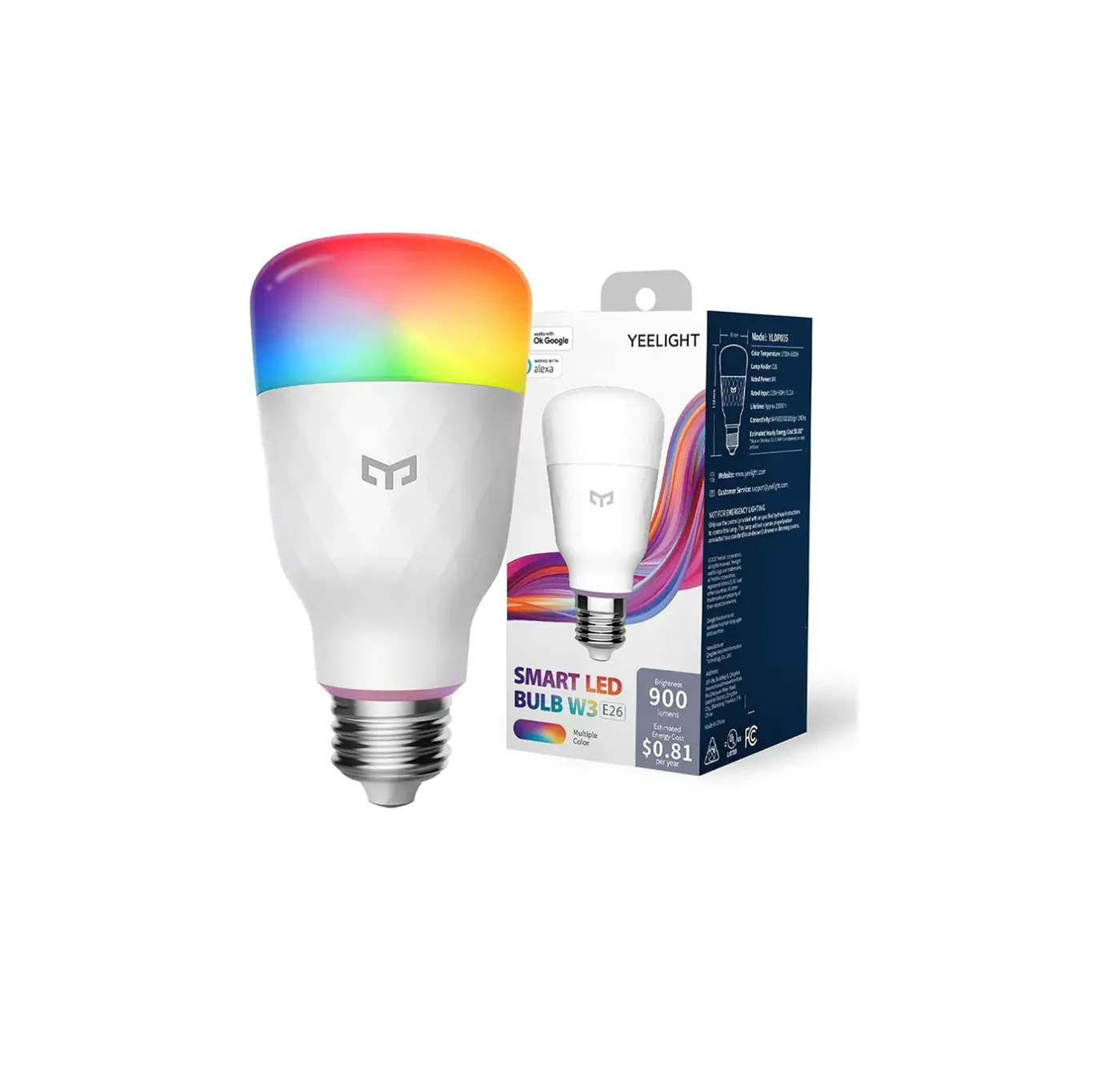
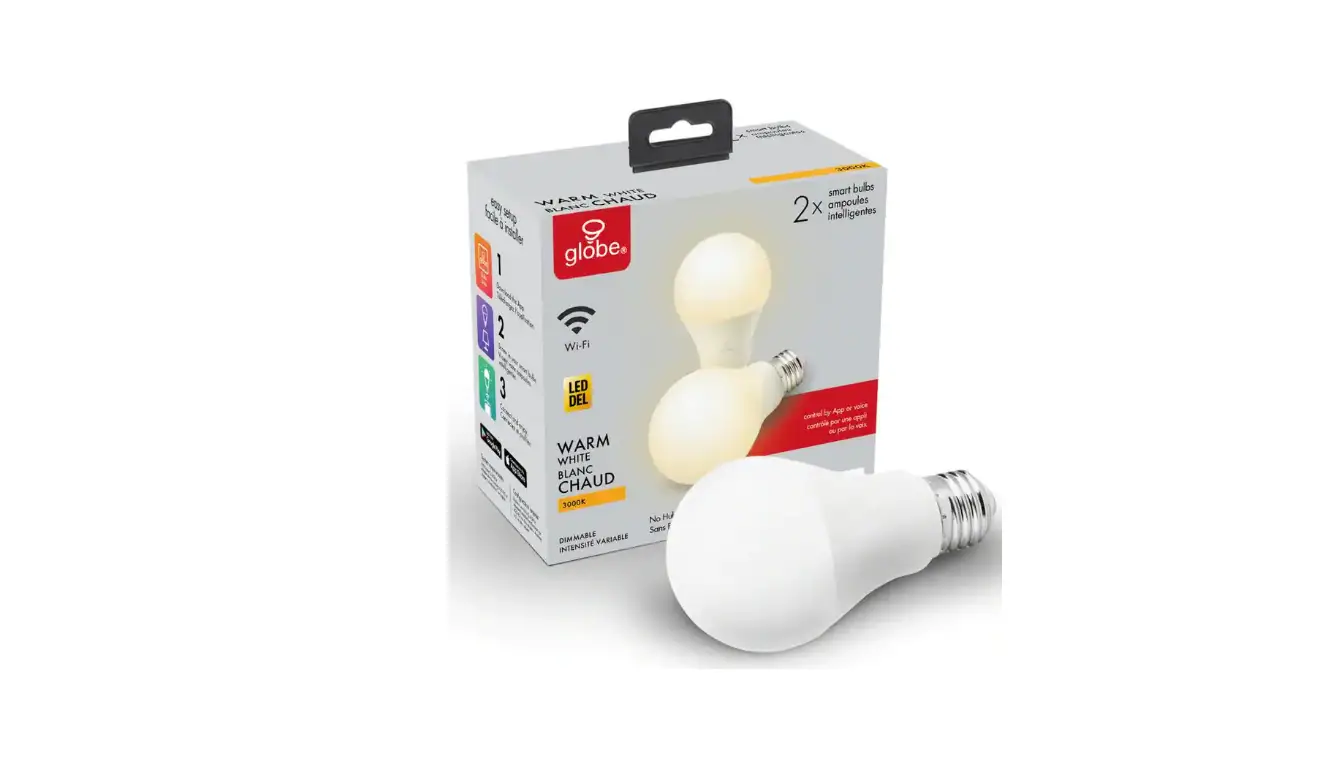
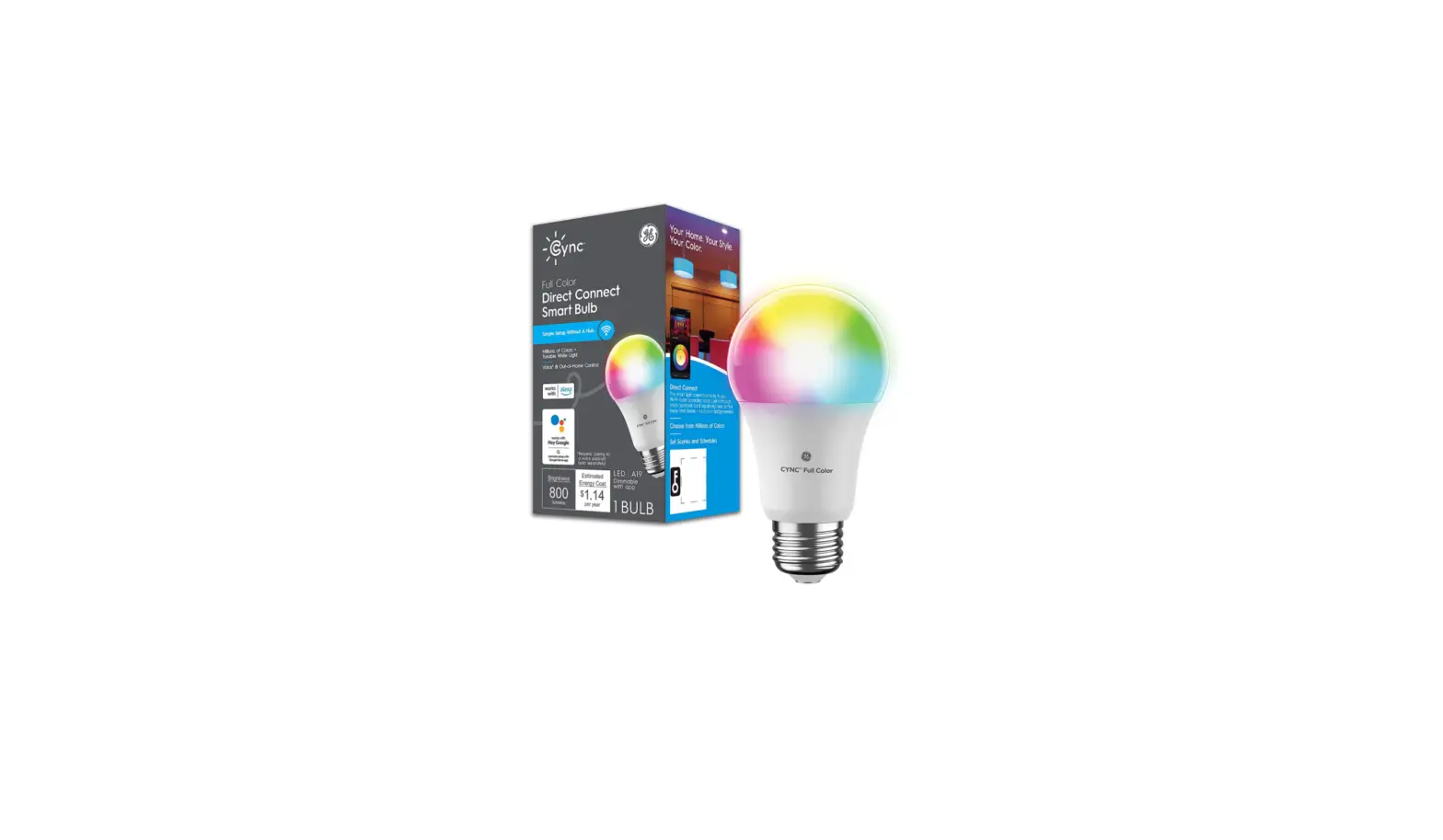
YLDP004 GU10 Smart Bulb W1
Product Information:
- Model: YLDP004
- Interface: GU10
- Rated Power: 4.8W
- Luminous Flux: 350 lumen
- Size: 50 X 54mm
- Rated Input: 220-240 V 50/60 Hz 50mA
- Color Temperature: 2700K
- Connectivity: Wi-Fi IEEE 802.11 b/g/n 2.4G
- Operating Frequency: 2412MHz-2472MHz
- Maximum Output Power: 18.18 dBm
- Life Expectancy: Approx.15,000 hours
- Working Humidity: RH 0%-85%
Product Usage Instructions:
Installation Steps:
- Install the bulb and turn on the power.
Notes:
- Make sure that the power is off when installing, removing, or
examining the light bulb. - Do not use this product in a lamp with a dimmer (e.g. a desk
lamp with a round dimmer switch) to avoid damaging the
product. - Do not use this product in a damp environment.
- Do not use the light bulb in a narrow and ill-ventilated lamp
shade as it may cause weak signals or heat dissipation issues.
Connect to Yeelight App:
- This product can be controlled on Yeelight App and be
configured to interact with other Yeelight products.
- Download App: Search for Yeelight in an App store or scan the
QR code on the right to download and install the App. - Add Device: Go to the Yeelight App homepage, and click + in the
upper right corner to add your device. Proceed with the
configuration as instructed on the App. Once you’ve added a device
successfully, you can find it in the device list.
Note: The operation procedure may differ from
what’s described here due to App updates. Please proceed as
instructed on the App.
This product can also be controlled on Mi home, Google Home App,
and Amazon Alexa. You can download and install one of these Apps
from an App store, and configure your device as instructed on the
App. After you have finished the configuration, you can use the App
to control the light.
Restore to factory settings:
Use the switch to turn the light bulb on and off five times (on
for two seconds and off for two seconds). The light bulb will start
to change color or brightness alternately and automatically change
to white light with full brightness after five seconds. This
indicates that the light bulb has been restored to its factory
settings.
Warnings:
- Before using this product, please make sure that your voltage
is appropriate for this product’s working voltage. Using this
product with a voltage other than the one specified may damage the
product and cause safety hazards. - Do not disassemble this product, as the light diodes can cause
damage to the eyes. - The light bulb will heat up when working. Do not use it in a
lamp with a narrow and ill-ventilated lamp shade. - RF exposure information: The Maximum Permissible Exposure (MPE)
level is calculated based on a distance of d=20 cm between the
device and the human body. To maintain compliance with the RF
exposure requirement, a separation distance of 20 cm between the
device and the human should be maintained.
EU Declaration of Conformity
GU10 Smart Bulb W1 User Manual
EN
Specification
Model: YLDP004
Interface: GU10
Rated Power: 4.8W
Luminous Flux: 350 lumen
Size: 50 X 54mm
Rated Input: 220-240 V 50/60 Hz 50mA
Color Temperature: 2700K
Connectivity: Wi-Fi IEEE 802.11 b/g/n 2.4G
Operating Frequency: 2412MHz-2472MHz
Maximum Output Power: 18.18 dBm
Life Expectancy: Approx.15,000 hours
Working Temperature: -10° C – +40° C
Working Humidity: RH 0%-85%
Model: YLDP004-A
Interface: GU10
Rated Power: 4.5W
Luminous Flux: 350 lumen
Size: 50 X 61mm
Rated Input: 220-240 V 50/60 Hz 50mA
Color Temperature: 27006500 K
Connectivity: Wi-Fi IEEE 802.11 b/g/n 2.4G
Operating Frequency: 2412MHz-2472MHz
Maximum Output Power: 18.18 dBm
Life Expectancy: Approx.15,000 hours
Working Temperature: -10° C – +40° C
Working Humidity: RH 0%-85%
1
EN
Installation Steps 01 Install the bulb
Install the bulb and turn on the power.
Notes: 1. Make sure that the power is off when installing, removing, or examining the light bulb. 2. Do not use this product in a lamp with a dimmer (e.g. a desk lamp with a round dimmer switch) to avoid damaging the product. 3. Do not use this product in a damp environment. 4. Do not use the light bulb in a narrow and ill-ventilated lamp shade as it may cause weak signals or heat dissipation issues.
2
EN
02 Connect to Yeelight App
This product can be controlled on Yeelight App and be configured to interact with other Yeelight products.
Download App Search for “Yeelight” in an App store or scan the QR code on the right to download and install the App.
Add Device Go to the Yeelight App homepage, and click “+” in the
upper right corner to add your device. Proceed with the configuration as instructed on the App. Once you’ve added a device successfully, you can find it
in the device list.
Note: The operation procedure may differ from what’s described here due to App updates. Please proceed as instructed on the App.
3
EN
This product can also be controlled on Mi home, Google Home App, and Amazon Alexa. You can download and install one of these Apps from an App store, and configure your device as instructed on the App. After you have finished the configuration, you can use the App to control the light.
Restore to factory settings
Use the switch to turn the light bulb on and off five times (on for two seconds and off for two seconds). The light bulb will start to change color or brightness alternately and automatically change to white light with full brightness after five seconds. This indicates that light bulb has been restored to its factory settings.
Warnings
1. Before using this product, please make sure that your voltage is appropriate for this product’s working voltage. Using this product with a voltage other than the one specied may damage the product and cause safety hazards.
2. Do not disassemble this product, as the light diodes can cause damage to the eyes.
3. The light bulb will heat up when working. Do not use it in
4
EN
a conned holder for an extended period of time. Ensure sufcient ventilation for the light bulb to allow for heat dissipation. 4. For indoor use only. 5. Disconnect power before installation to prevent risk of electronic shock. 6. Use in Dry Locations only. 7. For lamps with a weight significantly higher than that of the lamps for which they are a replacement, attention should be drawn to the fact that the increased weight may reduce the mechanical stability of certain luminaires and lampholders and may impair contact making and lamp retention. 8. Under normal use of condition, this equipment should be kept a separation distance of at least 20cm between the antenna and the body of the user.
RF exposure information: The Maximum Permissible Exposure (MPE) level is calculated based on a distance of d=20 cm between the device and the human body. To maintain compliance with the RF exposure requirement, a separation distance of 20 cm between the device and the human should be maintained.
5
EN
EU Declaration of Conformity
Hereby, Qingdao Yeelink Information Technology Co.,Ltd., declares that the radio equipment type YLDP004/YLDP004-A is in compliance with Directive 2014/53/EU. The full text of the EU declaration of conformity is available at the following internet address:www.yeelight.com, Follow up to find the full link.
WEEE Disposal and Recycling
All products bearing this symbol are waste electrical and electronic equipment (WEEE as in directive 2012/19/EU) which should not be mixed with unsorted household waste. Instead, you should protect human health and the environment by handing over your waste equipment to a designated collection point for the recycling of waste electrical and electronic equipment, appointed by the government or local authorities. Correct disposal and recycling will help prevent potential negative consequences to the environment and human health. Please contact the installer or local authorities for more information about the location as well as terms and conditions of such collection points.
6
 Yeelight - Smart Lighting | Smart LED Bulbs | Gaming Lights