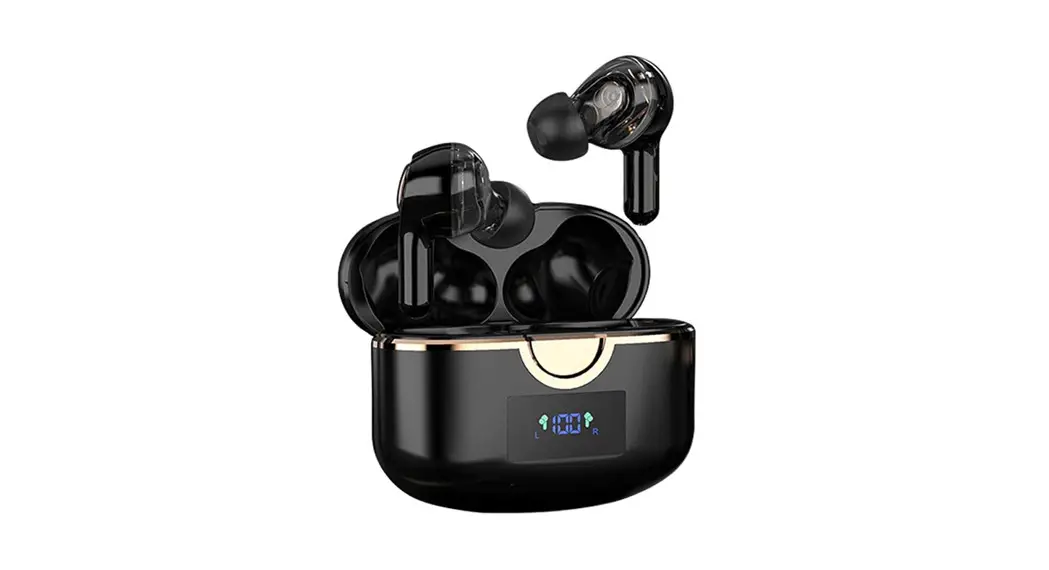
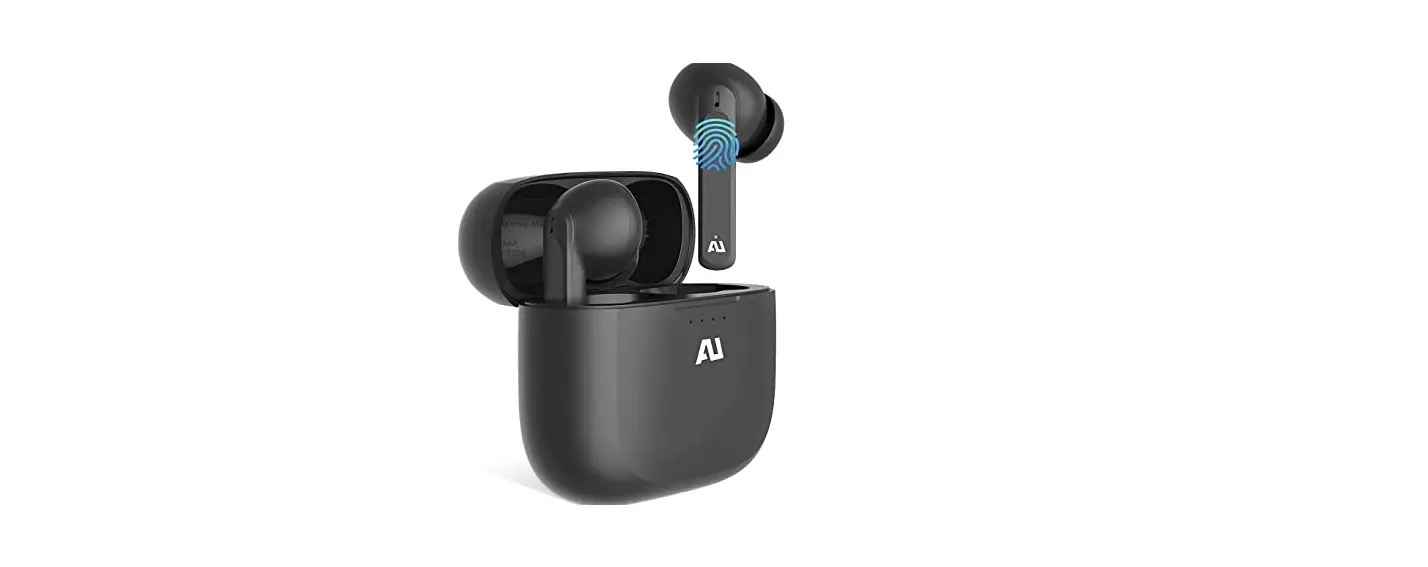
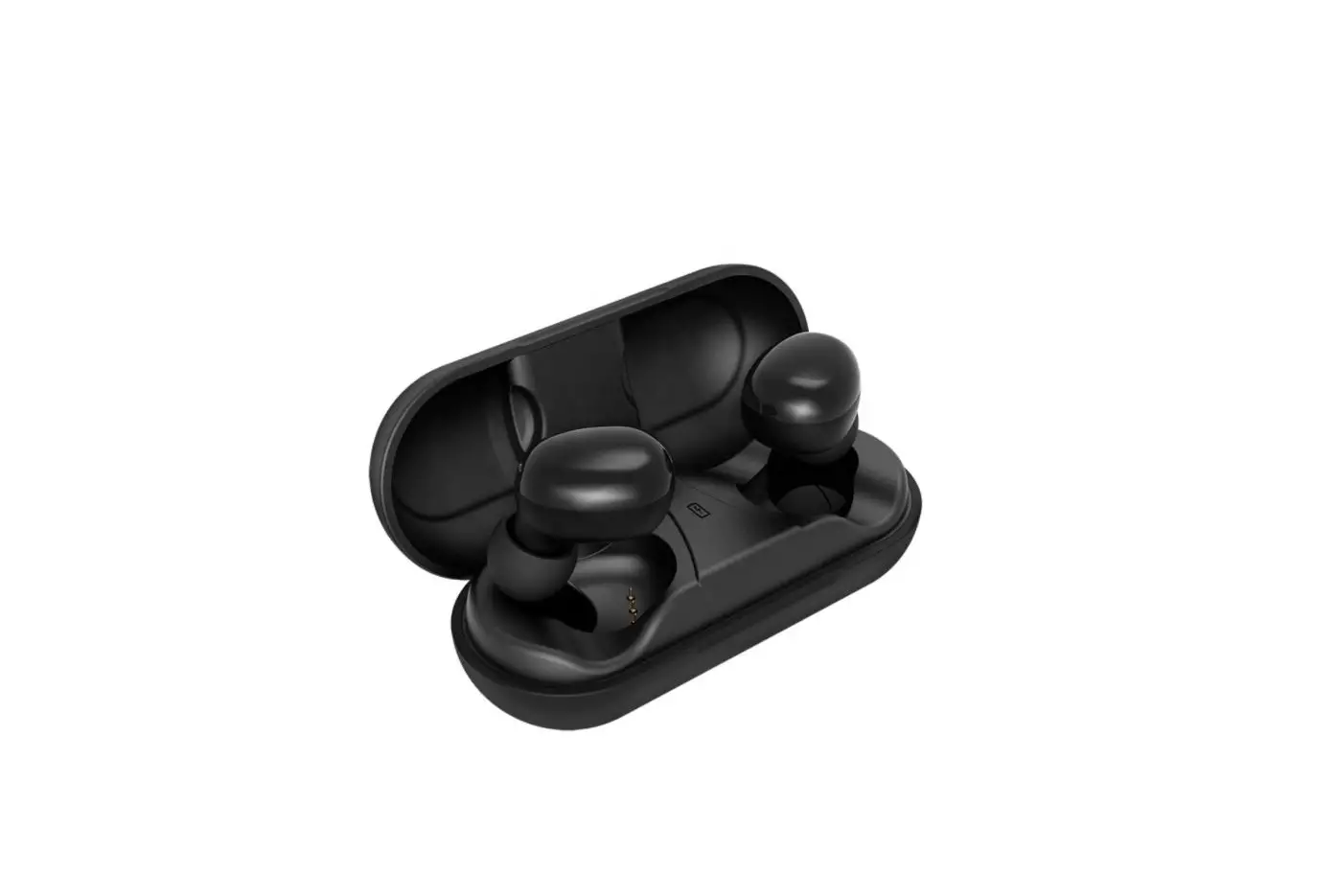
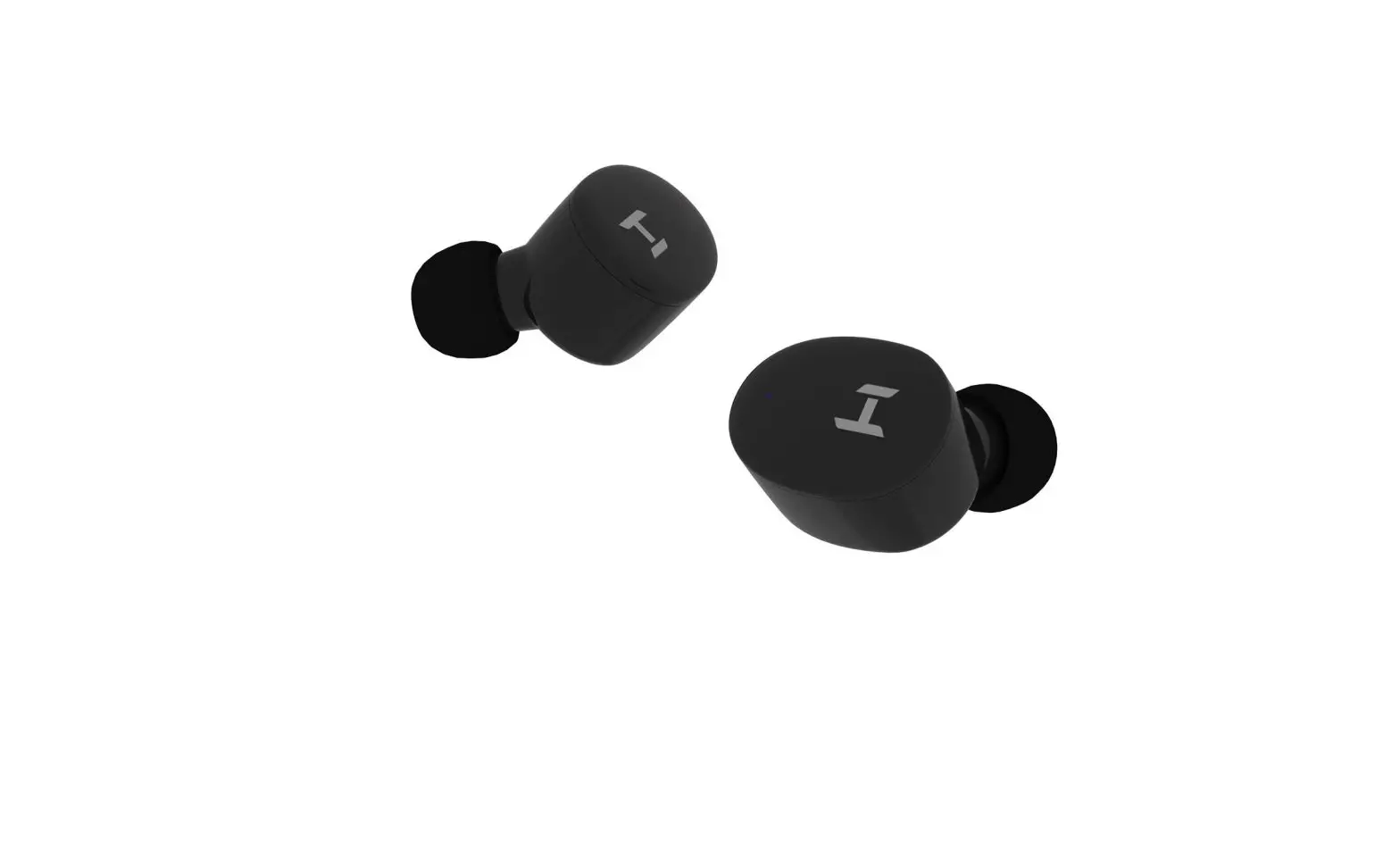
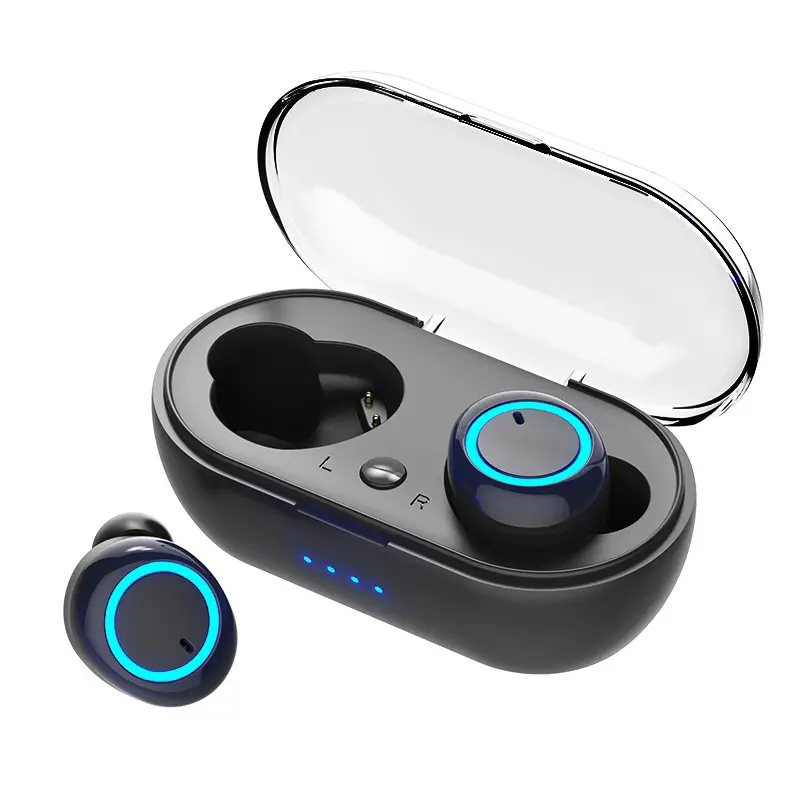
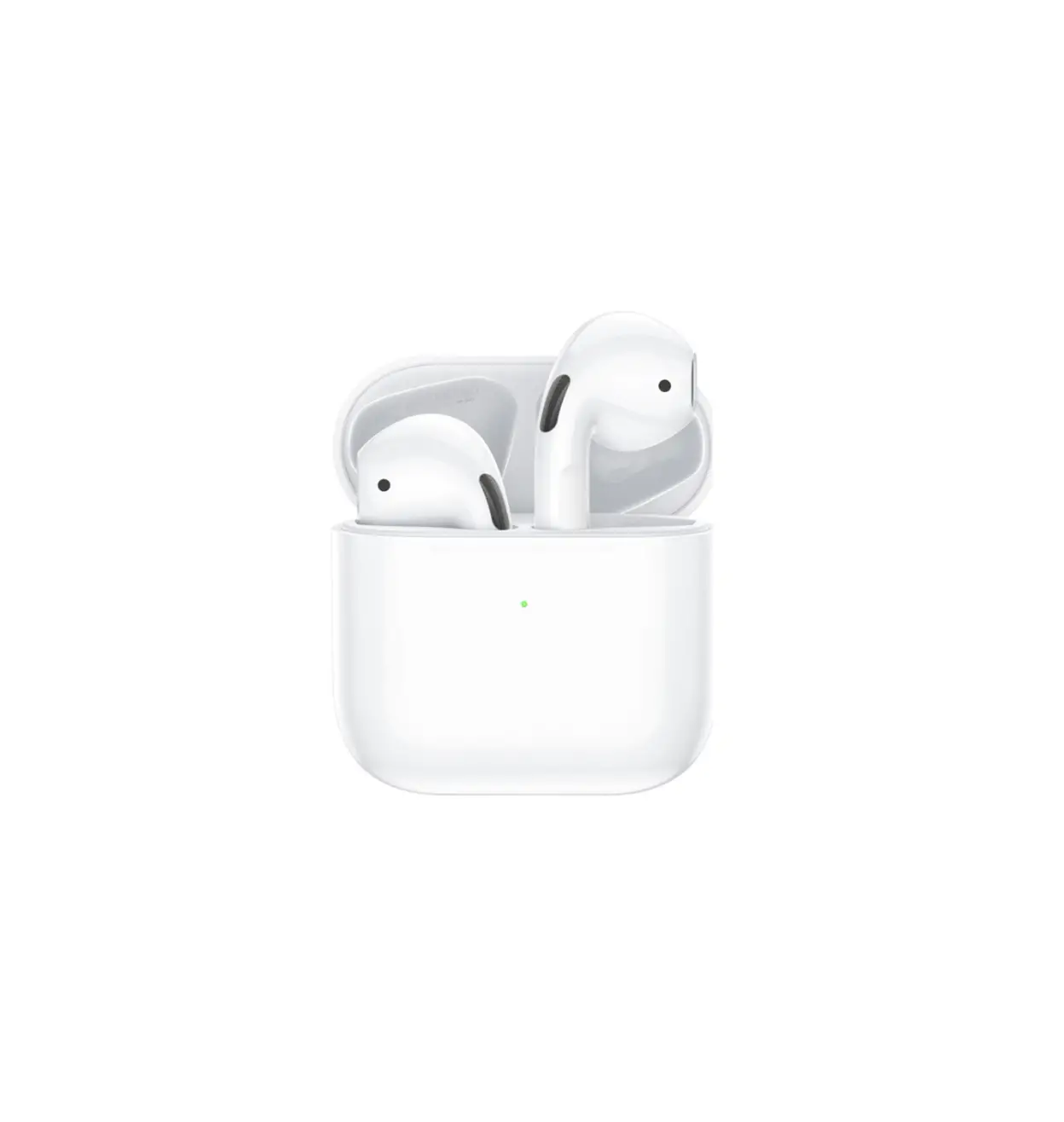
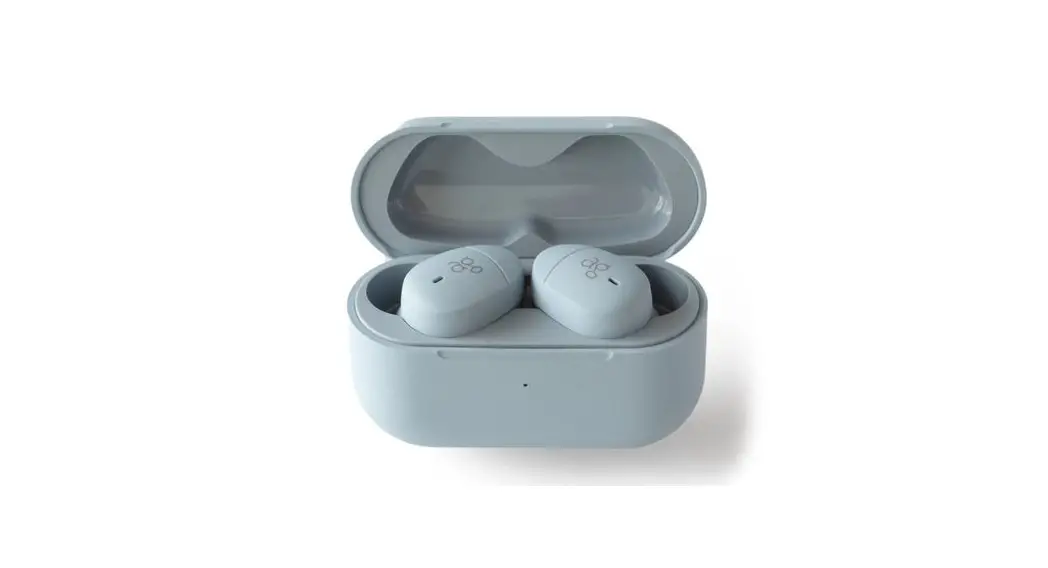
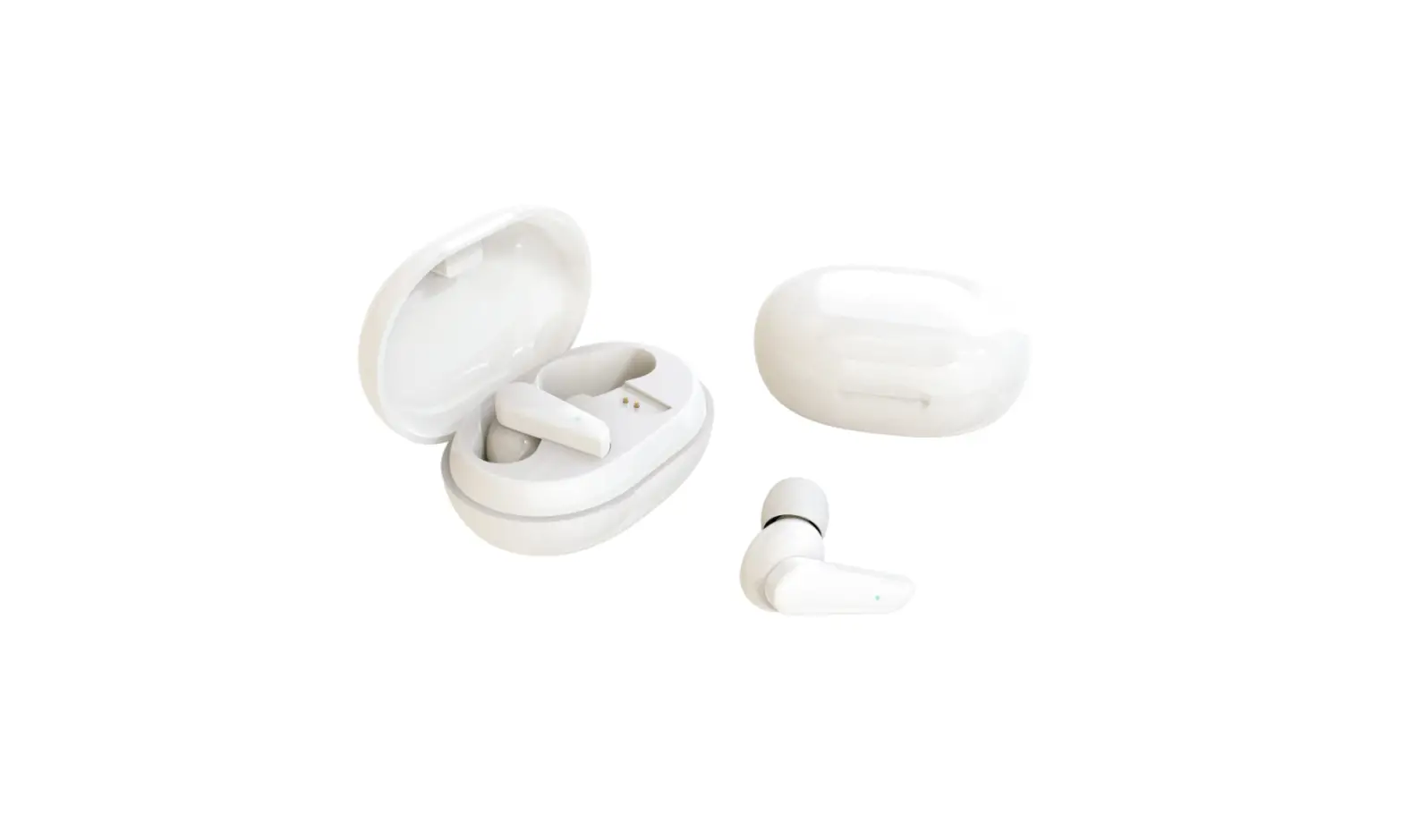
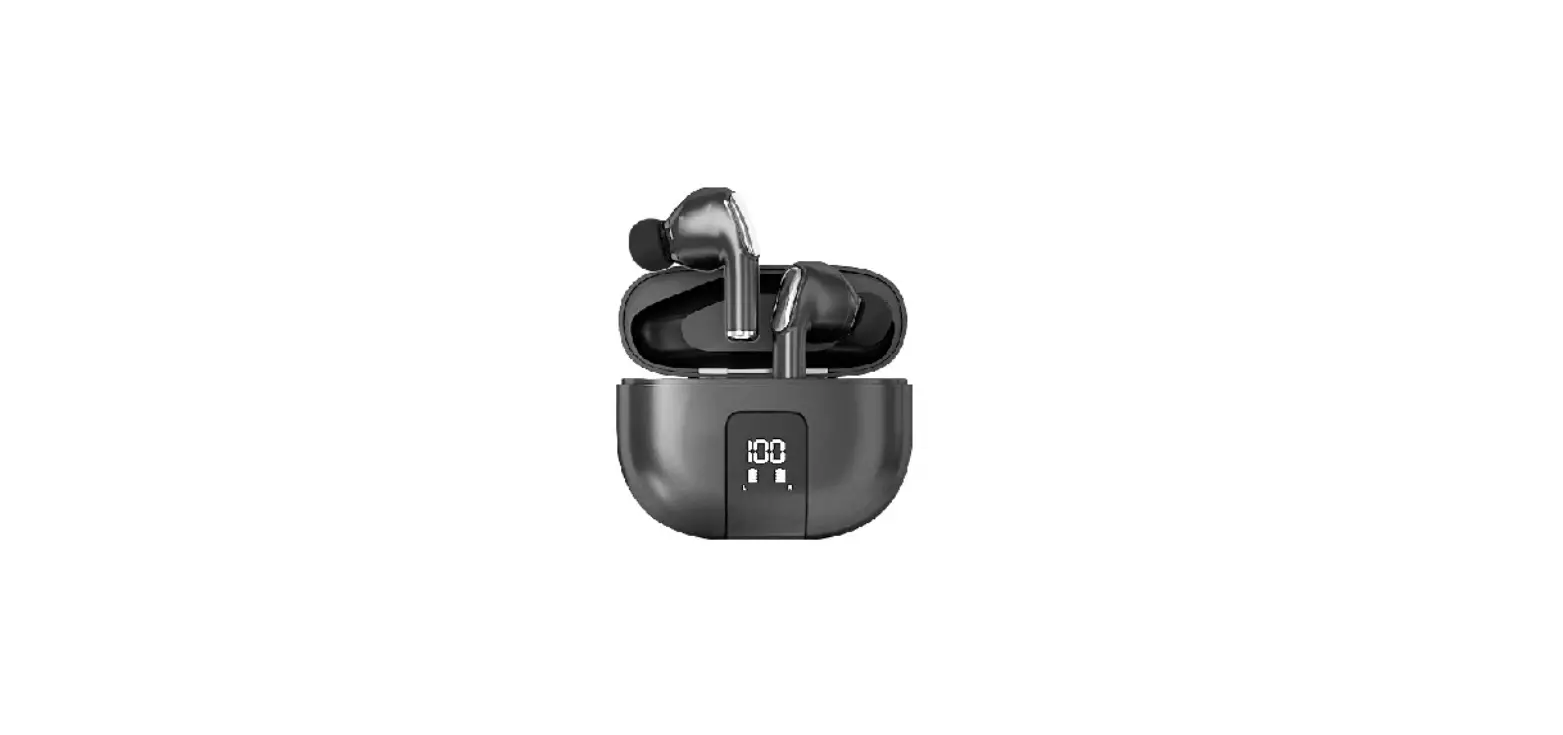
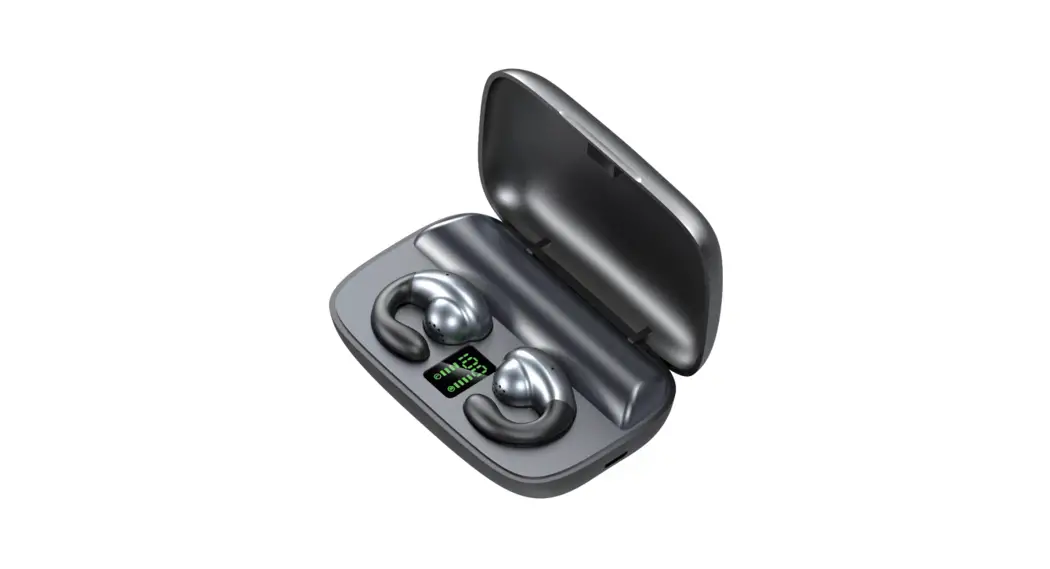
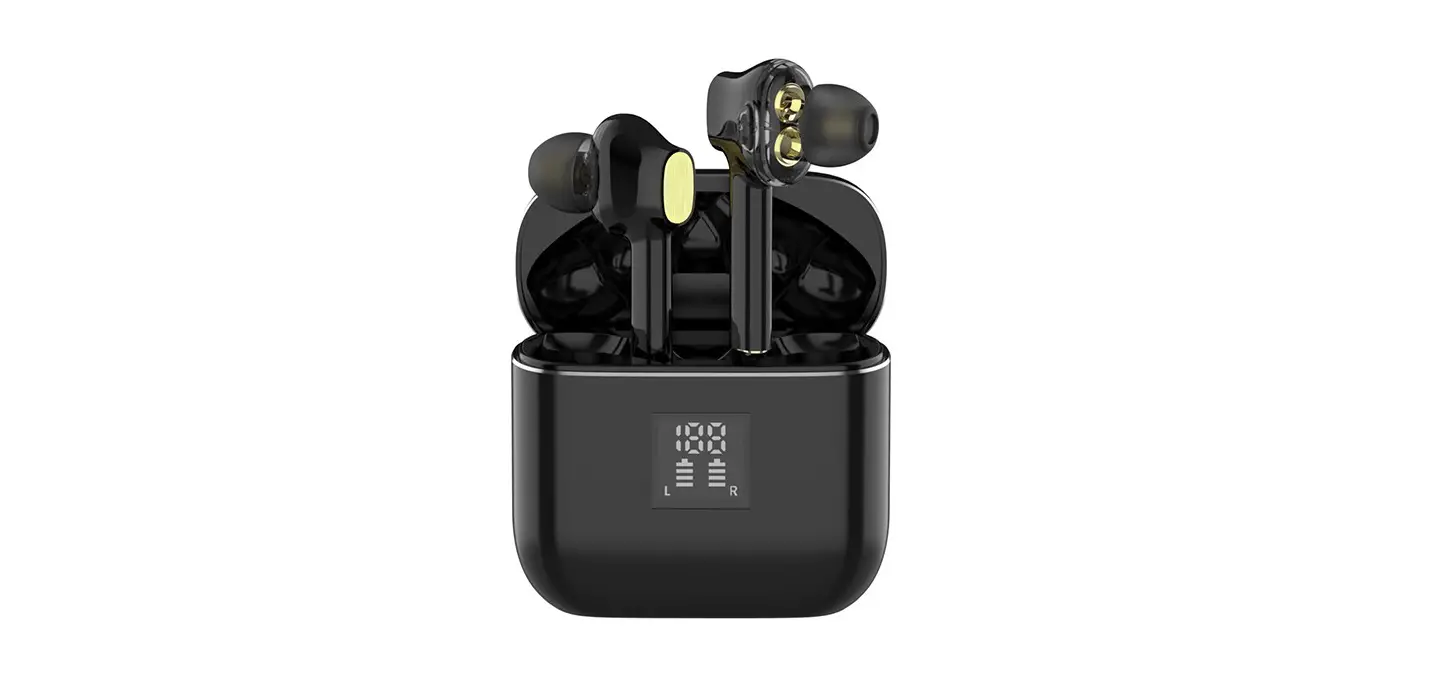
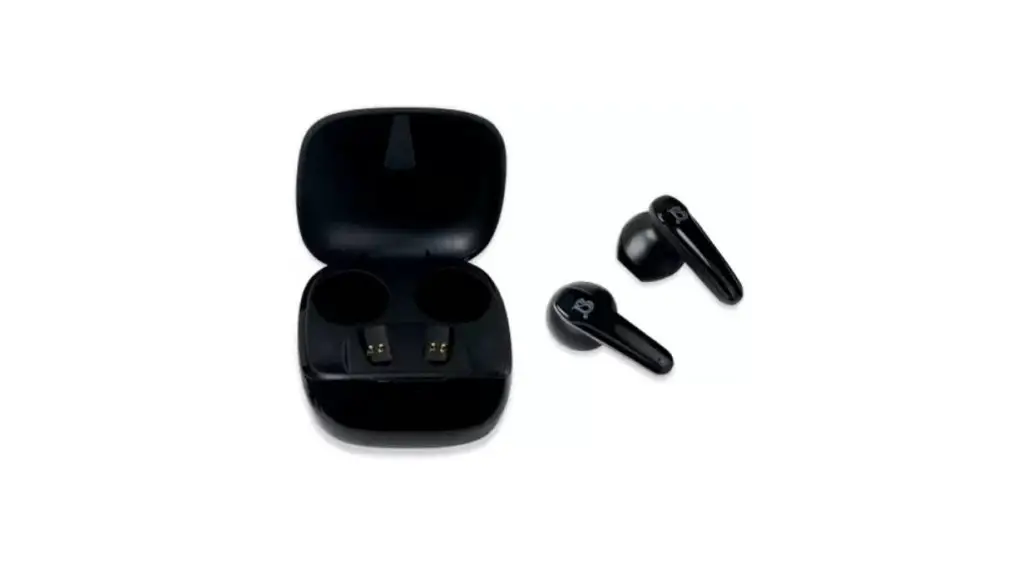
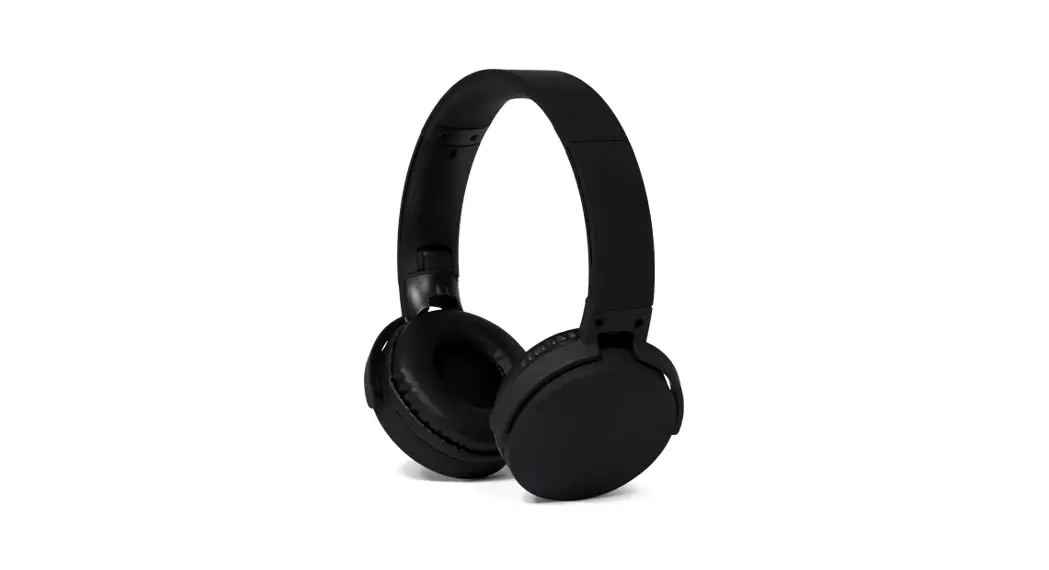
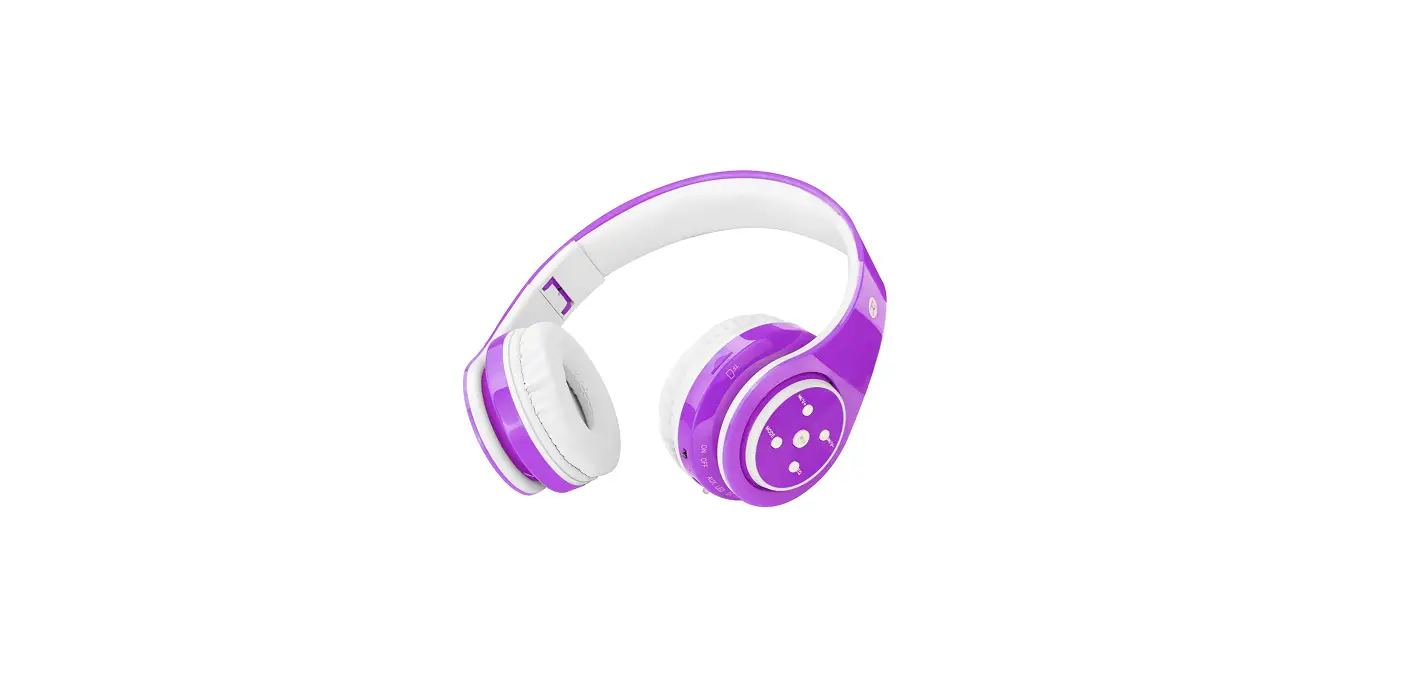
2AVF5-T22 TWS Bluetooth Headphone
Product Information
| Component | Description |
|---|---|
| Speaker | Component number 1 |
| Charging sensor | Component number 5 |
| Tws Real wireless headset FCC ID | 2AVF5-T22 |
| Earphone Spec. | Bluetooth version: V5.0 Resistance: 32 Net Weight: 50g Speaker size: 6mm |
| Touch sensor | Component number 4 |
| Light indicator | Component number 3 |
| Microphone | Component number 2 |
| Playtime | 5 hours |
| Standby time | 120 hours |
| Input voltage | 5V |
| Frequency | 50Hz-20kHz |
Product Usage Instructions
- To turn on the earphones, long press the home-key for 2
seconds. The red & blue lights will flash, accompanied by a
voice prompt. To turn off the earphones, long press the home-key
for 4 seconds. - To answer a call, short press the home-key. To hang up a call,
short press the home-key. To refuse a call, long press the home-key
when receiving an incoming call. - To activate the voice prompt control function (if supported by
your mobile device), long press the home-key for 2 seconds. - To play music, short press the home-key. To pause music, short
press the home-key. - To skip to the next song, double click the right home-key. To
go back to the previous song, double click the left home-key. - To control the volume, triple click the right home-key to
increase volume. Triple click the left home-key to decrease
volume.
Charging Operation:
- Ensure that the TWS earphones have a full charging battery when
first used. - Connect the charging case port to a PC USB adaptor output using
a USB cable to start charging. The battery LED screen will display
the charging ratio and remain lit when fully charged. The charging
case will also charge the earphone battery simultaneously. - Ensure that the charging case’s battery is full.
- Insert the earphones into the charging case correctly to begin
charging. You can charge both the earphones and the charging case
simultaneously, or first charge the charging case to full battery
and then charge the earphones. The charging case will automatically
cut off the battery and the earphone LED light will turn off once
the battery is fully charged.
Bluetooth Pairing:
- To pair the earphones, pick them up from the charging case and
turn on pairing. The red & blue lights will flash. Once pairing
is complete, the red & blue lights will flash alternately on
the main earphone, and the blue light will flash once. Open the
Bluetooth settings on your device, search for “SANSUI” pairing
name, click on it, and connect. - If the earphones are already turned on and in pairing mode, the
red & blue lights will flash alternately. Once pairing is
complete, the red & blue lights will flash alternately on the
main earphone, and the blue light will flash slowly. The TWS
earphones’ light will turn off after they are connected to your
mobile device. Open the Bluetooth settings on your device, search
for “SANSUI” pairing name, click on it, and connect. Some mobile
devices may require you to input the password “0000”. - The earphones will automatically reconnect to the last
connected device. - If not paired within 5 minutes, the earphones will
automatically turn off.
Attention:
- If the earphones do not turn on or cannot be charged after
being used for a while, clean the magnet charging points on both
the earphone and charging case with an alcohol cloth. Over time,
oxidation may affect the connection points. - The earphones will turn off and start charging automatically
when placed back into the charging case. They will reconnect and
re-pair when you pick them up again.
Storage and Maintenance:
- Store the earphones in a cool and dry place.
- Maintain a working temperature range of 0-35 degrees Celsius.
Extreme cold, heat, or high temperature environments can reduce
battery life and affect product performance. - Do not use the earphones during thunderstorms.
- If not used for a long time, recharge the battery first before
using. - Use a dry soft cloth to clean the earphones.
- If the earphones come into contact with sweat or rain, use a
dry cloth to wipe them. - Avoid touching hard objects that may damage the product.
Product display
Thank you for choosing and Purchasing Bluetooth headphones
1.speaker 5.Charging sensor
Tws Real wireless headset FCC ID: 2AVF5-T22
Earphone Spec.
Bluetooth version: V5.0 Resistance: 32 Net Weight:50g Speaker size:6mm
4.Touch sensor 3.light indicator 2.Microphone
Playtime: 5hrs standby time:120hrs input voltage: 5V Frequency:50hz-20khz
Operation:
1. Turn-on: long press home-key 2secs,red & blue light flash with voice prompt.Turn -off: long press home-key 4secs
2. Answer Calling: short press home- key; Hang calling: short press home-key Refuse calling: long press home-key when calling in-come
3. Voice prompt control function: long press home-key 2 secs (mobile support this function)
4. Music play:short-press home-key; Pause music : short-press home-key
5. Next song:double click R home-key,previous song:double click L home-key-
6. Volume control: Plus volume: triple click R home-key. Low volume : triple click L home-key
Charging Operation:
1. Make sure TWS earphone are full of charging battery when first use
Charging case
1. Use USB cable to connect charging case port and insert PC USB Adaptor output,then will start charge. Battery LED screen will display the battery charging ratio and keep light when full charge,also keep charge earphone battery at the same time.
2. Make sure the charging case’s battery are full
3. Insert the earphone into charging case right way,then will charging.(Can charging both at the same time;or firstly keep charging case full battery then to charge earphone. Charging case will automatically cut off the battery and earphone LED light will off once charge full battery already
Bluetooth Pairing
1. Red&blue light flash when turn on pairing after pick up the earphones from charging case. Finish pairing:red&blue light flash alternately on main earphone,blue light once flash Open bluetooth device and search “SANSUI” pairing name,click and connect done(some rarely mobile need to input “0000” password
2. Red&blue light flash alternately when turn on and pairing. Finish pairing:red&blue light flash alternately on main earphone,blue light flash slowly.TWS earphones light go off after connected mobile. Open bluetooth device and search
“SANSUI” pairing name,click and connect done(some rarely mobile need to input “0000” password
3. Auto Reconnect: Default connect the last time connected device
4. Auto turn off: if 5mins not finish pairing into pairing mode
Attention
1. If not turn on or can’t charging after use for a while,pls use alcohol cloth to clean the magnet charging point on earphone and charging case,main cuz the connect point will Oxidation time goes by.
2. Earphone will turn off and charging auto when you put it back into charging case. And will reconnect and re-pairing when you pick it up next time
Storage and Maintain
1. Storage Pls put it into cool and dry place
2. Maintain Suggest range of working working temperature 0-35 degree. Too cold, hot or high temperature environment will reduce battery life and affect product performance.
3. Do not use it under thunderstorms 4. Pls recharge the battery first after long-time no used. 5. Pls use the dry soft cloth to clean the earphones 6. Pls use the dry cloth to wipe if have sweat or rain on products 7. Do not touch hard things, which may damage the produc
Annex list
NOTE: This equipment has been tested and found to comply with the limits for a Class B digital device, pursuant to part 15 of the FCC Rules. These limits are designed to provide reasonable protection against harmful interference in a residential installation. This equipment generates uses and can radiate radio frequency energy and, if not installed and used in accordance with the instructions, may cause harmful interference to radio communications. However, there is no guarantee that interference will not occur in a particular installation. If this equipment does cause harmful interference to radio or television reception, which can be determined by turning the equipment off and on, the user is encouraged to try to correct the interference by one or more of the following measures:
– Reorient or relocate the receiving antenna. – Increase the separation between the equipment and receiver. -Connect the equipment into an outlet on a circuit different from that to which the receiver is connected. -Consult the dealer or an experienced radio/TV technician for help
Changes or modifications not expressly approved by the party responsible for compliance could void the user’s authority to operate the equipment.
This device complies with Part 15 of the FCC Rules. Operation is subject to the following two conditions: (1) this device may not cause harmful interference, and (2) this device must accept any interference received, including interference that may cause undesired operation.
Product Warranty Card
Warranty Repair Card (t his card is warranty proof,pls take care)
Products name:
products model:
Purchase date:
Clients Name:
Contact info:
DATE
Products Repair Record
Defect Problem
Solution