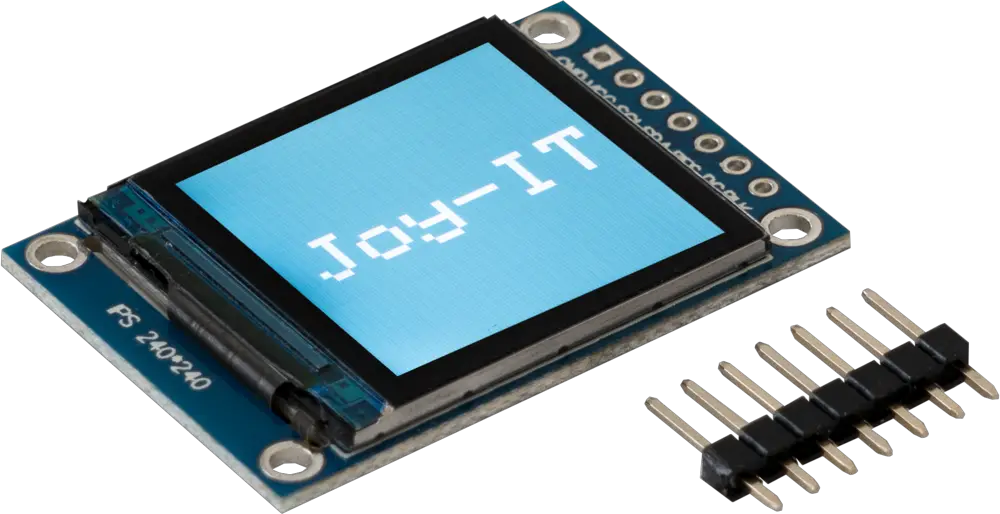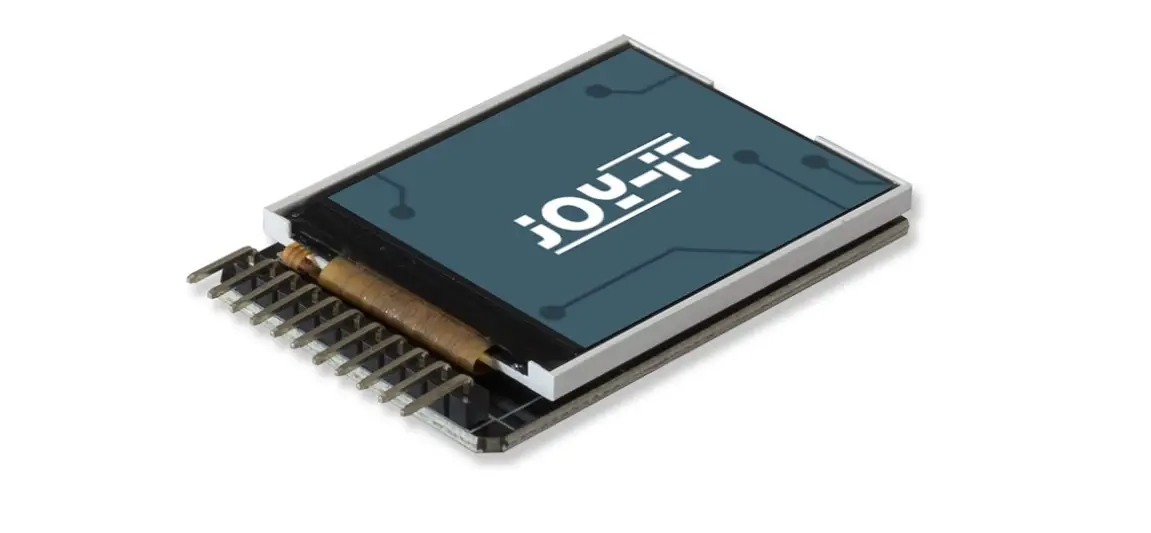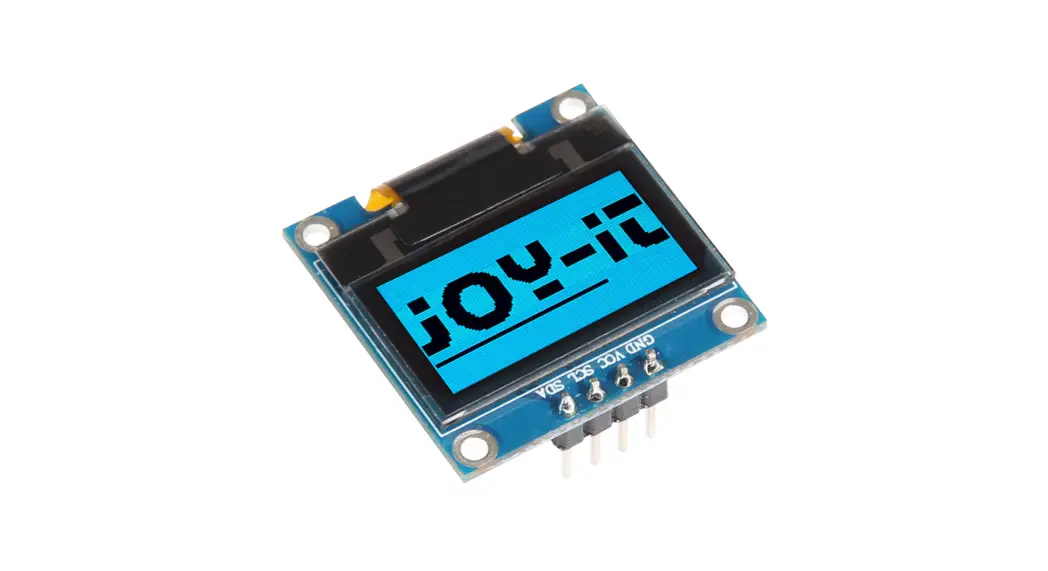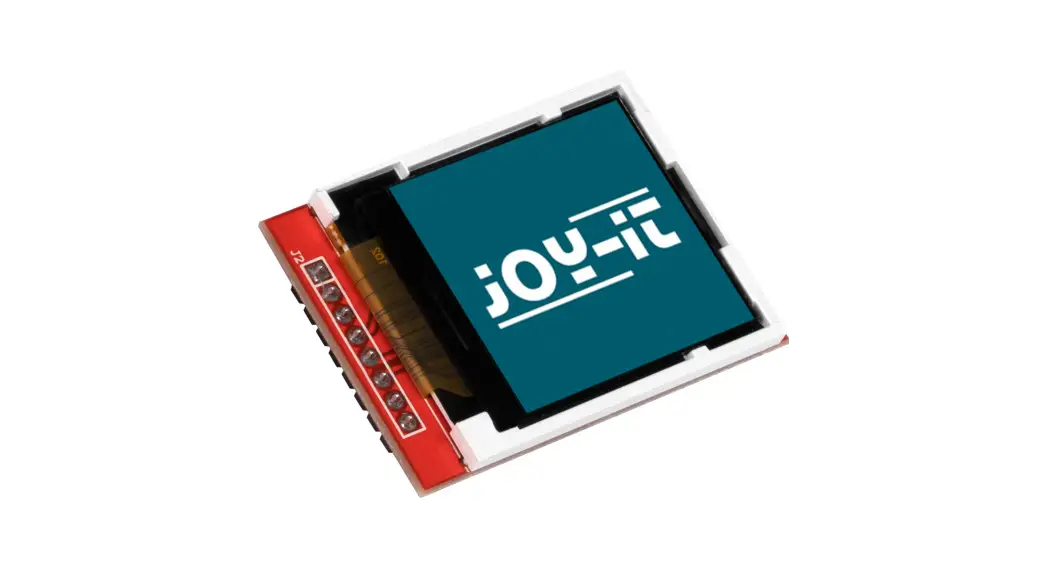

1,44″ HD IPS TFT LCD
SBC-LCD02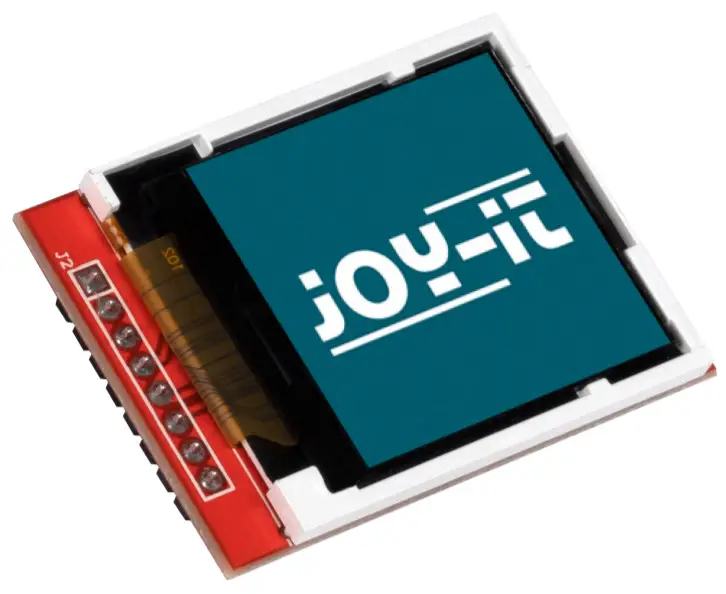
GENERAL INFORMATION
Dear customer,
thank you for choosing our product. In the following, we will show you how to use this device.
Should you encounter any unexpected problems during use, please do not hesitate to contact us.
USGAE WITH ARDUINO
2.1 Connection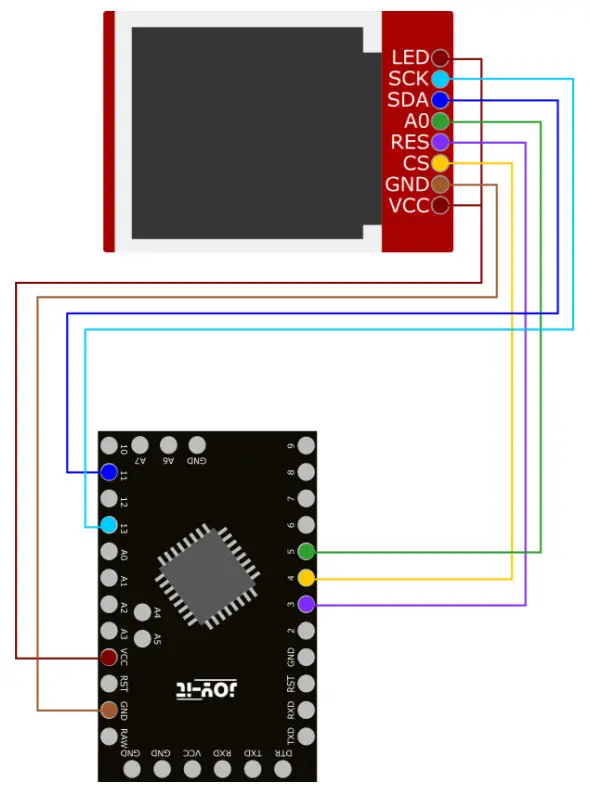
| Arduino | Display |
| VCC | LED |
| Pin 13 | SCK |
| Pin 11 | SDA |
| Pin 5 | A0 |
| Pin 3 | Reset |
| Pin 4 | CS |
| GND | GND |
| VCC | VCC |
 Since the display works with a 3 V logic level and most Arduinos work with 5 V, we use an Arduino Pro Mini 3.3 V in this example.
If you want to use an Arduino with a logic level of 5 V, such as an Arduino Uno, you have to reduce all data lines leading from the Arduino to the display from 5 V to 3.3 V with a voltage translator.
2.2 Code example
For the SBC-LCD02 we use the library GitHub – lexus2k/ssd1306: Driver for SSD1306, SSD1331, SSD1351, IL9163, ILI9341, ST7735, PCD8544, Nokia 5110 displays running on Arduino/ESP32/Linux (Rasperry) platforms from lexus2k (Aleksei) · GitHub, which was released under the ssd1306/LICENSE at master · lexus2k/ssd1306 · GitHube. You can download the library under Sketch → Include Library → Manage libraries… Now, you can run teh code under File → Examples → ssd1306 → demos → il9163_demo. You can upload the code using Upload. First, make sure
that the Board and Port are correctly selected under Tools.
USAGE WITH RASPBERRY PI
3.1 Connection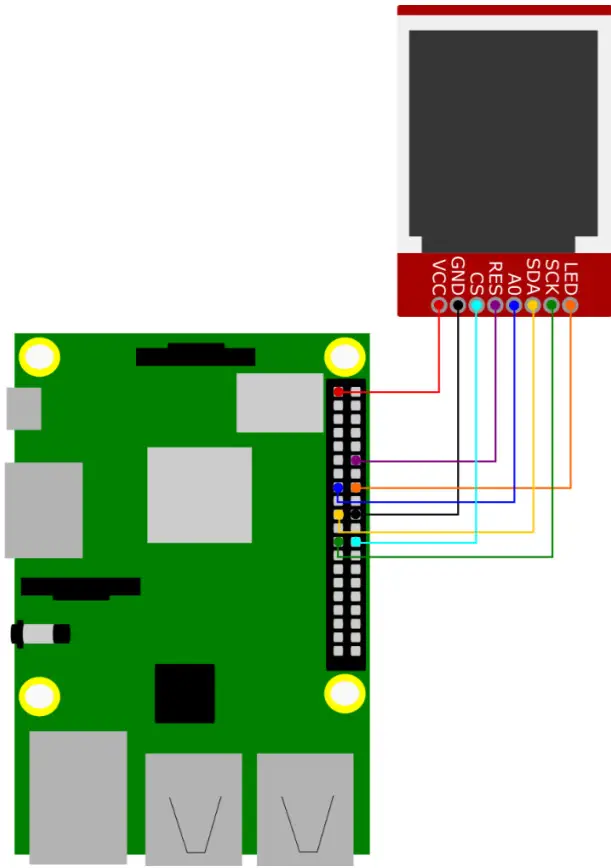
| Raspberry Pi | Display |
| GPIO 23 | LED |
| GPIO 11 (SCLK) | SCK |
| GPIO 10 (MOSI) | SDA |
| GPIO 22 | A0 |
| GPIO 18 | Reset |
| GPIO 8 (CE0) | CS |
| GND | GND |
| 3,3 V | VCC |
3.2 Code example
First, run the following commands to install the necessary dependencies.
sudo apt-get updatesudo apt-get install gitsudo apt-get install python3-dev python3-rpi.gpiosudo apt-get install python3-pipsudo pip3 install spidev
Now, enable SPI in the settings of your Raspberry Pi. Therefore, call the settings with the following command.sudo raspi-config
There select 3 Interface Options → P4 SPI .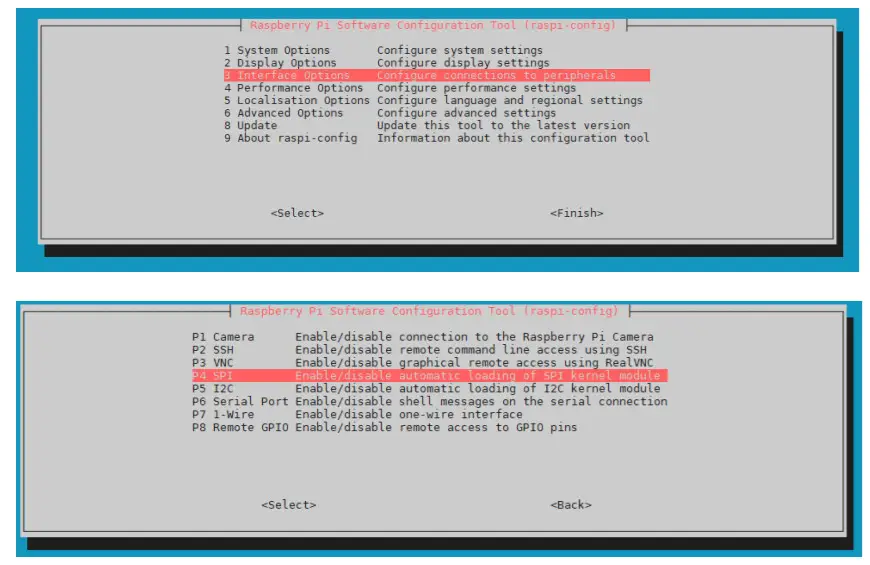
In the following, confirm the question Would you like the SPI interface to be enabled?.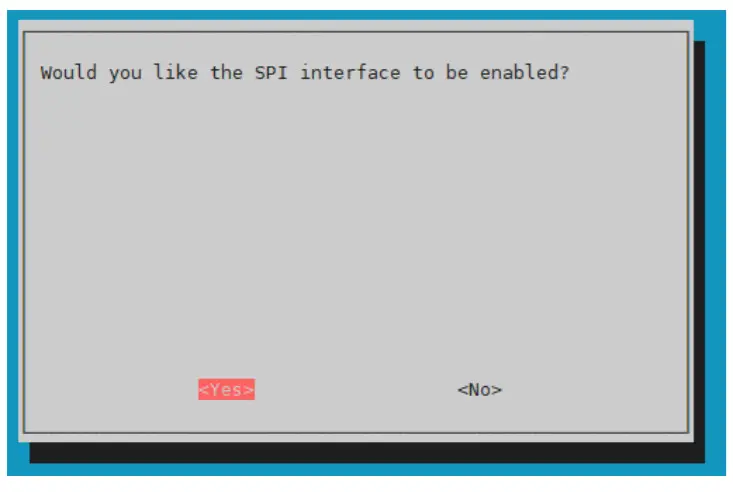
Now, restart the Raspberry Pi with the following command.sudo reboot
Next, download the library LIBtft144from BLavery, which is releasedunder the GNU General Public License version 3 .git clone https://github.com/BLavery/LIBtft144.gitcdLIBtft144
In addition, download the sample script we have provided.
wget https://joy-it.net/files/files/Produkte/SBC-LCD02/SBC-LCD02.zipunzip SBC-LCD02.zip && rm SBC-LCD02.zip
At this point, you can use the following command to run the sample code.python3 SBC-LCD02.py
OTHER INFORMATION
Our information and redemption obligation according to the Electrical and Electronic Equipment Act (ElektroG)
The symbol on electrical and electronic products : This crossed-out bin means that electrical and electronic products do not belong in the household waste. You must hand over your old appliance to a registration office. Before you can hand over the old appliance, you must remove used batteries and accumulators which are not enclosed by the device.
Return options :
As the end-user, you can hand over with the purchase of a new device your old appliance (which has essentially the same functions as the new one) free
of charge for disposal. Small devices which do not have outer dimensions greater than 25 cm can be submitted independently of the purchase of a new product in normal household quantities.
Possibility of restitution at our company location during our opening hours:
Simac GmbH, Pascalstr. 8, D-47506 Neukirchen-Vluyn
Possibility of restitution nearby :
We send you a parcel stamp with which you can send us your old appliance free of charge. For this possibility, you must contact us via e-mail at [email protected] or via telephone.
Information about packaging:
Please package your old appliance safe during transport. Should you not have a suitable packaging material or you do not want to use your own material, you can contact us and we will send you an appropriate package.
SUPPORT
If any questions remain open or problems arise after your purchase, we are available by email, telephone, and ticket support system to answer these.
E-Mail: [email protected]
Ticket-System: http://support.joy-it.net
Telephone: +49 (0)2845 98469 – 66 (10 – 17 o‘clock)
For more information visit our website: www.joy-it.net
www.joy-it.net
SIMAC Electronics GmbH
Pascalstr. 8, 47506 Neukirchen-Vluyn
Published: 03.08.2021