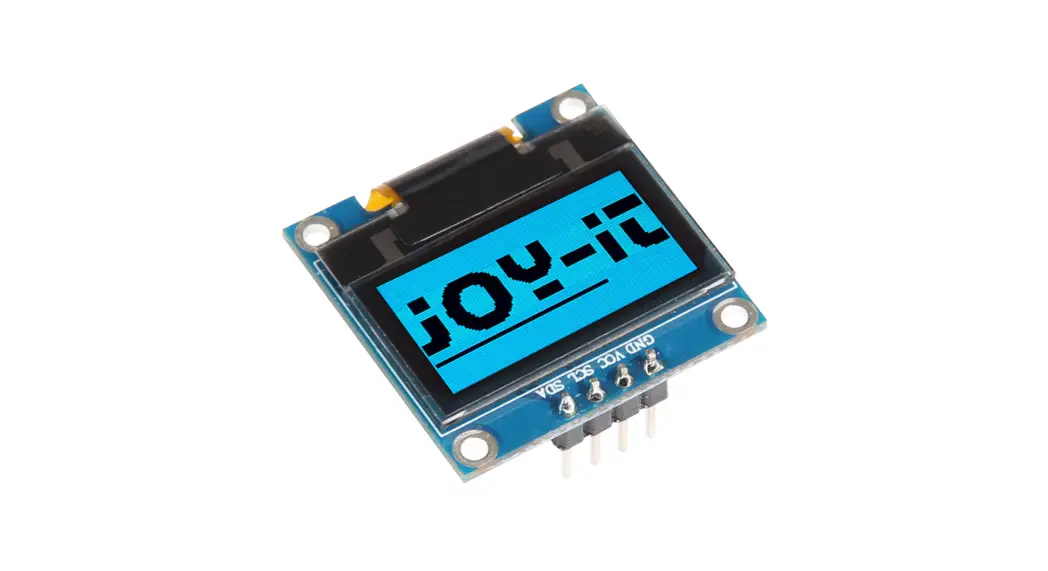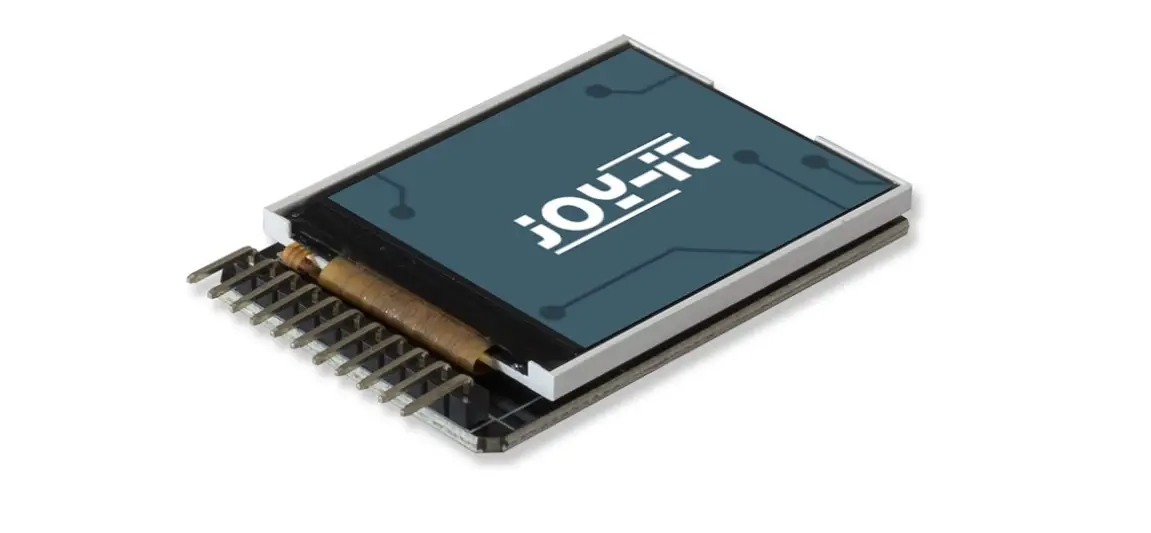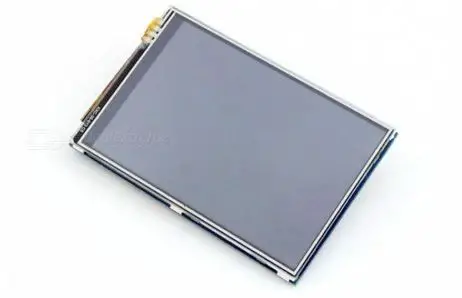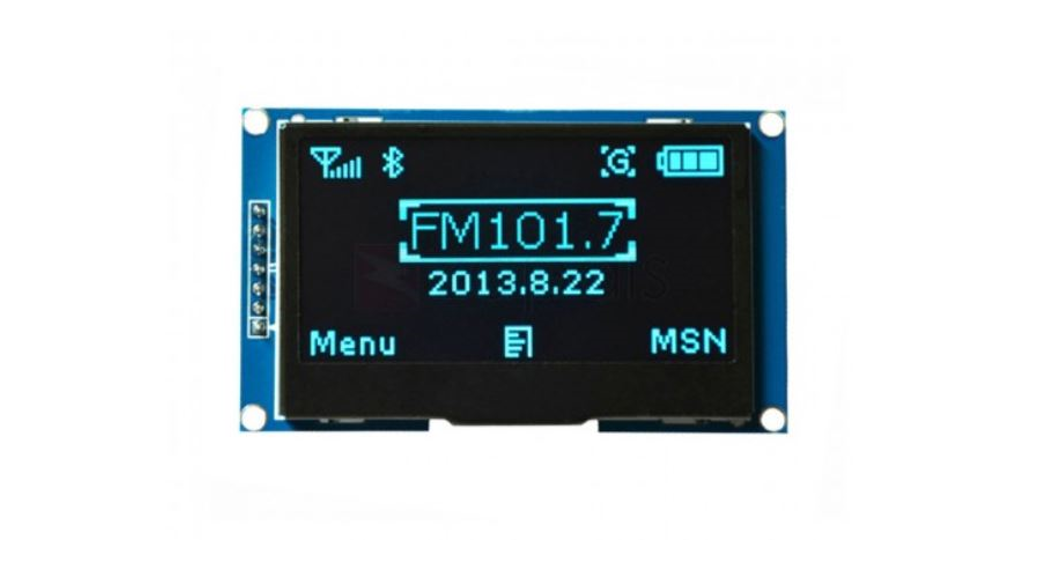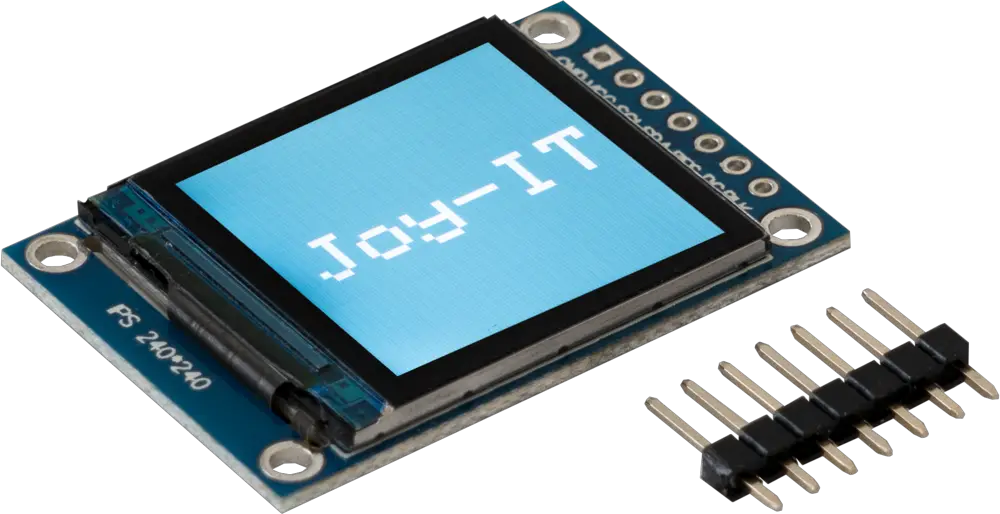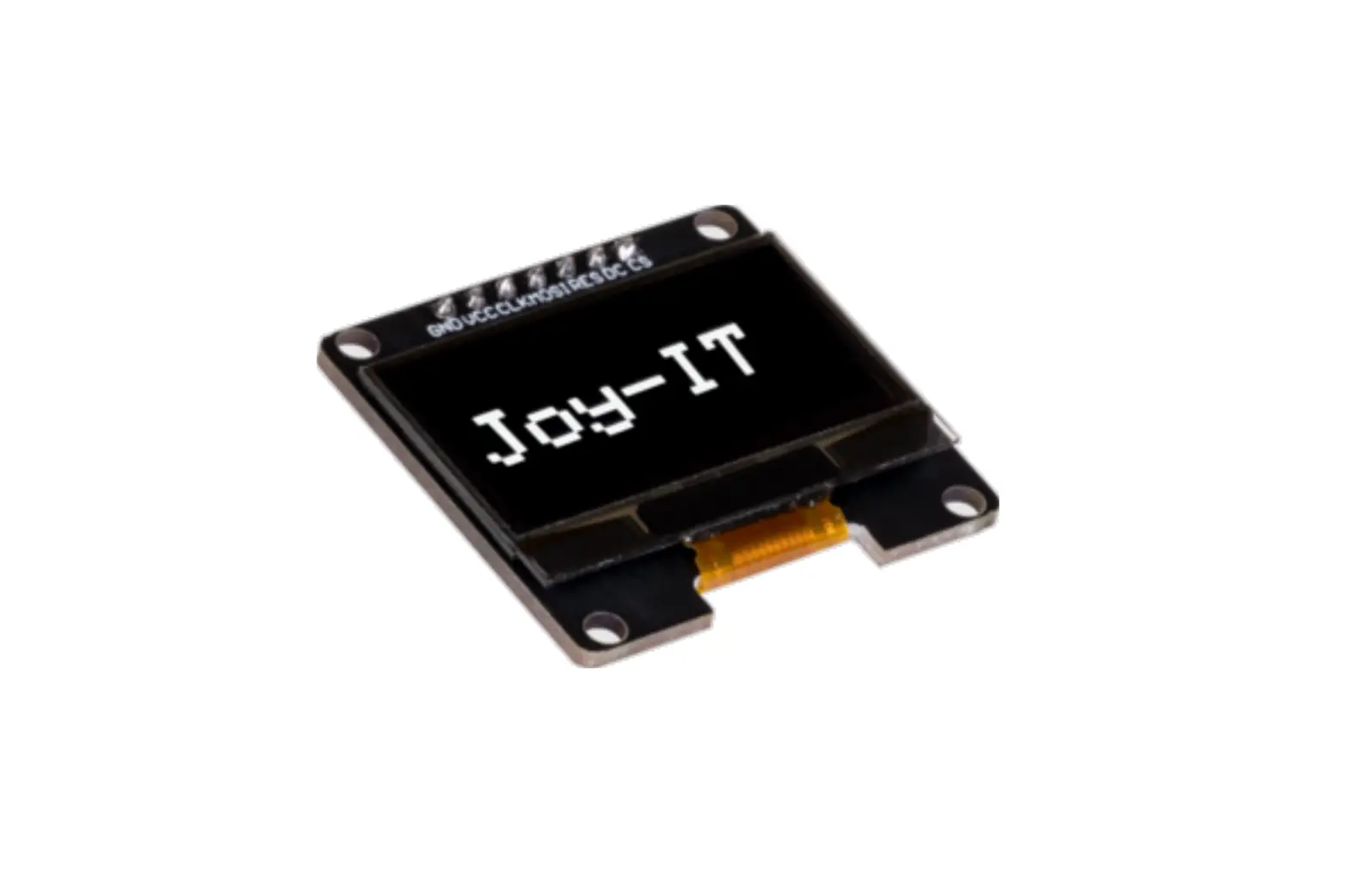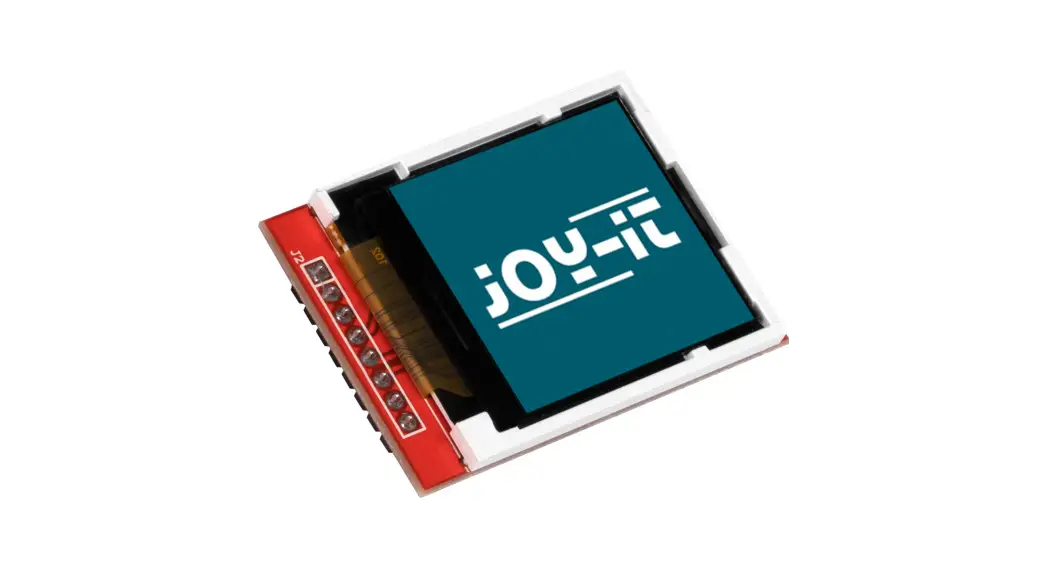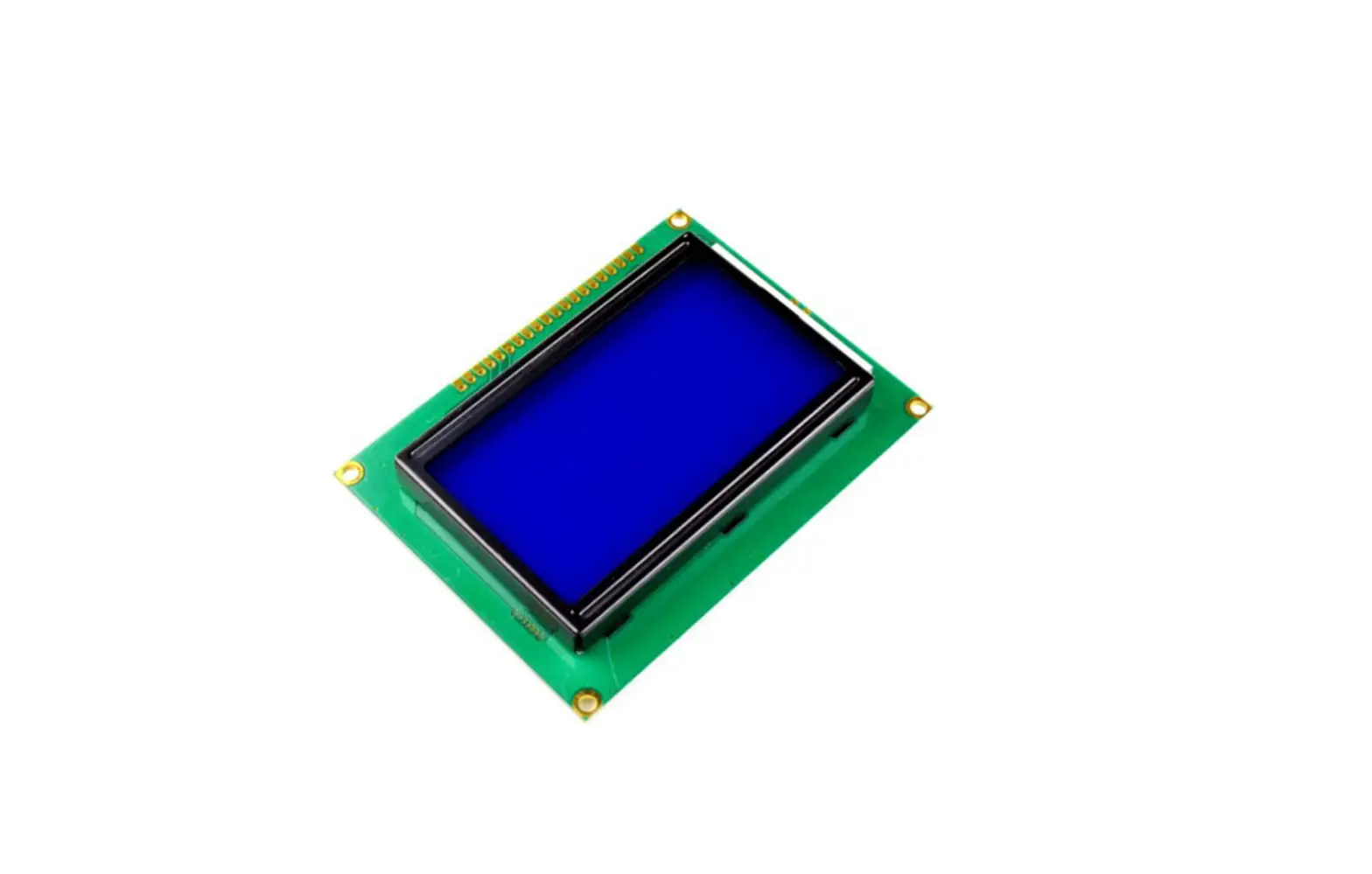

JOY-iT 128X64 Graphic LCD User
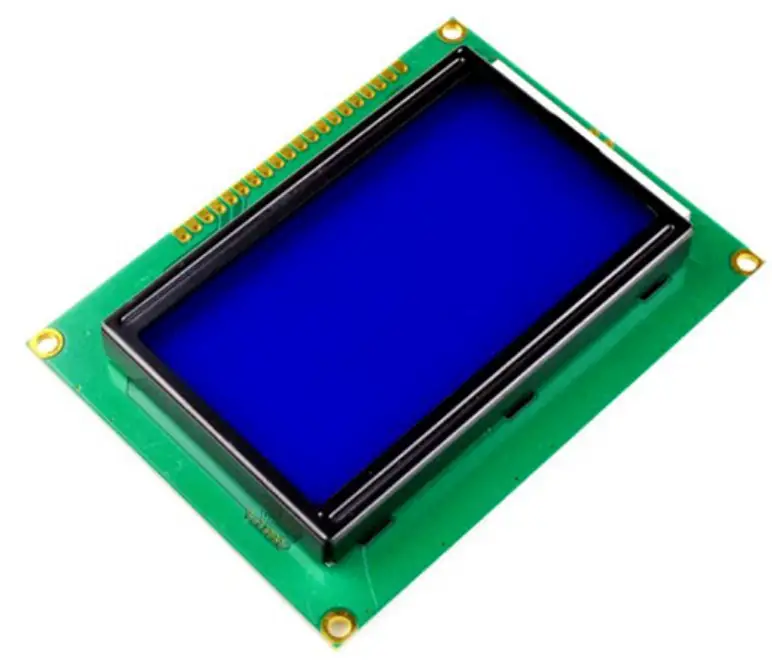
GENERAL INFORMATION
Dear customer,
Thank you for purchasing our product. In the following, we will show you which things should be noted during the use.
Should you encounter any unexpected problems, do not hesitate to contact us.
CONTRAST SETTINGS
On the back of the display there is a potentiometer with which you can adjust the contrast. 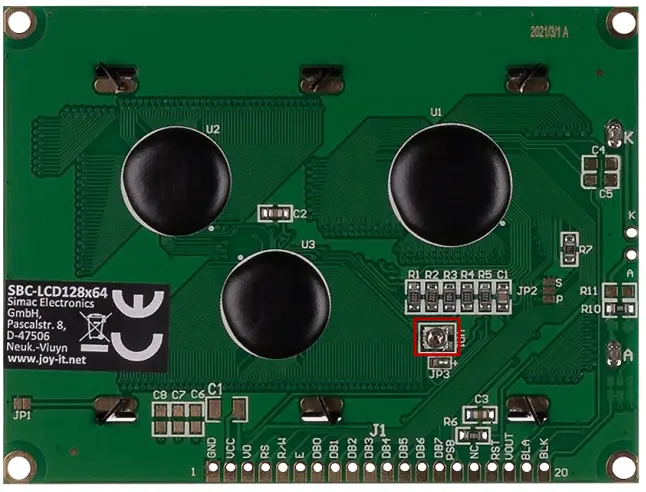
USAGE WITH ARDUINO
SPI
Connection 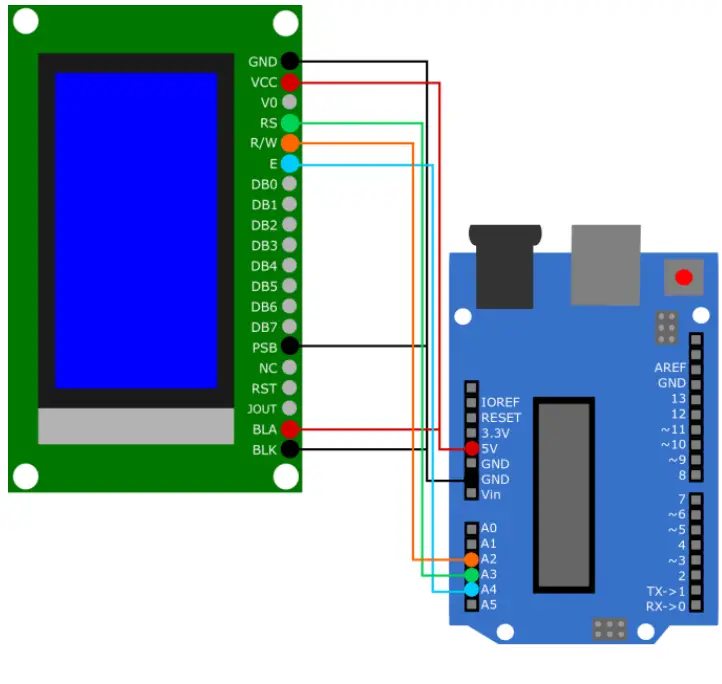
| LCD | Arduino |
| GND | GND |
| VCC | 5V |
| RS | A3 |
| R/W | A2 |
| E | A4 |
| PSB | GND |
| BLA | 5V |
| BLK | GND |
Library
We use the U8g2 library for the Arduino, which was published by oliver. You can find this library in your Arduino IDE under Tools → Manage libraries… . If you have successfully downloaded the libra ry, you can find examples under File → Examples → U8g2 Examp les.
Code Example
Here we will explain how to use a code example of the U8g2 library. We will use the example GraphicsTest.
This example can be found under File → Examples → U8g2 → full_buffer → GraphicsTest. In this code, you need to uncomment line 185 before you can execute it using the Upload button. This is because line 185 contains the declaration of the display using SPI. Of course, you can use the other examples in the same way by uncommenting the same line in the other code examples.
Note that under Tools, Board and Port must be correctly selected.
Parallel (8080)
Connection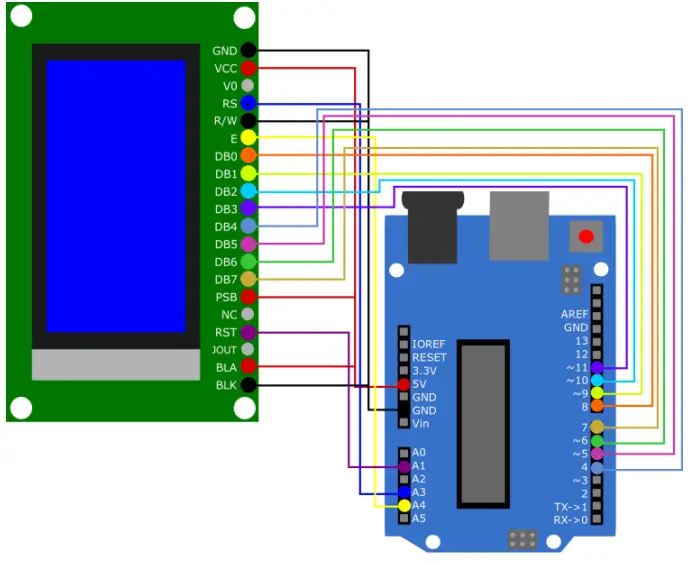
| LCD | Arduino |
| GND | GND |
| VCC | 5V |
| RS | A3 |
| R/W | GND |
| E | A4 |
| DB0 | Pin 8 |
| DB1 | Pin 9 |
| DB2 | Pin 10 |
| DB3 | Pin 11 |
| DB4 | Pin 4 |
| DB5 | Pin 5 |
| DB6 | Pin 6 |
| DB7 | Pin 7 |
| PSB | 5V |
| BLA | 5V |
| BLK | GND |
Library
We use the U8g2 library for the Arduino, which was published by oliver. You can find this library in your Arduino IDE under Tools → Manage libraries … . If you have successfully downloaded the library, you can find examples under File → Examples →
U8g2 Examples.
Code Example
Here we will explain how to use a code example of the U8g2 library. We will use the example GraphicsTest.
This example can be found under File → Examples → U8g2 → full_buffer → GraphicsTest. In this code, you need to uncomment line 184 before you can execute it using the Upload button. This is because line 184 contains the declaration of the display using 8080. Of course, you can use the other examples in the same way by uncommenting the same line in the other code examples.
Note that under Tools, Board and Port must be correctly selected.
USAGE WITH THE RASPBERRY PI
We use the LCD with the Raspberry Pi only via SPI.
Connection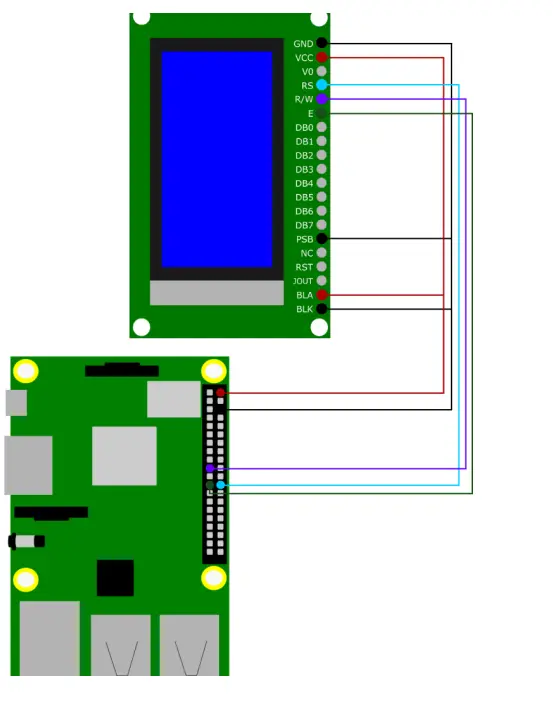
| LCD | Arduino |
| GND | GND |
| VCC | 5V |
| RS | GPIO 8 |
| R/W | GPIO 10 |
| E | GPIO 11 |
| PSB | GND |
| BLA | 5V |
| BLK | GND |
Library
We use the library u8g2-rpi-demo from ribasco, which is released under the Apache License 2.0.
First, download git for this purpose. To do this, enter the following com-mands:
- sudo apt-get update
- sudo apt-get install git
Then run the following command to download the library.
git clone https://github.com/ribasco/u8g2-rpi-demo.git
Now enter the following commands in the console to download and in-stall all the necessary files.
Some steps in the installation may take time.
cdu8g2-rpi-demo
sudo apt-get install libcurl4-openssl-dev
cd ..
git clone https://github.com/Kitware/CMake.git
cd CMake
bootstrap –system-curl
wget https://project-downloads.drogon.net/wiringpi-latest.deb
sudo dpkg -i wiringpi-latest.deb
make
sudo make install
Select there under 3 Interface Options → P4 SPI. 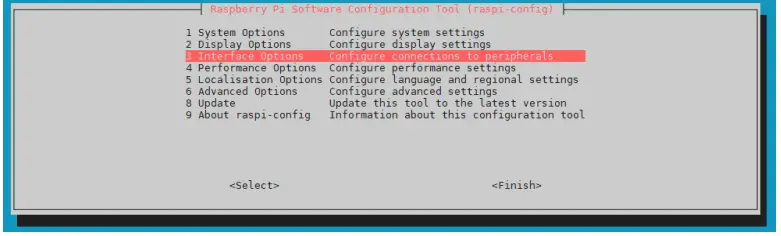
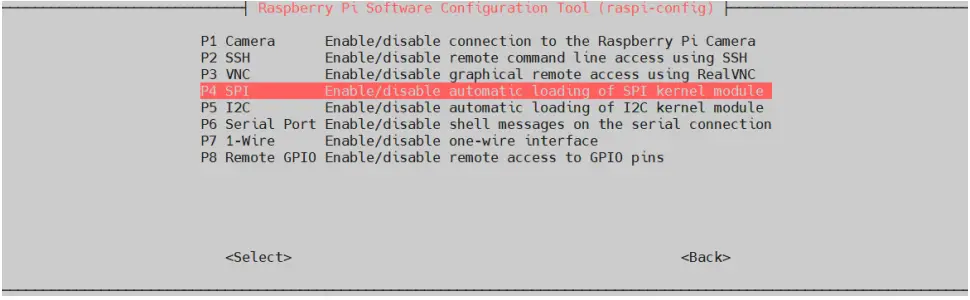
Agree with the question „Would you like the SPI interface to be enabled?“ with „Yes“. 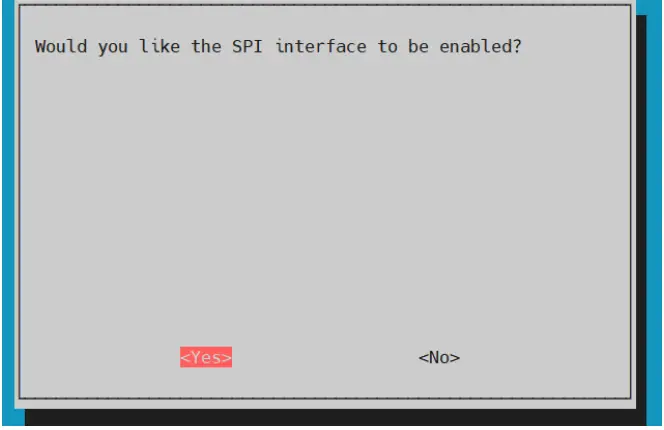
Finish the activation of the SPI interface „OK“ and close the configurati-on with „Finish“. 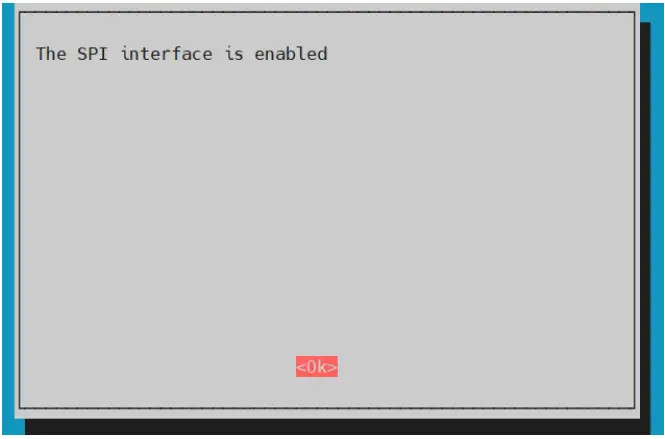
You have now successfully activated the SPI interface. Please reboot your Raspberry Pi.
sudo reboot
Usage of the library
You can compile the code example from the library with the following command.
cd ~/u8g2-rpi-demo/
compile.sh
You can press Y to confirm starting the sample code immediately after compiling, or run the following command.
build/arm/debug/bin/u8g2demo
You can also edit the sample code using the main.cpp. If you edit this file, you must recompile it with the first command.
OTHER INFORMATION
Our Information and Take-back Obligations according to the Electrical and Electronic Equipment Act (ElektroG)
Symbol on Electrial and Electronic Products:
This crossed-out bin means that electrical and electronic products do not belong into the household waste. You must hand over your old appliance to a registration place. Before you can hand over the old appliance, you must remove used batteries and replacement batteries which are not enclosed by the device.
Return Options:
As the end user, you can hand over your old appliance (which has essentially the same functions as the new one bought with us) free of charge for disposal with the purchase of a new device.
Small devices, which do not have outer dimensions bigger than 25 cm can be handed in for disposal independently of the purchase of a new product in normal household quantities.
Possibility of return at our company location during our opening hours
Simac Electronics Handel GmbH, Pascalstr. 8, D-47506 Neukirchen-Vluyn
Possibility of return nearby
We will send you a parcel stamp with which you can send us your old appliance free of charge. For this possibility, please contact us via e-mail at [email protected] or via telephone.
Information about Package:
Please package your old appliance safe for transport. Should you not have suitable packaging material or you do not want to use your own material, you can contact us and we will send you an appropriate package.
SUPPORT
If any questions remained open or problems may arise after your purchase,we are available by e-mail, telephone and ticket support system to answer these.
E-Mail: [email protected]
Ticket-system: http://support.joy-it.net
Telephone: +49 (0)2845 98469 – 66 (10 – 17 o’clock)
For further information visit our website: www.joy-it.net
Published: 20.04.2022
www.joy-it.net
References
 ITnet | Servizi di Colocation e Cloud
 Joy-IT Helpdesk
-
For Makers and Professionals | Joy-IT
-
GitHub - Kitware/CMake: Mirror of CMake upstream repository
-
olikraus · GitHub
-
GitHub - olikraus/u8g2: U8glib library for monochrome displays, version 2
-
ribasco (Rafael Ibasco) · GitHub
-
GitHub - ribasco/u8g2-rpi-demo: This is a demo for using the U8G2 library on the Raspberry Pi
-
GitHub - ribasco/u8g2-rpi-demo: This is a demo for using the U8G2 library on the Raspberry Pi
-
u8g2-rpi-demo/LICENSE at master · ribasco/u8g2-rpi-demo · GitHub
 project-downloads.drogon.net/wiringpi-latest.deb
 ITnet | Servizi di Colocation e Cloud
 Joy-IT Helpdesk
 For Makers and Professionals | Joy-IT
 GitHub - Kitware/CMake: Mirror of CMake upstream repository
 project-downloads.drogon.net/wiringpi-latest.deb