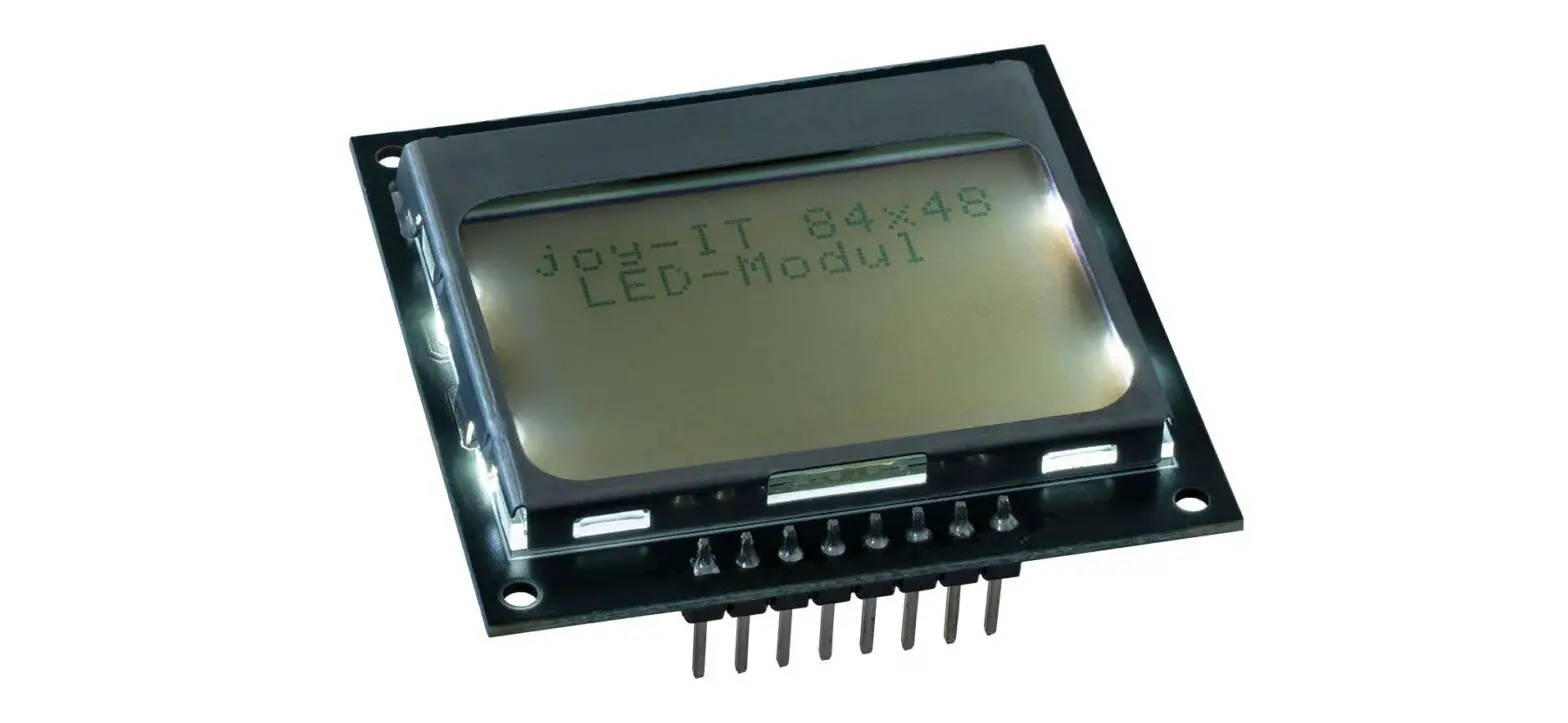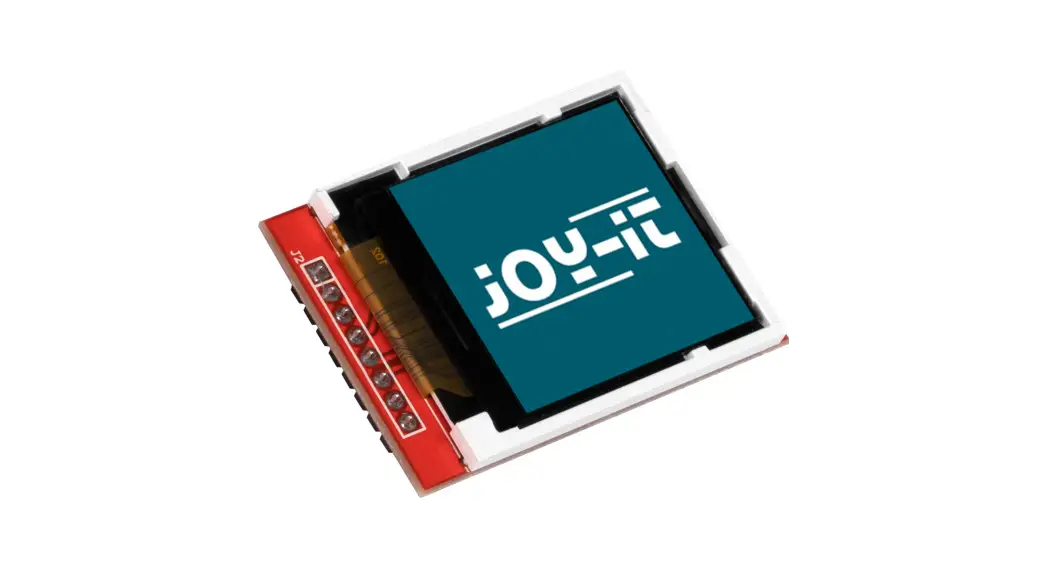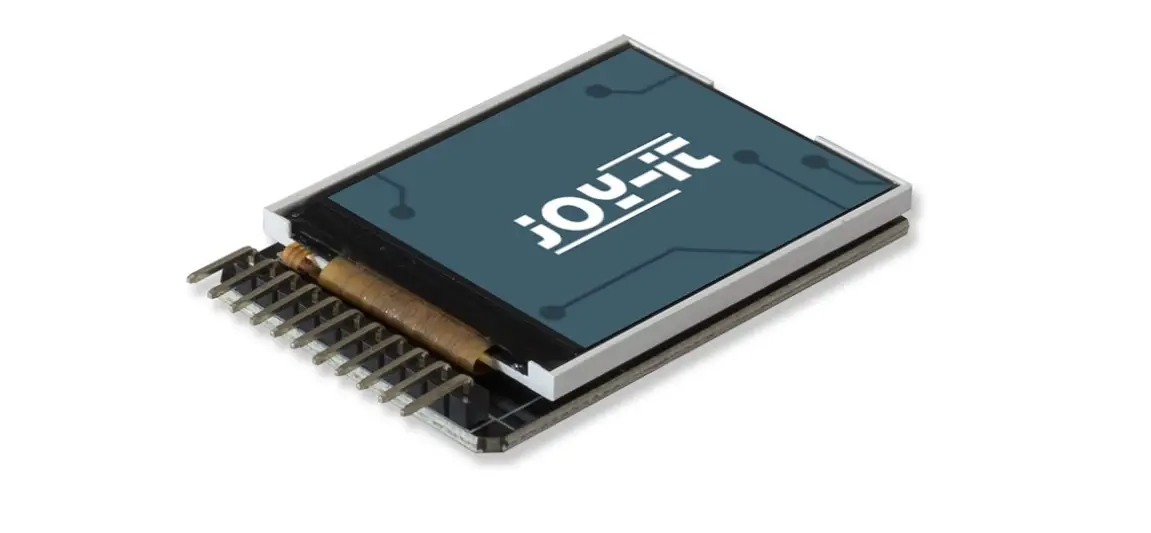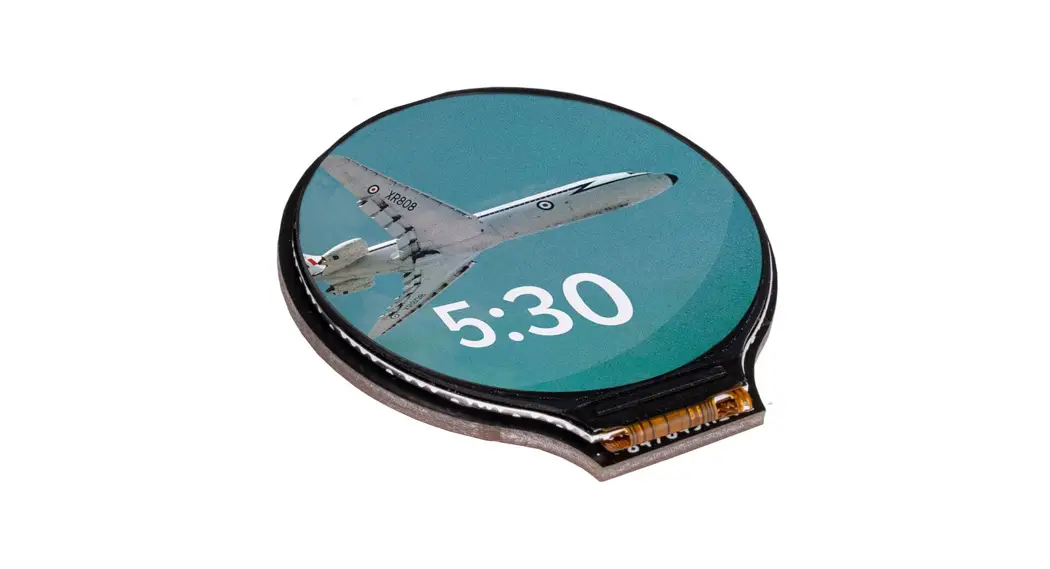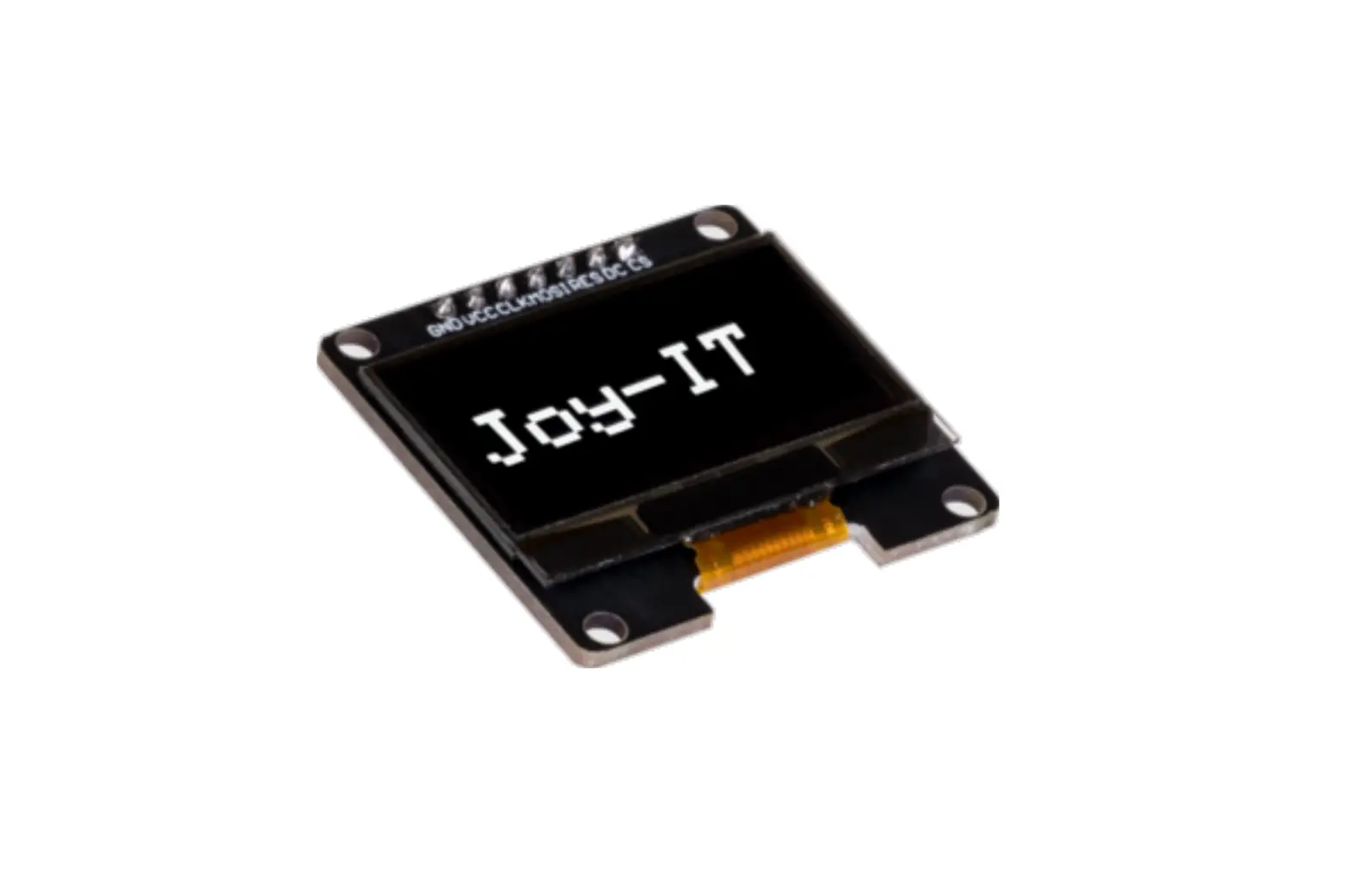
Joy-IT SBC-OLED01.3 1.3 Inch OLED Display
GENERAL INFORMATION
Dear customer,
thank you for choosing our product. In the following, we will show you what you should pay attention to during commissioning and use.
Should you encounter any unexpected problems during use, please feel free to contact us.
BASICS & INTERFACES
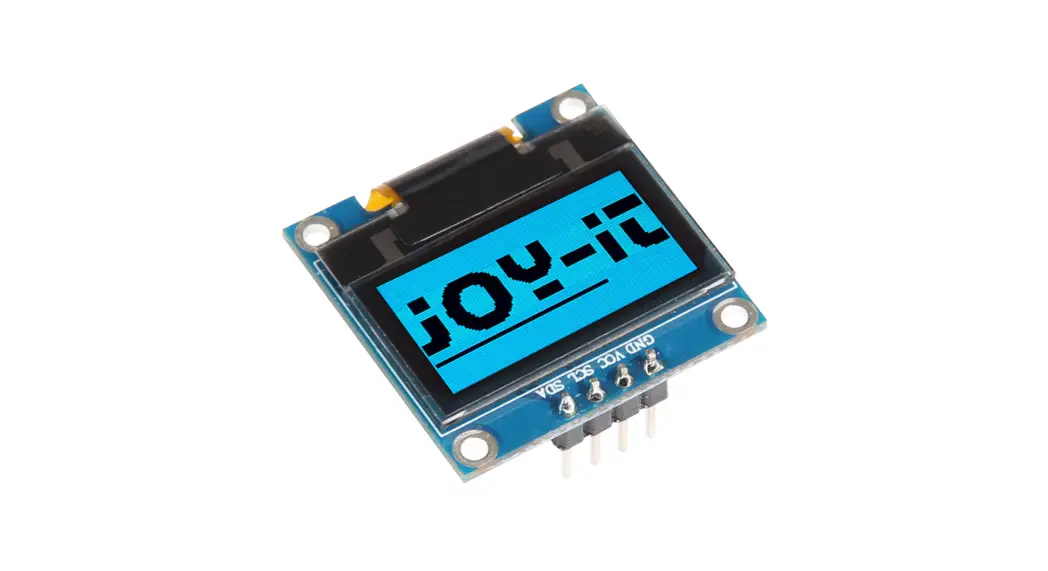
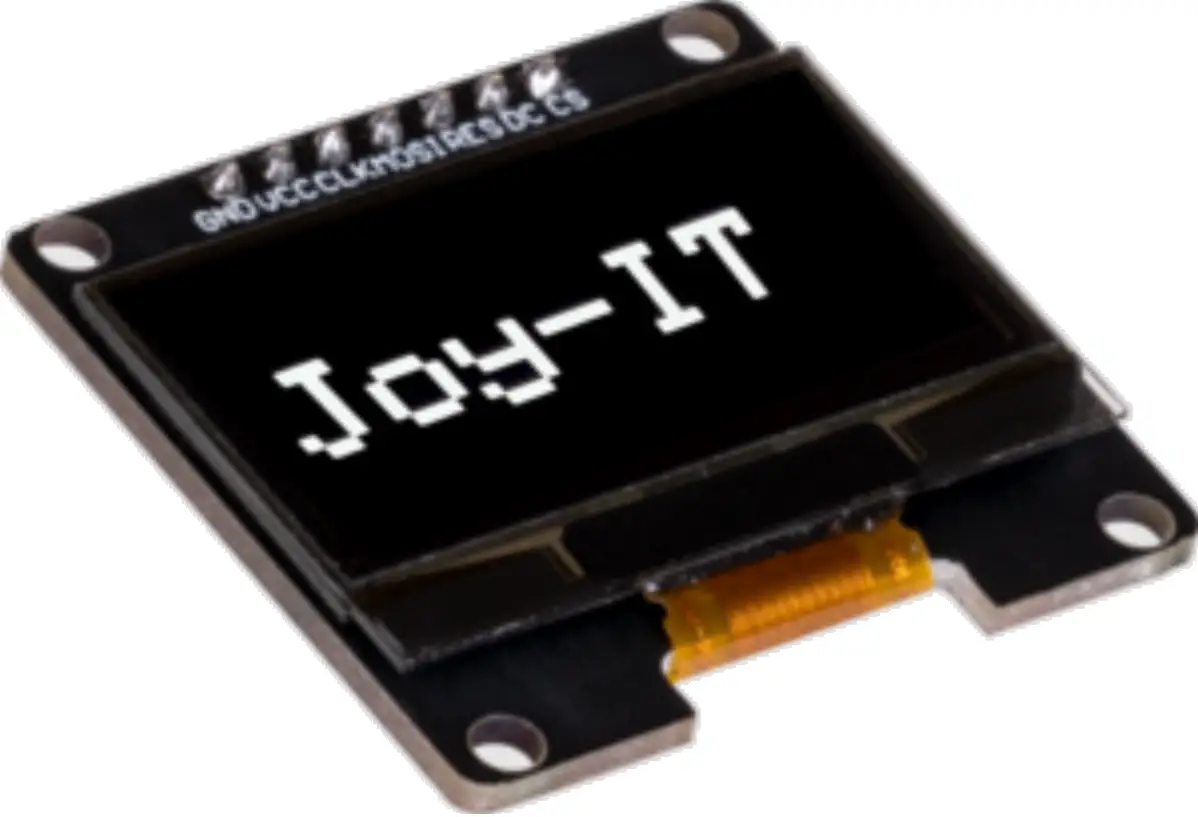
The graphical 1.3″ OLED display has a resolution of 128×64 pixels and communicates via the SPI interface. Optionally, the display can also be soldered to the I2C interface on the back.
The interface of the module can be selected by re-soldering the marked resistors: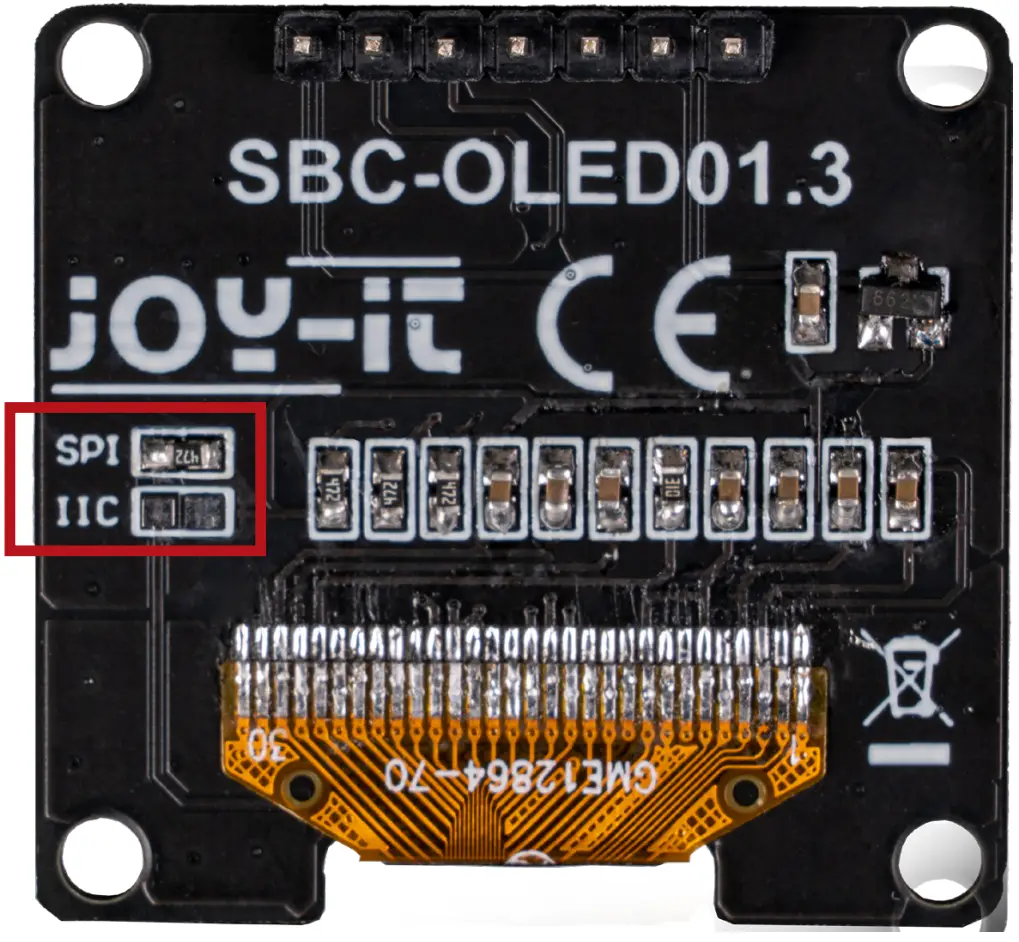
APPLICATION EXAMPLE ARDUINO
ATTENTION. The display uses a logic level of 3.3 V. For this reason, a voltage converter must be used for use with a device that has a logic level voltage of 5 V (e.g. Arduino Uno). In our example we use the COM-KY051VT.
USE VIA THE SPI PROTOCOL:
First, connect the module to your Arduino as follows: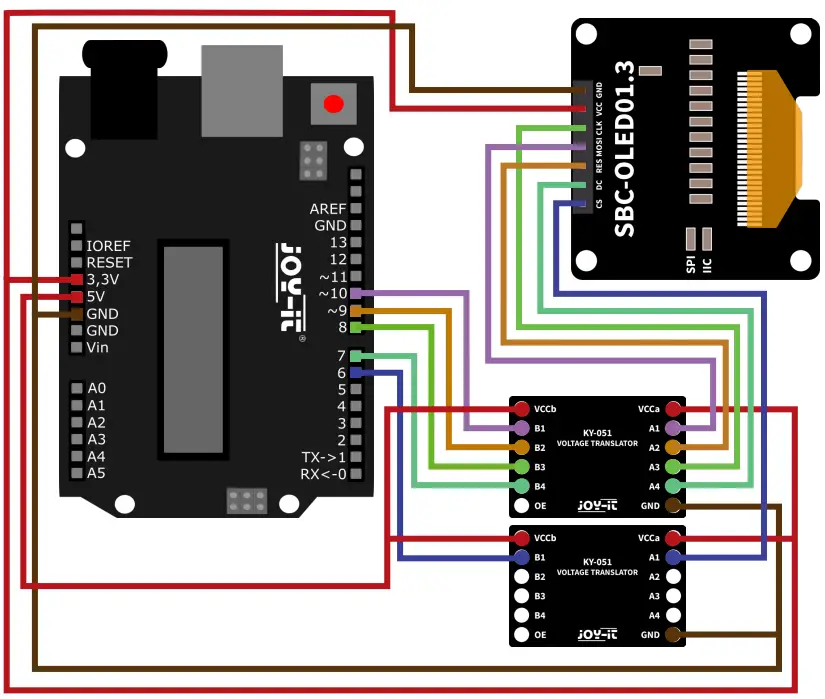
| ARDUINO | 1.3″ OLED DISPLAY | KY-051 #1 | KY-051 #2 |
| GND | GND | GND | GND |
| 3,3 V | VCC | VCCa | VCCa |
| 5 V | – | VCCb | VCCb |
| D6 | – | – | B1 |
| – | CS | – | A1 |
| D7 | – | B4 | – |
| – | DC | A4 | – |
| D8 | – | B3 | – |
| – | CLK | A3 | – |
| D9 | – | B2 | – |
| – | RES | A2 | – |
| D10 | – | B1 | – |
| – | MOSI | A1 | – |
ATTENTION. The display uses a logic level of 3.3 V. For this reason, a voltage converter must be used for use with a device that has a logic level voltage of 5 V (e.g. Arduino Uno). In our example we use the COM-KY051VT.
USE VIA THE I2C PROTOCOL:
First, connect the module to your Arduino as follows:
ATTENTION! Please note that the display is delivered in SPI configuration. For the use via the I2C protocol additional soldering work is necessary before. For further information please refer to chapter Basic & Interfaces.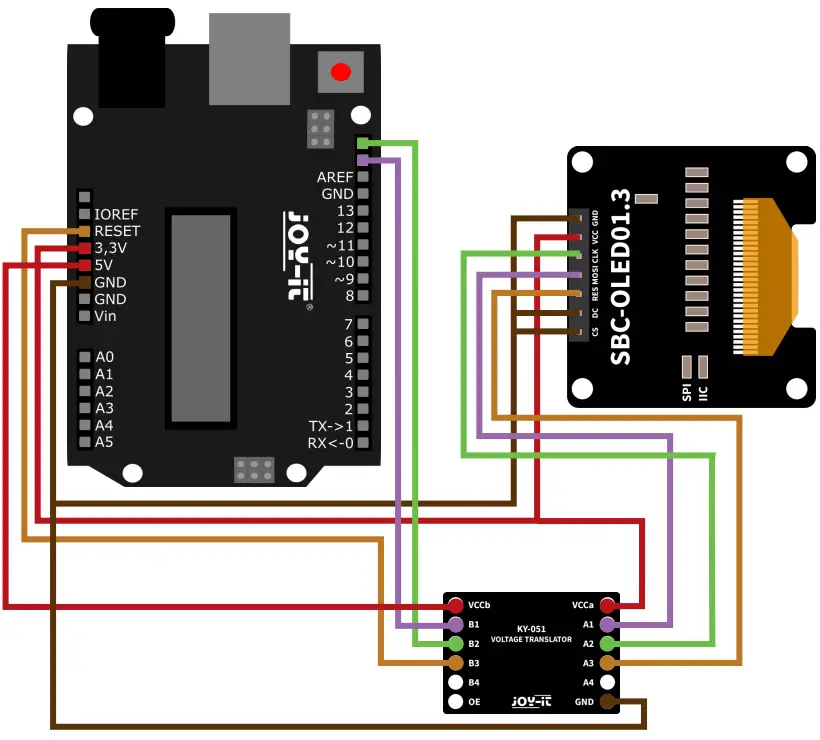
| ARDUINO | 1.3″ OLED DISPLAY | KY-051 |
| GND | GND | GND |
| 3,3 V | VCC | VCCa |
| 5 V | – | VCCb |
| RES | . | B3 |
| – | RES | A3 |
| SCL (D19) | – | B2 |
| – | CLK | A2 |
| SDA (D18) | – | B1 |
| – | MOSI | A1 |
| GND | DC | – |
| GND | CS | – |
For the use of the example, the library Adafruit_SH110x from the company Adafruit is additionally required.
To install them, first, open the library manager in your Arduino IDE under Sketch→Include Library→Manage Libraries.
Enter SH1106 in the search field here and install the library with the title Adafruit SH110X. This library also requires the Adafruit GFX library and Adafruit BusIO library. If you are not automatically prompted to install the other libraries during the installation of the first library, please install them manually.
Now you can download and use the code samples:
Download code example SPI
Download code example I2C
APPLICATION EXAMPLE RASPBERRY PI
USE VIA THE SPI PROTOCOL:
First connect the module to your Raspberry Pi as follows: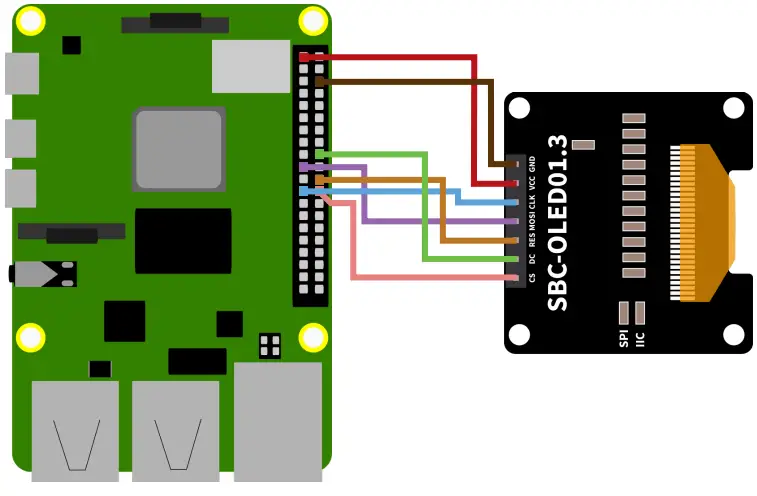
| RASPBERRY PI | 1.3″ OLED DISPLAY |
| GND | GND |
| 3,3 V | VCC |
| SCL | CLK |
| SDA | CLK |
| 3,3 V | RES |
| GND | DC |
| GND | CS |
USE VIA THE I2C PROTOCOL:
First connect the module to your Raspberry Pi as follows:
ATTENTION! Please note that the display is delivered in the SPI configuration. For the use via the I2C protocol additional soldering work is necessary before. For further information please refer to chapter Basic & Interface
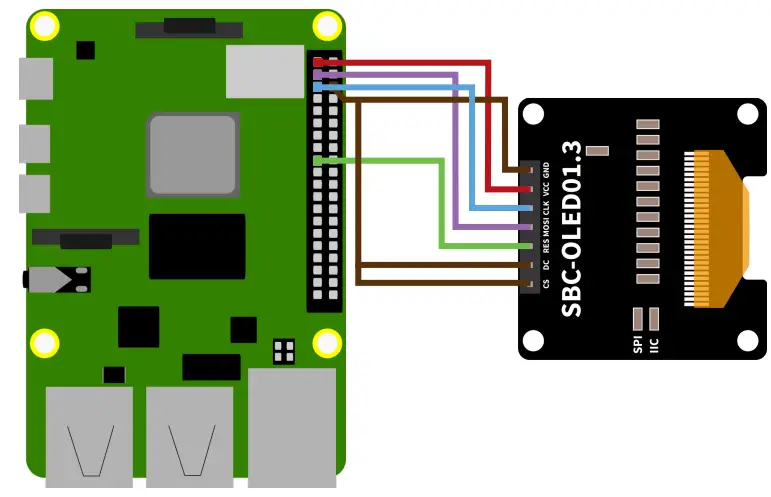
| RASPBERRY PI | 1.3″ OLED DISPLAY |
| GND | GND |
| 3,3 V | VCC |
| SCL | CLK |
| SDA | MOSI |
| 3,3 V | RES |
| GND | DC |
| GND | CS |
To use the display, first enable the SPI and I2C interface on your Raspberry Pi. To do this, open a terminal and enter the following command:
| sudo raspi-config |
Navigate here to the menu 3 Interfacr and activate here I4 SPI and I5 I2C.
Now you can install the libraries required for the display using the following commands:
| sudo apt install python3-pip sudo -H pip3 install –upgrade luma.oled sudo usermod -a -G i2c,spi,gpio pi sudo apt install python3-dev python3-pip libfreetype6-dev sudo apt install libjpeg-dev build-essential sudo apt install libsdl-dev libportmidi-dev libsdl-ttf2.0-dev sudo apt install libsdl-mixer1.2-dev libsdl-image1.2-dev sudo apt install git sudo apt-get install libopenjp2-7 |
Now download the sample files and install them using the following commands:
| git clone https://github.com/rm-hull/luma.examples.git cd luma.examples sudo -H pip install -e . cd examples |
Now you can start the examples, depending on your chosen interface. For the SPI interface you can start the examples with the following command:
| sudo python3 starfield.py –display sh1106 –interface spi |
For the I2C interface you can start the examples with the following command:
| sudo python3 starfield.py –display sh1106 –interface i2c |
INFORMATION & TAKE-BACK OBLIGATIONS
Our information and take-back obligations under the Electrical and Electronic Equipment Act (ElektroG)
Symbol on electrical and electronic equipment:
This crossed-out trash can means that electrical and electronic equipment does not belong in household trash. You must hand in the waste equipment at a collection point. Before dropping off, you must separate used batteries and accumulators that are not enclosed by the waste equipment from it.
Return options:
As an end user, when you purchase a new device, you may return your old device (which performs essentially the same function as the new device you purchased from us) for disposal at no charge. Small appliances with no external dimensions larger than 25 cm can be returned in normal household quantities, regardless of the purchase of a new appliance.
Possibility of return at our company location during opening hours:
SIMAC Electronics GmbH, Pascalstr. 8, D-47506 Neukirchen-Vluyn, Germany.
Possibility of return in your area:
We will send you a parcel stamp with which you can return the device to us free of charge. To do this, please contact us by e-mail at [email protected] or by phone.
Packaging information:
Please pack your old device safe for transport, if you do not have suitable packaging material or do not want to use your own contact us, we will then send you suitable packaging.
SUPPORT
We are also there for you after the purchase. If you have any questions or problems arise, we are also available by e-mail, telephone and ticket support system.
E-Mail: [email protected]
Ticket-System: http://support.joy-it.net
Phone: +49 (0)2845 9360 50 (9:30 – 17:15 Uhr)
For more information visit our website: www.joy-it.net
www.joy-it.net
SIMAC Electronics GmbH
Pascalstr. 8 47506 Neukirchen-Vluyn

 ITnet | Servizi di Colocation e Cloud
 Joy-IT Helpdesk
 For Makers and Professionals | Joy-IT
 GitHub - rm-hull/luma.examples: Companion repo for running examples against the luma.oled, luma.lcd, luma.led_matrix and luma.emulator display drivers.