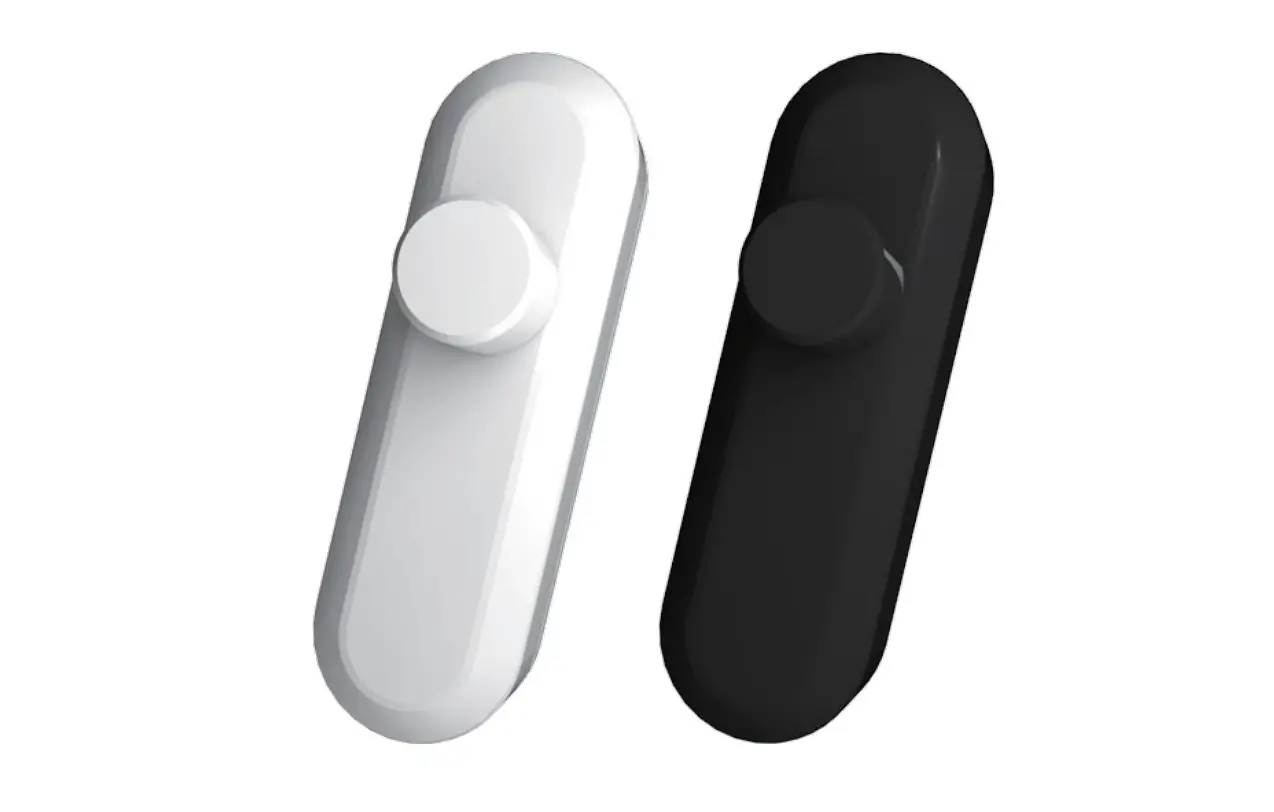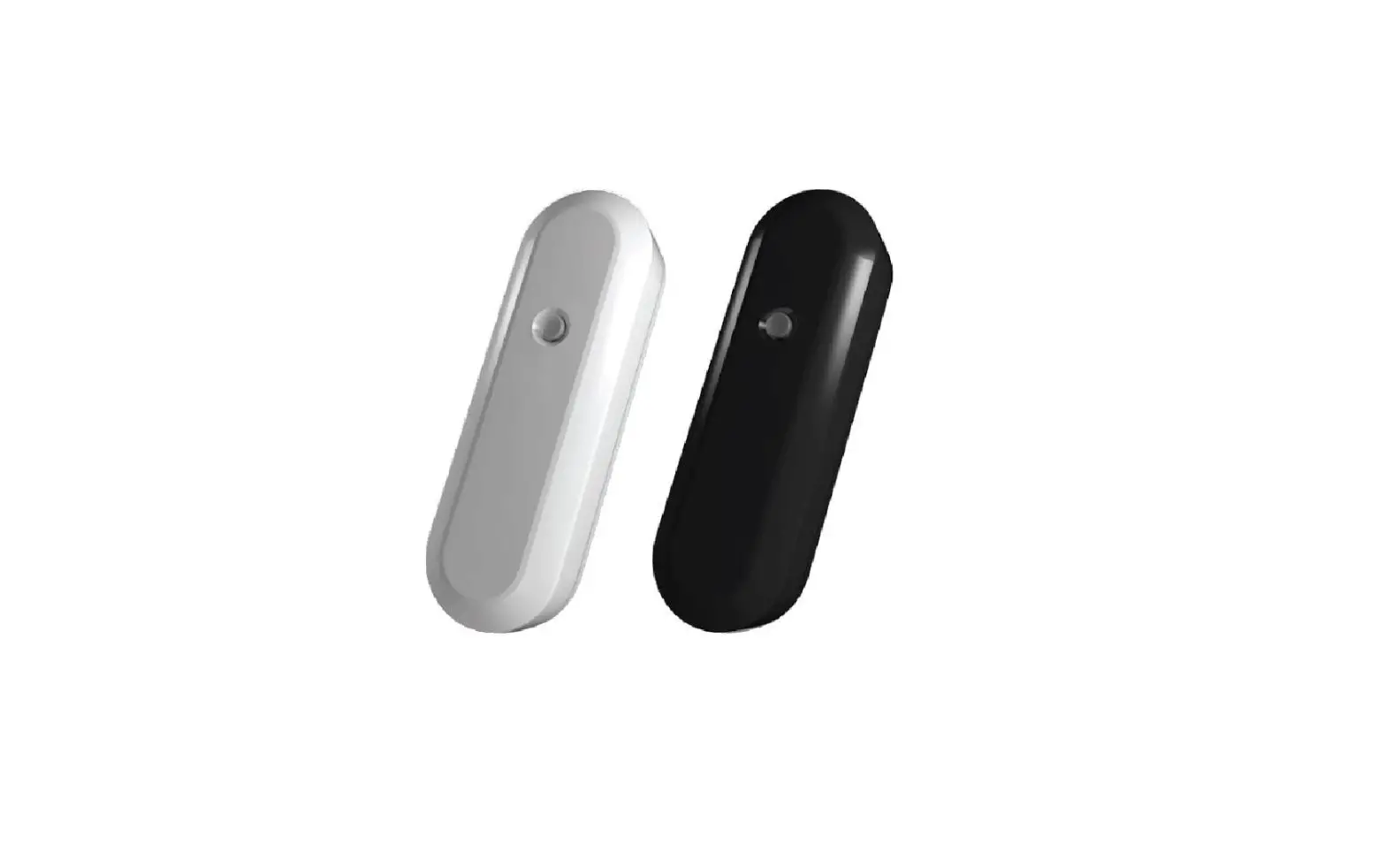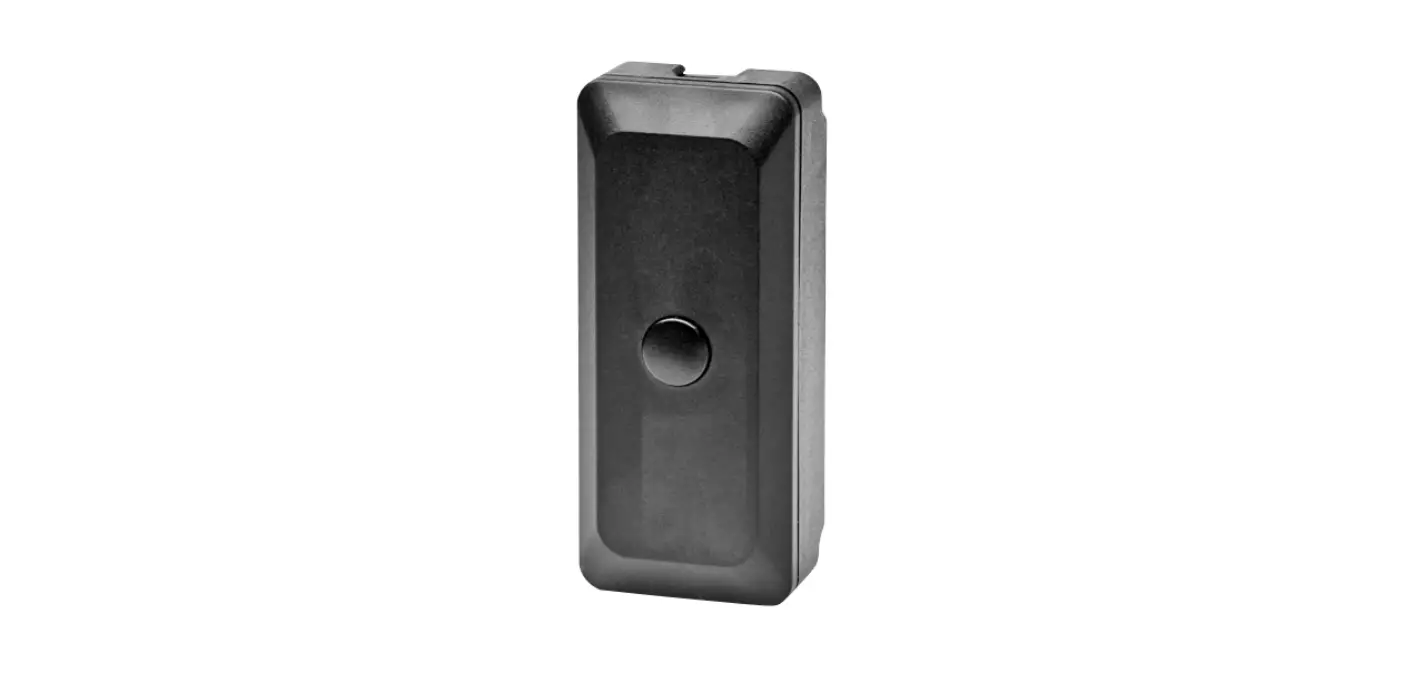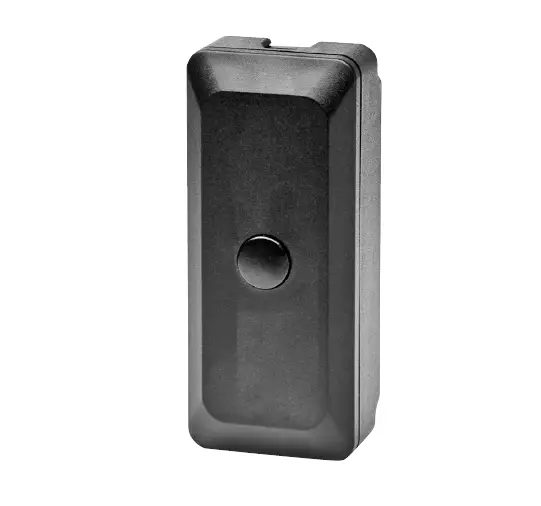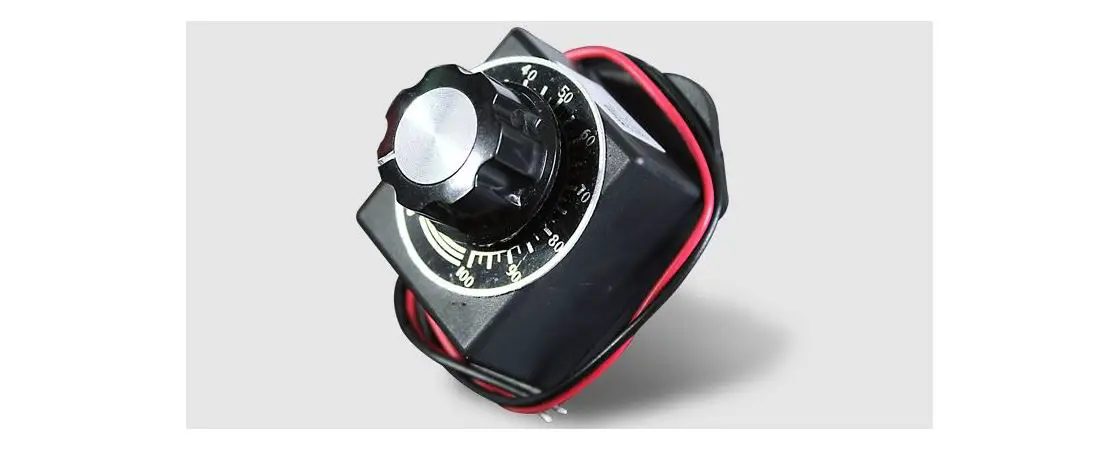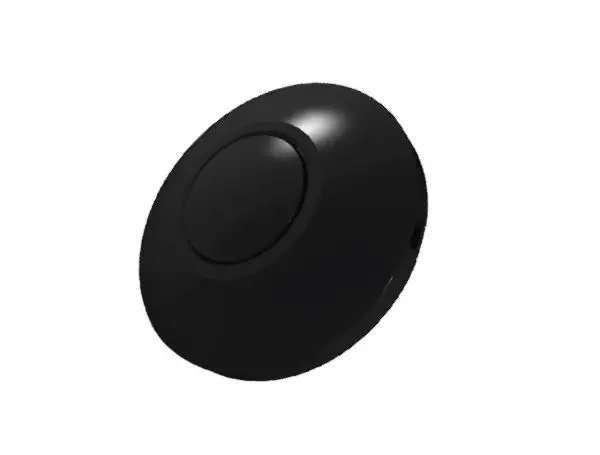

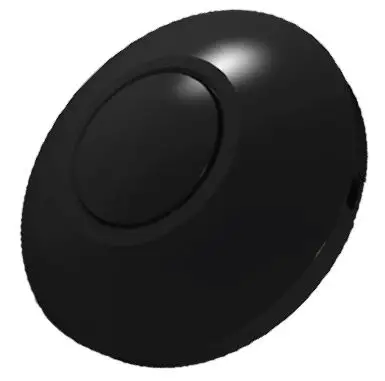
SPL 960000206 LED Cord Dimmer
3 Year warranty
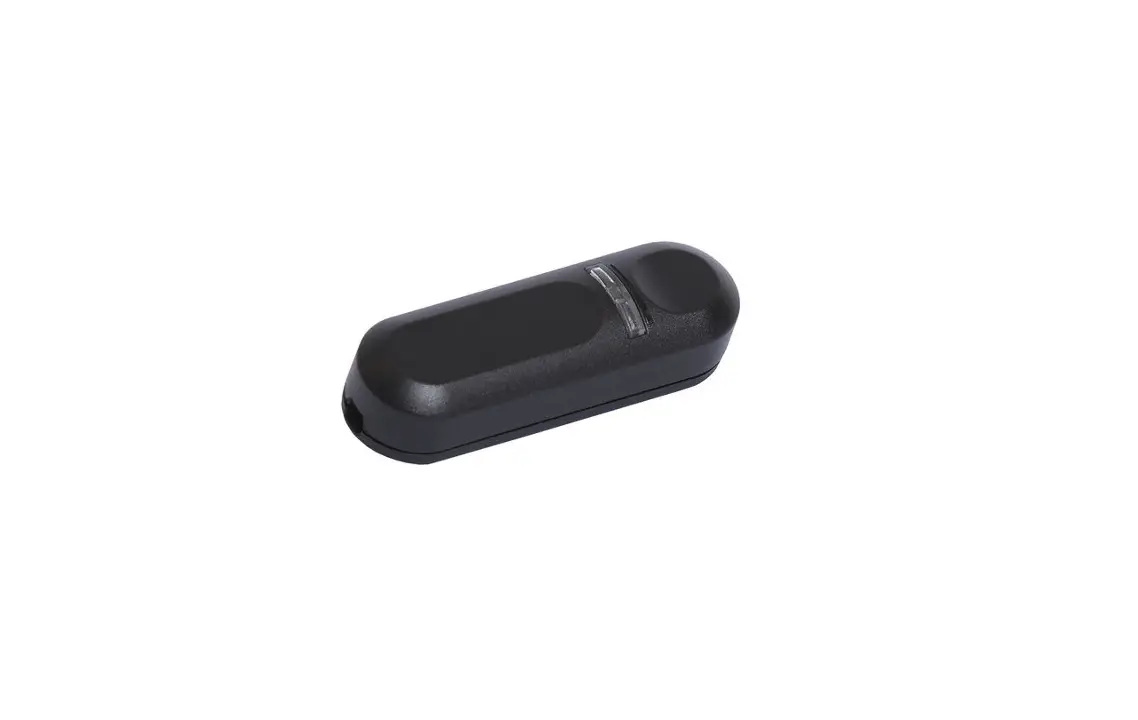
Easy installable cord dimmer with Integrated load failure protection and min and max brightness adjustments to avoid flickering. Suitable for flat and round cables.
Installation instructions
- Make sure that there is no voltage on the cord to be connected when mounting!
- Open the housing by loosening and removing the screws C
- Remove button A and cover B
- Clear the wire ends (approx. 5 mm)
- Connect the veins of the feeding cord (where the plug is attached) to points L and N
- Connect the cord to the lamp to OUT connections on the circuit board
- Replace housing B and button A
- Fasten the housing using the screws C
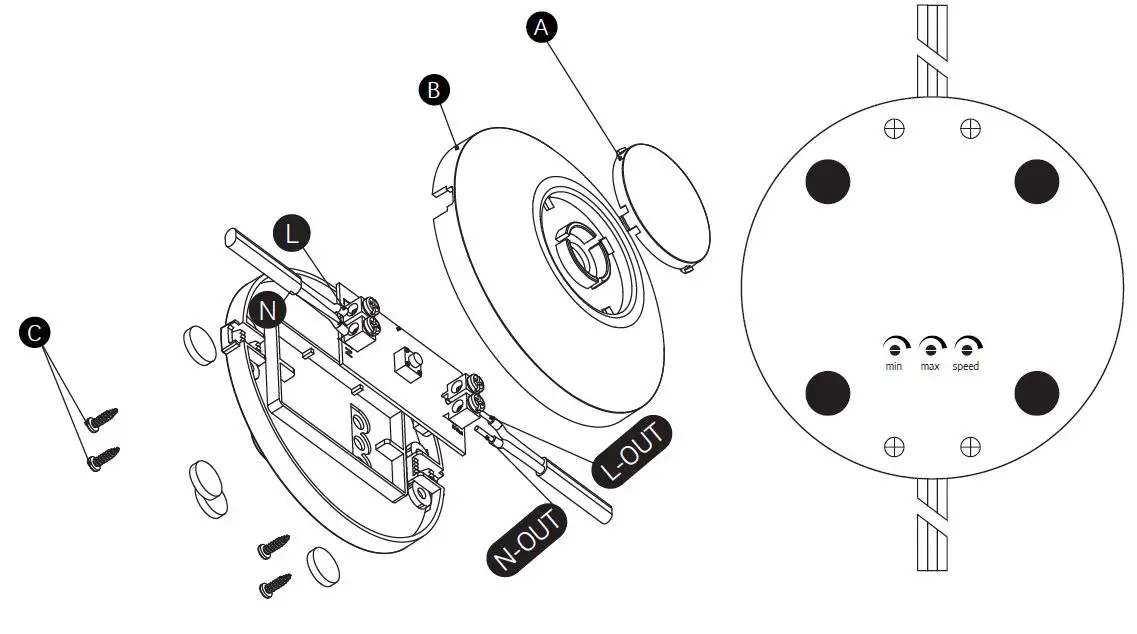
Set minimum and maximum brightness
- Turn on the lights by pressing the button and turn the knob to the minimum brightness
- Insert the screwdriver into the MIN screw and turn it to the left
- If the light becomes unstable (flashes), turn the screwdriver to the right until the blinking stops
- Now turn the knob to maximum brightness and insert the screwdriver into the MAX screw and turn it to the right
- If the light becomes unstable (flashes), turn the screwdriver to the left until the blinking stops
SPECIFICATIONS
Voltage 220-240V 50Hz
Load type 0-50W LED 10-100W
Dimming method R,C Trailing Edge
Dimming style Push
Memory function Yes
Variable dimming speed Yes
Ambient temperature Max. 35° C
Dimensions 80.5 x 34.1 mm
Weight 46.3 g