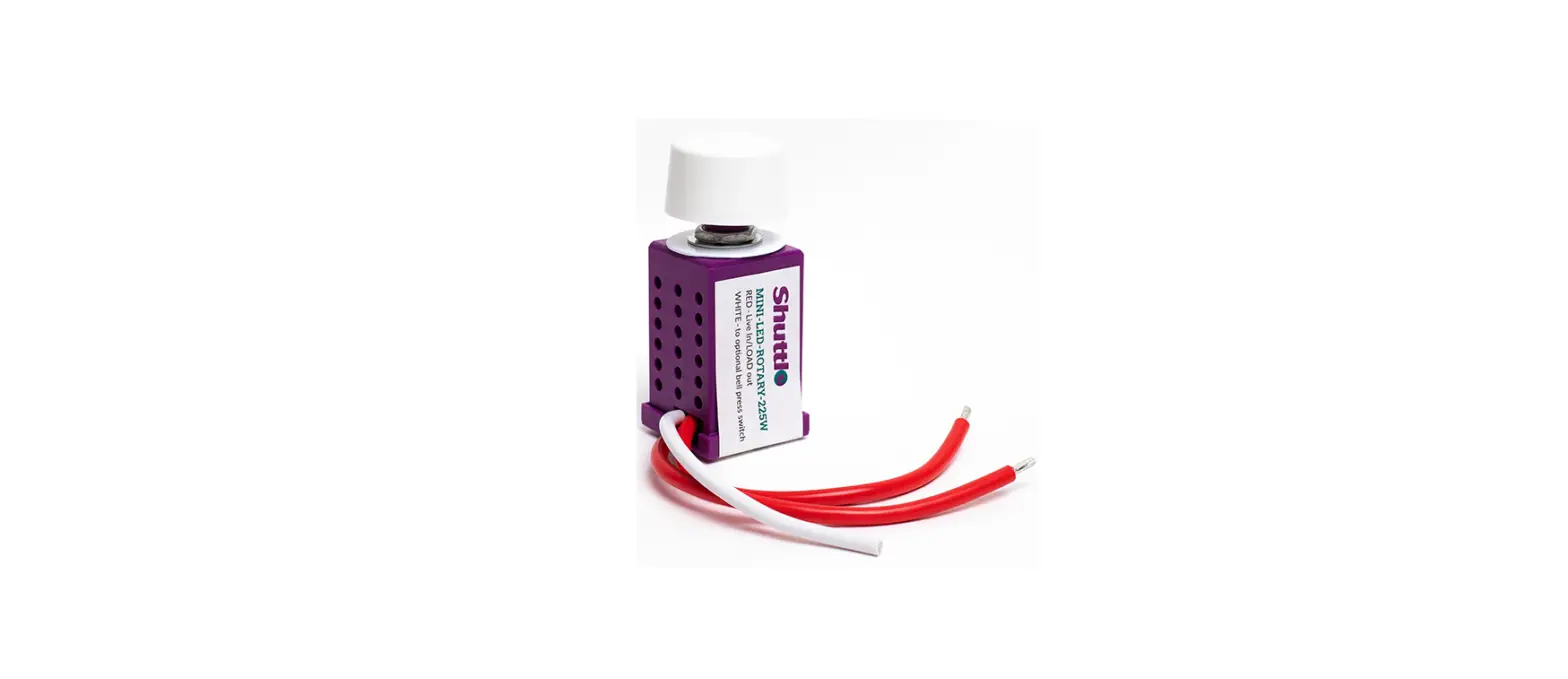
SloanLED 701666 Universal Dimming Controller
Installation Guide
Universal Dimming Controller
Installation Guide for 701666
External Mounting Instruction
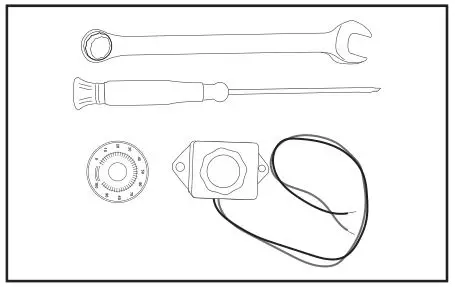
Tools required: 0.5″ (12.7 mm) wrench, 0.125″ (3.2 mm) flat screw driver, Universal Dimming Controller (P/N 701666).

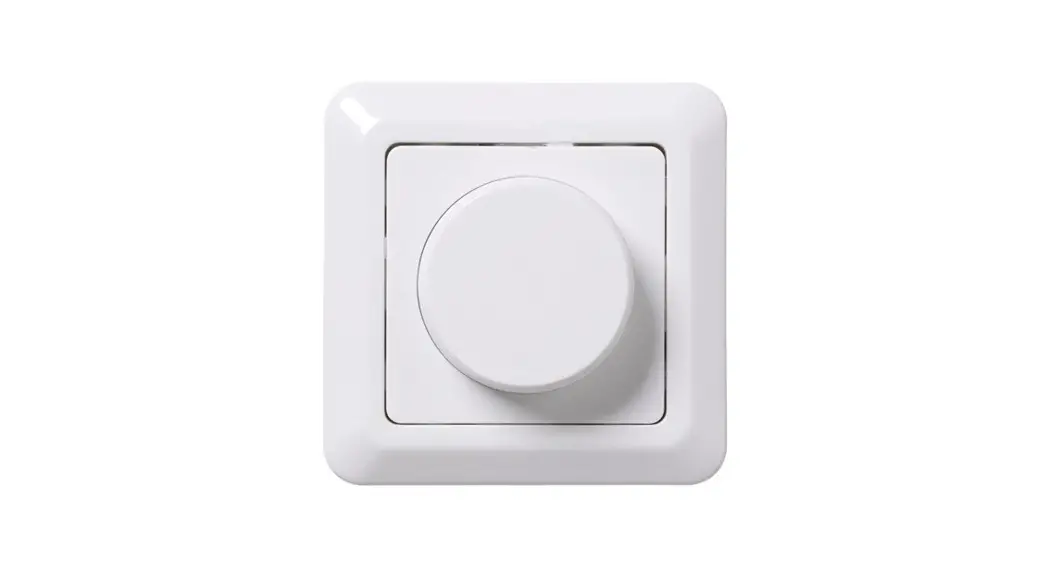
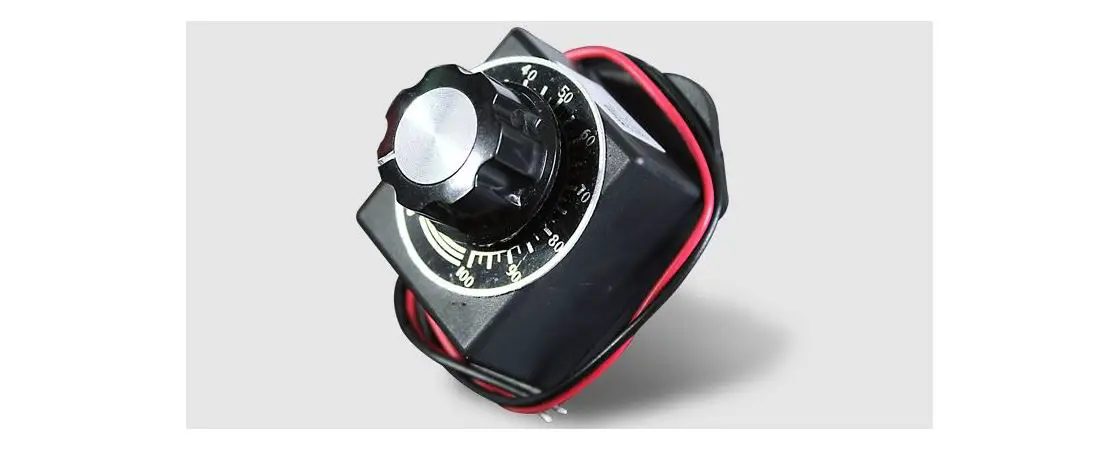
1. Remove knob from Universal Dimming Controller using 0.125″ (3.2 mm) flat screw driver. Remove 0.5″ (12.7 mm) nut and washer using wrench.
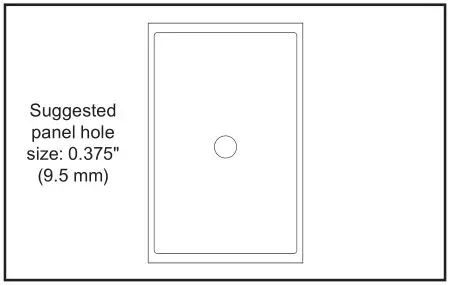
3. Drill a 0.375″ (9.5 mm) hole in desired mounting position.
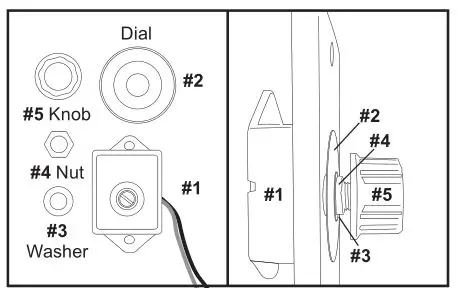
4. Installation order: Install Universal Dimming Controller on to face plate.
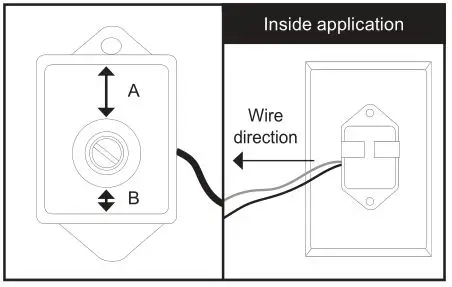
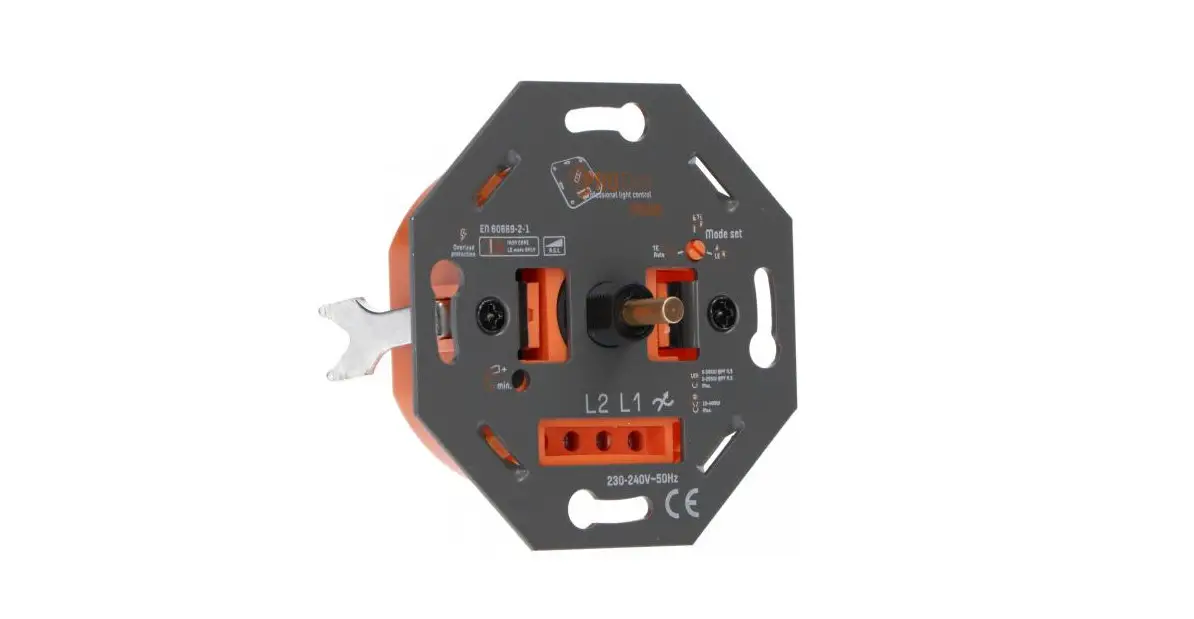
5. Ensure correct orientation of Universal Dimming Controller.
• Distance A is longer than Distance B
• Ensure A side is pointing up during installation
• Ensure wire extends to the left when seen from inside of application
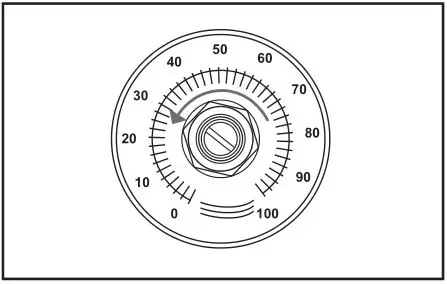
6. Secure Universal Dimming Controller and dial using washer and nut. Ensure potentiometer is fully turned counterclockwise (OFF position).
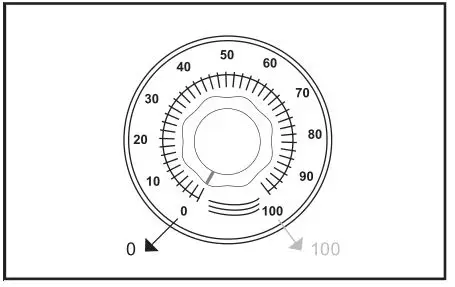
7. Align knob to zero (0) mark. Tighten knob.
Electrical Connection
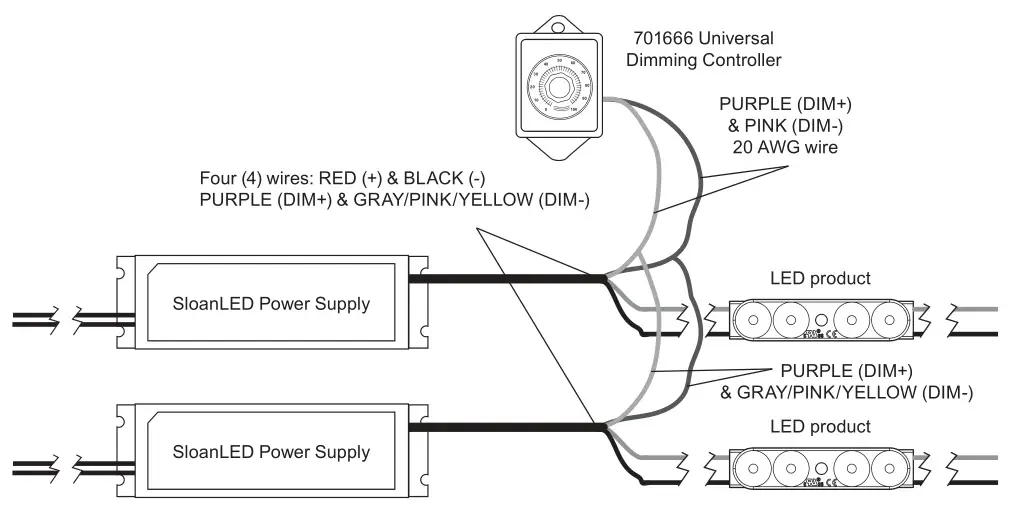
WARNING: Check Polarity – All connections must be RED-TO-RED (+) and BLACK-TO-BLACK (-). Reverse polarity connections may damage the LEDs and will void product warranty.
WARNING: Have a licensed electrician make all primary connections.
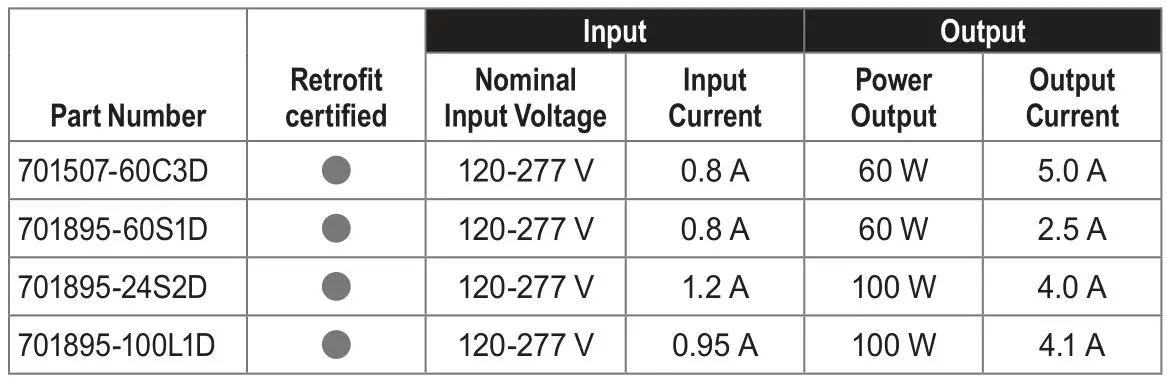
Suggested dimmable power supply list:
- 701507-60C3D
- 701895-60S1D
- 701895-24S2D
- 701895-100L1D
Connection:
- Connect SloanLED power supply and Universal Dimming Controller: PURPLE-to-PURPLE (DIM+); GRAY/PINK/YELLOW-to-GRAY (DIM-)
- Connect SloanLED power supply and LED product: RED (+) to RED; BLACK (-) to BLACK
- Connect SloanLED power supply to 120-277 VAC
NOTE: 12 V circuit must be limited to 5 A (60 W) or less. 24 V circuit must be limited to 4 A (96 W) or less. For North American
installation, a power supply that meets NEC Class 2 specifications is required. Maximum number of power supplies: Ten (10).
Troubleshooting:
If product is not functioning properly, ensure that:
- Primary voltage is 120 – 277 V
- Secondary voltage:
701507-60C3D: 12 VDC
701895-60S1D: 24 VDC
701895-24S2D: 24 VDC
701895-100L1D: 24 VDC - Output current:
701507-60C3D: 5 A or less
701895-60S1D: 2.5 A or less
701895-24S2D & 701895-100L1D: 4 A or less - Power supply should not be overloaded (see latest power supply chart)
- No shorts in secondary wiring
- All secondary connections are RED-to-RED (+), BLACK-to-BLACK (-), PURPLE-to-PURPLE (DIM+), and GRAY/PINK/YELLOW-to-GRAY (DIM-)
- No loose wires in Universal Dimming Controller terminals
Suggested power supplies
Customer service and technical support
SloanLED Headquarters
5725 Olivas Park Drive, Ventura, CA, USA
888.747.4LED (888.747.4533) • [email protected]
SloanLED.com
SloanLED Europe b.v.
Argonstraat 110, 2718 SN Zoetermeer, NL
+31 88 12 44 900 • [email protected]