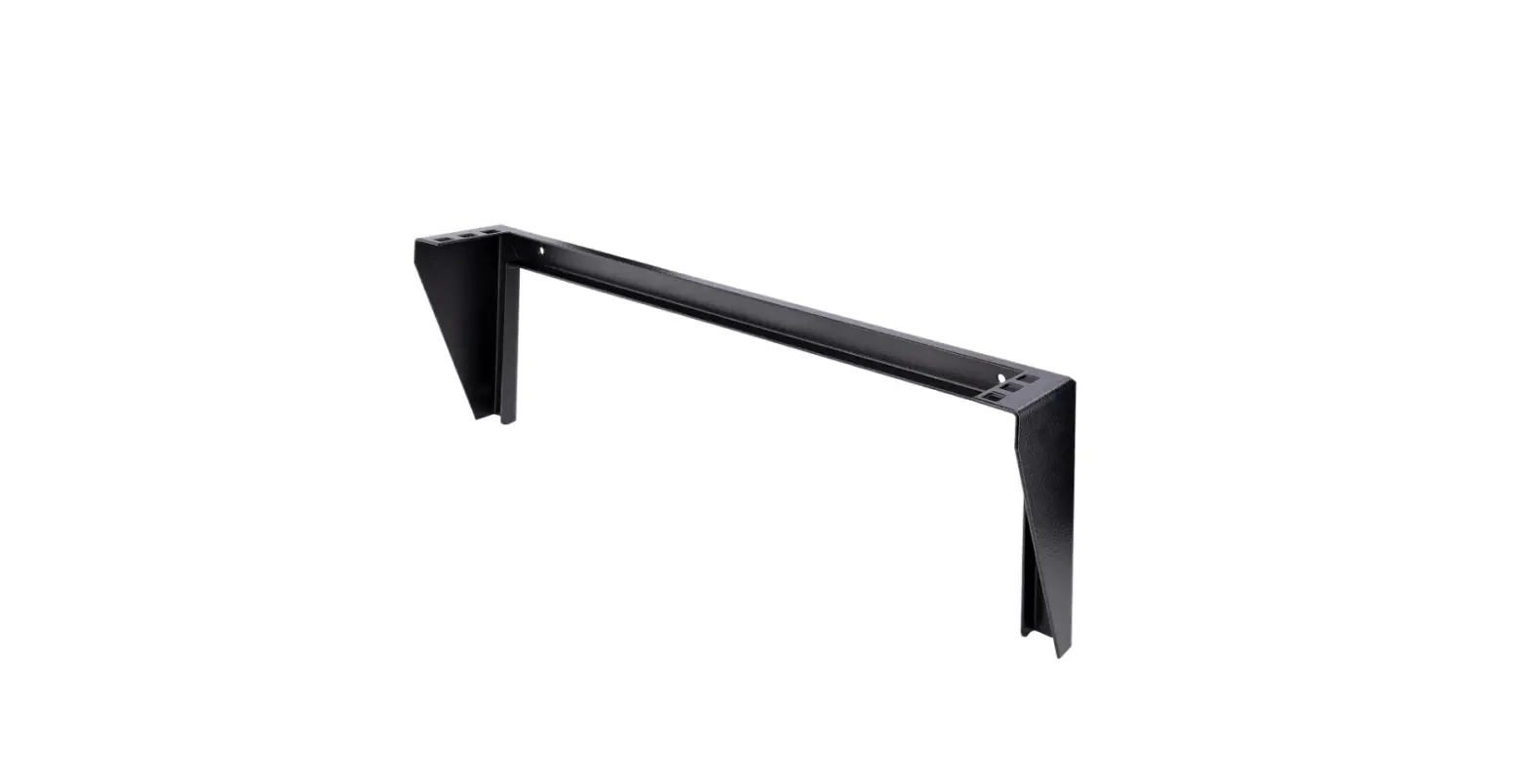
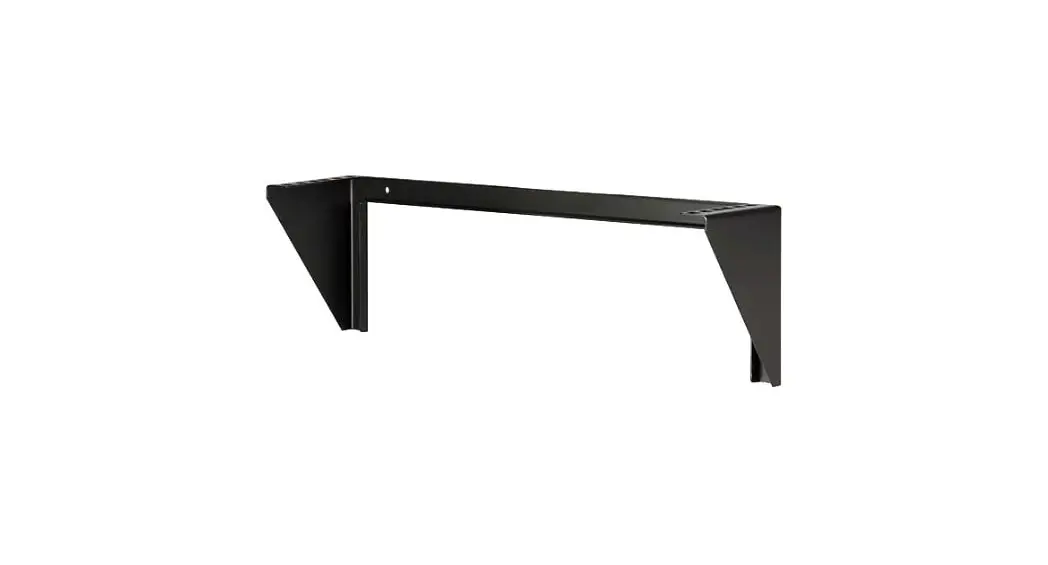
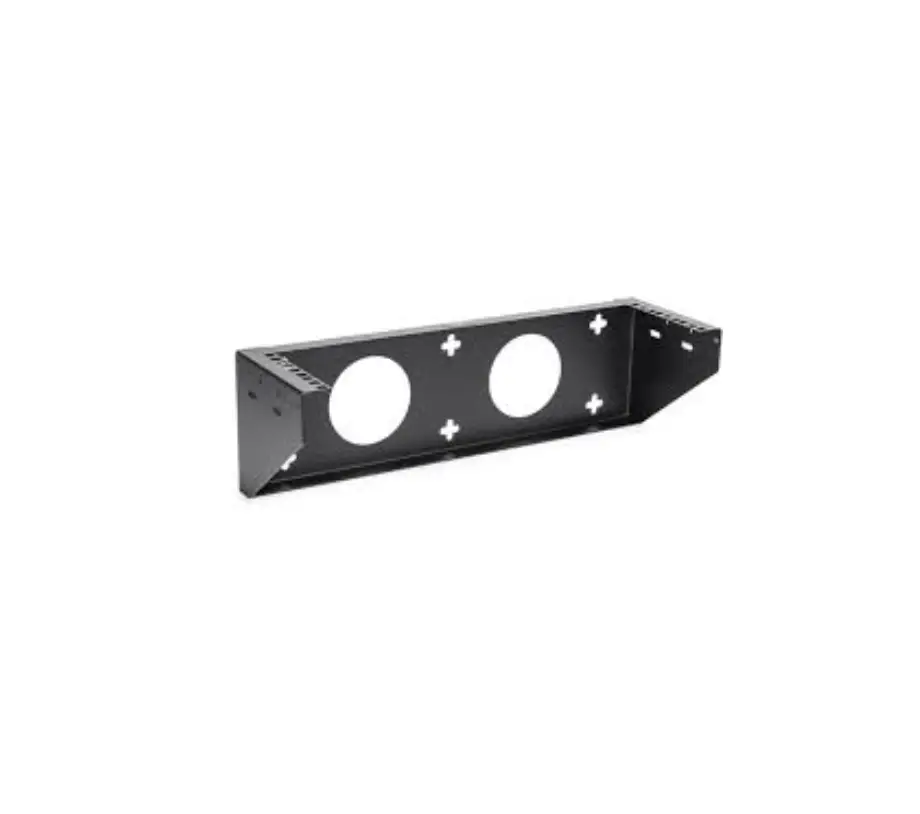
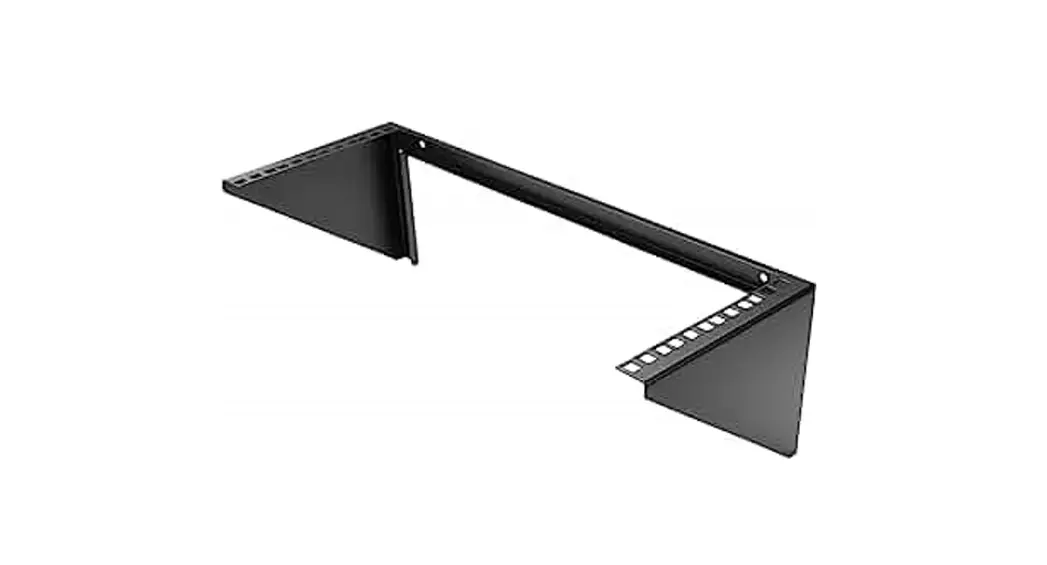
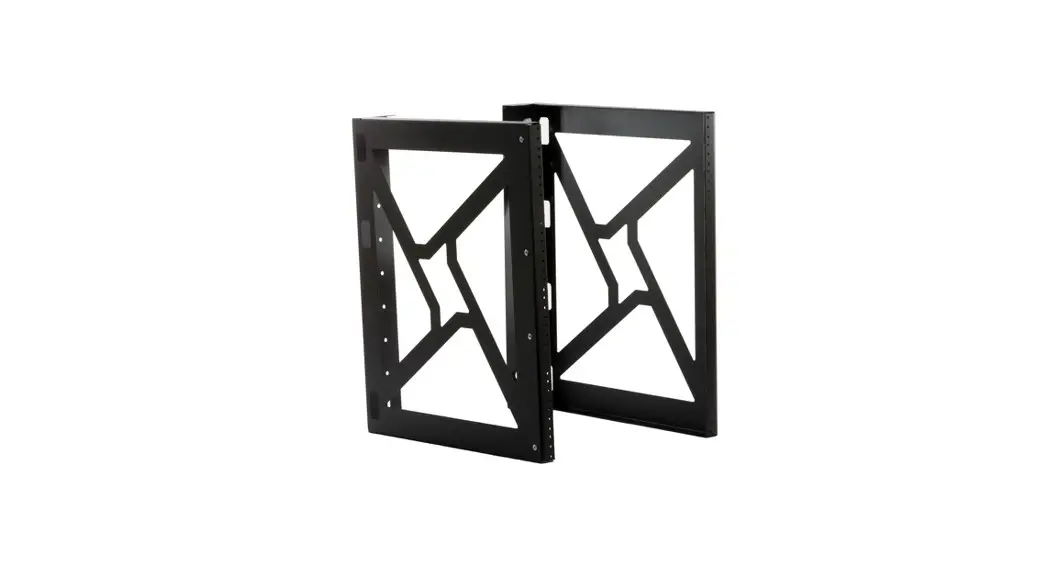
RK119WALLV2 19 Inch Vertical Wall Mount Rack Bracket
Product Information
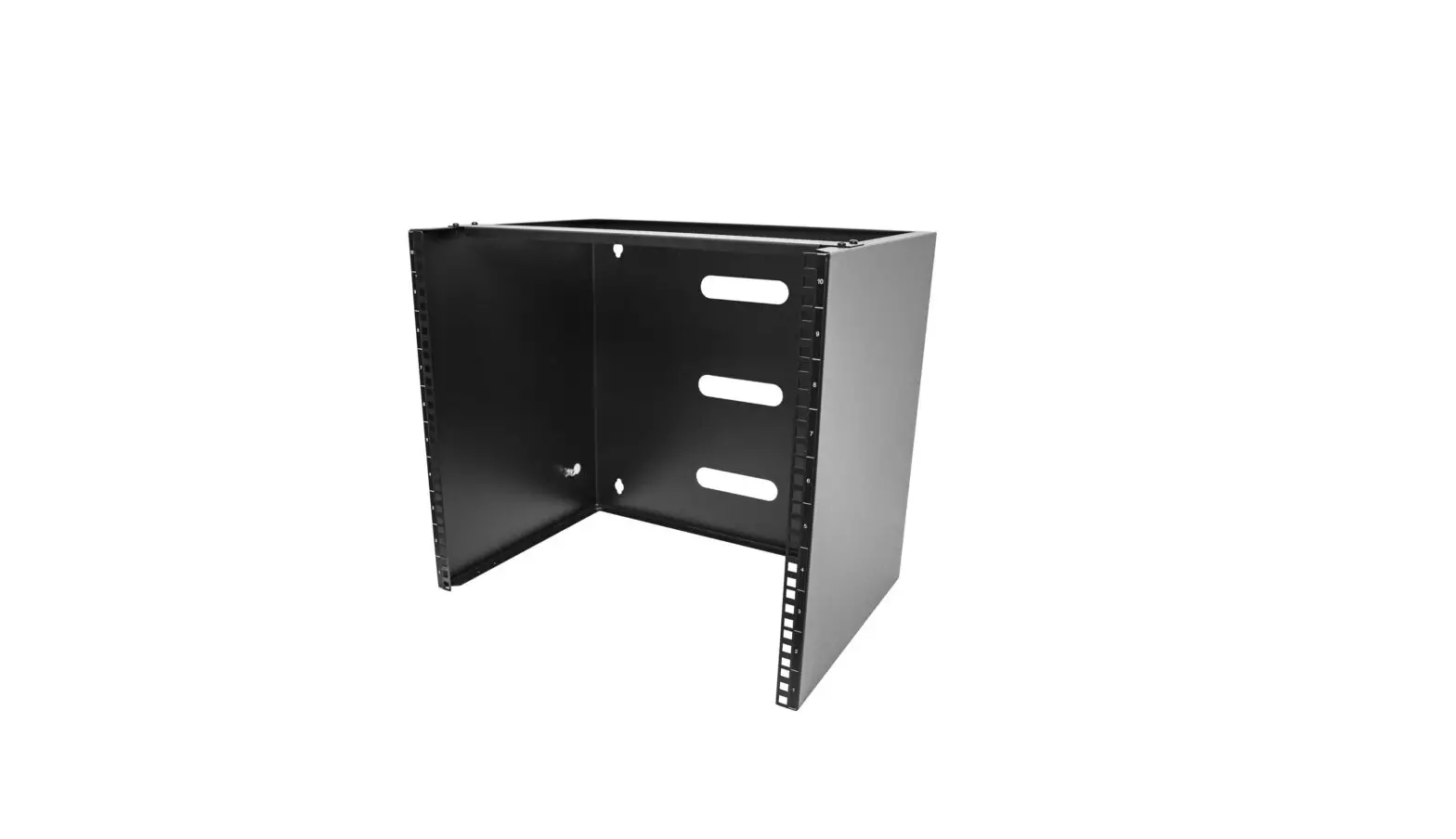
The 19in Vertical Wall Mount Rack Bracket is a product designed
to mount equipment on a vertical surface. It comes in six different
product IDs, namely RK119WALLV2, RK219WALLV, RK319WALLV2,
RK419WALLV2, RK519WALLV, and RK619WALLV. The product includes
mounting rails, wall bracket, M5 square cage nuts, and M5 screws.
It has a weight capacity ranging from 125.3 lb (56.7 kg) to 200.5
lb (90.7 kg) depending on the specific product ID.
Product Usage Instructions
- Before installation, read the entire Quick-Start Guide and
ensure that the instructions are fully understood. - Ensure that the product has been properly mounted before adding
equipment to it. Use the included wood screws for wood surfaces
only. - Install the M5 square cage nuts onto the desired square cage
nut holes where the equipment will be installed. Use a cage nut
tool if available or your preferred installation method. - Use a Phillips head screwdriver to install the M5 screws and
secure the equipment onto the mounting rails. - Ensure that the weight of the equipment does not exceed the
weight capacity of the specific product ID. If it does, personal
injury or damage to the equipment are possibilities. - Ensure that the type of wall structure and mounting hardware
will properly support the mounted equipment. The wall or mounting
structure should be capable of supporting at least four times the
weight of the mounted equipment. - If lacking the necessary expertise to mount this product,
contact a construction professional to install the Wall Rack
Bracket or to provide specific mounting instructions for the wall
structure.
For more information on regulatory compliance and warranty,
refer to the product manual available at
www.startech.com/support.
Quick-Start Guide
19in Vertical Wall Mount Rack Bracket
Product IDs
· RK119WALLV2 · RK219WALLV · RK319WALLV2 · RK419WALLV2 · RK519WALLV · RK619WALLV
Product Diagram
1
Package Contents
· Wall-Mount Bracket x 1 · Wood Screws x 6 · Quick-Start Guide x 1
Product ID
RK119WALLV2 RK219WALLV RK319WALLV2 RK419WALLV2 RK519WALLV RK619WALLV
Requirements
M5 Square Cage Nuts Quantity x 4 x 8 x 12 x 16 x 16 x 16
M5 Screws Quantity
x 4 x 8 x 12 x 16 x 16 x 16
For the latest manuals, product information, technical specifications, and declarations of conformance, please visit:
2
www.StarTech.com/RK119WALLV2
www.StarTech.com/RK219WALLV
www.StarTech.com/RK319WALLV2
www.StarTech.com/RK419WALLV2
www.StarTech.com/RK519WALLV
www.StarTech.com/RK619WALLV
· Appropriate mounting hardware for the wall or surface type
· Phillips head screwdriver
Component
Function *Product may vary from image
· Cage nut tool (Optional) Warnings!
1
Mounting
Rails To view
· Features Square Cage manuals,eFqAuQipsm, veidnetos, drivers,
Nut Holes to mount the downloads, technical drawings,
and
Read the entire Quick-Start Guide and ensure mboerfeo,rveiasistsewmwbwlin.sgtaarntedc/ohr.cuosming/stuhpispporrotd. uct.
the
instructions
are
fully
understood
2 Wall Bracket
· Mounting Holes along the Wall Bracket are used to Fasten it to a Wall
Before adding equipment to this product, ensure this product has been properly
mounted.
Never operate this product if parts are missing or damaged.
To view manuals, FAQs, videos, drivers, downloads, technical drawings, and more, visit www.startech.com/support.
Manual Revision: June 1, 2022 2:42 PM
The mounting hardware included with this product might not be adequate for some wall or mounting structures. If lacking the necessary expertise to mount this product, contact a construction professional to install the Wall Rack Bracket or to provide specific mounting instructions for the wall structure.
Ensure the weight of the equipment does not exceed the weight capacity of this product. If the weight capacity is exceeded, personal injury or damage to the equipment are possibilities. These products can support the following weight: 130 lb (59 kg) for RK119WALLV2, 125.3 lb (56.7 kg) for RK219WALLV, 150lb (68 kg) for RK319WALLV2, 180 lb (81.6 Kg) for RK419WALLV2, 198.9 lb (90 kg) for RK519WALLV, and 200.5 lb (90.7 kg) for RK619WALLV.
Ensure the type of wall structure and mounting hardware will properly support the mounted equipment. Failure to do so might result in personal injury and/or equipment damage. The wall or mounting structure should be capable of supporting at least four times the weight of the mounted equipment.
Installation
Mount the Rack Bracket
The mounting holes are spaced 16 inches (2 inner holes) and 18.8 inches (4 outer holes) apart. Test fit the Rack Bracket on the surface to ensure proper fit on the designated location.
1. Mark the Mounting Points (x6) using the Mounting Holes (x6) on the Wall Bracket as a Template.
2. Use the Wood Screws (x6) to fasten the Wall Bracket to the Mounting Surface.
The included screws are for wood surfaces only.
3. Install the M5 Square Cage Nuts onto the desired Square Cage Nut Holes where the Equipment will be installed. Use a Cage Nut Tool if available or your preferred installation method.
4. Use a Phillips Head Screwdriver to install the M5 Screws and secure the Equipment onto the Mounting Rails.
Regulatory Compliance
Use of Trademarks, Registered Trademarks, and other Protected Names and Symbols This manual may make reference to trademarks, registered trademarks, and other protected names and/or symbols of thirdparty companies not related in any way to StarTech.com. Where they occur these references are for illustrative purposes only and do not represent an endorsement of a product or service by StarTech.com, or an endorsement of the product(s) to which this manual applies by the third-party company in question. StarTech.com hereby acknowledges that all trademarks, registered trademarks, service marks, and other protected names and/or symbols contained in this manual and related documents are the property of their respective holders. PHILLIPS® is a registered trademark of Phillips Screw Company in the United States or other countries.
Warranty Information
This product is backed by a lifetime warranty. For further information on product warranty terms and conditions, please refer to www.startech.com/warranty.
Limitation of Liability
In no event shall the liability of StarTech.com Ltd. and StarTech.com USA LLP (or their officers, directors, employees or agents) for any damages (whether direct or indirect, special, punitive, incidental, consequential, or otherwise), loss of profits, loss of business, or any pecuniary loss, arising out of or related to the use of the product exceed the actual price paid for the product. Some states do not allow the exclusion or limitation of incidental or consequential damages. If such laws apply, the limitations or exclusions contained in this statement may not apply to you.
StarTech.com Ltd.
45 Artisans Crescent London, Ontario N5V 5E9 Canada
StarTech.com LLP
4490 South Hamilton Road Groveport, Ohio 43125 U.S.A.
StarTech.com Ltd.
Unit B, Pinnacle 15 Gowerton Road Brackmills, Northampton NN4 7BW United Kingdom
StarTech.com Ltd.
Siriusdreef 17-27 2132 WT Hoofddorp The Netherlands
FR: startech.com/fr DE: startech.com/de ES: startech.com/es NL: startech.com/nl IT: startech.com/it JP: startech.com/jp
References
 StarTech.com | IT Pro's Trusted Source for Connectivity Accessories
-
Unsere Produkte dienen IT- und A/V-Profis zum Verbinden, Konvertieren, Erweitern, Splitten und Switchen | Deutschland
-
StarTech.com diseña y fabrica una variada gama de componentes para ordenadores, cables, conmutadores KVM, racks para... | España
-
StarTech.com conçoit et fabrique une vaste sélection de pièces d’ordinateur, de câbles, de commutateur KVM, de racks... | France
-
Pezzi per computer, cavi, switch KVM, server rack e soluzioni per reti | Italia
-
当社は、接続、変換、拡張、分離、切換えを行うIT & A / Vプロフェッショナルのためのパーツを製造しています | 日本
-
StarTech.com ontwerpt en produceert een enorme selectie computeronderdelen, kabels, KVM-switches, serverracks en... | Nederland
-
1U 19' Wall Mount Vertical Rack Bracket - Server-Racks | StarTech.com
-
2U 19in Vertical Wall Mount Rack Bracket - Server-Racks | StarTech.com
-
3U 19' Wall Mount Vertical Rack Bracket - Server-Racks | StarTech.com Europe
-
4U 19' Wall Mount Vertical Rack Bracket - Server-Racks | StarTech.com Europe
-
5U Vertical Wall Mount Rack/Network Rack - Server-Racks | StarTech.com
-
6U 19in Vertical Wallmount Rack Bracket - Server-Racks | StarTech.com
-
StarTech.com Support
-
StarTech.com Warranty Policy
 StarTech.com | IT Pro's Trusted Source for Connectivity Accessories
 1U 19' Wall Mount Vertical Rack Bracket - Server-Racks | StarTech.com