 Quick Installation Guide
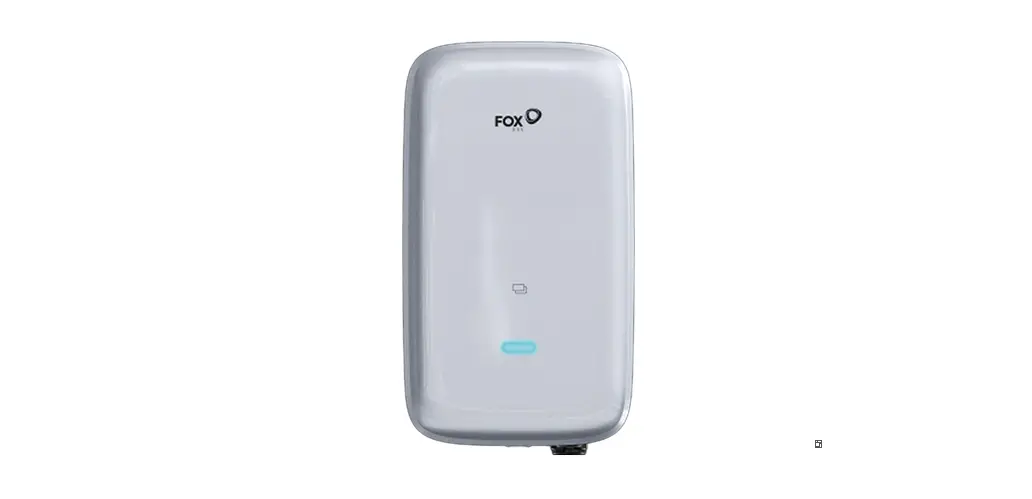
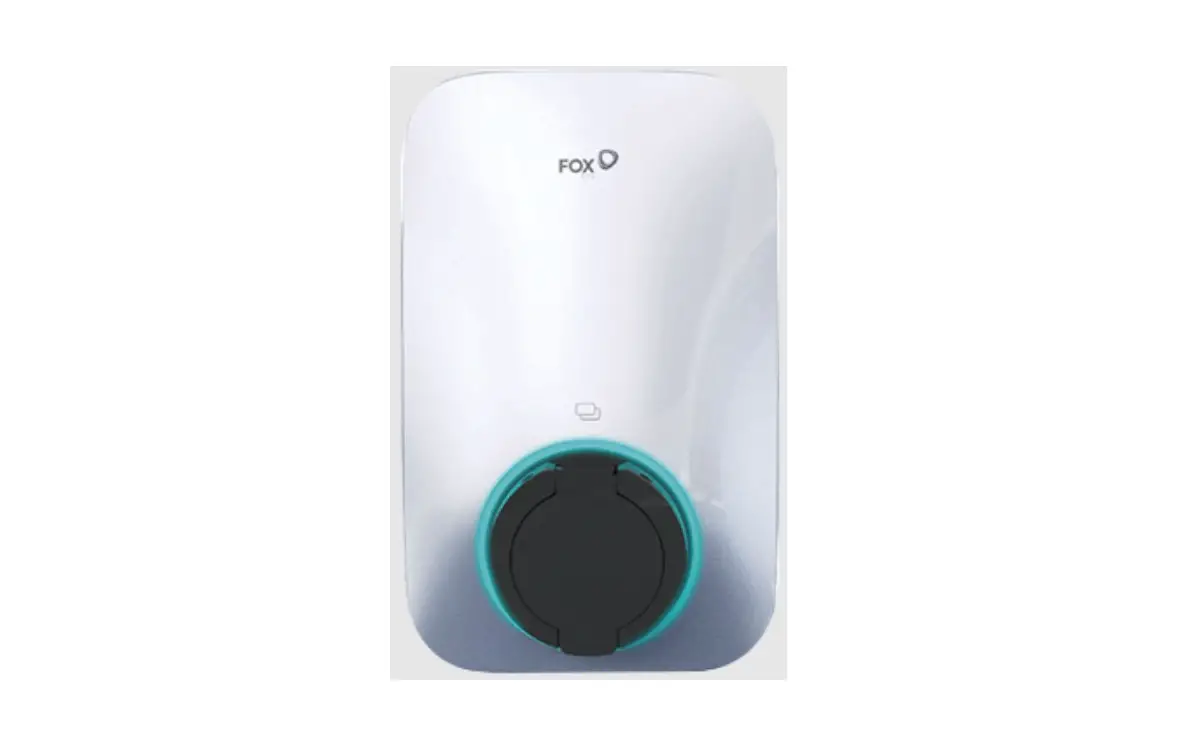
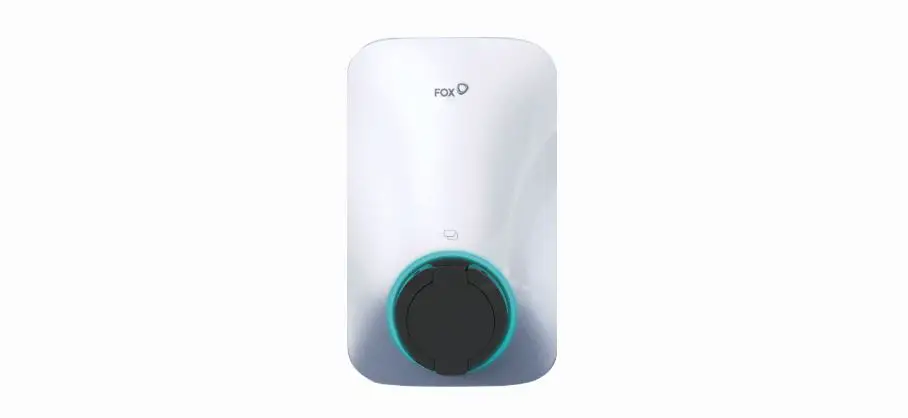
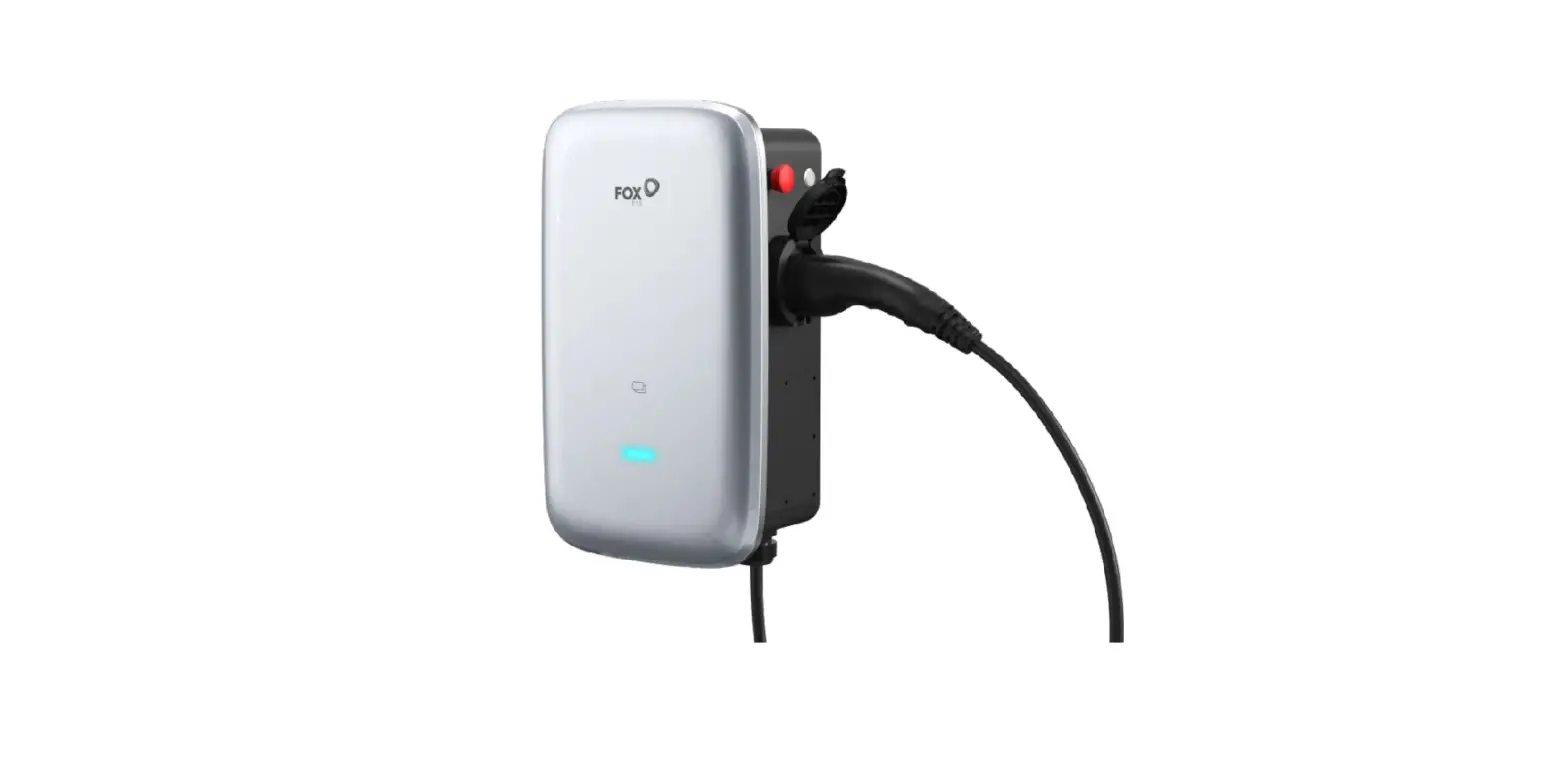
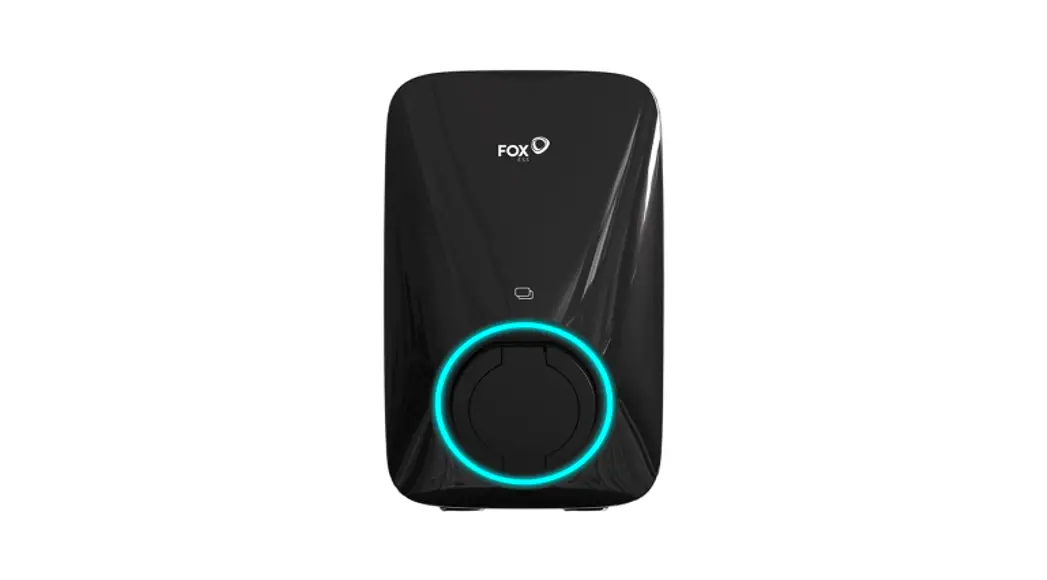
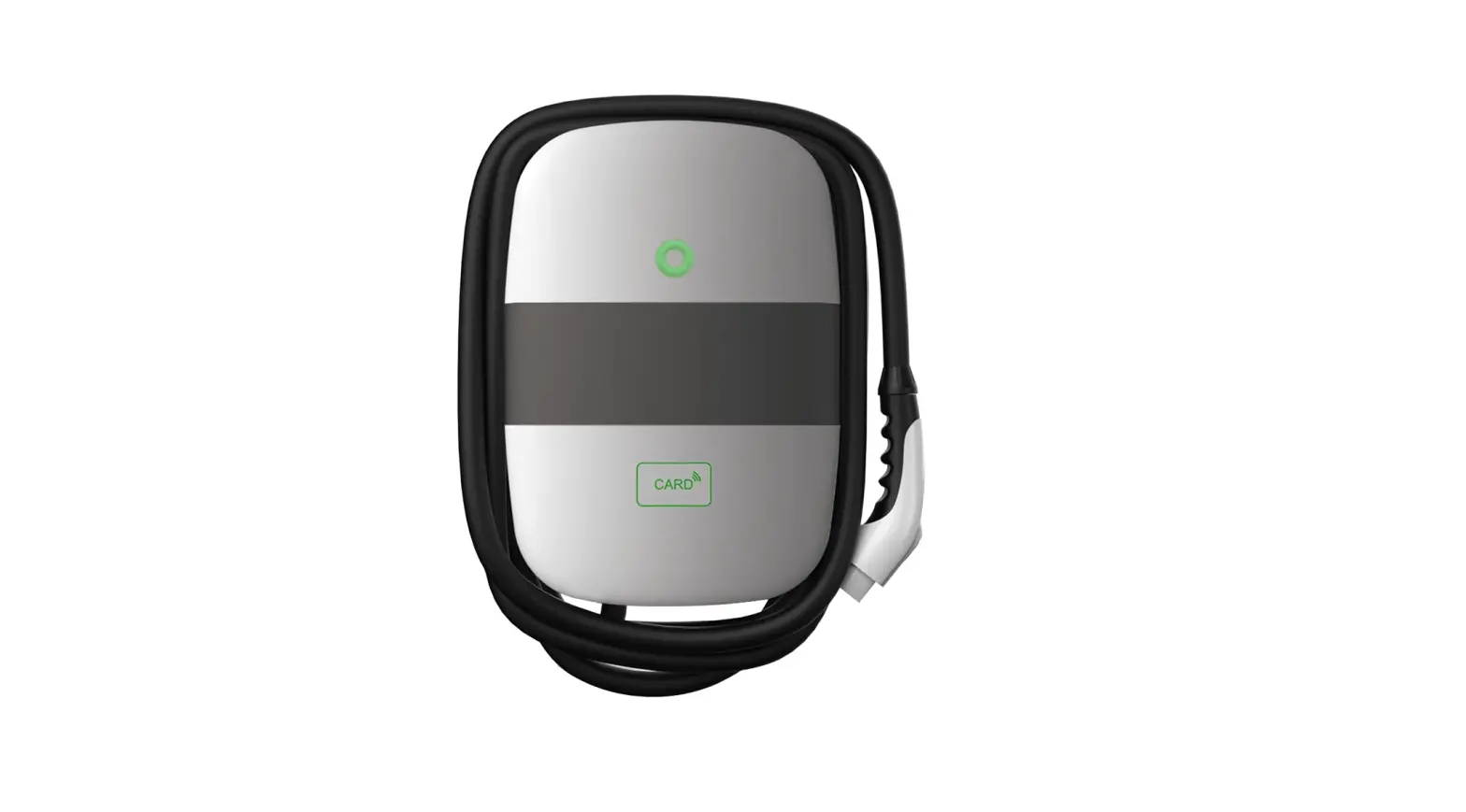
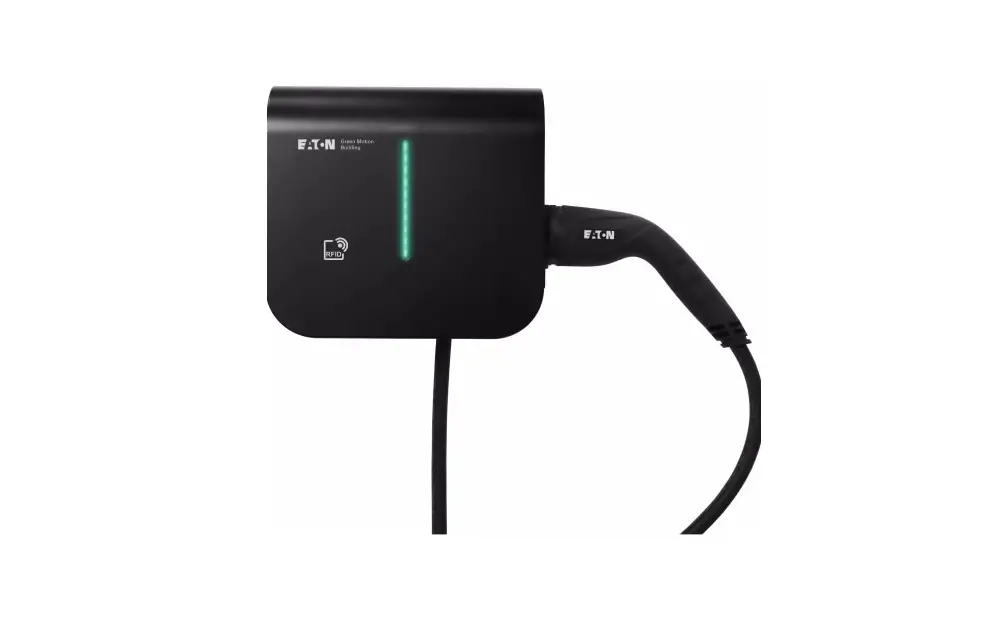
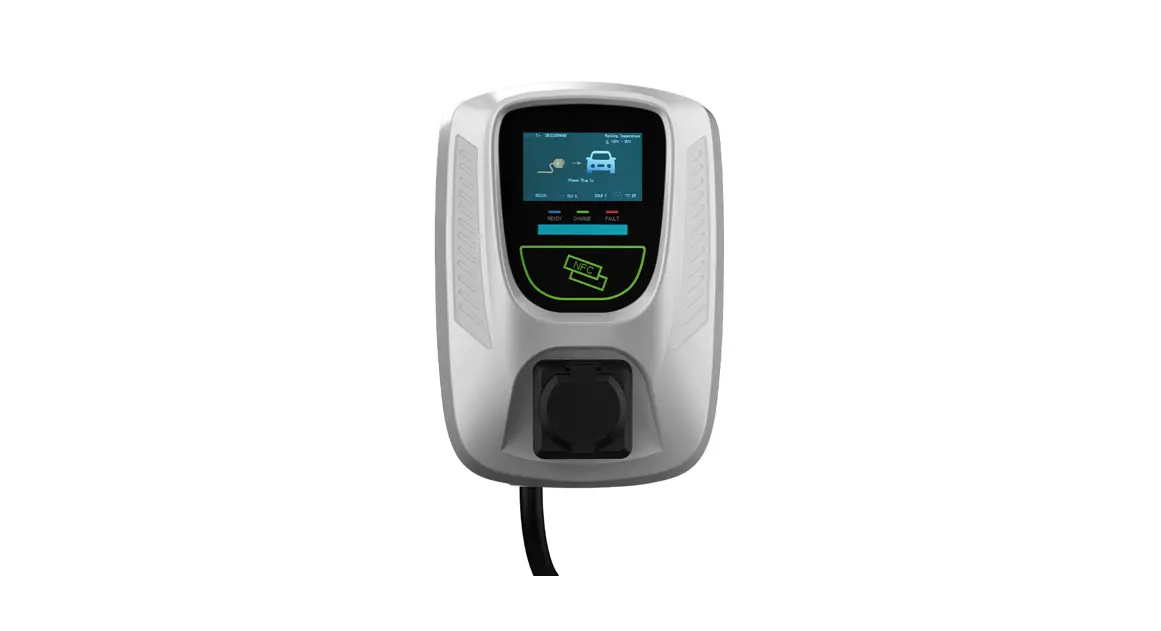
11 kW Foxes’ AC EV Charger
V1.0
Packing List

| Object | Name | Qty |
| A | Charger | 1 |
| B | mooning backplane | 1 |
| C | Mooning bracket | 1 |
| D | RFID card | 2 |
| E | Expansion Tube | 4 |
| F | Evanston Screw | 4 |
| G | Screw | 5 |
| H | Tubular terminal | 4 |
Installation instructions
Note: The actual installation needs to comply with local installation requirements and local safety regulations.
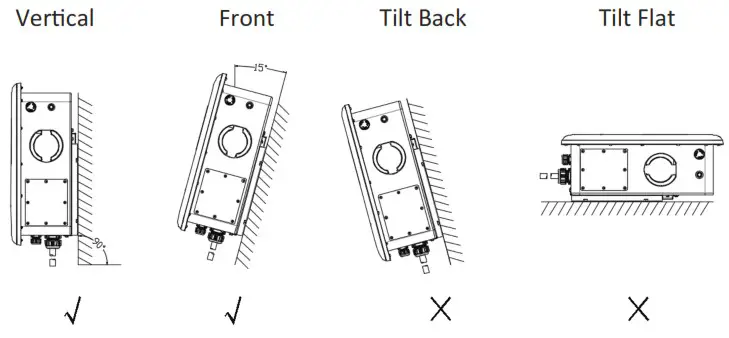
Ensure that the wall or column is vertical or positive 15° before installation.
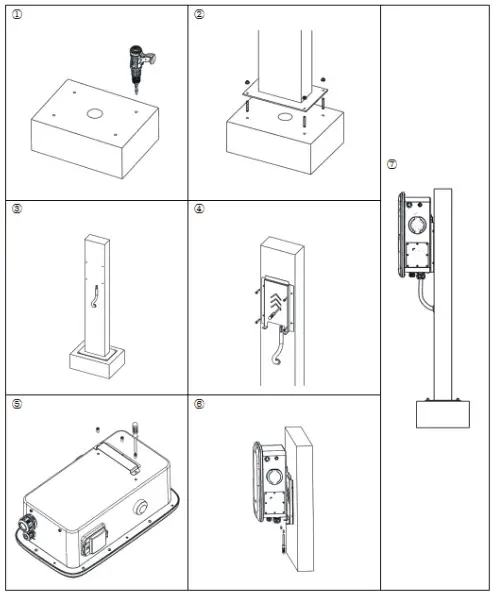
Wall-mounted installation method
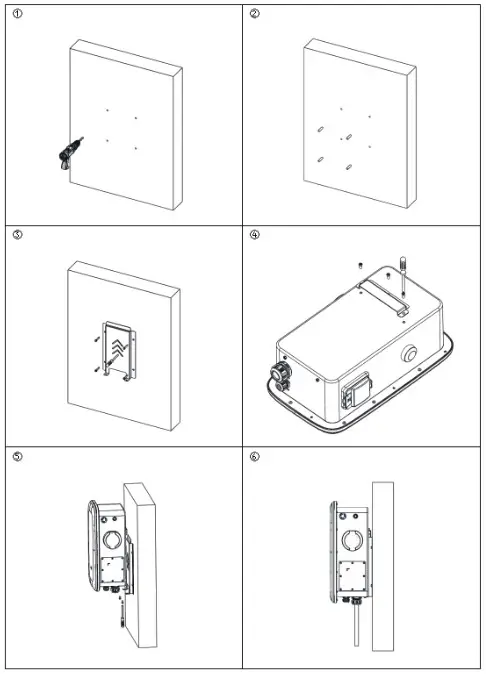
- Open the package and mark 4 holes in the wall (Φ 8 * 50mm).
- Fit into the expansion tube.
- Attach the mounting backplane with screws to the mounting wall.
- Attach the bracket to the charger.
- Hang the charger into the mounting back plate and screw it.
- Installation completed.
Note: Installation wall thickness > 60mm
Floor type / Vertical installation method
- Drill holes on the cement floor, four 170 * 120 holes with diameter Φ 12mm deep 50mm screws and one Φ 60mm through duct hole.
- Install and fix the anchor screws.
- The input line runs through the column hole, and then through the bottom of the column.
- Install the backplane to the landing column with screws.
- Attach the bracket to the charger.
- Hang the charger into the mounting back plate and screw it well.
- Installation completed
Note: The angle of cement ground 906+15-0°
Electrical Connection
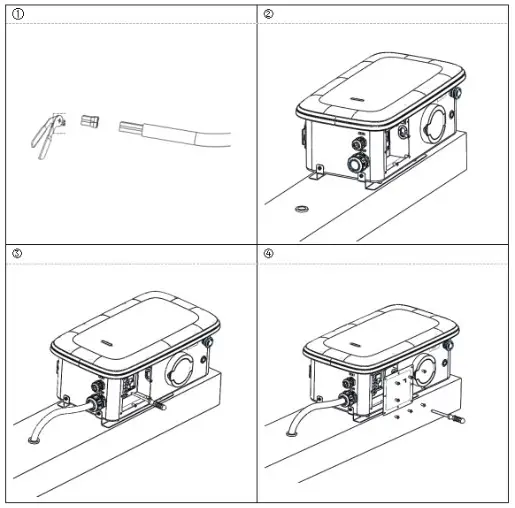
Step 1: Peel five L1, L2, L3, N and PE copper 16mm with wire stripping pliers, and press L1, L2, L3, N, PE and tube terminals with terminal pliers.
Step 2: Loosen the screw nut and puncture the hole.
Step 3: Open the side cover, load the cable (13-18mm) and tighten the gram head.
Step 4: Unscrew the terminal screws. Link L.N.PE line to lock the terminal screw and the side cover.
Note: Choose 10-12 AWG wire
APP download
• Users can scan the QR code (Android and IOS ) in the quick installation manual, or go to the App Store and Google Play to search for FoxSwitch.
Add RFID card
• Users can enter the White list of the charging pile on APP to add.
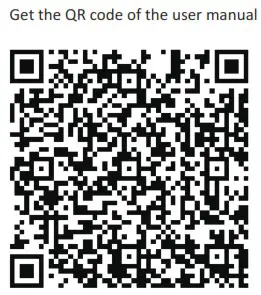
Please scan the QR Code and follow the steps below to download our latest multi-language User Manual/Quick Installation Guide:
Scan the QR Code → Select your Language → Choose to download
User Manual or Quick Installation Guide → Download
 |  |
https://www.foxesscloud.com/document/fox/doc.html?series=a7300 |