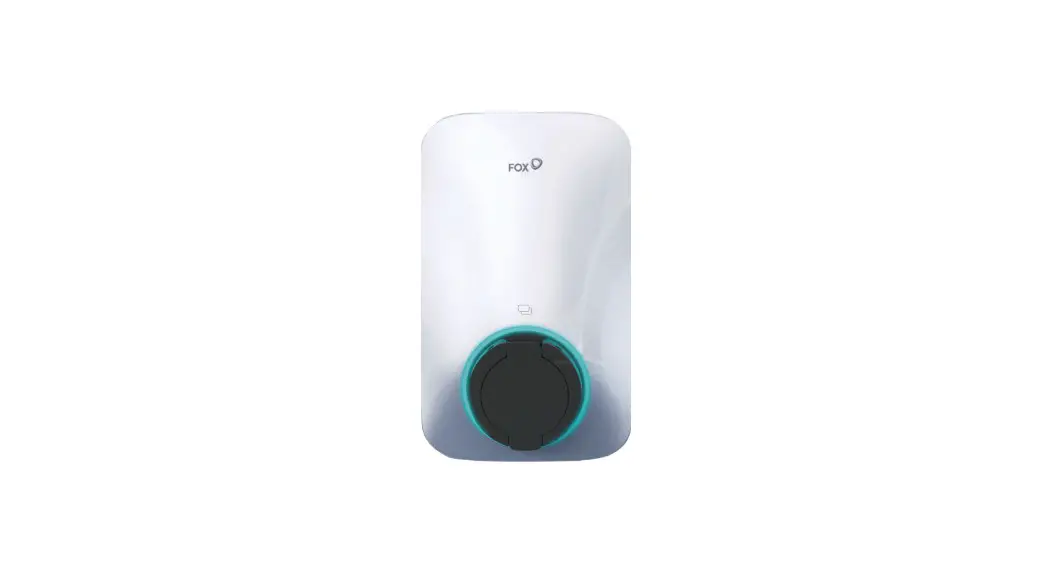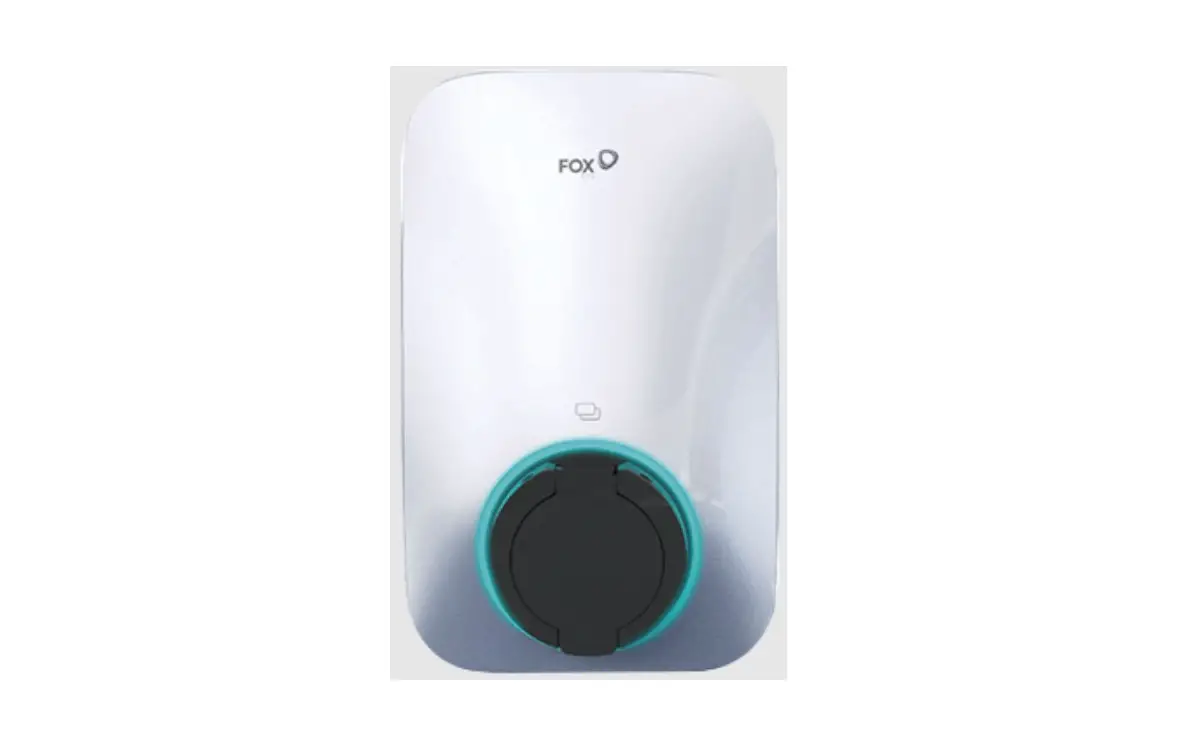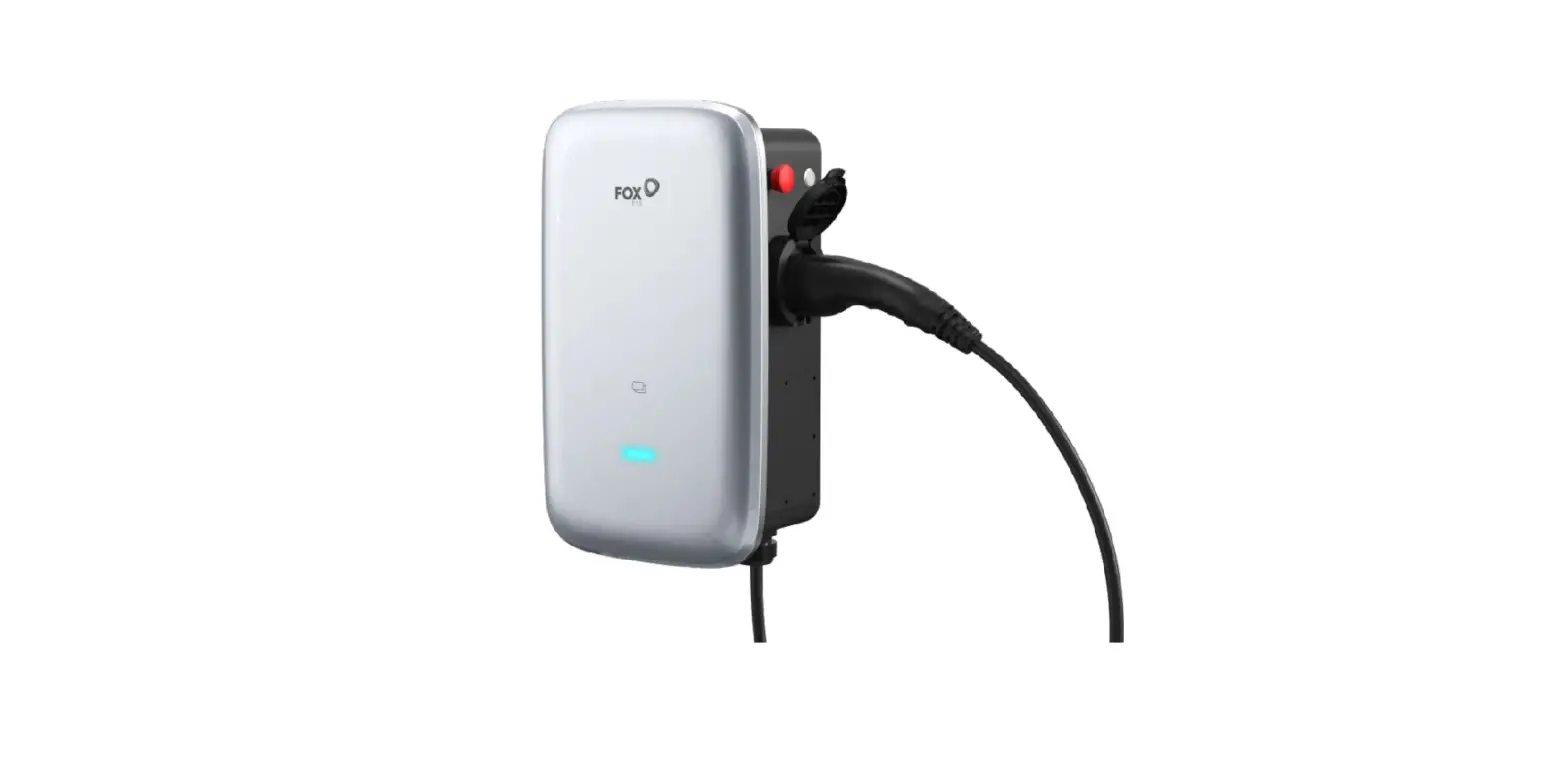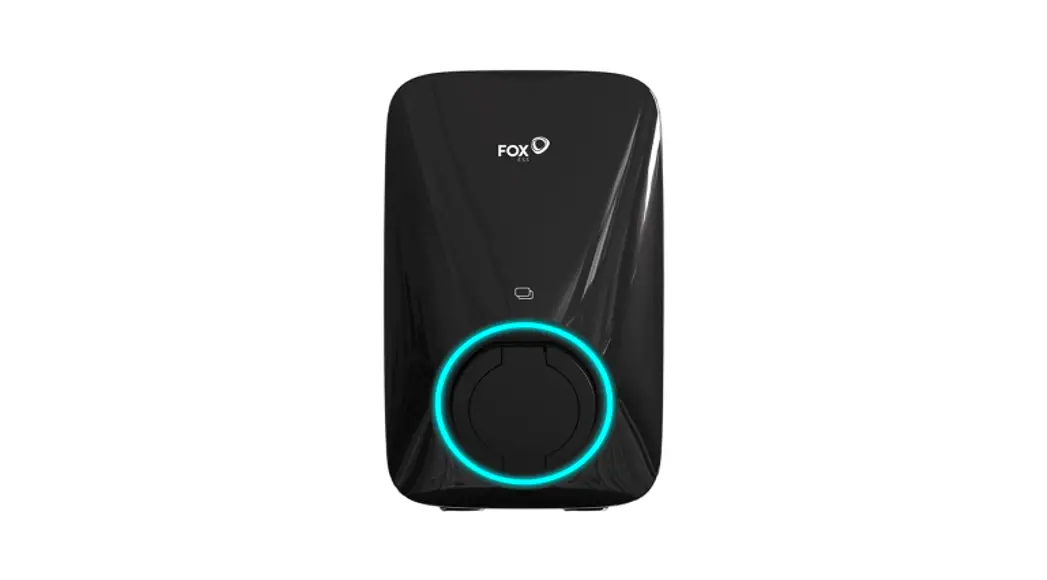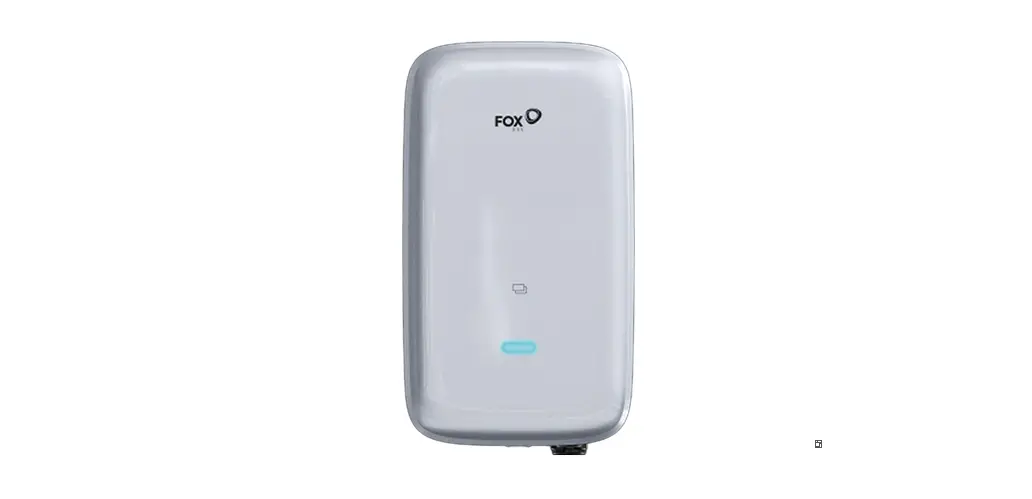

FoxEss Wallbox 22 kW AC EV Charger
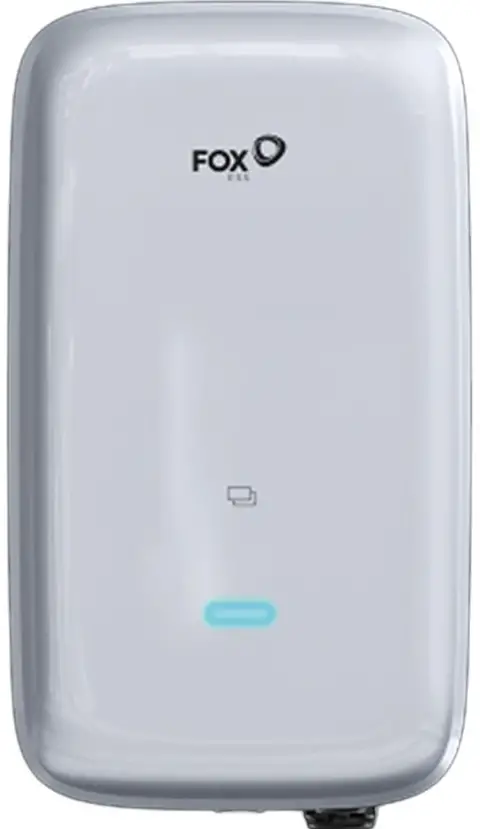
Product Information
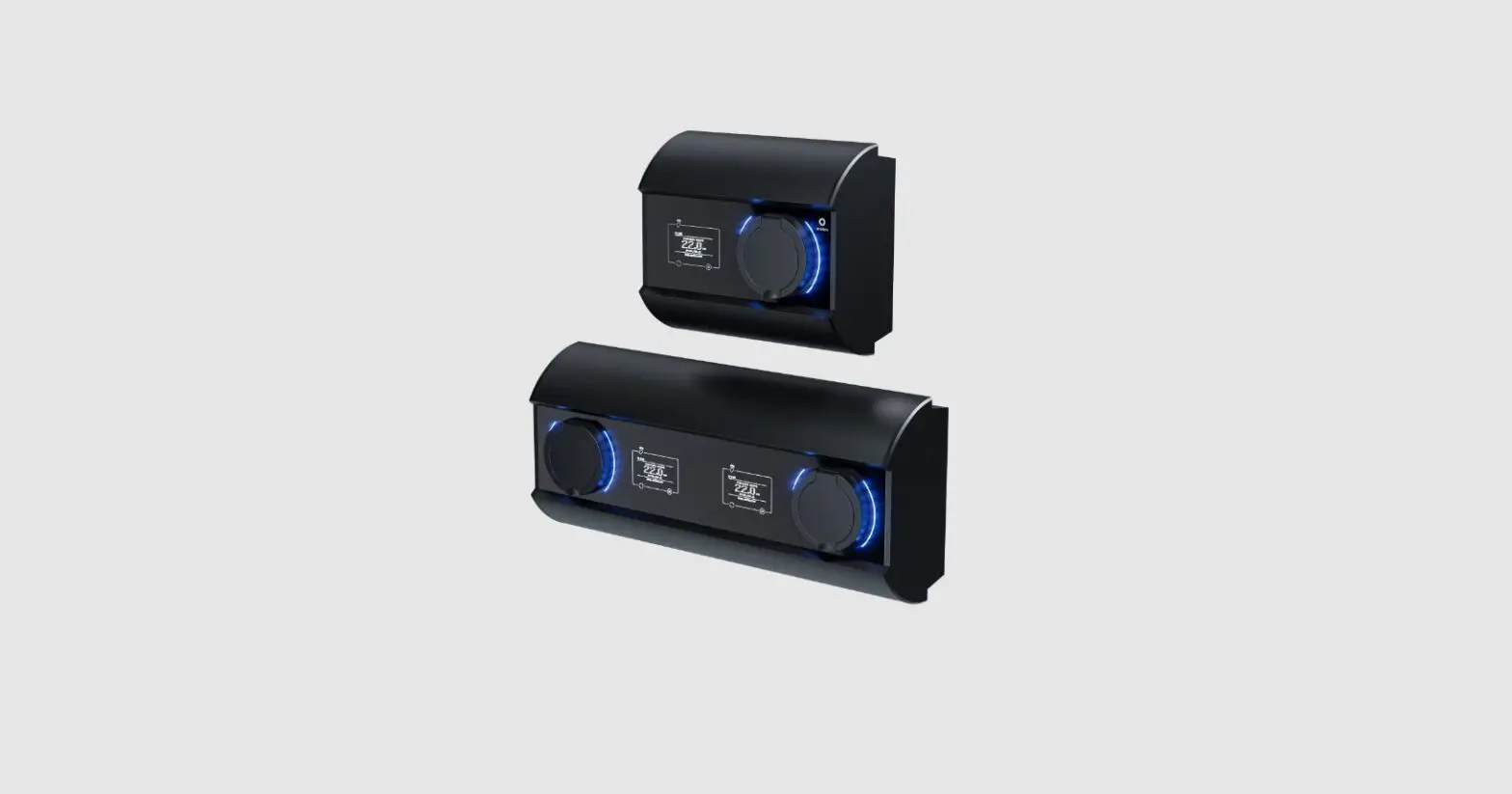
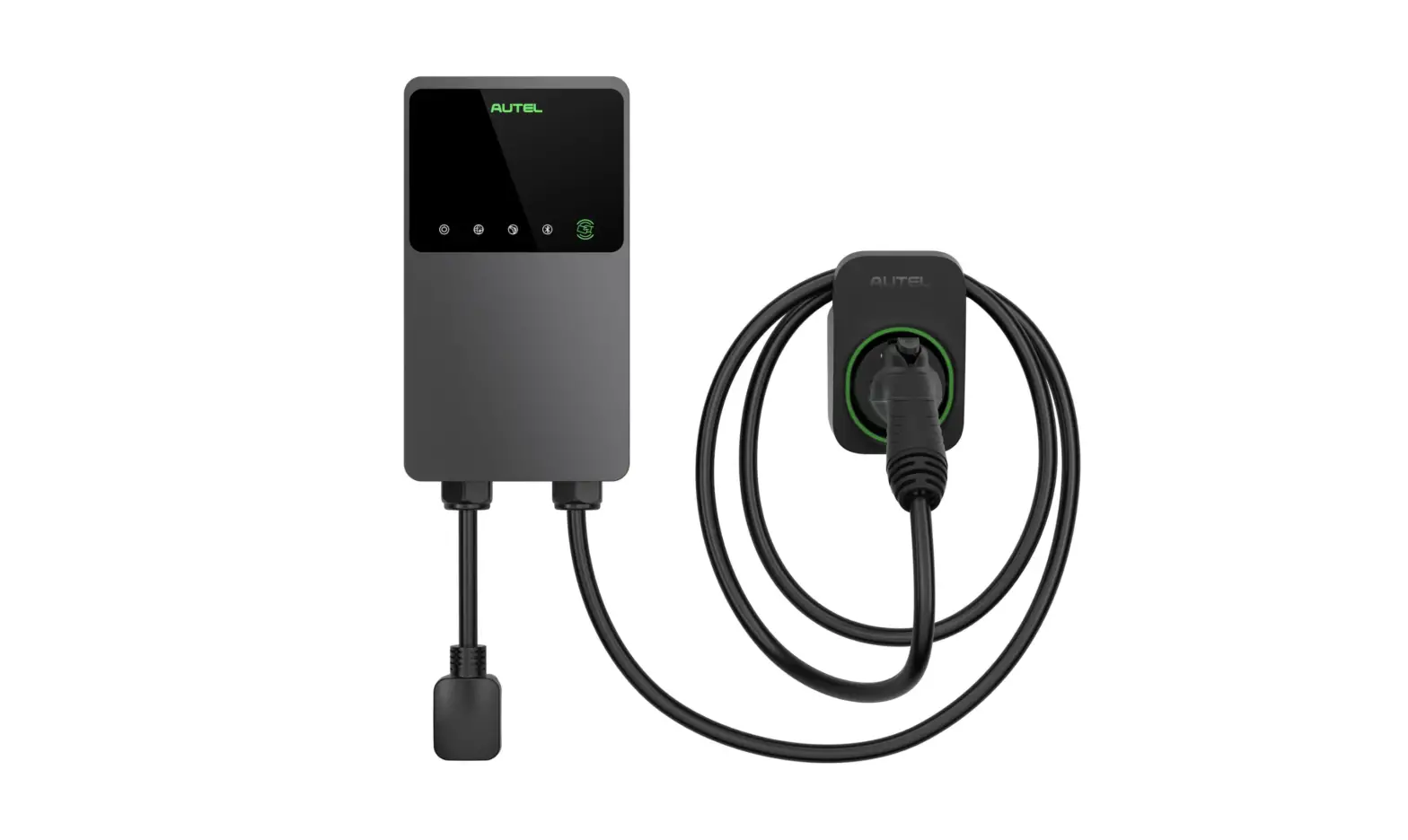
The Foxess AC EV Charger is a 22 kW electric vehicle charger that comes with installation instructions and a packing list. It is designed for vertical installation and comes with a mounting backplane, mounting bracket, RFID cards, expansion tubes and screws, tubular terminals, and other necessary accessories.
Product Usage Instructions
Vertical Installation
- Open the package and mark 4 holes in the wall (8 * 50mm).

- Fit the expansion tubes into the holes.

- Attach the mounting backplane to the mounting wall using screws.

- Attach the bracket to the charger.

- Hang the charger onto the mounting back plate and screw it in.

- Installation is completed.

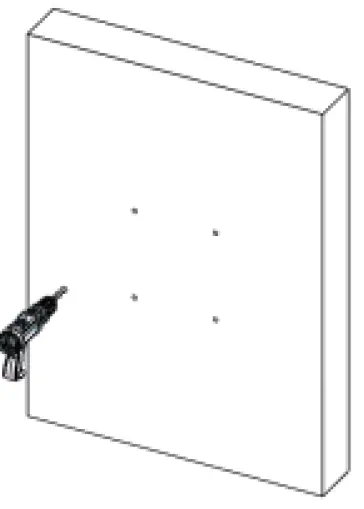
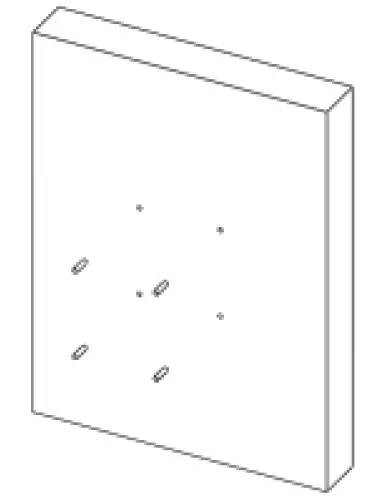
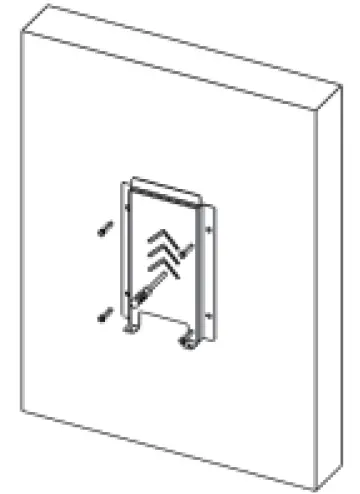
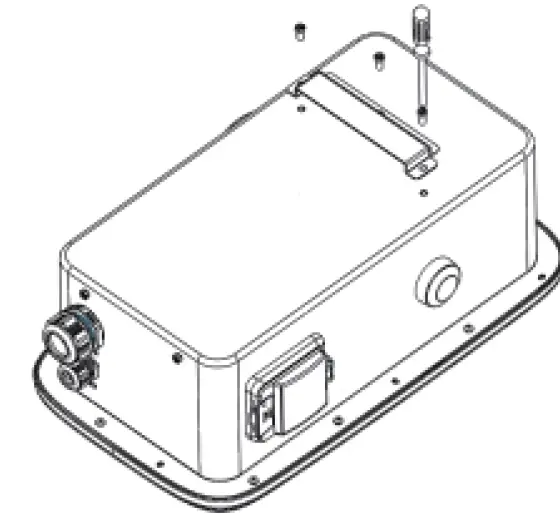
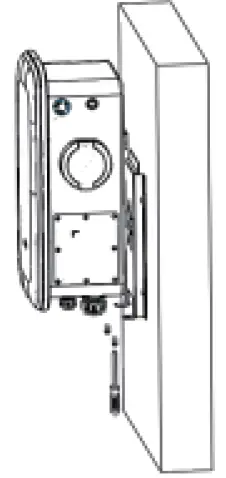
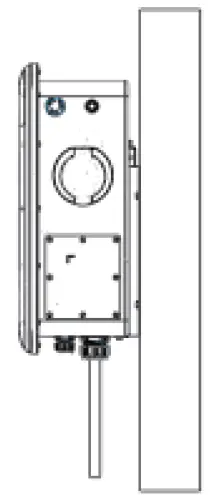
Note: Installation wall thickness should be greater than 50mm.
Floor Installation
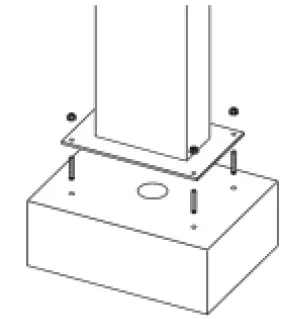
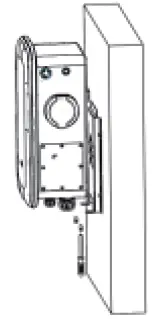
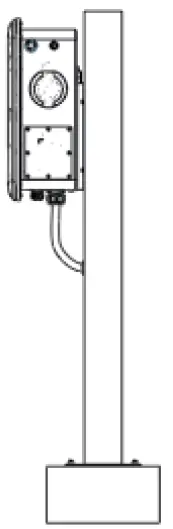
- Drill four 170 * 120 holes with a diameter of 12mm and a depth of 60mm on the cement floor. Drill one 60mm through duct hole.

- Install and fix the anchor screws.

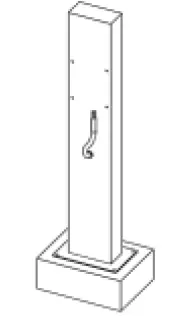
- The input line runs through the column hole, and then through the boom of the column.

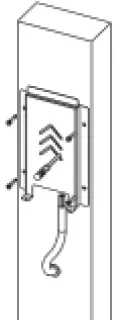
- Install the backplane to the landing column with screws.

- Attach the bracket to the charger.

- Hang the charger onto the mounting back plate and screw it in well.

- Installation is completed.

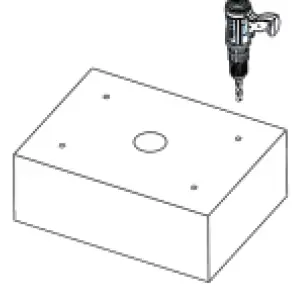
Electrical Connection
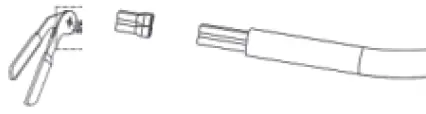
- Peel five L1, L2, L3, N and PE copper wires with a wire stripping plier and press them into the tube terminals using a terminal plier.

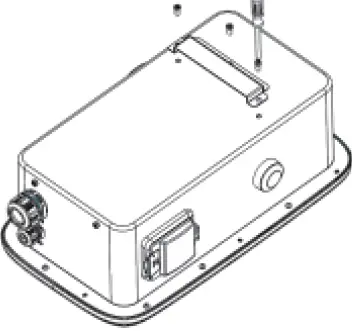
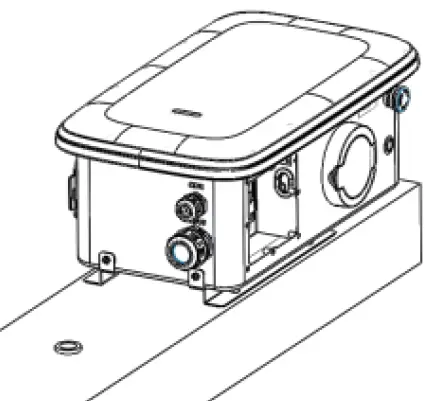
- Loosen the screw nut and puncture the hole.

- Open the side cover, load the cable (13-18mm) and tighten the gram head.

- Unscrew the terminal screws. Link L.N.PE line to lock the terminal screw and the side cover.

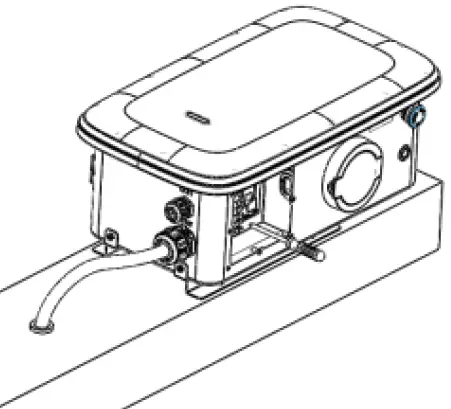
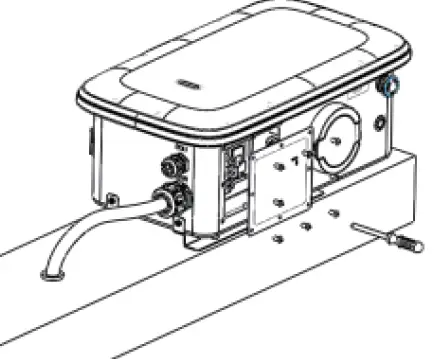
Note: Choose 7-9 AWG wire.
To download the user manual or quick installation guide in multiple languages, scan the QR code provided or search for
FoxSwitch in the App Store or Google Play.
Packing List
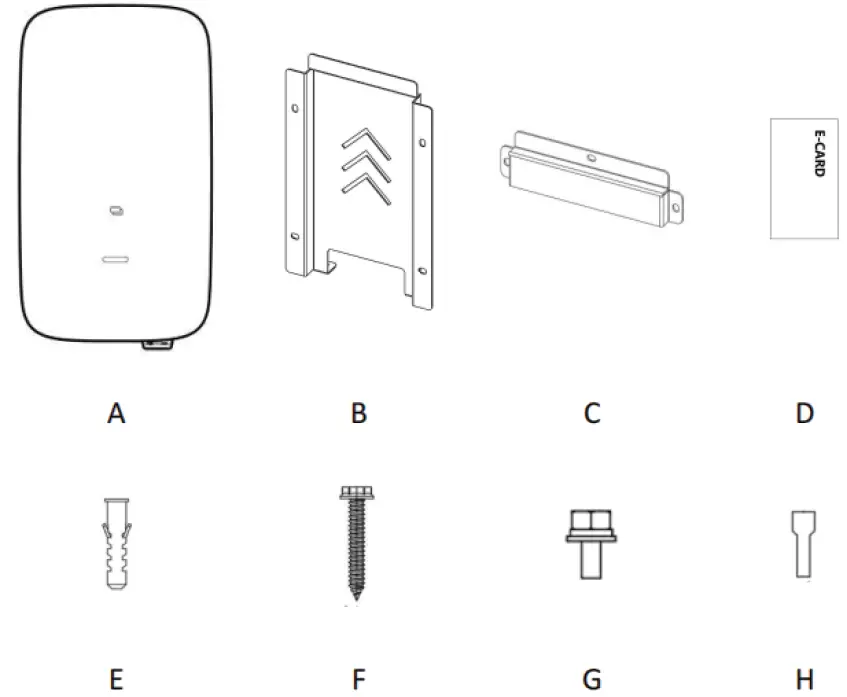
| Object | Name | Qty |
| A | Charger | 1 |
| B | Mounting backplane | 1 |
| C | Mounting bracket | 1 |
| D | RFID card | 2 |
| E | Expansion Tube | 4 |
| F | Expansion Screw | 4 |
| G | Screw | 5 |
| H | Tubular terminal | 5 |
Installation instructions
Note: The actual installation needs to comply with local installation requirements and local safety regulattions.
Ensure that the wall or column is vertical or positive 15 ° before installation.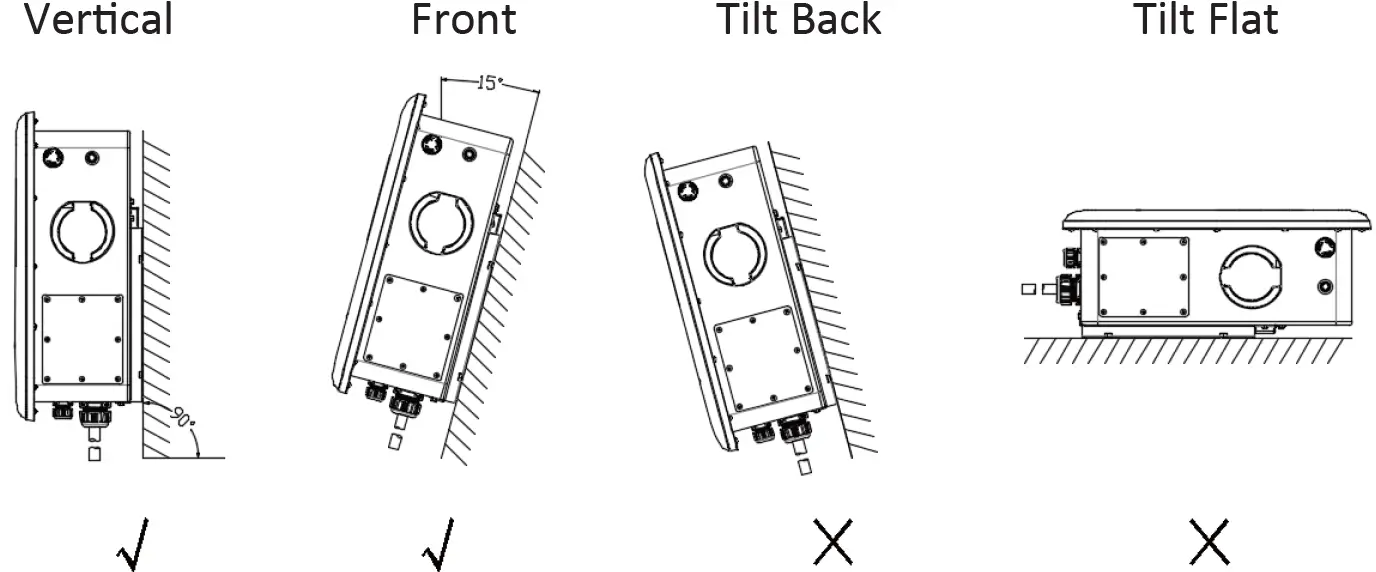
APP download
- Users can scan the QR code (Android and IOS ) in the quick installation manual, or go to the App Store and Google Play to search for FoxSwitch. Add RFID card
- Users can enter the White list of the charging pile on APP to add.
Please scan the QR Code and follow the steps below to download our latest multi-language User Manual/Quick Installation Guide:
Scan the QR Code → Select your Language → Choose to download User Manual or Quick Installation Guide → Download
Get the QR code of the user manual Get QR code of APP