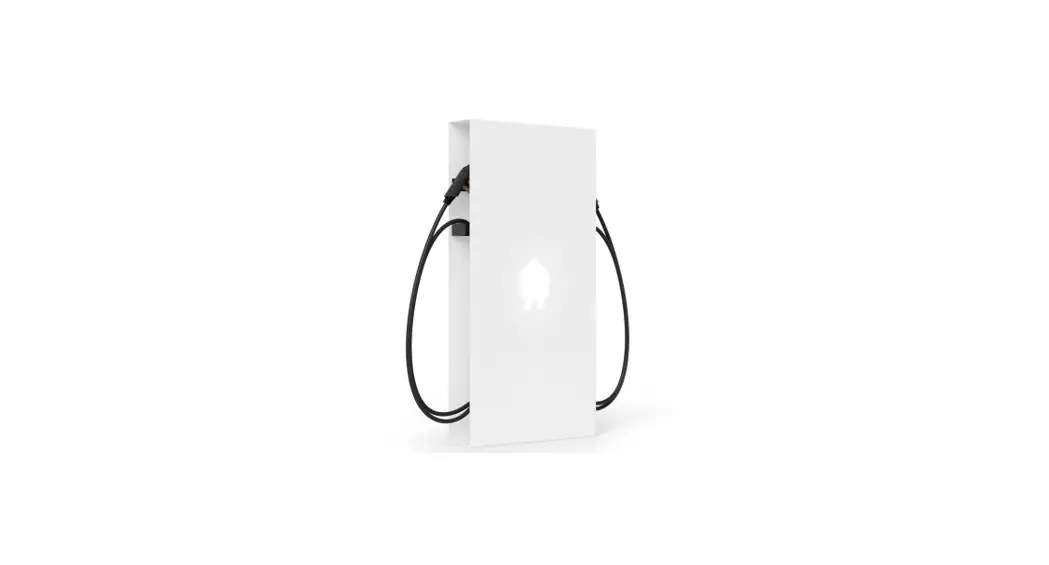
EV Wall Home EV Charger
Product Information
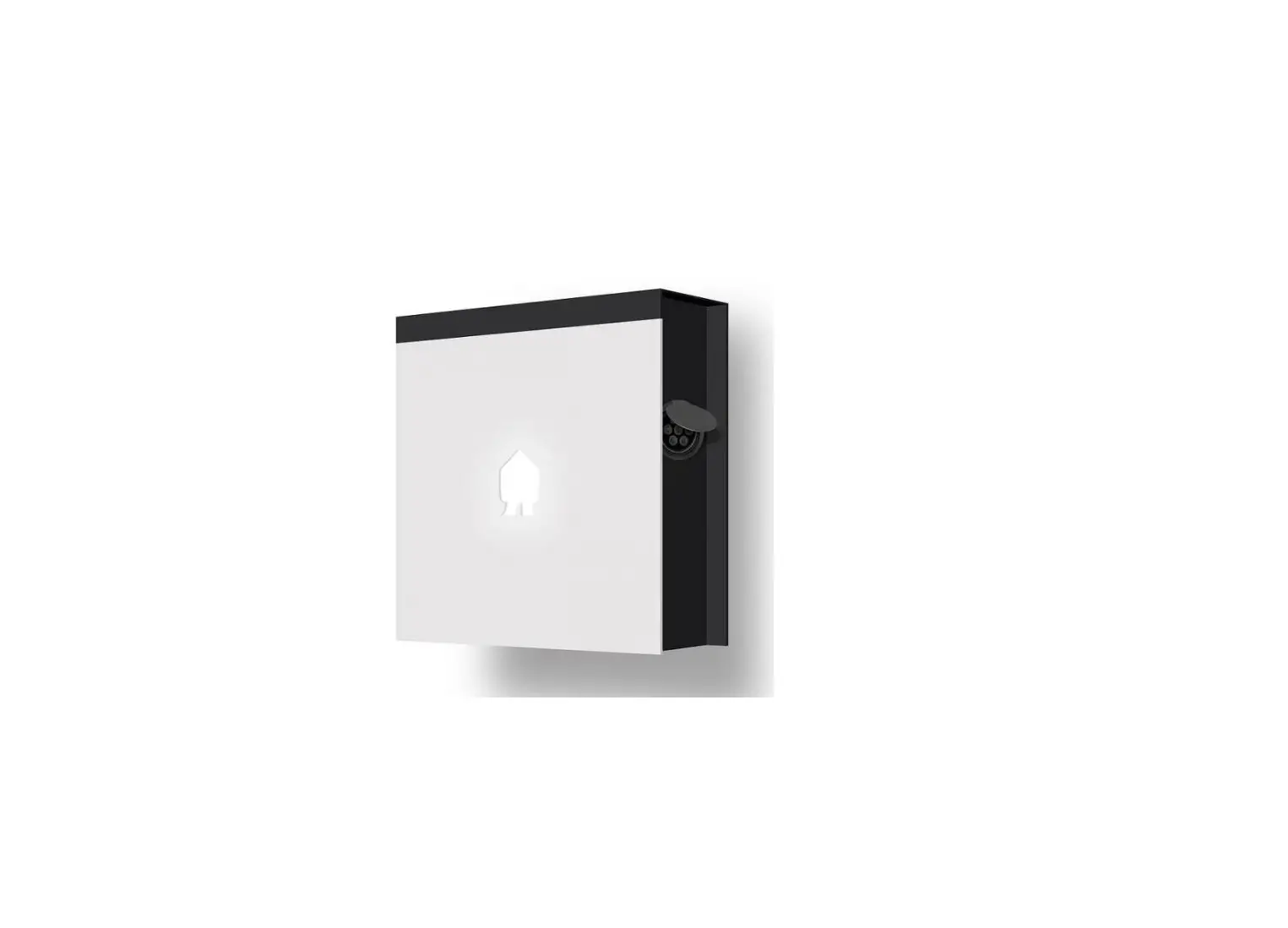
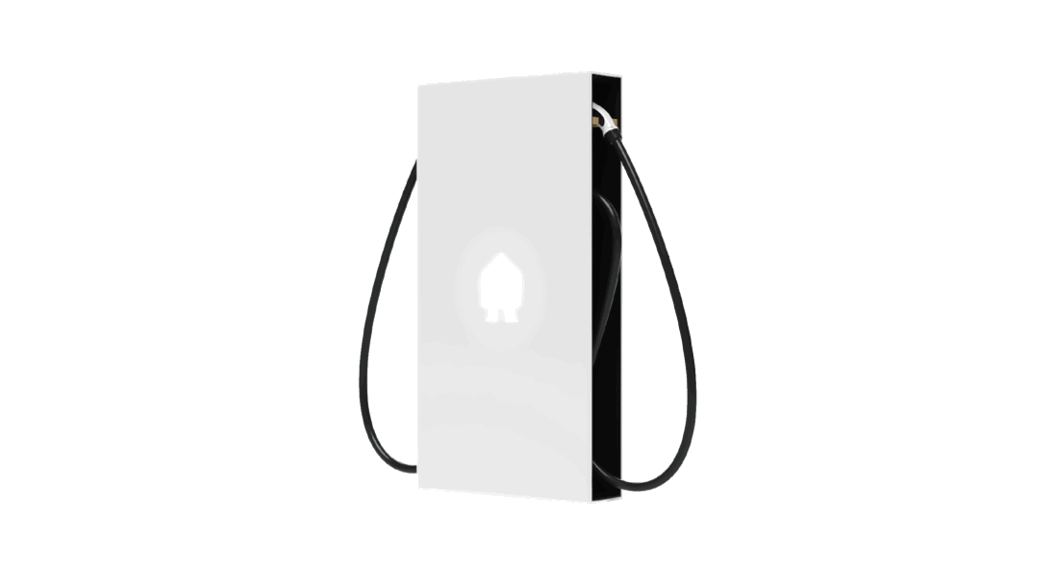
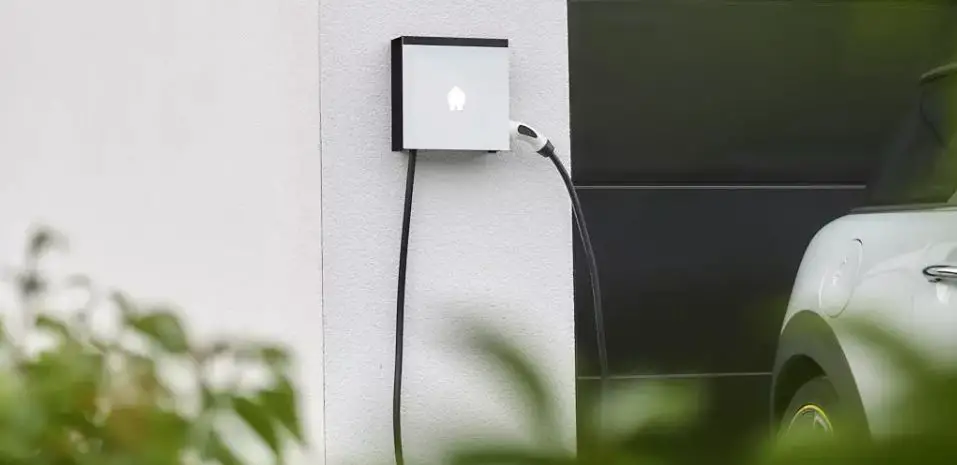
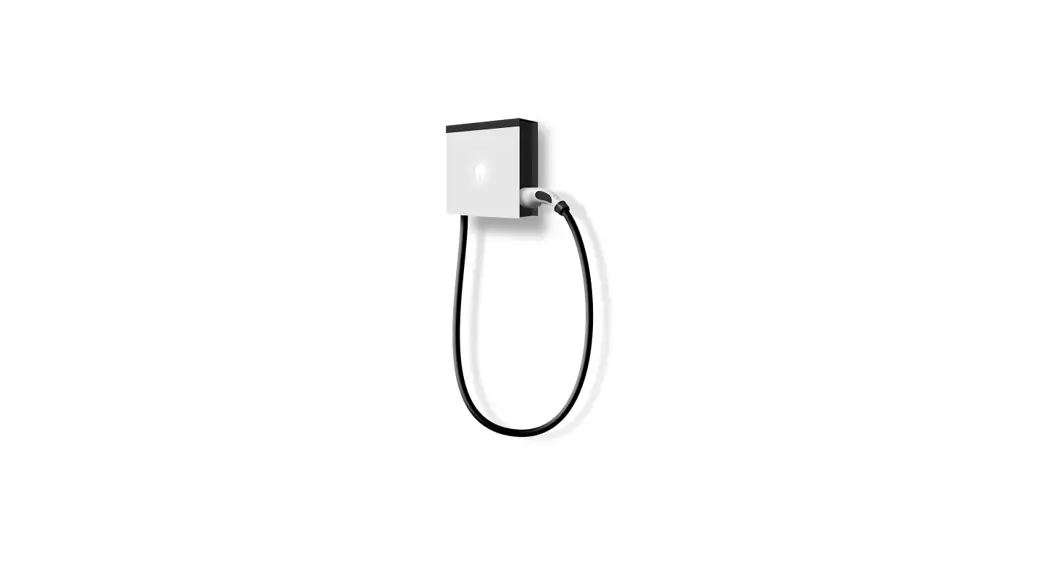
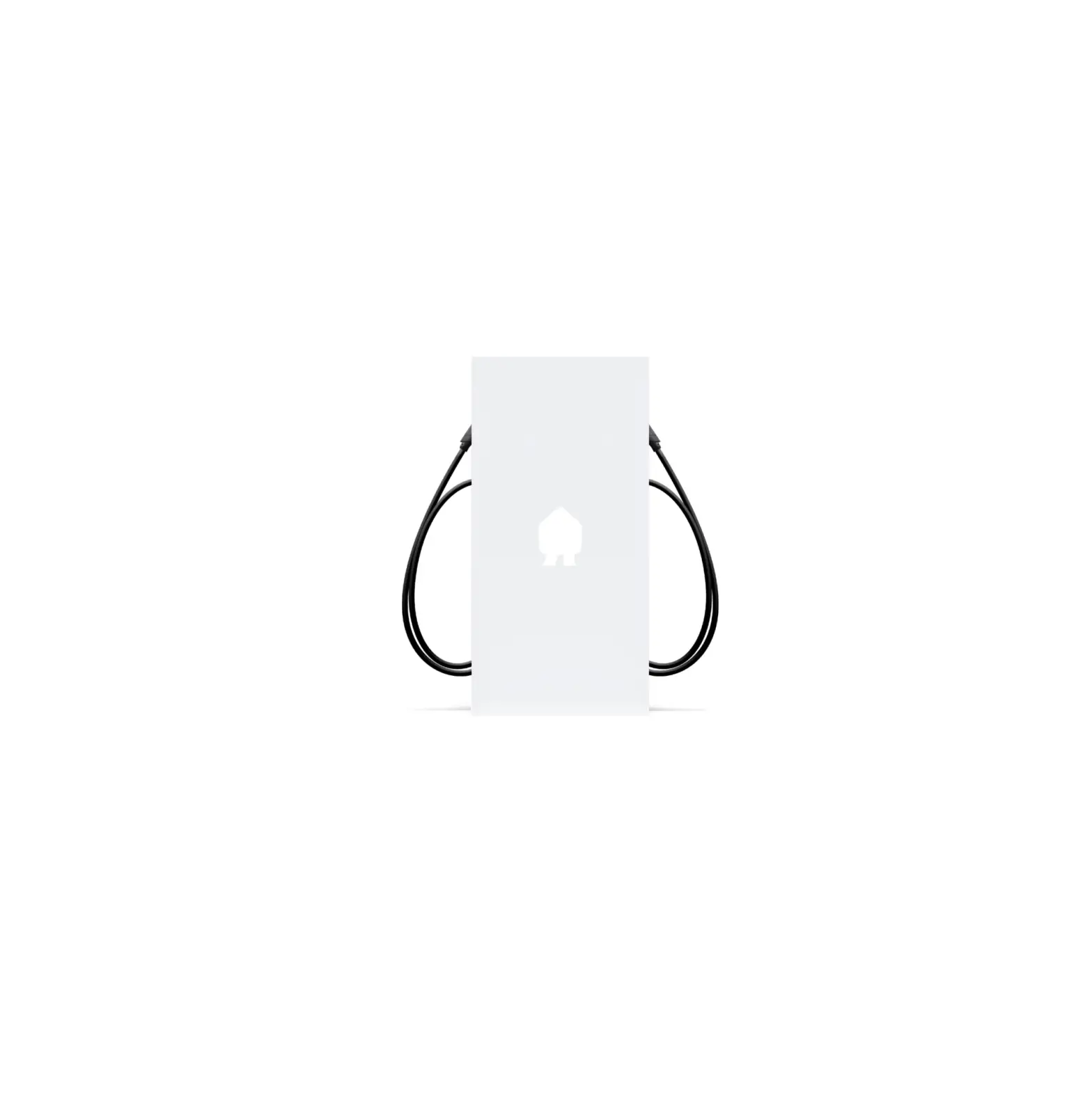
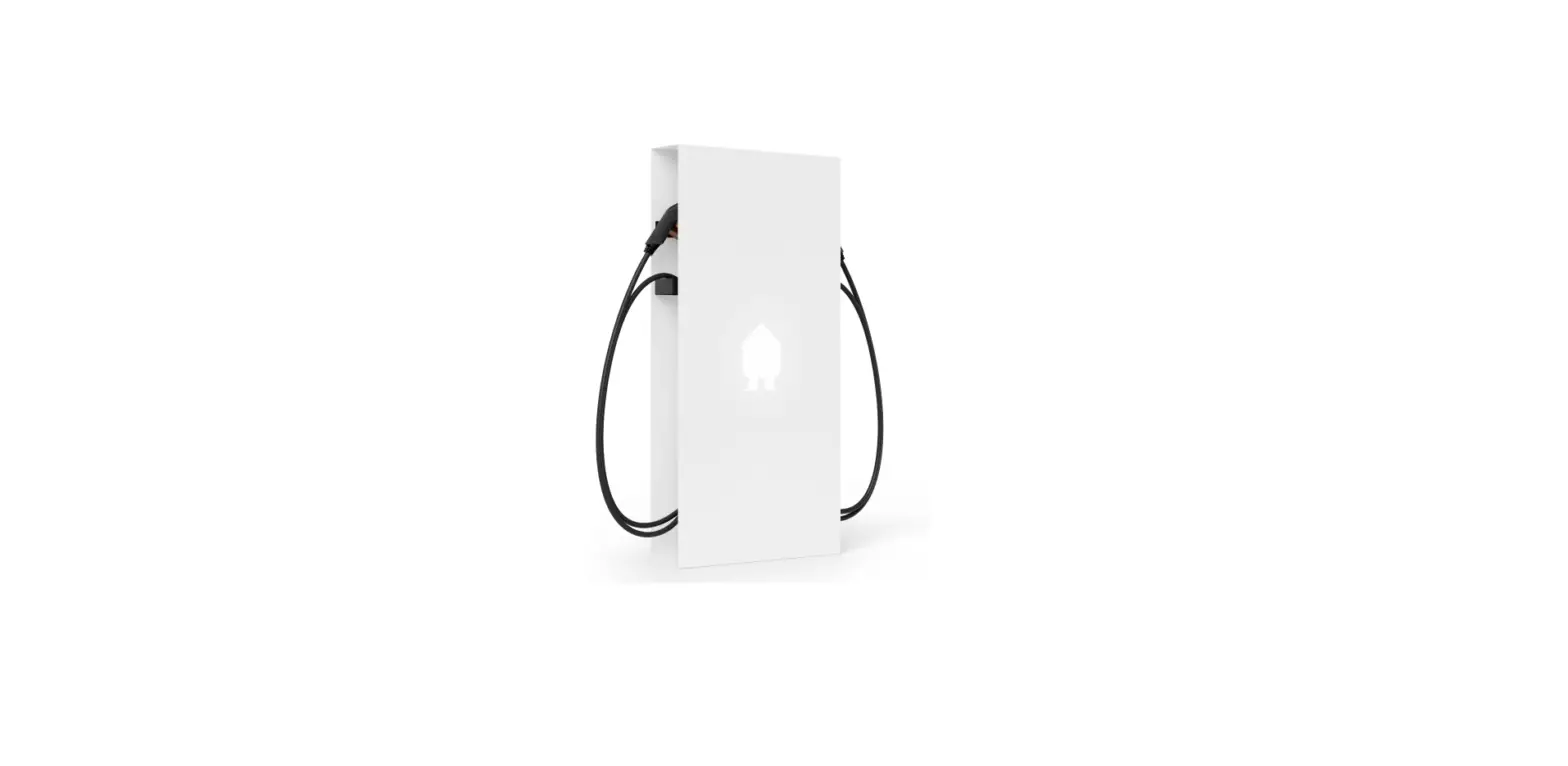
The EV Wall HOME is a three-phase electric vehicle charging
station designed for home and workplace use. It comes with various
components including the EV Wall housing, mounting plate, power
supply cable, communication cable, charging cable, CT Hub, Current
Transformers (CTs), and Smart Charge Card. The EV Wall HOME is
compatible with the Smappee App, which allows for easy
configuration and monitoring of the charging station.
Product Usage Instructions
- Prepare the installation by ensuring there is a power supply
and communication cable between the EV Wall and the distribution
panel. Note that the power supply cable must be protected by the
appropriate circuit breaker and RCD where required. - Fix the mounting plate to the wall using the provided plugs and
screws. - Attach the EV Wall housing to the EV Wall mounting plate using
the provided small screws. - Connect the power supply cable, communication cable, and
charging cable (if applicable) to the EV Wall. Connect the cables
to the cover’s PCB. Then attach the front panel to the EV Wall and
tighten the M4 nuts to close it. Refer to the diagrams provided for
reference. If you have a 3-phase delta or shutter version, consult
the full manual online for specific instructions. - Install the EV Wall modules as indicated in the diagram
provided. The Connect, Splitter, CT Hub, and Current Transformers
(CTs) are installed inside the distribution panel. These components
communicate with the charging station via the CAT 5/6 communication
cable. - Switch on the power using the circuit breaker.
- Download the Smappee App and follow the instructions to
configure your Smappee charging station. - Once the Smappee Connect shows a green pulsing light, validate
the installation by verifying that the real-time bubbles show
correctly measured values in the Smappee App/Dashboard. - Use the Smappee app to send an invite to your customer’s email
address to share the newly created location with them. This user
account will be used for the Smappee App and Dashboard and to set
smart charging preferences. Finally, hand over the Quick Starter
Guide for further assistance.
For additional safety instructions and more detailed
information, please consult the full manual available at smappee.com/downloads or
scan the QR code provided.
Please don’t litter. Responsible publisher: Stefan Grosjean © Smappee nv – Evolis 104 -8530 Harelbeke, Belgium. QIG EV Wall Three phase Installers 70-0174 2023/06
Installer
What’s in the box?
EV Wall HOME
Three Phase Edition Quick Install Guide
EV Wall HOME
Three phase Connection diagram
Socket version
L1 L2 L3 N PE
L1 L2 L3 N PE
CP PP ABB
A+B
OUTPUT LED
INPUT
RCD
L3 L2 L1 N
Power Box
Lock
Power supply cable
Cat 5/6 communication cable
EV Wall
EV Wall mounting plate
Splitter
CT Hub
RJ10 cable 40 cm
DIN mounting plate
×4
Connect
CT 50A
Solid Core 3-phase CT
RJ10 cable 150 cm
Smart Charge Card
Wall mounting plate
Quick Install Guide
EV
Smappee
owner
EV Charging station
Quick Starter Guide
×3
Screw & plug
×3
Small screw
Bus termination plug
QR code sticker
Quick Starter Guide
Optional: 8 m cable with cable holder
LED Board
Front panel
Fixed cable version
L1 L2 L3 N PE
L1 L2 L3 N PE
CP PP ABB
A+B
OUTPUT LED
INPUT
RCD
L3 L2 L1 N
Power Box
Charging cable
Cat 5/6 communication cable
Power supply cable
Connect the CT to measure solar to the correct phase. Adjust the configuration in the Smappee App when this is not the L1 phase.
When the solar installation is 3-phased, you need to purchase and install the EV Wall solar add-on.
In case of 3-phase delta (3*230 V) or shutter version, consult the full manual via the QR code:
Manual
EN
Safety warning
Carrying out electrical work within the home or workplace can be dangerous and must be conducted according to the appropriate national safety standards and executed by a certified electrician. For safety purposes, it is also necessary to power off the installation before proceeding with the physical installation.
For further safety instructions and more detailed information, please consult the full manual at smappee.com/downloads or via the QR code:
How to install EV Wall HOME
1 Prepare the installation. Foresee a power supply & communication cable between the EV Wall and the distribution panel. Note: the power supply cable must be protected by the appropriate circuit breaker and RCD where required.
2 Fix the mounting plate to the wall with the provided plugs and screws.
3 Attach the EV Wall housing to the EV Wall mounting plate with the provided small screws.
4 Connect the power supply cable, communication cable and charging cable (if applicable) to the EV Wall. Connect the cable to the cover’s PCB. Then attach the front panel to the EV Wall and tighten the M4 nuts to close it.
See diagrams overleaf. In case of 3-phase delta (3*230 V) or shutter version, please consult the full manual online.
5 Connect the EV Wall modules as indicated in the diagram shown overleaf. The Connect, the Splitter, the CT Hub and Current Transformers (CTs) are installed inside the distribution panel. These components communicate with the charging station via the CAT 5/6 communication cable.
6 Switch on the power using the circuit breaker.
7 Download the Smappee App and follow the instructions to configure your Smappee charging station.
8 Once Smappee Connect shows a green pulsing light, validate the installation by verifying that the realtime bubbles show correctly measured values in the Smappee App/Dashboard.
9 Use the Smappee app to send an invite to your customer’s email address to share the newly created location with them. This user account will be used for the Smappee App and Dashboard and to set smart charging preferences. Lastly, hand over the Quick Starter Guide.
FR
Avertissement de sécurité
Les travaux électriques à domicile ou sur le lieu de travail peuvent être dangereux et doivent être effectués conformément aux normes de sécurité nationales appropriées et exécutés par un électricien certifié. Pour des raisons de sécurité, il est également nécessaire de mettre l’installation hors tension avant de procéder au montage.
Pour d’autres consignes de sécurité et des informations plus détaillées, veuillez consulter le manuel complet sur : smappee.com/downloads ou via le code QR :
Comment installer EV Wall HOME
1 Préparez l’installation. Prévoyez un câble Ethernet avec une connectivité internet stable, et un câble d’alimentation entre le panneau de distribution et l’EV Wall. Note : le câble d’alimentation doit être protégé par un disjoncteur et un différentiel appropriés si nécessaire.
2 Fixez la plaque de montage au mur à l’aide des chevilles et des vis fournies.
3 Fixez le boîtier EV Wall à la plaque de montage EV Wall à l’aide des petites vis fournies.
4 Connectez le câble d’alimentation, le câble Ethernet et le câble de chargement (le cas échéant) à l’EV Wall. Connectez le câble au circuit imprimé du couvercle. Fixez ensuite le panneau avant au mur EV et serrez les écrous M4 pour le fermer.
Voir les schémas au verso. Dans le cas d’une alimentation triphasée en triangle (3*230 V) ou version obturateur, veuillez consulter le manuel complet en ligne.
5 Connectez les modules EV Wall comme indiqué dans le diagramme au verso. Le Connect, le Splitter, le CT Hub et les transformateurs de courant (TC) sont installés à l’intérieur du panneau de distribution. Ces composants communiquent avec la borne de charge via le câble de communication CAT 5/6.
6 Mettez l’appareil sous tension à l’aide du disjoncteur.
7 Téléchargez l’application Smappee App et suivez les instructions pour configurer votre borne de recharge Smappee.
8 Une fois qu’une lumière verte clignote au niveau de Smappee Connect, validez l’installation en vérifiant que les bulles en temps réel montrent des valeurs correctement mesurées dans l’application Smappee App / Dashboard.
9 Utilisez l’application Smappee pour envoyer une invitation à l’adresse e-mail de votre client afin de partager avec lui l’emplacement nouvellement créé. Ce compte utilisateur sera utilisé pour l’application Smappee et le tableau de bord, ainsi que pour définir les préférences de recharge intelligente. Enfin, remettez le Quick Starter Guide.
NL
Veiligheidswaarschuwing
Elektrische werkzaamheden in huis of op het werk kunnen gevaarlijk zijn en moeten worden uitgevoerd volgens de geldende nationale veiligheidsnormen en door een erkende elektricien. Om veiligheidsredenen is het ook nodig de stroom van de installatie uit te schakelen voordat u verder gaat met de fysieke installatie.
Voor verdere veiligheidsinstructies en meer gedetailleerde informatie kunt u de volledige handleiding raadplegen op smappee.com/downloads of via de QR-code:
Hoe EV Wall HOME te installeren
1 Bereid de installatie voor. Voorzie een ethernetkabel met stabiele internetverbinding, en voedingskabel tussen de zekeringskast en de EV Wall. Opmerking: de voedingskabel moet worden beschermd door de juiste stroomonderbreker en waar nodig de differentieelschakelaar.
2 Bevestig de montageplaat aan de muur met de bijgeleverde pluggen en schroeven.
3 Bevestig de EV Wall behuizing op de EV Wall montageplaat met de bijgeleverde kleine schroeven.
4 Sluit de voedingskabel, communicatiekabel en laadkabel (indien van toepassing) aan op de EV Wall. Sluit de kabel aan op de printplaat van het deksel. Bevestig vervolgens het frontpaneel aan de EV Wall en draai de M4 moeren aan om het te sluiten.
Zie schema’s op de ommezijde. In geval van driefasige delta (3*230 V) of versie met shutter, gelieve de volledige handleiding online te raadplegen.
5 Sluit de EV Wall modules aan zoals aangegeven in het schema op de ommezijde. De Connect, de Splitter, de CT Hub en de Current Transformers (CT’s) zijn geïnstalleerd in het zekeringskast. Deze componenten communiceren met het laadstation via de CAT 5/6 communicatiekabel.
6 Schakel de stroom in met behulp van de stroomonderbreker.
7 Download de Smappee App en volg de instructies om uw Smappee laadpaal te configureren.
8 Zodra Smappee Connect een groen pulserend licht toont, valideert u de installatie door te controleren of de real-time bol correct gemeten waarden tonen in de Smappee App / Dashboard.
9 Gebruik de Smappee-app om een uitnodiging te sturen naar het e-mailadres van uw klant om de nieuw aangemaakte locatie met hen te delen. Dit gebruikersaccount zal worden gebruikt voor de Smappee App en Dashboard en om slimme laadvoorkeuren in te stellen. Overhandig tot slot de Quick Starter Guide.
DE
Sicherheitshinweis
Die Ausführung von Elektroarbeiten im Haus oder am Arbeitsplatz kann gefährlich sein und muss gemäß den entsprechenden nationalen Sicherheitsnormen und von einem zertifizierten Elektriker durchgeführt werden. Aus Sicherheitsgründen ist es außerdem notwendig, die Anlage auszuschalten, bevor man mit der physischen Installation fortfährt.
Weitere Sicherheitshinweise und detailliertere Informationen finden Sie in der vollständigen Bedienungsanleitung unter smappee.com/downloads oder über den QR-Code:
So wird die EV Wall HOME installiert
1 Bereiten Sie die Installation vor. Verbinden Sie bitte ein Ethernet-Kabel mit stabiler Internetverbindung und ein Stromversorgungskabel zwischen dem Verteilerkasten und der EV Wall vor. Hinweis: Das Stromversorgungskabel muss durch einen geeigneten Schutzschalter und bei Bedarf einen FI-Schutzschalter geschützt sein.
2 Befestigen Sie die Montageplatte mit den mitgelieferten Dübeln und Schrauben an der Wand.
3 Befestigen Sie das EV Wall-Gehäuse mit den mitgelieferten kleinen Schrauben an der EV WallMontageplatte.
4 Schließen Sie das Stromversorgungskabel, das Kommunikationskabel und das Ladekabel (falls zutreffend) an die EV Wall an. Verbinden Sie das Kabel mit der Leiterplatte der Abdeckung. Bringen Sie dann die Frontplatte an der EV Wall an und ziehen Sie die M4Muttern fest, um sie zu schließen.
Siehe umseitige Diagramme. Im Falle eines 3-Phasen-DeltaNetzwerks (3*230 V) oder Shutter-Version, lesen Sie bitte das ausführliche Handbuch online.
5 Schließen Sie die EV Wall-Module wie in der umseitigen Abbildung dargestellt an. Der Connect, der Splitter, der Stromwandler-Hub und die Stromwandler (CTs) werden in der Verteilertafel installiert. Diese Komponenten kommunizieren mit der Ladestation über das CAT 5/6 Kommunikationskabel.
6 Schalten Sie den Strom über den Schutzschalter ein.
7 Laden Sie die Smappee App herunter und folgen Sie den Anleitungen, um Ihre Smappee Ladestation zu konfigurieren.
8 Sobald Smappee Connect ein grünes pulsierendes Licht anzeigt, validieren Sie die Installation, indem Sie überprüfen, ob die Echtzeitblasen in der Smappee App/im Dashboard korrekt gemessene Werte anzeigen.
9 Verwenden Sie die Smappee App, um eine Einladung an die E-Mail-Adresse Ihres Kunden zu senden, um den neu erstellten Standort mit ihm zu teilen. Dieses Benutzerkonto wird für die Smappee App und das Dashboard sowie für die Einstellung der Smart ChargingEinstellungen verwendet. Übergeben Sie abschließend den Quick Starter Guide.
 Downloads - Smappee